How we make this list: we compare pricing pages, product documentation and public user reviews. Rankite is independent; if a vendor ever pays for a featured spot, that listing is clearly labeled Partner.
Key takeaways
- DNSFilter offers the most transparent pricing in the category, starting around $1.15 per license per month.
- Cloudflare Gateway and CleanBrowsing both have genuinely free tiers, making them the cheapest way to start filtering.
- Cisco Umbrella and Zscaler are the enterprise picks, with deep security stacks beyond simple filtering.
- WebTitan is the MSP favorite, with multi-tenant management for reselling filtering as a service.
- DNS-layer filtering blocks threats before a connection happens, but it cannot inspect page content like a full web proxy can.
Quick comparison
| Tool | Best for | Starting price | Free plan |
|---|
 DNSFilter DNSFilter | IT teams that want clear, published pricing | $1.15 per license/month (Core tier, reported) | No |
 WebTitan WebTitan | MSPs and businesses with multiple locations | See website | Free trial |
 Cisco Umbrella Cisco Umbrella | organizations already invested in Cisco | See website | No |
 Cloudflare Gateway Cloudflare Gateway | zero-trust filtering that starts free | $0 (free Zero Trust tier; paid plans quoted) | Yes |
 Zscaler Internet Access Zscaler Internet Access | enterprises replacing legacy security stacks | See website | No |
 CleanBrowsing CleanBrowsing | free DNS filtering for families, schools, and small orgs | $0 (free filters; paid plans available) | Yes |
 SafeDNS SafeDNS | budget-conscious offices and home networks | $19.95 per year (Safe@Home plan, reported) | No |
Is your product missing or out of date?
We review this list regularly. Vendors can request a listing, send updated pricing or ask about featured placement.
The best web filter software
Starting price$1.15 per license/month (Core tier, reported)
Free planNo
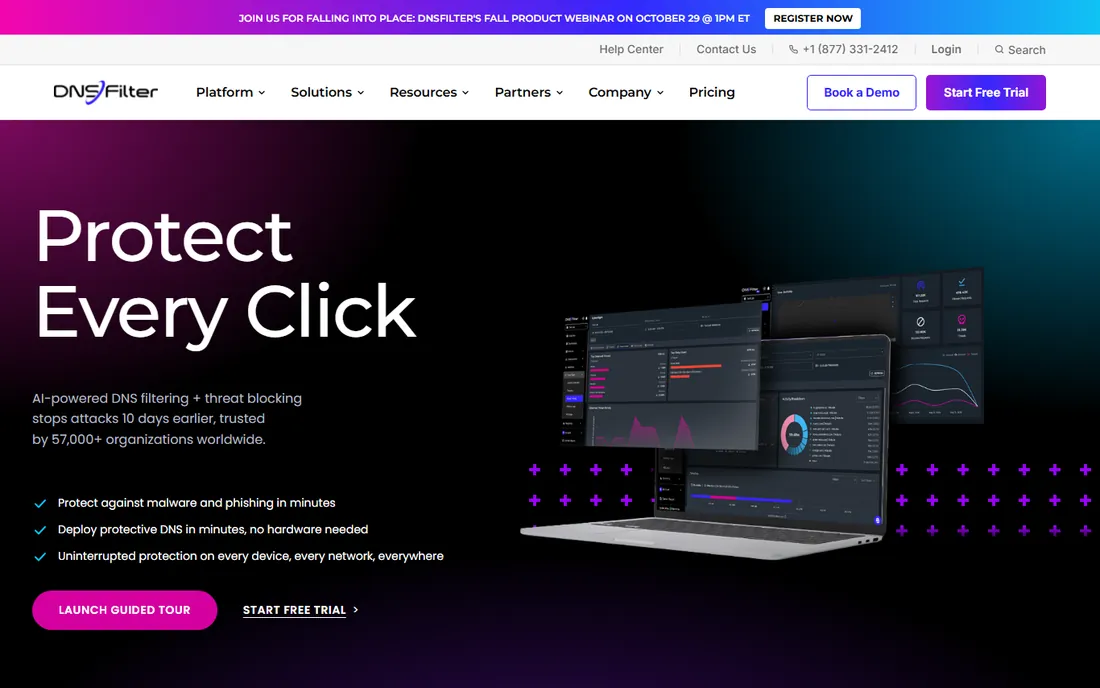
DNSFilter is the rare security vendor that publishes its prices. The Core tier starts around $1 to $1.15 per license per month, which undercuts Cisco Umbrella's estimated $2.50 to $3.33 per user per month for comparable DNS-layer protection. For IT teams tired of quote-based enterprise sales, that transparency is the headline feature.
The product itself is a cloud DNS filtering service: point your DNS at DNSFilter's resolvers and it blocks malware, phishing, botnets, and unwanted content categories before any connection happens. A global anycast network keeps resolution fast, and the API plus integrations make it a favorite among MSPs managing many clients.
The limitation is architectural. DNS filtering sees domains, not page content: it cannot inspect what is inside an allowed page or block a specific URL path on an otherwise fine domain. For full content inspection you need a proxy-based gateway. But as a first security layer, DNSFilter's price-to-simplicity ratio is hard to beat.
What we like- Transparent per-license pricing with no quote required
- Fast global anycast DNS network
- Strong API and MSP-friendly tooling
Watch out for- DNS-layer only, no full HTTPS inspection
- Pricing adds up at large user counts
- Advanced features need higher tiers
Starting priceSee website
Free planFree trial
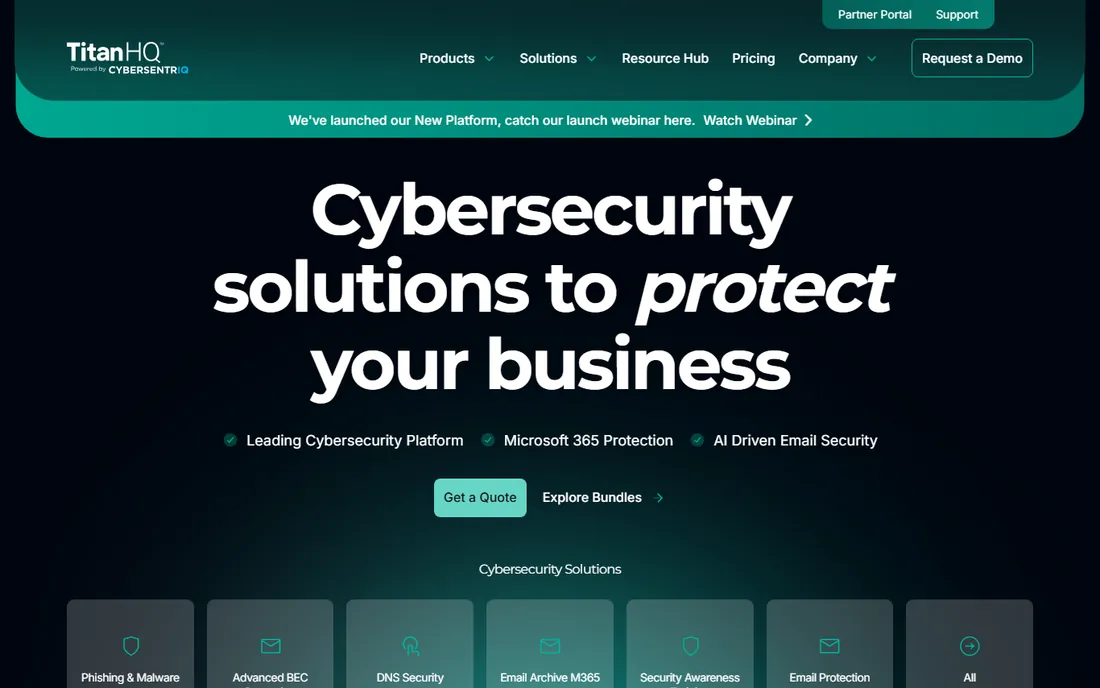
WebTitan, from TitanHQ, is a DNS-based web filtering solution with two deployment flavors: WebTitan Cloud, a hosted service you can set up in about five minutes by redirecting DNS, and WebTitan Gateway, an on-premise appliance for organizations that want filtering inside their own network. Both share a URL database covering hundreds of millions of sites across 200 languages.
The standout is the MSP story. Multi-tenant management lets service providers run many customer accounts from one console, each with its own policies and reporting, and white-label options let them resell filtering as their own service. Fifty-three predefined categories plus custom ones give granular control down to the user, group, device, or IP level.
The honest catch is pricing opacity: WebTitan sells through quotes and trials rather than published plans. The TitanHQ branding also means the product name and company name differ, which causes occasional confusion. But for MSPs and multi-site businesses, the management console is the reason to evaluate it.
What we like- Cloud and on-premise gateway options
- Multi-tenant console built for MSPs
- 53 content categories with granular policies
Watch out for- No public pricing
- The brand sits under TitanHQ, which confuses some buyers
- Interface is functional rather than slick
Starting priceSee website
Free planNo
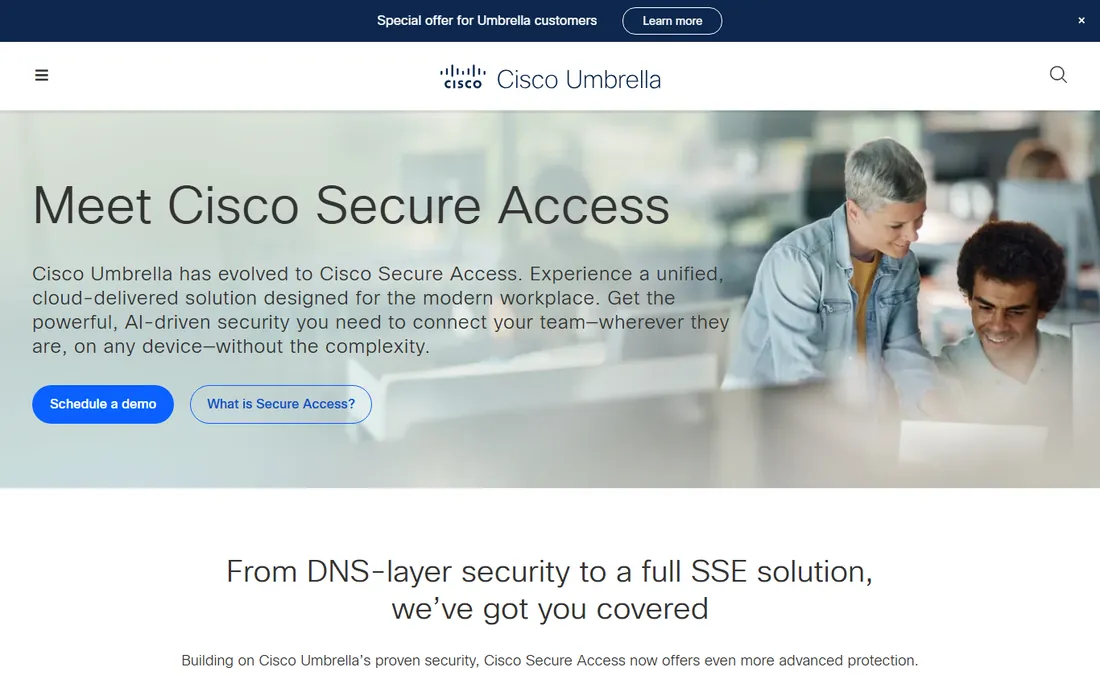
Cisco Umbrella grew out of OpenDNS, which Cisco acquired in 2015, and it is now one of the most widely deployed DNS security services in the enterprise. At the DNS layer it blocks malware, phishing, botnets, and unwanted content categories; higher tiers add a full secure web gateway with HTTPS inspection, cloud firewall, CASB, and data loss prevention.
The strategic advantage is the Cisco ecosystem. If your network already runs Meraki, AnyConnect, or Cisco SD-WAN, Umbrella slots in with native integrations and unified policy management. Cisco Talos, one of the largest threat intelligence teams in the industry, feeds the blocking decisions, and the service processes hundreds of billions of requests daily.
The catches are commercial and architectural. Pricing is quote-based, with third-party reporting of $2.25 to $3.71 per user per month for the entry DNS tier and warnings about renewal price jumps. Cisco is also migrating the SIG tiers toward Cisco Secure Access for new deployments. Umbrella makes most sense where Cisco is already the standard.
What we like- DNS-layer security backed by Cisco Talos threat intelligence
- Roaming client protects off-network devices
- Integrates natively with Meraki, AnyConnect, and SD-WAN
Watch out for- Quote-based pricing with reported renewal increases
- DNS tiers cannot do URL-level filtering
- SIG tiers are transitioning to Cisco Secure Access
Starting price$0 (free Zero Trust tier; paid plans quoted)
Free planYes
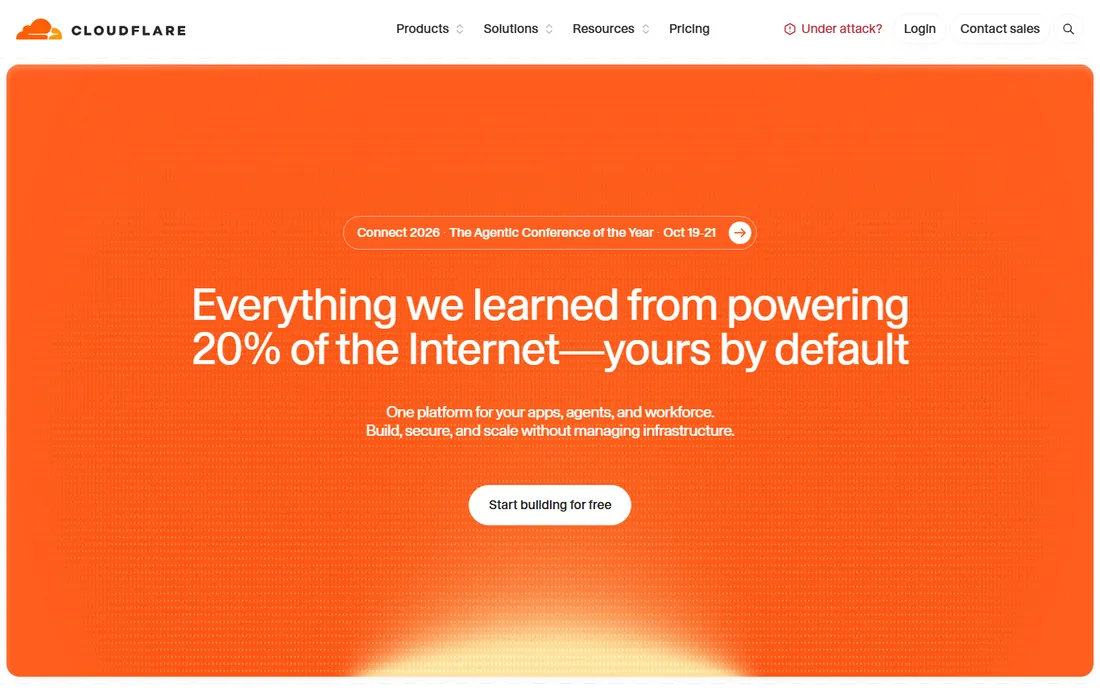
Cloudflare Gateway is the standout value in this category because the free tier is real. Cloudflare's free Zero Trust plan includes Gateway DNS filtering for a limited number of users, enough for many small teams, schools, and nonprofits to filter malware, phishing, and content categories at no cost. Paid Standard and Enterprise plans add HTTP filtering, browser isolation, data loss prevention, and advanced policies.
Deployment is flexible. Devices connect through the WARP client, offices connect by forwarding DNS to a configured location, and policies cover DNS, network, and HTTP traffic from one dashboard. Because Gateway sits inside the Cloudflare One SASE platform, filtering becomes the first step of a broader zero-trust rollout rather than a standalone product.
The trade-off is that Cloudflare is a platform, not a point product. Teams that only want simple web filtering may find the Zero Trust console more than they need, and full HTTPS inspection requires deploying Cloudflare's root certificate to managed devices. But starting free and growing into zero trust is a compelling path.
What we like- Free tier includes DNS filtering for small teams
- Full HTTP inspection and DLP on paid plans
- WARP client covers roaming devices elegantly
Watch out for- Paid pricing is quote-based beyond the free tier
- TLS inspection requires certificate deployment
- The platform's breadth can overwhelm simple filtering needs
#5
Zscaler Internet Access
Best for: enterprises replacing legacy security stacks
Visit zscaler.com
Starting priceSee website
Free planNo
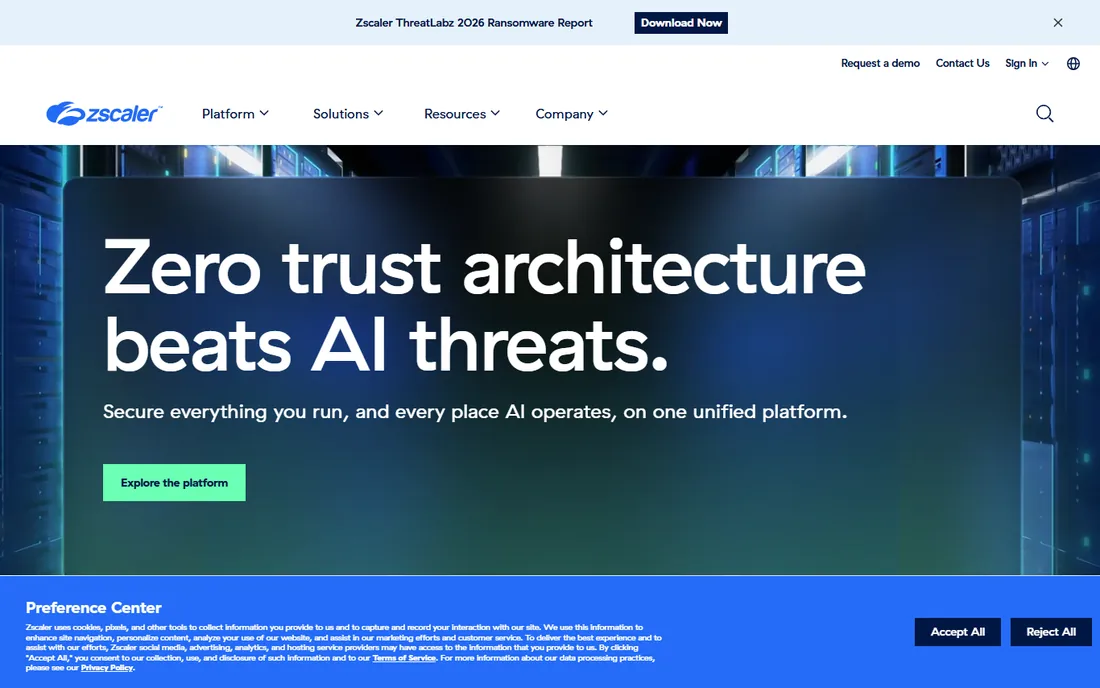
Zscaler Internet Access, or ZIA, is the most comprehensive product on this list. It is a cloud-native Secure Service Edge platform combining secure web gateway, CASB, cloud data loss prevention, zero-trust firewall, sandboxing, browser isolation, and URL filtering, with inline inspection of all internet and SaaS traffic including full SSL decryption.
The architecture is the differentiator. Zscaler's zero-trust proxy connects users directly to applications rather than the network, eliminating VPN backhauling and applying policy based on identity, device, and context. AI-powered threat prevention draws on telemetry from one of the world's largest security clouds. The platform holds authorizations including DoD Impact Level 5 for defense use.
This is not web filtering software in the simple sense; it is a security platform that includes filtering. Pricing is enterprise and quote-based, and deployment is a project involving agents, policies, and integrations. Organizations consolidating legacy proxies, VPNs, and firewalls get the most value. Everyone else should start simpler.
What we like- Full SSE platform with SWG, CASB, DLP, and firewall in one
- Inspects all traffic including encrypted SSL
- Zero-trust architecture with no backhauling
Watch out for- Enterprise pricing with no public numbers
- Implementation is a significant project
- Overkill for simple content filtering
Starting price$0 (free filters; paid plans available)
Free planYes
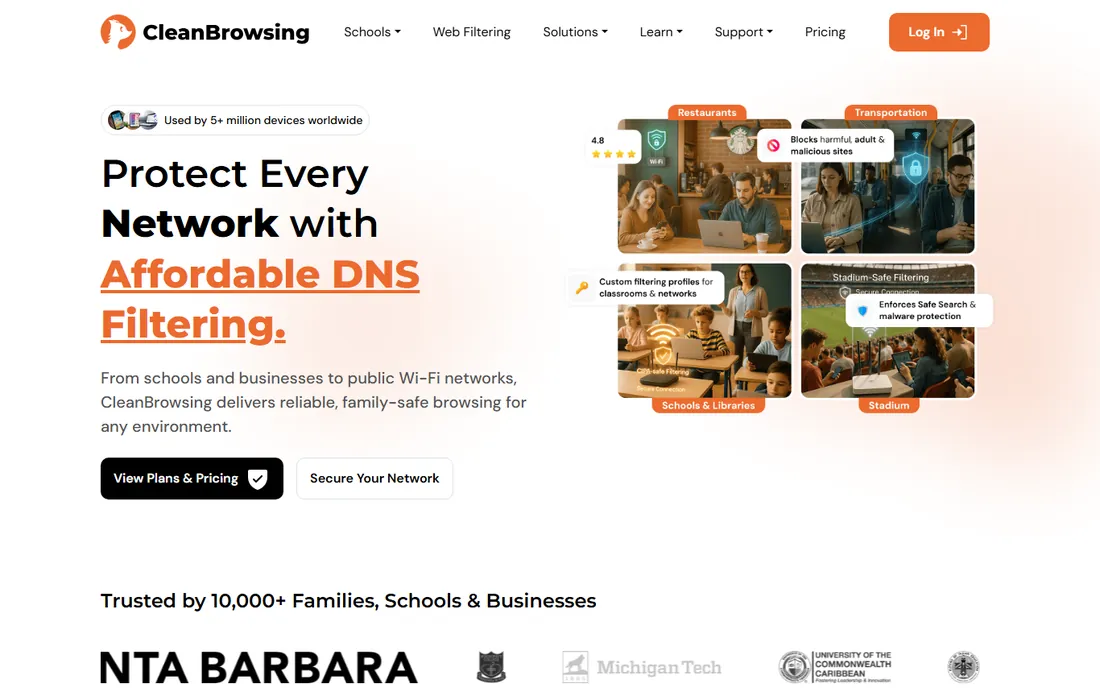
CleanBrowsing is the simplest way to filter the internet: change your DNS servers and you are done. Three free filters cover the common cases: Security (malware and phishing only), Adult (adds adult content), and Family (the most restrictive). No account, no software, no cost. The service processes over 355 billion DNS requests a month across 70-plus data centers.
Paid plans add granular control with 19-plus content categories, custom allow and block lists, and activity monitoring, while staying affordable for schools, libraries, and small businesses. Encrypted DNS options (DoH, DoT, DNSCrypt) prevent users from bypassing the filter by switching resolvers, and setup guides cover routers, Active Directory, and every major OS.
The limits match the simplicity. Free users get three presets, not custom policies, and there is no roaming agent for off-network laptops. CleanBrowsing is not competing with Zscaler; it is the answer for organizations that need effective filtering this afternoon for little or nothing.
What we like- Three genuinely free filters with no account needed
- Paid plans add 19+ categories and monitoring
- Supports DoH, DoT, and DNSCrypt encryption
Watch out for- Free filters offer only three preset levels
- Paid plans are modest compared to enterprise tools
- No endpoint agent for roaming devices
Starting price$19.95 per year (Safe@Home plan, reported)
Free planNo
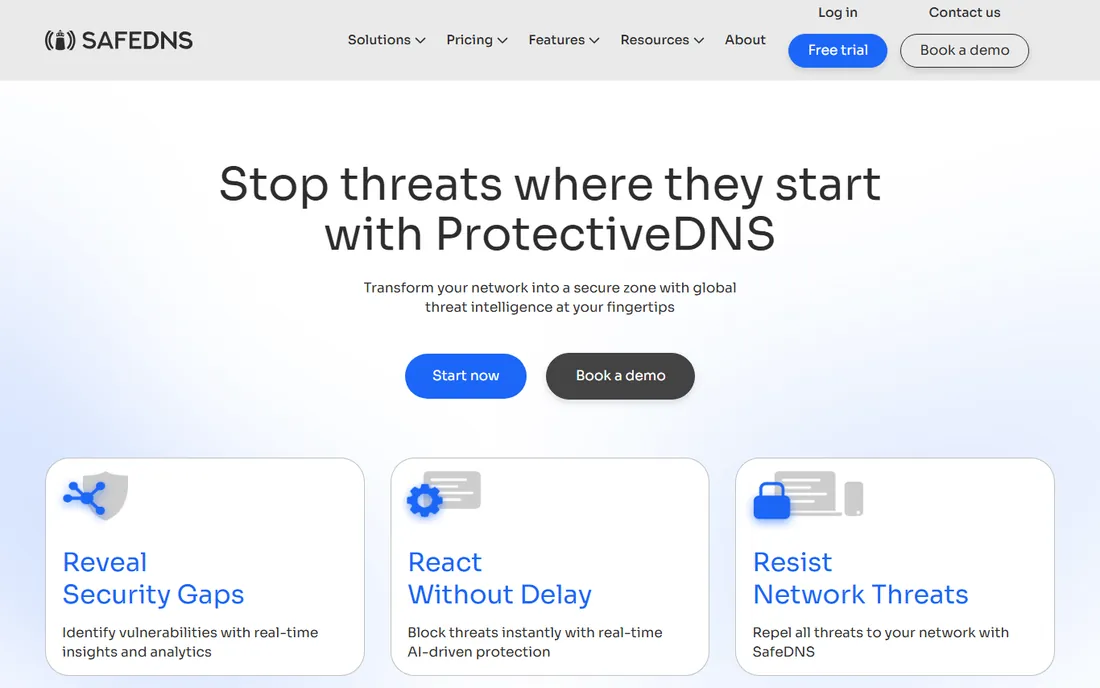
SafeDNS is a cloud DNS filtering service aimed squarely at the budget end of the market. The Safe@Home plan is reported at $19.95 a year covering up to 3 home networks, and Safe@Office plans scale from $80 a year for 5 users to $970 a year for 100 users. For a small office that needs basic protection against malware, phishing, and unwanted content, the math is compelling.
The feature set covers the essentials: dozens of filtering categories from malware and phishing to gambling and adult content, custom allow and block lists, multiple filtering profiles, and built-in ad blocking. An agent protects laptops off the home or office network, and the service works with any internet-connected device.
The trade-off is vendor scale. SafeDNS lacks the threat intelligence operations of Cisco or Zscaler, the interface shows its age, and support is a smaller operation. But the job of blocking the obvious bad stuff at very low cost is one it handles fine. Budget-limited small businesses get real protection here.
What we like- Very affordable annual pricing
- Simple per-user office plans
- Ad blocking built into the filter
Watch out for- Smaller vendor with less brand recognition
- Interface is dated
- Enterprise features trail the leaders
How we chose
We covered the main approaches to web filtering: pure DNS filtering services, cloud secure web gateways, and full SSE platforms. Pricing comes from vendor pages and reputable third-party reporting where vendors do not publish numbers; where we could not verify a figure, we marked it "See website." We verified each product is current and actively sold. We did not test any software hands-on.
DNS filtering versus full web gateways
Understand the two architectures before you buy. DNS filtering blocks at the domain lookup stage: fast, cheap, no software needed, but blind to page content. It can block badsite.com entirely but cannot block badsite.com/one-bad-page while allowing the rest. For malware, phishing, and category blocking, that is usually enough.
Full web gateways proxy the actual traffic: they can inspect page content, block specific URLs, scan downloads, and enforce data loss prevention, but they need endpoint agents or network routing, TLS certificates for HTTPS inspection, and more administrative care. Zscaler, Cisco's SIG tiers, and Cloudflare Gateway's paid plans operate here.
Most small and mid-size businesses should start with DNS filtering. It stops the large majority of web threats at minimal cost and complexity. Add gateway inspection when compliance, DLP, or granular URL control requires it, not before.
Deployment tips that prevent bypass
A filter users can bypass in ten seconds is decoration. The common bypasses are switching DNS servers, using DNS-over-HTTPS in the browser, and VPNs. Counter them at the firewall: block outbound port 53 except to your filter's resolvers, block known DoH endpoints or force DoH to your provider, and restrict VPN installation on managed devices.
Roaming devices need an agent. Office DNS filtering does nothing for the laptop at a coffee shop. DNSFilter, Umbrella, Cloudflare WARP, and SafeDNS all offer roaming clients or agents; deploy them to every managed laptop. For unmanaged BYOD devices, accept that filtering ends at the office network boundary.
When filtering is a compliance requirement
Some organizations filter because the law says so. US schools and libraries receiving E-rate funding must comply with CIPA, the Children's Internet Protection Act, which requires blocking obscene and harmful content. CleanBrowsing's education guidance and the enterprise tools' category controls both address this, but verify the specific compliance documentation your auditor needs.
Businesses in regulated industries filter for different reasons: preventing malware that leads to breaches, enforcing acceptable-use policies, and demonstrating due diligence. Document your policy, apply it consistently, and keep the logs. The software enforces the policy; management owns it.
Frequently asked questions
What is web filter software?
Software that controls which websites users can visit, blocking categories like malware, phishing, adult content, gambling, or social media. Most business tools work at the DNS layer, blocking dangerous or unwanted domains before a connection happens. Enterprise platforms add full traffic inspection, data loss prevention, and cloud app controls.
How much does web filtering cost?
It ranges from free (Cloudflare Gateway's free tier, CleanBrowsing's free filters) to about $1.15 per license per month (DNSFilter) to $19.95 a year for home use (SafeDNS) to quote-based enterprise pricing (Cisco Umbrella, Zscaler). Most SMBs spend $1 to $4 per user per month.
Can employees bypass web filters?
Determined users can try, through alternate DNS servers, DNS-over-HTTPS, VPNs, or mobile hotspots. Proper deployment blocks these paths: firewall rules restricting DNS, managed browser settings, endpoint agents on laptops, and device management policies. No filter is unbypassable, but layered deployment makes bypass impractical for most users.
Does web filtering slow down the internet?
DNS-layer filtering adds negligible latency, typically a few milliseconds per lookup, and Cloudflare, DNSFilter, and CleanBrowsing all operate fast global networks. Full proxy inspection adds more overhead since traffic routes through the vendor's cloud, but modern implementations keep it minimal. Most users notice no difference.
What is the difference between DNS filtering and a firewall?
DNS filtering blocks malicious or unwanted domains at the lookup stage, before any connection is attempted. A firewall inspects traffic that connects, filtering by ports, protocols, or content. They are complementary: DNS filtering cheaply stops domain-based threats, while a firewall catches threats that do not use domain resolution, like direct IP attacks.
Do I need web filtering for a small business?
If your team browses the web on company devices, yes. Phishing and malware arrive through browsers more than any other channel, and a DNS filter blocks most of it for about a dollar per user per month. It is among the cheapest security controls available, and it also enforces acceptable-use policies with minimal management.
Sources we checked (6)
- https://tech-insider.org/dnsfilter-vs-cisco-umbrella-vs-cloudflare-gateway-2026/
- https://www.titanhq.com/dns-filtering/webtitancloud/
- https://dope.security/post/what-is-cisco-umbrella-2026
- https://controld.com/blog/cisco-umbrella-pricing/
- https://cleanbrowsing.org/learn/what-is-dns-filtering
- https://comparisons.financesonline.com/safedns-vs-ethos
Is your product missing or out of date?
We review this list regularly. Vendors can request a listing, send updated pricing or ask about featured placement.

Shihab Mia · Founder, Rankite
Shihab has spent more than a decade helping SaaS and e-commerce brands grow through search. He writes Rankite's software buying guides from pricing pages, documentation and public user reviews. More about Shihab.