How we make this list: we compare pricing pages, product documentation and public user reviews. Rankite is independent; if a vendor ever pays for a featured spot, that listing is clearly labeled Partner.
Key takeaways
- Norton and McAfee are the two legacy giants: broad suites with VPN, identity monitoring, and family plans.
- Malwarebytes is the cleanup specialist with a genuinely useful free version.
- PC Matic takes a different approach with application allowlisting instead of signature detection.
- Microsoft Defender is already on your Windows PC and is better than its reputation suggests.
- Watch renewal pricing: first-year discounts often double or triple in year two.
Quick comparison
| Tool | Best for | Starting price | Free plan |
|---|
 Norton Norton | full-featured consumer security suites | $29.99/yr (reported) | Free trial |
 McAfee McAfee | multi-device family protection | $29.99/yr (reported) | Free trial |
 Malwarebytes Malwarebytes | malware cleanup and lightweight protection | $44.99/yr | Yes |
 Webroot Webroot | fast, lightweight cloud antivirus | $34.99/yr (reported) | Free trial |
 PC Matic PC Matic | allowlisting-based ransomware defense | $50/yr (reported) | No |
 VIPRE VIPRE | budget-friendly antivirus basics | $14.99/yr (reported) | Free trial |
 Microsoft Defender Microsoft Defender | built-in Windows protection | $0 | Yes |
Is your product missing or out of date?
We review this list regularly. Vendors can request a listing, send updated pricing or ask about featured placement.
The best American antivirus software
Starting price$29.99/yr (reported)
Free planFree trial
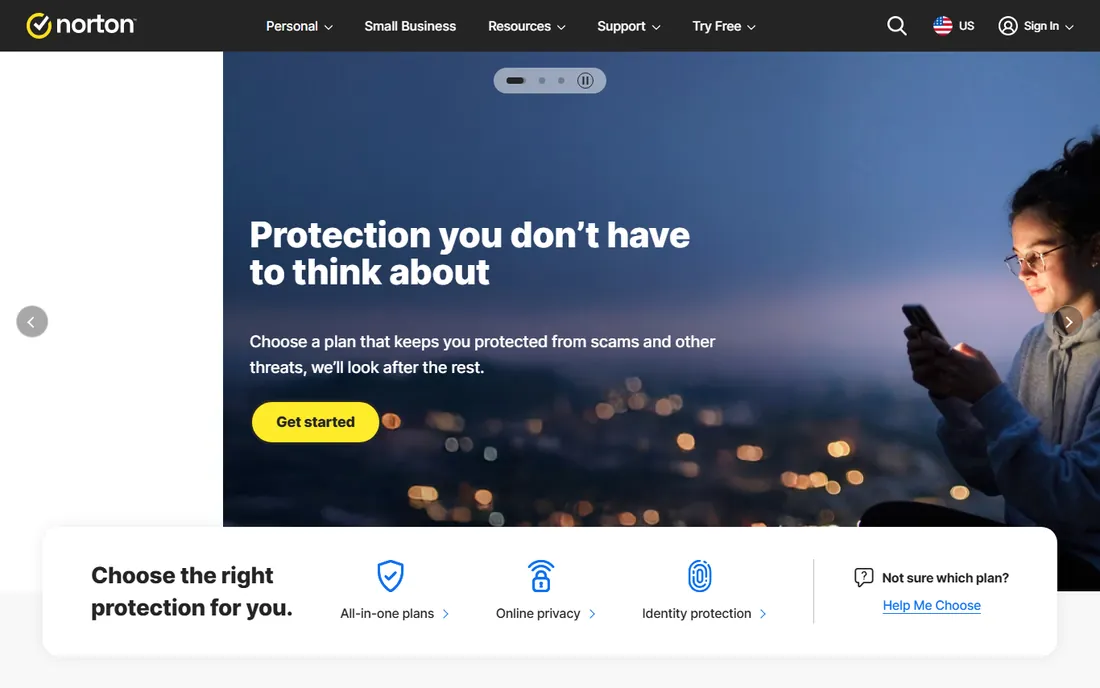
Norton is the oldest name in consumer antivirus, now owned by Gen Digital after the NortonLifeLock and Avast merger. The lineup runs from AntiVirus Plus for a single device through Norton 360 tiers to LifeLock identity-protection bundles. Every tier includes real-time anti-malware, ransomware defense, a smart firewall, and scam protection, with VPN, dark web monitoring, cloud backup, and parental controls added as you move up.
The protection is consistently strong in independent testing, and the bundle approach means one subscription covers security, privacy, and identity. Norton Small Business plans extend the same engine to companies with 6 to 20 devices. A 30-day free trial and 60-day money-back guarantee make evaluation low risk.
The pricing model is the honest catch. First-year prices like $29.99 for AntiVirus Plus look friendly, then renew at $59.99 or more, with 360 Deluxe jumping from $49.99 to $124.99. Set a calendar reminder before renewal, or buy through a retailer at the discounted rate instead.
What we like- Broad suite with VPN, password manager, and dark web monitoring
- Long track record in independent lab tests
- Family and identity-protection tiers
Watch out for- Aggressive first-year discounts that renew much higher
- The suite can feel bloated
- Upsells within the product
Starting price$29.99/yr (reported)
Free planFree trial
McAfee has protected computers since 1987, and the current Total Protection lineup reflects the modern bundle era: antivirus, web protection, VPN, password manager, identity monitoring, and scam detection in one subscription. Plans scale from a single device at $29.99 a year to multi-device and family options, with McAfee+ Advanced tiers adding identity theft coverage and credit monitoring.
The family value proposition is the standout. Where competitors charge per device, McAfee's family plans cover the household's devices under one price, which makes the math attractive for families with phones, tablets, and laptops. Text scam detection and social privacy management address the threats people actually encounter.
The downsides are performance and pricing clarity. McAfee can be resource-intensive on older machines, and the gap between introductory and renewal pricing is steep. The split between Total Protection Basic, Essential, and Advanced tiers confuses even careful shoppers. Buy for the feature set, but read the renewal terms.
What we like- Single-device plan from $29.99 a year
- Family plans cover unlimited devices
- Includes VPN, password manager, and identity monitoring
Watch out for- Can slow older systems
- Renewal pricing jumps sharply
- The product lineup is confusing
Starting price$44.99/yr
Free planYes
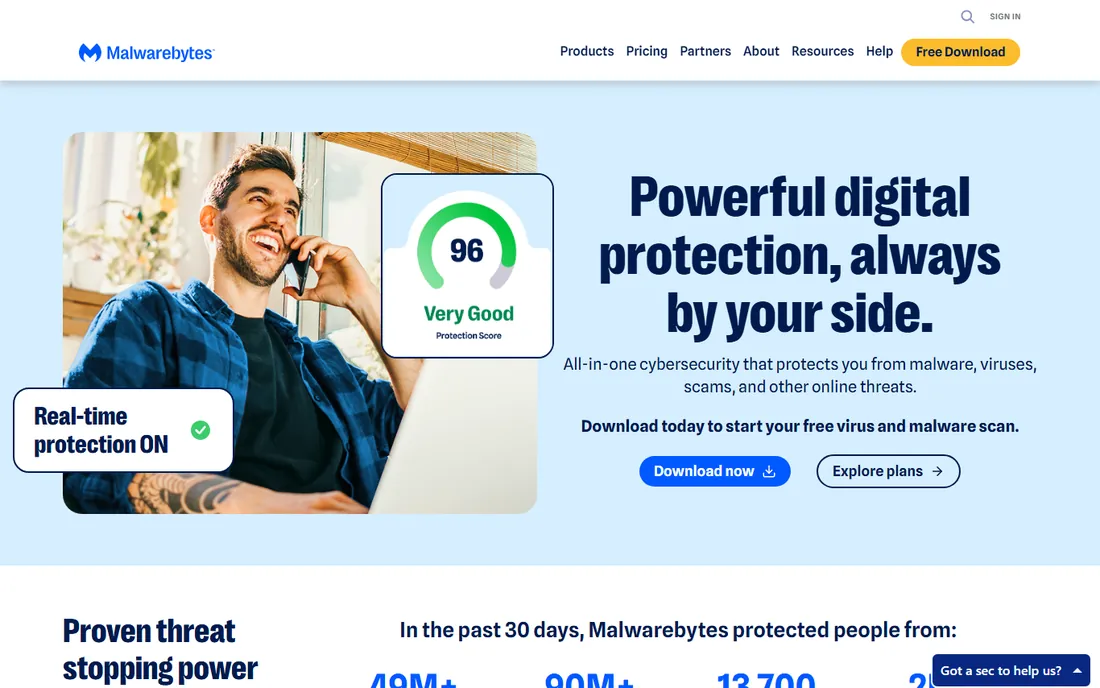
Malwarebytes built its reputation as the tool IT professionals reach for when a computer is already infected. The free version scans and removes malware without real-time protection, and it remains the best free cleanup utility available. Premium plans start at $44.99 a year for one device, adding real-time protection, ransomware defense, phishing protection, and Browser Guard ad and scam blocking.
The paid tiers follow a clean ladder: Standard for device security, Plus adding an unlimited VPN, and Ultimate adding identity protection with $2 million in insurance and personal data removal. The interface is straightforward, scans are fast, and the product stays out of the way.
The honest catch is that Malwarebytes is priced like a premium while offering less bundle filler than Norton or McAfee. If you want cleanup power and clean protection without the extras, that is a feature. If you want VPN and identity tools in the base price, look elsewhere.
What we like- Excellent at removing existing infections
- Genuinely free scanner version
- Lightweight with minimal system impact
Watch out for- The free version lacks real-time protection
- Full suite costs more than some bundles
- VPN only on higher tiers
Starting price$34.99/yr (reported)
Free planFree trial
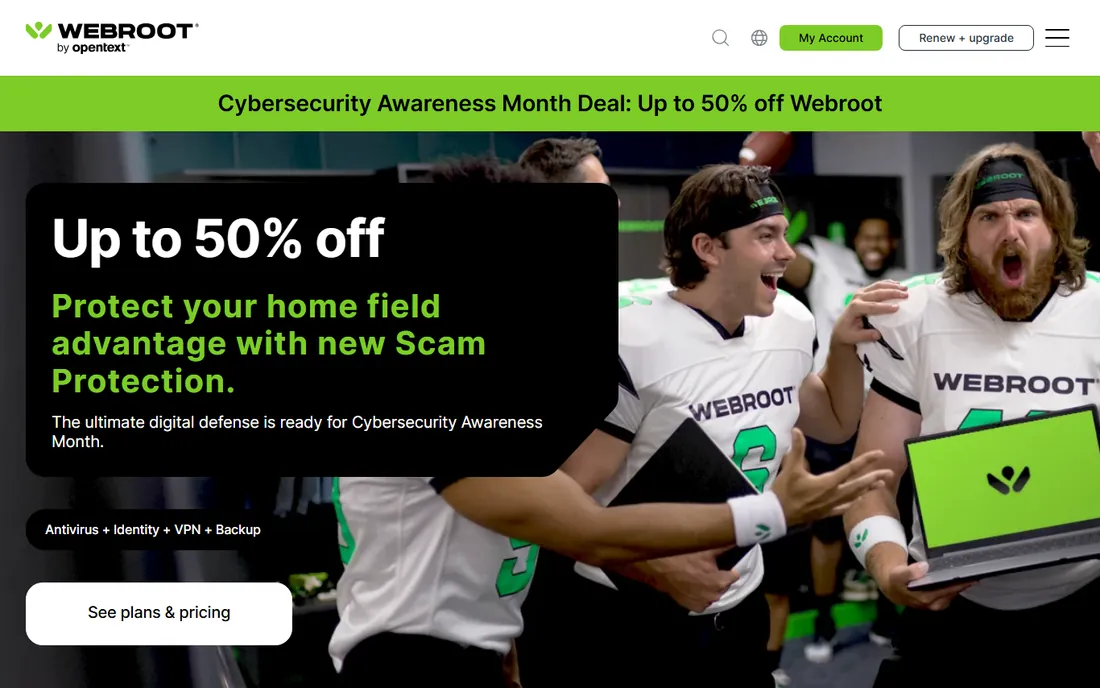
Webroot SecureAnywhere takes a different technical approach: threat detection runs in the cloud, so the local agent is a fraction of the size of competitors and scans finish in minutes. The Essentials plan starts around $34.99 a year for one device, with Premium and Total Protection tiers adding identity protection, VPN, parental controls, and backup.
The lightweight design is the reason to choose Webroot. On older or low-spec machines where Norton and McAfee feel heavy, Webroot's cloud architecture barely registers. The 14-day trial requires no payment details, which is refreshingly honest.
Two caveats. Webroot's protection scores in independent tests consistently trail the top tier, particularly against zero-day threats. And while the brand is American and headquartered in Colorado, it has been owned by Canada's OpenText since 2019, which matters if your "American" requirement is about corporate ownership rather than the product's origins.
What we like- Tiny footprint with cloud-based detection
- Scans complete in minutes
- 14-day free trial with no payment required
Watch out for- Now owned by Canada's OpenText
- Protection scores trail the leaders
- Renewal pricing is close to first-year pricing with little loyalty benefit
Starting price$50/yr (reported)
Free planNo
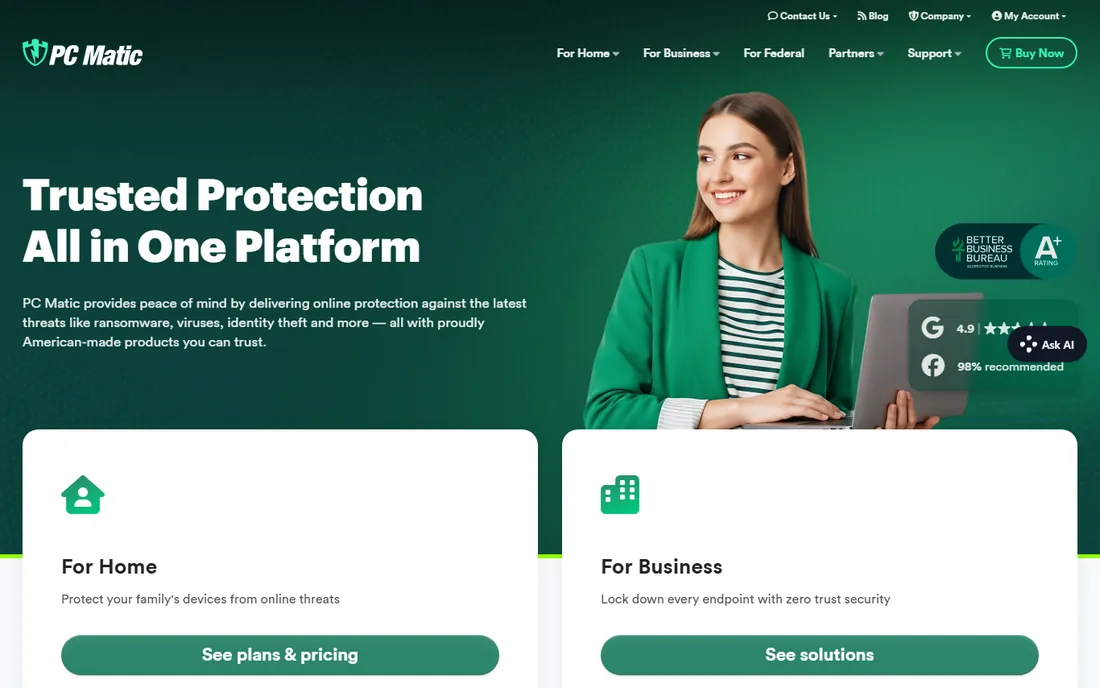
PC Matic is the contrarian: instead of trying to recognize every piece of malware, it uses application allowlisting, permitting only known-trusted programs to run and blocking everything else by default. For ransomware and zero-day attacks, which by definition are unknown, this approach has real logic behind it. The company is proudly American, based in South Carolina, with US-based support.
Pricing is simple at around $50 a year, covering multiple devices, with family and small business tiers available. No first-year discount traps: the price you see is closer to the price you renew at. Performance optimization tools come bundled.
The trade-off is friction. Allowlisting means legitimate but unfamiliar software gets blocked until you approve it, which can annoy power users and developers. There is no free trial or free version, only a 30-day money-back guarantee. And PC Matic appears in fewer independent lab tests than the giants, so third-party validation is thinner.
What we like- Application allowlisting blocks unknown threats by default
- US-based support
- Straightforward pricing without device games
Watch out for- Allowlisting can block legitimate new software
- No free trial or free version
- Smaller company with less lab-test visibility
Starting price$14.99/yr (reported)
Free planFree trial
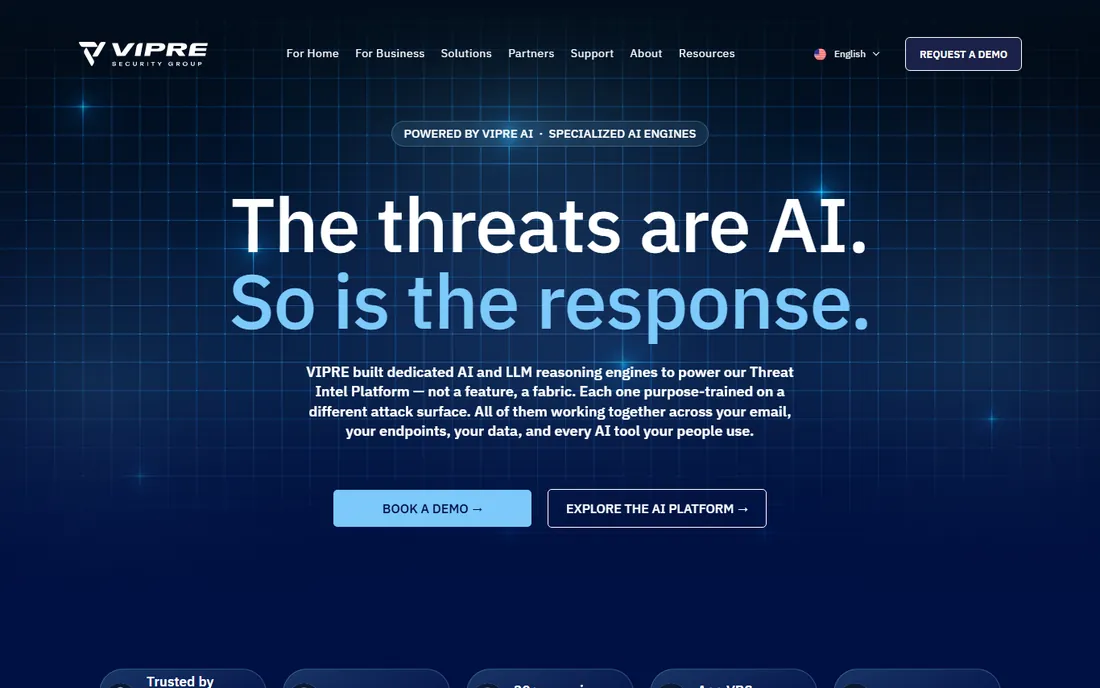
VIPRE Security Group, founded in 1994, is the budget pick among American antivirus vendors. Antivirus Plus starts around $14.99 a year, making it the cheapest paid protection on this list. Higher tiers add Advanced Security with firewall and anti-spam, and an Ultimate bundle with VPN, dark web scanning, and webcam blocking.
The company's heritage is email security for businesses, which shows in strong anti-phishing and anti-spam capabilities. For a single Windows PC that needs competent protection without the bundle bloat, the price is hard to beat, and a 30-day trial lets you verify before paying.
The limits are scope and visibility. The base plan covers one Windows device, so multi-device households need to step up. VIPRE appears in fewer independent lab tests than Norton, McAfee, or Malwarebytes. It is a quiet workhorse rather than a category leader, and priced accordingly.
What we like- The cheapest paid option here
- Solid core antivirus with email security heritage
- 30-day free trial
Watch out for- Basic tier covers one Windows device only
- Smaller brand with less independent testing
- Mac requires the higher tier
Starting price$0
Free planYes
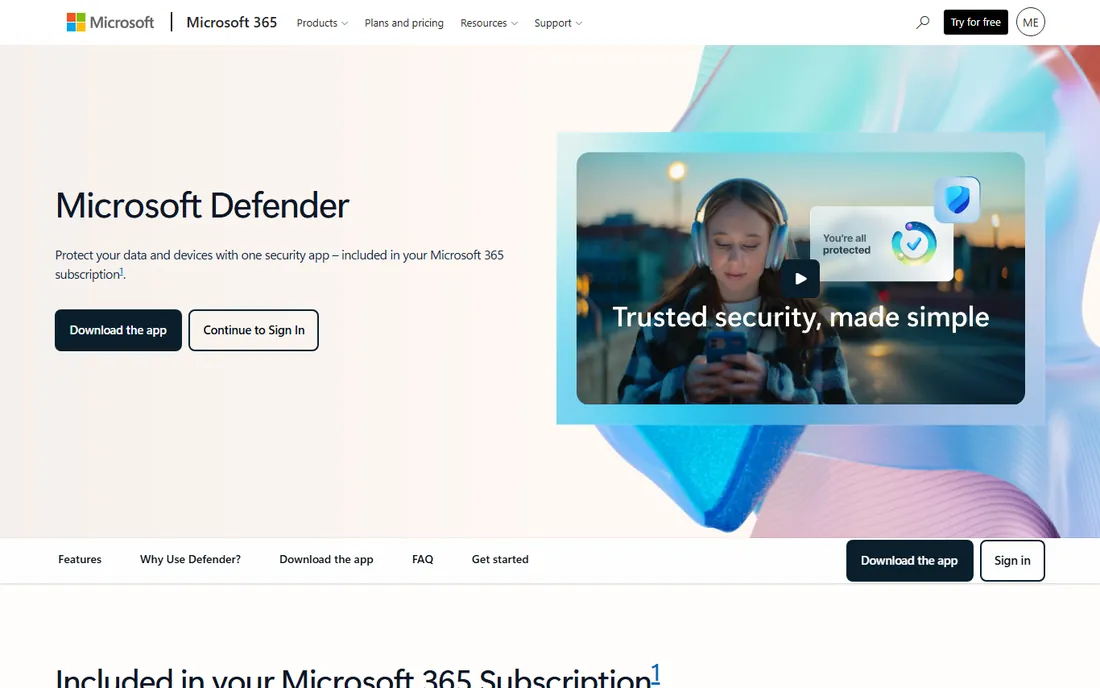
Microsoft Defender is the antivirus already running on your Windows PC, built into Windows Security at no cost. It provides real-time antivirus, anti-phishing, ransomware protection, and firewall management, and its scores in independent lab tests have matched or beaten paid competitors for several years running.
For most home users and many small businesses, Defender plus sensible browsing habits is genuinely sufficient protection. Microsoft 365 subscribers get an extended Defender app covering Mac, Android, and iOS with identity monitoring. Defender for Business adds endpoint detection and response for companies up to 300 users.
The honest catch is depth. Defender's consumer interface is fragmented across Windows Security, the Microsoft 365 app, and web dashboards. Business management is fine but less mature than dedicated endpoint platforms. There is no antivirus support line to call when something goes wrong. But as a free baseline, it has made "do I need antivirus?" a real question.
What we like- Pre-installed and free on every Windows PC
- Protection scores rival paid products
- Zero performance overhead from a third-party agent
Watch out for- Management is basic for businesses
- The consumer app experience is fragmented
- No support line to call
How we chose
We selected established antivirus vendors headquartered in the United States, covering consumer protection from the legacy giants to specialist approaches. We excluded non-US vendors regardless of quality. Pricing figures come from vendor pricing pages where available and are marked reported where taken from current third-party coverage. We did not test any software hands-on.
Reading antivirus pricing honestly
Antivirus pricing is designed to confuse. First-year discounts of 50 to 70 percent are standard, and renewals routinely double or triple. Norton 360 Deluxe at $49.99 renewing at $124.99 is typical, not exceptional. Always check the renewal price before subscribing, and consider buying through retailers where the discounted rate often applies.
Free trials are nearly universal and worth using. Norton, McAfee, Webroot, and VIPRE all offer trials; Malwarebytes and Defender have free tiers. Run the trial on your actual hardware, because performance impact varies more by machine than by marketing claim. Cancel before the trial converts if you are not convinced.
The renewal trap
The single most expensive mistake in antivirus buying is letting a subscription auto-renew at list price. Set a calendar reminder for 30 days before renewal. When it fires, check current first-year pricing: it is often cheaper to cancel and re-subscribe as a "new" customer, or to buy a retail key, than to accept the renewal rate. Vendors count on inertia; do not give it to them.
Do you still need third-party antivirus?
For Windows users, Microsoft Defender has made this a legitimate question. Its protection scores are competitive, it is free, and it cannot conflict with itself. Independent testers and IT professionals increasingly say Defender plus an ad blocker and cautious habits covers most home users.
Third-party suites earn their price through the bundle: VPN, password manager, identity monitoring, parental controls, and cross-platform coverage in one subscription. If you would buy those separately anyway, a suite like Norton or McAfee can be good value. If you only need malware protection, Defender is free and Malwarebytes Free handles cleanup. Pay for extras you will actually use.
Frequently asked questions
What is the best American antivirus software?
Norton and McAfee are the two leading US antivirus suites with the broadest feature sets. Malwarebytes is the best American option for malware cleanup. PC Matic offers a uniquely American allowlisting approach, and Microsoft Defender provides solid free protection built into Windows.
Is Norton still an American company?
Norton is a brand of Gen Digital, an American company formed from the NortonLifeLock and Avast merger. Development and operations remain US-based. McAfee is also American, headquartered in California. Webroot is a US brand but has been owned by Canada's OpenText since 2019.
How much does antivirus software cost?
Entry-level paid antivirus runs $15 to $50 for the first year, with suites reaching $100 or more. Renewal prices are typically much higher than introductory prices. Free options include Microsoft Defender (built into Windows) and Malwarebytes Free (on-demand scanning).
Do I need antivirus if I have Windows Defender?
For most home users, Defender provides solid baseline protection at no cost. Third-party antivirus adds value through bundled extras like VPN, password management, and identity monitoring, plus dedicated support. Businesses with compliance needs should consider managed endpoint protection.
What is the cheapest good antivirus?
VIPRE Antivirus Plus at around $14.99 a year is the cheapest paid option among US vendors. Microsoft Defender and Malwarebytes Free cost nothing. For paid protection with a full feature set, watch for first-year discounts from Norton and McAfee, but note the renewal prices.
Does antivirus slow down your computer?
Modern antivirus has minimal impact on current hardware, but older machines feel it more. Webroot's cloud-based design and Malwarebytes are the lightest options here. If your computer is more than five years old, prioritize lightweight products and run a trial before committing.
Sources we checked (8)
- https://www.malwarebytes.com/pricing
- https://gizmodo.com/best-antivirus/norton
- https://securerank.info/blog/antivirus-renewal-price-trap-2026/
- https://www.techradar.com/reviews/webroot-secureanywhere-antivirus
- https://www.techradar.com/reviews/vipre-antivirus-solutions
- https://coveron.com/blog/mcafee-identity-theft-protection-review/
- https://www.comparitech.com/antivirus/reviews/pc-matic-antivirus-review/
- https://www.microsoft.com/en-us/microsoft-365/microsoft-defender-subscribers
Is your product missing or out of date?
We review this list regularly. Vendors can request a listing, send updated pricing or ask about featured placement.

Shihab Mia · Founder, Rankite
Shihab has spent more than a decade helping SaaS and e-commerce brands grow through search. He writes Rankite's software buying guides from pricing pages, documentation and public user reviews. More about Shihab.