How we make this list: we compare pricing pages, product documentation and public user reviews. Rankite is independent; if a vendor ever pays for a featured spot, that listing is clearly labeled Partner.
Key takeaways
- Webflow and Framer are the top visual platforms for designers who want production-quality sites without heavy coding.
- WordPress and Drupal remain the open source workhorses for content-heavy sites you fully control.
- Vercel and Netlify are the modern way to deploy frontend code, with previews and edge performance built in.
- Wix Studio and Duda target agencies building client sites at volume, with collaboration and white-labeling.
- Bubble fits when the "website" is really a web application with users, data, and logic.
Quick comparison
| Tool | Best for | Starting price | Free plan |
|---|
 Webflow Webflow | Designer-built production sites | See website | Yes |
 WordPress WordPress | Self-hosted content sites | Free (open source) | Yes |
 Framer Framer | Design-to-site workflow | See website | Yes |
 Duda Duda | Agencies building client sites | See website | No |
 Drupal Drupal | Complex content platforms | Free (open source) | Yes |
 Wix Studio Wix Studio | Advanced visual development | See website | No |
 Vercel Vercel | Deploying modern frontends | See website | Yes |
 Netlify Netlify | Jamstack hosting and deployment | See website | Yes |
 Bubble Bubble | Web apps without code | See website | Yes |
Is your product missing or out of date?
We review this list regularly. Vendors can request a listing, send updated pricing or ask about featured placement.
Starting priceSee website
Free planYes
Webflow occupies the space between design tools and code. Designers build real, responsive websites visually, and Webflow generates clean HTML, CSS, and JavaScript underneath. The CMS handles blogs, portfolios, and directories, and hosting with a global CDN is built in. For marketing sites where design quality matters, it is the most capable visual platform.
The learning curve is steeper than drag-and-drop builders; think of it as learning a design tool, not filling in templates. CMS pricing scales with collection items, which can surprise growing sites. But for designers and small teams shipping polished marketing sites, Webflow's combination of control and convenience is unmatched.
What we like- Pixel-level design control
- Clean code output
- Built-in CMS and hosting
Watch out for- Learning curve for the designer
- Pricing climbs with CMS items
Starting priceFree (open source)
Free planYes
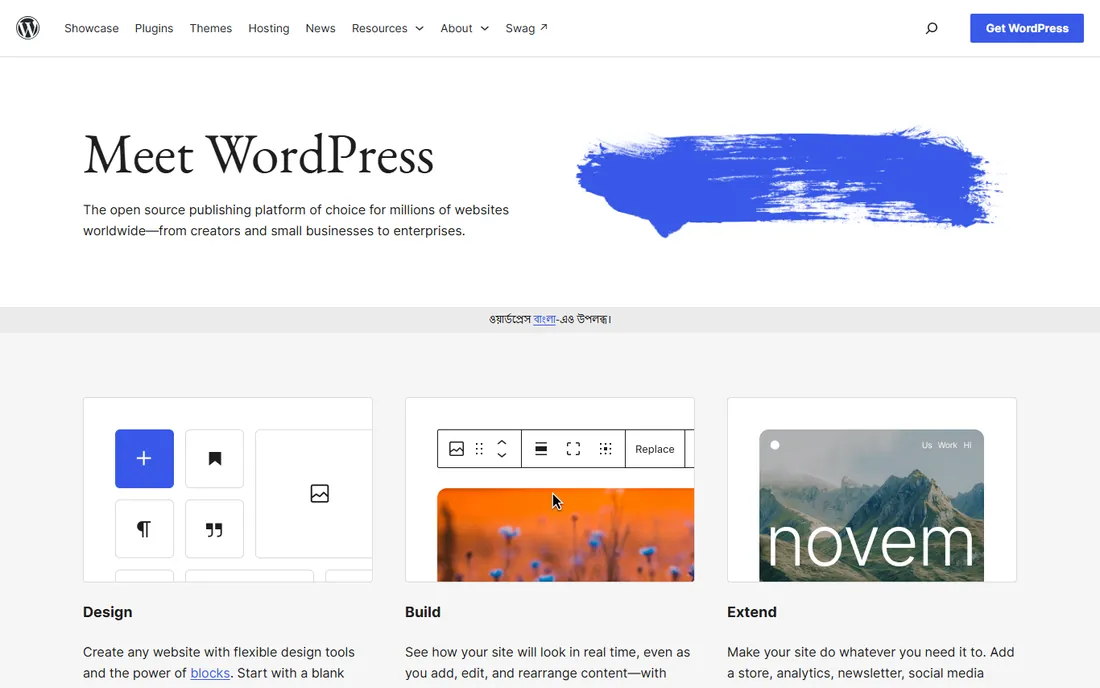
WordPress powers a huge share of the web for good reason. The open source software is free, the plugin ecosystem covers nearly every feature imaginable, and you can host it anywhere and own your data completely. From blogs to membership sites to WooCommerce stores, WordPress scales from hobby to enterprise.
Ownership has costs. You (or your host) handle updates, backups, and security, and a bad plugin can break things. The block editor has modernized content creation, but WordPress still rewards users willing to learn its ways. For anyone who wants maximum control without licensing fees, it remains the default answer.
What we like- Free and open source
- Massive plugin and theme ecosystem
- You own everything
Watch out for- You handle hosting, updates, and security
- Plugin conflicts happen
Starting priceSee website
Free planYes
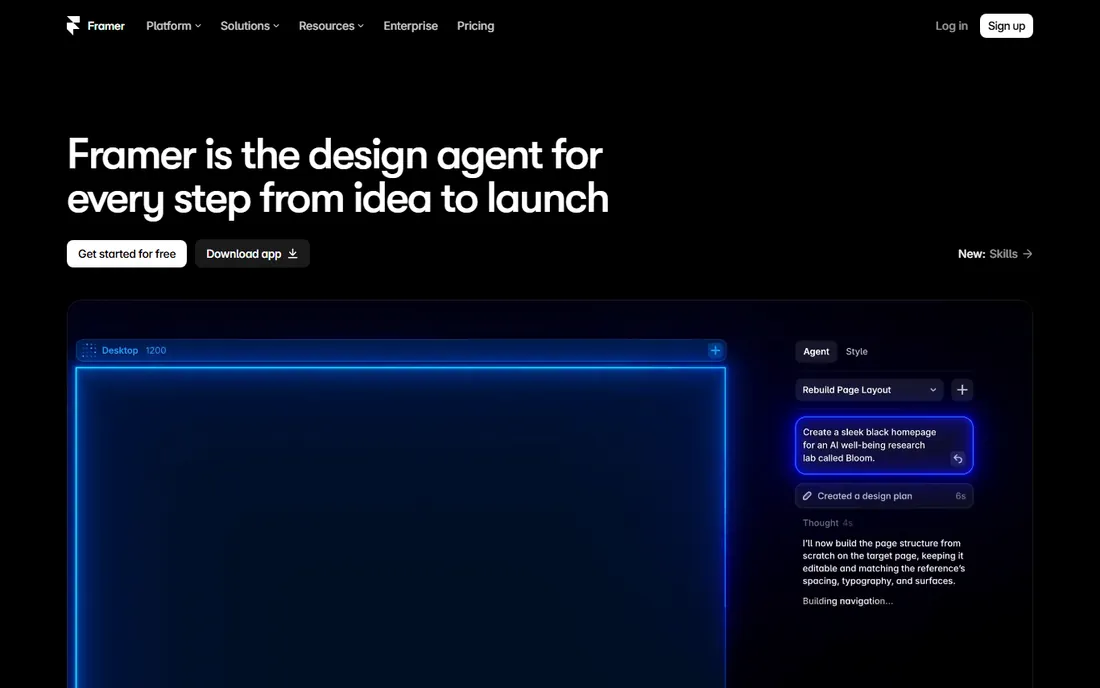
Framer started as a prototyping tool and grew into a site builder that designers love. The canvas feels like Figma, sites publish in one click, and animations that take real code elsewhere are drag-and-drop here. For landing pages, portfolios, and startup marketing sites, the speed from design to live URL is remarkable.
The trade-off is depth. CMS features and complex site structures trail Webflow, and the template and plugin ecosystem is younger. But for design-forward marketing sites where motion and polish matter, Framer's workflow is the most enjoyable on this list. Many designers now prototype and ship in the same tool.
What we like- Feels like a design tool
- Excellent animations
- Fast publishing
Watch out for- Less CMS depth than Webflow
- Newer ecosystem
Starting priceSee website
Free planNo
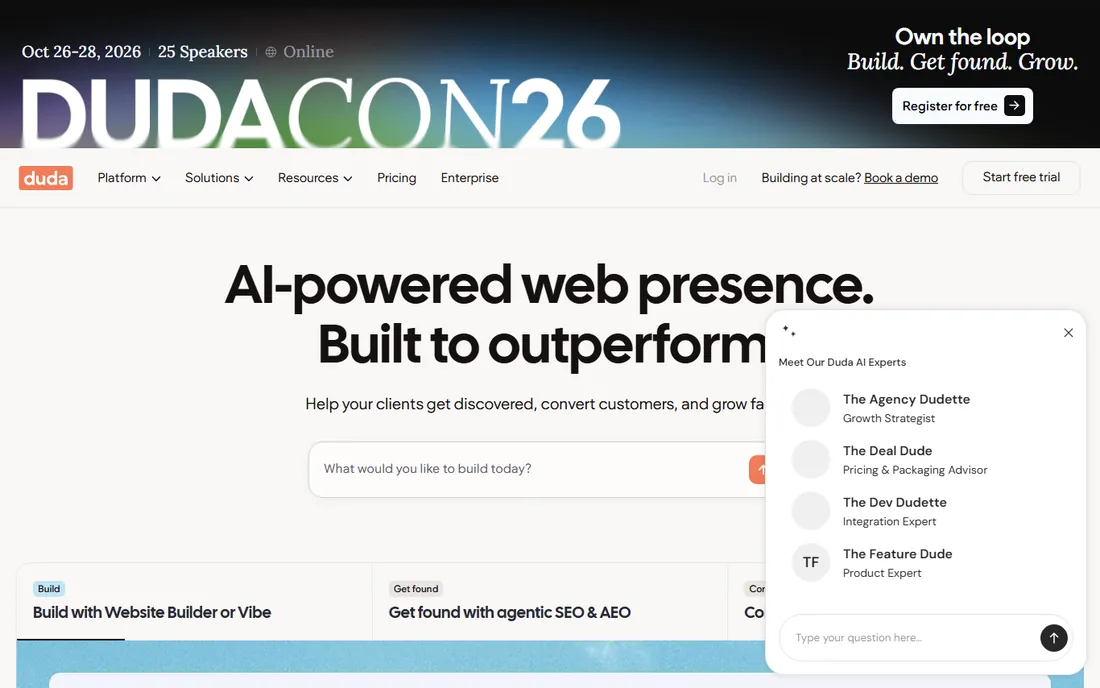
Duda is purpose-built for agencies and freelancers who build websites for clients. White-labeling, client management dashboards, team permissions, and site commenting streamline the agency workflow. Templates are solid, the builder is fast, and features like automated site setup help shops deliver volume.
Designers used to Webflow's pixel control may find Duda's builder more constrained. Per-site pricing means costs scale with your client roster, which agencies bake into their fees. If your business is building client sites efficiently rather than winning design awards, Duda's workflow features pay for themselves.
What we like- Built for client work at scale
- White-labeling
- Team collaboration
Watch out for- Less design freedom than Webflow
- Subscription per site adds up
Starting priceFree (open source)
Free planYes
Drupal is the open source CMS for complex, content-heavy platforms: universities, governments, media companies, and enterprises with intricate content workflows. Its content modeling, user permissions, and multilingual capabilities go deeper than WordPress, and the security team has a strong track record. Like WordPress, it is free and you own everything.
The learning curve is the steepest among the CMS options here, and finding Drupal developers is harder than finding WordPress ones. This is not the tool for a simple brochure site. But when the requirements include complex content types, granular permissions, and serious scale, Drupal's architecture earns its reputation.
What we like- Extremely flexible content modeling
- Strong security record
- Free forever
Watch out for- Steep learning curve
- Smaller talent pool than WordPress
Starting priceSee website
Free planNo
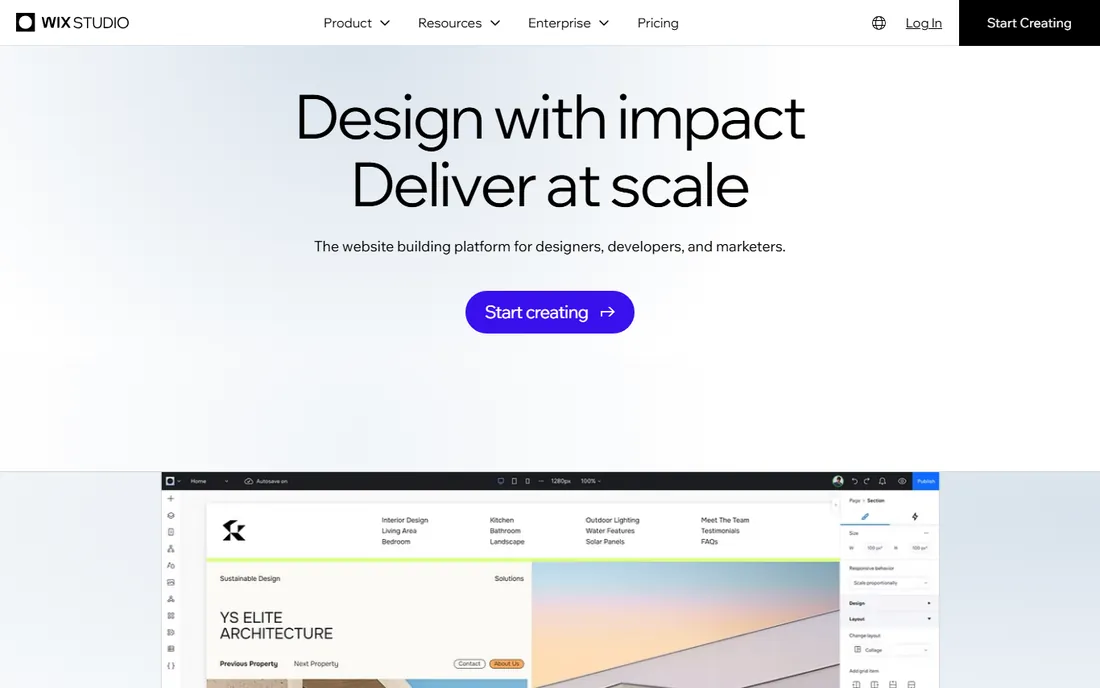
Wix Studio is Wix's professional-grade builder, aimed at agencies and freelancers who outgrew the classic Wix editor. It offers advanced responsive behavior, custom CSS, and developer features while keeping the visual workflow. Client management, reusable assets, and the Wix App Market extend what you can deliver.
The fundamental trade-off is the platform: sites live on Wix infrastructure, and you cannot take the code elsewhere. For client work where the client will never touch code, that rarely matters. Wix Studio suits professionals who want Wix's convenience with more design and development headroom than the standard editor.
What we like- Advanced responsive design
- Good for client work
- Wix ecosystem and apps
Watch out for- Tied to Wix hosting
- Less code access than open platforms
Starting priceSee website
Free planYes
Vercel is where modern frontend code goes to live. Connect a Git repository and every push deploys automatically, with preview URLs for every pull request that make team review painless. The platform shines with Next.js (Vercel maintains the framework), and the edge network delivers fast performance worldwide. The free hobby tier is generous for personal projects.
It is JavaScript-centric, and usage-based pricing means costs grow with traffic and build minutes. For teams building with React and Next.js, Vercel's developer experience is the benchmark. Traditional server-rendered stacks and non-JS frameworks fit better on Netlify or conventional hosts.
What we like- Best-in-class Next.js experience
- Preview deployments
- Global edge network
Watch out for- Costs scale with usage
- Less for non-JavaScript stacks
Starting priceSee website
Free planYes
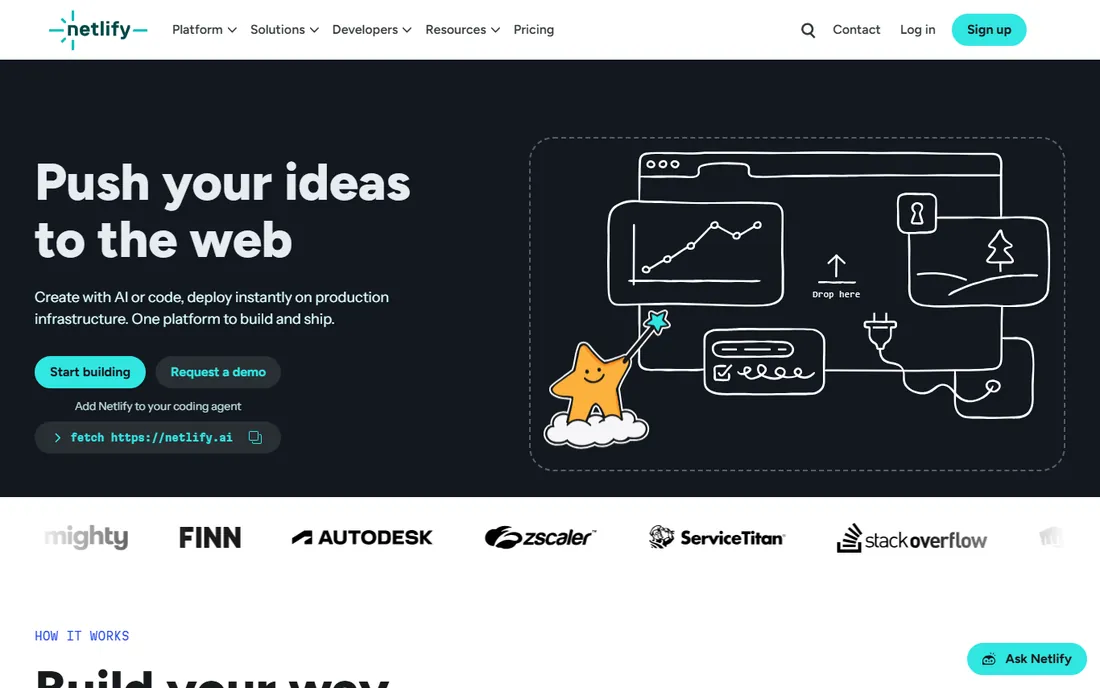
Netlify pioneered the Git-push-to-deploy workflow for the Jamstack era. Static sites and modern frameworks deploy in minutes, with branch previews, form handling, serverless functions, and edge features built in. The free tier covers a lot, making it a favorite for portfolios, documentation, and marketing sites.
Heavily dynamic applications eventually need the paid add-ons or a different architecture. Pricing tiers have grown complex over the years, so model your usage before committing. For frontend developers who want the simplest path from repository to fast global site, Netlify remains excellent.
What we like- Simple Git-based deploys
- Generous free tier
- Strong static and edge features
Watch out for- Dynamic workloads need add-ons
- Pricing tiers can confuse
Starting priceSee website
Free planYes
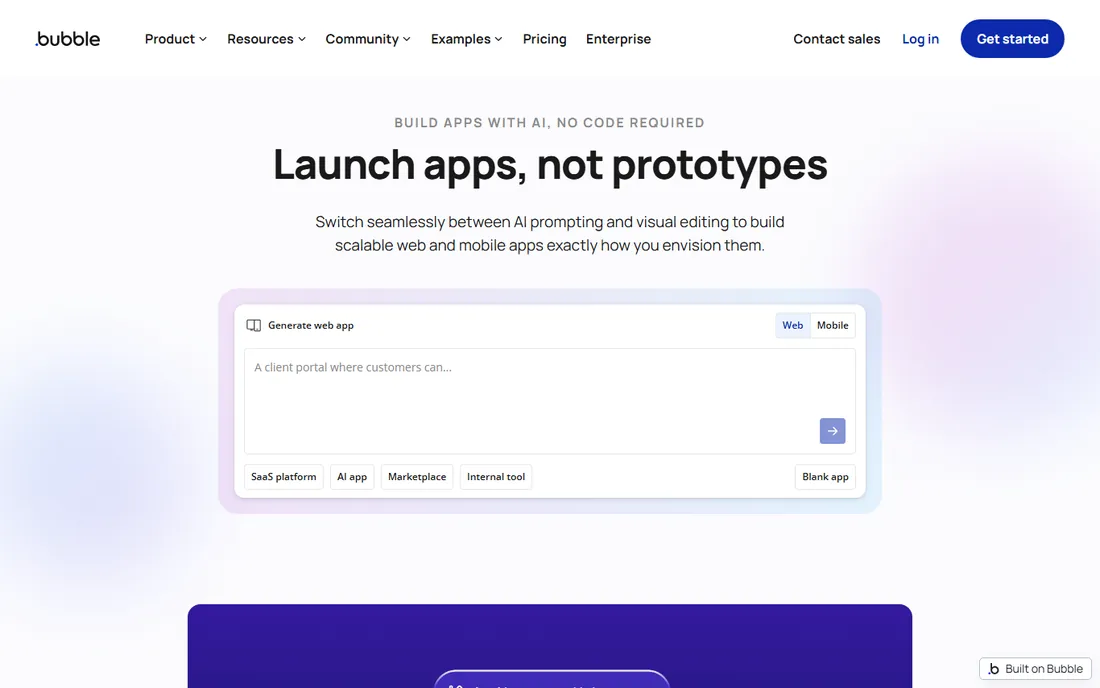
Bubble belongs on a web development list because many "websites" are really applications. When the project needs user accounts, databases, workflows, and payments, Bubble's visual programming goes far beyond what site builders offer. Startups have launched real products on it, and the plugin ecosystem extends its reach considerably.
It is the wrong tool for a simple marketing site; Webflow or Framer will serve you better there. The learning curve is real, and you cannot export the application code. But when the choice is between hiring developers and building it yourself in Bubble, the economics are compelling for validated ideas.
What we like- Full app logic without code
- Real database
- Huge plugin marketplace
Watch out for- Not for marketing sites
- Learning curve
- Platform lock-in
The build-versus-buy math for agencies
Agencies face a platform decision on every project: the client's needs, the team's skills, and the maintenance burden. The honest math includes more than build hours. Factor in hosting costs, update and security responsibility (yours with WordPress and Drupal, the vendor's with Webflow, Duda, and Wix Studio), and what happens when the client wants changes in two years. Platforms with client handoff features (Duda, Wix Studio) reduce support burden. Open source (WordPress, Drupal) maximizes control and minimizes lock-in but makes you the permanent maintainer. There is no universally right answer, but there is a wrong one: picking the platform your team likes instead of the one the client's future needs.
What to check before you buy
Who owns the code and the data?
Open source (WordPress, Drupal) and code-exporting tools mean you can leave. Closed platforms (Webflow, Wix Studio, Duda, Bubble) mean rebuilding if you migrate. For client work, clarify ownership in the contract. For your own projects, weigh convenience against lock-in honestly.
CMS and content workflow needs
A blog needs a CMS; a landing page does not. Webflow, WordPress, Drupal, and Duda all handle content well, with different trade-offs. Framer and static deployments suit sites that change rarely. Match the content tooling to how often non-developers will update the site.
Performance and hosting reality
Vercel and Netlify deliver excellent performance for frontend code. Webflow, Framer, and Duda include solid hosting. WordPress and Drupal performance depends entirely on your hosting choice and optimization. Test real page speeds, not marketing claims, especially for mobile.
Team skills and hiring
WordPress developers are everywhere; Drupal and Bubble specialists less so. Webflow and Framer need designers willing to learn the tools. Vercel and Netlify assume modern JavaScript skills. The platform your team already knows beats the theoretically better one, unless you are deliberately investing in new capabilities.
How we chose
We selected platforms that developers, designers, and agencies actually use to build and deploy websites in 2026, spanning visual builders, open source CMSs, and modern deployment platforms. We evaluated vendor documentation, ecosystem health, and fit for different team types. We excluded pure code frameworks and discontinued products. No vendor paid for placement, and we did not build test sites for this guide.
Frequently asked questions
What is the best platform for a business website?
For most small businesses, Webflow or WordPress. Webflow if design quality and ease of maintenance matter most; WordPress if you want full ownership and the biggest ecosystem. Agencies building for clients often prefer Duda or Wix Studio for the workflow features.
Is WordPress still relevant in 2026?
Yes. It powers an enormous share of the web, the block editor keeps improving, and the plugin ecosystem remains unmatched. Headless WordPress (content API plus a modern frontend on Vercel or Netlify) has given it new life for performance-conscious projects. Reports of its death are greatly exaggerated.
Webflow versus Framer: which should I choose?
Choose Webflow for complex sites with serious CMS needs and long-term growth. Choose Framer for design-forward marketing sites and landing pages where speed and animation matter most. Many designers use both: Framer for quick launches, Webflow for substantial builds.
Do I need to know how to code to use these platforms?
Webflow, Framer, Duda, Wix Studio, and Bubble are built for non-coders, though all reward deeper learning. WordPress and Drupal are usable without code but benefit from it. Vercel and Netlify are developer tools; they deploy code rather than replacing it.
Can I migrate my site off these platforms later?
With open source tools, yes, completely. With Vercel and Netlify, your code is yours; redeploy elsewhere anytime. With Webflow, Duda, Wix Studio, Framer, and Bubble, migration means rebuilding, though you can always export your content and data. Factor this into long-term decisions.
Sources we checked (9)
- https://webflow.com
- https://wordpress.org
- https://www.framer.com
- https://www.duda.co
- https://new.drupal.org/
- https://www.wix.com/studio
- https://vercel.com
- https://www.netlify.com
- https://bubble.io
Is your product missing or out of date?
We review this list regularly. Vendors can request a listing, send updated pricing or ask about featured placement.

Shihab Mia · Founder, Rankite
Shihab has spent more than a decade helping SaaS and e-commerce brands grow through search. He writes Rankite's software buying guides from pricing pages, documentation and public user reviews. More about Shihab.