How we make this list: we compare pricing pages, product documentation and public user reviews. Ratings come from G2, Capterra or Trustpilot, with the date we checked them.
Key takeaways
- No-code tools such as Octoparse and Browse AI suit analysts and marketers, while Apify, Firecrawl, and Zyte suit developers building data pipelines.
- Credit and usage pricing means the headline monthly fee is rarely the full cost, so model your page volume and retry rate before you choose.
- Anti-bot handling, proxy quality, and JavaScript rendering matter more than the number of templates once you target protected or dynamic sites.
- Export format and scheduling decide daily usefulness, so check CSV, JSON, Sheets, and API delivery before you commit to a plan.
- Scraping public data still carries legal and terms-of-service risk, so get advice for commercial use and respect robots rules and rate limits.
Quick comparison
| Tool | Best for | Starting price | Free plan |
|---|
 Octoparse Octoparse | No-code scraping without writing code | $69 per month (billed annually) | Yes |
 Apify Apify | Developers using ready-made scrapers | See website | Yes |
 Firecrawl Firecrawl | AI and language-model data pipelines | $16 per month | Yes |
 Browse AI Browse AI | Monitoring prices and lists without code | $19 per month (billed annually) | Yes |
 ParseHub ParseHub | Visual scraping for complex pages | $189 per month | Yes |
 ScrapingBee ScrapingBee | Simple scraping API for developers | $49 per month | Free trial |
 Bright Data Bright Data | Large-scale collection on protected sites | See website | Free trial |
 Diffbot Diffbot | Structured data from any page by AI | See website | Free trial |
 Zyte Zyte | Pay-per-success extraction at scale | See website | Free trial |
Is your product missing or out of date?
We review this list regularly. Vendors can request a listing, send updated pricing or ask about featured placement.
#1Octoparse
Best for: No-code scraping without writing code4.8/5 on
G2 (52 reviews, checked Oct 2026)
Visit octoparse.com
Starting price$69 per month (billed annually)
Free planYes
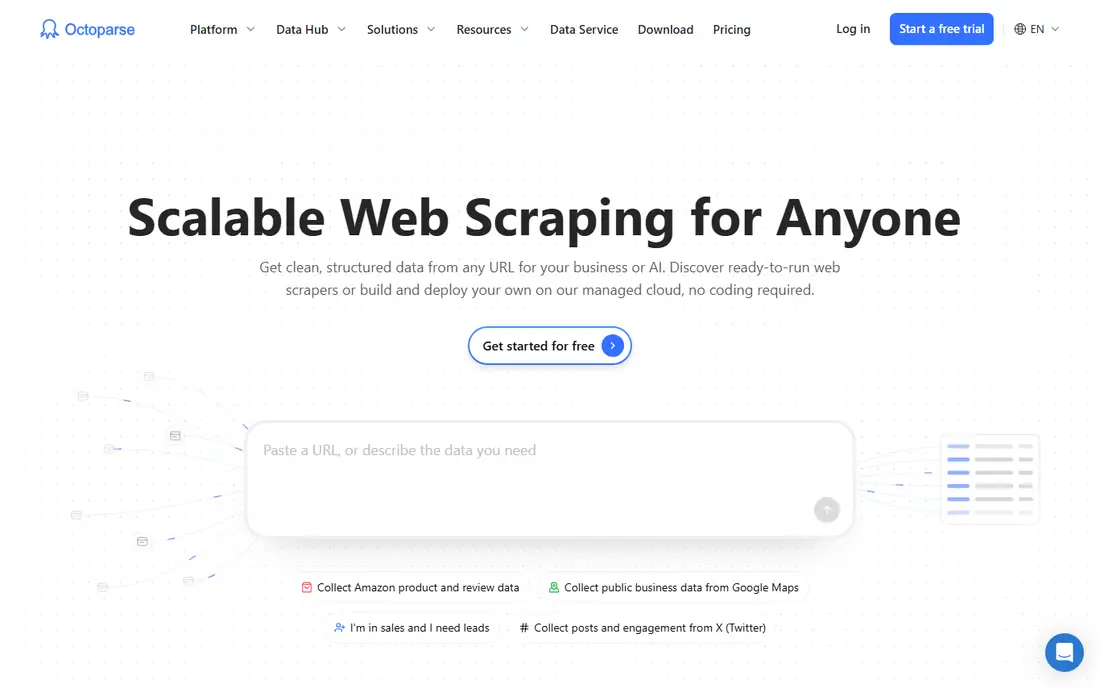
Octoparse remains the first tool many non-developers try, because you build a task by clicking the data you want on a page instead of writing selectors. It handles pagination, login flows, and scheduled cloud runs, and it ships with templates for common sites such as job boards and shopping pages. The free tier, with local runs and a monthly row limit, is enough to learn the tool and to run small, occasional jobs.
The cost story needs care. The Standard plan is listed at $69 per month on annual billing, but proxies, extra templates, and other add-ons are billed separately, so a job on a protected site can cost more than the subscription suggests. Octoparse also runs as desktop software with a cloud option, which suits analysts who want control, but it is not the cheapest path for a developer who only needs an API. Test your hardest target site on the free tier first, and price the add-ons before you promise a budget.
What we like- Point-and-click task builder
- Cloud scheduling and templates
- Local free tier for learning
Watch out for- Add-ons for proxies and solving checks raise costs
- Complex sites still need patience to configure
#2Apify
Best for: Developers using ready-made scrapers4.7/5 on
G2 (669 reviews, checked Oct 2026)
Visit apify.com
Starting priceSee website
Free planYes
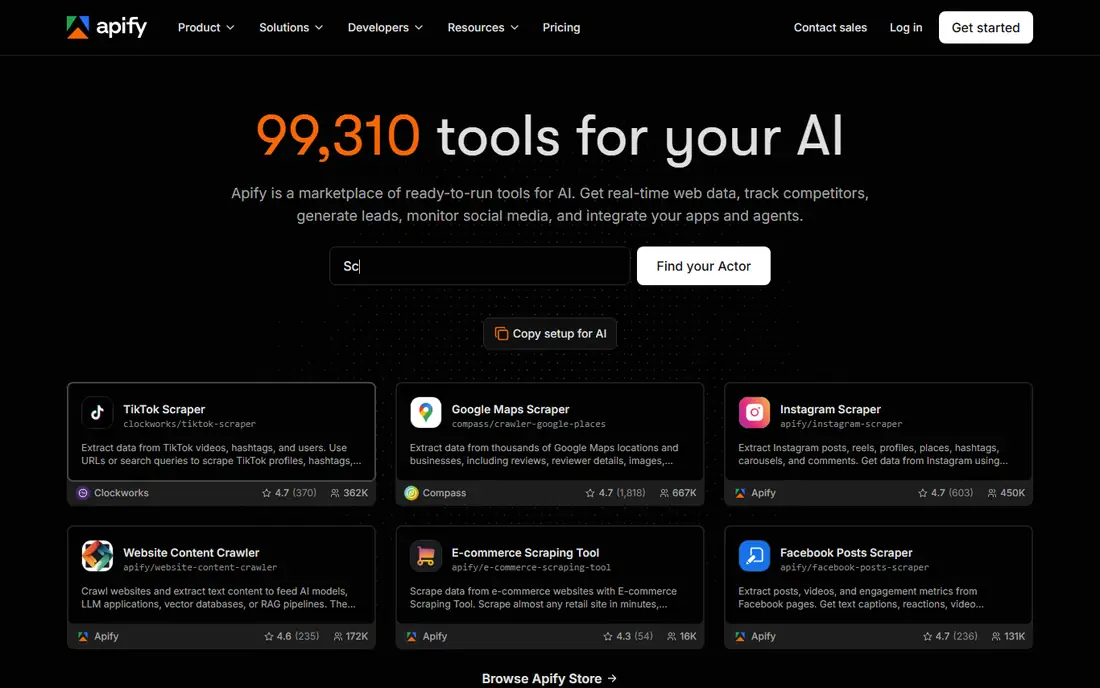
Apify is a cloud platform where developers run Actors, which are small scraping and automation programmes, either from its marketplace or built in-house. That marketplace is the main draw: for many popular sites there is already an Actor to adapt, rather than starting from a blank script. Results land in datasets you can export as JSON, CSV, or Excel, or pull through an API into your own pipeline, and scheduling and proxy handling are built into the platform.
The catch is variance. Community Actors range from well-maintained to abandoned, so check update dates, documentation, and reviews before you depend on one for production. Pricing is usage-based on top of a subscription, with a small monthly platform credit on the free plan, so a job that runs often or renders many pages can use credits faster than expected. Apify fits teams that want reusable scrapers and a managed runtime, not a one-off extraction from a single page.
What we like- Large marketplace of ready-made Actors
- Cloud runs, schedules, and APIs
- Strong fit for product pipelines
Watch out for- Actor quality varies across the marketplace
- Usage costs can grow fast on large jobs
Starting price$16 per month
Free planYes
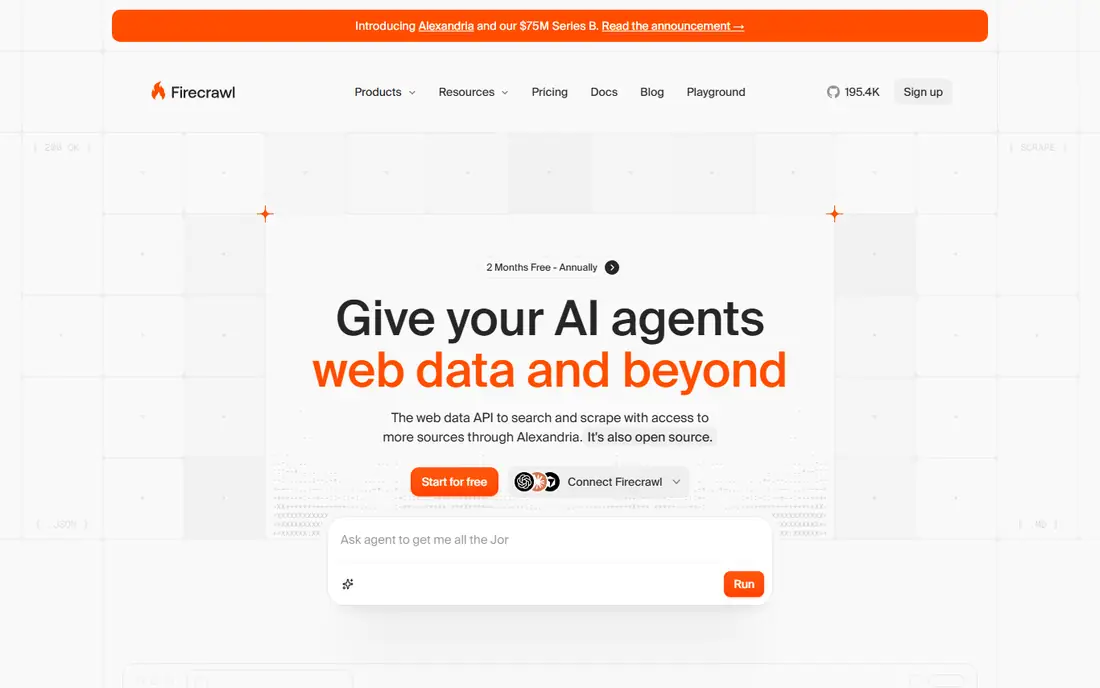
Firecrawl turns web pages into clean, language-model-ready data, which is why AI teams use it for retrieval, research, and dataset building. You send a URL or a crawl job, and you get back Markdown, structured JSON, or both, without writing a parser for each site layout. It also offers search and extraction endpoints, so a pipeline can find relevant pages, pull the content, and shape it into fields in one workflow. A free tier with a monthly credit allowance lets you test output quality on real pages.
Pricing starts at $16 per month on some published summaries, but credits are consumed per page and can multiply on pages that need browser rendering, so model a realistic job before you scale. Firecrawl is API-first, so analysts who want a point-and-click builder will prefer Octoparse or Browse AI. Developers who feed web content into AI systems, and who value clean output over a visual interface, will find it a strong fit.
What we like- Clean Markdown and structured JSON output
- Crawl, search, and extraction in one API
- Open-source option for self-hosting
Watch out for- Credit use rises on JavaScript-heavy pages
- Less visual tooling for non-developers
#4Browse AI
Best for: Monitoring prices and lists without code4.8/5 on
G2 (62 reviews, checked Oct 2026)
Visit browse.ai
Starting price$19 per month (billed annually)
Free planYes
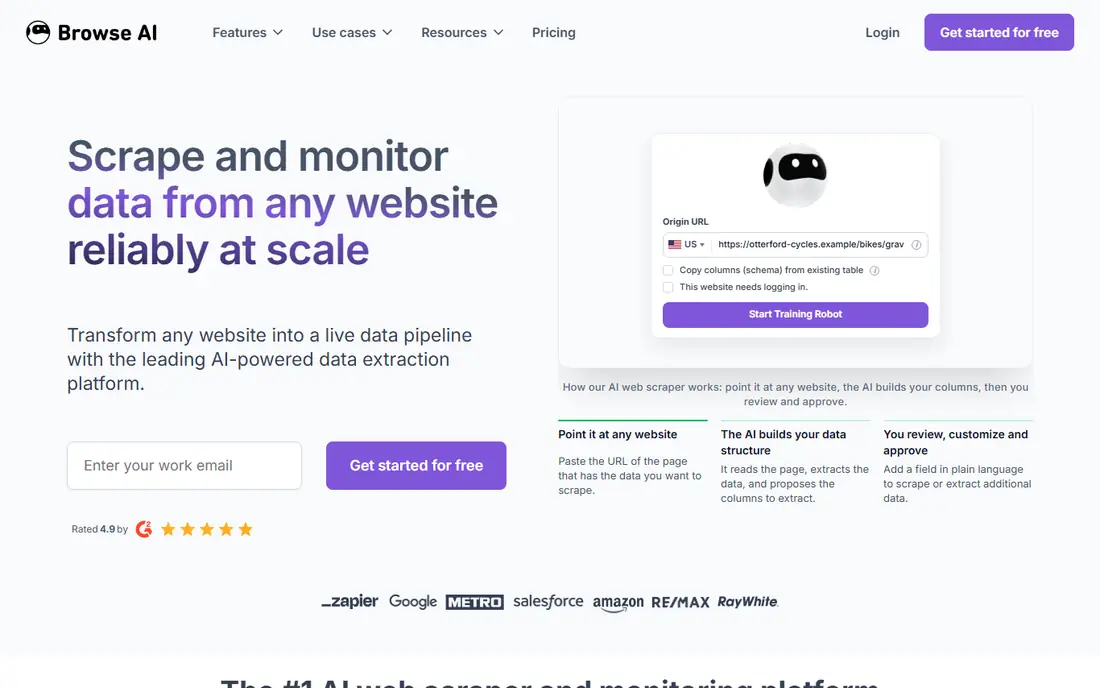
Browse AI is built for a specific job: watch a page or a list, extract the same fields on a schedule, and alert you when something changes. You train a robot by recording clicks and selections on the page, pick a ready-made recipe if one fits, and set a schedule. Results can flow to Google Sheets, Airtable, or other tools through integrations, which makes it popular for price tracking, competitor monitoring, and lead lists that refresh weekly.
The paid plan is listed at $19 per month on annual billing in several published summaries, with a free tier for a small number of websites. The limit to watch is credits and monitored pages, because a long list that updates daily uses more than a short list checked weekly. Browse AI is less suited to building a large, one-off dataset from thousands of pages, where an API platform will be cheaper and faster. For ongoing monitoring by a non-technical team, it is one of the easiest tools to keep running.
What we like- Train a robot by recording actions
- Scheduled monitoring and change alerts
- Direct export to Sheets and other tools
Watch out for- Credit limits need modelling on large lists
- Heavy dynamic sites can need careful training
#5ParseHub
Best for: Visual scraping for complex pages4.3/5 on
G2 (10 reviews, checked Oct 2026)
Visit parsehub.com
Starting price$189 per month
Free planYes
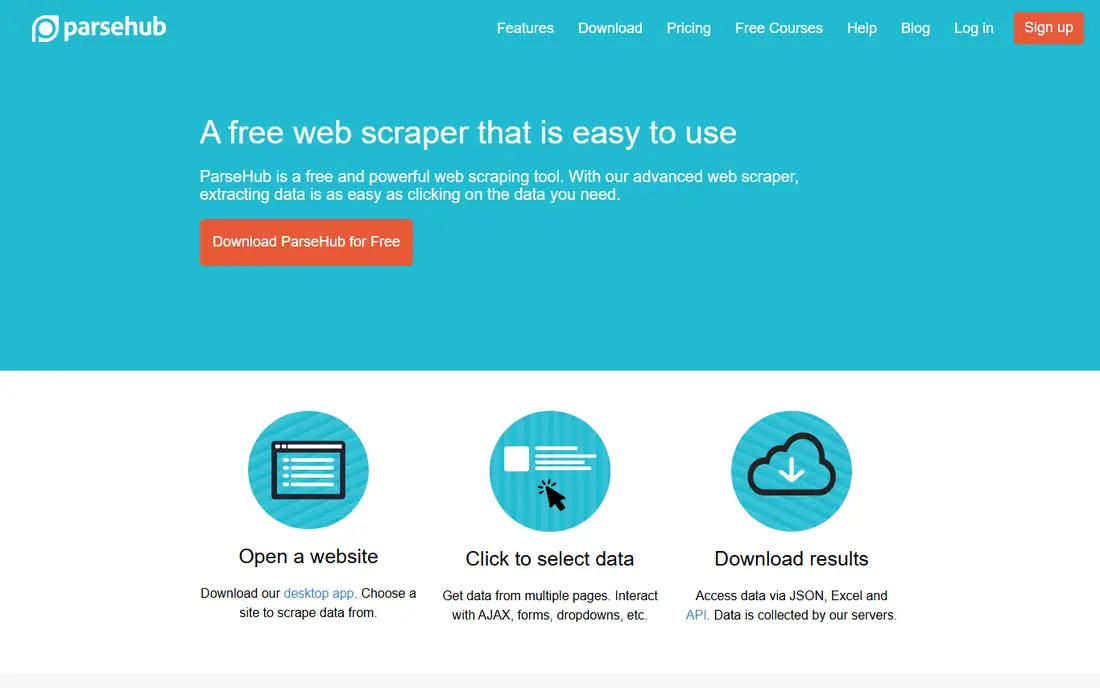
ParseHub is a desktop visual scraper that has been around long enough to handle awkward pages well. You click elements to build an extraction project, and it can follow links, handle dropdowns and forms, deal with login sessions, and work through infinite scroll. That makes it a good choice for research and analyst teams that need data from a site with complex navigation but do not want to write and maintain code for it.
The free tier covers a small number of public projects with a page limit per run, which is fine for learning and small jobs. Paid plans, with published summaries putting the starting paid tier at $189 per month, add scheduling, IP rotation, and API access. That jump means ParseHub is not a cheap casual tool, and buyers should confirm that scheduling and rotation are included in the plan they pick, not just in a higher tier. For complex, recurring visual scraping, the control is worth the price; for simple lists, Browse AI or Octoparse may cost less.
What we like- Visual builder for complex navigation
- Handles login, forms, and infinite scroll
- API and scheduled runs on paid plans
Watch out for- Paid scheduling and IP rotation sit on higher plans
- Price jumps sharply from the free tier
#6ScrapingBee
Best for: Simple scraping API for developers4.8/5 on
G2 (25 reviews, checked Oct 2026)
Visit scrapingbee.com
Starting price$49 per month
Free planFree trial
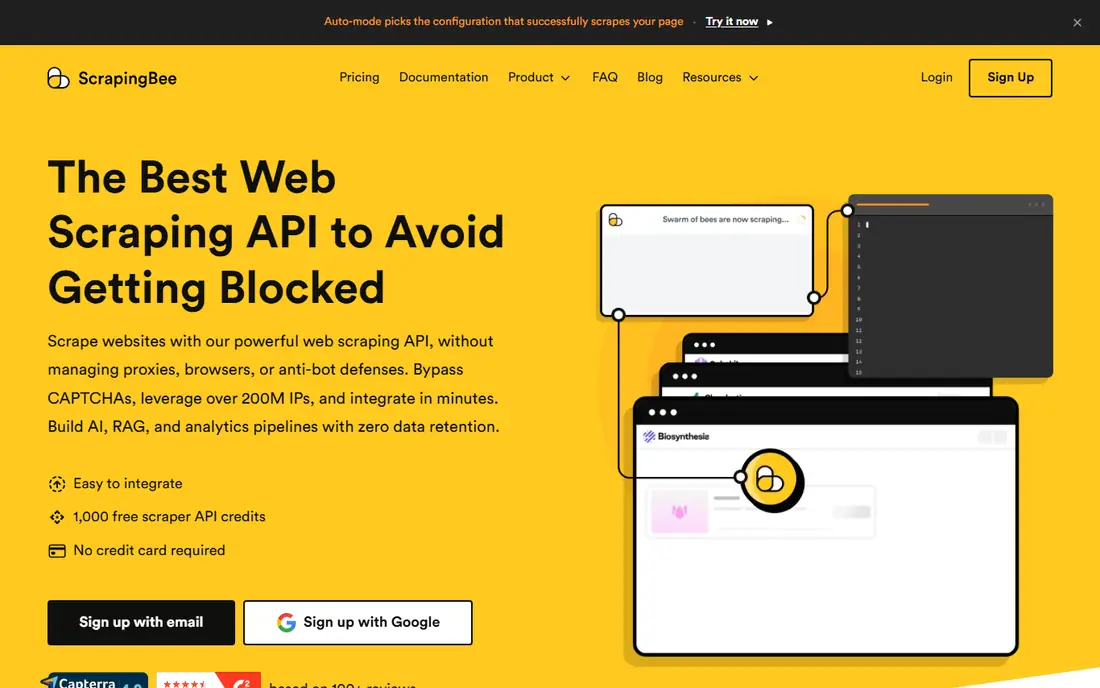
ScrapingBee gives developers a straightforward API: send a URL, get back HTML or extracted data, and let the service handle proxies, headless browsers, and JavaScript rendering. That simplicity is the point. A developer building a price checker, a content monitor, or a small research pipeline can start with a few lines of code and avoid managing proxy pools or browser farms. Published summaries put the starting paid plan at $49 per month, with trial credits for testing.
The cost catch is rendering. Simple requests are cheap, but stealth proxies and JavaScript rendering consume far more credits per request, so a job that needs both can cost several times the headline estimate. ScrapingBee fits teams that want one endpoint and predictable code, not the lowest possible cost per page at enterprise scale. If your volume is very large or your targets are heavily protected, compare Bright Data or Zyte before committing.
What we like- Single API endpoint with proxy and rendering handling
- Clear credit model for simple jobs
- Good documentation for Python users
Watch out for- Stealth rendering uses many credits per request
- Not the cheapest choice for very large volumes
#7Bright Data
Best for: Large-scale collection on protected sites4.6/5 on
G2 (272 reviews, checked Oct 2026)
Visit brightdata.com
Starting priceSee website
Free planFree trial
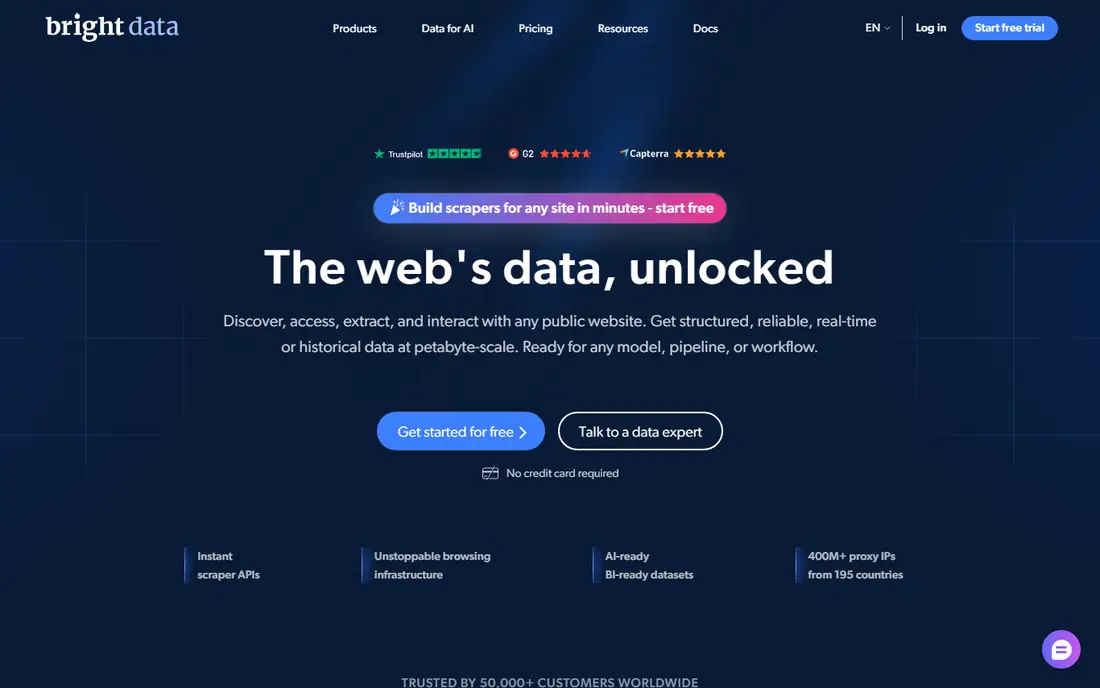
Bright Data is the infrastructure choice for large scraping operations. It runs a large residential proxy network, a Web access product that handles bot checks and rendering, a Scraping Browser for browser-based jobs, and ready-made datasets for common use cases. Enterprises use it when a target site blocks datacenter IPs, when data must arrive at high volume and high success rates, and when compliance controls and audit trails matter to legal and security teams.
That power comes with enterprise pricing and complexity. Published summaries note per-product minimums and pay-as-you-go charges for bandwidth and successful requests, so a small project can quickly become an enterprise conversation. Bright Data also sells several products that overlap, so buyers should name the exact product, such as the Web access product or the Scraping Browser, when they ask for a quote. For a small job, it is overkill. For a production pipeline on hard targets, it is often the tool that keeps working when simpler APIs fail.
What we like- Very large proxy network and access tools
- Prebuilt datasets and scraping browser
- Compliance and enterprise controls
Watch out for- Enterprise pricing with per-product minimums
- Product range can confuse new buyers
#8Diffbot
Best for: Structured data from any page by AI4.9/5 on
G2 (29 reviews, checked Oct 2026)
Visit diffbot.com
Starting priceSee website
Free planFree trial
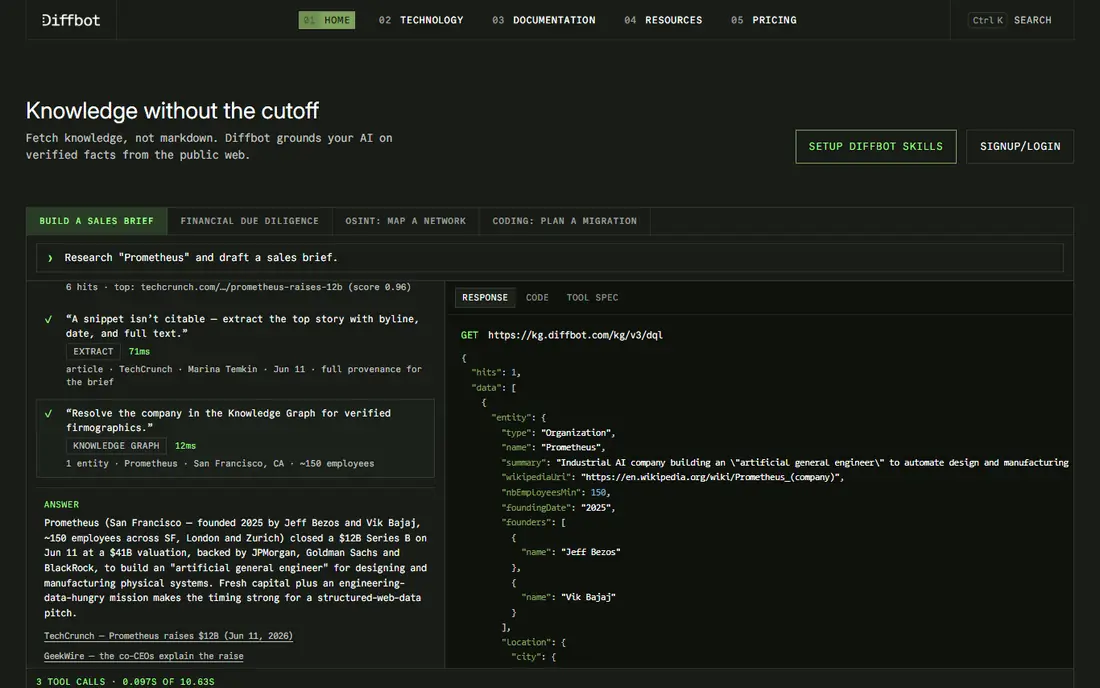
Diffbot takes a different approach from most scrapers: instead of configuring a rule for each site, its AI reads a page and returns structured data, such as article text, product details, or discussion content. That makes it useful when you need data from many different sites and cannot maintain a scraper for each one. Its Knowledge Graph also lets teams query entities, companies, and facts drawn from across the web, which suits research, market intelligence, and AI training data work.
Pricing is custom, with a free trial for testing, so buyers need a quote based on volume and product. The trade-off for automatic extraction is control: a hand-built scraper can be tuned for a niche layout in ways Diffbot may not match, and output fields need checking on your own target pages. If your job is broad web extraction at scale, Diffbot saves a lot of maintenance. If your job is one site with a fixed layout, a cheaper API or visual tool may do the same work for less.
What we like- Automatic extraction without per-site rules
- Knowledge Graph for entities and facts
- Strong fit for research and AI datasets
Watch out for- Custom pricing
- Less control than a hand-built scraper for niche layouts
#9Zyte
Best for: Pay-per-success extraction at scale4.4/5 on
G2 (122 reviews, checked Oct 2026)
Visit zyte.com
Starting priceSee website
Free planFree trial
Zyte grew out of the Scrapy open-source project, and it still suits engineering teams that want control over extraction at scale. Its API and automatic extraction products handle proxies, rendering, and bot checks, and its pay-per-success model on some products means failed requests do not consume your budget in the same way as credit models elsewhere. That detail matters on hard targets, where retry rates can otherwise inflate the bill.
Zyte pricing is not a single number: it varies by product, from low per-thousand-response rates for simple HTTP extraction to higher rates for browser-based work, with a trial credit for testing. Developers will get the most from it, especially teams already familiar with Scrapy or building a data pipeline. Non-technical buyers will find Octoparse or Browse AI easier to start with, and should only choose Zyte if they have engineering help to run it.
What we like- Pay only for successful responses on some products
- Strong Scrapy heritage and engineering support
- Automatic extraction for common page types
Watch out for- Pricing varies widely by product
- Needs developer skill to get full value
How we chose
We compared pricing pages, product documentation, and public reviews on G2, Capterra, and Reddit, and we kept only tools that extract data from websites as a core job, not general automation tools with a scraping feature. Each tool was judged on output quality, anti-bot handling, scheduling and export options, pricing clarity, and fit for a clear buyer, from a solo analyst to an engineering team. Where pricing varied across sources or was not published, we wrote See website rather than presenting an estimate as a vendor price.
A good extraction tool is the one that keeps working on your actual target sites, within a budget you can forecast. Start with that test, not with a feature table.
Match the tool to the job type
One-off lists and monitoring suit no-code tools, while recurring pipelines suit APIs and platforms. If you only need a list once, a free tier or a short paid month may be enough, and a long contract is waste. If you need fresh data every day, scheduling, error handling, and data delivery matter more than a low starting price, because a failed run that no one notices is worse than a slightly higher fee.
Model credits before you pay
Credits, pages, rows, and successful requests are different units, and vendors count them differently. Run a sample of at least 100 real pages, including your hardest site, and record how many credits or requests it used, how many retries occurred, and how clean the output was. Multiply that by your monthly volume, then add a margin for site changes, because layouts change and a scraper that worked in October may need fixing in November.
Plan for legal and site rules
Check the target site terms, respect crawl delays, and avoid collecting personal data you do not need. For commercial projects, get legal advice on the specific use, especially for pricing, reviews, or content that may be protected. Keep an export of your extraction settings and a log of runs, so you can explain what you collected and why if a site owner or a client asks.
Frequently asked questions
What is web data extraction?
It is the process of pulling structured information, such as prices, product details, job listings, or article text, from websites into a usable format such as CSV, JSON, or a database. Tools do this by reading page structure, rendering JavaScript, or using AI to identify the right fields.
Is web scraping legal?
Scraping public data is often lawful, but it depends on the site terms, the data involved, and local privacy law. Collecting personal data, bypassing access controls, or violating terms for commercial gain can create legal risk, so get advice for commercial use rather than relying on a general answer.
Do I need to know how to code?
No, for many jobs. Octoparse, ParseHub, and Browse AI let you build extractions visually, while Apify, Firecrawl, ScrapingBee, Bright Data, and Zyte are built for developers. Choose based on who will maintain the job, not just who sets it up first.
Why do some scrapers get blocked?
Sites detect rapid requests, datacenter IPs, missing browser signals, and repeated patterns. Good tools rotate IPs, render JavaScript, and manage request rates, but no tool guarantees access to every site, and heavily protected sites may still block automated access.
How do I choose between a no-code tool and an API?
Use a no-code tool when a person will run and check the job, and the volume is modest. Use an API when data must flow into another system on a schedule, when volume is large, or when you need to handle many sites with code. Many teams use both: a visual tool for exploration and an API for production.
What export formats should I expect?
Most tools export CSV, Excel, and JSON, and many offer Google Sheets, webhooks, or a direct API. Check that the format keeps the fields you need, such as price, date, and source URL, and that scheduled exports do not overwrite past data without a version history.
Sources we checked (9)
- https://www.octoparse.com
- https://www.apify.com
- https://www.firecrawl.dev
- https://www.browse.ai
- https://www.parsehub.com
- https://www.scrapingbee.com
- https://www.brightdata.com
- https://www.diffbot.com
- https://www.zyte.com
Is your product missing or out of date?
We review this list regularly. Vendors can request a listing, send updated pricing or ask about featured placement.

Shihab Mia · Founder, Rankite
Shihab has 5+ years in B2B and SaaS SEO. He writes Rankite's software buying guides from pricing pages, documentation and public user reviews. More about Shihab.