How we make this list: we compare pricing pages, product documentation and public user reviews. Ratings come from G2, Capterra or Trustpilot, with the date we checked them.
Key takeaways
- Otter leads for meetings, with live transcription, AI summaries, action items, and a free Basic plan.
- Rev leads for accuracy-critical work, with AI transcription at 0.25 dollars per minute and human transcription at 1.99 dollars per minute at 99 percent plus guaranteed accuracy.
- Speechnotes leads on free dictation value, with a free online notepad and transcription at 0.10 dollars per minute.
- Descript leads for creators, turning transcripts into video and audio edits by editing text.
- Google Docs Voice Typing, Word Dictate, and Apple Dictation are free built-ins that cover everyday dictation without a new subscription.
Quick comparison
Is your product missing or out of date?
We review this list regularly. Vendors can request a listing, send updated pricing or ask about featured placement.
The best voice to text apps

#1Otter
Best for: Meetings4.4/5 on
G2 (495 reviews, checked Oct 2026)
Visit otter.ai
Starting price$19.99 per month
Free planBasic free
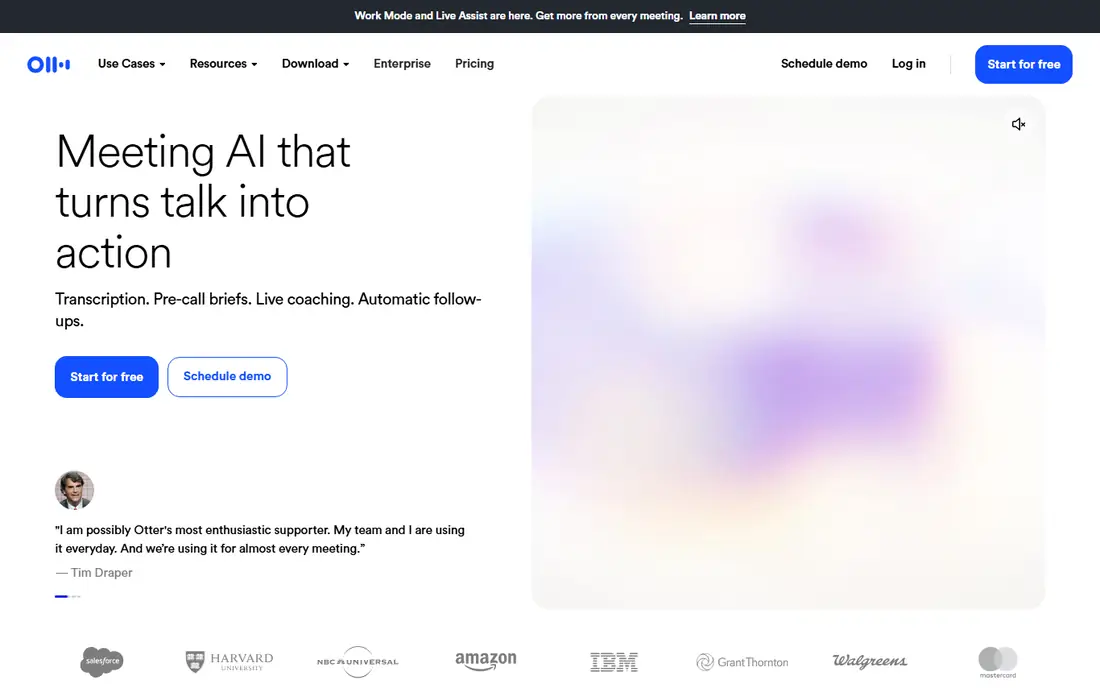
Otter is an AI meeting agent that captures conversations from Mac, Windows, mobile, or browser, turning every meeting into a clear summary with decisions, action items, and insights. Live transcription shows words as they are spoken with speaker recognition, while Otter AI Chat answers questions across meetings and connected apps and helps create follow-ups and reports. Bot-free desktop recording keeps meetings clean, and sales teams get live coaching, automated action items, and CRM sync. Users report saving over four hours weekly. Otter suits professionals who live in meetings and need searchable notes.
What we like- Live transcription with speaker recognition in multiple languages
- AI summaries with decisions and action items
- Otter AI Chat searches across meetings and apps
- Bot-free desktop recording
- Pre-call briefings and live-assist coaching
- CRM sync for sales insights
- Basic plan free forever with unlimited meetings
- Business at 19.99 dollars per month per user with 6,000 monthly minutes
Watch out for- Business minutes cap at 6,000 per month
- Enterprise pricing needs a sales call
- Accuracy depends on audio quality and accents

#2Rev
Best for: Accuracy-critical work4.7/5 on
G2 (621 reviews, checked Oct 2026)
Visit rev.com
Starting price$0.25 per minute
Free planFree plans
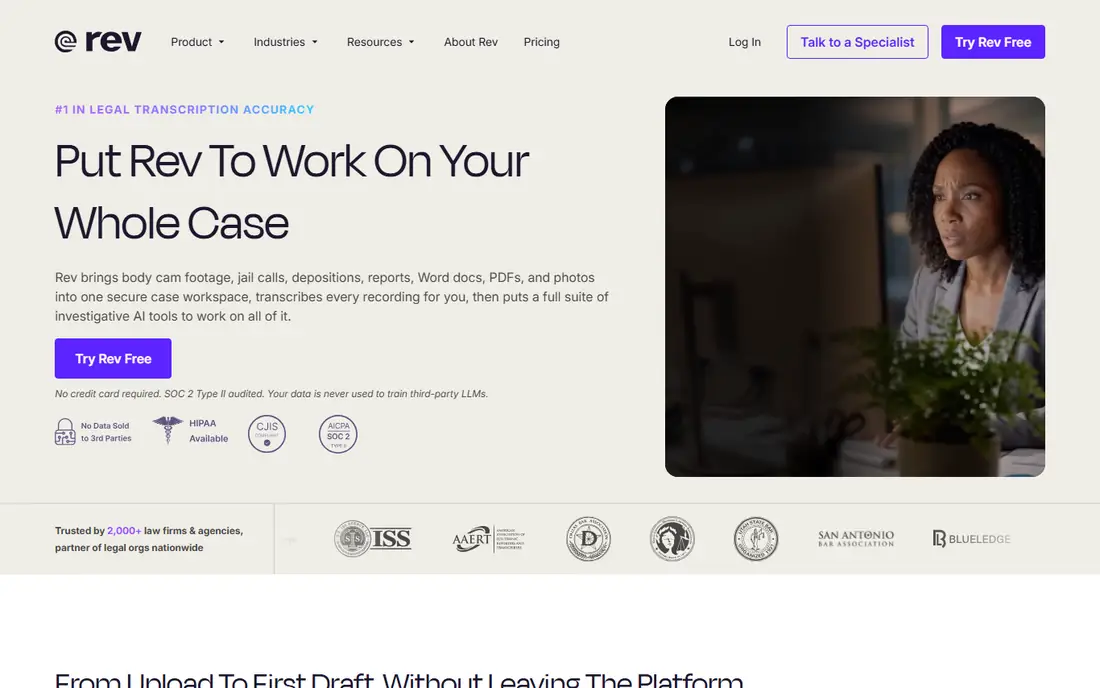
Rev has evolved into an investigative intelligence and legal transcription platform, but its transcription core remains strong for any accuracy-critical work. AI transcription starts at 0.25 dollars per minute, human transcription at 1.99 dollars per minute with 99 percent plus guaranteed accuracy, and every recording becomes timestamped and searchable to the second with citations back to the source. Files upload from device, Dropbox, Box, Google Drive, OneDrive, or URL, and the mobile app records and transcribes in the field. Rev suits lawyers, journalists, and researchers whose transcripts must hold up.
What we like- AI transcription from 0.25 dollars per minute
- Human transcription at 1.99 dollars per minute with 99 percent plus guaranteed accuracy
- 37 plus languages for AI transcription
- Searchable, citable transcripts with timestamps
- Mobile app for field recording
- SOC 2 Type II audited with GDPR compliance
- Subscription plans from free to 59.99 dollars per seat per month
Watch out for- Platform now centers on legal and investigative work, so general users may find the positioning narrow
- Human transcription takes under 12 hours rather than instant

#3Notta
Best for: AI meeting notes4.3/5 on
G2 (347 reviews, checked Oct 2026)
Visit notta.ai
Starting priceSee website
Free planFree plan
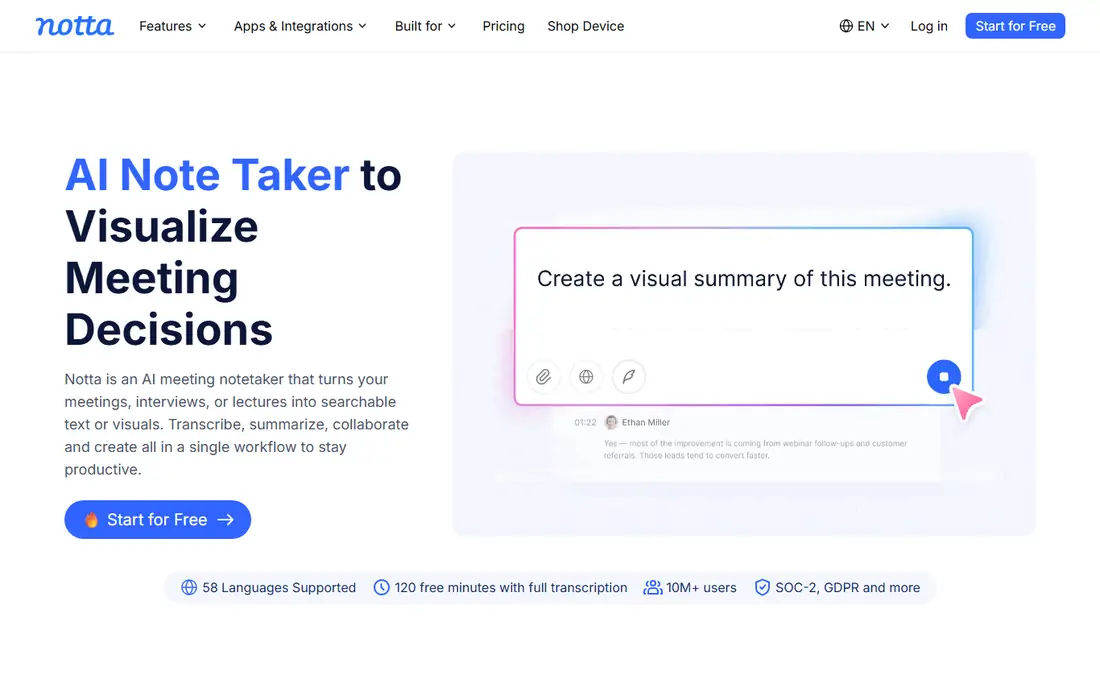
Notta turns recordings into minutes, summaries, and presentation drafts automatically, cutting post-meeting work from hours to minutes. The platform serves sales, recruiting, education, and medical teams, turning conversations into searchable knowledge with decisions and next actions preserved alongside original statements. Recognition accuracy reaches 98.86 percent in clear, formal meetings, though noisy environments lower accuracy. The free plan covers 120 minutes per month, and security includes SOC 2 and ISO 27001 certification. Notta suits teams that want meeting notes, summaries, and follow-ups in one automated flow.
What we like- AI transcription with automatic minutes, summaries, and to-do items
- 98.86 percent recognition accuracy claimed for clear, formal meetings
- Free plan with 120 minutes per month
- SOC 2 and ISO 27001 certified
- 50 percent education discount
- AI voice recorder hardware option
- 15 million plus users and 5,000 plus companies
Watch out for- Homepage loaded in Japanese in our check, so US pricing needs confirmation on the English site
- Free plan limits each transcription to 3 minutes
Starting priceSee website
Free planFree plan
Descript is an AI video and audio editor that lets users edit by editing text: record or upload, get an instant transcript, then cut, trim, and rearrange the video by changing the transcript. Deleting a word deletes that moment of video, and moving a sentence moves the footage with it. Studio Sound removes background noise and enhances voice in one click, while Underlord, the AI video agent, turns raw recordings into tight cuts. Enterprise teams at Amazon, Canva, and Salesforce use Descript, and a free plan covers recording, editing, and publishing. Descript suits podcasters, video creators, and teams turning recordings into polished content.
What we like- Instant transcripts for any recording
- Edit video and audio by editing text
- Studio Sound noise removal and voice enhancement
- Underlord AI video editor
- Clips, B-roll generation, and publishing in one place
- Free plan with no credit card required
- SOC 2 Type II certified with GDPR compliance
- 4.6 out of 5 on G2 from 837 reviews
Watch out for- Homepage shows no pricing table
- Video focus may outweigh pure dictation needs
- Advanced AI features need paid plans
Starting price$1.90 per month
Free planFree dictation
Speechnotes offers free speech-to-text dictation through an online notepad that works entirely in Chrome with no download, install, or registration, plus transcription of audio and video files at 0.10 dollars per minute. Voice commands handle punctuation and formatting, automatic capitalization cleans drafts, and the Chrome extension brings voice typing to any form or text box, including Gmail. Transcription adds speaker tagging, timestamps, captions, and AI summaries, with HIPAA-compliant handling, no human in the loop, and automatic deletion after completion. Speechnotes suits writers, students, and professionals who want free dictation and cheap transcription.
What we like- Free online dictation notepad with no download, install, or registration
- Voice commands for punctuation and formatting
- Automatic capitalization
- Transcription at 0.10 dollars per minute pay as you go
- Speaker diarization, timestamps, captions, and AI summaries
- Chrome extension for voice typing anywhere
- Android app with 5 million plus downloads
- HIPAA compliant transcription with no human in the loop and automatic deletion
Watch out for- Dictation runs in Chrome only for the web notepad
- Free dictation includes ads
- Accuracy in English reaches about 95 percent for good quality dictation, not higher
Starting priceFree
Free planFree
Google Docs Voice Typing lets users type and edit with their voice in Google Docs and in Slides speaker notes and captions, free with a Google account. Open a document, click Tools then Voice typing, click the microphone, and speak clearly at a normal pace, adding punctuation by voice and correcting mistakes without turning off the microphone. Dozens of languages and accents are supported, and gray-underlined words offer alternative suggestions on right-click. The browser controls the speech-to-text service and determines how speech is processed. Google Docs Voice Typing suits Docs users who want free, built-in dictation without a new tool.
What we like- Free inside Google Docs and Slides speaker notes
- Works in Chrome, Edge, and Safari
- Voice commands for editing and formatting
- Dozens of languages and accents
- Suggestions for uncertain words
- No new app or subscription
Watch out for- Browser controls the speech service and its privacy terms
- Voice commands work in English only
- Needs a microphone and supported browser
- Administrators can disable it in organizations
Starting priceSee website
Free planWith Microsoft 365
Microsoft Word Dictate brings voice typing directly into Word: go to Home then Dictate, wait for the microphone icon to turn on, and speak, inserting punctuation by saying it explicitly and fixing mistakes with suggestions or keyboard without stopping dictation. Settings cover auto-punctuation, voice commands, and spoken language, with supported languages including English, French, German, Italian, Spanish, Chinese, and Japanese, plus preview languages like Danish, Dutch, Finnish, and Swedish. Without a Microsoft 365 subscription, Windows key plus H offers Windows voice typing inside Word instead. Word Dictate suits Microsoft 365 users who draft and edit in Word daily.
What we like- Built into Word for Microsoft 365 on Windows, Mac, and web
- Home then Dictate with Alt plus backquote shortcut on Windows
- Auto-punctuation and voice commands
- Multiple languages with preview languages
- Fix mistakes without turning off the mic
- Windows key plus H fallback for Windows voice typing
Watch out for- Dictate button needs a Microsoft 365 subscription and internet connection
- Preview languages may have lower accuracy or limited punctuation
- Accuracy varies with accent and noise
Starting priceFree
Free planFree
Apple Dictation lets Mac users dictate text anywhere typing works: place the cursor, press the microphone key or choose Edit then Start Dictation, and speak when the cursor pulses or the tone sounds. Say punctuation names, emoji names, new line, or new paragraph, and supported languages add automatic commas, periods, and question marks, with auto-punctuation switchable in Keyboard settings. On Apple silicon Macs, typing continues during dictation without stopping it, and multiple languages switch from the feedback window. Apple Dictation suits Apple users who want free, system-wide dictation without installing anything.
What we like- Free and built into Mac, iPhone, and iPad
- Dictate anywhere text can be typed
- Microphone key or Edit then Start Dictation
- Auto-punctuation in supported languages
- Emoji by voice
- Type while dictating on Apple silicon Macs
- Multiple languages with easy switching
Watch out for- Server-based dictation sends words to Apple servers unless on-device dictation is used
- Voice Control cannot run at the same time as keyboard dictation
- Accuracy depends on microphone and environment
How we chose
We opened each homepage and compared dictation versus transcription focus, accuracy claims, pricing, language support, and privacy handling. Google Docs Voice Typing, Word Dictate, and Apple Dictation were verified through their official support documentation. Notta's homepage loaded in Japanese in our check, so its US pricing is recorded as "See website" rather than converted from yen figures.
How to pick the right voice to text app
Start with the task. For live meetings, Otter and Notta capture, summarize, and assign actions. For recordings that must be exact, Rev's human transcription at 99 percent plus accuracy is the safe choice. For writing by voice, Speechnotes is free, while Google Docs, Word, and Apple built-ins cover users already inside those ecosystems. For creators, Descript turns transcripts into finished video and audio.
Then mind privacy and consent. Dictation services may send audio to cloud servers, and recording other people without consent can violate state wiretapping laws and company policy. Tell meeting participants when transcription runs, check retention and deletion settings, and prefer on-device dictation or HIPAA-compliant services for sensitive material. Finally, always proofread: even 95 to 99 percent accuracy leaves errors in names, numbers, and technical terms, and a quick review pass protects the final document.
Frequently asked questions
What is the best voice to text app?
Otter leads for meetings, Rev for accuracy-critical transcripts, Speechnotes for free dictation, and Descript for creators. Built-ins from Google, Microsoft, and Apple cover everyday dictation free.
Is there a free voice to text app?
Yes. Speechnotes dictation is free, Google Docs Voice Typing is free, Apple Dictation is free, Otter offers a free Basic plan, and Descript offers a free plan.
How accurate is voice to text?
Accuracy depends on audio quality, accent, and vocabulary. Speechnotes claims about 95 percent for good quality English dictation, Notta claims 98.86 percent for clear formal meetings, and Rev guarantees 99 percent plus for human transcription.
Can I dictate in Google Docs for free?
Yes. Open a document in Chrome, Edge, or Safari, click Tools then Voice typing, click the microphone, and speak. Voice commands work in English only.
Does Word have voice typing?
Yes. Word for Microsoft 365 includes Dictate under Home, with auto-punctuation, voice commands, and multiple languages, though it needs a subscription and internet connection.
Is it legal to record and transcribe a meeting?
It depends on consent laws, which vary by state, and on company policy. Tell participants transcription is running and get consent before recording private conversations.
Sources we checked (8)
- https://otter.ai/
- https://www.rev.com/
- https://www.notta.ai/
- https://www.descript.com/
- https://speechnotes.co/
- https://docs.google.com/
- https://www.microsoft.com/en-us/microsoft-365/word
- https://support.apple.com/en-gb/guide/mac-help/mh40584/mac
Is your product missing or out of date?
We review this list regularly. Vendors can request a listing, send updated pricing or ask about featured placement.

Shihab Mia · Founder, Rankite
Shihab has 5+ years in B2B and SaaS SEO. He writes Rankite's software buying guides from pricing pages, documentation and public user reviews. More about Shihab.
 Descript
 Speechnotes
 Google Docs Voice Typing
 Microsoft Word Dictate
 Apple Dictation