How we make this list: we compare pricing pages, product documentation and public user reviews. Rankite is independent; if a vendor ever pays for a featured spot, that listing is clearly labeled Partner.
Key takeaways
- Voicemod is the safest pick for streamers who want a polished soundboard and steady updates, but the free tier rotates voices daily and the subscription adds up.
- Clownfish Voice Changer and Voxal cover the basics for free, which makes them fine for occasional prank calls, though the effects sound less natural than paid AI tools.
- Dubbing AI and Voice.ai lead the AI side with very low latency and large voice libraries, at the cost of heavier CPU or GPU load and a subscription wall around the best voices.
- MorphVOX Pro suits tinkerers who want to design voices from scratch, while MagicMic and HitPaw aim at beginners who want presets that work in minutes.
Your microphone feeds Discord, your game chat or your stream, and the software sits between them, reshaping your voice before anyone else hears it. That is the whole category in one sentence. Some tools do this with classic pitch and modulation effects that have been around for years. Others use AI voice conversion models that sound far more human, with latency low enough that nobody notices a delay.
The choice matters more than it first appears. A lightweight free tool can crackle or cut out mid-sentence, which kills the joke or the character you are playing. A heavy AI app can eat enough CPU to drop your game frames. This guide compares the eight voice changers that are actually worth installing in 2026, covering real-time performance, voice quality, pricing and where each one falls short.
Quick comparison
| Tool | Best for | Starting price | Free plan |
|---|
 Voicemod Voicemod | Streamers and Discord users who want effects plus a soundboard | $6.99 per month | Yes (limited voices) |
 MorphVOX Pro MorphVOX Pro | Advanced users who design custom voices from scratch | See website | Yes (MorphVOX Junior) |
 Clownfish Voice Changer Clownfish Voice Changer | Free system-wide voice effects on Windows | Free | Yes |
 Dubbing AI Dubbing AI | AI voice conversion with very low latency | See website | Yes (free daily voices) |
 Voice.ai Voice.ai | Huge library of community-made voices | See website | Yes |
 MagicMic MagicMic | Hotkey-driven effects across desktop apps | See website | Yes (limited) |
 HitPaw Voice Changer HitPaw Voice Changer | Simple one-click changing for beginners | See website | Yes (limited) |
 Voxal Voxal | Free non-commercial use and offline recordings | Free | Yes (non-commercial) |
Is your product missing or out of date?
We review this list regularly. Vendors can request a listing, send updated pricing or ask about featured placement.
The best voice changer software
#1
Voicemod
Best for: Streamers and Discord users who want effects plus a soundboard
Visit voicemod.net
Starting price$6.99 per month
Free planYes (limited voices)
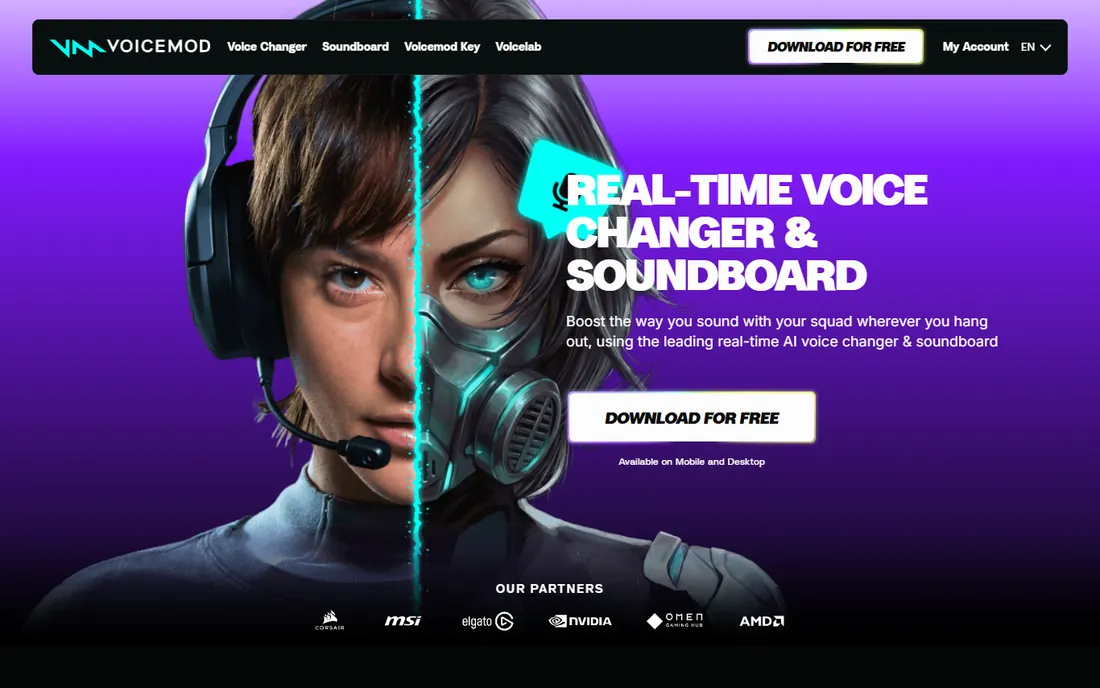
Voicemod has been the default voice changer for streamers for the better part of a decade, and it still holds that position in 2026. The reason is the combination of a huge preset library and a soundboard that plays memes and reactions through the same virtual microphone. Setup takes about five minutes: install the app, select the Voicemod virtual device as your microphone in Discord or OBS, and pick a voice. The Pro tier adds VoiceLab, a tuning panel where you can build voices from effects chains instead of settling for presets.
The honest catch is the pricing model and the free tier. Free users get a rotating selection of voices each day, which is fine for trying the app but annoying if you built a stream persona around a specific one. Performance is another consideration. On a mid-range gaming PC the app is invisible, but on older machines reviewers report CPU spikes that can show up as dropped frames. Voicemod remains the safest pick if you want something maintained, documented and widely supported, as long as you accept the subscription.
What we like- Hundreds of voice presets
- Built-in soundboard
- VoiceLab for custom voices
- Works with Discord, OBS and most games
Watch out for- Free tier rotates voices daily
- Noticeable CPU use on older PCs
- Subscription required for full access
Starting priceSee website
Free planYes (MorphVOX Junior)
MorphVOX Pro is the old craftsman of this list. Where most apps hand you a shelf of finished voices, MorphVOX gives you sliders, EQ-style tuning and voice packs, so you can shape a voice until it matches the character in your head. Its background noise cancellation is genuinely useful if you record in a noisy room, and it integrates with practically any program that accepts a microphone input, from Skype to Steam games.
That depth comes with friction. The interface looks like it was designed years ago, and first-time setup involves more steps than the one-click installers on this list. A free junior version exists for casual use, but the Pro edition is the one with the full tuning kit. Pick MorphVOX if you enjoy tweaking and want a voice nobody else has. Skip it if you want to be funny in Discord within the next ten minutes.
What we like- Deep voice-tuning controls
- Good background noise cancellation
- Voice packs expand the library
- Works across chat and game apps
Watch out for- Dated interface
- Setup is fiddly for beginners
- Pro version is a paid download
Starting priceFree
Free planYes
Clownfish has been around since 2011 and has barely changed, which is both its charm and its limit. It installs at the system audio level, so the voice effect applies to every application on your PC, Discord, TeamSpeak, Skype and anything else with a mic input. The installer is a few megabytes, the CPU impact is close to zero, and there is no account, no subscription and no upsell. It also bundles a sound player for hotkey-triggered clips and a basic text-to-speech assistant.
The effects themselves are simple pitch and modulation presets: robot, alien, male pitch, female pitch, baby pitch and a handful of others. Next to an AI voice changer they sound mechanical, and there is no Mac or Linux version. Still, for a free utility that does one job on Windows without nagging you, Clownfish is hard to beat. Download it only from the official site, since third-party download pages sometimes bundle unwanted software with the installer.
What we like- Completely free
- Tiny resource footprint
- Works in any app that uses a microphone
- Includes a sound player and text-to-speech helper
Watch out for- Basic pitch effects sound artificial
- Windows only
- No AI voices
Starting priceSee website
Free planYes (free daily voices)
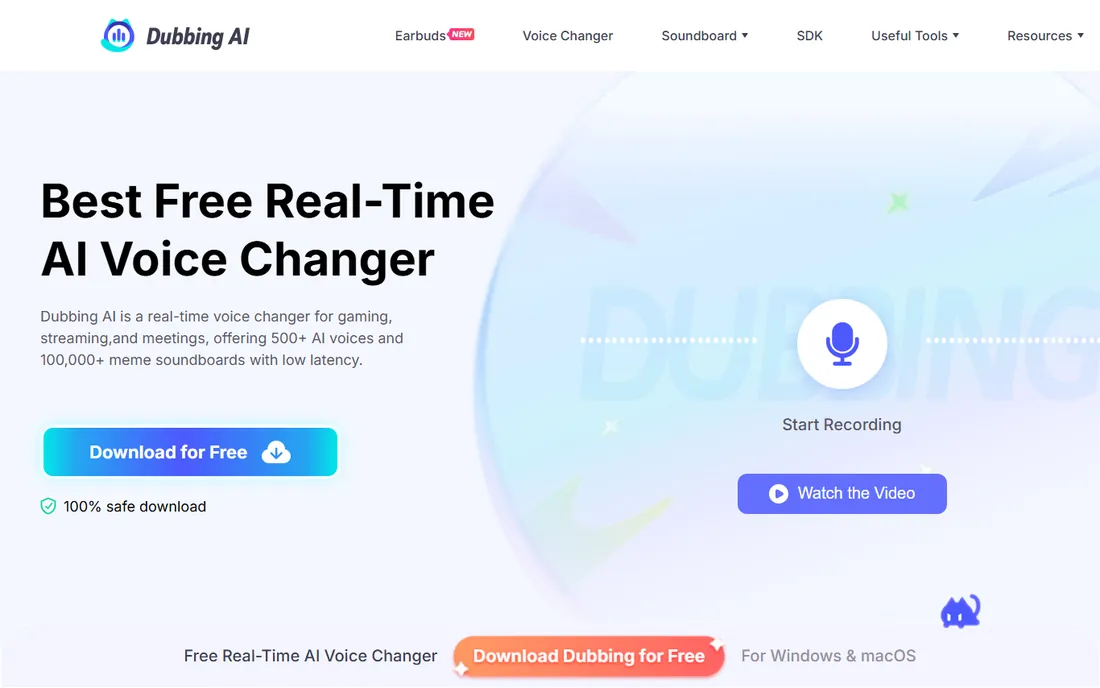
Dubbing AI represents the newer generation of this category: instead of pitch-shifting your voice, it converts it into a different AI voice in real time, with latency marketed in the tens of milliseconds. The voice library covers anime characters, celebrities and game personas, which is exactly the catalogue streamers and VTubers ask for. Processing runs on your device, so it avoids the round trip to a server and keeps resource use low enough for mid-range PCs.
The trade-off is cost and polish. The free tier hands out a limited set of voices each day, and the full catalogue requires a subscription that users describe as expensive. Reviews also flag reliability problems, including accounts getting locked out of paid voices. When it works, the quality is a clear step above the classic effect-based tools. Test it hard during the free period before committing to a plan.
What we like- Sub-50ms style latency
- 500+ AI voices
- On-device processing keeps CPU and GPU load low
- Works across games and chat apps
Watch out for- Best voices sit behind the paywall
- Some users report bugs and access issues after paying
- Desktop-first product
#5
Voice.ai
Best for: Huge library of community-made voices
Visit voice.ai
Starting priceSee website
Free planYes
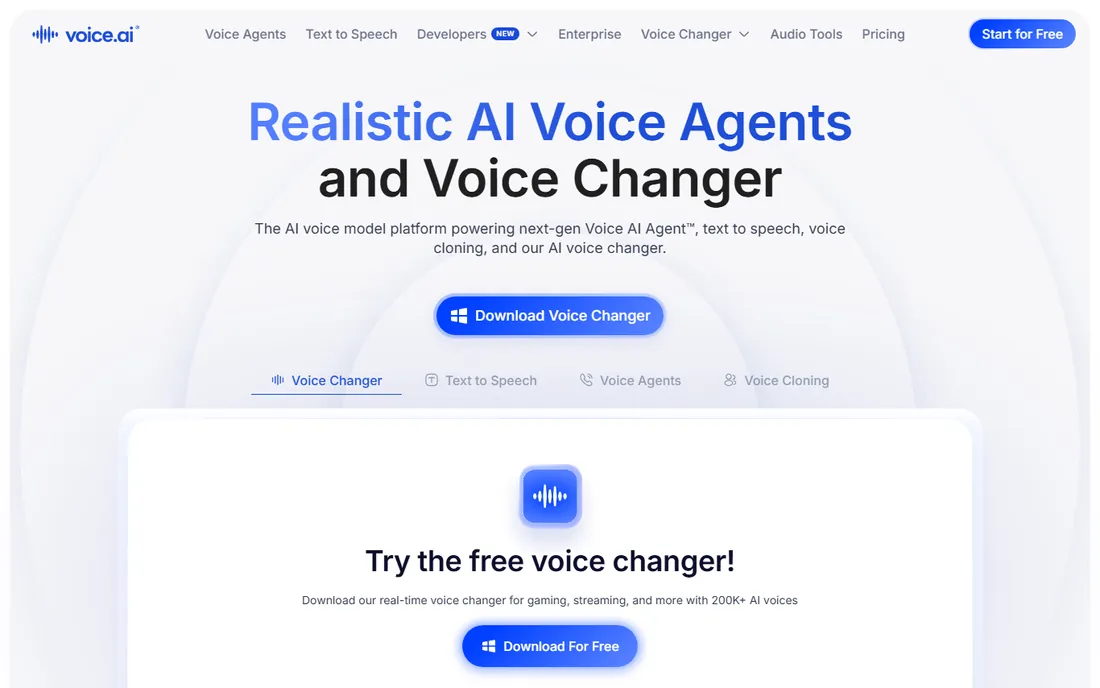
Voice.ai takes a different approach from everyone else on this list: the voice library is built by its own community, so it has grown into the tens of thousands, far beyond what any in-house team could produce. You can pick an existing persona or clone a voice from a sample to build your own, then run it live in Discord, Zoom or games, or record clips in record mode. The free tier is usable for experimentation, with credits earned through the platform.
The catch is hardware and complexity. Real-time AI conversion is demanding, and users on weaker GPUs report stutter. The app also asks more of you at setup than a preset-based changer, from account creation to voice training options. If you want the widest possible voice selection and do not mind spending time configuring it, Voice.ai is unmatched. If your PC is modest, one of the lighter tools will treat you better.
What we like- Tens of thousands of community voices
- Voice cloning for custom personas
- Live mode and record mode
- Mobile app for voice messages
Watch out for- High GPU requirements for smooth real-time use
- Interface takes time to learn
- Paid plans can be pricey
Starting priceSee website
Free planYes (limited)
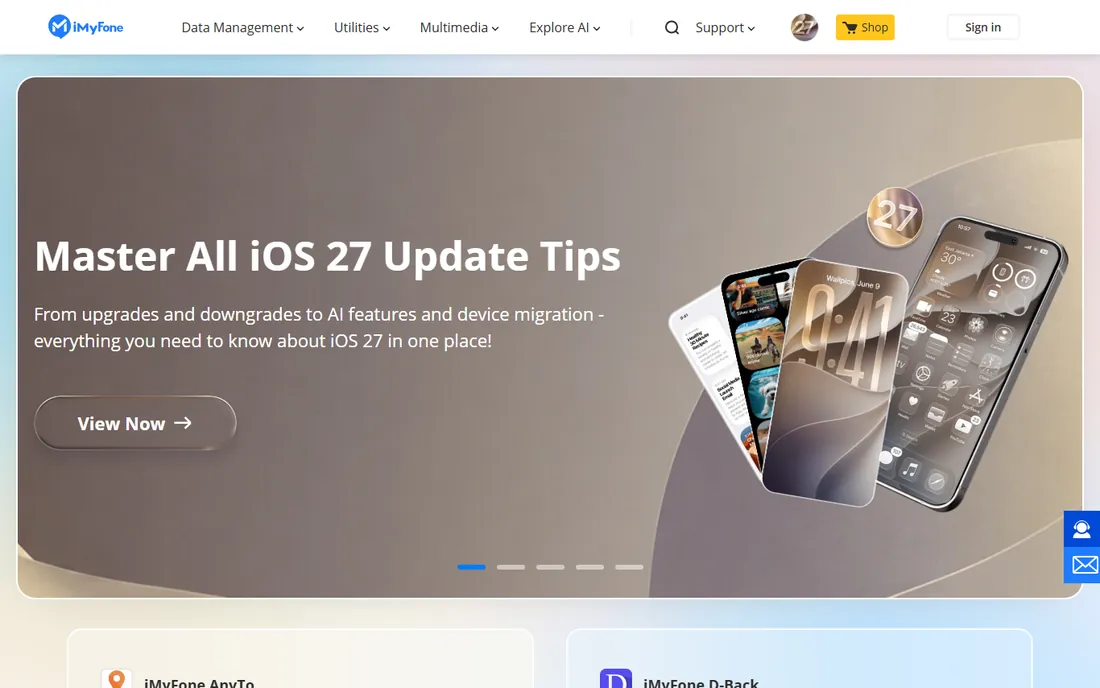
MagicMic by iMyFone targets the streamer workflow directly: change voices and fire soundboard clips with hotkeys without alt-tabbing out of your game. The library leans into entertainment, with celebrity, anime and meme voices alongside the standard robot and chipmunk fare, plus background sound effects you can layer in. A VoiceStudio panel lets you adjust bass, midrange and treble for a custom sound, and the built-in noise reduction cleans up mic input.
The free tier works as a trial but locks the best voices behind a paid plan, and pricing moves around with discount campaigns, so check the checkout page before assuming a number you saw in a review. Some users also report occasional latency hiccups during real-time use. For streamers who live on hotkeys and want Mac support too, MagicMic is a solid mid-range choice between the free utilities and the premium AI apps.
What we like- 200+ voice effects and soundboard sounds
- Hotkey switching during streams
- Noise reduction
- Windows and Mac versions
Watch out for- Free version is limited
- Some users report occasional lag
- Subscription pricing changes with promos
#7
HitPaw Voice Changer
Best for: Simple one-click changing for beginners
Visit hitpaw.com
Starting priceSee website
Free planYes (limited)
HitPaw Voice Changer is built for people who open the app for the first time and want to be talking in a different voice five minutes later. Pick a voice, set the virtual microphone as your input in Discord or Zoom, and you are done. The AI effects sound noticeably more natural than the old pitch-shift presets, and HitPaw keeps adding trending voices, including character and singer-style effects, in regular updates.
There is not much here for power users. The tuning options are shallow compared with MorphVOX or Voicemod Pro, and the free tier is a trial in practice. It is also a younger product, so the community tutorials and integrations are thinner. As a beginner-friendly middle ground between Clownfish and the subscription AI apps, though, it does its job well.
What we like- Very easy setup
- AI voice effects with natural delivery
- Real-time virtual microphone routing
- Regular new voice additions
Watch out for- Limited free tier
- Fewer advanced tuning options
- Newer product with a smaller community
Starting priceFree
Free planYes (non-commercial)
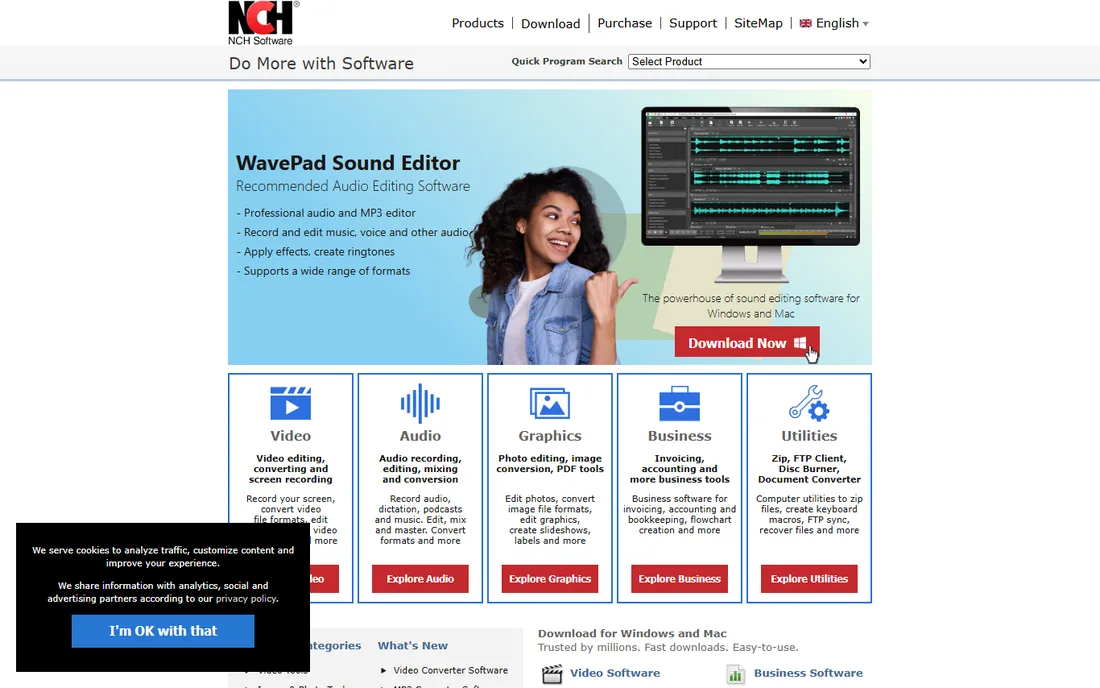
Voxal from NCH Software is the quiet free option that many people overlook. It applies voice effects in real time to any application, and it can also process existing audio files, which makes it useful for podcast intros or recorded prank clips, not just live calls. The footprint is small, setup is quick, and the price for non-commercial use is zero.
Like Clownfish, the effects are old-school: pitch, echo, robot and similar presets rather than AI conversion. The interface has not aged gracefully either. And if you plan to use it for anything commercial, you need a paid license. For a student, hobbyist or home user who wants free voice changing without an account or a subscription, Voxal is a dependable choice.
What we like- Free for home use
- Low CPU usage
- Can process existing recordings
- Works with games, chat apps and recording software
Watch out for- Effects are basic
- Commercial use requires a paid license
- Interface feels dated
How we chose
We compared these tools against vendor documentation, pricing pages, public reviews on G2, Capterra, Reddit and app stores, and roundups published in 2026. We did not run hands-on lab tests. Every tool here exists today, installs on a current Windows PC (several also support Mac), and changes your voice in real time through a virtual microphone. We weighted real-time latency, voice quality, ease of setup, honest pricing and how well each tool fits a specific type of user, from casual prank callers to full-time streamers.
What to check before you download
Latency decides whether a voice changer is usable live. Anything above roughly 100ms starts to feel like talking over a bad phone connection, and your friends will notice before you do. The AI tools on this list advertise latencies in the tens of milliseconds, which is fine, but your own CPU or GPU is part of that number. If your machine is older, a lightweight tool like Clownfish will perform more reliably than an AI converter that stutters.
Check platform support next. Most of these are Windows-first; Mac support is patchy and Linux is rare. If you stream from a Mac, confirm the specific app supports it before you pay. Also check which programs the changer integrates with. All eight work through a virtual microphone, which covers Discord, Zoom, OBS and games, but only some offer native integrations or hotkey control.
Read the free tier terms carefully. Several apps rotate free voices daily or cap usage, which is fine for testing but frustrating as a daily driver. And use these tools with basic courtesy: tell people on a call that your voice is modified if there is any chance of confusion, and never use a cloned or altered voice to impersonate a real person. Some apps now offer an audible watermark for exactly this reason.
Free versus paid voice changers
The free tools on this list, Clownfish and Voxal, cost nothing and change your voice in any app. What they cannot do is sound like a real human. Their effects are pitch shifts and modulation, which are fun for a robot voice but obvious to anyone listening. The paid and freemium AI tools, Dubbing AI, Voice.ai, MagicMic, HitPaw and Voicemod Pro, convert your speech into a different voice entirely, and the difference is dramatic.
Whether that is worth a subscription depends on how often you use it. A streamer who performs in character five nights a week gets real value from a natural-sounding AI voice. Someone who wants a funny voice for a weekend game night does not need to pay anything. The middle path is the free tier of a freemium app, which gives you a taste of AI quality without a card on file, though the rotating or limited voices will eventually push you toward paying.
Frequently asked questions
Do voice changers work with Discord and Zoom?
Yes. Every tool on this list installs a virtual microphone device. You select that device as your microphone inside Discord, Zoom, OBS or your game, and your altered voice is what other people hear. No special integration is required, though some apps add hotkeys or overlays for convenience.
Will a voice changer slow down my games?
It can. Classic effect-based changers like Clownfish use almost no CPU. AI-based changers need more processing power, and on a weak PC that can mean dropped frames or audio stutter. If your machine is older, prefer the lightweight tools or test the AI ones during their free period while monitoring performance.
Are voice changers legal to use?
Using a voice changer for entertainment, streaming or privacy is legal in most places. Problems start when the altered voice is used to deceive, impersonate a real person without consent, or commit fraud. Some platforms are also introducing AI voice detection, so assume your altered voice can be identified. When in doubt, be transparent with the people you are talking to.
What is the difference between a voice changer and a voice cloner?
A voice changer transforms your live speech into a different voice in real time. A voice cloner creates a reusable synthetic copy of a specific voice, usually from a recorded sample, and then generates new speech from text. Changers are for live calls and streams; cloners are for narration, dubbing and voiceovers. They are different products solving different problems.
Can I use a voice changer on my phone?
A few tools offer mobile apps, including Voice.ai, Dubbing AI and MagicMic, though the mobile versions are generally more limited than the desktop software. Some also sell hardware, like Voicemod's pocket device, that processes your voice before it reaches the phone. Check the specific app's mobile features before buying for phone use.
Sources we checked (8)
- https://www.voicemod.net
- https://www.screamingbee.com
- https://clownfish-translator.com
- https://dubbingai.io
- https://voice.ai
- https://www.imyfone.com
- https://www.hitpaw.com
- https://www.nchsoftware.com
Is your product missing or out of date?
We review this list regularly. Vendors can request a listing, send updated pricing or ask about featured placement.

Shihab Mia · Founder, Rankite
Shihab has spent more than a decade helping SaaS and e-commerce brands grow through search. He writes Rankite's software buying guides from pricing pages, documentation and public user reviews. More about Shihab.