How we make this list: we compare pricing pages, product documentation and public user reviews. Rankite is independent; if a vendor ever pays for a featured spot, that listing is clearly labeled Partner.
Key takeaways
- CD ripping is a solved problem: free tools (Exact Audio Copy, fre:ac, XLD) match paid ones on accuracy.
- dBpoweramp Reference is the premium pick for fast, metadata-rich ripping with a 21-day free trial.
- Exact Audio Copy (free, Windows) remains the accuracy benchmark via AccurateRip verification.
- XLD (free, Mac) is the Mac equivalent; fre:ac covers every platform free.
- Rip once to FLAC with AccurateRip verification, then convert copies for other devices.
Quick comparison
| Tool | Best for | Starting price | Free plan |
|---|
 dBpoweramp dBpoweramp | Users who want the fastest premium ripping with the best metadata | See website | Free trial (21 days) |
 Exact Audio Copy Exact Audio Copy | Windows users who want the most accurate free rips | Free | Yes |
 XLD XLD | Mac users who want EAC-grade accuracy | Free | Yes |
 fre:ac fre:ac | Users who want free ripping and conversion on any operating system | Free | Yes |
 Apple Music Apple Music | Apple users who want casual ripping with no new software | Free (included with macOS and Windows app) | Yes |
 MusicBee MusicBee | Users who want ripping inside a full music library manager | Free | Yes |
 Foobar2000 Foobar2000 | Minimalists who want a lightweight free ripper-player | Free | Yes |
 CUETools CUETools | Archivists verifying and repairing existing CD rips | Free | Yes |
Is your product missing or out of date?
We review this list regularly. Vendors can request a listing, send updated pricing or ask about featured placement.
The best software to rip CDs
CD ripping is a solved problem from 2005 that refuses to die, because the problem was never really solved for everyone. Streaming replaced the CD, but it did not replace your shelf of discs: the out-of-print albums, the imports, the live bootlegs that will never appear on Spotify. Ripping them properly (bit-accurate audio, correct metadata, verified against other rips) still requires the right software. These eight are the tools that do it right, seven of them free.
#1
dBpoweramp
Best for: Users who want the fastest premium ripping with the best metadata
Visit dbpoweramp.com
Starting priceSee website
Free planFree trial (21 days)
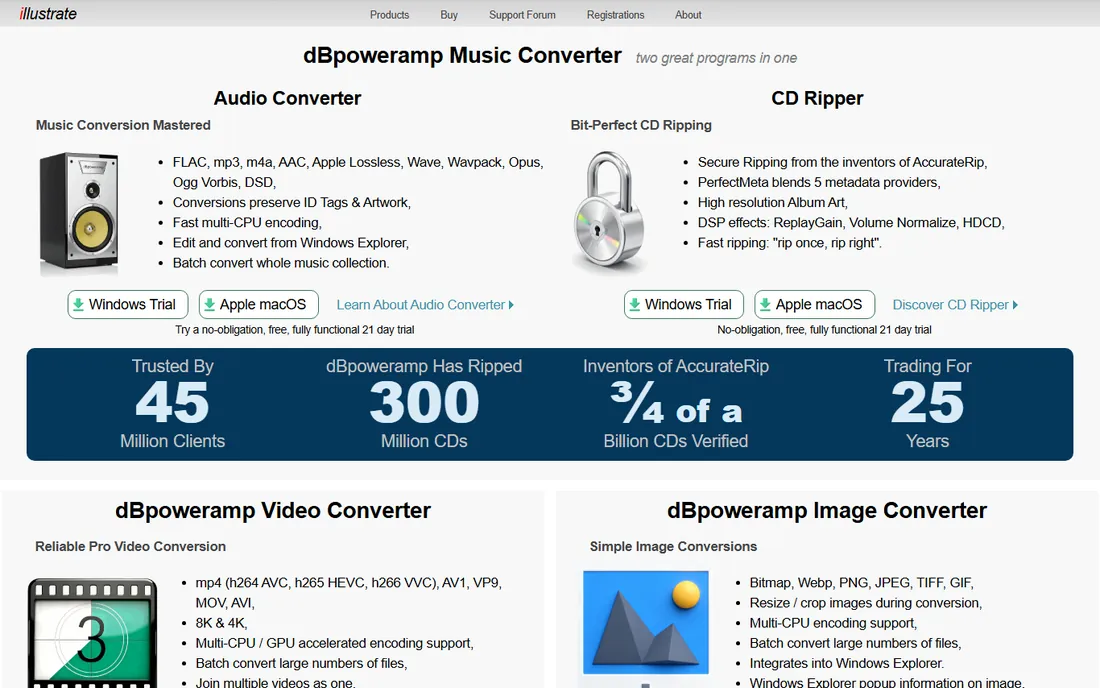
dBpoweramp Reference is the premium CD ripper: it uses all your CPU cores to rip and encode simultaneously, verifies every rip against the AccurateRip database, and its PerfectMeta system aggregates metadata (including album art) from multiple providers so your files arrive correctly tagged. It also bundles a superb batch audio converter, making it a two-in-one archiving station. The 21-day free trial is fully functional.
The honest catch is the price question. Excellent free rippers exist (see below), so dBpoweramp sells speed, metadata quality and convenience rather than accuracy you cannot get elsewhere. Pricing varies by edition, so check the vendor's site. For large collections where ripping speed matters, it earns its keep.
What we like- Multi-CPU encoding rips and converts dramatically faster
- PerfectMeta pulls metadata from multiple sources
- AccurateRip verification
- 21-day free trial
Watch out for- Vendor pricing varies by edition and region, check dbpoweramp.com
- Paid after trial while excellent free options exist
Starting priceFree
Free planYes
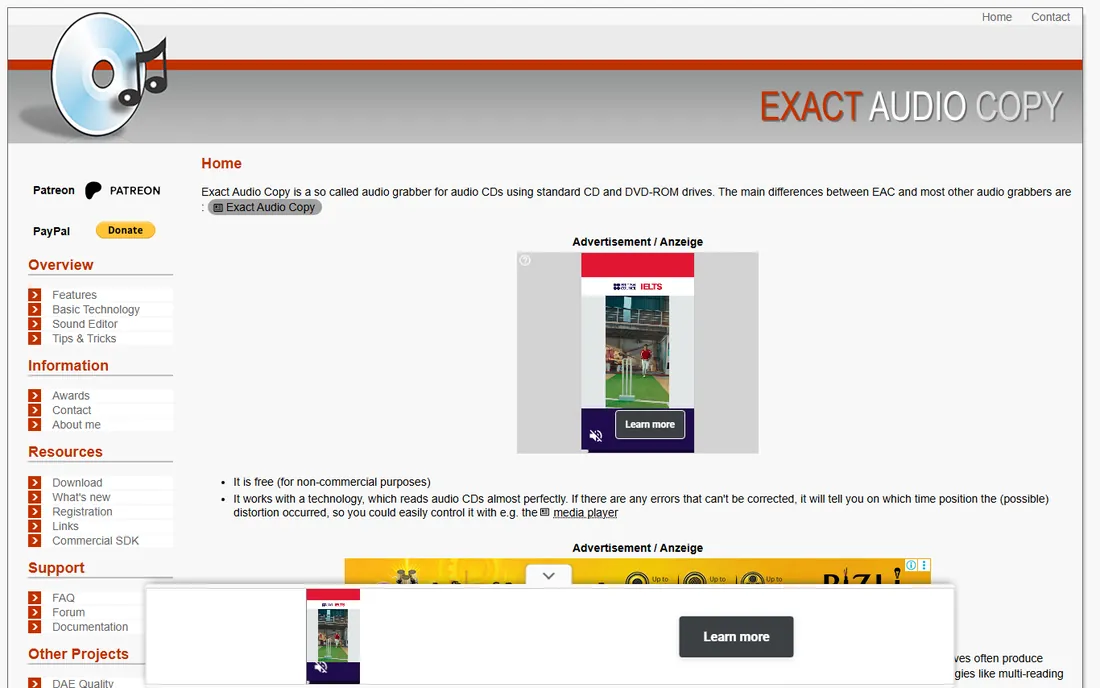
Exact Audio Copy (EAC) is the free ripper audiophiles swear by: its secure mode re-reads questionable sectors until the rip is bit-perfect, and AccurateRip cross-checks your rip against thousands of others to confirm accuracy. It is free, it has been refined for decades, and properly configured it produces rips no paid tool can beat. The community guides for setting it up are exhaustive.
The honest catch is the setup. EAC's interface is a time capsule, and getting the drive settings right takes an hour with a guide. It is Windows-only. But that hour buys you the most trusted free ripping pipeline in existence, and for archival ripping, trust is the whole point.
What we like- The accuracy benchmark: secure ripping with AccurateRip verification
- Free forever
- Enormous guide community for perfect setup
Watch out for- Dated interface
- Setup requires care (drive configuration matters)
- Windows only
Starting priceFree
Free planYes
XLD (X Lossless Decoder) is the Mac's answer to EAC: free, accurate ripping with AccurateRip verification, plus excellent format conversion (FLAC, Apple Lossless, MP3 and more). Mac users historically had weaker ripping options than Windows users; XLD closed that gap. It is donation-supported freeware that does its job quietly and correctly.
The honest catch is the platform and the pace. Mac only, and updates arrive slowly. The interface will not impress anyone. But for the Mac owner with a CD collection and an external drive, XLD is the correct, free, accurate choice.
What we like- Free with AccurateRip verification on Mac
- Handles many formats including FLAC and Apple Lossless
- Can use external drives well
Watch out for- Mac only
- Interface is spare
- Development is slow
#4
fre:ac
Best for: Users who want free ripping and conversion on any operating system
Visit freac.org
Starting priceFree
Free planYes
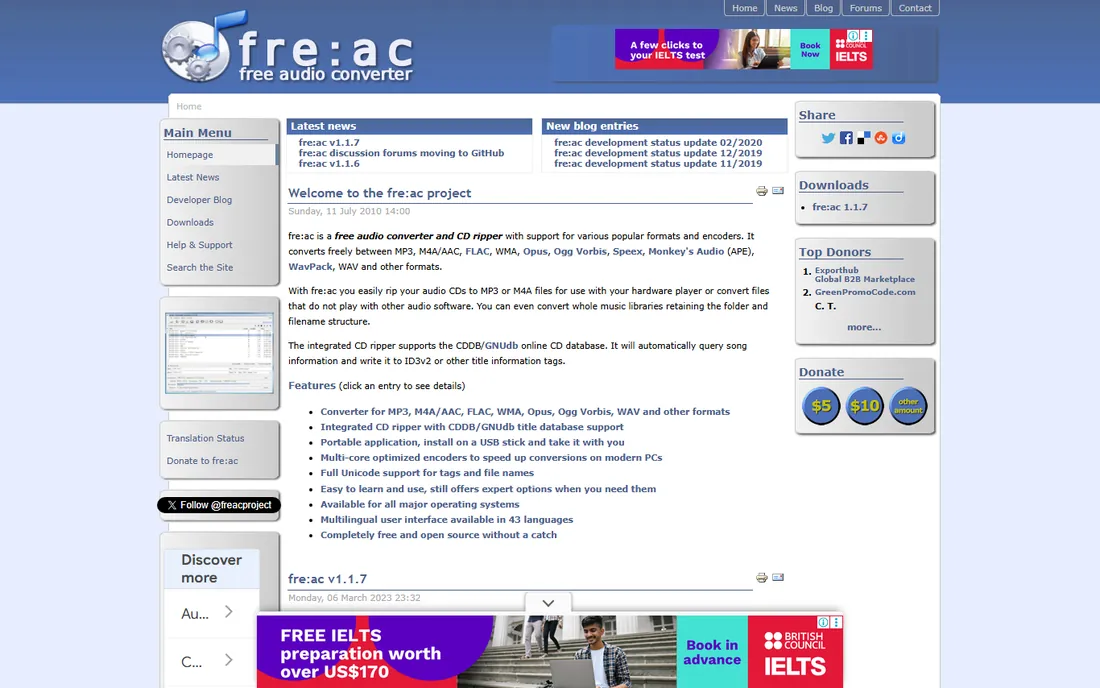
fre:ac is the cross-platform free workhorse: an open-source audio converter with a capable CD ripper built in, running on Windows, macOS and Linux. It supports AccurateRip verification, rips to all major formats, and converts between them with batch processing. For the Linux user or the multi-OS household, it is the obvious free pick.
The honest catch is metadata. fre:ac's freedb-based lookup works but lacks the multi-source richness of dBpoweramp's PerfectMeta, so obscure discs may need manual tagging. The interface is also plain. For straightforward ripping to FLAC with verification, though, it is free and correct.
What we like- Free and open source on Windows, Mac and Linux
- Rips and converts in one tool
- AccurateRip support
- Portable version available
Watch out for- Interface is functional
- Metadata lookup less rich than dBpoweramp's PerfectMeta
#5
Apple Music
Best for: Apple users who want casual ripping with no new software
Visit apple.com
Starting priceFree (included with macOS and Windows app)
Free planYes
Apple Music (the app formerly known as iTunes) still rips CDs: insert a disc, click import, done. For the casual user digitizing a few dozen discs for phone listening, it is the path of least resistance, encoding to AAC or Apple Lossless with metadata from Apple's database. No new software, no configuration.
The honest catch is accuracy. There is no secure ripping, no AccurateRip verification, and error handling is basic; scratched discs may rip with glitches you will never notice until you listen closely. For archival ripping, use EAC, XLD or dBpoweramp. For convenience ripping of clean discs, Apple Music is fine.
What we like- Already installed on Mac (and available on Windows)
- Simplest possible workflow
- Decent AAC and Apple Lossless encoding
Watch out for- No AccurateRip verification
- Limited format choices
- Not for archival-grade ripping
Starting priceFree
Free planYes
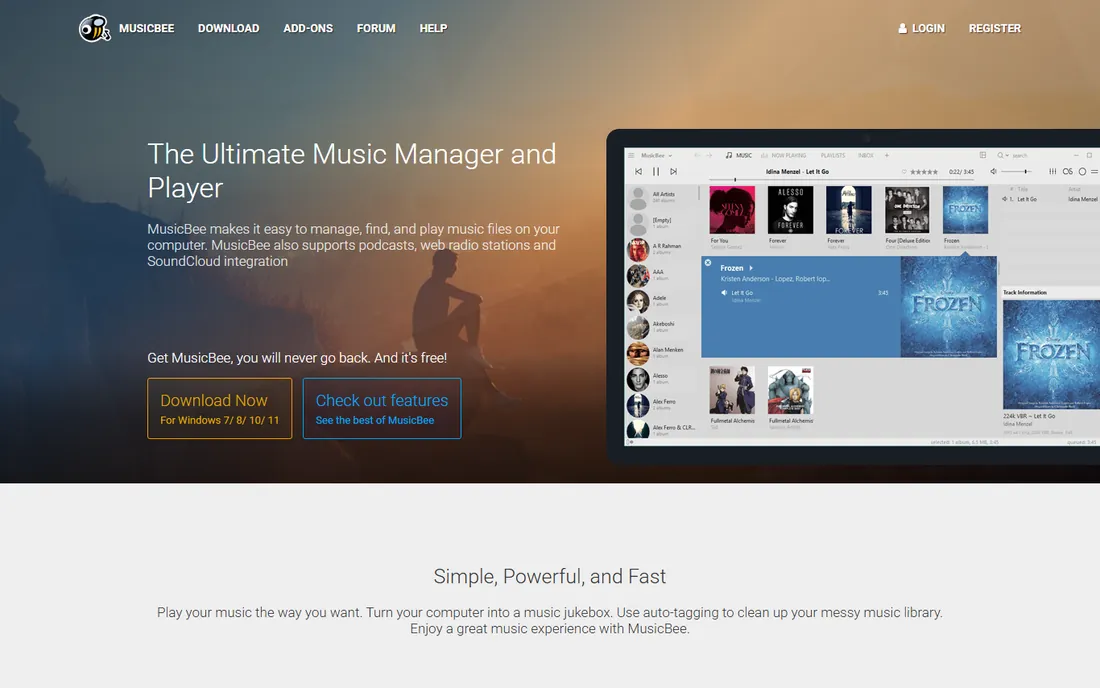
MusicBee is the free music manager that happens to rip CDs well: insert a disc, rip to your format of choice, and the files land directly in your organized library with metadata applied. For the user whose end goal is a tidy local music collection (not just a folder of FLACs), ripping inside the manager eliminates a step. It is free and skinnable.
The honest catch is focus. MusicBee is a library manager first; its ripping is good but not its identity, and it is Windows-only. Archivists who want maximum verification control should use EAC. But for building a listening library from CDs, the integrated workflow is genuinely pleasant.
What we like- Free all-in-one: rip, tag, organize and play
- Excellent library management
- AccurateRip support via plugins
Watch out for- Windows only
- Ripping is one feature among many
- Interface density
Starting priceFree
Free planYes
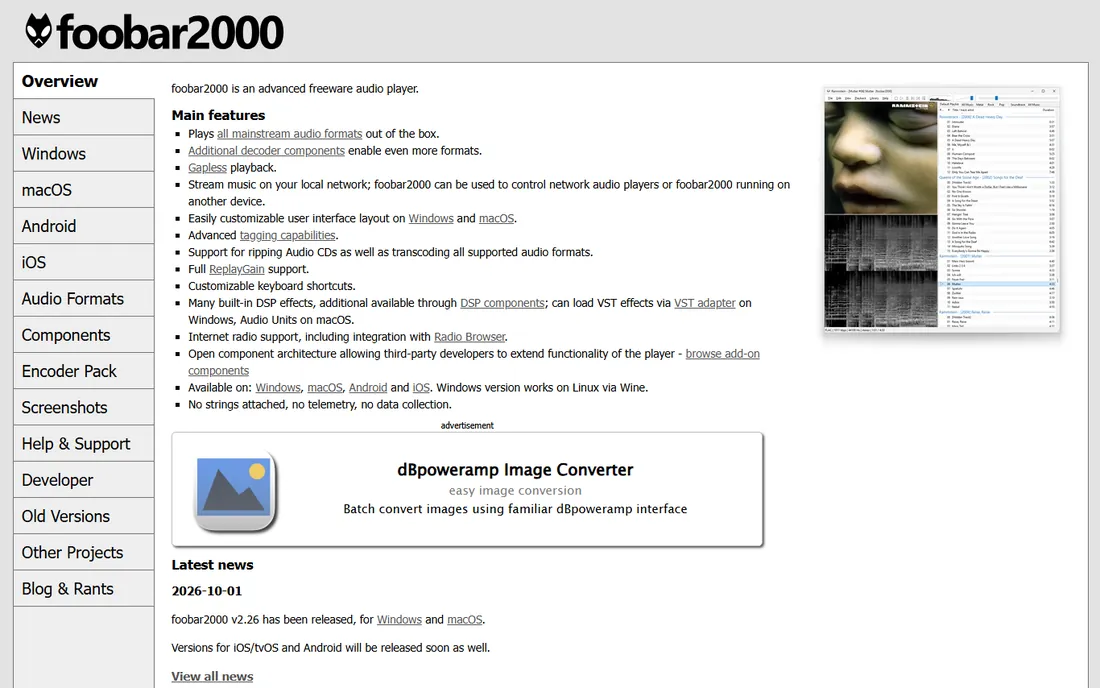
Foobar2000 is the minimalist's audio tool: a tiny, fast, free player with a converter component that rips CDs to any format. It will never win a beauty contest, but it runs on anything, respects your system resources, and does exactly what you configure it to do. Technical users love its precision and its vast component ecosystem.
The honest catch is the learning curve. Out of the box it is spartan; ripping requires installing and configuring the converter. Non-technical users will be happier with MusicBee or fre:ac. For the tinkerer who wants total control in a 10 MB package, Foobar2000 is unmatched.
What we like- Free, tiny and fast
- Rips via converter component
- Legendary customization
- Runs on modest hardware
Watch out for- Bare-bones out of the box
- Ripping needs component setup
- Intimidating for non-technical users
#8
CUETools
Best for: Archivists verifying and repairing existing CD rips
Visit cuetools.net
Starting priceFree
Free planYes
CUETools is the ripper's quality-control lab: free software that verifies your existing rips against the AccurateRip and CUETools databases, repairs damaged rips when possible, and converts between single-file images and track files. If you ripped CDs years ago with iTunes and wonder whether the rips are accurate, CUETools answers the question.
The honest catch is its role. CUETools is for verifying and fixing, not for the initial rip; pair it with EAC or dBpoweramp for new discs. It is also Windows-centric and technical. But every serious CD archivist should run their collection through it at least once.
What we like- Free
- Verifies rips against AccurateRip and CTDB databases
- Can repair rips and split images
- Essential for checking old rips
Watch out for- Not a primary ripper for new discs
- Windows-focused
- Technical interface
Rip once, rip right: the archival workflow
The correct workflow has not changed in twenty years. Rip to FLAC (lossless, open, tagged) with AccurateRip verification enabled. Keep the log files. Store the FLACs as your archive, then batch-convert copies to MP3 or AAC for phones and cars. Never rip to MP3 as your only copy: you cannot restore quality you threw away, and storage is cheap.
Verify as you go. AccurateRip confirmation on each disc means your rip matches thousands of others; without it, you are guessing. CUETools can check old rips retroactively. A verified FLAC library is future-proof in a way no streaming subscription is.
What to check before you buy
Start with your operating system. Windows: EAC (accuracy) or dBpoweramp (speed). Mac: XLD. Linux or mixed: fre:ac. The OS decides more than the feature list.
Then check your drive. Ripping quality depends on the optical drive: AccurateRip needs a drive with consistent offset, and most modern USB drives work fine. If your laptop has no disc drive, a $25 external USB DVD drive plus free software is the entire investment.
Finally, decide whether speed is worth money. dBpoweramp's advantage is ripping and encoding faster with better metadata; EAC's is free accuracy. For 50 discs, the difference is an afternoon. For 2,000 discs, dBpoweramp pays for itself in saved weekends.
How we chose
We started with the enduring searches: best CD ripper, Exact Audio Copy vs dBpoweramp, best software to rip CDs. For each candidate we checked the vendor's own site for current status and pricing, then cross-checked accuracy claims against audiophile documentation (AccurateRip, Hydrogenaudio). Where pricing was unclear from the vendor, we wrote "See website." Streaming-only tools were excluded.
Frequently asked questions
What is the best software to rip CDs?
Exact Audio Copy (free, Windows) for maximum accuracy; XLD (free, Mac) for Mac users; dBpoweramp for the fastest premium experience. All three verify against AccurateRip.
Is Exact Audio Copy really free?
Yes, EAC is freeware. It is the accuracy benchmark for CD ripping on Windows, with secure ripping modes and AccurateRip verification. Setup takes some care but the community guides are thorough.
What format should I rip CDs to?
FLAC for archiving: lossless, open and well-tagged. Then convert copies to MP3 or AAC for portable devices. Never keep lossy files as your only copy.
How do I know my rip is accurate?
AccurateRip verification: the software compares your rip's checksum against a database of rips from other users. Matching checksums mean a bit-perfect rip. CUETools can verify rips you made years ago.
Can I rip CDs on a laptop without a disc drive?
Yes, with an external USB DVD drive (around $25) and free software like EAC, XLD or fre:ac. The drive matters less than the software's error correction.
Is it legal to rip my own CDs?
In the US, ripping CDs you own for personal use is widely considered fair use, though the law has gray areas around DRM circumvention. This article is not legal advice; laws vary by country.
Sources we checked (2)
- https://www.exactaudiocopy.de
- https://www.freac.org
Is your product missing or out of date?
We review this list regularly. Vendors can request a listing, send updated pricing or ask about featured placement.

Shihab Mia · Founder, Rankite
Shihab has spent more than a decade helping SaaS and e-commerce brands grow through search. He writes Rankite's software buying guides from pricing pages, documentation and public user reviews. More about Shihab.