How we make this list: we compare pricing pages, product documentation and public user reviews. Rankite is independent; if a vendor ever pays for a featured spot, that listing is clearly labeled Partner.
Key takeaways
- Yodeck and OptiSigns are the cheapest ways in: Yodeck starts at $8 per screen a month with the first screen free, and OptiSigns starts at $9 with a free-forever plan for up to 3 screens.
- Most vendors price per screen per month, so a nine-screen wall multiplies the sticker price; budget the full wall, not one display.
- Userful is the enterprise-grade option with custom quote pricing, built for control rooms and large multi-site deployments.
- Xibo stands alone as open-source: free if you self-host, with paid cloud hosting for businesses that want managed setup.
Quick comparison
| Tool | Best for | Starting price | Free plan |
|---|
 Userful Userful | Enterprise control rooms and large deployments | See website | No |
 Yodeck Yodeck | Budget video walls with cloud sync | $8/screen/month (Basic) | Yes (1 screen) |
 OptiSigns OptiSigns | Flexible hardware with a video wall add-on | $9/screen/month (Standard, billed annually) | Yes (up to 3 screens) |
 ScreenCloud ScreenCloud | Enterprise signage with deep app integrations | $20/screen/month (Core) | Free trial |
 Rise Vision Rise Vision | Schools, plants, and internal comms | $12/display/month (Business) | Free trial |
 Xibo Xibo | Open-source DIY signage | See website | Yes (self-hosted open source) |
 NoviSign NoviSign | Drag-and-drop studio with a videowall editor | $14/screen/month (Business, billed annually) | Free trial (30 days) |
Is your product missing or out of date?
We review this list regularly. Vendors can request a listing, send updated pricing or ask about featured placement.
The best video wall software
Starting priceSee website
Free planNo
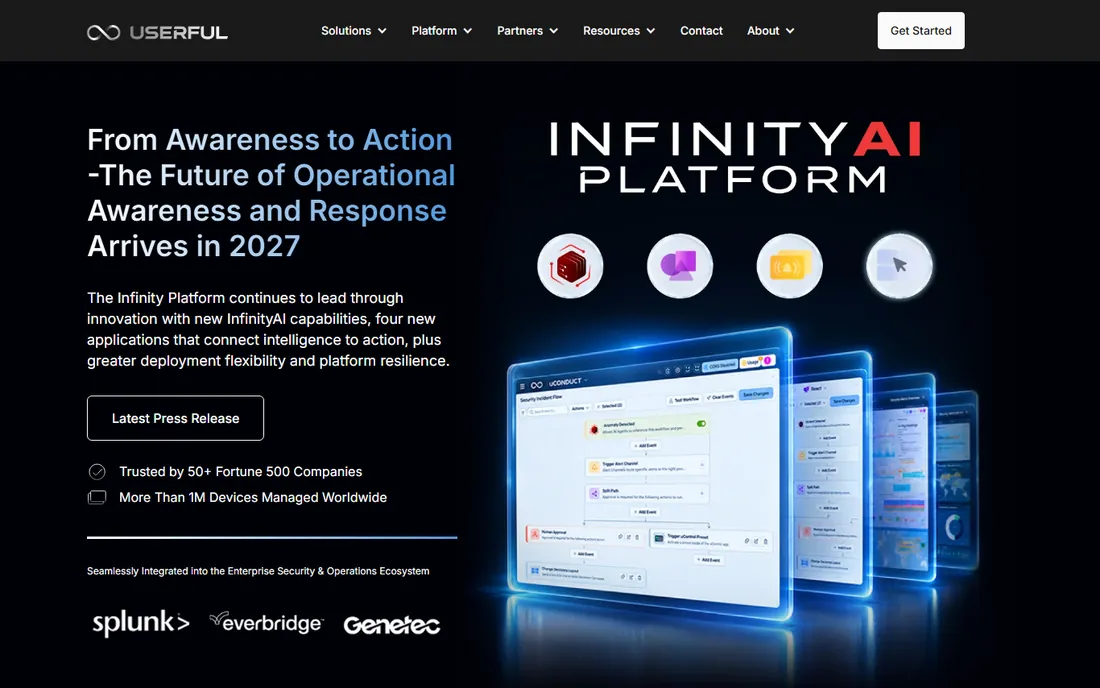
Userful has spent years arguing that video walls should not need expensive proprietary hardware, and its platform reflects that: one PC or server drives the wall over a standard network, with content management, artistic layouts, and interactivity handled in software. It is built for control rooms, operations centers, and enterprise deployments where walls need to show live data, dashboards, and multiple sources at once.
The catch is that Userful plays at the enterprise end of the market. There is no published price list and no free tier; pricing comes through quotes and annual subscriptions. G2 reviewers note the total cost of ownership compares favorably to hardware-heavy competitors, but small operations find the all-or-nothing licensing hard to justify. If you are outfitting a control room or a multi-site corporate network, get a quote. If you need one wall in one lobby, the cloud tools below are the better fit.
What we like- Software runs on off-the-shelf PCs and standard network hardware
- Supports artistic layouts, zones, multi-window, and 4K-plus content
- Used in control rooms, corporate campuses, and signage networks
Watch out for- Pricing is quote-based with no published tiers
- Enterprise subscription model can be hard to justify for small or low-utilization setups
Starting price$8/screen/month (Basic)
Free planYes (1 screen)
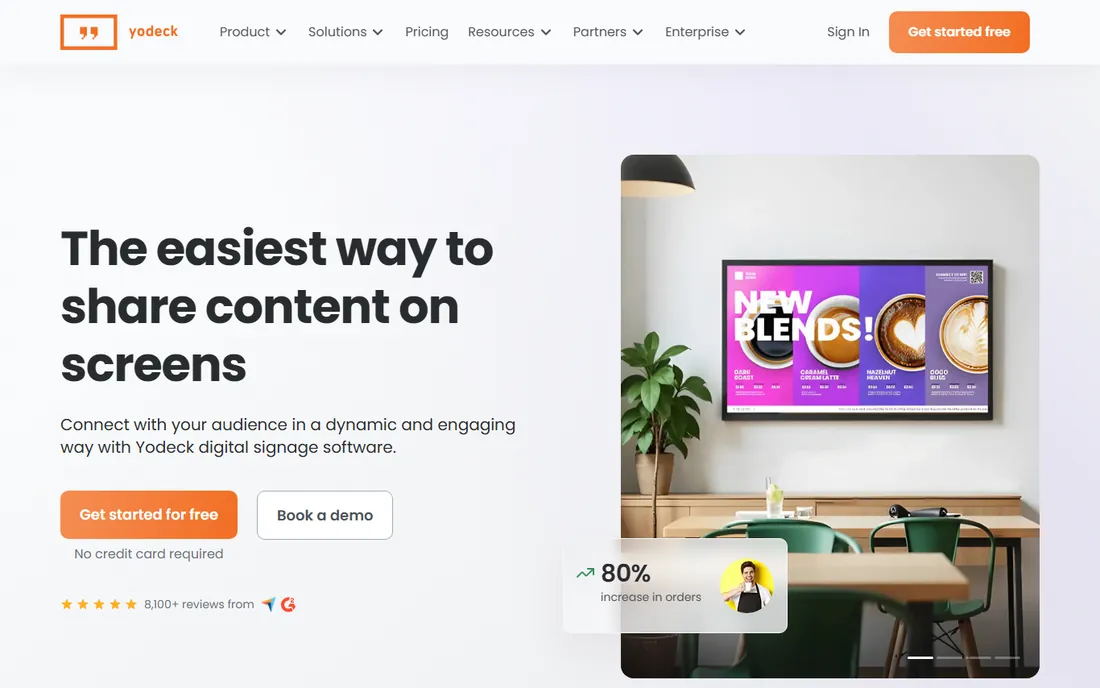
Yodeck's own video wall pricing page lays out the deal plainly: one screen free on any plan, then $8 per screen a month on Basic, $11 on Premium, and $15 on Enterprise. Instead of a dedicated hardware controller, it syncs Yodeck players across screens through the cloud, with each panel configured for precise cropping on matrix layouts like 2x2 or 3x3. Annual plans include free player hardware per screen.
For a small or mid-size business wall, this is the most affordable credible option on the list. The honest math is multiplication: a 3x3 wall is nine screens, or $72 a month on Basic before hardware. The free single-screen plan is great for testing, but a real wall needs a paid plan for every panel. Still, compared with traditional controllers, the total is modest, and the management dashboard runs from a browser.
What we like- First screen free on any plan with no card required
- Synchronizes players through the cloud with no separate hardware controller
- Per-screen pricing published plainly on its own video wall page
Watch out for- Each wall multiplies per-screen cost, so large walls get expensive fast
- Advanced features sit on the $11 and $15 tiers
Starting price$9/screen/month (Standard, billed annually)
Free planYes (up to 3 screens)
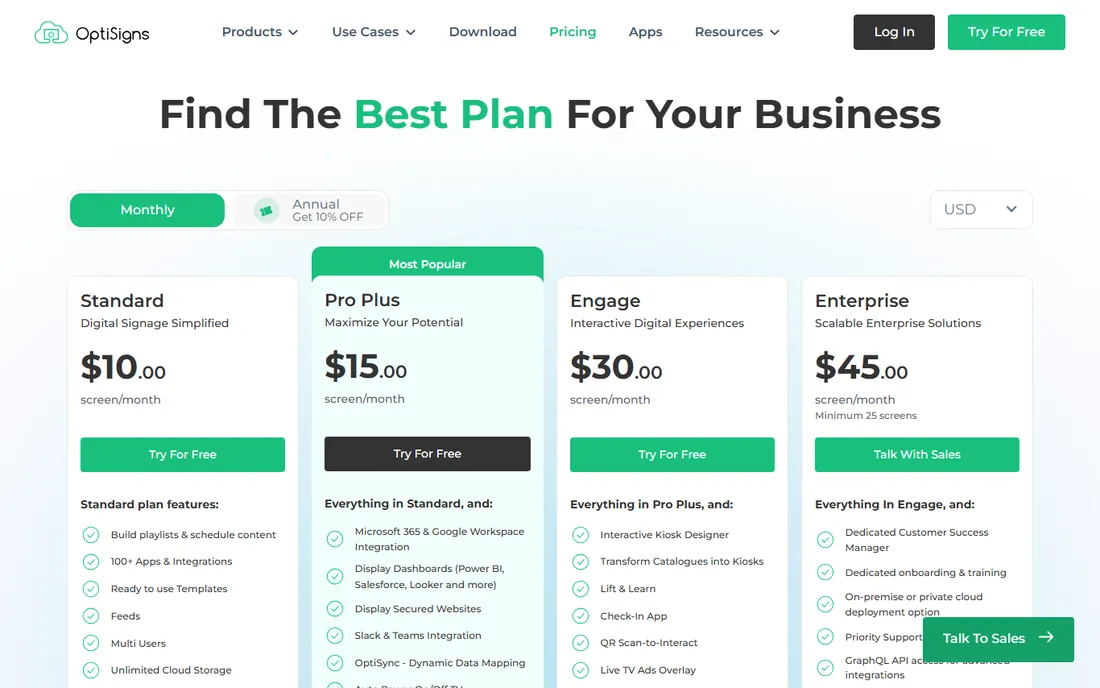
OptiSigns' own pricing page shows a free plan for up to 3 screens, Standard at $9 per screen a month billed annually, Pro-Plus at $13.50, Engage at $27, and Enterprise at $40.50, with a dedicated video wall add-on at $25 per wall per month. Its Pro and ProMax players advertise 3-screen and 4-screen video wall support built in, and the platform runs on an unusually wide range of devices.
That hardware flexibility is the draw: bring your own screens, players, or sticks, and manage everything from the portal. The catch is the add-on model: the $25 per wall video wall fee sits on top of per-screen subscriptions, so price the full stack. For businesses that already own displays and want to build a wall without proprietary hardware, it is a strong middle ground between Yodeck's simplicity and Userful's enterprise depth.
What we like- Free-forever plan for up to 3 screens
- Runs on the widest range of hardware, from its own players to Fire TV and Raspberry Pi
- Dedicated video wall add-on at $25 per wall per month
Watch out for- Video wall features cost extra on top of the per-screen subscription
- Entry pricing shown annually, with higher monthly rates
Starting price$20/screen/month (Core)
Free planFree trial
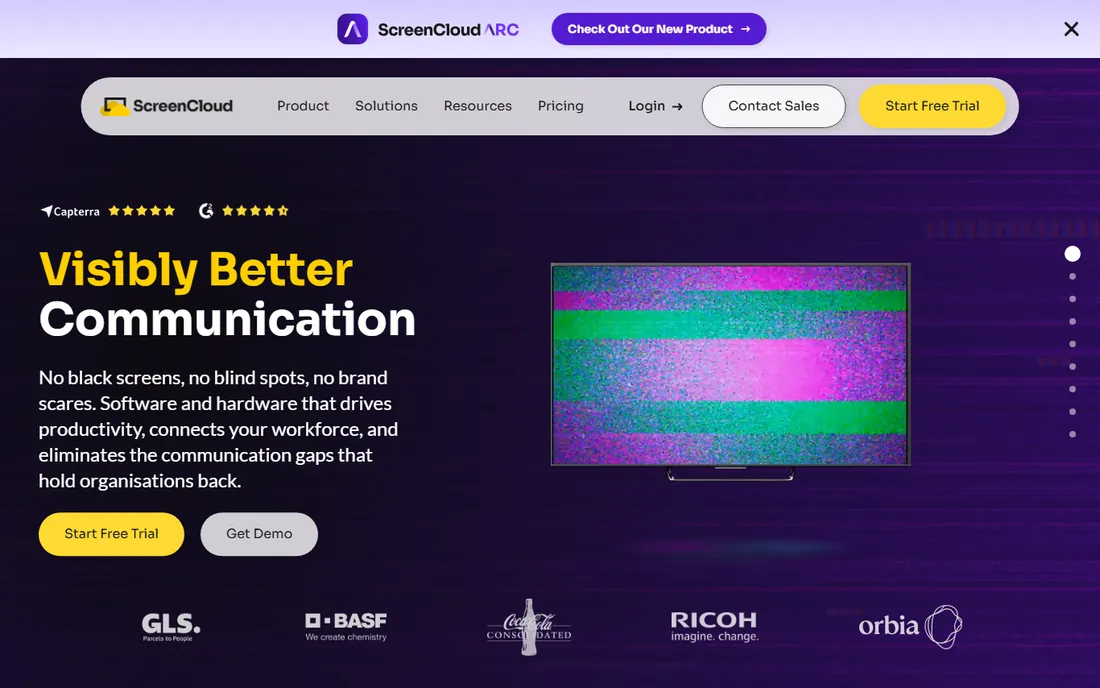
ScreenCloud positions itself as the enterprise-ready digital signage company, with software, its own devices, hardware, apps, integrations, and support in one stack. Its own site and vendor-published pricing put the Core plan at $20 per screen a month with 80-plus apps, templates, and remote management, Pro at $30 with premium apps and dashboards, and Enterprise on a custom quote with SSO, dedicated support, and bundled hardware. A 14-day free trial is available.
Reviewers consistently praise ease of use and reliable remote management, but the pricing feedback is also consistent: per-screen subscriptions feel steep for small businesses and single-screen users. ScreenCloud fits best where security, integrations, and professional services matter enough to pay for them, such as multi-site corporate networks and hospitality groups.
What we like- 80-plus ready-made apps and integrations, from dashboards to social feeds
- Full-stack company with its own hardware, security certifications, and enterprise support tiers
- No minimum screen count on the entry plan
Watch out for- No permanent free tier, only a trial
- Per-screen costs add up quickly for small teams and larger deployments
Starting price$12/display/month (Business)
Free planFree trial
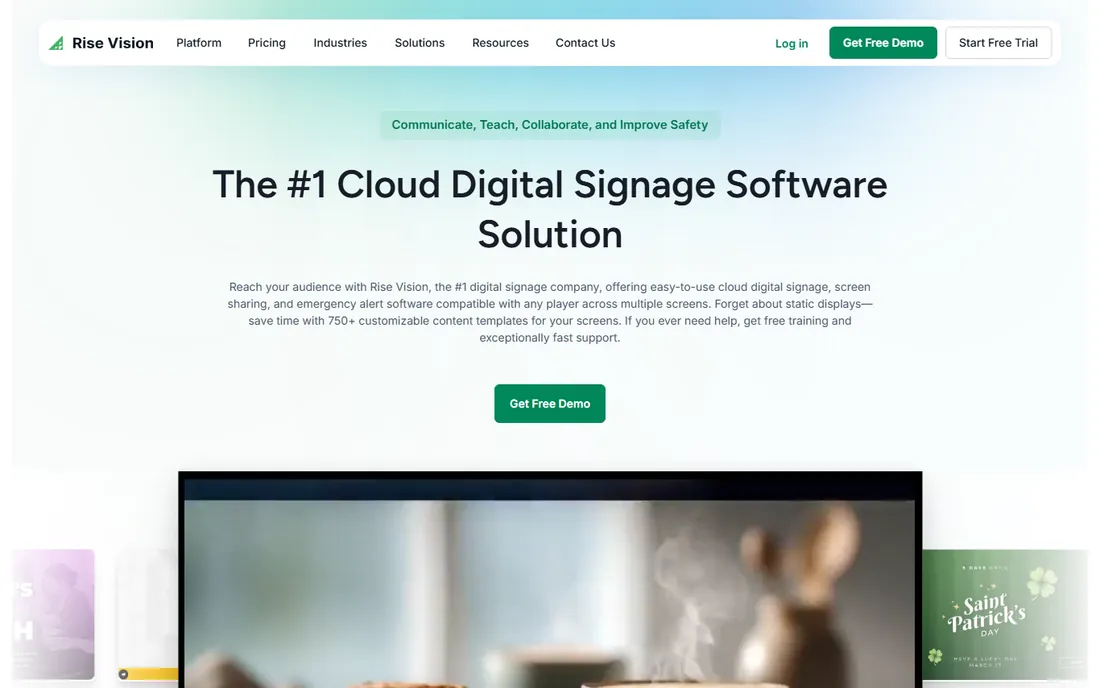
Rise Vision's own pages describe an all-in-one platform for digital signage, wireless screen sharing, and CAP-based emergency alerts, and its own blog lists Business plans at $12 per display a month. The product leans into communication use cases: safety boards on plant floors, announcements in schools, KPI dashboards in offices, with 750-plus templates, Google Workspace and Microsoft 365 integrations, and an AI tool that turns a prompt into a branded presentation.
There is no free plan; you get a free demo and a 30-day money-back guarantee. The honest assessment is that Rise Vision is a communication platform that happens to drive screens, not a pure video wall specialist. If your wall exists to inform employees or students rather than advertise to customers, its alerts, sharing, and templates make it a better fit than the retail-focused tools.
What we like- All-in-one platform combining signage, screen sharing, and emergency alerts
- 750-plus templates and an AI presentation builder
- Free onboarding, training, and 30-day money-back guarantee
Watch out for- No permanent free tier
- Business pricing starts above the cheapest cloud options
Starting priceSee website
Free planYes (self-hosted open source)
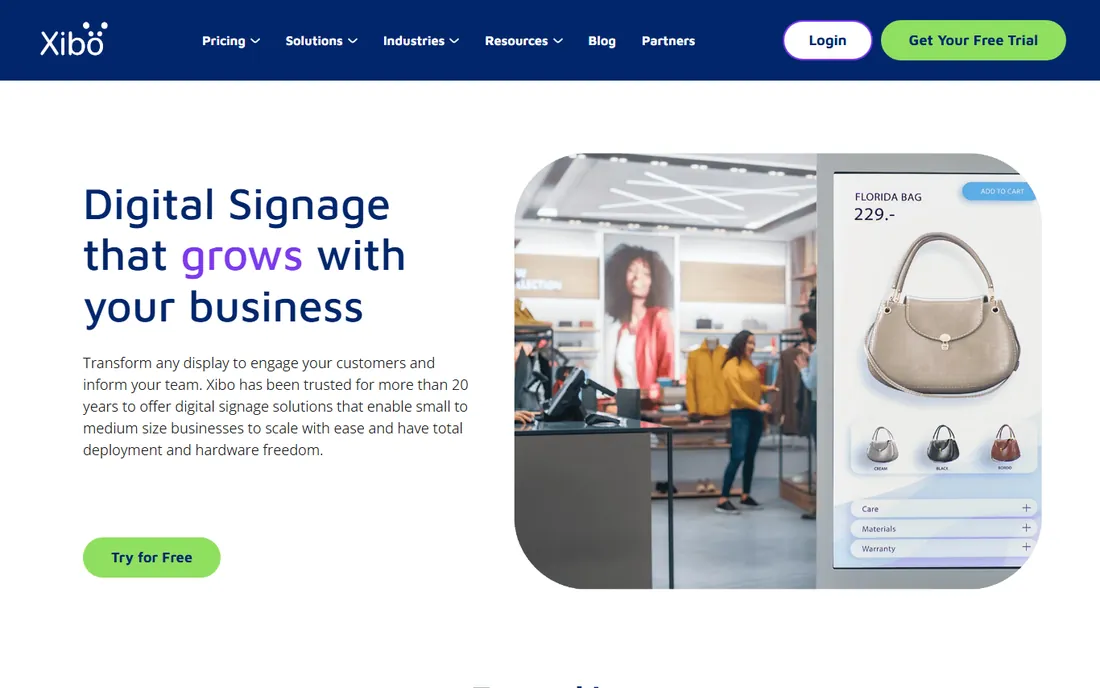
Xibo is the only genuinely open-source option on this list, released under the AGPLv3 license, which means you can run the full platform on your own servers with no per-screen license cost. Its own homepage emphasizes hardware freedom, with players across all major operating systems and no proprietary lock-in. For businesses that want managed setup, Xibo offers cloud-hosted plans starting at a low entry price, with a free trial.
The catch is the one you expect: self-hosting is real work, and you own the maintenance. Xibo fits IT-capable teams that want total control and no recurring per-screen fees, or businesses in regions where the big cloud vendors' pricing does not make sense. For a small business with no IT staff, the managed cloud plan or a tool like Yodeck will be less painful.
What we like- Fully open-source under AGPLv3, free to self-host with no license fees
- No hardware lock-in and players for major operating systems
- Managed cloud hosting available for businesses that want setup handled
Watch out for- Self-hosting demands technical skill
- Review-site pricing for cloud plans is thinly documented, so confirm current figures with the vendor
Starting price$14/screen/month (Business, billed annually)
Free planFree trial (30 days)
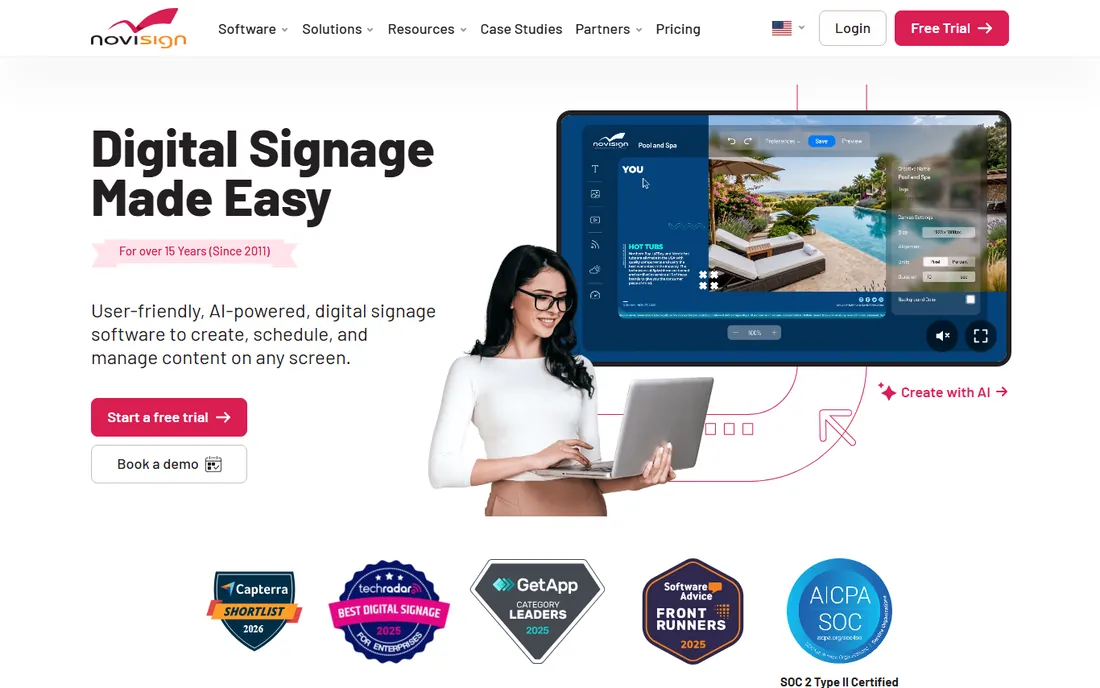
NoviSign's own pricing page is unusually transparent: Business at $14 per screen a month billed annually, Business Plus at $17, Premium at $25, with a 30-day free trial and no card required for evaluation. The videowall editor sits on Business Plus, alongside Studio AI content creation, device management, and data integrations like Power BI and Toast POS.
Reviewers praise the responsive support and the simple drag-and-drop studio, though some find the interface dated. For a restaurant group, retail chain, or office that wants a friendly editor, reliable offline playback, and an explicit videowall feature, NoviSign is a mid-priced option worth trialing against Yodeck and OptiSigns.
What we like- Own pricing page verified at $14 per screen a month with a 30-day free trial
- Dedicated videowall editor on the Business Plus tier
- 500-plus templates, widgets, offline playback, and responsive support praised by reviewers
Watch out for- Videowall editor requires the $17-a-month Business Plus tier
- No permanent free plan
How we chose
We started from each vendor's own pages: pricing pages, video wall guides, and official blogs checked in October 2026. We weighed video wall-specific features such as synchronized playback, matrix layouts, bezel correction, and multi-zone content, alongside per-screen pricing transparency, hardware flexibility, free or trial options, and fit for small and mid-size US businesses. Public reviews on G2, Capterra, and community discussions helped us see how the tools behave in real deployments. We excluded any product whose homepage could not be verified. Nothing here is based on hands-on testing.
What to check before you buy video wall software
Price the whole wall, not one screen. Nearly every cloud vendor charges per screen per month, so a 2x2 wall costs four subscriptions and a 3x3 costs nine. Add any video wall add-on fees, player hardware, and the displays themselves. The tool with the cheapest per-screen rate usually wins on total cost for small walls.
Then check the synchronization method. Cloud-synced players, like Yodeck's approach, keep costs low but depend on the network for perfect timing. PC-server platforms like Userful deliver frame-level sync for control rooms and live data. If your wall shows fast-moving video or trading data, sync quality matters more than the monthly fee.
Finally, confirm hardware compatibility. Some tools lock you into their players; others run on anything with HDMI and a browser. Using displays and players you already own can cut thousands from the project. Ask for a trial on your actual hardware before signing an annual plan, and test sync across every panel, not just one screen.
Software wall or hardware controller: which route fits?
Video walls used to mean a dedicated hardware controller, a proprietary box that splits one input across many screens. That hardware still exists, and for mission-critical control rooms it remains the right answer: guaranteed sync, no network dependency, purpose-built reliability.
But for most business uses, lobbies, retail, restaurants, offices, software has won. Cloud-synced players cost a fraction of a controller, install on ordinary displays, and let you manage content from a browser anywhere. The trade-off is dependence on your network and slightly less precise synchronization. Unless your wall cannot afford a dropped frame, start with software and keep the hardware budget for better displays.
Frequently asked questions
What is video wall software?
Video wall software controls multiple displays so they act as one large synchronized canvas. It handles content layout across panels, bezel correction, cropping, and playback timing, and most cloud tools add scheduling, templates, and remote management from a web dashboard.
How much does video wall software cost?
Cloud tools typically charge $8 to $30 per screen per month, so a nine-screen wall runs roughly $72 to $270 a month in software fees, plus hardware. Enterprise platforms like Userful use custom annual quotes, and open-source Xibo is free to self-host.
Can I build a video wall without expensive hardware?
Yes. Tools like Yodeck and OptiSigns sync affordable media players across screens with no dedicated controller hardware. You still need the displays and a player per screen, but the controller box and its price tag disappear.
What is the difference between digital signage software and video wall software?
Digital signage software manages content on individual screens; video wall software adds synchronized multi-screen layouts so content spans panels as one image. Most products on this list do both, with dedicated video wall modes or add-ons.
Do I need a free trial or free plan to test a video wall setup?
A trial is strongly recommended. Yodeck offers a free single screen, OptiSigns a free plan for up to 3 screens, Xibo free self-hosting, and most others 14- to 30-day trials. Test sync timing across every panel before committing to an annual plan.
How many screens can video wall software handle?
It varies widely. Cloud platforms like Yodeck support tens of thousands of screens per account, while enterprise tools like Userful scale to control rooms with dozens of sources. Check the vendor's stated limits and whether large deployments need a custom quote.
Sources we checked (7)
- https://www.userful.com/blog/top-10-reasons-why-you-need-a-video-wall-in-your-company
- https://www.yodeck.com/use-cases/video-wall-pricing/
- https://www.optisigns.com/pricing
- https://screencloud.com/
- https://www.risevision.com/
- https://xibo.org.uk
- https://www.novisign.com/pricing/
Is your product missing or out of date?
We review this list regularly. Vendors can request a listing, send updated pricing or ask about featured placement.

Shihab Mia · Founder, Rankite
Shihab has spent more than a decade helping SaaS and e-commerce brands grow through search. He writes Rankite's software buying guides from pricing pages, documentation and public user reviews. More about Shihab.