How we make this list: we compare pricing pages, product documentation and public user reviews. Ratings come from G2, Capterra or Trustpilot, with the date we checked them.
Key takeaways
- Figma remains the default for team prototyping with real time collaboration and developer handoff, while specialists win on animation, logic, or low fidelity speed.
- Prototype fidelity should match the question: low fidelity tests flow, high fidelity tests interaction, and logic heavy prototypes test rules and conditions.
- Pricing models differ: Figma and Sketch bill per editor, Framer bills per site and per editor, and Penpot is free or self hosted.
- Adobe XD is excluded here on purpose: Adobe states it is in maintenance mode with no standalone purchase, so new teams should not start on it.
- Enterprise pricing is usually See website, since seats, sites, and logic depth change the bill fast, so confirm current pricing before budgeting.
Quick comparison
| Tool | Best for | Starting price | Free plan |
|---|
 Figma Figma | Full cycle UI design and team collaboration | $15 per seat | Yes |
 Sketch Sketch | Mac first component driven design | $12 per editor | No |
 Framer Framer | Design to code for web products | See website | Yes |
 ProtoPie ProtoPie | High fidelity mobile and sensor prototypes | $13 per month | Yes |
 Axure RP Axure RP | Logic heavy enterprise prototyping | $29 per user | No |
 Balsamiq Balsamiq | Fast low fidelity wireframing | $16 per editor | No |
 Penpot Penpot | Free and self hosted design | Free | Yes |
 UXPin UXPin | Coded design systems | $19 per editor | No |
Is your product missing or out of date?
We review this list regularly. Vendors can request a listing, send updated pricing or ask about featured placement.
#1Figma
Best for: Full cycle UI design and team collaboration4.7/5 on
G2 (1,593 reviews, checked Oct 2026)
Visit figma.com
Starting price$15 per seat
Free planYes
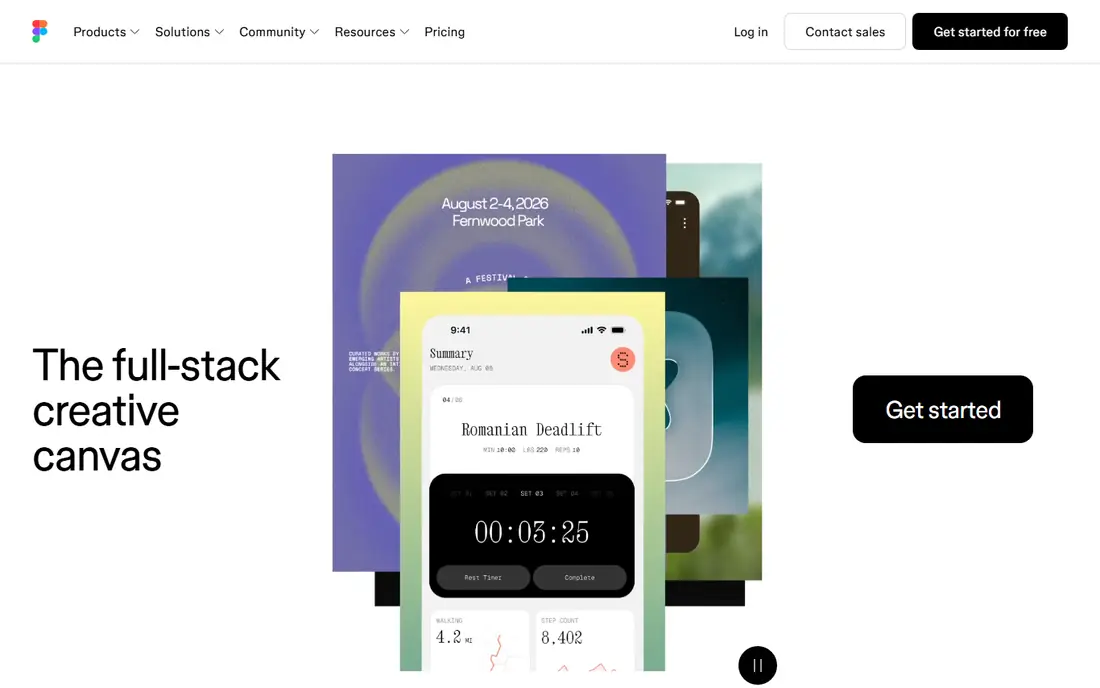
Figma is the default UI prototyping tool for product teams, combining design, interactive prototyping, and developer handoff in one browser based file. Interactive components with variants, flows for user journeys, Smart Animate for motion between states, and conditionals cover most prototyping needs, while real time multiplayer editing lets designers and stakeholders work together. Pricing is reported from 12 to 16 dollars per seat a month for Professional depending on source, with Organization at 55 dollars and Enterprise at 90 dollars in some listings.
The trade off is seat cost and learning curve. Per seat pricing adds up for large teams, and non designers face a learning curve. Figma fits product teams that need end to end design, prototyping, and handoff in one collaborative tool.
What we like- Real time multiplayer editing
- Interactive components with variants
- Smart Animate
- Strong developer handoff
Watch out for- Per seat model adds up for large teams
- Learning curve for non designers
- Pricing reported from 12 to 16 dollars per seat
#2Sketch
Best for: Mac first component driven design4.5/5 on
G2 (1,227 reviews, checked Oct 2026)
Visit sketch.com
Starting price$12 per editor
Free planNo
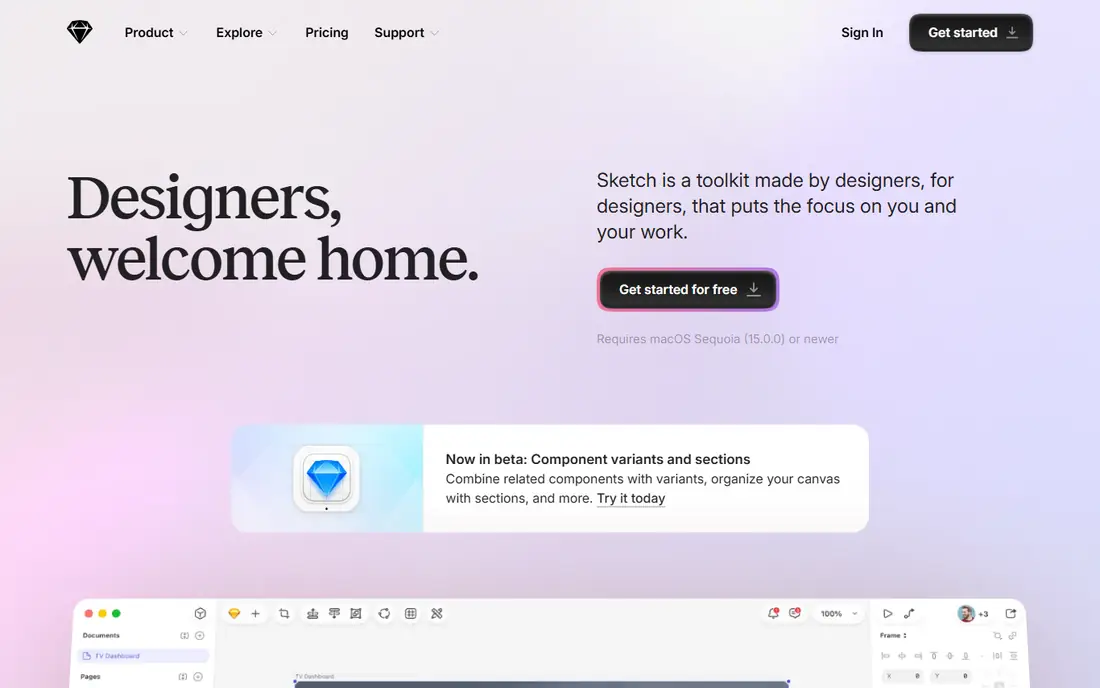
Sketch is the Mac native design tool with component driven workflows, symbols, and a mature plugin ecosystem that Mac first product teams still prefer. Pricing runs 12 dollars per editor a month billed annually, with a Mac only licence at 120 dollars one time, and free viewers in any browser for stakeholders. Native performance on Mac feels faster than browser tools for large files.
The limits are platform and free access. The editor runs on macOS only, with no Windows or Linux editor and no free editing tier. Sketch fits Mac native product teams that value performance and a mature component ecosystem.
What we like- Native Mac performance
- Mature component ecosystem
- Mac only licence at 120 dollars one time
- Free viewers in browser
Watch out for- Mac only editor
- No free editing tier
- No Windows or Linux editor
#3Framer
Best for: Design to code for web products4.5/5 on
G2 (144 reviews, checked Oct 2026)
Visit framer.com
Starting priceSee website
Free planYes
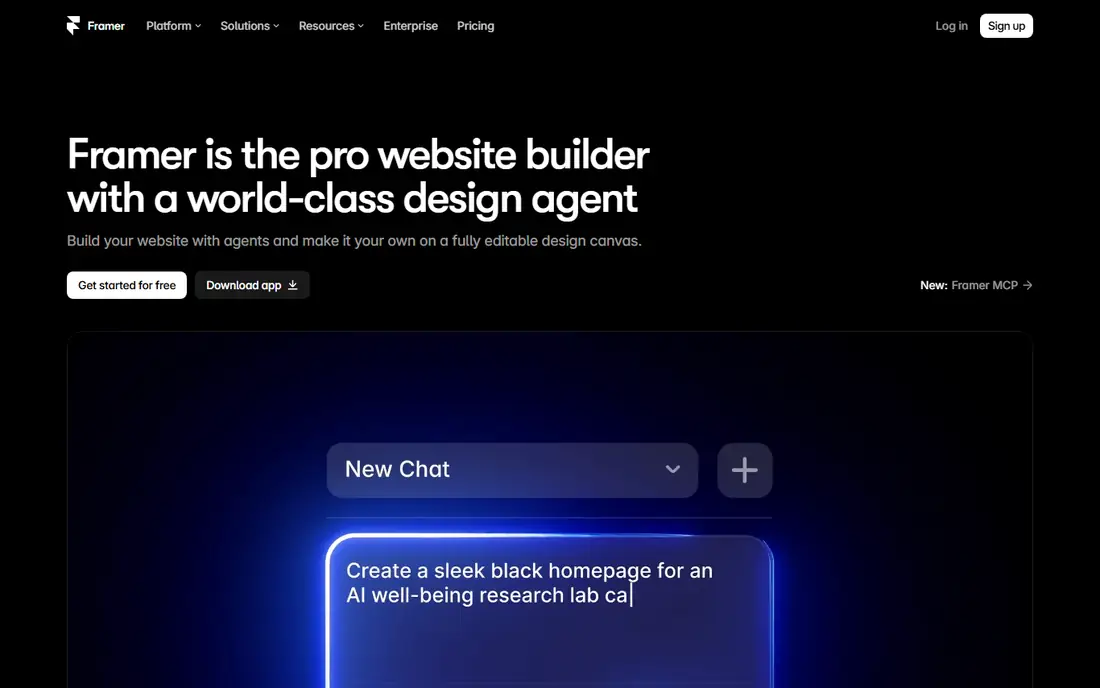
Framer turns designs into published websites with code components, advanced animations, and physics based interactions that go beyond click through prototypes. The free tier covers 1 project, while paid pricing is reported from 5 dollars a month in some listings to 10 dollars per site plus 20 dollars per editor in others, so check the current pricing page. For marketing sites and interactive web products, Framer's design to code pipeline saves handoff time.
The trade off is billing complexity and learning curve. Per site plus per editor billing with a 10 seat cap complicates team budgeting, and non developers face a steeper curve. Framer fits web product teams that want prototypes to become published sites.
What we like- Design to published website pipeline
- Code components
- Advanced animations
- Free tier for 1 project
Watch out for- Bills per site and per editor, capped at 10 seats
- Pricing reported from 5 to 20 dollars a month by plan
- Steeper learning curve for non developers
#4ProtoPie
Best for: High fidelity mobile and sensor prototypes4.4/5 on
G2 (24 reviews, checked Oct 2026)
Visit protopie.io
Starting price$13 per month
Free planYes
ProtoPie builds high fidelity prototypes with realistic interactions and sensor inputs, such as tilt, sound, and device sensors, without writing code, which suits mobile teams testing hardware linked flows. Pricing starts near 13 dollars a month, with 13.50 dollars reported in some listings, and a limited free tier for evaluation. For animation and micro interaction testing, ProtoPie is the specialist pick in 2026 comparisons.
The limits are design depth and community size. Design tooling is lighter than Figma, and the community is smaller. ProtoPie fits mobile teams that need realistic, sensor based prototypes beyond click through flows.
What we like- Realistic interactions without code
- Sensor based prototypes
- Strong for mobile
- Limited free tier
Watch out for- Less design tooling than Figma
- Paid plans from 13 to 13.50 dollars reported
- Smaller community than leaders
#5Axure RP
Best for: Logic heavy enterprise prototyping4.2/5 on
G2 (277 reviews, checked Oct 2026)
Visit axure.com
Starting price$29 per user
Free planNo
Axure RP is the enterprise prototyping tool for logic heavy flows, with conditional logic, variables, adaptive views, and documentation that visual tools cannot match. Pro pricing runs 29 dollars per user a month, with Team at 49 dollars, and a 30 day trial for evaluation. When a spec carries heavy rules, Axure proves behavior before engineering builds it.
The trade off is interface and focus. The interface feels heavier and dated, and Axure is not a visual design tool, so teams design elsewhere and prototype logic here. Axure fits enterprise teams whose specs carry complex conditional logic and documentation needs.
What we like- Complex conditional logic and documentation
- Enterprise specs
- Variables and adaptive views
- Team plan for collaboration
Watch out for- Heavier, dated interface
- Not visual design focused
- Team plan at 49 dollars per user
- 30 day trial only
#6Balsamiq
Best for: Fast low fidelity wireframing4.2/5 on
G2 (501 reviews, checked Oct 2026)
Visit balsamiq.com
Starting price$16 per editor
Free planNo
Balsamiq is the fast low fidelity wireframing tool that keeps feedback on flow rather than polish, with a sketch style that signals work in progress to stakeholders. Pricing runs 16 dollars per editor a month billed annually on Starter, with Teams at 24 dollars and Enterprise at 35 dollars, up from 9 dollars in older listings. For discovery workshops and early flow tests with non designers, Balsamiq is the quickest tool here.
The limits are fidelity and handoff. Balsamiq is not a handoff tool, and its low fidelity style cannot test visual design or interaction detail. Balsamiq fits teams that need fast low fidelity sketches with non designers before high fidelity work begins.
What we like- Fast low fidelity sketches
- Non designers can use it
- Sketch style keeps feedback on flow, not polish
Watch out for- Not a handoff tool
- Pricing rose from 9 dollars to 16 dollars per editor in recent listings
- Limited fidelity
#7Penpot
Best for: Free and self hosted design4.5/5 on
G2 (10 reviews, checked Oct 2026)
Visit penpot.app
Starting priceFree
Free planYes
Penpot is the free open source design and prototyping tool that teams can run themselves, with a cloud Professional plan free for up to 8 team members and Unlimited at 7 dollars per editor a month capped at 175 dollars a month. Self hosting on Linux gives full data control, and CSS first export suits developer handoff. For budget conscious and privacy focused teams, Penpot is the strongest free Figma alternative.
The trade off is ecosystem depth. The plugin library sits far behind Figma, and self hosting needs technical setup. Penpot fits teams that want a free or self hosted design tool and can accept a smaller plugin ecosystem.
What we like- Free cloud Professional plan up to 8 team members
- Self hosted free
- Open source
- CSS first export
Watch out for- Plugin library far behind Figma
- Smaller community
- Self hosting needs technical setup
#8UXPin
Best for: Coded design systems4.2/5 on
G2 (118 reviews, checked Oct 2026)
Visit uxpin.com
Starting price$19 per editor
Free planNo
UXPin builds design systems at scale with Merge, which syncs real React components into prototypes so what stakeholders test matches production code. Pricing starts at 19 dollars per editor a month, with interactive components and conditional logic for realistic prototypes. For teams with mature React design systems, UXPin closes the gap between prototype and product.
The limits are onboarding and price. Onboarding is complex, and entry pricing covers basics only. UXPin fits teams with coded design systems that want prototypes built from real components.
What we like- Merge with React components
- Interactive coded components
- Design systems at scale
- Conditional logic
Watch out for- Complex onboarding
- 19 dollars per editor is entry only
- Smaller community than Figma
How we chose
We compared published pricing pages and third party UI tool comparisons from October 2026, recording entry prices and free tier limits rather than headline claims. We excluded Adobe XD deliberately, since Adobe states it is in maintenance mode with no standalone purchase, and we flagged where prices conflict across sources. We weighed collaboration, fidelity, logic depth, and handoff as separate strengths, since no single tool leads on all four.
Start with the question your prototype must answer: flow tests suit Balsamiq, interaction tests suit Figma or ProtoPie, and logic tests suit Axure or UXPin. Next, check collaboration needs, since Figma leads on multiplayer while Penpot suits small free teams. Then confirm handoff: Figma, Sketch, and Penpot export CSS and specs for developers, while Framer publishes sites directly. Finally, test one real flow during trial, since fidelity promises mean little until stakeholders click through your screens. A tool that fits your fidelity, team, and handoff needs will speed testing instead of slowing it.
Frequently asked questions
What is the best UI prototyping tool overall?
Figma suits most product teams with collaboration, design systems, and handoff in one tool, while specialists win on animation, logic, or low fidelity speed.
Is Adobe XD still a good choice for new projects?
No. Adobe states XD is in maintenance mode with no standalone purchase, so new teams should choose Figma, Sketch, Framer, or Penpot instead.
Which UI prototyping tool is free?
Penpot is free for cloud teams up to 8 members and free self hosted, while Figma and Framer offer limited free tiers for evaluation.
Figma or Sketch, which should I choose?
Figma suits cross platform teams with real time collaboration, while Sketch suits Mac native teams that value native performance and a mature component ecosystem.
Which tool is best for high fidelity mobile prototypes?
ProtoPie suits high fidelity mobile prototypes with sensor inputs and realistic interactions without code, while Framer suits web products with code components.
Do prototyping tools replace user testing?
No. Prototypes make testing possible before building, but real user feedback on flows, interactions, and comprehension still decides whether a design works.
Sources we checked (0)
Is your product missing or out of date?
We review this list regularly. Vendors can request a listing, send updated pricing or ask about featured placement.

Shihab Mia · Founder, Rankite
Shihab has 5+ years in B2B and SaaS SEO. He writes Rankite's software buying guides from pricing pages, documentation and public user reviews. More about Shihab.