How we make this list: we compare pricing pages, product documentation and public user reviews. Ratings come from G2, Capterra or Trustpilot, with the date we checked them.
Key takeaways
- Canva and Adobe Express give most small teams everything they need for flyers, with free plans that cover basic print and social sizes.
- VistaCreate and PosterMyWall stand out for fast, event-led flyers where a ready template matters more than a blank canvas.
- Microsoft Designer is the lowest-cost starting point for occasional flyers, while Visme and Marq suit teams that need brand control.
- Print quality depends on export settings and paper choice as much as on the design tool, so check bleed, resolution, and PDF export before ordering.
- Paid plans mainly buy premium templates, brand kits, larger stock libraries, and higher storage, not a different editor.
Quick comparison
| Tool | Best for | Starting price | Free plan |
|---|
 Canva Canva | All-round flyer design for small teams | $12.99 per month | Yes |
 Adobe Express Adobe Express | Adobe users and quick promo flyers | $9.99 per month | Yes |
 VistaCreate VistaCreate | Fast event and social flyers | $10 per month (billed annually) | Yes |
 PosterMyWall PosterMyWall | Local businesses and event promoters | $13 per month | Yes |
 Visme Visme | Brand-led business flyers | $12.25 per month (billed annually) | Yes |
 Microsoft Designer Microsoft Designer | Occasional, simple flyers | See website | Yes |
 Kittl Kittl | Type-led and vintage-style flyers | $10 per month (billed annually) | Yes |
 Marq Marq | Teams that need locked brand templates | $10 per month | Yes |
Is your product missing or out of date?
We review this list regularly. Vendors can request a listing, send updated pricing or ask about featured placement.
The best flyer design software online
#1Canva
Best for: All-round flyer design for small teams4.7/5 on
G2 (7,678 reviews, checked Oct 2026)
Visit canva.com
Starting price$12.99 per month
Free planYes
Canva suits a team that makes flyers every week and wants to move fast. The editor opens in a browser, templates cover common sizes for print and social, and a new user can swap text, photos, and colors without learning design software. Brand kits on paid plans keep logos, fonts, and colors in one place, which helps when several people produce flyers for the same business.
The trade-off is choice overload and paywalled assets. Free users will hit premium photos, fonts, and templates sooner than they expect, and some exports carry limits that matter for print. For a single flyer, the free plan is often enough. For regular output, Pro is the plan most small teams land on, and it is worth checking whether the annual price fits the volume before committing.
What we like- Huge template library
- Easy drag-and-drop editor
- Strong print and sharing options
Watch out for- Free plan limits premium assets
- Large teams may need higher tiers for controls
#2Adobe Express
Best for: Adobe users and quick promo flyers4.5/5 on
G2 (855 reviews, checked Oct 2026)
Visit adobe.com
Starting price$9.99 per month
Free planYes
Adobe Express feels familiar to anyone who has used Adobe products, but it does not demand design training. A user can start from a flyer template, adjust the layout, and resize the same design for social posts or a printed sheet. The stock photo and font libraries are a real strength, and the free plan covers a surprising amount of everyday work.
The catch is that Express is a template-first tool, not a full design studio. People who need precise print controls or complex layered artwork will still reach for Illustrator or InDesign. For promo flyers, sale sheets, and event announcements, Express hits a useful middle point between a basic editor and a professional suite.
What we like- Strong template and stock library
- Good one-click resize
- Ties into Adobe tools
Watch out for- Premium costs add up with other Adobe plans
- Some advanced controls sit in other Adobe apps
Starting price$10 per month (billed annually)
Free planYes
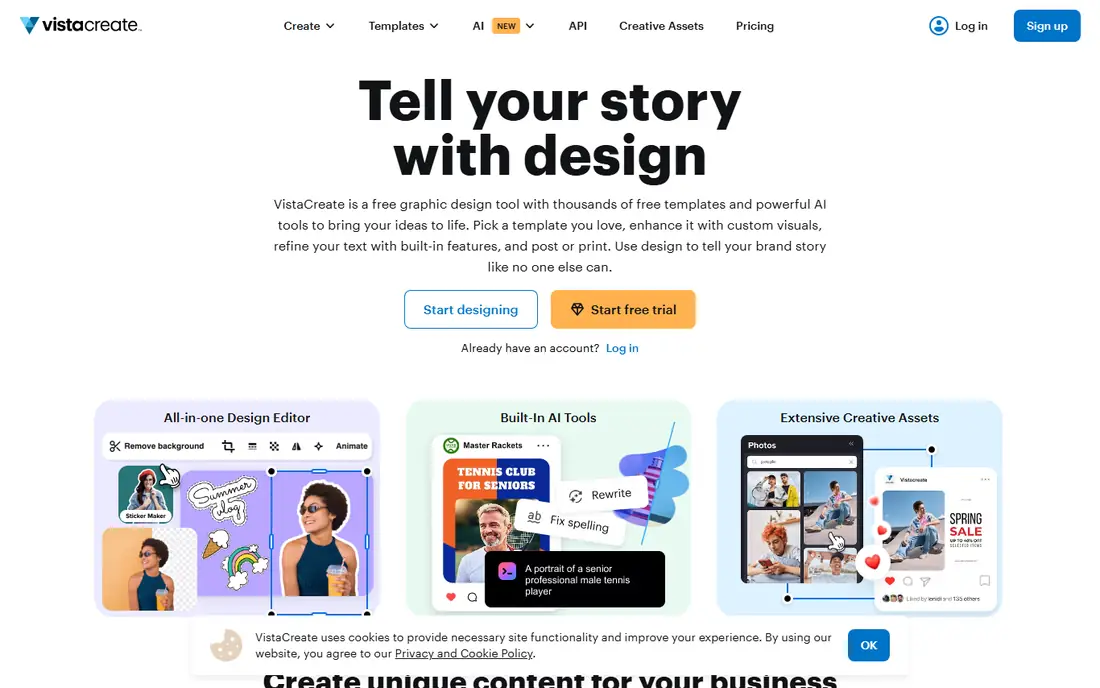
VistaCreate is built for speed. The template library leans toward events, sales, and social posts, and the editor stays out of the way while a user edits text and images. The free Starter plan includes a brand kit and 10 GB of storage, which is generous for a free tier, and the Pro plan adds a much larger asset library plus AI tools.
Teams that need strict brand governance may find VistaCreate lighter than Marq or Canva Teams. For a cafe, gym, church, or local shop that needs a fresh flyer each week, that lightness is a benefit. The monthly price on annual billing is competitive, and the 14-day trial gives a fair window to test the Pro assets.
What we like- Large template set
- Free plan includes brand kit basics
- Simple editor
Watch out for- Smaller stock library than Canva on the free plan
- Fewer deep brand controls
#4PosterMyWall
Best for: Local businesses and event promoters4.7/5 on
G2 (71 reviews, checked Oct 2026)
Visit postermywall.com
Starting price$13 per month
Free planYes
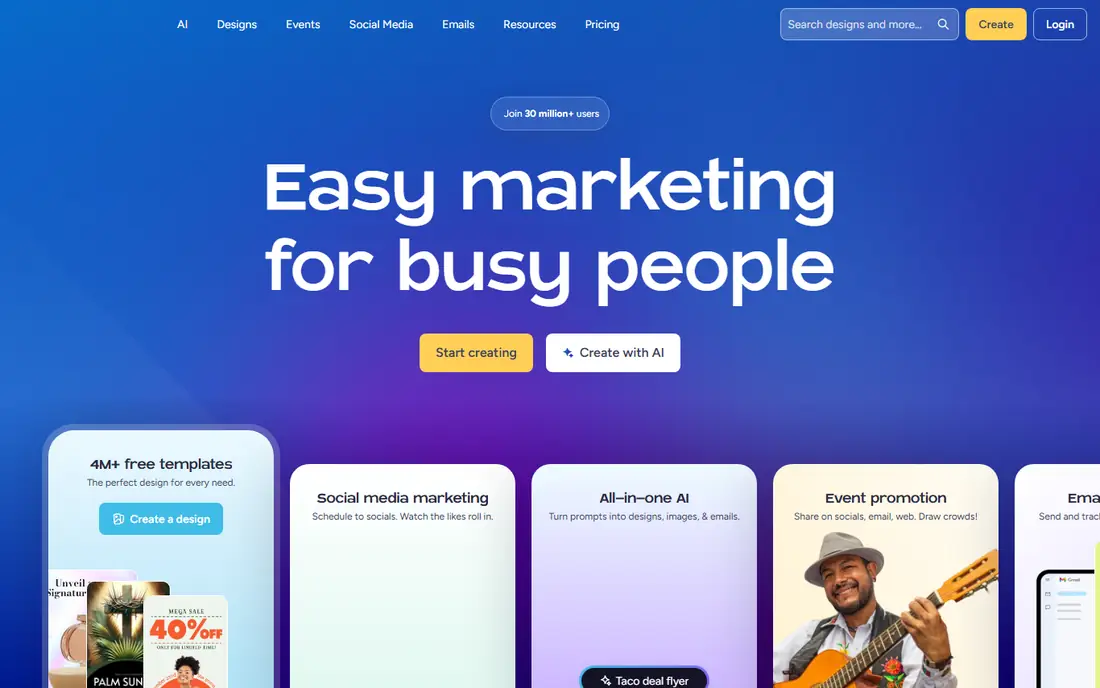
PosterMyWall has long focused on posters and flyers for local promotion, and that focus shows in the template range. Restaurants, schools, clubs, and churches will find layouts for menus, fundraisers, concerts, and holiday events without much searching. Video flyers are a useful extra for social feeds, where a still image can get lost.
The editor is simpler than some rivals, which suits non-designers but limits fine control over spacing and layers. Free users can design and share, but high-quality downloads sit behind paid plans. For a business that prints flyers regularly, the Premium plan is the realistic entry point, and it is worth comparing its download allowances with Canva Pro before choosing.
What we like- Huge flyer and poster template range
- Built-in video flyers
- Social scheduling on paid plans
Watch out for- Design controls are simpler than Canva
- Premium downloads need a paid plan
#5Visme
Best for: Brand-led business flyers4.5/5 on
G2 (512 reviews, checked Oct 2026)
Visit visme.co
Starting price$12.25 per month (billed annually)
Free planYes
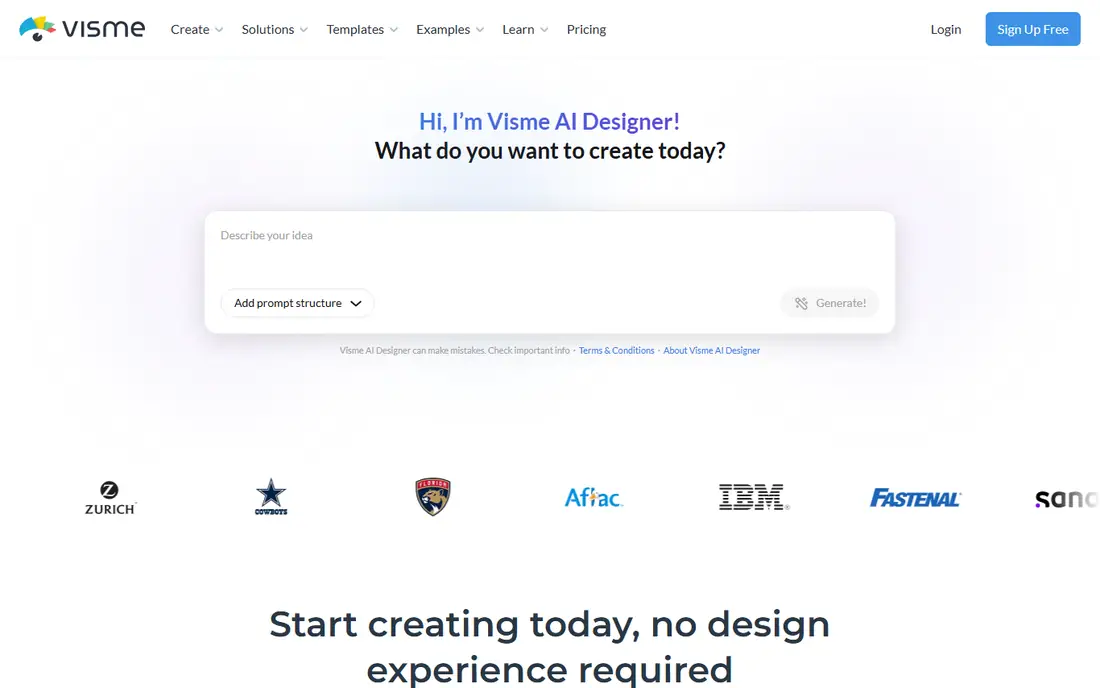
Visme works well when a flyer has to carry real information, not just a headline and a photo. Price lists, service menus, schedules, and infographic-style flyers fit its structured layouts, and brand controls help a team keep colors and fonts consistent. It also handles presentations and documents, so a small business can use one tool for several kinds of content.
The style can feel corporate for a party flyer or a music event, and the free plan is limited enough that regular users will need a paid tier. Visme makes most sense for service businesses, clinics, agencies, and nonprofits that want flyers to look consistent with the rest of their materials.
What we like- Structured layouts for business content
- Brand kit tools
- Good data and chart options
Watch out for- Template style leans corporate
- Free plan limits downloads and projects
Starting priceSee website
Free planYes
Microsoft Designer is the simplest way into flyer design for someone who already has a Microsoft account. A user types a short description, picks a draft, and edits text and images in a clean editor. There is little to learn, and the free tier covers occasional use well.
The limits show up on volume and variety. Template choice is narrower than Canva or VistaCreate, and print controls are basic. A user who makes one flyer a month for a school fair or a garage sale will likely be happy. A team producing weekly promotional flyers will probably outgrow it and want a larger library and brand tools.
What we like- Free with a Microsoft account
- Quick AI-assisted drafts
- Clean, simple interface
Watch out for- Smaller template library than Canva
- Fewer print-specific controls
#7Kittl
Best for: Type-led and vintage-style flyers4.7/5 on
G2 (43 reviews, checked Oct 2026)
Visit kittl.com
Starting price$10 per month (billed annually)
Free planYes
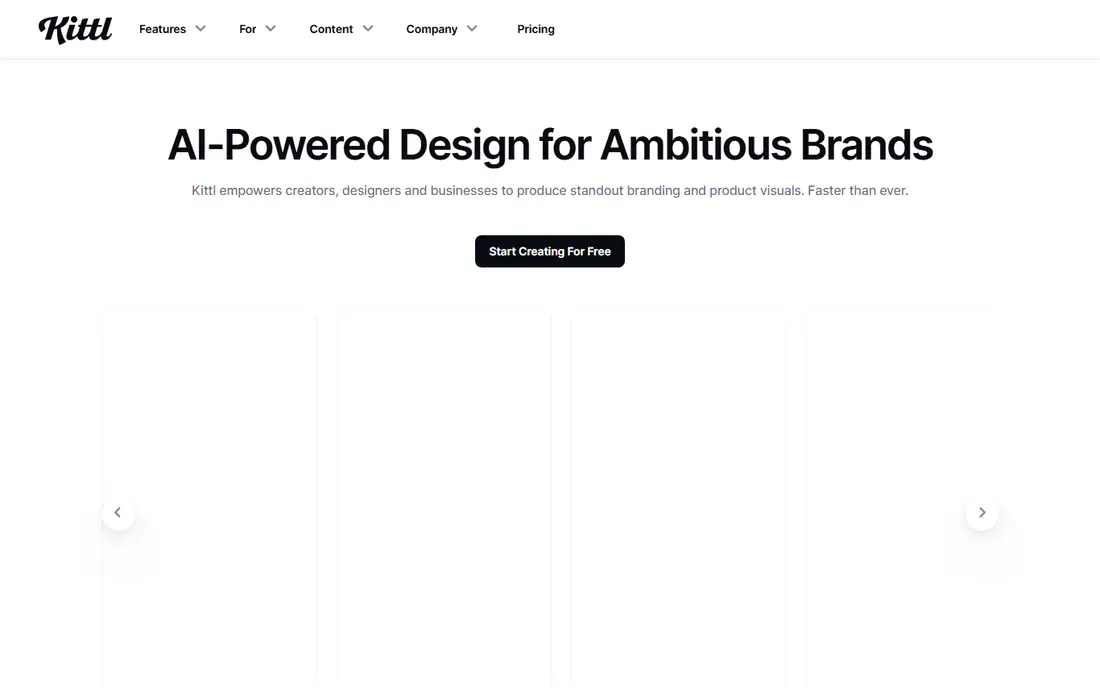
Kittl appeals to people who care about lettering and illustration. Its text tools, textures, and vintage styles give flyers a crafted look that template-heavy tools often miss. Designers making gig posters, merch-style flyers, and bold event sheets will find more to work with here than in a general-purpose editor.
For a straightforward business flyer with a photo, a headline, and a price list, Kittl can feel like extra work. The general template set is smaller, and the learning curve is a little steeper than Canva. It earns its place as a specialist choice for style-led flyers rather than as the default tool for every job.
What we like- Strong typography and illustration tools
- Distinctive vintage and badge styles
- Good text effects
Watch out for- Less suited to photo-heavy corporate flyers
- Smaller general template set
#8Marq
Best for: Teams that need locked brand templates4.5/5 on
G2 (210 reviews, checked Oct 2026)
Visit marq.com
Starting price$10 per month
Free planYes
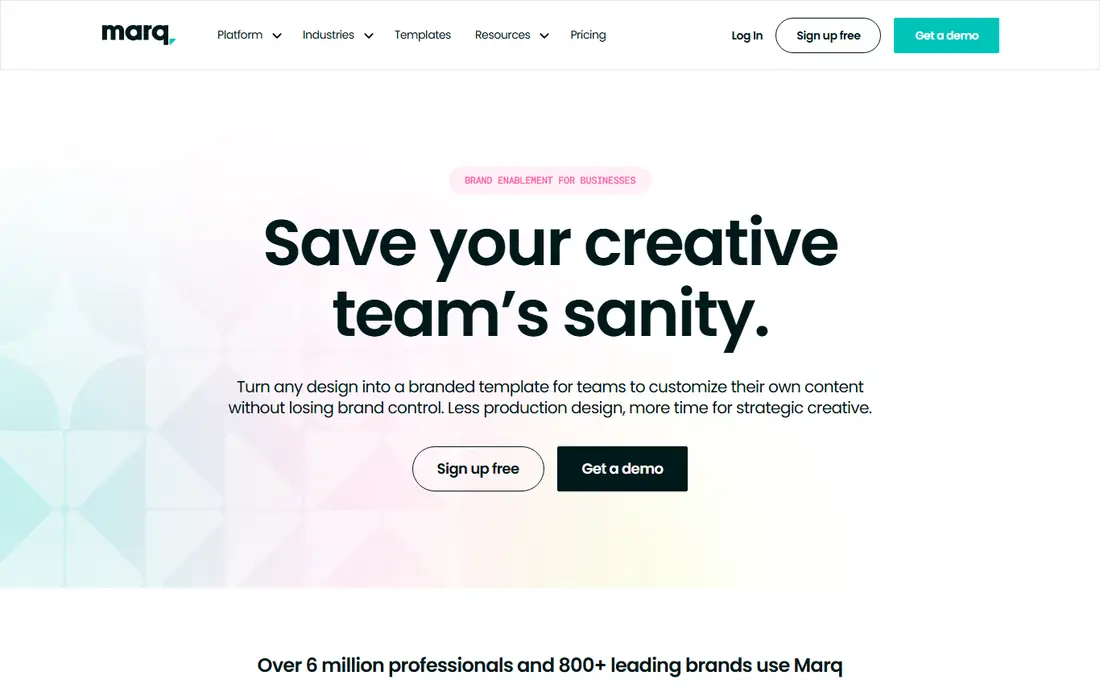
Marq, formerly Lucidpress, solves a different problem from the rest of this list. Instead of giving every staff member a blank canvas, it lets a central team lock logos, colors, and layouts, then lets local staff change only the text and photos. That control matters for franchises, school districts, and multi-location businesses where off-brand flyers are a real risk.
The trade-off is freedom. A designer who wants to experiment will find Marq restrictive, and building a good template library takes upfront time. For organizations where consistency matters more than creativity, that trade is worth it. The free plan gives a way to test the editor, while paid plans add the team and brand controls that make Marq useful at scale.
What we like- Locked templates keep branding consistent
- Team sharing and approval tools
- Print-ready exports
Watch out for- Less creative freedom for individual designers
- Setup takes time for a template library
How we chose
We compared pricing pages, product documentation, and public reviews on G2, Capterra, and Reddit, and checked each tool for flyer templates, print export options, brand controls, and free plan limits. We favored tools that exist today, offer a usable online editor, and cover a clear use case, from occasional personal flyers to regular business promotion. Where a price could not be confirmed from a current vendor page at the time of writing, we listed it as See website rather than guessing.
What to check before you print or post
Start with size and format. A flyer for a noticeboard, a handout, and an Instagram post are different shapes, and resizing after the design is finished often breaks the layout. Pick the final size first, then choose a template built for it. Check whether the tool exports a print-ready PDF, what resolution it offers, and whether bleed is supported if a print shop asks for it.
Next, look at the free plan limits that affect real work. Some free plans allow unlimited designs but limit downloads, premium photos, or background removal. If a flyer uses a premium image, the cost of that single asset can change the math. For teams, check seats, brand kits, and sharing permissions. A tool that is cheap for one person can become costly when five people need full access.
Finally, think about reuse. A good flyer template should survive several events with only text and date changes. Save a master version, keep the logo and color values in one place, and export a proof to check on a phone and on paper before printing a large run. Small text that looks fine on a screen often becomes hard to read in print, so test at real size.
Frequently asked questions
Do I need a paid plan to make a good flyer?
No, for occasional use. Free plans from Canva, Adobe Express, VistaCreate, and Microsoft Designer cover basic flyers with templates and standard exports. Paid plans mainly add premium assets, brand kits, and higher-quality downloads, which matter more for regular business use.
Which tool is best for printing flyers?
Canva, Marq, and Visme offer the strongest print paths, with PDF export and brand controls that help keep printed flyers consistent. Always confirm bleed, resolution, and paper size with the print shop, since those settings matter more than the tool name.
Can I use these tools without design experience?
Yes. All eight tools in this list use drag-and-drop editing and templates, so a beginner can produce a clean flyer in under an hour. Kittl and Visme take a little longer to learn, while Microsoft Designer and PosterMyWall are the quickest to pick up.
Are the templates free to use for business flyers?
Most templates can be used for business promotion, but premium photos, fonts, and illustrations may need a paid plan or a separate license. Check the license terms for any stock asset before using it on a paid advertisement or a large print run.
What size should a flyer be?
Common print sizes include A5 and A4 in many regions and half-letter or letter size in the United States. Social flyers usually need square or portrait formats. Choose the size before designing, and keep key text away from the edges so nothing is cut off in printing.
Sources we checked (8)
- https://www.canva.com/pricing/
- https://www.adobe.com/express/pricing
- https://support.create.vista.com/hc/en-us/articles/6347917526940-What-VistaCreate-plans-are-available
- https://www.postermywall.com/pricing
- https://www.visme.co/pricing/
- https://designer.microsoft.com
- https://www.kittl.com/pricing
- https://www.marq.com/pricing
Is your product missing or out of date?
We review this list regularly. Vendors can request a listing, send updated pricing or ask about featured placement.

Shihab Mia · Founder, Rankite
Shihab has 5+ years in B2B and SaaS SEO. He writes Rankite's software buying guides from pricing pages, documentation and public user reviews. More about Shihab.