How we make this list: we compare pricing pages, product documentation and public user reviews. Ratings come from G2, Capterra or Trustpilot, with the date we checked them.
Key takeaways
- Figma AI is the best pick for teams already in Figma, since its AI works inside existing files, components and workflows.
- Google Stitch, the successor to Galileo AI, is the best free starting point for text-to-UI generation with code export.
- Prompt-to-code tools like v0 by Vercel suit engineering-led teams, while Uizard and Visily suit non-designers and product managers.
- This market changes fast: several AI design tools shut down or were acquired since early 2025, so favor tools with clear pricing and active maintenance.
Quick comparison
| Tool | Best for | Starting price | Free plan |
|---|
 Figma AI Figma AI | Design teams already using Figma | $15 per editor per month | Yes |
 Uizard Uizard | Non-designers and early ideation | See website | Yes |
 Google Stitch Google Stitch | Free text-to-UI generation | Free | Yes |
 Framer AI Framer AI | Prompt-to-live marketing site | $5 per seat | Yes |
 Visily Visily | Wireframes from screenshots | See website | Yes |
 UX Pilot UX Pilot | Figma-native AI generation | See website | Yes |
 v0 by Vercel v0 by Vercel | React UI code from prompts | $20 per month | Yes |
 Relume Relume | Sitemaps and wireframes for sites | $19 per month | Yes |
Is your product missing or out of date?
We review this list regularly. Vendors can request a listing, send updated pricing or ask about featured placement.
Starting price$15 per editor per month
Free planYes
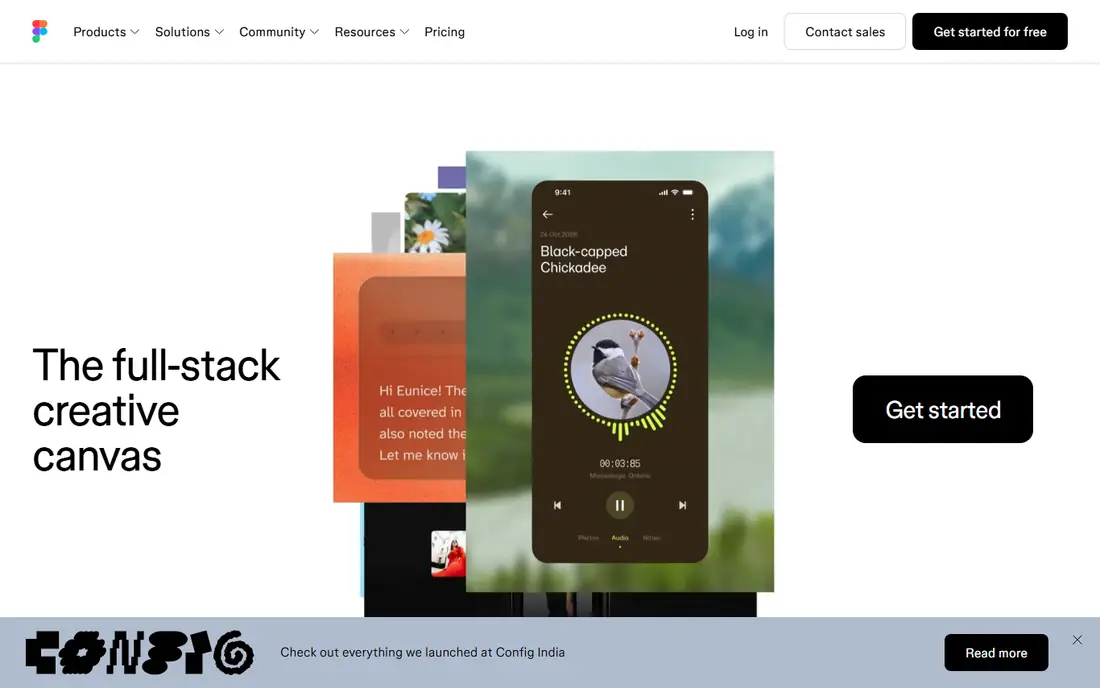
Figma AI is the most mature AI in an existing design workflow, because it lives where design teams already work. First Draft generates wireframes from a text prompt, AI renames layers, replaces placeholder content with realistic copy, and edits images in place, all inside Figma files that reuse a team's components and design system. For a team with an established Figma setup, that integration beats any standalone generator.
The limits are plan and polish. Full AI features sit in paid plans, with Pro around $15 per editor per month and Organization around $75 per editor, and AI credit limits apply on some plans. Generated screens also still look generated and need a designer's polish before shipping. For teams already committed to Figma, Figma AI is the obvious AI layer, and for everyone else it is the standard the rest are judged against.
What we like- AI works inside existing Figma files
- Layer renaming, copy generation and first-draft wireframes
- Strongest ecosystem and hiring pool
Watch out for- Full AI features need paid plans
- Generated screens still need visual polish
- AI credit limits apply on some plans
#2Uizard
Best for: Non-designers and early ideation4.5/5 on
G2 (46 reviews, checked Oct 2026)
Visit uizard.io
Starting priceSee website
Free planYes
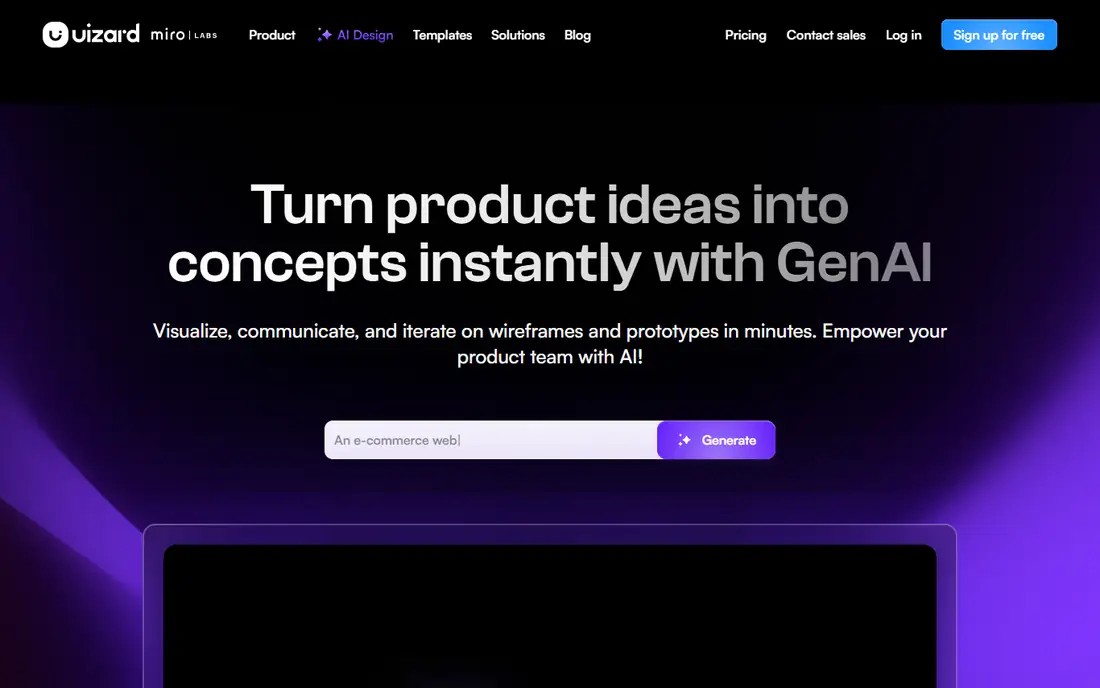
Uizard is the easiest starting point for non-designers and product managers who need a UI mockup fast. Type a prompt or sketch a layout by hand, and Autodesigner turns it into an editable multi-screen prototype, while screenshot-to-mockup converts an existing screen into something editable. For early ideation, stakeholder reviews and startup pitches, that speed is the whole value.
Published prices vary across guides, from $12 to $19 per month for Pro tiers, so check the current pricing page before budgeting, and the free tier covers a limited number of projects. Polished design system handoff is weaker than Figma's, so final production work usually moves elsewhere. Pick Uizard when the goal is a credible prototype this afternoon, not a production design system.
What we like- Easiest starting point for product managers
- Text-to-UI and sketch-to-mockup
- Multi-screen prototypes
- Figma integration
Watch out for- Published prices vary across guides
- Polished design system handoff is weaker
- High-fidelity output needs refinement elsewhere
Starting priceFree
Free planYes
Google Stitch is the successor to Galileo AI, which shut down as a standalone product, and it carries forward the text-to-UI idea inside Google's tooling. Describe an app or a screen, and Stitch generates editable designs, multi-screen flows and a design system from the prompt, with HTML and Tailwind code export for developers. It is free with usage limits, which makes it the best no-cost starting point for AI UI generation in 2026.
The caveats are youth and polish. As a successor product, its long-term roadmap is still forming, and generated screens need a designer's refinement before production use. A Google account is required. For a free first draft of an app idea, especially one that needs code export, Stitch is the tool to try before paying for anything else.
What we like- Free with usage limits
- Generates multi-screen flows and design systems from a prompt
- HTML and Tailwind code export
Watch out for- Successor to Galileo AI, so long-term roadmap is still forming
- Output needs designer refinement
- Google account required
Starting price$5 per seat
Free planYes
Framer AI generates a full marketing site from a prompt and ships it live with a custom domain, which makes it the best pick when the deliverable is a website, not a design file. AI sitemap and copy generation, responsive layouts and AI translation are built in, and the editor starts around $5 per seat with per-site publish pricing. For marketers and founders who need a polished site this week, the path from prompt to live URL is unmatched.
The trade off is ecosystem lock-in. Framer AI is tied to Framer's publishing platform, so teams that need app design files or a different stack will find it narrow, and per-site publish pricing adds up across many sites. Pick Framer AI when a live marketing site is the goal, and pick Figma AI or Uizard when editable app design files matter more.
What we like- Generates a full marketing site from a prompt
- Ships live with custom domains
- AI sitemap, copy and translation built in
Watch out for- Tied to Framer's ecosystem
- Less general than Figma for app design
- Per-site publish pricing adds up
#5Visily
Best for: Wireframes from screenshots4.4/5 on
G2 (36 reviews, checked Oct 2026)
Visit visily.ai
Starting priceSee website
Free planYes
Visily is the wireframe-from-anything tool: feed it a screenshot, a sketch or a text prompt, and it returns an editable wireframe that a product manager and a designer can refine together. That screenshot-to-wireframe path is genuinely useful for redesigns, since it turns a competitor's screen or an old layout into a starting point without redrawing from scratch. The free tier covers getting started.
Published prices vary across guides, from $10 to $19 per month for Pro, so check the current page, and high-fidelity output is limited, meaning final visuals still need a design tool. Visily's strength is the early stage: alignment on structure before anyone argues about colors. Use it for wireframes and early reviews, not for production-ready screens.
What we like- Turns screenshots, sketches and prompts into editable wireframes
- Great for product managers co-designing
- Free tier available
Watch out for- Published prices vary from $10 to $19 per month
- High-fidelity output is limited
- Best at wireframes, not final visuals
Starting priceSee website
Free planYes
UX Pilot is the Figma-native generation tool for iterative UX work. An AI chat interface lets you request changes conversationally, revise screens through successive prompts, and generate inside Figma, which keeps the workflow in one place for product managers and designers. For teams that iterate through many revisions with stakeholders, the chat-driven loop feels natural.
Published prices vary slightly across guides, from $15 to $16 per month, so check the current page, and the ecosystem is smaller than Figma AI's, with fewer plugins and community resources. Output quality also varies by prompt, so prompt skill matters. Pick UX Pilot when iterative, chat-driven generation inside Figma fits the team's workflow better than Figma AI's built-in features.
What we like- AI-powered chat for iterative revisions
- Figma-native generation
- Good for product managers and iterative UX workflows
Watch out for- Published prices vary from $15 to $16 per month
- Smaller ecosystem than Figma AI
- Output quality varies by prompt
#7v0 by Vercel
Best for: React UI code from prompts4.5/5 on
G2 (28 reviews, checked Oct 2026)
Visit v0.app
Starting price$20 per month
Free planYes
v0 by Vercel is the code generation pick for engineering-led teams. Type a prompt, and it generates React and Next.js UI components with Tailwind styling that developers can edit and deploy, closing the gap between a design idea and working code. For teams that build in React, that direct path from prompt to deployable component is the best return on an AI design tool.
The limits are stack and review. v0 serves React and Next.js only, so Vue, Angular or native teams need another tool, and generated code still needs review for accessibility, edge cases and design consistency before production. Paid plans start around $20 per month, with a free plan for trying it. Pick v0 when the deliverable is code, not a design file, and when React is the stack.
What we like- Turns prompts into React and Next.js UI code
- Shadcn-style components
- Deployable output for engineering teams
- Free plan available
Watch out for- React and Next.js only
- Non-React stacks need another tool
- Generated code needs review before production
#8Relume
Best for: Sitemaps and wireframes for sites3.3/5 on
G2 (8 reviews, checked Oct 2026)
Visit relume.io
Starting price$19 per month
Free planYes
Relume plans the structure of a website before anyone designs a screen. Its AI sitemap generator turns a brief into a site map, then into wireframes using a large component library, with export to Figma or Webflow for production work. For agencies and teams that plan many marketing sites, that structure-first flow saves the most time, since sitemap arguments happen before visual debates.
Pricing starts around $19 per month for solo and $35 for team plans, with a free plan for trying it. The focus is websites, not apps, so product teams need a different tool for app screens, and custom design systems need extra work beyond the component library. Pick Relume when site planning and wireframes are the bottleneck, and pair it with Framer or Figma for final production.
What we like- AI sitemap and wireframe generator
- Large component library
- Exports to Figma and Webflow
- Good for site planning
Watch out for- Solo plan from $19 per month, team from $35
- Site-focused, not app-focused
- Custom design systems need extra work
How we chose
We judged these tools on output type, workflow fit, pricing transparency and survival risk, since this market turns over fast. Prices were checked against published guides from August and October 2026: Figma Pro around $15 per editor per month, Framer editor from $5 per seat, v0 around $20 per month, Relume solo from $19 per month, and Google Stitch free with limits. Uizard, Visily and UX Pilot prices vary across guides, so those are listed as See website rather than guessed.
We also weighed the Galileo lesson: Galileo AI shut down as a standalone product and became Google Stitch, and several other AI design tools shut down or were acquired since early 2025. Favor tools with clear pricing, active maintenance and an export path, so a shutdown does not strand your work. No tool here was tested hands-on for this guide; the picks rest on published features, pricing and documented status.
What to check before you pick
Match the tool to the deliverable. A live marketing site means Framer AI, editable app screens mean Figma AI or Stitch, a wireframe means Visily or Relume, and React code means v0. Buying the wrong type wastes the subscription, since each tool's output fits a different stage of the pipeline.
Check export and ownership before committing. Confirm that designs export to Figma, code or a live site in a usable form, and that generated work remains yours to use commercially. Test one real screen end to end: prompt, generate, refine, export and hand off to a developer or a publisher. If any step breaks, the tool is not ready for your workflow, whatever its marketing claims.
Frequently asked questions
What is the best free AI UI design tool?
Google Stitch is the best free starting point, with text-to-UI generation, multi-screen flows and code export under usage limits. Figma AI's free tier and Uizard's free tier also cover early ideation, but Stitch gives the most complete free generation-to-code path.
Is Galileo AI still available?
No, Galileo AI shut down as a standalone product and its successor is Google Stitch, which carries forward text-to-UI generation with code export. Older guides that list Galileo should be read as referring to Stitch, and any Galileo pricing in those guides is out of date.
Should I use Figma AI or a standalone generator?
Use Figma AI if your team already designs in Figma, since it works inside existing files and components. Use a standalone generator like Stitch, Uizard or v0 when you need a fast first draft, a wireframe or React code without an existing Figma setup.
Can AI UI tools replace a designer?
No. Generated screens still need visual polish, accessibility checks, design system alignment and product judgment before shipping. AI tools save hours on first drafts and wireframes, but final quality, consistency and user testing still need a designer's eye.
What does v0 by Vercel output?
v0 outputs React and Next.js UI code with Tailwind styling, including shadcn-style components that developers can edit and deploy. It suits engineering-led teams building in React, and its output needs code review for accessibility and edge cases before production use.
How much do AI UI design tools cost?
Prices range from free to about $100 per month depending on generation volume. Typical entry points are Figma Pro around $15 per editor per month, Framer from $5 per seat, v0 around $20 per month and Relume solo from $19 per month, with Stitch free under usage limits.
Sources we checked (0)
Is your product missing or out of date?
We review this list regularly. Vendors can request a listing, send updated pricing or ask about featured placement.

Shihab Mia · Founder, Rankite
Shihab has 5+ years in B2B and SaaS SEO. He writes Rankite's software buying guides from pricing pages, documentation and public user reviews. More about Shihab.