How we make this list: we compare pricing pages, product documentation and public user reviews. Ratings come from G2, Capterra or Trustpilot, with the date we checked them.

Key takeaways
- Runway is the strongest all round choice for creators who want control, editing, and access to several video models in one workspace.
- Kling AI gives strong realism for the price, especially when a still needs a natural camera move or a clear start and end frame.
- Talking photos are a separate job from general motion: D-ID and Hedra handle faces and lip sync better than a general image to video model.
- Credit pricing decides the real cost. A low monthly price means little if a 10 second clip eats a third of the monthly allowance.
- Free plans are best for testing motion style and face stability, not for client work, since watermarks and short limits usually apply.
Quick comparison
| Tool | Best for | Starting price | Free plan |
|---|
 Runway Runway | Creators who want control plus an editor in one place | $12 per user/month (billed annually) | Yes |
 Kling AI Kling AI | Realistic motion from a single photo | See website | Yes |
 Luma Dream Machine Luma Dream Machine | Smooth, gimbal like camera movement | See website | Yes |
 Pika Pika | Quick social clips, effects, and transitions | See website | Yes |
 Hailuo Hailuo | Budget motion with audio options | $14.99 per user/month | Yes |
 D-ID D-ID | Talking photos for explainers and training | $5.90 per user/month | Free trial |
 Hedra Hedra | Expressive talking characters for social and storytelling | See website | Yes |
 Magic Hour Magic Hour | Simple all in one image to video and talking photo work | $10 per user/month | Yes |
 Google Veo 3.1 Google Veo 3.1 | High quality hero shots where fidelity matters most | See website | Free trial |
Is your product missing or out of date?
We review this list regularly. Vendors can request a listing, send updated pricing or ask about featured placement.
#1Runway
Best for: Creators who want control plus an editor in one place4.1/5 on
G2 (105 reviews, checked Oct 2026)
Visit runwayml.com
Starting price$12 per user/month (billed annually)
Free planYes
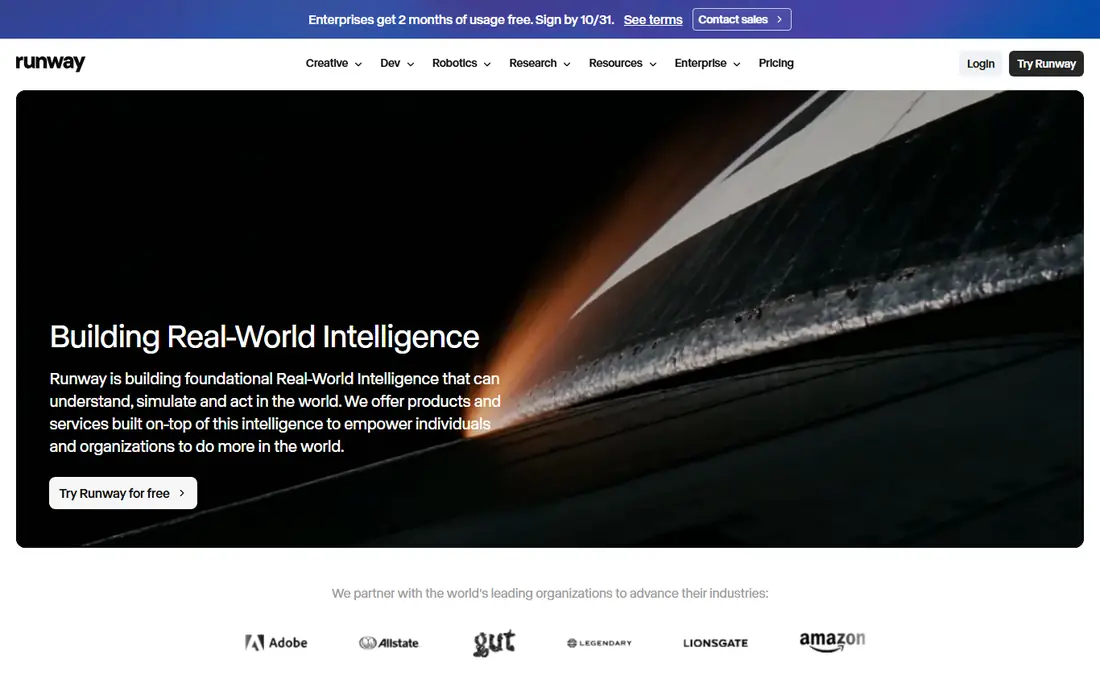
Runway suits a creator who treats a still as the start of a shot, not as a finished post. Upload a product photo, set a camera move, add a reference for style, and then trim or extend the result in the same workspace. That control is why agencies and serious solo creators keep returning to it, even when cheaper tools exist.
The budget warning is real. Standard costs $15 per month, or $12 per month billed annually, for 625 credits, and Gen-4.5 uses about 60 credits for 5 seconds. That math means iteration is expensive: two failed takes can cost as much as the final clip. Plan test renders at lower cost settings where possible, and move to Pro at $28 per month billed annually only when Standard runs out in the first half of each month.
What we like- Gen-4.5 model with keyframe and reference controls
- Built in editing, inpainting, and upscaling
- Access to partner models in one workspace
Watch out for- Credit costs rise fast on longer clips
- Standard plan only covers about ten 5 second Gen-4.5 clips per month
Starting priceSee website
Free planYes
Kling AI has built its name on motion that looks believable rather than floaty. A portrait can turn its head, a street scene can gain a slow push-in, and a product shot can rotate without warping badly. For marketers who need a short clip from one hero image, that realism often matters more than a long list of editing extras.
The practical limit is consistency. Faces and hands remain the weak point in most image to video tools, and Kling is no exception over longer or more complex motion. Keep prompts short, describe one main movement, and use start and end frames when the story depends on a clear change. Check current Kling pricing on its site, since credit packs and subscription tiers change, and daily free credits are best treated as a trial, not a production budget.
What we like- Strong human and camera motion
- Start and end frame controls for storytelling
- Daily free credits for testing
Watch out for- Queue times can grow at peak hours
- Character faces can drift over longer clips
Starting priceSee website
Free planYes
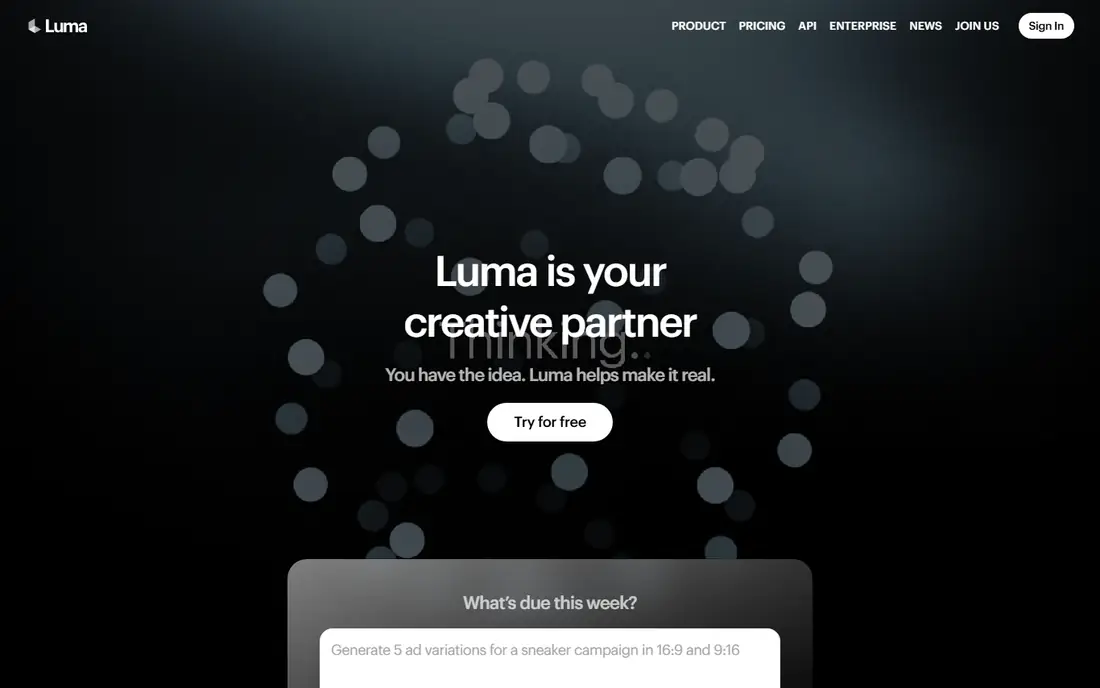
Luma Dream Machine is the tool to try when the still is a place, not a person. A room, a building facade, or an outdoor scene gains a steady camera move that feels filmed rather than generated. That makes it useful for real estate, travel, and product scenes where the camera, not the subject, should do the work.
Character work is where buyers should test carefully. A person walking, gesturing, or speaking will show more artifacts than a slow pan across a room. Luma also rewards simple prompts: name the camera move, name the subject, and stop. Overwritten prompts tend to produce busy motion that distracts from the image itself. Confirm free plan limits and paid tiers on the Luma site before planning a series, since output length and watermark rules differ by plan.
What we like- Clean camera moves that suit outdoor scenes and architecture
- Simple prompt workflow
- Keyframe options for shot planning
Watch out for- Less direct control over fine character action than Runway
- Commercial terms vary by plan, so check before client use
#4Pika
Best for: Quick social clips, effects, and transitions1.7/5 on
Trustpilot (73 reviews, checked Oct 2026)
Visit pika.art
Starting priceSee website
Free planYes
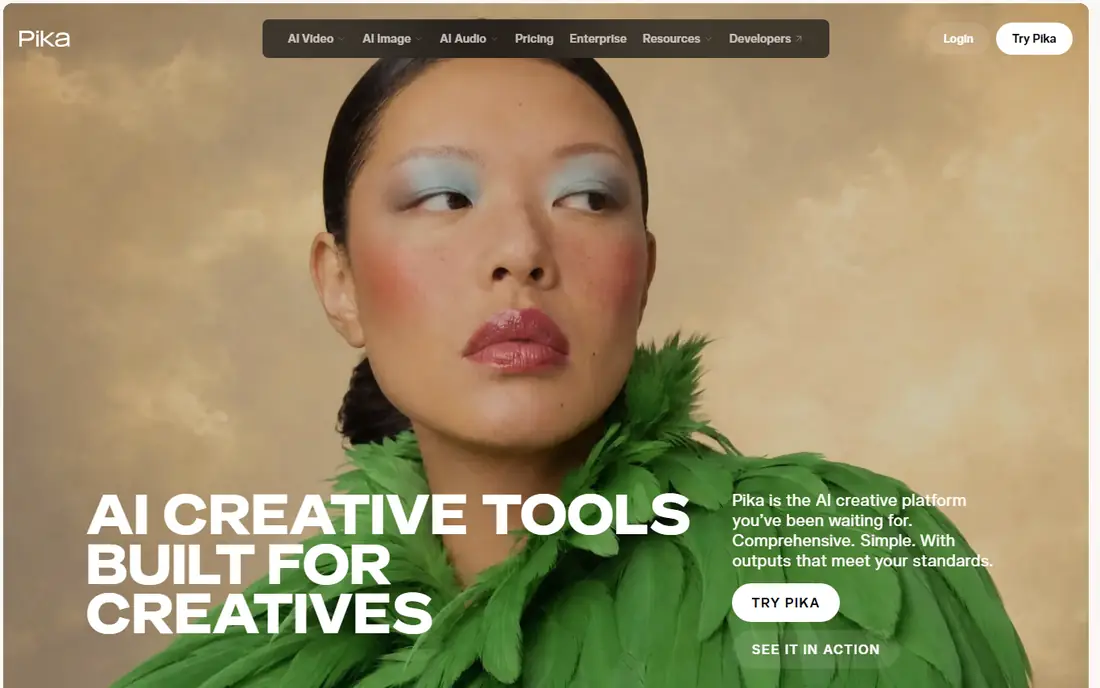
Pika is built for speed and social formats. If the job is a 4 second hook, a product reveal, or a playful transition, Pika gets there faster than a full editing suite. Its effects library also helps creators who do not want to write a detailed motion prompt for every post.
The trade is ambition. Pika is not the tool for a 15 second narrative shot with several characters and precise action. Treat it as a volume tool: many short attempts, quick selection, and only the best clips published. Paid plans remove limits and watermarks, but check the current monthly price and credit allowance, since social posting volume can burn credits faster than expected.
What we like- Fast generation for short form content
- Fun effects and keyframe transitions
- Low friction for beginners
Watch out for- Short clips by design
- Realism falls short of Kling and Runway on complex scenes
Starting price$14.99 per user/month
Free planYes
Hailuo, from MiniMax, is a strong budget pick for creators who want decent motion without paying a premium tier elsewhere. It handles everyday subjects well, and its audio support can save a separate sound step for short social clips. For a small team testing image to video as a regular format, that combination is attractive.
Buyers should still verify the plan before paying. Third party guides have quoted different Hailuo prices, and the Standard plan listed at $14.99 for 1,000 credits in some checks may differ by region or promotion. Test the free credits on your own images first, especially for faces and text in the frame, since both can warp. If those tests pass, Hailuo can cover a surprising amount of weekly content for the cost.
What we like- Competitive motion quality for the price
- Supports sound in some generations
- Free credits for testing
Watch out for- Pricing pages have shown different figures over time, so verify at checkout
- Style can lean stylized rather than photoreal
#6D-ID
Best for: Talking photos for explainers and training4.6/5 on
G2 (135 reviews, checked Oct 2026)
Visit d-id.com
Starting price$5.90 per user/month
Free planFree trial
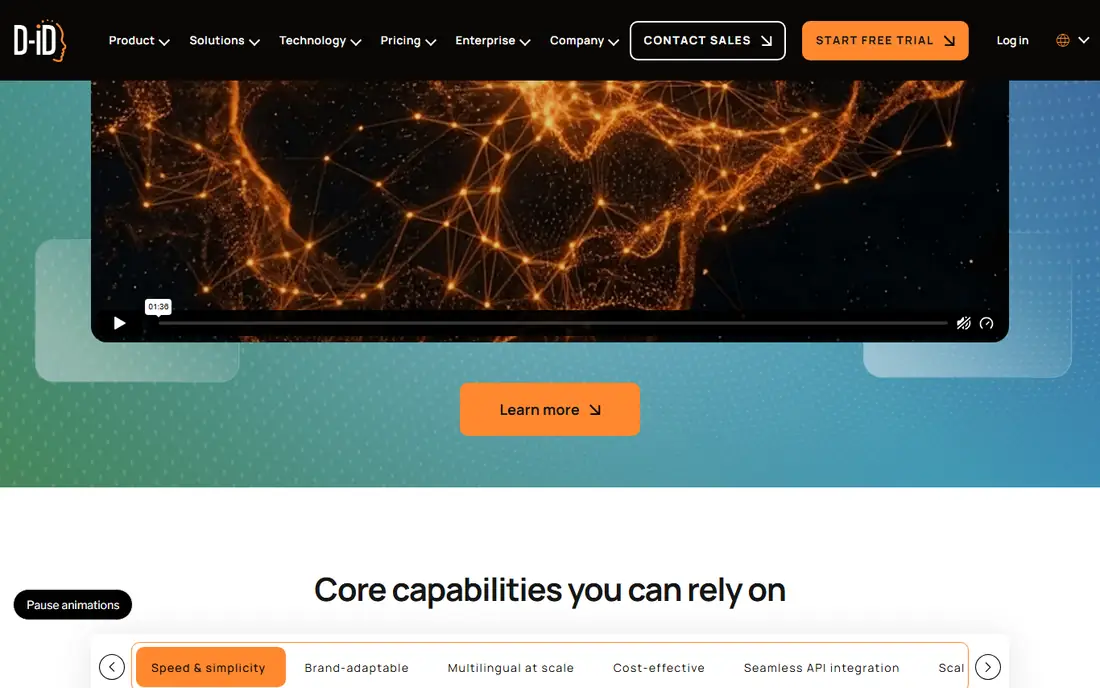
D-ID answers a narrower question than Runway or Kling: what if the still needs to speak? Upload a portrait, add a script or audio, and the face talks with reasonably natural mouth movement. That makes it useful for internal training, product explainers, and short customer messages where a presenter cannot be filmed each time.
The catch is cost at scale and consent. Credits are consumed per video, so a library of dozens of talking clips needs a higher tier or a careful budget. Only animate faces you have clear permission to use, and avoid realistic talking photos of real people without consent, since the result can mislead viewers. For occasional use, the low entry price makes D-ID easy to test. For daily publishing, compare its per video cost with Hedra and with a general video model plus a separate voice tool.
What we like- Long track record in talking head video
- Simple script to video workflow
- Useful for training, onboarding, and localized narration
Watch out for- Credit system gets expensive at volume
- Lip sync quality varies by source photo and script length
#7
Hedra
Best for: Expressive talking characters for social and storytelling
Visit hedra.com
Starting priceSee website
Free planYes
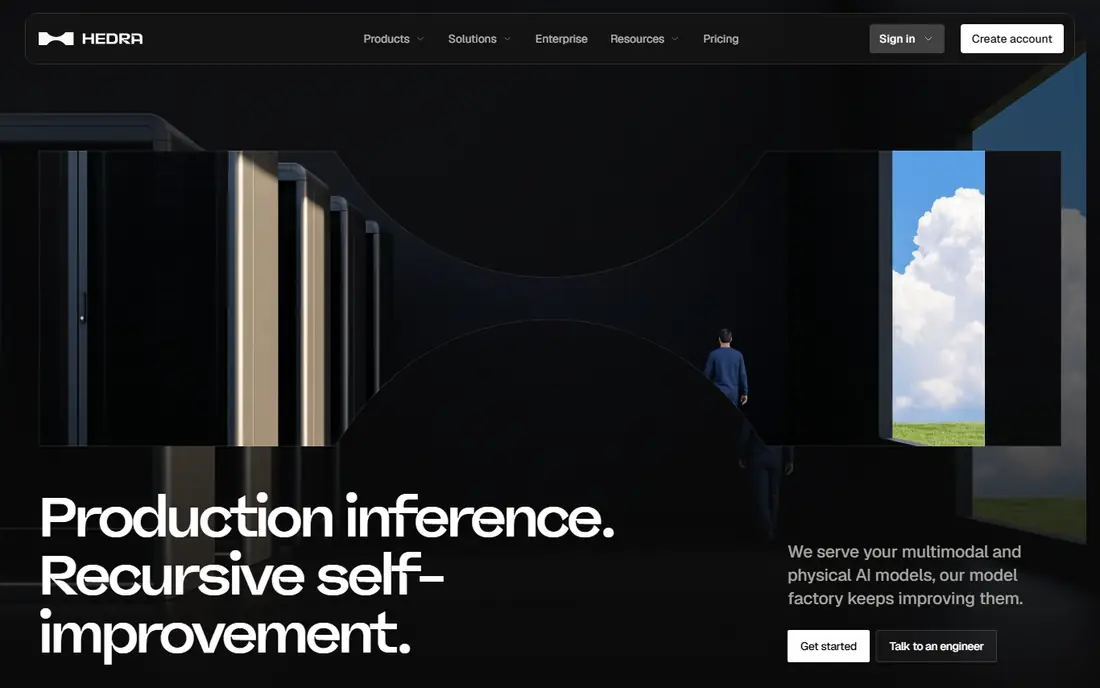
Hedra sits close to D-ID, but with a stronger emphasis on character and expression. A still character can react, emphasize words, and hold a performance across a short clip in a way that feels less stiff than a basic talking head. That makes it a good fit for storytellers, educators making character led explainers, and brands with a recurring mascot or spokesperson image.
The limit is input quality. A blurry, side profile, or heavily cropped face will produce weaker lip sync and odd expressions, no matter how good the model is. Start with a sharp, well lit, front facing photo and a short script, then extend length only after the first clips hold up. Check Hedra pricing on its site, since free credits are limited and paid tiers are built around monthly generation volume.
What we like- Strong facial expression and character animation
- Handles audio driven performance well
- Creator friendly workflow
Watch out for- Best results need a clean front facing portrait
- Longer videos can show expression drift
#8
Magic Hour
Best for: Simple all in one image to video and talking photo work
Visit magichour.ai
Starting price$10 per user/month
Free planYes

Magic Hour is a practical starter tool for creators who want one subscription to cover two jobs. A still can become a short motion clip, or a portrait can become a talking video, without learning a separate platform for each. That simplicity helps small teams and solo creators who publish across formats and do not want to manage several credit systems.
Specialist tools still win on their home ground. Runway gives more shot control, Kling gives more realistic motion, and Hedra gives more expressive faces. Magic Hour wins on convenience and price, with paid plans from about $10 per month billed annually in past listings. Verify the current tier on its pricing page, and test watermark rules on the free plan before using any clip in client or paid social work.
What we like- Covers image to video and talking photos in one account
- Easy for beginners
- Free credits to start
Watch out for- Output quality and control lag behind specialist leaders
- Credit limits matter for regular posting
#9
Google Veo 3.1
Best for: High quality hero shots where fidelity matters most
Visit google.com
Starting priceSee website
Free planFree trial
Veo 3.1, available through Google Flow and related Google tools, is the quality benchmark many creators compare other models against. A still used as a reference can become a polished hero shot with coherent motion, lighting, and detail that holds up at larger sizes. For a campaign lead image or a product launch clip, that fidelity can justify extra cost and setup.
Access is the friction. Veo is not sold as a single simple plan on its own homepage in the same way as Runway or Pika, so buyers need to check Google AI plans, Flow credits, and regional availability. Free or trial credits are useful for testing, but regular production usually requires a paid Google plan. Use Veo for the few shots that carry a campaign, and use a cheaper tool for everyday volume, rather than running every clip through the most expensive model.
What we like- Very strong visual quality and motion coherence
- First and last frame control on 8 second clips
- Audio generation in supported workflows
Watch out for- Access is through Google products and pricing that varies by plan
- Not a simple standalone subscription for every buyer
How we chose
We compared vendor pricing pages, model documentation, and public reviews on G2, Capterra, and Reddit, focusing on what buyers can verify: clip length, credit cost per second, start and end frame support, talking photo quality, export options, and commercial use terms. We also weighed fit by team size, since a solo creator, a social team, and an agency need different credit volumes and controls. No hands-on rendering trial is claimed here. The shortlist reflects documented capabilities and the recurring strengths and complaints found across independent creator reviews.
Start by naming the shot, not the tool. A camera move across a room, a person speaking, and a product reveal are three different jobs, and they reward three different models. Choosing one tool for all three usually means paying for quality you do not need on some clips, and accepting weakness on others.
Count credits before you count features
Translate every plan into finished clips per month. Take the monthly credit allowance, divide it by the credit cost of your usual clip length, and then cut that number in half for failed takes and re-renders. If the result is below your publishing schedule, the plan is too small, even if the headline price looks low. Watch for credit expiry too: some plans reset monthly, while others allow rollover only on higher tiers.
Test faces, hands, and text first
Most tools handle outdoor scenes and simple camera moves well. The failures show up in faces that shift, hands that blur, and text that warps. Before buying, run the same three test images through any shortlisted tool: a portrait, a product photo with text, and a scene with a person moving. Keep the tool only if all three stay usable, not just the easiest one.
Check commercial use and consent
Confirm whether paid plans allow commercial use, whether free outputs carry a watermark, and whether you can export without attribution. For talking photos, get written permission for any real person's likeness, and label AI generated spokesperson content where platform rules or client contracts require it. A cheap clip that creates a rights problem is not cheap.
Frequently asked questions
What is the best AI tool to animate a still image?
Runway is the best all round choice for control and editing, while Kling AI is a strong value pick for realistic motion. For talking photos, D-ID and Hedra are better starting points than a general image to video model.
How long can an AI animated clip be?
Most tools produce clips of about 4 to 10 seconds per generation, with some models reaching 15 seconds or more. Longer videos are usually built by chaining clips or extending a shot, rather than generating a full minute in one pass.
Do free plans allow commercial use?
Usually not without limits. Free plans often add a watermark, cap resolution, or restrict commercial use. Check the plan terms on the vendor site before using a free clip in ads or client work.
Why do faces change during animation?
Faces drift when the model has to invent movement, angle, or expression that was not in the still. Using a sharp front facing photo, a short prompt, and a single clear movement reduces drift, but does not remove it entirely.
How much does animating still images cost per month?
Entry paid plans commonly start around $10 to $15 per month, but the real cost depends on credits per clip. A creator publishing daily will often need a mid tier plan, while occasional users can stay on a low tier or free credits.
Can I animate a photo without it looking artificial?
Short, simple motion looks most natural: a slow camera move, a subtle head turn, or a gentle product rotation. Large, complex action from a single still tends to reveal artifacts, so keep the first generations modest and build from what works.
Sources we checked (8)
- https://www.runwayml.com
- https://www.klingai.com
- https://www.lumalabs.ai
- https://www.pika.art
- https://www.hailuo.ai
- https://www.d-id.com
- https://www.hedra.com
- https://www.magichour.ai
Is your product missing or out of date?
We review this list regularly. Vendors can request a listing, send updated pricing or ask about featured placement.

Shihab Mia · Founder, Rankite
Shihab has 5+ years in B2B and SaaS SEO. He writes Rankite's software buying guides from pricing pages, documentation and public user reviews. More about Shihab.