How we make this list: we compare pricing pages, product documentation and public user reviews. Rankite is independent; if a vendor ever pays for a featured spot, that listing is clearly labeled Partner.
Key takeaways
- The two genuinely free heavyweights are Typing.com and TypingClub: both free for individuals and schools, with paid editions only for extras like ad-free classrooms.
- Typesy is the structured paid pick for families and homeschoolers, with a VIP subscription around $9/month, a 7-day free trial and up to five user profiles per account.
- Keybr and The Typing Cat are the best free options for adults who already type and want to get faster: adaptive lessons and a Pro tier from $2.69/month.
- Ratatype pairs free lessons with a typing certificate that job seekers can show employers, though certificates and ad-free use now cost extra.
Quick comparison
| Tool | Best for | Starting price | Free plan |
|---|
 Typesy Typesy | Families and homeschoolers wanting a structured typing course | See website (VIP subscription ~$9/month per third-party reviews) | Free trial (7 days) |
 Typing.com Typing.com | Teachers who want a full-featured free typing platform | Free (Plus Edition for schools is quote-based) | Yes |
 TypingClub TypingClub | Individuals and schools wanting a clean free curriculum | Free (School Edition is paid and quote-based) | Yes |
 Ratatype Ratatype | Learners who want a certificate to show employers | Free (certificates, ad removal and unlimited lessons are paid extras) | Yes |
 Keybr Keybr | Adults who already type but want to fix weak keys | Free | Yes |
 The Typing Cat The Typing Cat | Casual learners who want courses, tests and games in one place | $2.69/month (Pro) | Yes |
 Nitro Type Nitro Type | Kids who learn best through competitive racing games | Free (freemium) | Yes |
 TypingMaster TypingMaster | Windows users who want a classic downloadable course | See website | Free trial |
 Klavaro Klavaro | Budget users who want a free open-source trainer | Free | Yes |
Is your product missing or out of date?
We review this list regularly. Vendors can request a listing, send updated pricing or ask about featured placement.
The best typing tutor software
Most people learn to type the way they learned to swim: thrown in, paddling hard, developing habits that work but cost them speed for years. A typing tutor fixes that by teaching finger placement in the right order, measuring every keystroke, and turning the boring middle weeks into something a learner will actually finish. These nine tools cover the real options, from free web apps a teacher can deploy in a class period to structured courses a family pays for.
#1
Typesy
Best for: Families and homeschoolers wanting a structured typing course
Visit typesy.com
Starting priceSee website (VIP subscription ~$9/month per third-party reviews)
Free planFree trial (7 days)
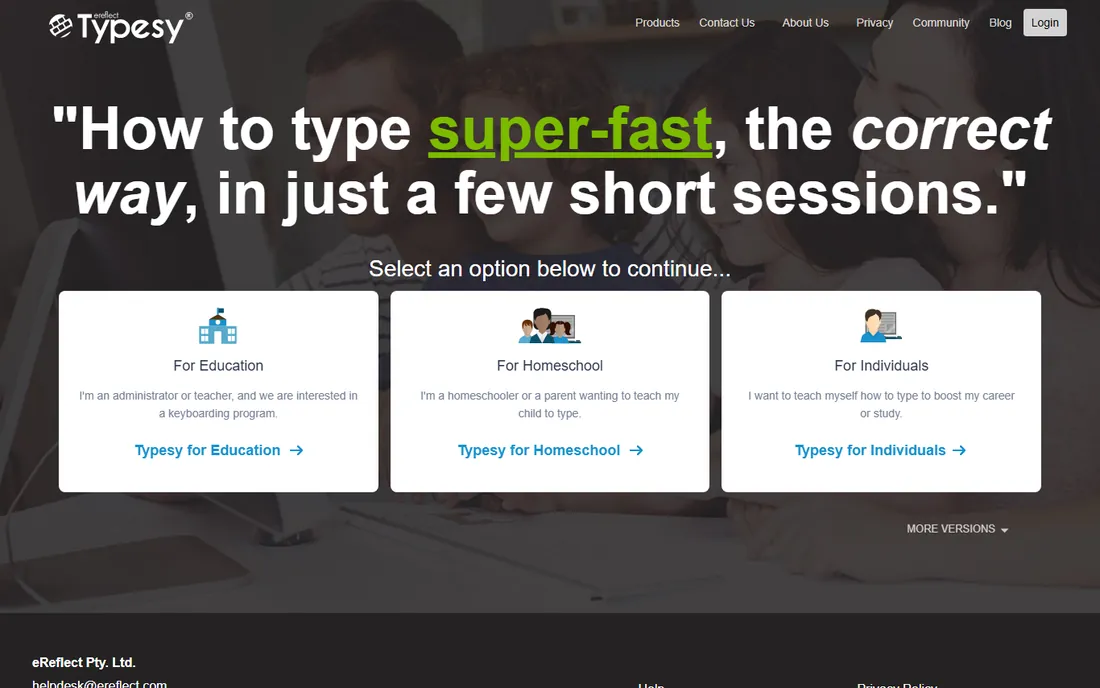
Typesy is the paid option for people who want a real course, not a pile of games. The VIP subscription opens the full typing curriculum, 16 games and activities, advanced reporting and a typing certificate, with support for up to five users under one account, which suits families and homeschool setups. A 7-day free trial lets you work through lessons and analytics before paying.
The catch is transparency. Typesy does not publish its pricing prominently, and third-party reviews put VIP at roughly $9/month. If you need per-student pricing for a school, expect a custom conversation. For an individual adult, the free tools below probably do the job; Typesy earns its fee when several people in one household are learning.
What we like- Full curriculum with video lessons, games and certification
- Up to five user profiles on one VIP account
- Tracks accuracy and speed in detail per learner
Watch out for- Price is not published clearly on the site, which makes comparing harder
- The course library can feel like a lot for very young kids without a parent guiding them
#2
Typing.com
Best for: Teachers who want a full-featured free typing platform
Visit typing.com
Starting priceFree (Plus Edition for schools is quote-based)
Free planYes
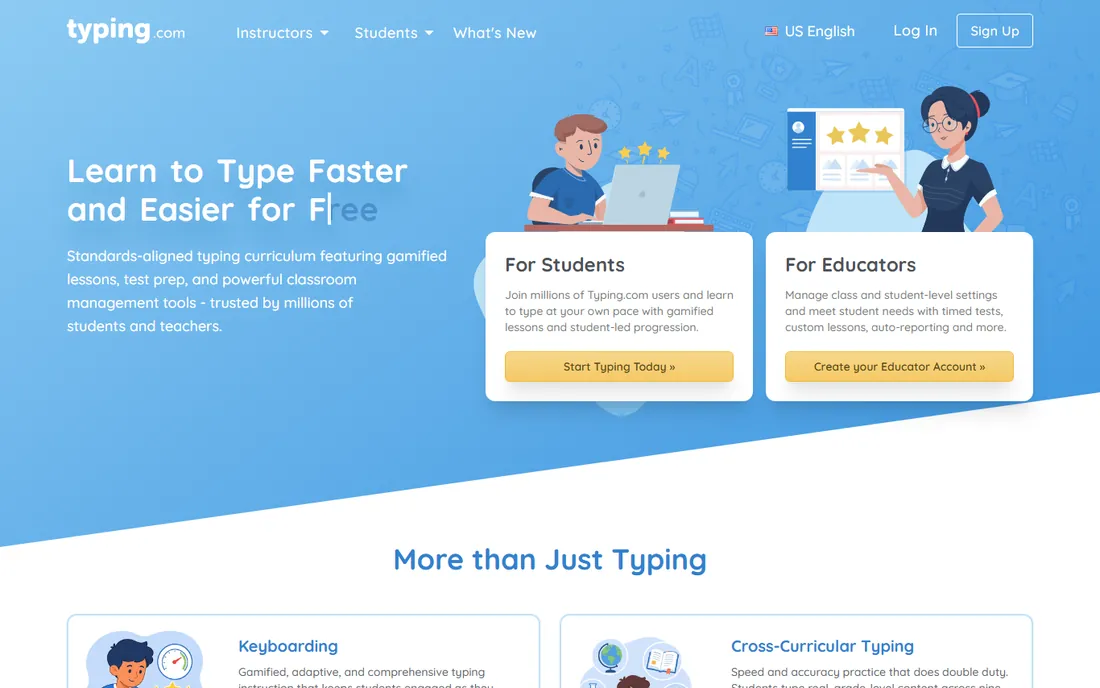
Typing.com is the default free pick for schools, and the reason is simple: the teacher portal costs nothing and handles unlimited students, classes and teachers. Students get gamified lessons, timed tests, custom lessons and certificates, and the platform covers tech fundamentals beyond pure typing. Tens of thousands of schools use it each year.
The free version is ad-supported, which matters in a classroom. The paid Plus Edition removes ads, adds test-prep and coding units, extends data retention from 70 days to unlimited and adds rostering through Clever Secure Sync or ClassLink. If ads are acceptable, most classrooms never need to pay.
What we like- Completely free core product for students, teachers and schools
- Includes games, tests, certificates and a teacher portal
- Roster integrations like Clever and ClassLink
Watch out for- Free version shows ads to students
- Premium features like unlimited data retention and ad-free use sit behind the paid Plus Edition
Starting priceFree (School Edition is paid and quote-based)
Free planYes
TypingClub, built by edclub, takes the opposite approach to Typing.com: the free product is the whole product, and it will always be free for individuals and schools. Typing Jungle walks a learner from home-row basics through numbers and punctuation with short lessons, five-star targets, games and videos. You can start without creating an account, though a free profile saves progress.
The optional paid School Edition exists for schools that want extra controls, with a minimum purchase of around 20 licenses at $99.80/year reported by help docs. For a single learner at home, the free version is complete. It is less flashy than Nitro Type or Typing.com, but the lesson progression is one of the most methodical free options available.
What we like- Free forever for individuals and schools, with no account needed to start
- Over 600 lessons from single keys to 75 WPM goals
- Star and badge system that keeps practice consistent
Watch out for- The interface is plain compared with game-heavy rivals
- The paid School Edition adds little for home users, so most individuals will never upgrade
Starting priceFree (certificates, ad removal and unlimited lessons are paid extras)
Free planYes
Ratatype has been around since 2013, and its signature feature is the typing certificate: complete the proficiency test and you get a document you can attach to a job application, which matters for data entry, admin and customer support roles. The platform teaches touch typing on QWERTY, AZERTY, Dvorak and QWERTZ layouts, with tests in ten languages.
Since 2024, revenue comes from paid extras rather than ads alone: buying speed certificates, disabling advertising and unlimited lesson access cost money. The core lessons remain free, so casual learners are unaffected. For freelancers and job seekers who need proof of speed, the certificate is the reason to choose it over Keybr or TypingClub.
What we like- Free lessons and speed tests in ten languages and multiple keyboard layouts
- Issues an official typing certificate
- Classroom feature lets teachers track students
Watch out for- Paid features were added in 2024, so the fully free experience is narrower than before
- Lesson depth is thinner for advanced learners chasing very high speeds
#5
Keybr
Best for: Adults who already type but want to fix weak keys
Visit keybr.com
Starting priceFree
Free planYes
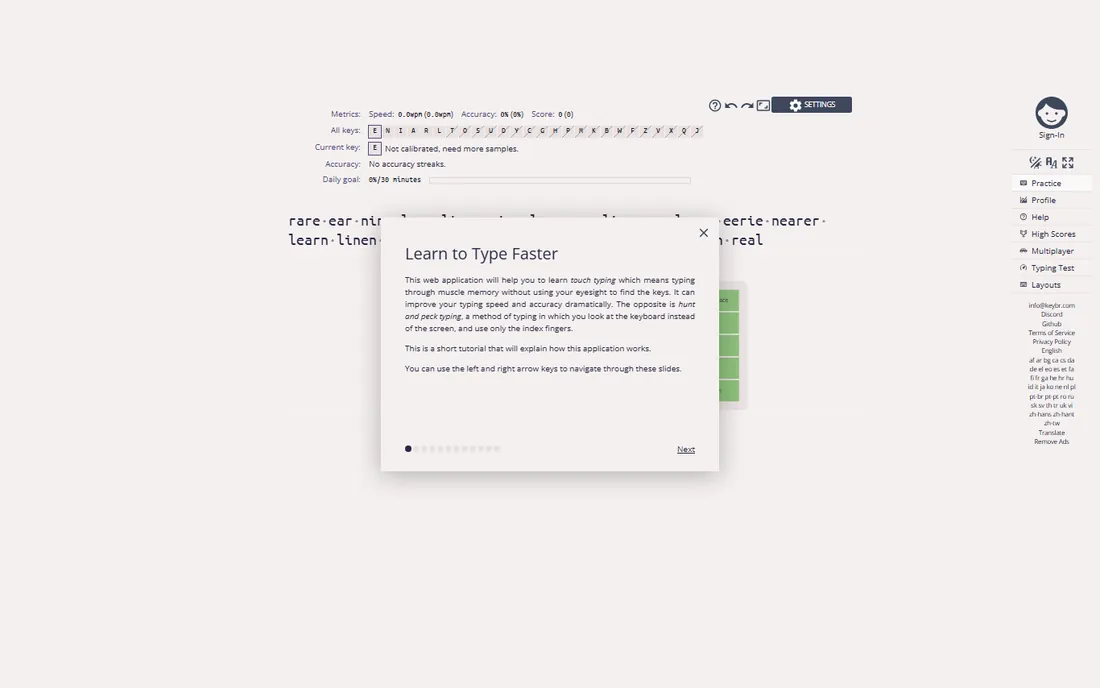
Keybr does one thing and does it well: it watches which keys slow you down and feeds you more of them. Instead of fixed lessons, the exercises adapt in real time, which makes it efficient for people who can already type but plateau around 40 to 60 WPM. There is no course to finish and no gamified wrapper, just text generated from your own weak points.
That focus is also the limit. A complete beginner gets little guidance on hand position, and there is nothing to show an employer when you are done. Pair it with a structured course like TypingClub for the first two weeks, then switch to Keybr for the long grind to higher speed.
What we like- Adaptive algorithm that drills your weakest letters automatically
- No signup needed to start practicing
- Works entirely in the browser
Watch out for- Minimal instruction for true beginners, so hunt-and-peck typists should start elsewhere
- No certificates, games or classroom tools
#6
The Typing Cat
Best for: Casual learners who want courses, tests and games in one place
Visit thetypingcat.com
Starting price$2.69/month (Pro)
Free planYes
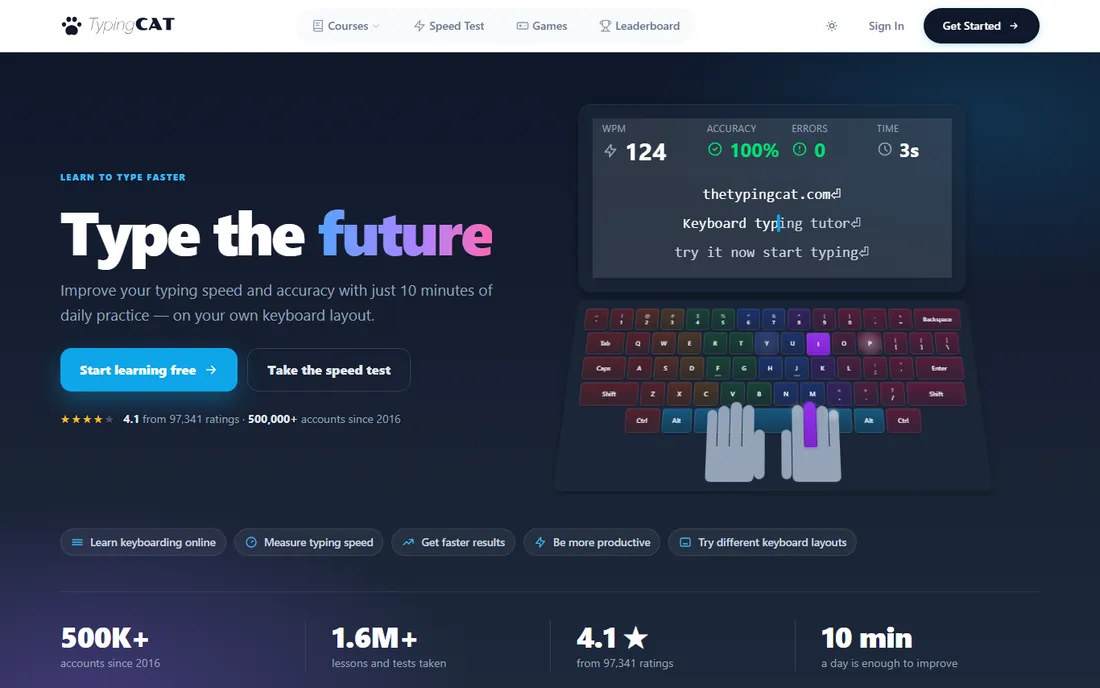
The Typing Cat is a friendly middle ground: a web-based tutor that works without an account, offers official and community-made courses, and runs timed typing tests with public rankings for competitive types. The free version covers most of what a casual learner needs, including games and the standard courses.
Pro starts at $2.69/month and adds the advanced courses and features. That is cheap next to Typesy, and it fits adults who want a low-friction daily practice site rather than a full curriculum. It lacks classroom management, so teachers should look at Typing.com or TypingClub instead.
What we like- Most courses free on the web with no install
- Typing tests in one, three and five-minute formats with an online scoreboard
- Official, user-generated and custom course categories
Watch out for- Pro features like the ngrams course sit behind the paywall
- The site is simpler and less polished than the big classroom platforms
#7
Nitro Type
Best for: Kids who learn best through competitive racing games
Visit nitrotype.com
Starting priceFree (freemium)
Free planYes
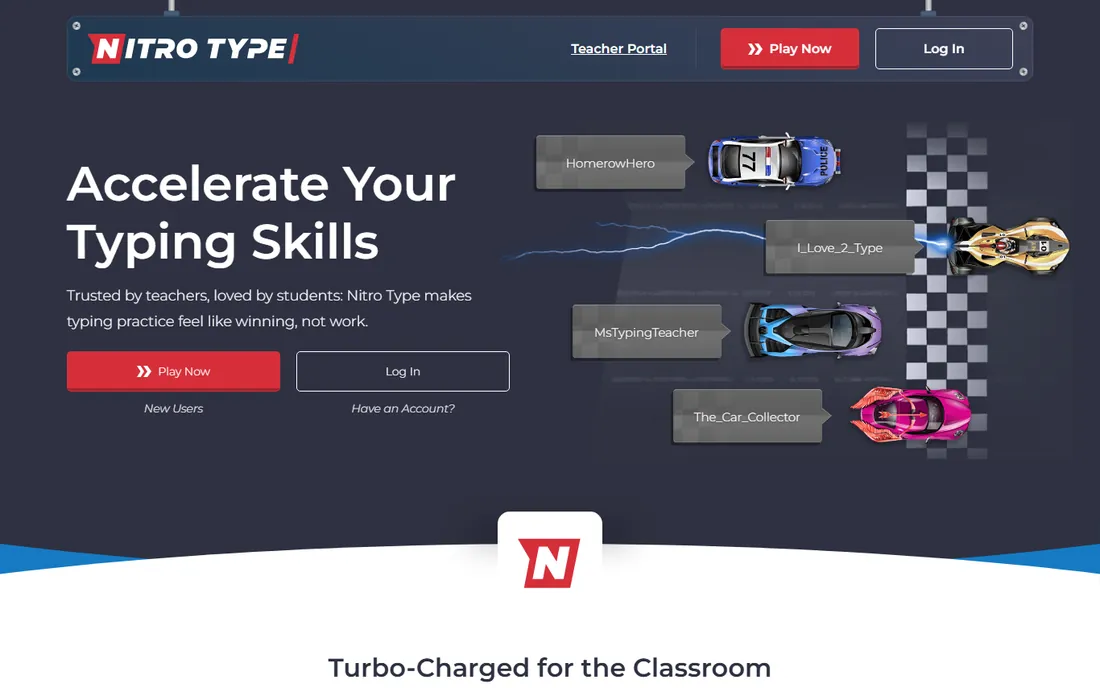
Nitro Type turns typing practice into drag racing: type the passage faster and more accurately than live opponents and your car wins. Kids who would never finish a lesson will race for an hour, and the volume of practice does the teaching. It is 100 percent free to play, with optional paid perks.
The honest trade-off is instruction. Nitro Type rewards speed, not form, so a child can get faster while reinforcing bad finger habits. Use it as the reward after a structured lesson in TypingClub or Typing.com, not as the only tool. For motivation, though, nothing else on this list comes close.
What we like- Real-time typing races against other players worldwide
- Earn cars and track scores, which keeps kids practicing voluntarily
- Completely free to play
Watch out for- It is a game first and a tutor second, so technique instruction is thin
- Competitive chat and leaderboards need a parent's eye for younger kids
Starting priceSee website
Free planFree trial
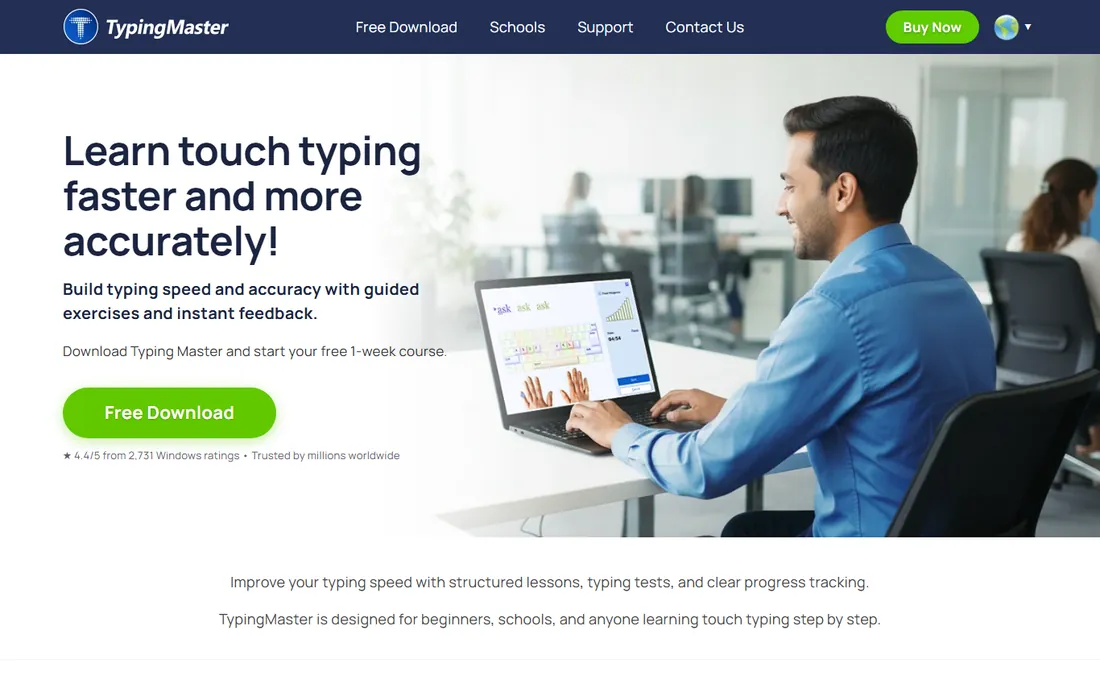
TypingMaster is one of the oldest names in typing software, a downloadable course built around about ten hours of customized exercises. A standout feature is the analysis widget, which runs alongside your other programs and tracks real-world typing, including mistyped words, capitals and problem keys. That closes the gap between practice and actual work.
The free trial covers the basics, but the full price is hard to pin down without visiting the vendor. The interface shows its age, and web tools have caught up on features. It still suits anyone who prefers installed software to browser tabs, particularly on Windows.
What we like- Long-established desktop course with personalized exercises
- Analysis widget tracks typing across other programs
- Timed games for speed building
Watch out for- Dated interface next to modern web apps
- Pricing is not easy to verify from the site, so check before committing
#9
Klavaro
Best for: Budget users who want a free open-source trainer
Visit klavaro.net
Starting priceFree
Free planYes
Klavaro is the no-cost, no-strings option: an open-source typing tutor you install and use, with no accounts, no ads and no upsell. It supports multiple keyboard layouts and lets you customize exercises, which makes it a good fit for Dvorak or non-English typists who get ignored by mainstream tools. It runs fine on old hardware.
Expect a plain window and short instructions rather than a guided course. Beginners may feel lost without the hand-holding that TypingClub or Typesy provide. For a privacy-minded adult who just wants drills, or a school computer lab with no budget, it does the job for free.
What we like- Free and open source with no accounts or ads
- Customizable lessons and multiple keyboard layouts
- Lightweight enough for older computers
Watch out for- Plain interface with minimal guidance for beginners
- Community support only, with no certificates or progress syncing
How we chose
We started with the searches buyers actually run: typing tutor software, learn to type, typing lessons and typing test. For each candidate we checked that the product still exists and is maintained, looked at what the free tier really includes, and compared the lesson structure, progress tracking and platform support. Prices below come from vendor pages and help documentation; where a price could not be verified on the vendor's own site we wrote "See website" instead of guessing.
What separates a good typing tutor from a time sink
The lesson order matters more than the graphics. A good tutor teaches home row first, adds one finger group at a time, and will not let you advance until your accuracy holds. TypingClub and Typing.com both do this. A weak tutor hands you random sentences from the start, which feels like practice but cements the habits you are trying to break. If you can skip ahead without earning it, the course is entertainment, not instruction.
Second, check how it measures you. Adaptive tools like Keybr find your weak keys automatically; structured courses use star thresholds per lesson. Either works, but a tool with no measurement at all is just a typing test with nicer fonts. Third, match the tool to the learner: kids need games and short sessions (Nitro Type as the carrot, TypingClub as the stick), job seekers need a certificate (Ratatype), and classrooms need a teacher dashboard (Typing.com). Buy the tool for the person, not the feature list.
Free vs paid: where the paywall usually sits
Almost every typing tutor is free at the core, and the paid tiers cluster around the same extras. Ads are the most common paywall: Typing.com and Ratatype both sell ad removal. Certificates are next: Ratatype charges for official speed certificates, while Typing.com and Typesy include them. Advanced courses, longer data retention and classroom rostering round out the paid lists.
That pattern makes the decision simple. If you are learning alone, start free: TypingClub for structure, Keybr for speed, The Typing Cat for variety. Pay only when you need a specific thing the free tier withholds, like a certificate for a job application or multi-child profiles in Typesy. For schools, the free tiers of Typing.com and TypingClub cover nearly everything, and the paid editions are about administration, not better lessons.
Frequently asked questions
What is the best free typing tutor software?
Typing.com and TypingClub are the strongest free options. Typing.com has the better teacher dashboard and more games, while TypingClub has the more methodical lesson progression. Both are free for individuals and schools, so try both for a week and keep the one the learner opens voluntarily.
How long does it take to learn touch typing?
With 15 to 20 minutes of daily practice, most beginners reach functional touch typing in two to four weeks and 50-plus WPM within two to three months. Structured courses like TypingClub shorten the early phase; adaptive drills like Keybr shorten the later phase.
Is Typesy worth paying for?
Typesy is worth it for families and homeschoolers who need several profiles, video instruction and certificates under one account. Solo adult learners usually get the same results from free tools like TypingClub and Keybr. Use the 7-day trial to see whether the structure changes your consistency.
Can adults learn to type properly, or is it too late?
Adults learn fine; the obstacle is unlearning years of bad habits, not age. Expect your speed to drop for the first week as you relearn finger placement, then recover and pass your old speed within a month. Keybr is built exactly for this retraining phase.
Do typing certificates help with job applications?
They help for roles where typing speed is an explicit requirement, like data entry, transcription and customer support. Ratatype and Typesy both issue certificates. For most office jobs, nobody asks; a short skills line on your resume covers it.
Which typing tutor is best for kids?
Pair a structured free course with a game. TypingClub or Typing.com for the lessons, Nitro Type as the reward. Keep sessions under 20 minutes for young kids, and check their hand position in the first week, because games reward speed over form.
Sources we checked (9)
- https://www.educationalappstore.com/app/typesy-keyboarding-program-and-typing-tutor
- https://www.speedreadingtechniques.org/best-typing-software
- https://www.saasworthy.com/product/typing-com/pricing
- https://www.slashdot.org/software/comparison/Typing.com-vs-TypingClub/
- http://titcoins.biz/blog/how-much-does-typingclub-cost/
- https://thetypingcat.com/typing-courses/ngrams
- https://techwiser.com/best-touch-typing-software/
- https://en.wikipedia.org/wiki/Ratatype
- https://www.guru99.com/best-typing-software.html
Is your product missing or out of date?
We review this list regularly. Vendors can request a listing, send updated pricing or ask about featured placement.

Shihab Mia · Founder, Rankite
Shihab has spent more than a decade helping SaaS and e-commerce brands grow through search. He writes Rankite's software buying guides from pricing pages, documentation and public user reviews. More about Shihab.