How we make this list: we compare pricing pages, product documentation and public user reviews. Rankite is independent; if a vendor ever pays for a featured spot, that listing is clearly labeled Partner.
Key takeaways
- The best free typing tutors cost nothing and need no download: Typing.com, TypingClub, Keybr and Ratatype all run in a browser.
- Typesy ($132/year for Homeschool on the vendor's order page) is the paid pick for families and schools that want structured curriculum and reporting.
- Keybr is the fastest way for an adult to fix bad habits: it generates lessons from the letters you mistype.
- For kids under 10, gamified tutors (TypingClub, Tux-style games) beat drill software; for teens and adults, adaptive lessons win.
Quick comparison
| Tool | Best for | Starting price | Free plan |
|---|
 Typing.com Typing.com | Students and teachers who want a complete free curriculum | Free | Yes |
 TypingClub TypingClub | Kids who learn better from games than drills | Free | Yes |
 Keybr Keybr | Adults who want to fix ingrained bad habits quickly | Free | Yes |
 Ratatype Ratatype | Learners who want a free certificate to prove their speed | Free | Yes |
 Typesy Typesy | Families and schools that want a full typing curriculum with reporting | $132/year (Homeschool edition, per vendor order page) | 7-day free trial |
 TypingMaster TypingMaster | Windows users who want a classic downloadable tutor | See website (free version available; paid tiers on vendor site) | Yes (free version) |
 Klavaro Klavaro | Linux users and anyone who wants a free open-source tutor | Free (open source) | Yes |
 The Typing Cat The Typing Cat | Free browser lessons with a clean, modern feel | Free | Yes |
Is your product missing or out of date?
We review this list regularly. Vendors can request a listing, send updated pricing or ask about featured placement.
The best typing software for PC free download
Two-finger typing costs you hours every week. The fix is a typing tutor, and the good news is that the best ones are free: browser-based lessons that adapt to your mistakes, track your words per minute, and turn practice into a game. These eight cover every learner, from a six-year-old to an office manager.
#1
Typing.com
Best for: Students and teachers who want a complete free curriculum
Visit typing.com
Starting priceFree
Free planYes
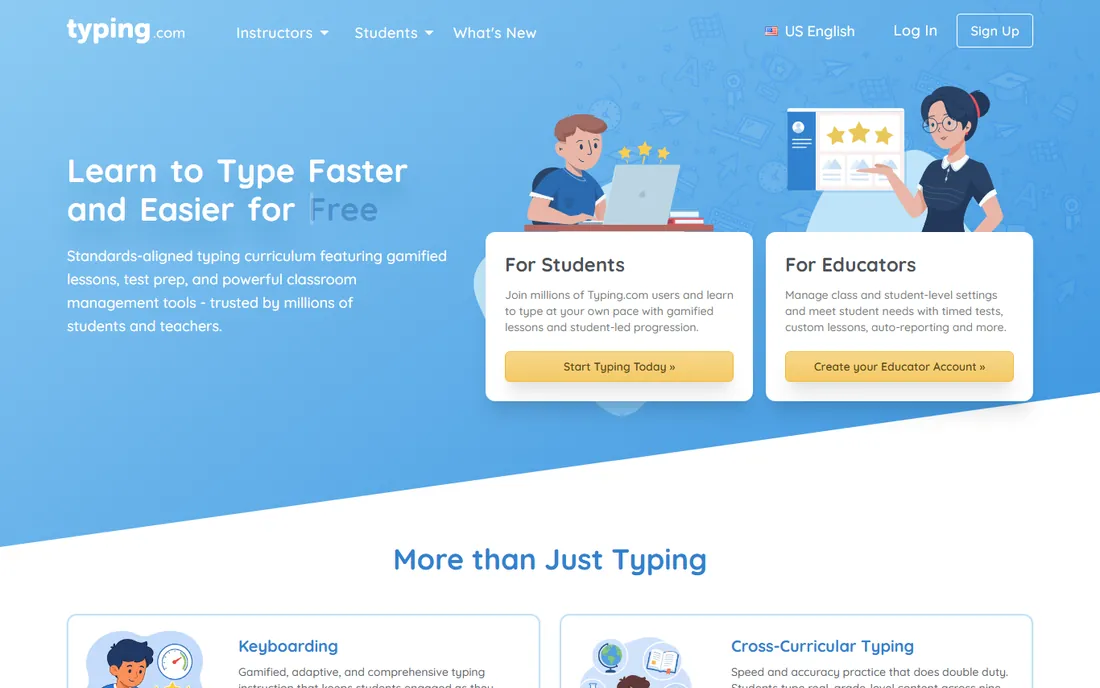
Typing.com is the free standard in schools. The lesson path starts at the home row and builds through words, sentences and timed tests, with games breaking up the drills. Teachers get class management, assignments and progress tracking free, which is why it dominates classrooms.
It looks like school software because it is school software. Adults may find the tone juvenile, and a 90-WPM typist will not find much challenge. But for learning touch typing from zero, the curriculum is complete, structured and genuinely free, which is more than most paid tutors offer.
What we like- Full lesson sequence from home row to advanced texts at no cost
- Teacher dashboard with classes and assignments
- Runs in any browser with no install
Watch out for- The interface is plain and school-flavored
- Advanced typists will exhaust the lessons quickly
Starting priceFree
Free planYes
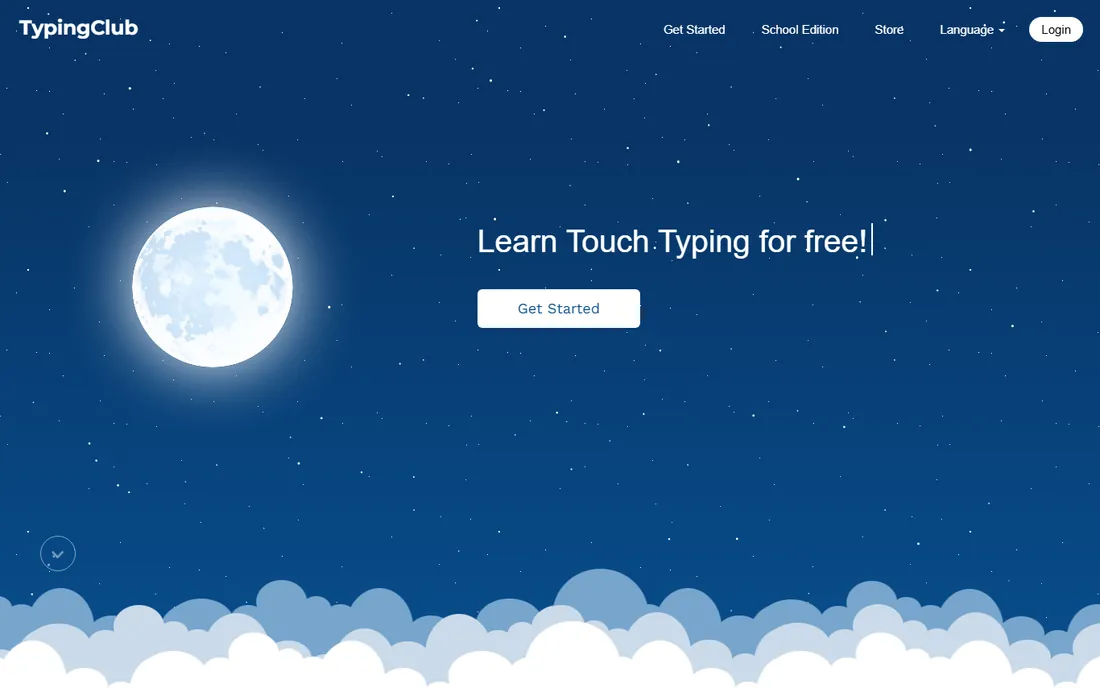
TypingClub wins the attention war. Its lessons are wrapped in games, stories and level-ups that keep children practicing longer than plain drills do. The typing instruction itself is solid: proper finger placement, progressive difficulty, and speed and accuracy tracking.
The business model shows. Free users meet prompts for the paid school edition, and the lesson library is slimmer than Typing.com's. For a child who resists practice, though, engagement beats completeness. Parents of reluctant typists should start here.
What we like- Gamified lessons with levels, badges and stories that hold kids' attention
- Free individual accounts with real progress tracking
- School edition available for classrooms
Watch out for- The free experience pushes the paid school product
- Lesson variety is narrower than Typing.com
#3
Keybr
Best for: Adults who want to fix ingrained bad habits quickly
Visit keybr.com
Starting priceFree
Free planYes
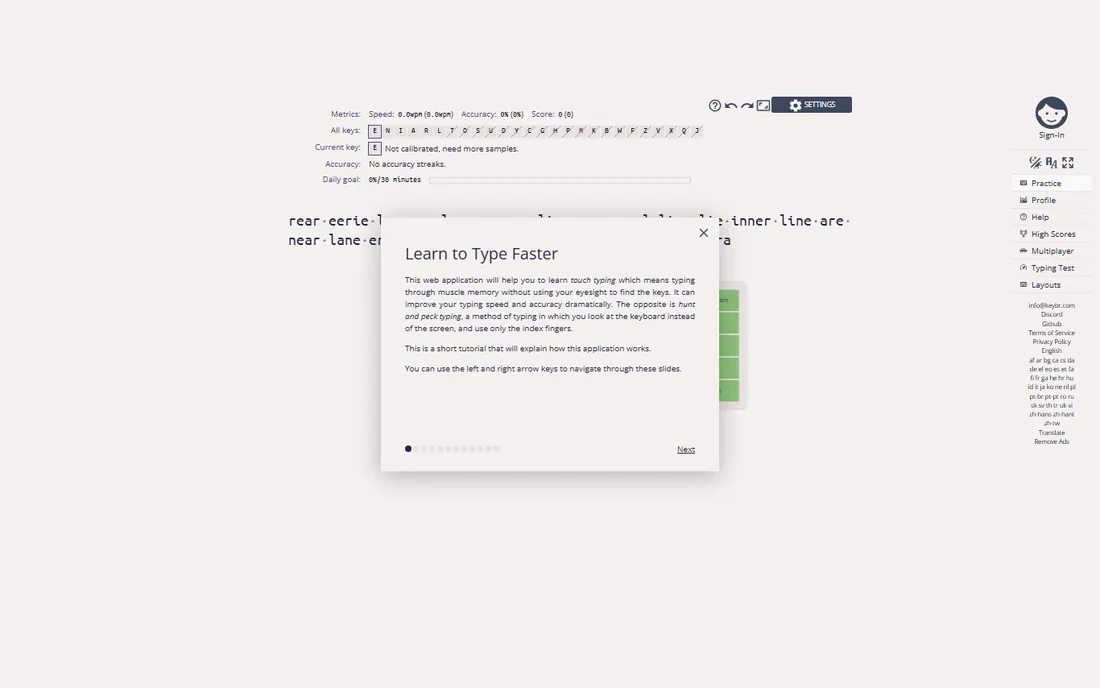
Keybr takes a ruthless approach: it measures which keys you miss and drills exactly those. There are no games, no stories, just an endless stream of generated text weighted toward your weaknesses. For an adult hunt-and-peck typist who wants results in weeks, it is the fastest tool here.
The nonsense text is the price. Typing "fjfj dkdk" builds muscle memory but bores anyone who wants real words. There is also no curriculum to follow, so self-directed learners do best. Use it for focused repair work, then move to real-text practice elsewhere.
What we like- Generates custom lessons from the exact letters you mistype
- No account needed to start
- Focused, distraction-free practice that builds speed fast
Watch out for- No structured curriculum or gamification
- The generated text is nonsense syllables, which some learners dislike
#4
Ratatype
Best for: Learners who want a free certificate to prove their speed
Visit ratatype.com
Starting priceFree
Free planYes
Ratype combines free touch-typing courses with something the others skip: a certificate. Finish the course, pass the test, and you get a document stating your speed and accuracy, which job seekers attach to applications. The courses cover multiple keyboard layouts and languages.
The library is compact next to Typing.com, and the interface will not excite anyone. But the certificate gives practice a finish line, which motivates adult learners. For a teenager building a resume or an adult proving office skills, that finish line matters.
What we like- Free courses in multiple languages with a printable typing certificate
- Clean interface with group and class features
- Timed tests that feel like real assessments
Watch out for- Smaller lesson library than the big classroom platforms
- The design is simple to a fault
#5
Typesy
Best for: Families and schools that want a full typing curriculum with reporting
Visit typesy.com
Starting price$132/year (Homeschool edition, per vendor order page)
Free plan7-day free trial
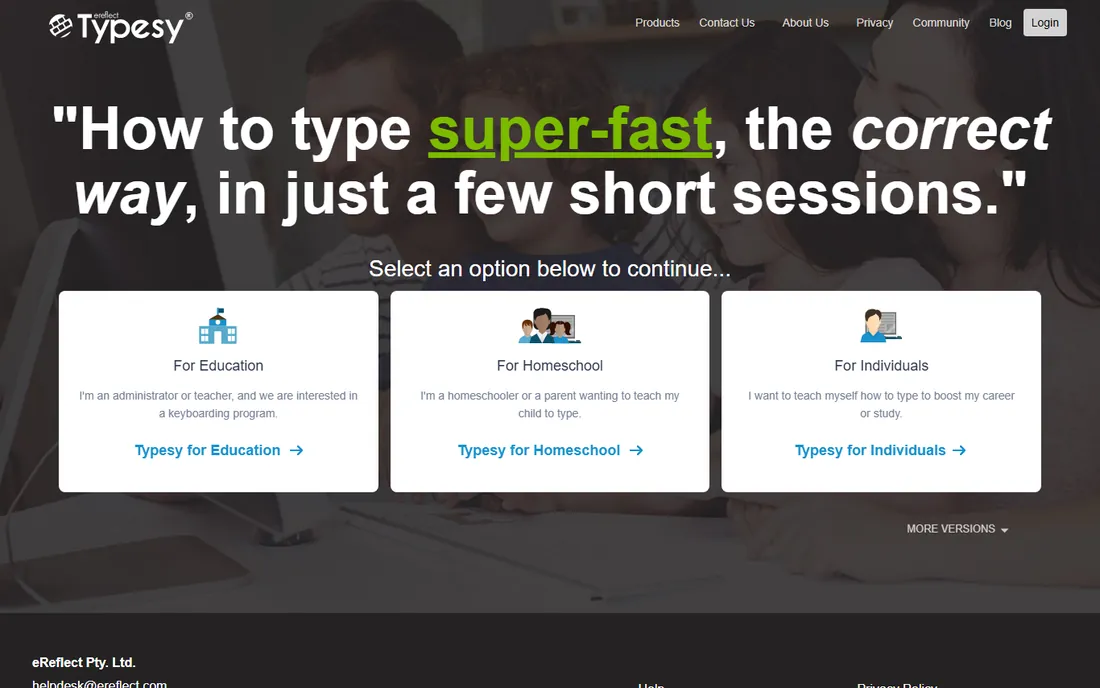
Typesy is the premium option. It teaches touch typing as part of broader digital skills, with video lessons, games, and reporting that shows exactly where a learner struggles. The vendor's order page lists the Homeschool edition at $132 per year for up to five users, with a 7-day free trial.
The honest question is whether you need it. Typing.com and TypingClub teach typing free. Typesy earns its price in structure, reporting and the extras: ergonomics training, certification, and admin tools for schools. Families homeschooling multiple kids get the most value; a solo adult learner should try the free tools first.
What we like- Structured curriculum from beginner to advanced with video instruction
- Detailed analytics and progress reports for parents and teachers
- Covers ergonomics and productivity apps beyond typing
Watch out for- Paid, in a category where the best tools are free
- The content library can overwhelm young learners
Starting priceSee website (free version available; paid tiers on vendor site)
Free planYes (free version)
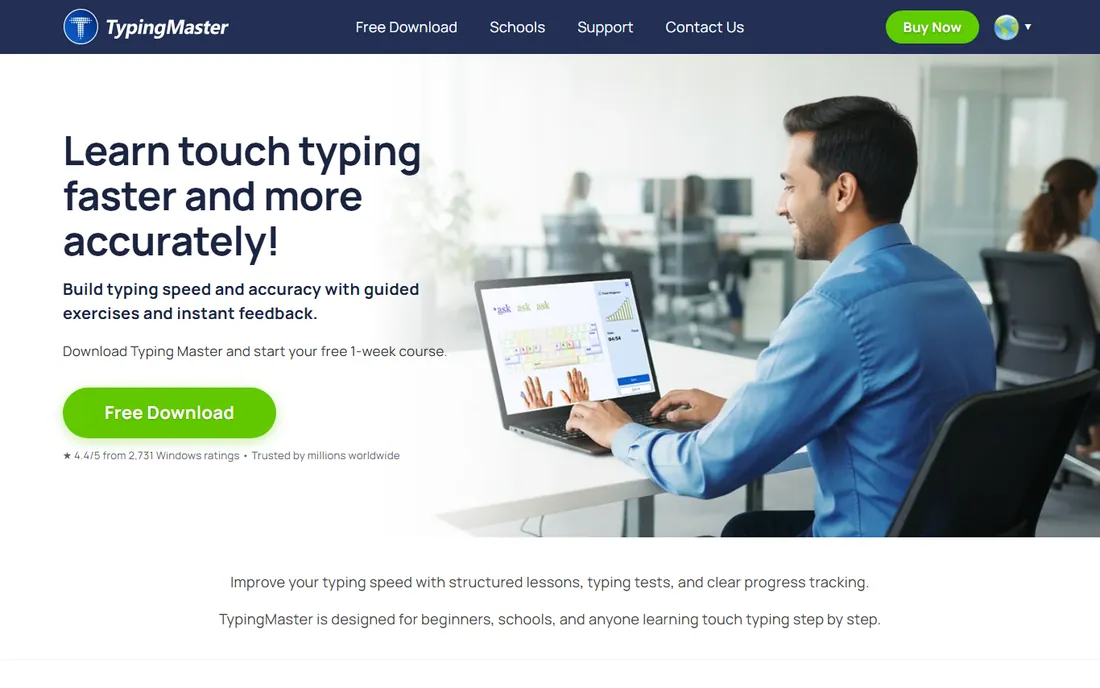
TypingMaster is the classic PC typing tutor, from the era when software came on discs. The free version analyzes your typing with a test, then builds personalized exercises around your weak keys. It runs offline, which still matters for schools and offices with locked-down browsers.
It is Windows-only and looks its age. The browser tools above do the same job with fresher interfaces and no install. But for a Windows PC without reliable internet, or a learner who prefers a real program to a browser tab, TypingMaster remains competent.
What we like- Downloadable Windows program that works offline
- Personalized exercises based on a typing test
- Long track record with a polished drill engine
Watch out for- Windows-only and desktop-only
- The interface and lesson style feel dated
#7
Klavaro
Best for: Linux users and anyone who wants a free open-source tutor
Visit klavaro.org
Starting priceFree (open source)
Free planYes
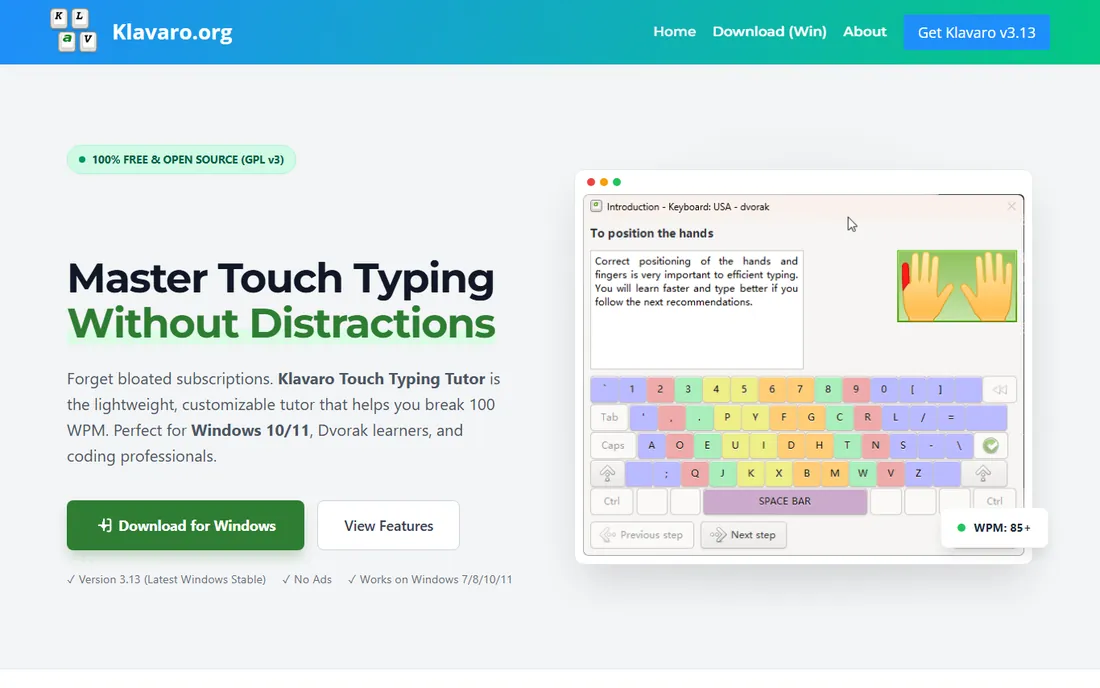
Klavaro is the open-source purist's pick. It teaches touch typing through progressive drills: key memorization, finger positioning, speed building and fluidity exercises. There are no accounts, no ads and no upsells, and it runs happily on Linux where the big platforms are browser-only anyway.
Nobody will call it fun. The interface is minimal and the motivation comes entirely from within. But the pedagogy is sound, and for a Linux user or a privacy-conscious parent, it is the only tutor that asks for nothing.
What we like- Free and open source with no account or ads
- Teaches correct finger positioning from the start
- Runs on Linux and Windows
Watch out for- Spartan interface with no gamification
- English-language lessons are basic
Starting priceFree
Free planYes
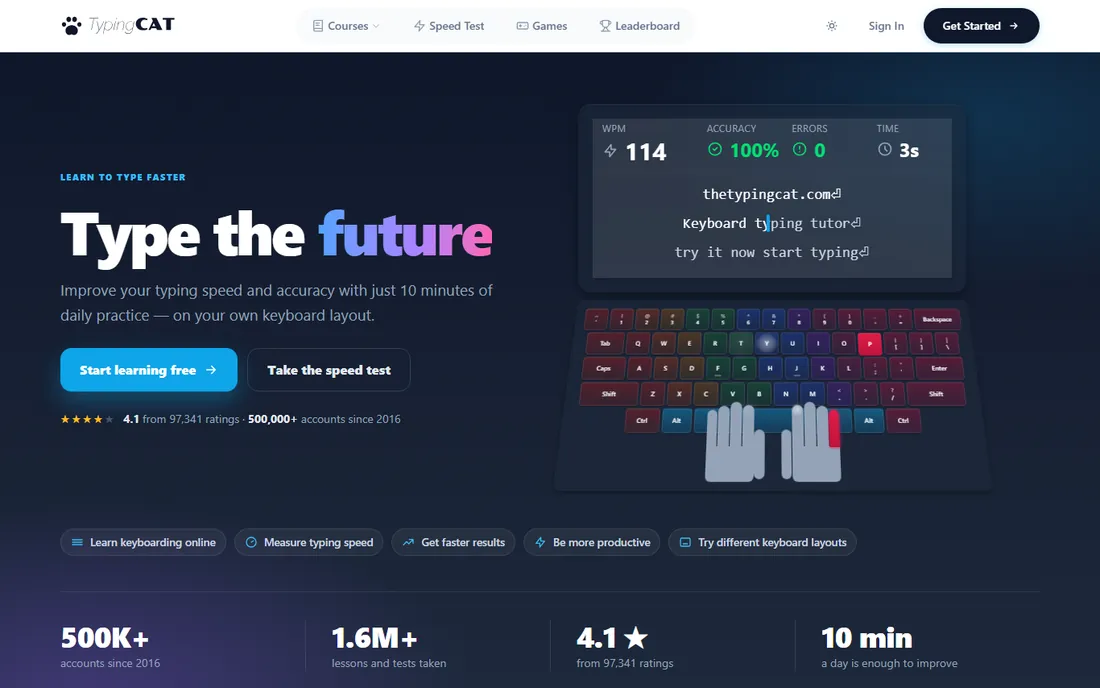
The Typing Cat is the indie alternative: free typing courses and tests in a clean browser interface, with no account and no install. It covers the standard curriculum from home row through full texts, plus timed tests you can share.
It does not try to be a school platform, which is both its charm and its limit. Teachers needing class management should pick Typing.com. Everyone else gets a fast, free, good-looking tutor. For a quick "learn to type properly" project, it is the lowest-friction option here.
What we like- Free courses with a pleasant modern interface
- Tests for speed and accuracy with shareable results
- No install and no account required
Watch out for- Smaller feature set than Typing.com
- Limited classroom management tools
Frequently asked questions
What is the best free typing software for PC?
Typing.com for structured lessons, TypingClub for kids who need games, and Keybr for adults fixing bad habits. All three are free and run in a browser, so there is nothing to download. Ratatype adds a free certificate for job seekers.
Do I need to download typing software?
No. The best tutors now run in the browser: Typing.com, TypingClub, Keybr, Ratatype and The Typing Cat need no install. Downloadable options like TypingMaster and Klavaro suit offline PCs and Linux users.
How long does it take to learn touch typing?
With 20 to 30 minutes of daily practice, most learners reach 40 to 50 words per minute in four to eight weeks. Keybr's targeted drills can shorten that for adults fixing habits. Consistency beats session length.
Is Typesy worth paying for?
For homeschooling families and schools that want curriculum, video instruction and detailed reporting, the $132 per year Homeschool edition is reasonable. Solo learners should exhaust the free tools first; they teach the same core skill.
What is a good typing speed?
Forty words per minute with 95 percent accuracy handles most office work. Sixty is comfortable for heavy writing. Above 80 is genuinely fast. Accuracy matters more than speed: slow down until errors stop, then speed follows.
Can adults learn touch typing, or is it too late?
Adults learn fine, and often faster than kids because the motivation is concrete. The obstacle is unlearning hunt-and-peck, which is exactly what Keybr's adaptive drills target. Expect two to four weeks of feeling slower before the new habit clicks.
How we chose
We started with the terms learners search: typing software, typing tutor, learn to type and typing lessons. For each candidate we confirmed the product is current, checked pricing against the vendor's own pages, and compared lesson quality across educator reviews, Reddit recommendations and classroom use. Where a price was not published on the vendor's page, we wrote "See website". We favored tools with structured progression and real progress tracking over typing games with no curriculum.
What to look for before you buy
Start with the learner's age. Kids under ten need games and stories or they will quit; TypingClub and gamified lessons win. Teens and adults need adaptive drills and measurable progress; Keybr and structured courses win. Buying an adult tool for a child, or vice versa, wastes the purchase.
Then check the keyboard reality. Most tutors teach US QWERTY; if you type on AZERTY, a German layout or Dvorak, confirm layout support before committing. Ratatype and Keybr handle multiple layouts well. Also check the device: browser tools work everywhere, but TypingMaster is Windows-only and Klavaro targets Linux and Windows.
Finally, try free first. Typing is one of the few software categories where the free tools are genuinely the best tools. Pay only when you need what free cannot give: classroom management at scale, detailed family reporting, or certification for employment.
The 15-minute daily habit that actually works
The research on skill learning is consistent: short daily sessions beat weekend marathons. Fifteen to twenty minutes a day, every day, builds the muscle memory that two-hour Sunday sessions never quite cement. Pick one tutor, set a daily reminder, and stop when the timer ends.
Track one number: accuracy-adjusted speed on the same test, once a week. Keybr, Typing.com and Ratatype all provide it. Do not chase speed in daily practice; practice at a pace where errors stay under five percent, and test speed weekly. The plateau around week three is normal. Push through it and the gains resume.
Sources we checked (9)
- https://www.typing.com/
- https://www.typingclub.com/
- https://www.keybr.com/
- https://www.ratatype.com/
- https://www.typesy.com/
- https://secure.typesy.com/Order2.aspx
- https://www.typingmaster.com/
- https://klavaro.org/
- https://thetypingcat.com/
Is your product missing or out of date?
We review this list regularly. Vendors can request a listing, send updated pricing or ask about featured placement.

Shihab Mia · Founder, Rankite
Shihab has spent more than a decade helping SaaS and e-commerce brands grow through search. He writes Rankite's software buying guides from pricing pages, documentation and public user reviews. More about Shihab.