How we make this list: we compare pricing pages, product documentation and public user reviews. Rankite is independent; if a vendor ever pays for a featured spot, that listing is clearly labeled Partner.
Key takeaways
- The best transcription software for qualitative research produces verbatim, speaker-labeled text that drops into your coding workflow without reformatting.
- NVivo Transcription is the natural pick if you analyze in NVivo; Otter.ai and Sonix win on speed and price for large interview batches.
- Rev is the safest choice when a funder, IRB, or journal demands human-verified accuracy on sensitive recordings.
- AI accuracy has improved a lot, but plan on a cleanup pass for crosstalk, accents, and field-specific terminology.
- Free plans and trials cover roughly 15 to 300 minutes a month, enough to test accuracy on your own recordings before committing.
Quick comparison
| Tool | Best for | Starting price | Free plan |
|---|
 NVivo Transcription NVivo Transcription | teams that analyze in NVivo | See website | Free trial (15 minutes) |
 Otter.ai Otter.ai | live interview recording and AI summaries | From $19.99 per user/month | Yes (free Basic plan) |
 Rev Rev | human-verified transcripts for sensitive research | From $0.25 per minute (AI), $1.99 per minute (human) | Yes (free plan with monthly AI minutes) |
 Trint Trint | collaborative transcript editing | See website | Free trial |
 Sonix Sonix | multilingual research teams on a budget | $10 per audio hour | Free trial (30 minutes) |
 Descript Descript | researchers who also edit audio or video | See website | Yes (free plan) |
 Dovetail Dovetail | turning interviews into a searchable insight repository | See website | Free trial |
 Happy Scribe Happy Scribe | non-English interviews and optional human review | See website | Free trial |
Is your product missing or out of date?
We review this list regularly. Vendors can request a listing, send updated pricing or ask about featured placement.
The best transcription software for qualitative research
Starting priceSee website
Free planFree trial (15 minutes)
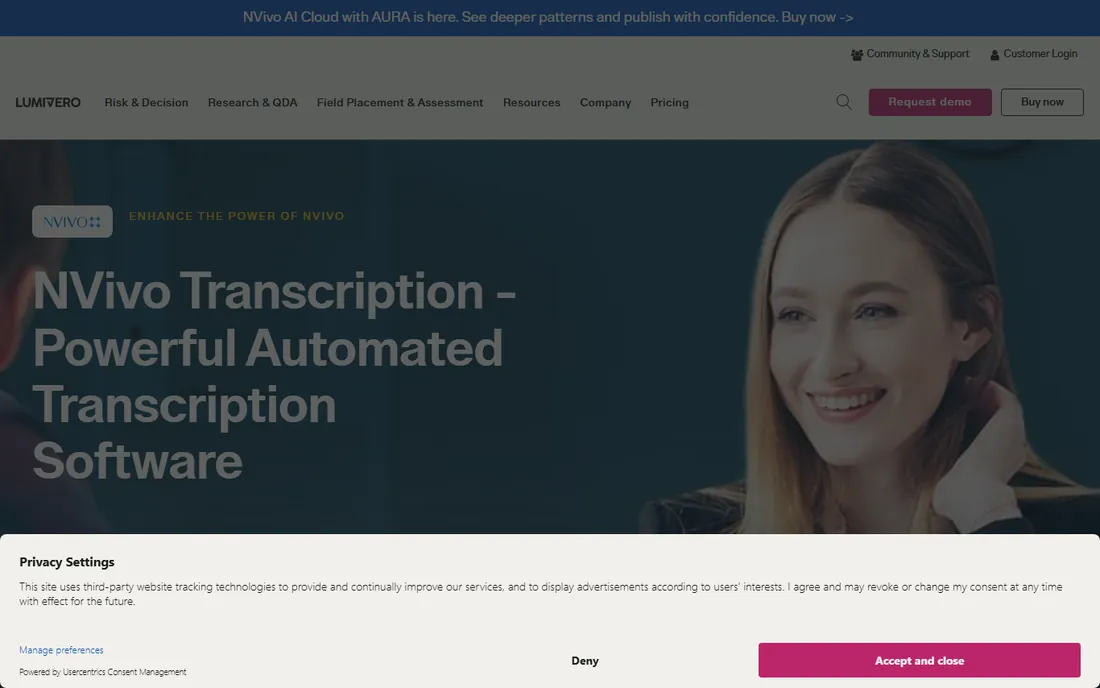
If your analysis already happens in NVivo, this is the shortest path from recording to coding. Transcripts import directly into your NVivo project, so you skip the export, reformat, re-upload dance that eats an afternoon on every study. The service handles audio and video files up to four hours or 4 GB, which covers most focus groups and long interviews.
Lumivero quotes around 90 percent accuracy on clear recordings, in line with the rest of the AI market. The honest catch is lock-in: NVivo Transcription makes the most sense inside the Lumivero world, and the annual plan's 50-hour cap can feel tight on a multi-site study. Researchers outside NVivo will find cheaper per-hour options elsewhere on this list.
What we like- Exports in NVivo-ready format
- 43 languages
- Annual subscription covers up to 50 hours
Watch out for- Tied to the Lumivero ecosystem
- Per-hour pricing adds up for very large projects
#2
Otter.ai
Best for: live interview recording and AI summaries
Visit otter.ai
Starting priceFrom $19.99 per user/month
Free planYes (free Basic plan)
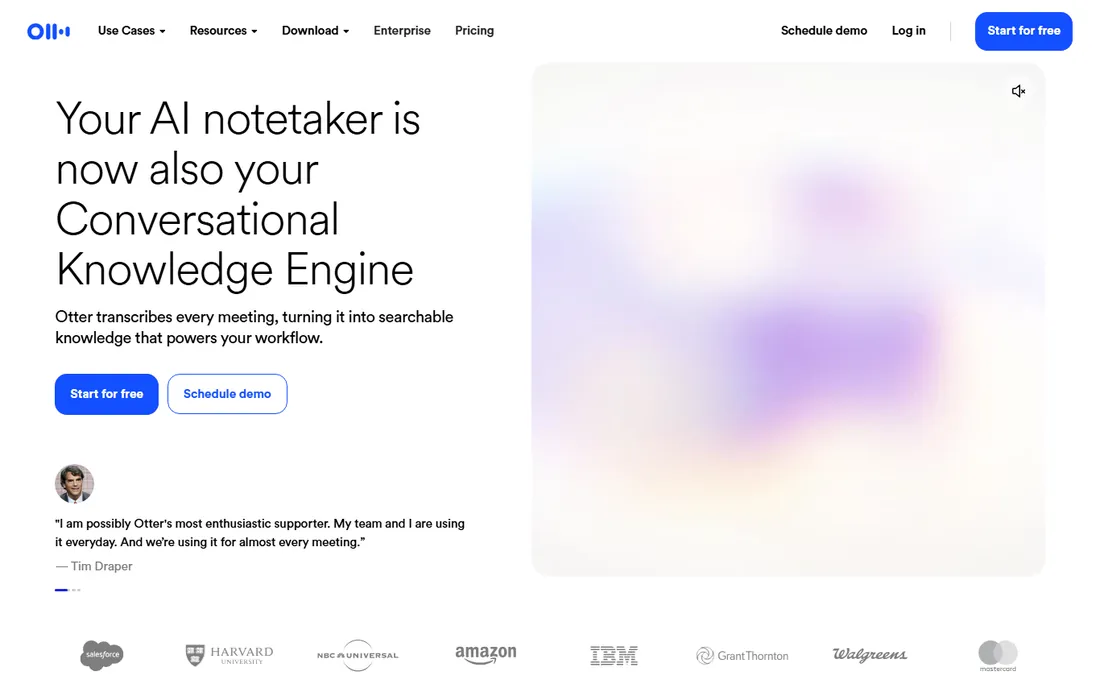
Otter.ai started as a meeting assistant, and that shows in the best way for field researchers. You can record an interview straight from your laptop or phone, get a live transcript with speaker labels, and walk away with an AI summary of key points the same day. For teams doing rapid qualitative work, that immediacy matters more than a perfect verbatim file.
The Basic plan is free forever, which makes Otter an easy first test for a lab. The Business plan runs from $19.99 per user per month with 6,000 monthly minutes. The trade-off is workflow fit: Otter is built around live conversations, not processing a folder of 60 recorded interviews in bulk. If your data already exists as files, a batch-oriented tool below will move faster.
What we like- Records live from desktop or mobile with no meeting bot
- Auto summaries and action items
- Free Basic plan for individuals
Watch out for- Meeting-first design, less oriented to batch file upload
- Accuracy dips with heavy crosstalk
#3
Rev
Best for: human-verified transcripts for sensitive research
Visit rev.com
Starting priceFrom $0.25 per minute (AI), $1.99 per minute (human)
Free planYes (free plan with monthly AI minutes)
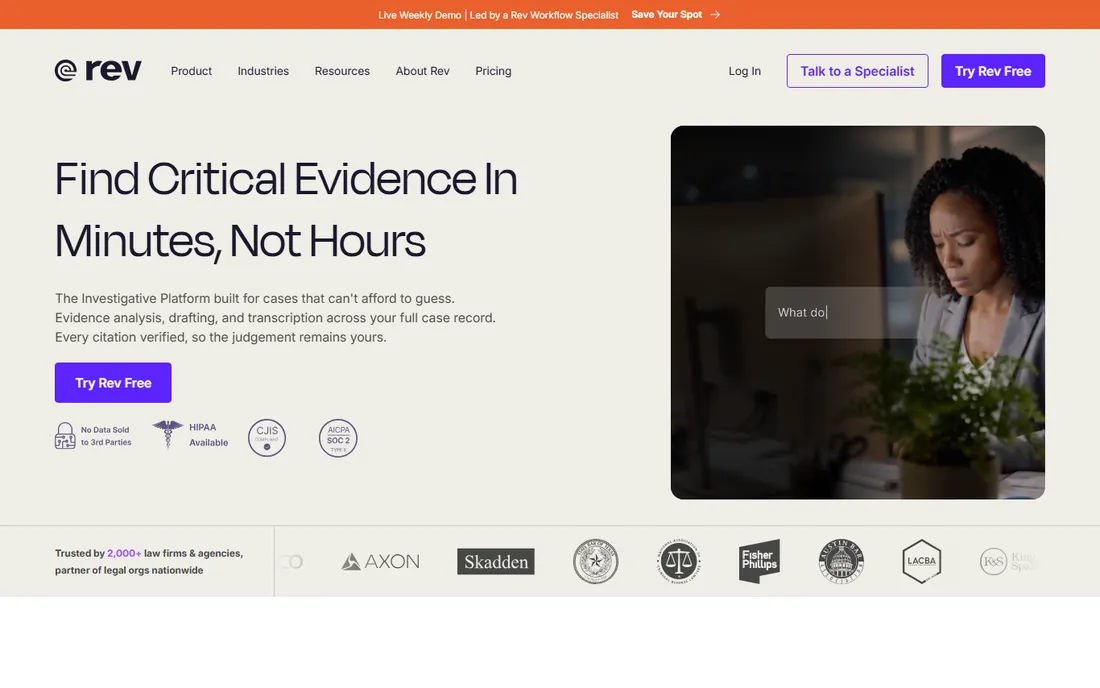
Rev remains the default when accuracy is non-negotiable. The hybrid model lets you run cheap AI transcription for routine interviews and escalate to human transcribers, at 99 percent guaranteed accuracy, when a transcript must hold up to a funder, an IRB audit, or publication. That two-tier approach is genuinely useful for mixed-method studies.
Pricing is transparent: AI transcription starts at $0.25 per minute, human at $1.99 per minute, and there is a permanent free plan with monthly AI minutes. Rev has repositioned itself as an investigative and legal platform, so the marketing now speaks to law firms more than labs. Underneath, the transcription service researchers have used for years is still there, with stronger security credentials than most competitors.
What we like- Optional 99 percent human-verified service
- SOC 2 Type II and HIPAA options
- No AI training on your data
Watch out for- Human transcription costs far more than AI
- Platform has pivoted toward legal and investigative work
Starting priceSee website
Free planFree trial
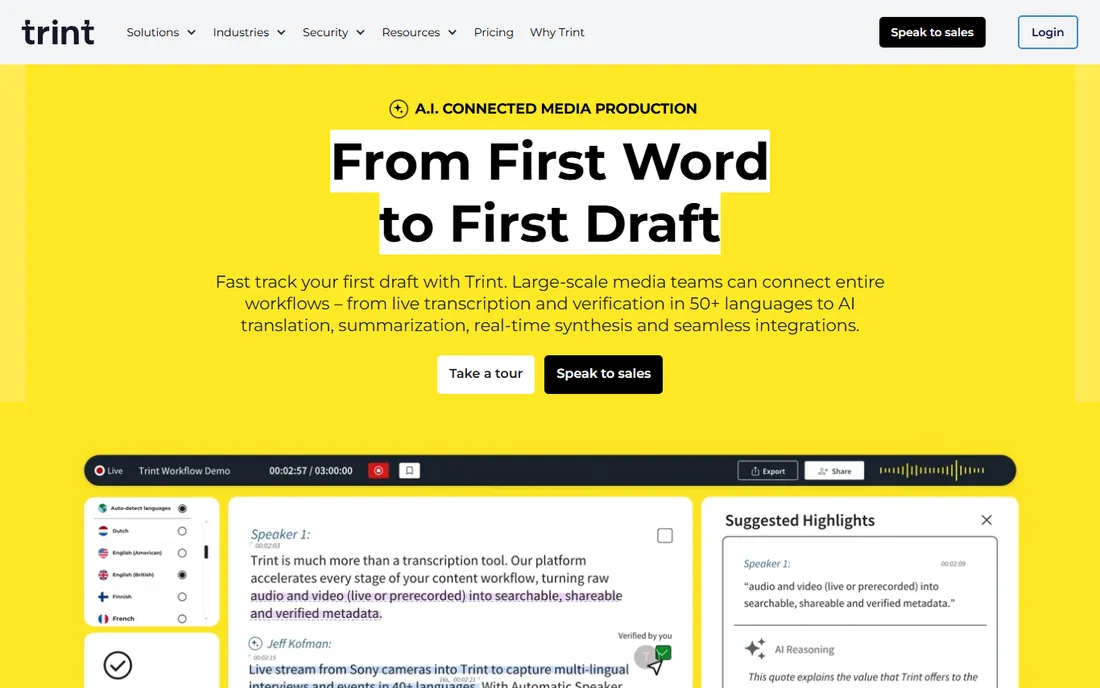
Trint comes from the journalism world, where producers and researchers share transcripts, highlight quotes, and pull selects together. That collaboration model transfers well to qualitative teams: multiple coders can work in the same transcript, flag key moments, and export verified quotes into write-ups or presentations. Live capture in 50+ languages helps with international fieldwork.
The platform leans toward media production workflows, so expect features like Story Builder and MAM integrations that a pure research team may never touch. Pricing is not published on the homepage and historically runs higher than the budget AI tools. For a distributed team that needs shared, searchable transcripts with real editorial controls, the premium is defensible.
What we like- Real-time collaboration on transcripts
- 50+ capture languages and 70+ translation languages
- Strong media-workflow integrations
Watch out for- Pricing sits above budget options
- Internet connection required, no offline mode
#5
Sonix
Best for: multilingual research teams on a budget
Visit sonix.ai
Starting price$10 per audio hour
Free planFree trial (30 minutes)
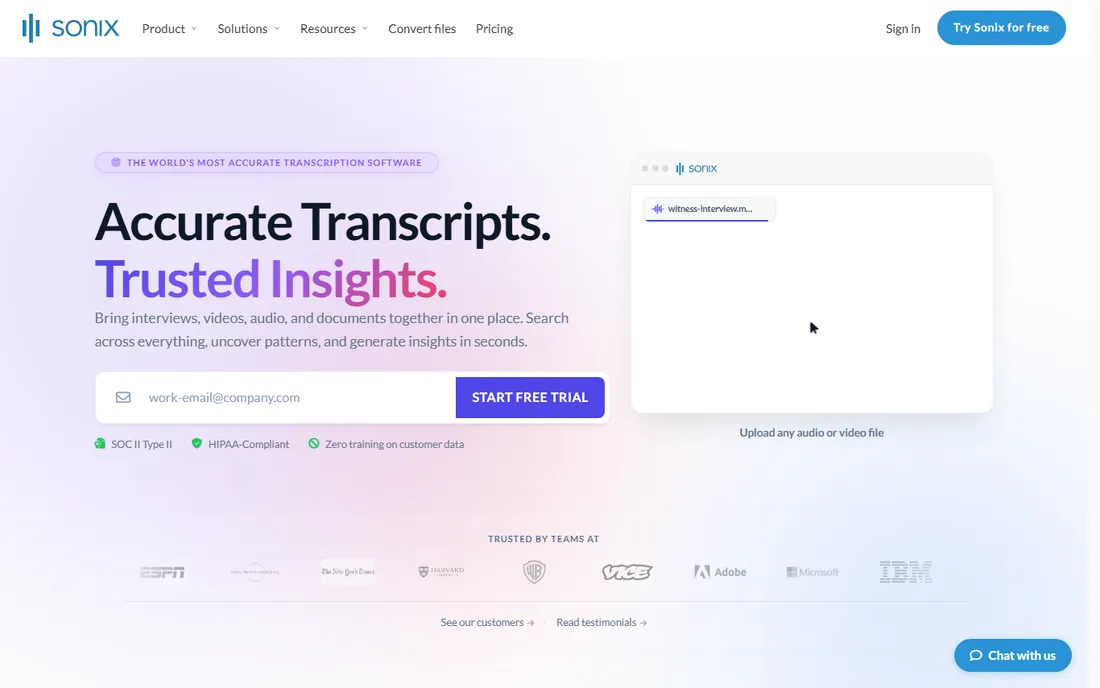
Sonix prices transcription the way researchers actually buy it: $10 per audio hour, pay as you go. That flat rate makes budgeting a 40-interview study simple, with no seat licenses to manage. The platform also goes beyond raw text, with speaker diarization, topic detection, sentiment analysis, and the ability to ask questions across a whole folder of transcripts.
Those analysis features are a genuine plus for thematic work, though they duplicate what NVivo or Dovetail users already have. The limitation is the ceiling on accuracy: Sonix is AI-only, so when a transcript needs to be exact, you will be doing the cleanup yourself. For most exploratory studies, though, the price-to-speed ratio is hard to beat.
What we like- 54+ languages with automated translation
- Folder-level multi-transcript analysis and sentiment analysis
- Flat $10 per audio hour pricing
Watch out for- AI-only, no human review option
- Analysis features may exceed what a small study needs
Starting priceSee website
Free planYes (free plan)
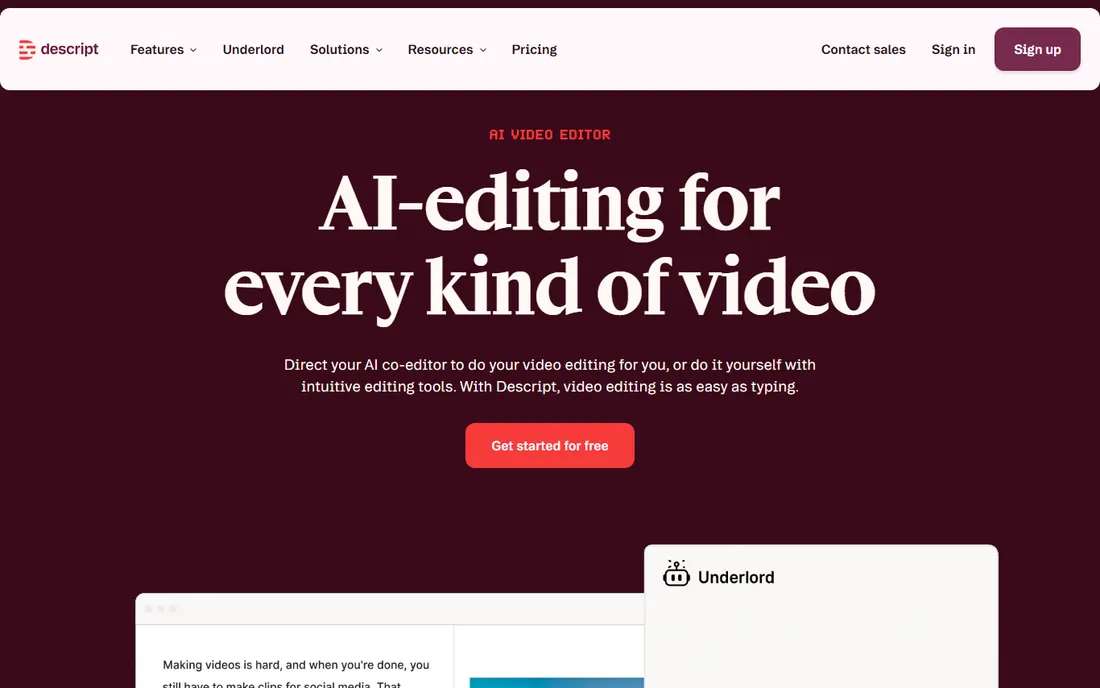
Descript earns its place when your research output includes audio or video, not just text. You edit the transcript like a document, and the underlying recording follows: delete a sentence, and that moment of audio is gone. For researchers producing podcasts, video abstracts, or participant-facing clips, this collapses two tools into one.
As a straight transcription service, it is competent but not specialized. There is no human review tier, and the free plan caps transcription time. Where it shines is salvage work: the Studio Sound feature can clean up a noisy cafe interview enough to transcribe accurately. If your deliverables are text-only, a cheaper dedicated tool wins.
What we like- Edit audio and video by editing the transcript
- Studio Sound cleanup for poor field recordings
- Free plan with no credit card
Watch out for- A full editor, so heavier than a pure transcription tool
- Transcription minute limits vary by plan
#7
Dovetail
Best for: turning interviews into a searchable insight repository
Visit dovetail.com
Starting priceSee website
Free planFree trial
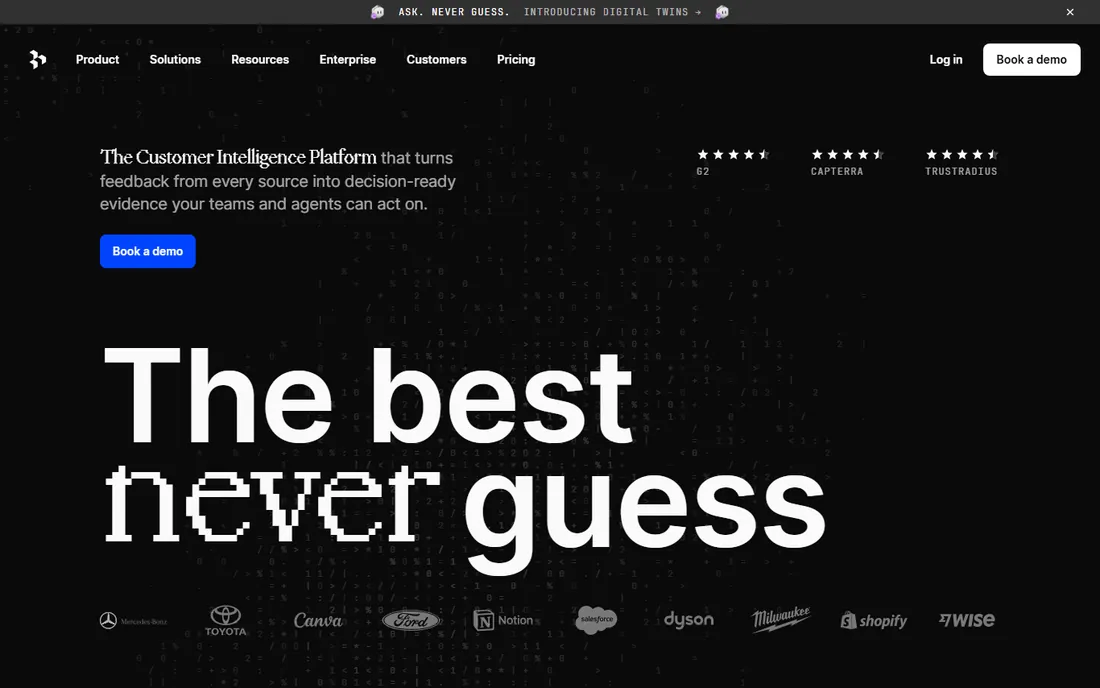
Dovetail is what you buy when transcription is the first step, not the last one. Every interview lands in a workspace where you can tag highlights, cluster them into themes, and build insight boards that link every claim back to the exact quote. For product teams and UX researchers running continuous discovery, that repository becomes more valuable than any single transcript.
The pricing reflects that ambition: Dovetail sells a customer intelligence platform, so per-hour transcription economics look steep next to Sonix or Temi. Academic or grant-funded teams may find it hard to justify unless the whole lab adopts the workflow. But for a team whose output is decisions, not documents, the integrated analysis can replace a patchwork of separate tools.
What we like- Transcription feeds directly into tagging, themes, and insight boards
- Strong search across every session
- Enterprise-grade security
Watch out for- Priced as a research platform, not a transcription utility
- Overkill if you only need text files
Starting priceSee website
Free planFree trial
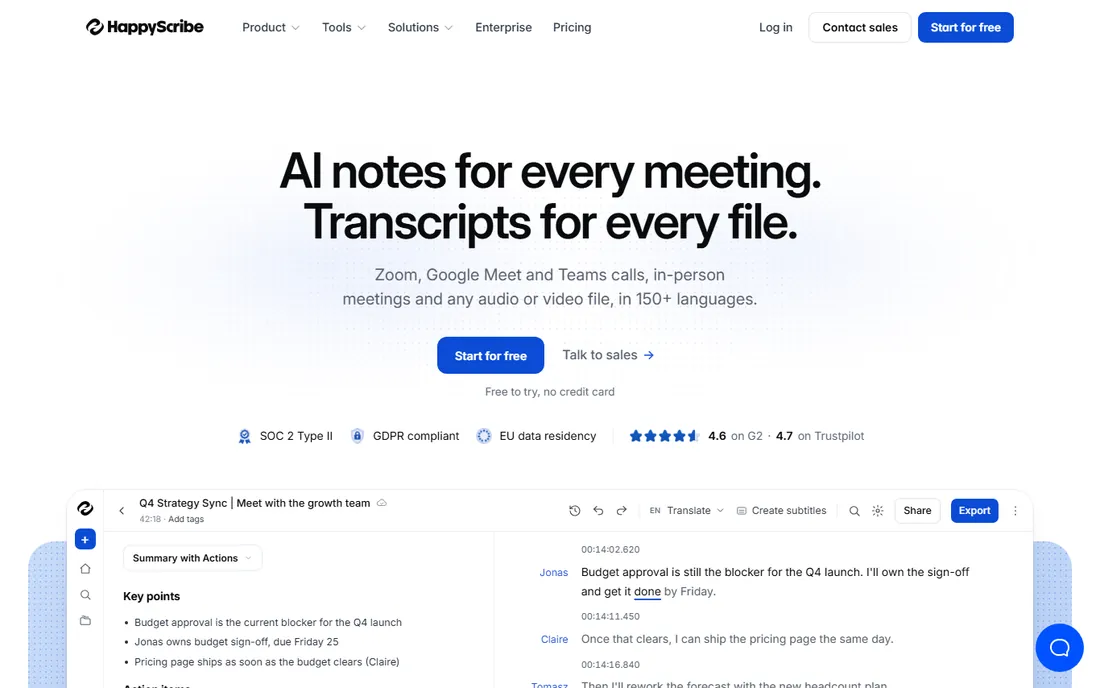
Happy Scribe's standout claim is language coverage: 150+ languages, with published accuracy comparisons showing meaningful gains over generic tools in German, Spanish, French, Dutch, and Italian. For cross-cultural research, that matters more than any feature list. The optional human-made service delivers 99 percent accuracy when a transcript must be exact.
The company is European, with EU data residency and SOC 2 Type II certification, which helps with strict ethics boards. Pricing mixes pay-as-you-go per minute with subscriptions, and heavy users will pay more than the flat-rate tools. Still, for multilingual studies or teams that need both AI speed and human backup in one account, it is a strong all-rounder.
What we like- 150+ languages, strong on non-English accuracy
- Optional human-made 99 percent service
- EU data residency and GDPR compliance
Watch out for- Per-minute pricing adds up at scale
- Newer notetaker features trail the meeting-first tools
How we chose
We compared pricing pages, documentation, and feature lists from each vendor, alongside public reviews on G2 and Capterra and researcher discussions on Reddit. We weighted verbatim accuracy, speaker labeling, language support, export formats, and how cleanly transcripts move into coding tools like NVivo or Dovetail. We also checked security posture, since interview data often falls under IRB or ethics-board rules. We did not run hands-on tests; this comparison reflects published features, pricing, and documented user feedback.
Accuracy on your recordings, not demo audio
Vendor accuracy figures come from clean, single-speaker recordings. Your interviews have crosstalk, accents, and background noise. Use the free trial on three of your worst recordings, not your best, and count the errors that would change a code or a quote.
Speaker labels and timestamps
Coding and quote verification get painful without reliable speaker diarization and clickable timestamps. Confirm both survive export to your analysis tool, not just inside the vendor's viewer.
Language support
If any interviews are non-English, test those first. Multilingual accuracy varies widely, and some tools that ace English stumble on other languages. Happy Scribe and Sonix publish the strongest non-English results in this group.
Export formats
Look for DOCX, TXT, and SRT at minimum, plus direct import into NVivo or your repository tool. A transcript trapped in a proprietary viewer creates work on every project.
Data handling
Interview recordings are sensitive. Check for SOC 2 or ISO certification, a clear statement that your data is not used to train AI models, and data residency options if your ethics board requires them.
Pricing model fit
Pay-per-minute suits occasional studies; subscriptions suit continuous research programs. Model your actual annual interview hours against both, because the cheapest per-unit price is not always the cheapest year.
Why verbatim transcripts still matter for coding
AI summaries are tempting, and every tool here offers them. But qualitative coding depends on what participants actually said, including hesitations, repetitions, and exact phrasing. A summary is already an interpretation, and coding someone else's interpretation compounds the bias.
That does not mean every transcript must be perfect. A practical standard: verbatim AI text, cleaned for speaker attribution and obvious errors, is enough for thematic coding. Reserve human-verified transcription for discourse analysis, published quotes, or any study where wording itself is the data.
Frequently asked questions
What is the best transcription software for qualitative research?
It depends on your workflow. NVivo Transcription fits teams analyzing in NVivo, Otter.ai suits live interview recording, Rev is best when human-verified accuracy is required, and Sonix offers the simplest pricing for large interview batches. Test two or three on your own recordings before deciding.
How accurate is AI transcription for research interviews?
On clear single-speaker audio, leading tools reach roughly 90 to 99 percent word accuracy. Accuracy drops with crosstalk, strong accents, background noise, and domain jargon. Plan a cleanup pass on every transcript, and use human review for published quotes or sensitive analysis.
Can I import transcripts directly into NVivo?
Yes. NVivo Transcription exports in NVivo-ready format with one click. Other tools export DOCX or TXT files that import into NVivo manually, though you may need to reassign speaker labels after import.
Is AI transcription acceptable for IRB-approved research?
Often yes, but check your protocol. Ethics boards care about where recordings are stored, who can access them, and whether the vendor trains AI models on your data. Tools with SOC 2 certification, HIPAA options, and clear no-training policies are the easiest to defend.
How much does transcription software cost for a typical study?
AI transcription runs from about $0.10 to $0.25 per minute or roughly $10 per audio hour, so 40 hours of interviews costs a few hundred dollars. Human-verified services run $1 to $2 per minute, which puts the same study in the low thousands. Subscriptions make sense for ongoing programs.
Do I still need to check AI transcripts manually?
Yes. At minimum, verify speaker attribution, check quotes you plan to publish against the audio, and scan for errors in names, numbers, and technical terms. The cleanup pass is much faster than transcribing from scratch, but skipping it risks coding errors.
Sources we checked (8)
- https://otter.ai
- https://www.rev.com
- https://trint.com
- https://sonix.ai/
- https://www.descript.com
- https://lumivero.com/products/nvivo-transcription/
- https://dovetail.com/
- https://www.happyscribe.com
Is your product missing or out of date?
We review this list regularly. Vendors can request a listing, send updated pricing or ask about featured placement.

Shihab Mia · Founder, Rankite
Shihab has spent more than a decade helping SaaS and e-commerce brands grow through search. He writes Rankite's software buying guides from pricing pages, documentation and public user reviews. More about Shihab.