How we make this list: we compare pricing pages, product documentation and public user reviews. Rankite is independent; if a vendor ever pays for a featured spot, that listing is clearly labeled Partner.
Key takeaways
- Most traders should start with TradingView or MetaTrader 5: both are free, both backtest, and both have the largest communities when you get stuck.
- Coders who want institutional-grade testing should look at QuantConnect or Backtrader; both are free and both force you to confront realistic fills and costs.
- Futures day traders keep choosing NinjaTrader because the backtesting, simulation and live execution live in one platform.
- AmiBroker remains the fastest portfolio-level backtester for stocks, and its one-time license still undercuts most subscriptions over time.
- No backtest survives bad data: survivorship bias, lookahead bias and missing slippage turn more strategies into fantasy than any software bug.
Quick comparison
| Tool | Best for | Starting price | Free plan |
|---|
 TradingView TradingView | chart-based backtesting for everyone | See website (free plan available) | Yes |
 MetaTrader 5 MetaTrader 5 | free forex and CFD backtesting | Free (provided by brokers) | Yes |
 NinjaTrader NinjaTrader | futures backtesting and execution | Free (charting, backtesting and simulation) | Yes |
 QuantConnect QuantConnect | code-driven quant research | Free (community tier) | Yes |
 AmiBroker AmiBroker | fast portfolio-level stock testing | See website (one-time license) | Free trial |
 TradeStation TradeStation | EasyLanguage strategies with a broker attached | See website (free with qualifying brokerage account) | Yes |
 MultiCharts MultiCharts | multi-broker EasyLanguage testing | See website (one-time license) | Free trial |
 Backtrader Backtrader | free Python backtesting framework | Free (open source) | Yes |
 ProRealTime ProRealTime | European traders with free end-of-day data | Free (end-of-day); real-time data plans are paid | Yes |
 TrendSpider TrendSpider | automated technical analysis | See website (subscription tiers) | Free trial |
Is your product missing or out of date?
We review this list regularly. Vendors can request a listing, send updated pricing or ask about featured placement.
The best trading backtesting software
Starting priceSee website (free plan available)
Free planYes

TradingView is where most retail traders meet backtesting for the first time. You write a strategy in Pine Script, click Strategy Tester, and see equity curves, drawdown and trade lists on the same chart you analyze. Bar replay lets you step through history candle by candle, which is the closest most beginners get to forward testing. The free plan includes the strategy tester, so the cost of starting is zero.
The limits show up when strategies get serious. Backtests run on the chart's timeframe data, which means intrabar price movement is approximated, and the strategy tester makes simplifying assumptions about order fills that flatter many strategies. Pine Script is deliberately simple, so complex portfolio logic or machine learning pipelines do not fit. For validating ideas and learning how backtesting works, it is the right first tool. For production trading, most users graduate to something code-driven.
What we like- Strategy tester built into the chart you already use
- Pine Script is easy to learn
- Huge public library of shared strategies
Watch out for- Backtests run on chart data, not tick precision
- Strategy tester has well-known quirks with intrabar orders
- Serious automation needs webhooks or third-party bridges
Starting priceFree (provided by brokers)
Free planYes
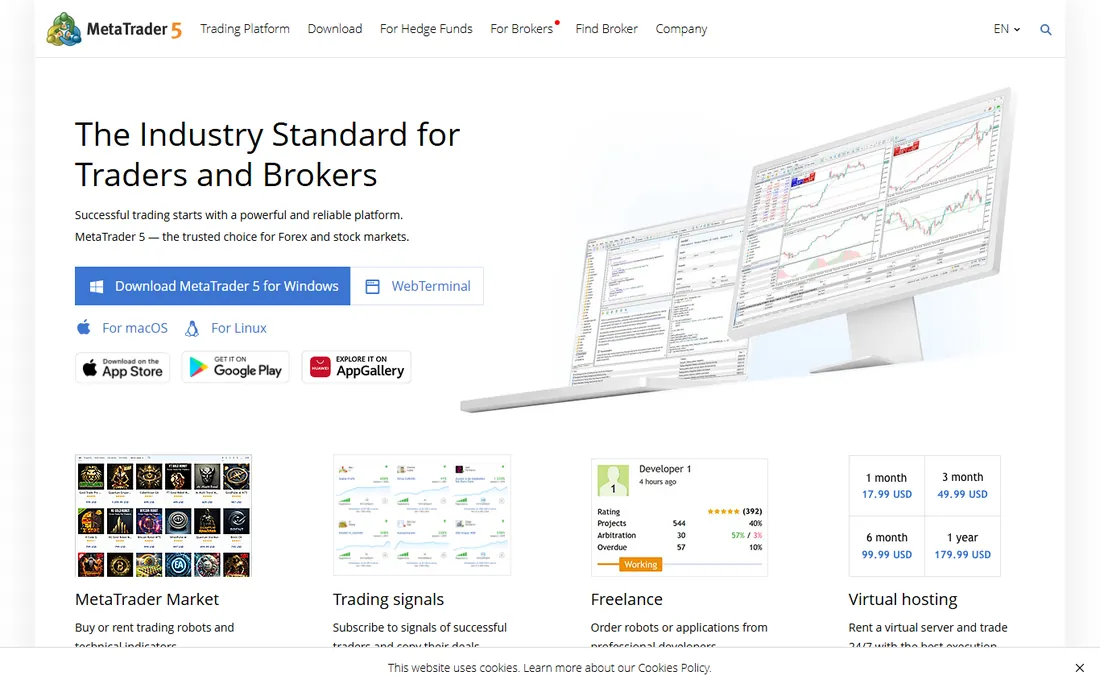
MetaTrader 5 is the workhorse of retail forex. The platform itself costs nothing; your broker provides it, and the built-in Strategy Tester backtests Expert Advisors written in MQL5 across multiple threads, with a visual mode that shows trades playing out on the chart. Optimization runs can test thousands of parameter combinations, and the MQL5 community offers thousands of free robots and indicators.
The honest weaknesses are data and scope. Your backtest is only as good as the price history your broker feeds the tester, and demo-server data is often thinner than live data. The platform is deepest in forex and CFDs; stock and futures traders get less. And the interface has not fundamentally changed in years, which new users notice immediately. For forex strategy testing at zero cost, though, nothing else is this complete.
What we like- Completely free through any supporting broker
- Multi-threaded strategy tester with visual mode
- Enormous library of free Expert Advisors in MQL5
Watch out for- Interface feels dated
- Backtest quality depends on your broker's data
- Primarily built for forex and CFDs, not stocks
Starting priceFree (charting, backtesting and simulation)
Free planYes
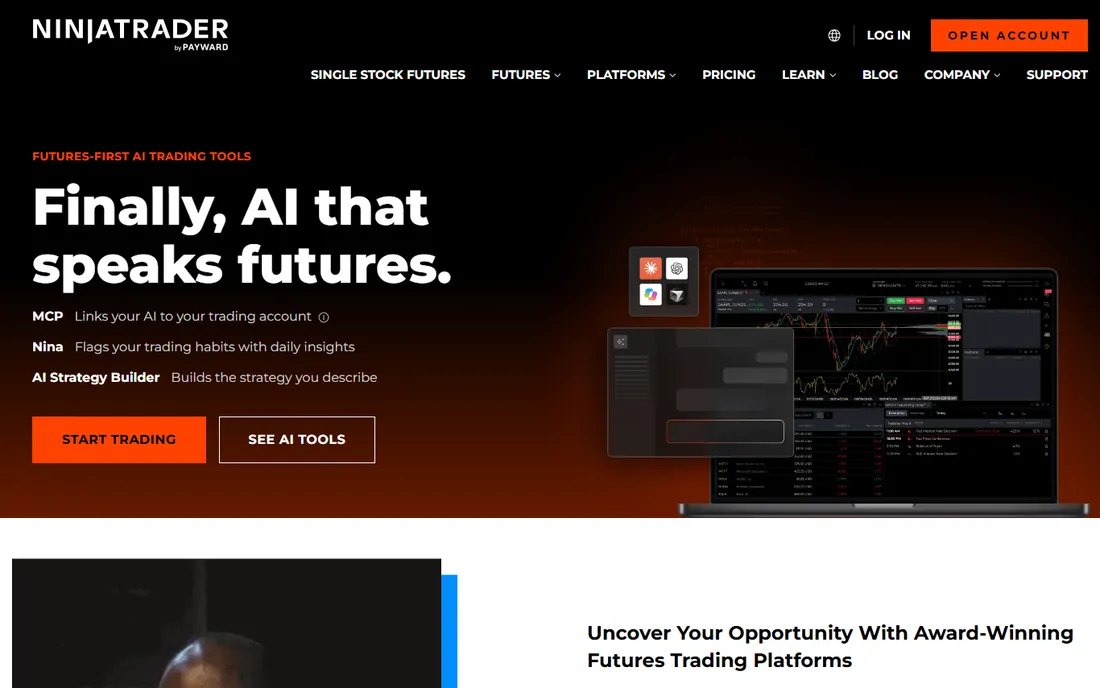
NinjaTrader owns the retail futures niche for a reason. The Strategy Analyzer backtests NinjaScript strategies with detailed performance metrics, and walk-forward optimization is built in rather than bolted on. Because the same platform handles simulation and live execution, a strategy can move from backtest to sim to live without changing environments, which removes a whole class of translation errors.
The pricing model is the thing to understand. Charting, backtesting and simulated trading are free. Going live requires either a lifetime license purchase or a lease, plus exchange and data fees that apply to any futures platform. It is also Windows only, which rules out Mac-based traders. For serious futures backtesting with a path to live trading, it is the most complete package here.
What we like- Backtesting, simulation and live futures trading in one platform
- Strategy Analyzer with walk-forward optimization
- Free to use until you trade live
Watch out for- Live trading requires a paid license or lease
- Windows only
- The platform rewards users who learn its considerable depth
Starting priceFree (community tier)
Free planYes
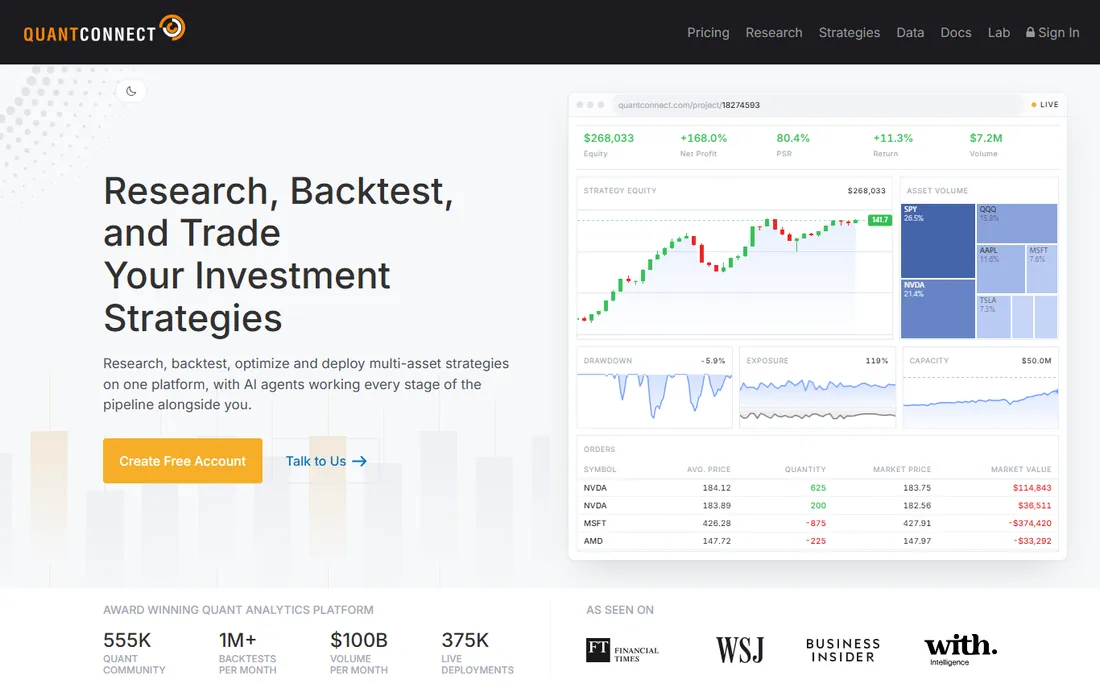
QuantConnect is where retail quants go when TradingView stops being enough. Its LEAN engine is open source and handles the details that separate honest backtests from fantasy: survivorship-bias-free datasets, realistic fill models, slippage and fee modeling, and portfolio-level simulation across equities, forex, futures, options and crypto. The browser-based research environment means no local setup.
The price of admission is code. There is no drag-and-drop strategy builder; you write algorithms in Python or C#. The free community tier is genuinely useful for research, but heavy backtests and live deployment draw on paid compute. For a trader who wants to test like a fund, or a developer building systematic strategies, it is the strongest free starting point in quantitative trading.
What we like- Institutional-grade backtesting engine (LEAN) is open source
- Vast clean datasets included
- Research environment runs in the browser
Watch out for- You must code in Python or C#, no way around it
- Serious compute and data needs push you to paid tiers
- Overkill for simple indicator strategies
Starting priceSee website (one-time license)
Free planFree trial
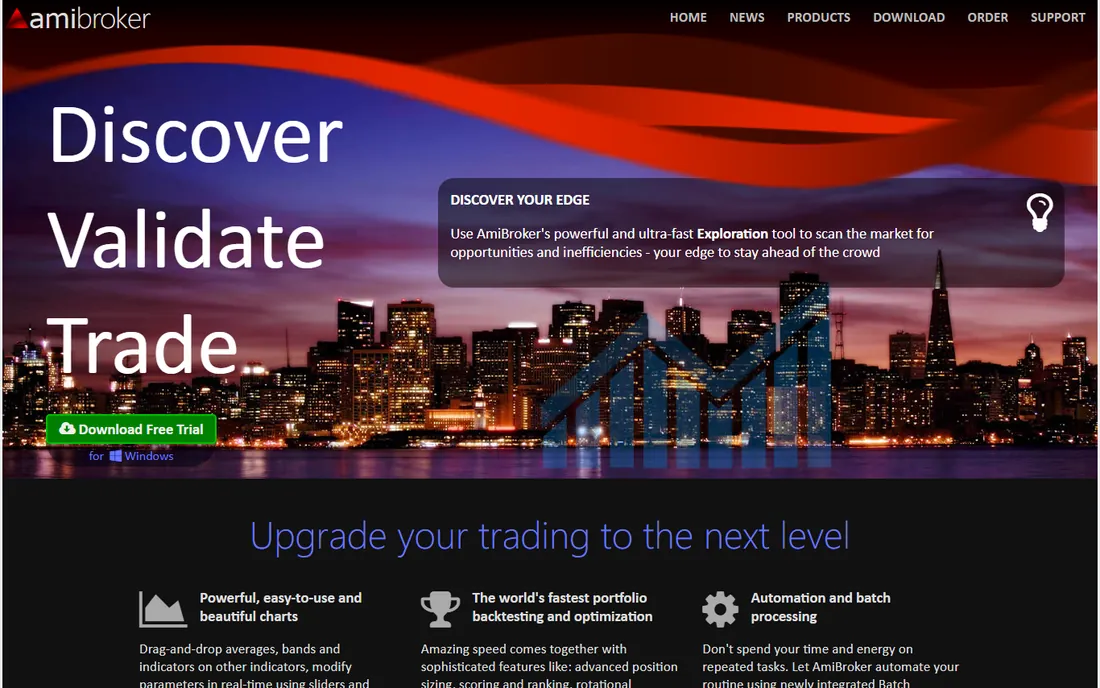
AmiBroker has a devoted following among systematic stock traders, and speed is why. Its backtesting engine chews through decades of portfolio-level tests in seconds, and AFL, its scripting language, expresses complex ranking and rotation systems in a few lines. Walk-forward testing, Monte Carlo simulation and custom metrics are all built in. The one-time license model means the cost stops accumulating, unlike subscriptions.
The tradeoffs are the ecosystem around the engine. The interface has a retro feel that new users find off-putting. Real-time and historical data come from third-party feeds at extra cost, so budget beyond the license. And the community, while knowledgeable, is a fraction of TradingView's size. For a stock trader running portfolio strategies who values speed and a one-time purchase, it remains a top pick.
What we like- Famously fast backtesting engine
- AFL scripting is compact and expressive
- One-time license instead of a subscription
Watch out for- Interface looks dated
- Data feeds cost extra
- Smaller community than TradingView or MetaTrader
Starting priceSee website (free with qualifying brokerage account)
Free planYes
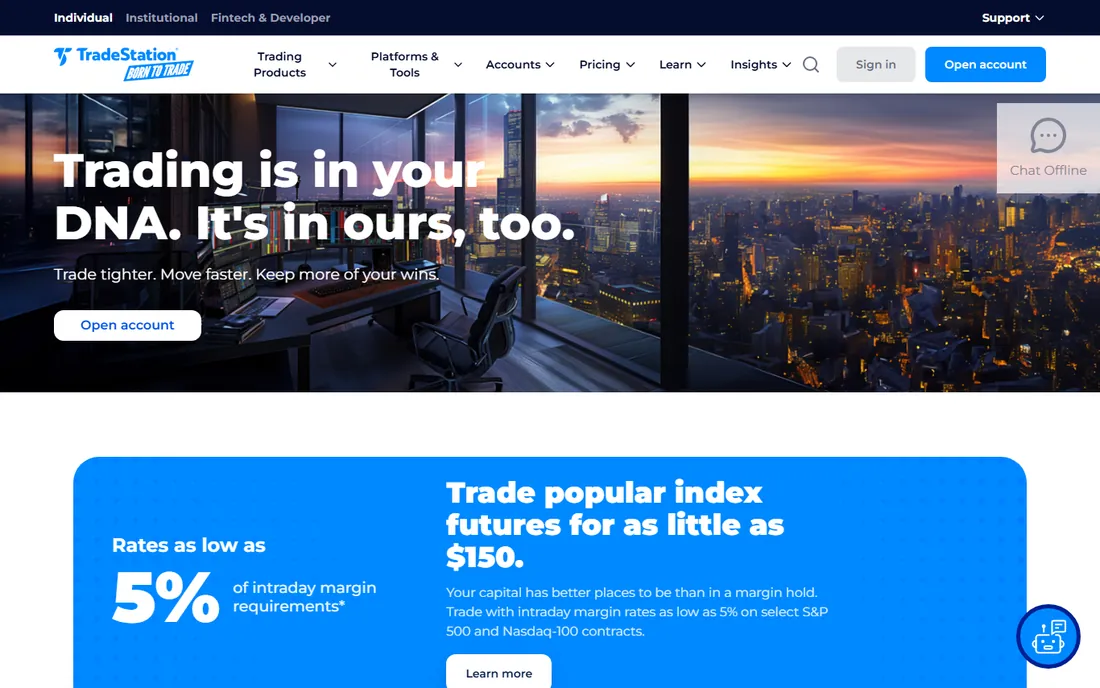
TradeStation's pitch is the closed loop: develop and backtest a strategy in EasyLanguage, then trade it live through the same platform without exporting anything. The backtesting tools include optimization, walk-forward analysis and portfolio-level testing, and the historical data is deep enough for serious research. Because it is a broker first, there is no separate execution bridge to maintain.
The catch is geography and structure. TradeStation is primarily a US offering, so international traders often cannot open accounts. Pricing details, including platform fee waivers, depend on trading activity and account type, so read the current terms carefully. EasyLanguage itself is approachable as far as strategy languages go, but the platform's full depth takes real study. For a US trader who wants research and execution under one roof, it is purpose-built.
What we like- Backtesting and live trading with the same EasyLanguage code
- Deep historical data included
- Broker integration means no bridge software
Watch out for- US-focused, limited international availability
- Pricing and fee waivers depend on account activity
- Platform depth takes time to learn
Starting priceSee website (one-time license)
Free planFree trial
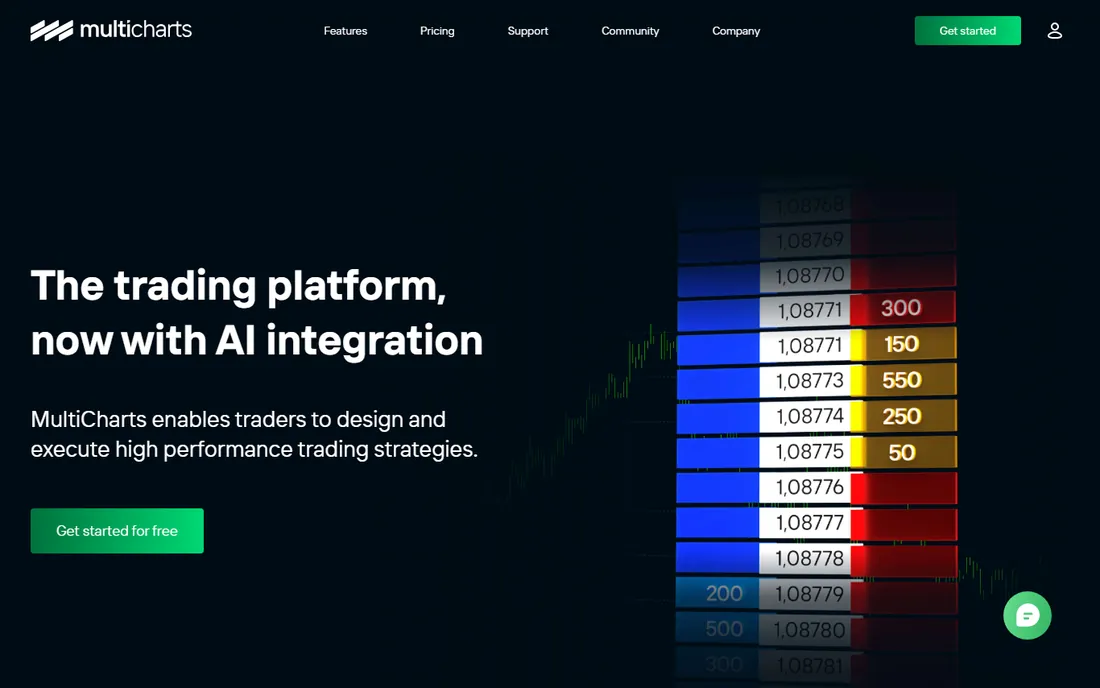
MultiCharts exists for traders who like EasyLanguage but do not want to be tied to one broker. It runs EasyLanguage and PowerLanguage strategies against data from many providers and routes orders to many brokers, which makes it the flexible alternative to TradeStation's closed loop. Portfolio-level backtesting, optimization and automated trading are all included.
The price is the conversation. The one-time license costs significantly more than a year of most subscriptions, though it pays back over time for committed users. The community is smaller than TradingView's or MetaTrader's, so finding shared code takes more digging. For a trader with an existing broker relationship who wants serious EasyLanguage backtesting without switching brokers, it fills a specific gap well.
What we like- Runs EasyLanguage strategies across many brokers and data feeds
- Portfolio backtesting built in
- One-time license option
Watch out for- Expensive up front
- Smaller user community than the giants
- Interface shows its age
Starting priceFree (open source)
Free planYes
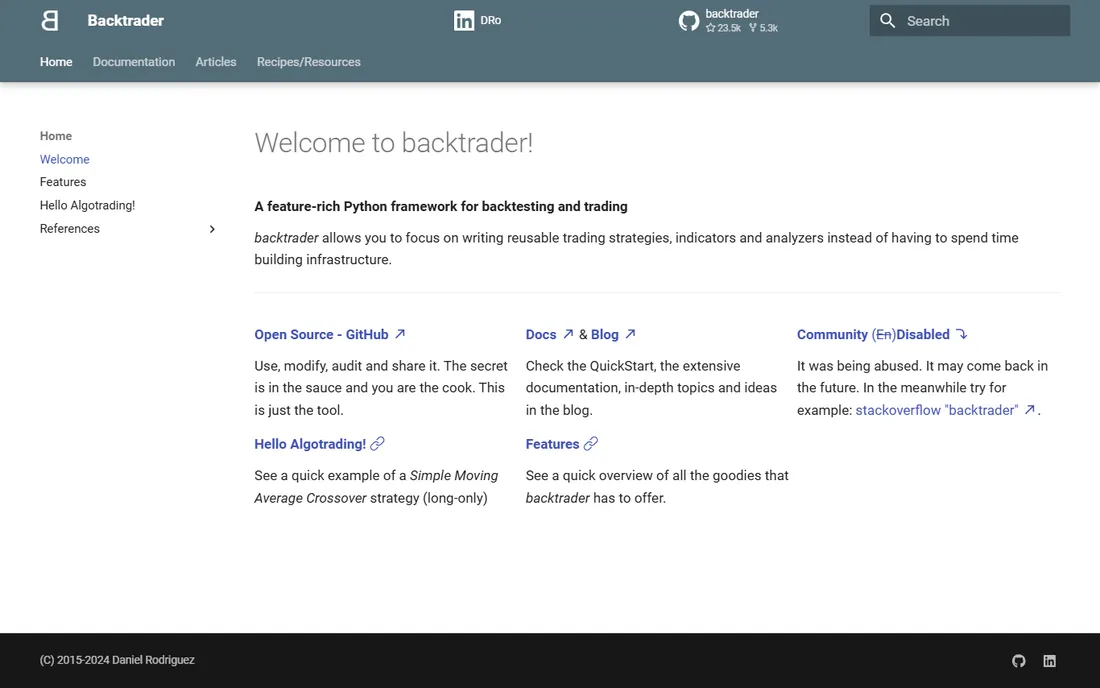
Backtrader is a Python framework, not an app. You write the strategy, feed it the data, define commissions and slippage, and it runs the simulation. That sounds like work because it is, but it is also the point: every assumption in the backtest is yours, visible in code, which is exactly what serious strategy research demands. Being Python, it plugs into pandas, scikit-learn and the entire data science stack.
There is no chart to click and no strategy wizard. Data cleaning, corporate actions and portfolio accounting are your responsibility, and the documentation assumes programming comfort. The project is community-maintained rather than commercially driven. For a Python-proficient trader who wants a free, transparent, no-black-box backtester, it is the standard choice.
What we like- Completely free and open source
- Full control over every backtest assumption
- Huge Python ecosystem for data and machine learning
Watch out for- You build everything yourself, including data handling
- No graphical interface
- The project is community-maintained
Starting priceFree (end-of-day); real-time data plans are paid
Free planYes
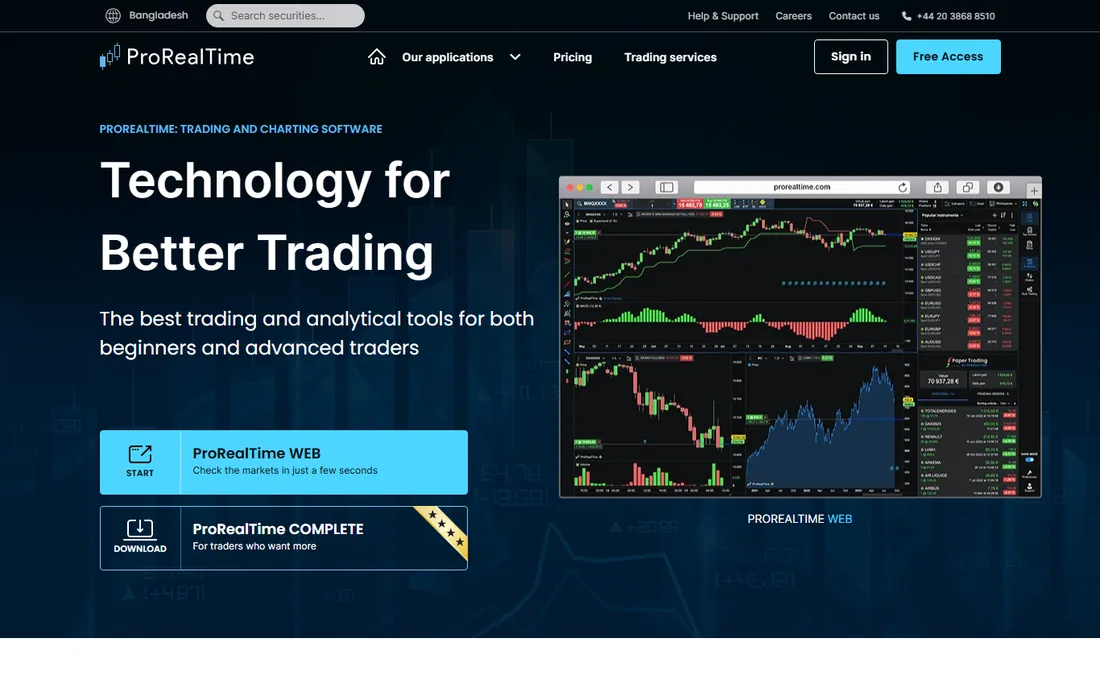
ProRealTime is a European staple that deserves wider attention. The free version, with end-of-day data, lets you chart, screen and backtest simple ProBuilder strategies without paying anything. The platform's screening and alerting tools are strong, and the community shares a large library of indicators and systems.
Going beyond end-of-day costs money: real-time data plans are tiered by market, and an active trader's data bill can exceed the platform cost. US traders will find thinner coverage and community than domestic platforms offer. And while ProBuilder handles indicator-based strategies well, it is not a substitute for Python or C# when strategies get complex. For a European trader starting with daily strategies, the free tier is an easy yes.
What we like- Free version with end-of-day data costs nothing to start
- ProBuilder language is approachable
- Strong among European retail traders
Watch out for- Real-time data subscriptions add up
- US market coverage is thinner
- Advanced automation trails the code-first platforms
Starting priceSee website (subscription tiers)
Free planFree trial
TrendSpider automates the tedious parts of technical analysis. It draws trendlines, identifies chart patterns and runs multi-timeframe analysis automatically, then keeps alerts and levels updated as new candles form. The strategy tester backtests indicator-based rules without coding, which suits traders who think in terms of setups rather than scripts.
It is firmly a subscription product, and the annual cost is real money compared with the free tools on this list. The automation that makes it appealing also makes it opaque: when the algorithm draws a trendline you would not have drawn, you have to decide how much to trust it. For a discretionary technical trader who wants tireless chart-watching assistance, it earns its keep. For a systematic coder, the code-first platforms offer more control.
What we like- Automatic trendline detection and multi-timeframe analysis
- Dynamic alerts recalculated on every candle
- Strategy tester for indicator-based systems
Watch out for- Subscription-only with meaningful annual cost
- Automation can feel like a black box
- Less suited to fully custom coded strategies
How we chose
We compared the tools on what matters to someone testing a trading strategy: the honesty of the backtest engine, the quality and cost of historical data, whether the strategy can move to live trading, and what the software costs over a year. We favored tools with realistic fill modeling, survivorship-aware data and walk-forward testing, and we included both no-code platforms and code-first frameworks because different traders work differently. We left out broker-only screeners with no real backtesting and discontinued products. No hands-on testing was involved.
What separates honest backtesting from fantasy
Data quality decides everything
A backtest on bad data is fiction with charts. Survivorship bias is the classic killer: testing a stock strategy on today's S&P 500 constituents pretends the bankrupt companies never existed, which flatters every result. Delisted symbols, adjusted corporate actions and clean timestamps matter more than any feature in the software. Before trusting a backtest, ask what dataset it ran on and whether dead companies are included.
Model the costs or model nothing
Strategies that look profitable before costs routinely fail after them. Realistic backtesting includes commissions, spreads, slippage and, for short strategies, borrow fees. A strategy that trades frequently is especially sensitive: a few cents of slippage per trade can erase an edge that looks solid on paper. The code-first tools here force you to define these explicitly, which is a feature, not a chore.
Respect out-of-sample testing
Optimizing parameters on ten years of data and then admiring the equity curve is curve-fitting, not research. Walk-forward testing, where the strategy is optimized on one period and tested on the next unseen period, is the minimum standard. If a tool does not offer it, or you skip it, treat the results as a hypothesis, not a track record.
Match the tool to the market
Forex traders live in MetaTrader for good reason: the brokers, data and community are there. Futures traders cluster around NinjaTrader. Stock portfolio quants use AmiBroker or QuantConnect. The best backtesting software is usually the one built for your market, because that is where the data quality, execution paths and peer knowledge concentrate.
Free vs paid: where the money actually goes
The software is often the cheapest part of backtesting. Free tools like TradingView's basic tier, MetaTrader 5, NinjaTrader's backtesting, QuantConnect's community tier, Backtrader and ProRealTime's end-of-day version cover genuine research at zero software cost. The money goes to data: clean historical data with survivorship bias removed, real-time feeds and the compute for large optimizations. A trader paying nothing for software but trading on free scraped data is spending the savings in the wrong place. Budget for data first, then decide whether a paid platform's convenience is worth it.
Frequently asked questions
Can I backtest a trading strategy for free?
Yes. TradingView, MetaTrader 5, NinjaTrader, QuantConnect, Backtrader and ProRealTime all offer free tiers or free versions that include backtesting. The free options cover chart-based testing, code-based testing and portfolio testing. Paid plans mostly add data depth, compute power and convenience.
What is the difference between backtesting and paper trading?
Backtesting runs a strategy against historical data in seconds. Paper trading runs it against live data without real money, usually in real time. Backtesting validates the idea; paper trading validates the execution, including how you react to drawdowns and how fills behave in current market conditions. Do both before risking capital.
Why do most backtests look better than real trading?
Four usual suspects: survivorship bias in the data, lookahead bias in the code, missing costs like slippage and commissions, and overfitting parameters to historical noise. A backtest that ignores all four can show profits for a strategy that loses money from day one. Walk-forward testing and realistic cost modeling are the main defenses.
Do I need to know how to code to backtest?
No, but it helps. TradingView's Pine Script, TradeStation's EasyLanguage and TrendSpider's no-code tester all backtest without serious programming. The tradeoff is flexibility: coded frameworks like QuantConnect and Backtrader let you model anything, including portfolio effects and custom fill logic that no-code tools cannot express.
Which backtesting tool is best for forex?
MetaTrader 5, by a wide margin. It is free, the strategy tester is solid, MQL5 has a huge code library, and nearly every forex broker supports it. QuantConnect is the alternative for coders who want cleaner data and portfolio-level testing across forex pairs.
Which backtesting tool is best for stocks?
It depends on style. AmiBroker is the fastest for portfolio-level stock systems and one-time pricing appeals to long-term users. QuantConnect suits Python or C# quants who want institutional data quality. TradingView is the easiest start for chart-based stock strategies.
Sources we checked (10)
- https://www.tradingview.com
- https://www.metatrader5.com
- https://www.ninjatrader.com
- https://www.quantconnect.com
- https://www.amibroker.com
- https://www.tradestation.com
- https://www.multicharts.com
- https://www.backtrader.com
- https://www.prorealtime.com
- https://www.trendspider.com
Is your product missing or out of date?
We review this list regularly. Vendors can request a listing, send updated pricing or ask about featured placement.

Shihab Mia · Founder, Rankite
Shihab has spent more than a decade helping SaaS and e-commerce brands grow through search. He writes Rankite's software buying guides from pricing pages, documentation and public user reviews. More about Shihab.