How we make this list: we compare pricing pages, product documentation and public user reviews. Ratings come from G2, Capterra or Trustpilot, with the date we checked them.
Key takeaways
- Upscayl is the best truly free unblur tool, since it runs offline on your computer with no credits, no watermark, and no upload.
- Fotor and PicWish suit quick online fixes, with free credits that cover a few photos a day.
- VanceAI and Remini produce strong results on faces, but their best features sit behind paid plans.
- No tool recovers detail that was never in the photo. AI sharpening guesses at detail, and that guess can be wrong.
- Never upload personal or sensitive photos to an online tool without checking its privacy policy and deletion rules.
- For a photo you plan to print or publish, test the result at full size before trusting it, since small previews hide AI artifacts.
Quick comparison
| Tool | Best for | Starting price | Free plan |
|---|
 Upscayl Upscayl | Free offline upscaling | Free | Yes |
 Fotor Fotor | Quick online fixes | Free | Yes |
 PicWish PicWish | Free credits for enhancement | Free | Yes |
 VanceAI VanceAI | Face sharpening | Free | Yes |
 Remini Remini | Face and old photo repair | Free | Yes |
 BigJPG BigJPG | Free anime and photo upscale | Free | Yes |
 Lets Enhance Lets Enhance | Free credits for upscaling | Free | Yes |
 Cutout.pro Cutout.pro | Free photo enhancement | Free | Yes |
Is your product missing or out of date?
We review this list regularly. Vendors can request a listing, send updated pricing or ask about featured placement.
Starting priceFree
Free planYes
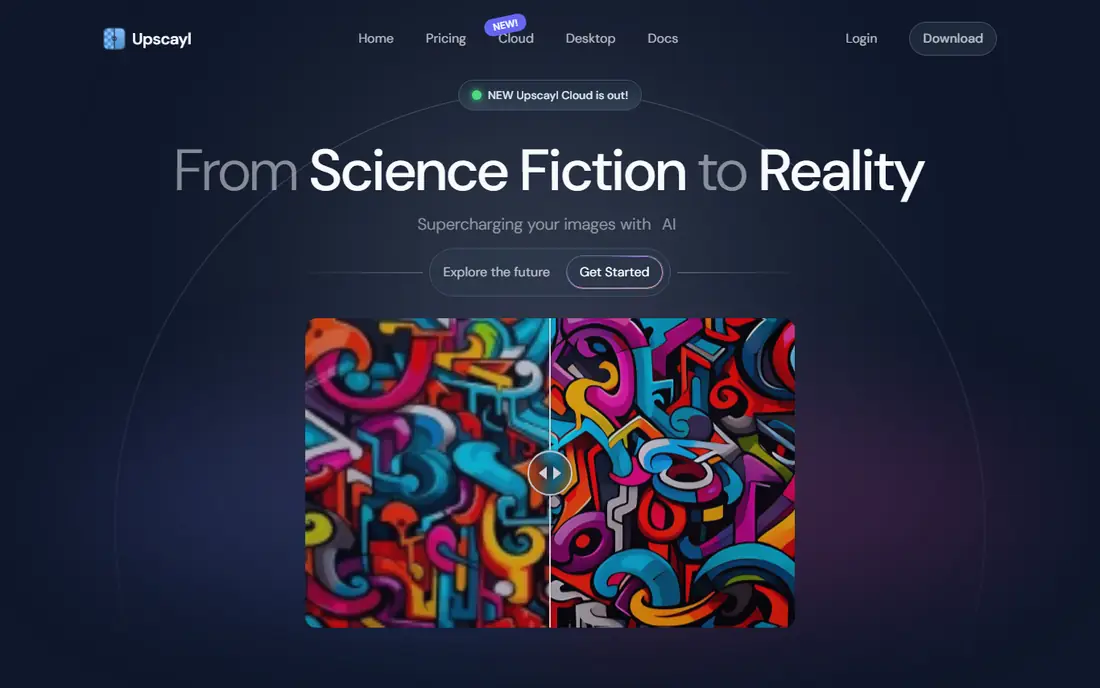
Upscayl is the best free tool to unblur photos, because it is the only one here with no catch. It is free and open source, runs offline on Windows, Mac, and Linux, and upscales and sharpens photos with AI models, all without credits, watermarks, uploads, or account requirements. Batch processing handles folders of photos at once, which suits anyone restoring a whole album.
The cost is hardware and patience. Upscayl needs a reasonably strong graphics card or processor, and large photos take time to process. The interface is basic, and results vary by AI model, so trying two models on the same photo is worth the extra minute. For a free tool with no privacy trade-off, Upscayl is the clear first choice, and it is the only tool here safe for sensitive photos without a second thought.
What we like- Completely free and open source
- Runs offline on your computer
- No watermark
- No credits or limits
- Batch processing
Watch out for- Needs a reasonably strong computer
- Interface is basic
- Results depend on the AI model chosen
#2Fotor
Best for: Quick online fixes4.2/5 on
G2 (342 reviews, checked Oct 2026)
Visit fotor.com
Starting priceFree
Free planYes
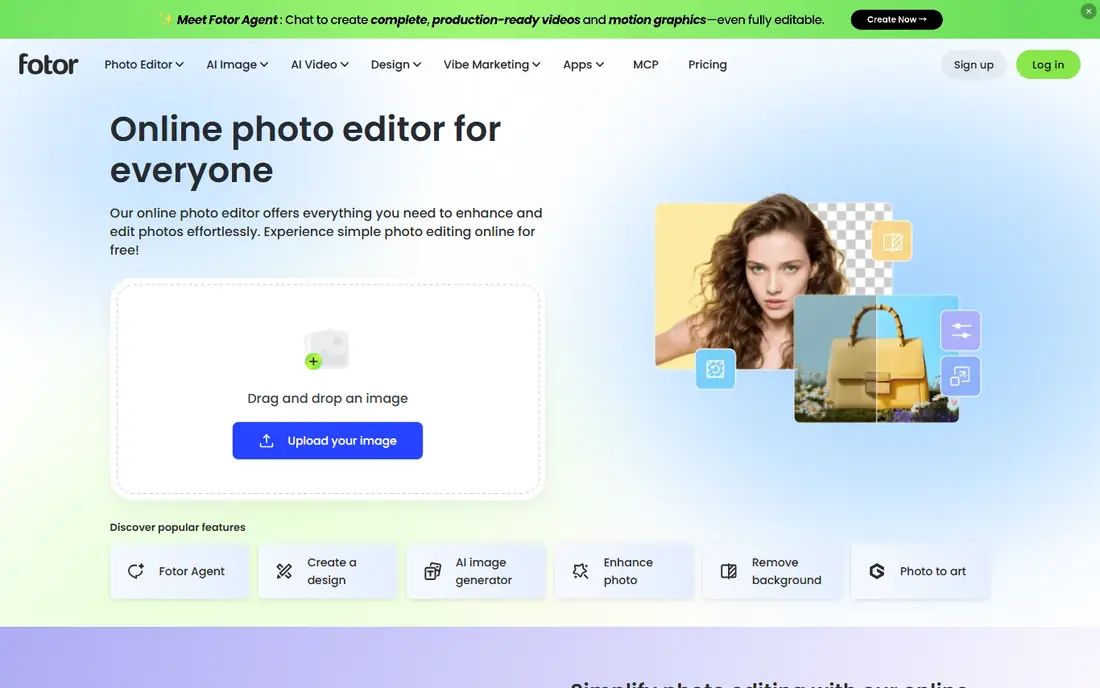
Fotor suits a quick online fix with no install. Its AI photo enhancer sharpens blurry photos, improves lighting, and cleans up noise in a few clicks, and the free tier covers occasional use. Editing tools sit alongside enhancement, so a user can sharpen, crop, and adjust color in one place without learning a desktop app.
The free tier limits how many enhancements you can run, and the best features need a Pro plan, so heavy users will hit a wall. Online processing means your photo uploads to a server, so check the privacy policy and deletion rules before uploading personal photos. For one or two photos right now, Fotor is one of the fastest free options.
What we like- Easy online AI enhancer
- No install needed
- Free tier covers quick fixes
- Editing tools alongside enhancement
Watch out for- Free tier has limits
- Best features need a Pro plan
- Online uploads only
#3PicWish
Best for: Free credits for enhancement4.8/5 on
G2 (6 reviews, checked Oct 2026)
Visit picwish.com
Starting priceFree
Free planYes
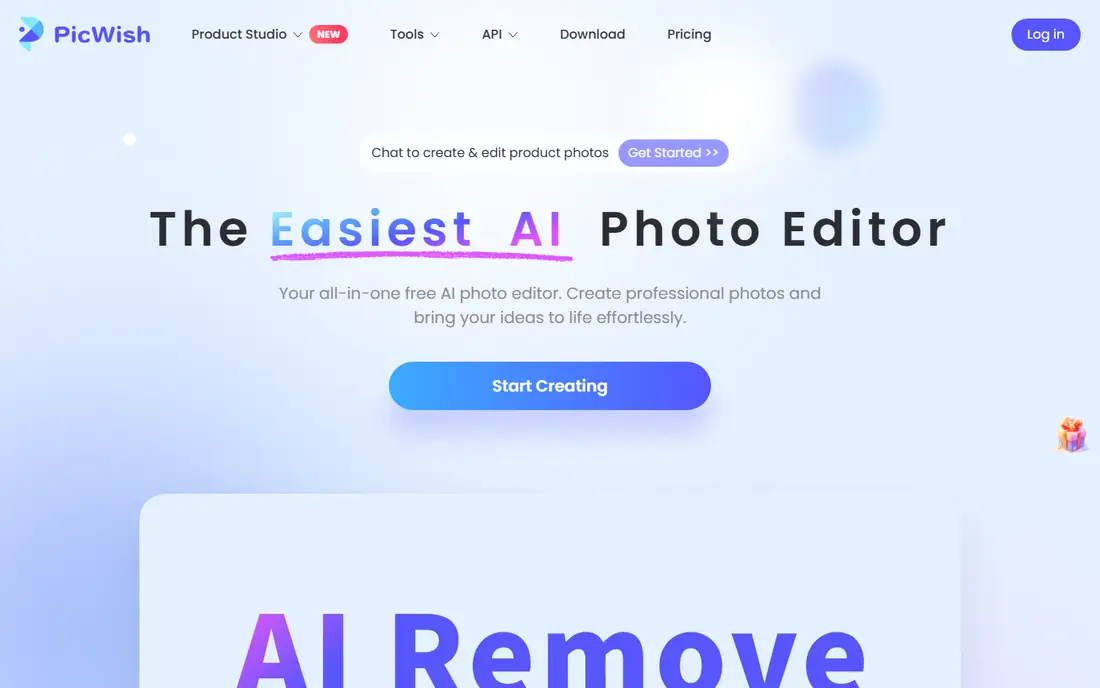
PicWish gives new users free credits for AI photo enhancement, covering face sharpening, upscaling, and background removal in a simple online interface. The enhancement quality is strong on portraits and product photos, and the workflow needs no learning: upload, enhance, download. For a few photos, the free credits are enough to test the tool properly.
Credits are the limit. Once they run out, you pay or complete tasks to refill them, which makes PicWish a trial tool rather than a permanent free solution. Online uploads apply, so sensitive photos belong in Upscayl instead. For a quick free test of AI enhancement quality, PicWish is a good second choice after Upscayl.
What we like- Free credits for enhancement
- Face enhancement and upscaling
- Simple interface
- No install needed
Watch out for- Credits run out and need payment or tasks to refill
- Online uploads only
- Results vary by photo type
Starting priceFree
Free planYes
VanceAI is the strongest online option for faces. Its portrait enhancement sharpens facial detail, cleans skin texture without over-smoothing, and upscales images to high resolutions, with batch processing for multiple photos. Users restoring old family portraits or blurry phone photos often get the best results here among online tools.
The free tier is limited, and the best features sit behind a paid plan, so VanceAI suits a user who wants to test quality on a few photos before deciding whether to pay. Online uploads apply, so avoid sensitive photos or use Upscayl for those. If faces are the priority and you are willing to pay for the best online result, VanceAI is the tool to compare against Remini.
What we like- Strong face sharpening and portrait enhancement
- Upscaling to 8K reported
- Batch processing
- Clean interface
Watch out for- Free tier is limited
- Best features need a paid plan
- Online uploads only
#5Remini
Best for: Face and old photo repair4.6/5 on
G2 (13 reviews, checked Oct 2026)
Visit remini.ai
Starting priceFree
Free planYes
Remini became famous for restoring old, blurry family photos, and its face enhancement remains one of the best on mobile. The app is easy: upload a photo, watch the AI sharpen faces and clean damage, and compare before and after. The free tier covers a few enhancements, with ads, and the mobile app suits users who keep photos on their phone.
The free tier is limited, and the best features need a subscription, so Remini is a trial tool for most users rather than a permanent free solution. Processing runs online through the mobile app, so the same privacy caution applies as with other online tools. For old photo repair on a phone, Remini is the most popular choice, and its results on faces are genuinely impressive.
What we like- Famous for old photo repair
- Strong face enhancement
- Mobile app is easy
- Before and after preview
Watch out for- Free tier is limited and ad-supported
- Best features need a subscription
- Online processing on mobile
Starting priceFree
Free planYes
BigJPG is a free AI upscaler that works well for anime, illustrations, and line art, and acceptably for photos. It offers AI models tuned for different image types, needs no account for basic use, and runs entirely online with a simple interface. For a blurry illustration or a low-resolution graphic, BigJPG often beats general photo enhancers.
Free limits on size and processing speed apply, and photo results trail the face-focused tools such as VanceAI and Remini. Online uploads apply. BigJPG suits users restoring artwork, screenshots, or illustrations, while photo portraits belong in VanceAI, Remini, or Upscayl.
What we like- Free upscaling with AI models
- Good for anime and illustrations
- No account for basic use
- Simple interface
Watch out for- Free tier limits size and speed
- Photo results weaker than face tools
- Online uploads only
Starting priceFree
Free planYes
Lets Enhance gives new users free credits for AI upscaling, with clean results on product photos, real estate images, and e-commerce pictures. Batch processing handles multiple files, and the interface is simple enough for a first-time user. The free credits are enough to test quality on a real project before paying.
Credits run out quickly, and regular use needs a paid plan, so Lets Enhance is a trial tool for most users. Online uploads apply. It suits a seller or agent who needs a few product photos sharpened for a listing, and who wants to judge quality before committing to a subscription.
What we like- Free credits for new users
- Upscaling to high resolutions
- Batch processing
- Clean results on product photos
Watch out for- Credits run out quickly
- Paid plans needed for regular use
- Online uploads only
Starting priceFree
Free planYes
Cutout.pro bundles photo enhancement with background removal, upscaling, and cartoon effects in a simple online workflow. The free tier covers a few enhancements, and the tool suits users who need to enhance a photo and cut out its background in one pass, such as sellers preparing product images. The interface needs no learning.
Free limits apply, and results vary by photo type, with portraits doing better than scenery shots in most tests. Online uploads apply. Cutout.pro is a useful free option for product photos and quick fixes, while face restoration belongs in VanceAI or Remini and private photos belong in Upscayl.
What we like- Free photo enhancement and upscaling
- Background removal alongside enhancement
- Simple online workflow
Watch out for- Free tier has limits
- Online uploads only
- Results vary by photo type
How we chose
We judged unblur tools on three tests: is the free tier genuinely usable, does the tool sharpen faces and detail without inventing strange artifacts, and does it protect your photos. Only Upscayl passes all three without a catch, since it runs offline with no credits or uploads. We flagged credit limits on every online tool, since free credits run out fast, and we stressed the honest limit of the whole category: AI sharpening guesses at missing detail, and that guess can be wrong, especially on faces, text, and small objects.
What to check before you buy
Test any tool on your own photo before paying, since results vary wildly by photo type: a tool that fixes portraits may fail on scenery shots, and vice versa. Check the result at full size, not just in a small preview, since AI artifacts hide at thumbnail scale and show up in print. Never upload personal, sensitive, or identity photos to an online tool without reading its privacy policy and deletion rules, and prefer Upscayl for those files. Finally, do not trust an unblurred photo as evidence of anything: AI enhancement invents detail, so a sharpened face or license plate is a guess, not a recovery.
Frequently asked questions
Can a tool really unblur a photo?
Only partly. AI tools sharpen edges and guess at missing detail, which makes a blurry photo look clearer. They cannot recover detail that was never captured, so results are an educated guess, not a true restoration.
Which free tool is best for unblurring photos?
Upscayl is the best truly free option, since it runs offline with no credits, watermark, or upload. Fotor and PicWish are the best quick online options for a few photos.
Is it safe to upload photos to an online unblur tool?
For ordinary photos, yes, with encrypted connections and deletion policies. For personal or sensitive photos, use an offline tool such as Upscayl instead, since online tools upload your file to a server.
Why does an unblurred face look strange?
AI enhancement guesses at facial detail, and when the guess is wrong, eyes, teeth, and skin texture look artificial. Test at full size and try a different tool or model if the first result looks off.
Do free tools add a watermark?
Most tools here do not watermark free output. They limit credits, file size, or resolution instead, so check the free limits before starting a batch job.
Sources we checked (0)
Is your product missing or out of date?
We review this list regularly. Vendors can request a listing, send updated pricing or ask about featured placement.

Shihab Mia · Founder, Rankite
Shihab has 5+ years in B2B and SaaS SEO. He writes Rankite's software buying guides from pricing pages, documentation and public user reviews. More about Shihab.