How we make this list: we compare pricing pages, product documentation and public user reviews. Ratings come from G2, Capterra or Trustpilot, with the date we checked them.
Key takeaways
- Homebase is the best free starting point for a single location with up to ten employees, covering scheduling, time tracking, and messaging at no cost.
- Connecteam is the best free option for field teams, with a free plan for up to ten users and a paid plan at $29 a month for the first thirty users.
- When I Work is the cheapest per-user scheduling option at $2.50 per user a month, though time tracking can cost extra depending on the plan.
- Buddy Punch leads on punch verification, with GPS location on every punch and facial recognition options, but it adds a $19 monthly base fee.
- QuickBooks Time is the natural pick for businesses already running QuickBooks payroll, at $20 a month plus $10 per user a month.
Quick comparison
| Tool | Best for | Starting price | Free plan |
|---|
 Homebase Homebase | Free scheduling plus time clock | Free; paid from $24 per location per month (billed annually) | Yes |
 Connecteam Connecteam | Mobile-first field teams | Free; paid from $29 per month | Yes |
 Deputy Deputy | Compliance-heavy shift operations | $5 per user per month | Free trial (31 days) |
 Buddy Punch Buddy Punch | Stopping buddy punching | $19 per month plus $4.99 per user per month | Free trial (14 days) |
 OnTheClock OnTheClock | Simple GPS-verified punches | $5 per month plus $4 per employee per month | Free trial (30 days) |
 QuickBooks Time QuickBooks Time | QuickBooks payroll users | $20 per month plus $10 per user per month | Free trial (30 days) |
 When I Work When I Work | Scheduling-first teams on a budget | $2.50 per user per month | Free trial (14 days) |
 Clockify Clockify | Free time tracking for small teams | Free; paid from $3.99 per user per month | Yes |
Is your product missing or out of date?
We review this list regularly. Vendors can request a listing, send updated pricing or ask about featured placement.
The best time clock apps for small business
Starting priceFree; paid from $24 per location per month (billed annually)
Free planYes
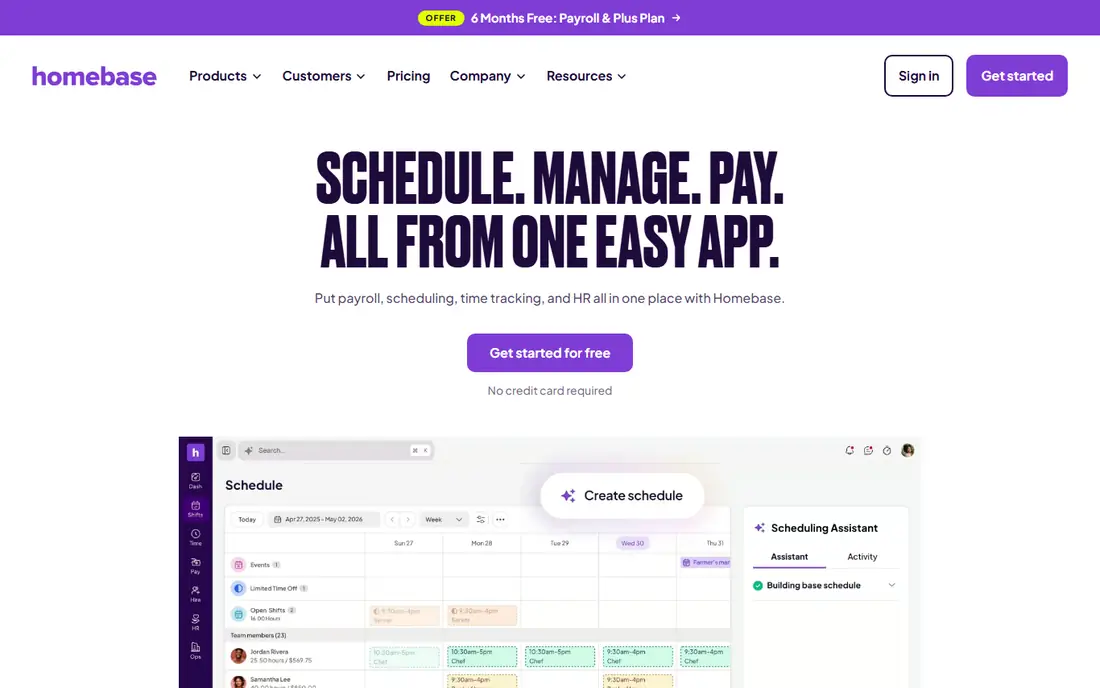
Homebase is built for hourly teams in restaurants, retail, and other shift-based businesses, and its free plan reflects that focus. One location with up to ten employees gets scheduling, time tracking, and team messaging at no cost, which is more than most free tiers offer. Staff clock in from a phone, tablet, or POS system, and managers approve digital timesheets before payroll.
The cost picture changes as you grow. Paid plans charge per location, starting at $24 a month billed annually for Essentials ($30 month to month), and payroll is an add-on at $49 a month plus $6 per employee paid. A single-location business with a stable team will find the free plan hard to beat. A multi-location business should price every site before choosing, since per-location billing adds up fast.
What we like- Free for one location and up to 10 employees
- Scheduling, time clock, and messaging in one app
- POS integrations with Square, Clover, and Toast
Watch out for- Paid plans charge per location
- Payroll is a paid add-on
- Advanced reporting needs higher tiers
#2Connecteam
Best for: Mobile-first field teams4.6/5 on
G2 (3,506 reviews, checked Oct 2026)
Visit connecteam.com
Starting priceFree; paid from $29 per month
Free planYes
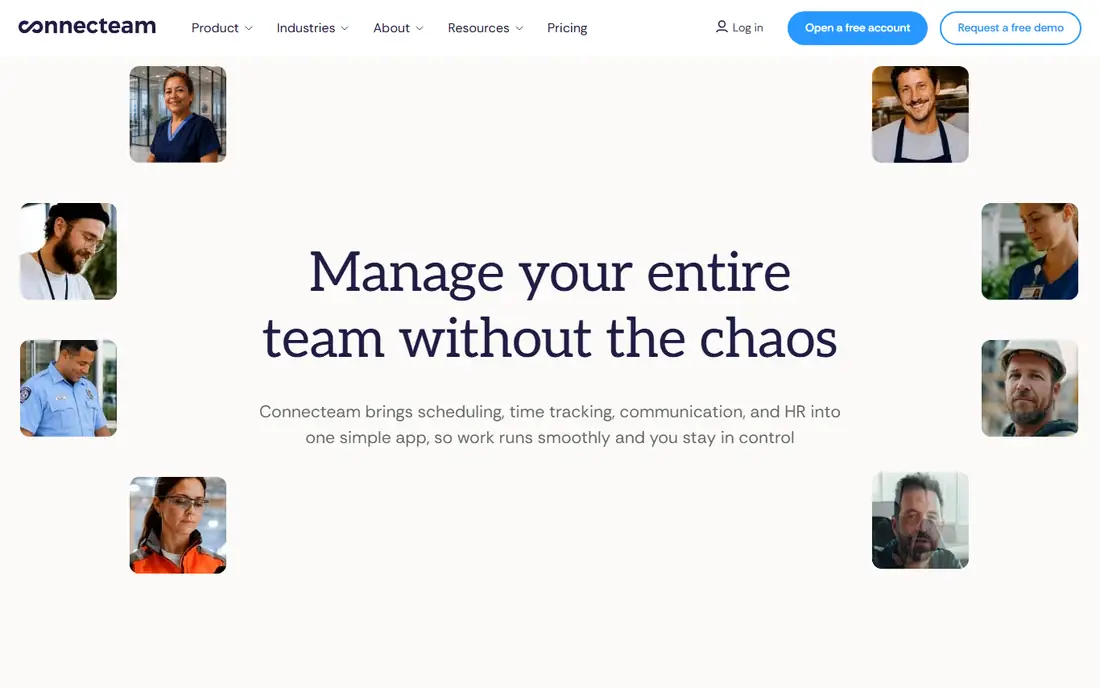
Connecteam suits teams that rarely sit at a desk. Field crews, cleaners, delivery staff, and care workers clock in from a phone with a GPS location stamp, see their schedule, complete forms, and message the team in the same app. The free Small Business Plan covers up to ten users with all core features, which makes it a genuine trial for a small crew rather than a demo.
Paid plans start at $29 a month for the first thirty users on annual billing, with Advanced at $49 and Expert at $99 for the same user count. Geofencing, which restricts clock-ins to set sites, sits on higher tiers, so a business that needs strict location control should price that tier, not the entry plan. Connecteam fits a mobile team that wants one crew app, not just a clock.
What we like- Free Small Business Plan for up to 10 users
- GPS clock-in with location stamps
- Scheduling, forms, and chat in one app
Watch out for- Geofencing needs higher tiers
- Per-user costs beyond 30 seats add up
- No native payroll
#3Deputy
Best for: Compliance-heavy shift operations4.6/5 on
G2 (666 reviews, checked Oct 2026)
Visit deputy.com
Starting price$5 per user per month
Free planFree trial (31 days)
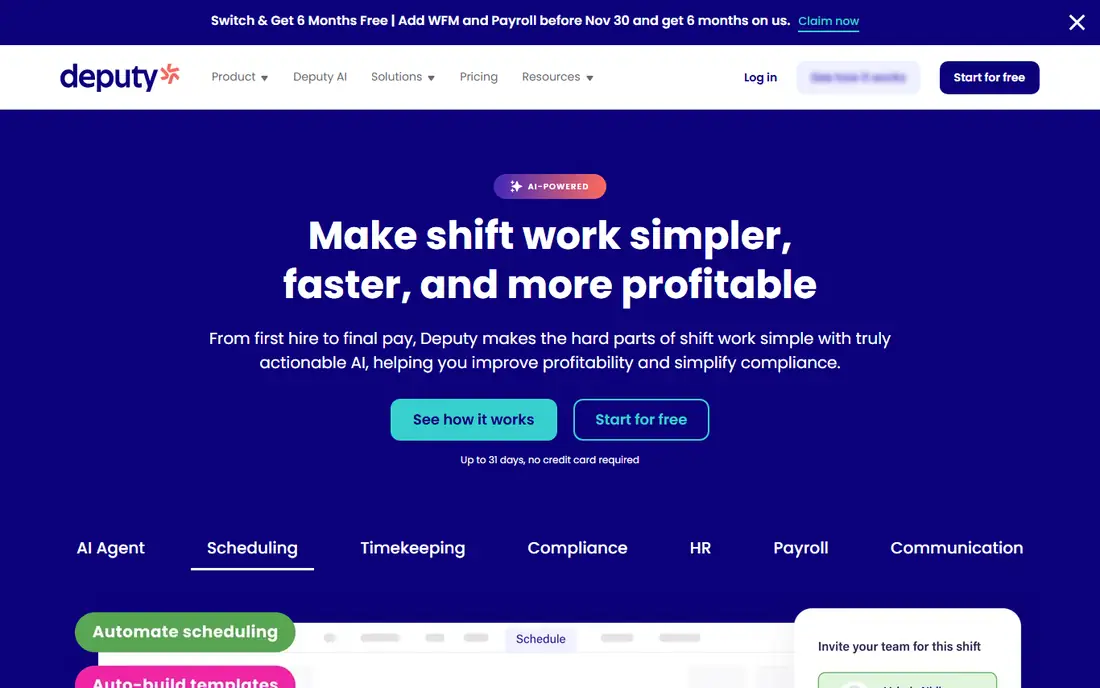
Deputy is the choice when scheduling rules matter as much as the clock itself. Its auto-scheduler fills shifts, staff swap shifts in the app, and managers get break and overtime alerts tied to labor rules. Clock-ins can include photo verification, and timesheets flow into payroll integrations with systems like Gusto, ADP, and Xero.
Pricing starts at $5 per user a month for Lite, with Core at $6.50 and Pro at $9 in recent listings, alongside a monthly minimum spend per invoice. That per-user model suits a team where headcount is stable, but it can surprise a business with seasonal staff. Deputy fits retail, hospitality, and healthcare teams that need scheduling depth and compliance help, not a team that only needs a simple punch button.
What we like- Strong scheduling with auto-fill and shift swaps
- Break and overtime compliance tools
- Photo verification at clock-in
Watch out for- Per-user pricing with a monthly minimum in some listings
- Advanced controls sit on Pro
- Mobile app can feel busy for simple use
#4Buddy Punch
Best for: Stopping buddy punching4.8/5 on
G2 (404 reviews, checked Oct 2026)
Visit buddypunch.com
Starting price$19 per month plus $4.99 per user per month
Free planFree trial (14 days)
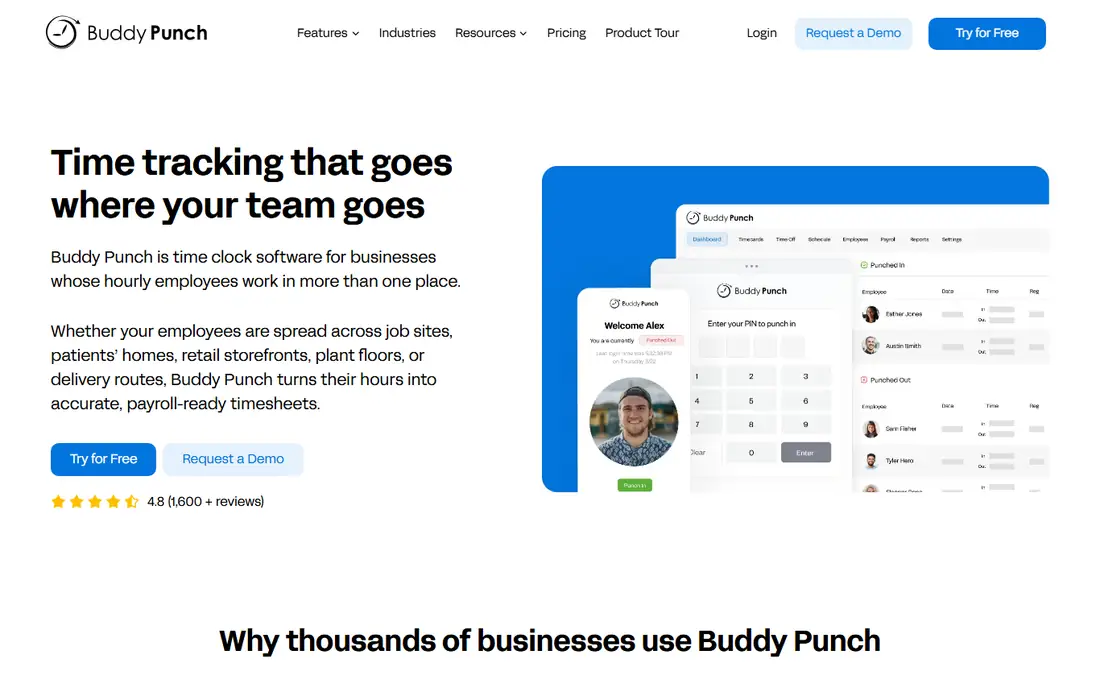
Buddy Punch is built around one problem: making sure the person clocking in is the person on the schedule. Every punch records a GPS location, and higher tiers add geofencing, facial recognition on iOS, QR code punching, and kiosk mode. That verification layer is why small businesses with remote or multi-site staff pick it over a basic timer.
The price needs adding up honestly. Starter costs $19 a month plus $4.99 per user a month on annual billing, and scheduling sits on Pro while real-time GPS is an add-on on lower tiers. There is no free plan, only a 14-day trial. Buddy Punch fits a business that has had time theft or disputed hours and wants proof with every punch, and it is worth the base fee only if that verification is a real problem for you.
What we like- GPS location on every punch
- Facial recognition and photo verification options
- Many payroll integrations
Watch out for- No free plan
- $19 base fee on top of per-user pricing
- Real-time GPS and scheduling cost extra on lower tiers
#5OnTheClock
Best for: Simple GPS-verified punches4.4/5 on
G2 (279 reviews, checked Oct 2026)
Visit ontheclock.com
Starting price$5 per month plus $4 per employee per month
Free planFree trial (30 days)
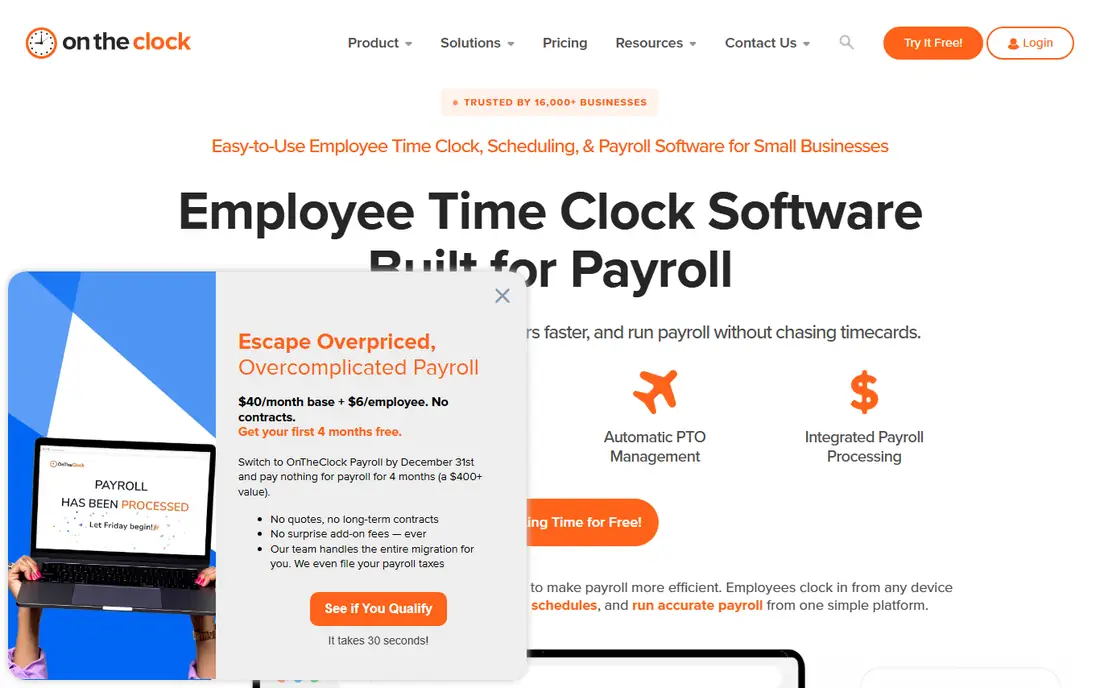
OnTheClock keeps its offer deliberately simple. One plan includes mobile, browser, and kiosk clock-ins, GPS location tags, time-off tracking, and drag-and-drop scheduling, at $5 a month plus $4 per employee a month. That flat structure makes the monthly total easy to predict for a small team, and the 30-day trial gives enough time to run a full payroll cycle before paying.
The trade is depth. Scheduling covers the basics but does not match Deputy or When I Work for auto-scheduling and shift marketplace features, and native payroll is an add-on rather than built in. OnTheClock fits a small business that wants a reliable, GPS-verified clock with payroll-ready exports and does not need a full workforce suite.
What we like- All core features in one plan
- GPS-tagged punches and photo options
- Simple payroll exports
Watch out for- No free plan
- Scheduling is basic rather than a strength
- Payroll add-on costs extra
Starting price$20 per month plus $10 per user per month
Free planFree trial (30 days)
QuickBooks Time, formerly TSheets, is the obvious pick for a business already running QuickBooks. Timesheets, GPS-tracked mobile clock-ins, job codes, and scheduling sync directly into QuickBooks Online and QuickBooks Payroll, which removes the export and re-entry step that causes payroll errors. Field teams can clock in by job site, and managers approve time in the same system that runs payroll.
The price is the barrier. At $20 a month plus $10 per user a month, a ten-person team pays $120 a month before the QuickBooks subscription itself, which is more than Homebase, Connecteam, or When I Work for the same headcount. QuickBooks Time fits a business already committed to QuickBooks, where the saved payroll time justifies the premium, not a team shopping for the cheapest clock alone.
What we like- Native QuickBooks Online and Payroll sync
- GPS tracking and geofencing on all plans
- Job and project time tracking
Watch out for- Most expensive option here for small teams
- Requires a QuickBooks subscription for full value
- Overtime rules may need manual checks
#7When I Work
Best for: Scheduling-first teams on a budget4.4/5 on
G2 (404 reviews, checked Oct 2026)
Visit wheniwork.com
Starting price$2.50 per user per month
Free planFree trial (14 days)
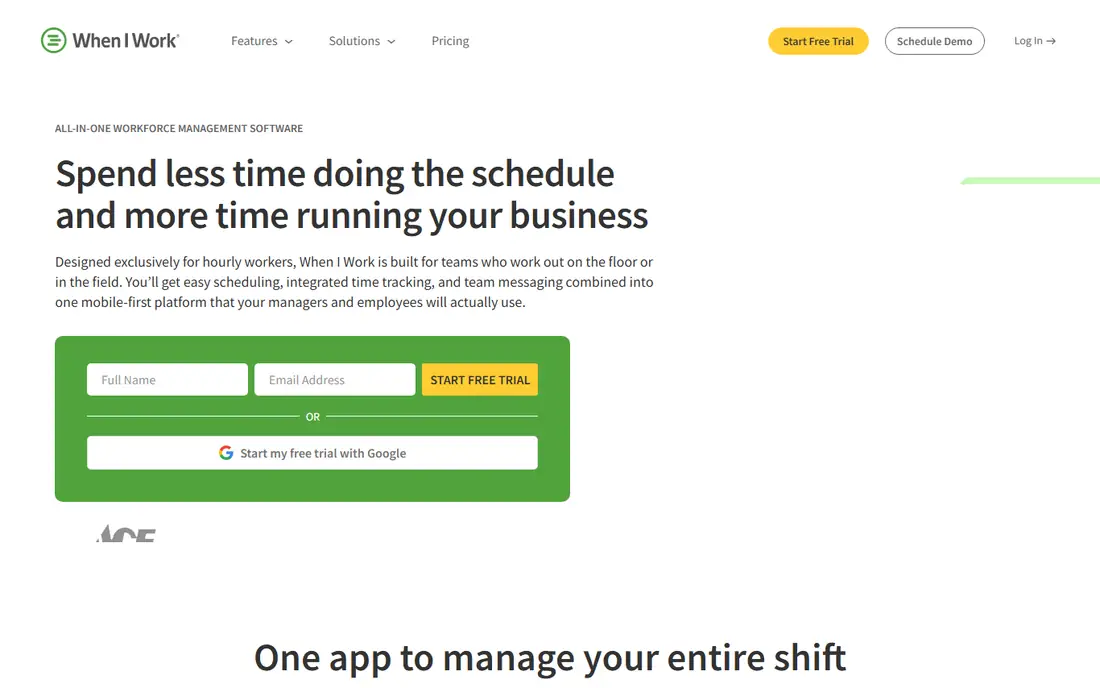
When I Work starts with scheduling, and the time clock follows the schedule. Managers build shifts, staff claim open shifts and swap with approval, and clock-ins tie back to the shift they were scheduled for, which makes early clock-ins and missed shifts easy to spot. The starting price of $2.50 per user a month for a single location is the lowest per-user figure on this list.
Read the plan before you buy, because time tracking is an add-on on some plans, and live GPS tracking is not a strength here compared with Buddy Punch or Connecteam. When I Work fits a shift-heavy small business, such as a cafe, clinic, or service crew, that values scheduling first and can live without strict GPS enforcement.
What we like- Lowest per-user starting price here
- Strong scheduling with shift swaps
- Simple mobile clock-in tied to shifts
Watch out for- Time tracking can be an add-on depending on plan
- No live GPS tracking in some listings
- App stability draws occasional complaints
#8Clockify
Best for: Free time tracking for small teams4.5/5 on
G2 (204 reviews, checked Oct 2026)
Visit clockify.me
Starting priceFree; paid from $3.99 per user per month
Free planYes
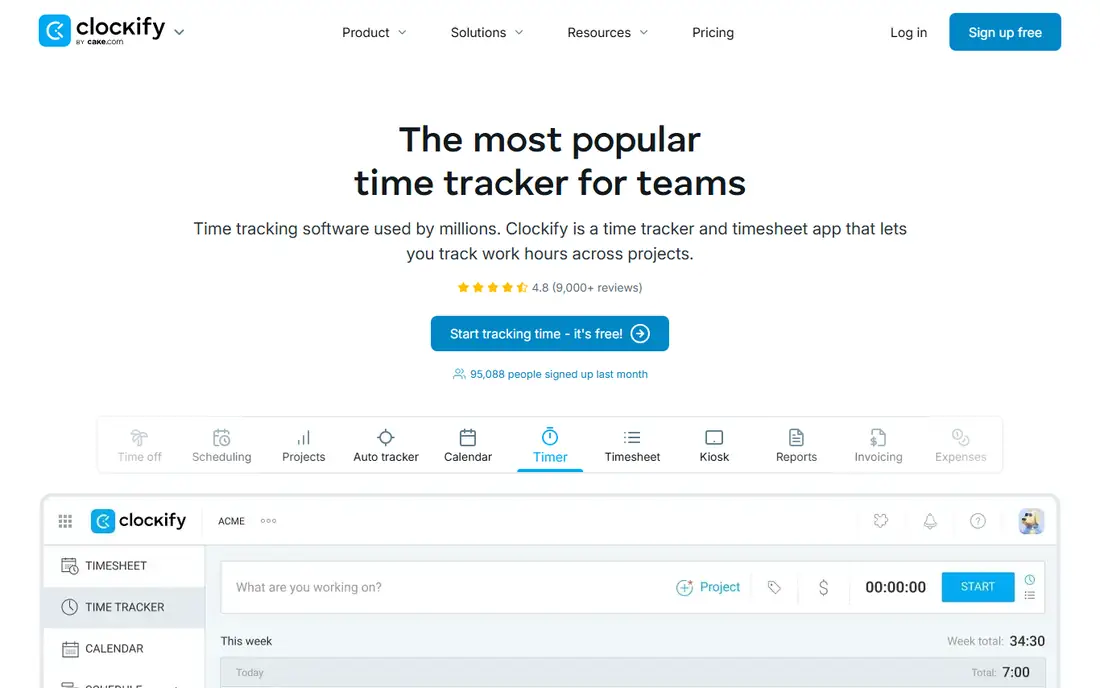
Clockify is the odd one out on this list, and that is useful to know. It is a time tracker first, built for billable hours against projects and clients, rather than a shift clock with kiosk and GPS enforcement. Its free plan covers basic tracking, and paid plans start at $3.99 per user a month on annual billing, with GPS tracking on Pro and above.
That profile suits a small office, agency, or contractor team that bills by the hour and needs a free, simple record. It suits a retail or field team less well, since there is no shift scheduling and location controls are weaker than Buddy Punch, Connecteam, or QuickBooks Time. Choose Clockify when the job is tracking billable time, and choose a dedicated clock app when the job is proving who was on site and when.
What we like- Free plan for basic time tracking
- Simple timer and timesheet views
- Project and client tracking for billable work
Watch out for- No shift scheduling
- GPS tracking needs Pro or above
- Location enforcement is weaker than dedicated clock apps
How we chose
We compared vendor pricing pages, product documentation, and public reviews on G2, Capterra, and Reddit, and we checked clock-in methods, GPS and geofencing, scheduling, payroll integrations, and plan limits for each app. An app made this list only if it is live now, offers a mobile or kiosk clock-in, and fits a team of roughly fifty people or fewer. We did not claim hands-on testing, and we treated third-party price roundups as leads to check against each vendor's own pricing page.
Pricing models differ so sharply in this category that we stated the model for each app, not just the headline figure. A per-location price, a per-user price, and a base-plus-per-user price cannot be compared without a team size, so the takeaways above price the apps for a small team and flag where the total changes with headcount or locations.
How to pick the right time clock app
Start with your team shape. Count locations, count staff, and note whether staff work on site, in the field, or both. A single-location cafe with ten staff has a different answer from a cleaning crew spread across twenty sites, even at the same headcount. That count also decides whether a free plan, a flat monthly plan, or a per-user plan is cheapest.
Decide what proof you need
A simple PIN clock suits an office where trust is high and hours are regular. A field team needs GPS stamps at minimum, and a team with a history of buddy punching needs photo or facial verification plus geofencing. Do not pay for facial recognition if a GPS stamp and a schedule check already solve your problem, and do not skip verification if disputed hours already cost you payroll time.
Check the payroll path before you buy
Ask how approved hours reach payroll: native sync, export file, or manual entry. A native sync with QuickBooks, Gusto, or ADP saves the most time and cuts errors, while a manual export still beats paper but needs a weekly routine. Run one full payroll cycle in the trial, including a missed punch, an overtime week, and a time-off request, before you commit.
Watch the costs that sit outside the plan
Payroll add-ons, geofencing tiers, scheduling add-ons, and per-location charges can double a headline price. List every add-on you need, price the tier that actually includes it, and compare totals for your team size across two or three finalists. A trial that covers only the entry tier will not show those costs, so ask sales for a written quote on the tier you will use.
Frequently asked questions
What is the best free time clock app for small business?
Homebase is the best free option for a single location with up to ten employees, since it covers scheduling, time tracking, and messaging. Connecteam is the best free option for field teams, with a free plan for up to ten users. Clockify is the best free option for billable time tracking, though it lacks shift scheduling.
Do time clock apps track employee location?
Many do, but the strength varies. Buddy Punch records GPS on every punch, Connecteam stamps location on clock-ins, and QuickBooks Time includes GPS and geofencing. Homebase adds geofencing on paid plans, while Clockify needs Pro for GPS. Check whether location tracking is included on the tier you will buy, not just on the product page.
Can employees clock in without a smartphone?
Yes, most apps on this list offer a kiosk mode on a shared tablet or computer, a browser clock-in, or a PIN code. Homebase, Connecteam, Buddy Punch, OnTheClock, and QuickBooks Time all support kiosk or browser clock-ins in some form. A kiosk suits a single site with shared devices, while a phone app suits field staff.
How much should a small business pay for a time clock app?
It depends on team size and pricing model. A ten-person single-location team can start free on Homebase or Connecteam, pay about $25 a month on When I Work, or pay $120 a month on QuickBooks Time before the QuickBooks subscription. Add base fees, per-location charges, and payroll add-ons before comparing, since those change the total sharply.
Does a time clock app replace payroll software?
No, most time clock apps record and approve hours, then send them to payroll software or an add-on. Homebase and Buddy Punch offer payroll as a paid add-on, QuickBooks Time syncs natively with QuickBooks Payroll, and other apps export to Gusto, ADP, and similar systems. Keep payroll and time tracking as two linked jobs, and check the integration before you buy.
Sources we checked (8)
- https://www.joinhomebase.com
- https://www.connecteam.com
- https://www.deputy.com
- https://buddypunch.com
- https://www.ontheclock.com
- https://quickbooks.intuit.com
- https://wheniwork.com
- https://clockify.me
Is your product missing or out of date?
We review this list regularly. Vendors can request a listing, send updated pricing or ask about featured placement.

Shihab Mia · Founder, Rankite
Shihab has 5+ years in B2B and SaaS SEO. He writes Rankite's software buying guides from pricing pages, documentation and public user reviews. More about Shihab.