How we make this list: we compare pricing pages, product documentation and public user reviews. Ratings come from G2, Capterra or Trustpilot, with the date we checked them.
Key takeaways
- Homebase and Zoho People are the budget picks. Homebase is free for one location with up to 10 employees, while Zoho People starts at $1.25 per user per month and is free for teams of five.
- Deputy and When I Work are built for shift workers. Both combine scheduling with GPS time clocks, and both start under $7 per user per month.
- BambooHR, Gusto and Rippling bundle time tracking into full HR suites. Expect to pay more, but you get payroll, benefits and onboarding in the same system.
- Deel includes time tracking in its $5 per employee per month Core HR plan, and the HRIS is free for companies up to 200 employees.
Quick comparison
| Tool | Best for | Starting price | Free plan |
|---|
 BambooHR BambooHR | mid-size companies wanting HR plus time tracking | $10 per employee/month | Free trial (7 days) |
 Gusto Gusto | US small businesses running payroll and time tracking together | $49 per month + $6 per person | Free trial |
 Rippling Rippling | companies unifying HR, IT and workforce management | $8 per employee/month | No |
 Deel Deel | global and remote teams tracking time across countries | $5 per employee/month | Yes |
 Homebase Homebase | hourly teams that need free scheduling and time clocks | Free | Yes |
 Deputy Deputy | shift-based businesses needing scheduling plus time tracking | $5 per user/month | Free trial (31 days) |
 When I Work When I Work | small teams wanting the simplest scheduling and time clock | $2.50 per user/month | Free trial (14 days) |
 Zoho People Zoho People | budget-conscious companies wanting HR with timesheets | $1.25 per user/month | Yes |
 Eddy Eddy | small US businesses with hourly and frontline workers | $4 per person/month + $50 base | Free trial |
Is your product missing or out of date?
We review this list regularly. Vendors can request a listing, send updated pricing or ask about featured placement.
The best HR software for time tracking
Starting price$10 per employee/month
Free planFree trial (7 days)
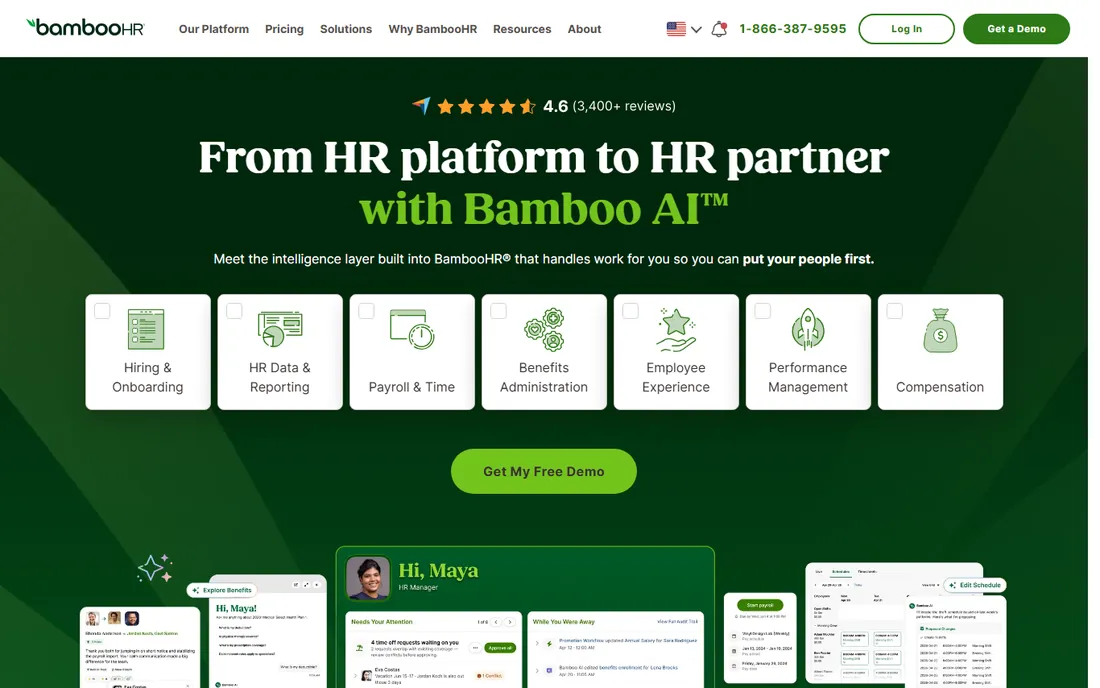
BambooHR approaches time tracking as part of a complete HR picture rather than a standalone feature. Employees clock in from desktop or mobile, managers approve timesheets in the same system where they handle time-off requests, and payroll pulls the approved hours automatically. The interface is the reason companies choose BambooHR. Staff actually use it without complaints, which matters more than any feature list when you are trying to get accurate hours.
The catch is that time tracking costs extra. BambooHR sells Core, Pro and Elite tiers starting at $10 per employee per month, and the time tracking add-on is quoted separately. If you only need time tracking and scheduling, Deputy or When I Work will be cheaper. If you want HR records, onboarding and performance in the same place, BambooHR justifies the premium.
What we like- Clean interface that employees adopt quickly
- Time tracking integrates with payroll and PTO
- Strong reporting on hours and labor costs
Watch out for- Time tracking is a paid add-on, not included in base plans
- Pricing rises with headcount
- Implementation takes longer than simpler tools
#2
Gusto
Best for: US small businesses running payroll and time tracking together
Visit gusto.com
Starting price$49 per month + $6 per person
Free planFree trial
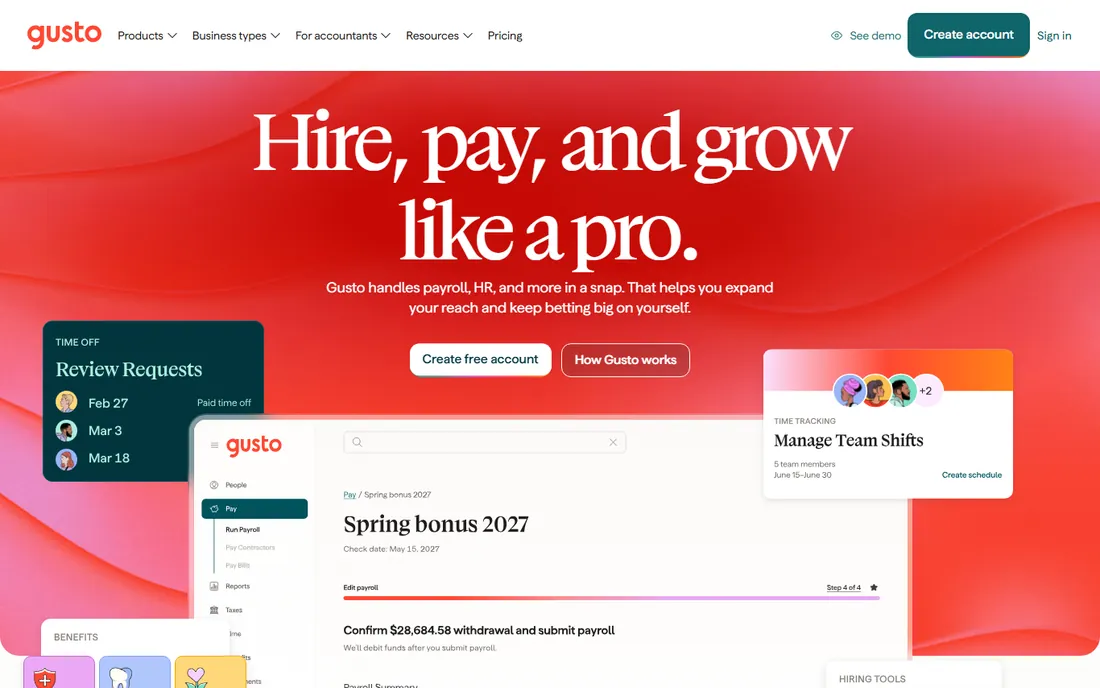
Gusto makes the payroll part of time tracking disappear. Employees log hours in the Gusto app or on the web, managers approve, and payroll runs with those hours already in place. No CSV exports, no manual entry, no mismatched numbers at month end. For US small businesses that dread payroll day, this integration is the whole selling point.
Time tracking lives on the Plus plan, which costs $80 per month plus $12 per person, compared to $49 plus $6 on Simple. Gusto also stays US-focused, so companies with international workers need another solution. But for a domestic team under 100 people that wants payroll handled correctly, Gusto is hard to beat on simplicity.
What we like- Time tracking flows directly into payroll
- Automatic tax filing in all 50 states
- Simple setup that non-HR people can manage
Watch out for- Time tracking requires the Plus plan at $80 per month plus $12 per person
- Built for US companies, limited international support
- Reporting is basic on lower tiers
#3
Rippling
Best for: companies unifying HR, IT and workforce management
Visit rippling.com
Starting price$8 per employee/month
Free planNo
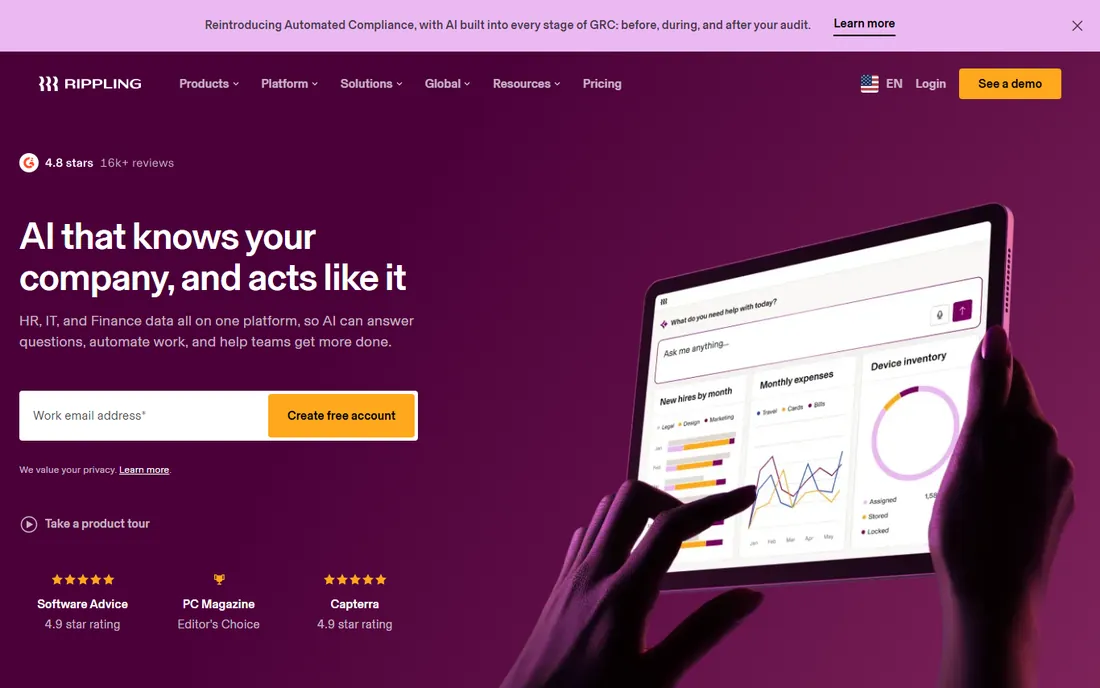
Rippling treats time tracking as one piece of a unified workforce system. When someone clocks in, that data feeds payroll, but it also connects to the broader platform that manages their laptop, software accounts and benefits. Onboarding a new hire provisions everything at once. Terminating access reverses it. For companies where HR and IT overlap, this single system removes a lot of duplicate work.
The pricing reflects the platform ambition. The base starts at $8 per employee per month, and Time and Attendance is an additional module on top. Rippling suits companies that want HR, IT and finance in one place and are willing to pay for it. Teams that only need a time clock should look at Deputy or Homebase instead.
What we like- Time and attendance connects to payroll, devices and apps
- Strong automation for onboarding and offboarding
- Global payroll support
Watch out for- No free trial, demos only
- Time and Attendance is a separate add-on module
- Per-module pricing adds up quickly
#4
Deel
Best for: global and remote teams tracking time across countries
Visit deel.com
Starting price$5 per employee/month
Free planYes
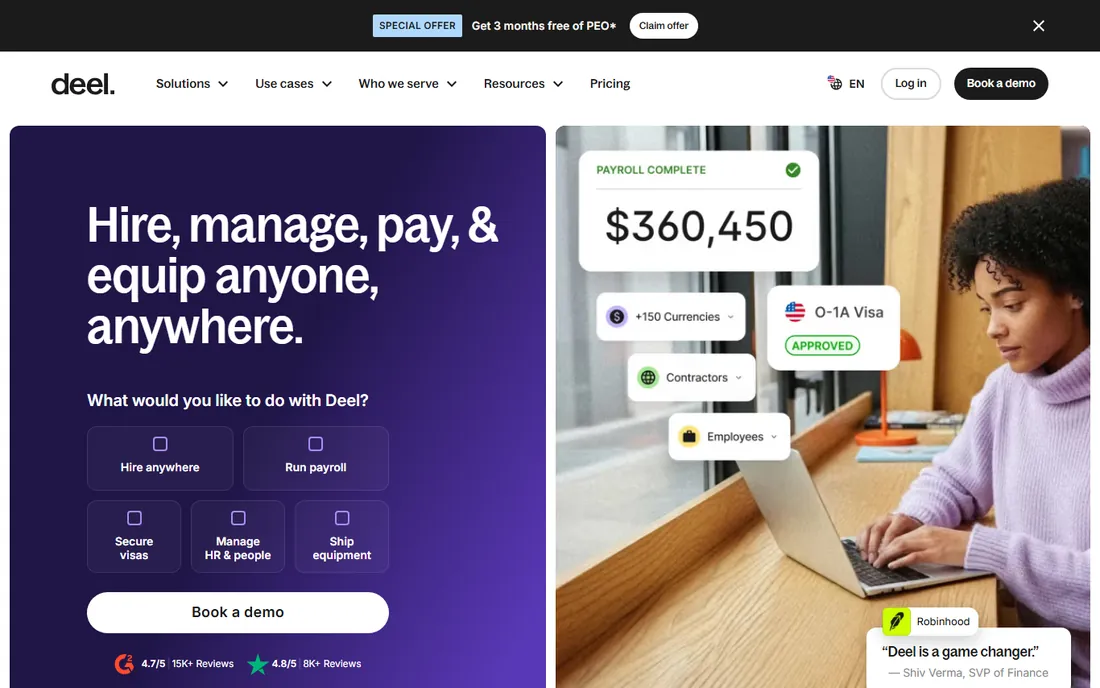
Deel includes time tracking where many competitors charge extra for it. The Core HR plan at $5 per employee per month covers time tracking alongside the employee records, org charts and document management. Companies with up to 200 employees can use the core HRIS for free, which makes Deel one of the most generous options for startups that need proper time records without a big budget.
The global angle is the differentiator. Deel was built for companies hiring across borders, so time tracking works alongside contractor payments, employer-of-record services and compliance in 150-plus countries. A remote team spread across time zones gets consistent time records without stitching tools together.
What we like- Time tracking included in the $5 Core HR plan
- HRIS free for companies up to 200 employees
- Handles contractors and employees in 150-plus countries
Watch out for- Advanced workforce management features cost more
- Support response varies by region
- The platform keeps expanding, which can confuse new users
Starting priceFree
Free planYes
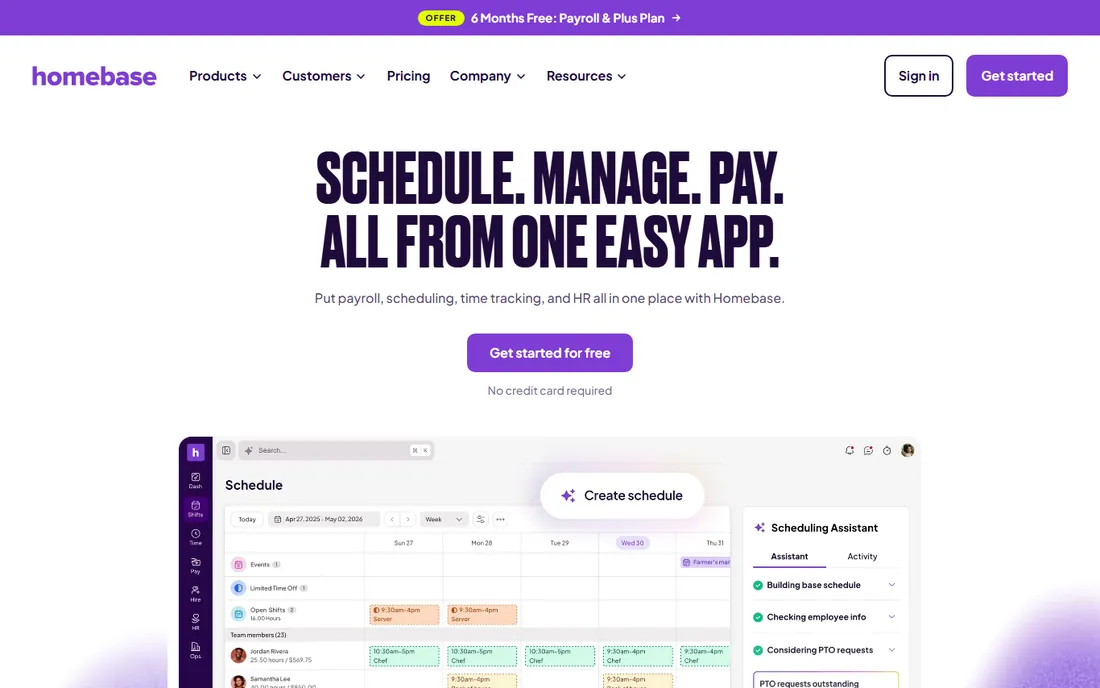
Homebase is the rare HR tool that is genuinely free for small teams. The Basic plan covers one location and up to 10 employees with scheduling, time clocks, timesheets and team messaging at no cost. A coffee shop or retail store can run its entire hourly workforce on the free tier. Paid plans start with Essentials, and the pricing page lists per-location rates with annual discounts available.
The time clock is straightforward. Employees clock in from a tablet, phone or computer, breaks and overtime calculate automatically, and timesheets flow toward payroll. Homebase also offers payroll as an add-on for teams that want one system. The limits are clear. One location, ten employees on free. Growing chains pay per location. But for independent businesses with hourly staff, Homebase delivers the essentials without a subscription.
What we like- Basic plan free for one location with up to 10 employees
- Time clock, scheduling and team messaging included
- Very easy setup for non-technical owners
Watch out for- Free plan limited to one location and 10 employees
- Payroll is a paid add-on
- Advanced reporting requires higher tiers
#6
Deputy
Best for: shift-based businesses needing scheduling plus time tracking
Visit deputy.com
Starting price$5 per user/month
Free planFree trial (31 days)
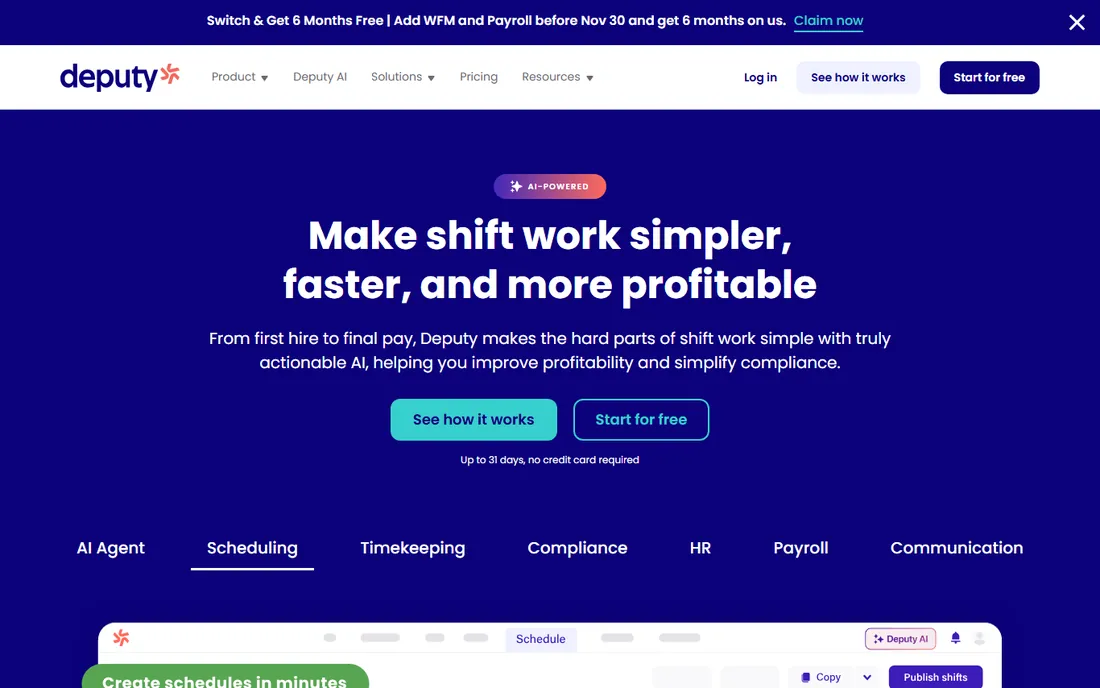
Deputy was built for the reality of shift work. Managers build schedules in minutes with templates and auto-scheduling, staff claim open shifts from their phones, and the time clock verifies who is actually on site with GPS and optional photo verification. Timesheets generate from the schedule automatically, so payroll prep takes a fraction of the time.
Pricing starts at $5 per user per month on the Lite plan with annual billing, rising to $6.50 for Core and $9 for Pro. There is no free tier, but the 31-day trial gives a full month to test with a real team. Deputy fits restaurants, retail, healthcare and hospitality businesses where schedules change weekly and attendance accuracy matters. Office teams with salaried staff will find it more than they need.
What we like- Powerful scheduling with auto-fill and shift swapping
- GPS time clocks with facial recognition options
- 31-day free trial, longer than most competitors
Watch out for- No free plan, trial only
- Pricing per user adds up for large hourly teams
- Some advanced compliance features need higher tiers
#7
When I Work
Best for: small teams wanting the simplest scheduling and time clock
Visit wheniwork.com
Starting price$2.50 per user/month
Free planFree trial (14 days)
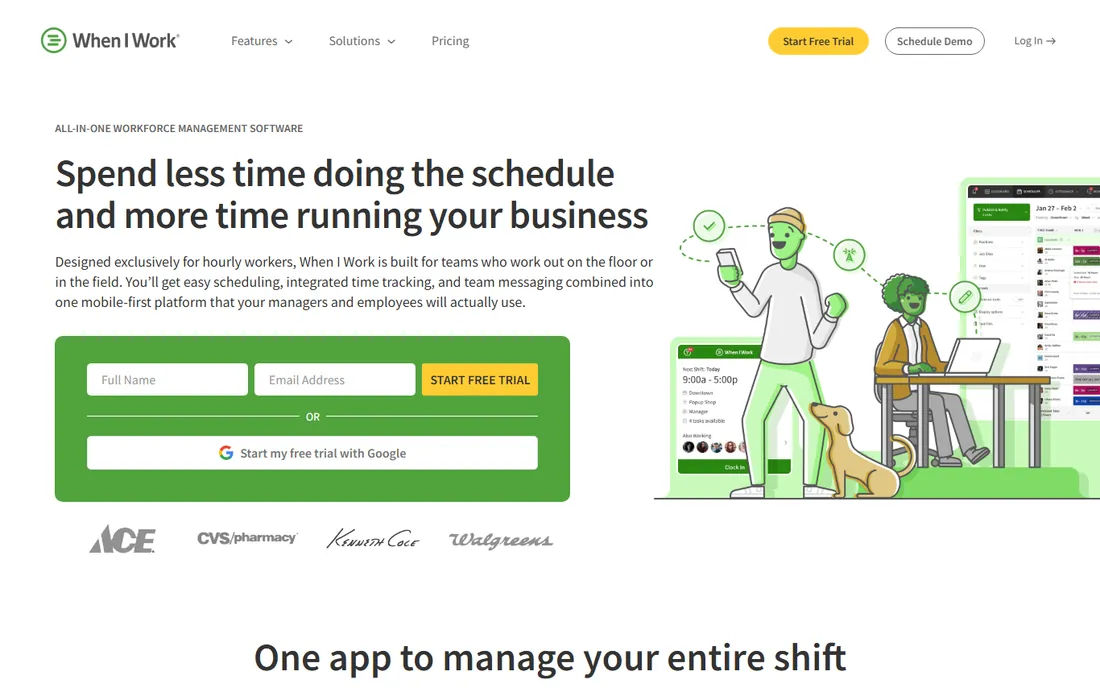
When I Work keeps things simple on purpose. The Essentials plan starts at $2.50 per user per month, which is the lowest entry price among the dedicated scheduling tools here. Staff see their shifts, swap when needed, clock in from the app, and message the team without a separate tool. Managers approve timesheets and push hours toward payroll.
Adding time and attendance raises the price. Essentials with attendance runs $4 per user per month, Pro with attendance is $7, and Premium with attendance is $10. Even at those levels, When I Work stays affordable for small teams. The 14-day trial is enough to run a couple of schedule cycles. Businesses that want deep compliance rules or complex overtime calculations should compare Deputy. Teams that want the basics done well will be happy here.
What we like- Lowest starting price in this roundup
- Clean mobile app staff learn in minutes
- Scheduling, time tracking and messaging in one place
Watch out for- Time and attendance features cost extra on top of base plans
- 14-day trial is short
- Reporting is lighter than Deputy or BambooHR
#8
Zoho People
Best for: budget-conscious companies wanting HR with timesheets
Visit zoho.com
Starting price$1.25 per user/month
Free planYes
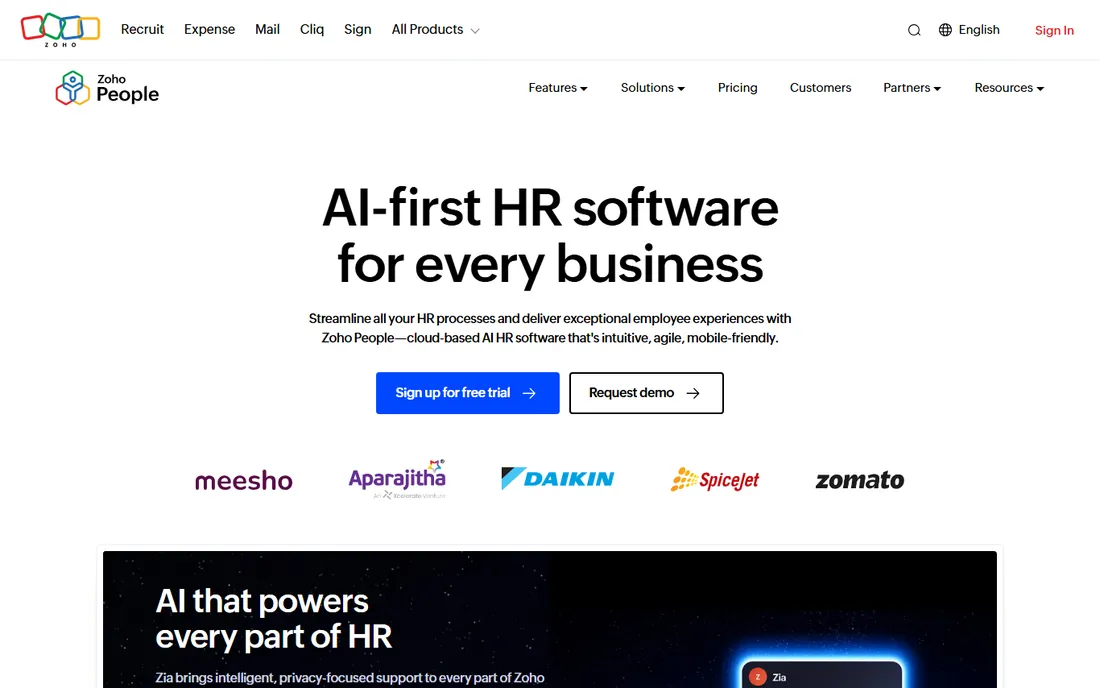
Zoho People is the value play in HR software. The Essential HR plan starts at $1.50 per user per month, or $1.25 with annual billing, and companies with up to five employees use it free. Timesheets and attendance tracking arrive on the Professional plan at $2.50 per user per month ($2.00 annual). For the price, the feature list is long. Leave management, performance, onboarding and HR analytics all come along.
The tradeoff is polish. Zoho People does not feel as modern as BambooHR or as focused as Deputy. The time tracking works, with clock-ins, timesheet approvals and attendance reports, but the interface takes more clicks than it should. Companies already using Zoho CRM, Zoho Books or other Zoho apps get extra value from the integrations. Standalone buyers choose Zoho People when budget matters more than design.
What we like- Free for up to 5 employees
- Professional plan with timesheets and attendance at $2.50 per user per month
- Integrates with the wider Zoho suite
Watch out for- Interface feels dated next to BambooHR or Gusto
- Time tracking features need the Professional tier or higher
- Support can be slow on lower plans
#9
Eddy
Best for: small US businesses with hourly and frontline workers
Visit eddy.com
Starting price$4 per person/month + $50 base
Free planFree trial
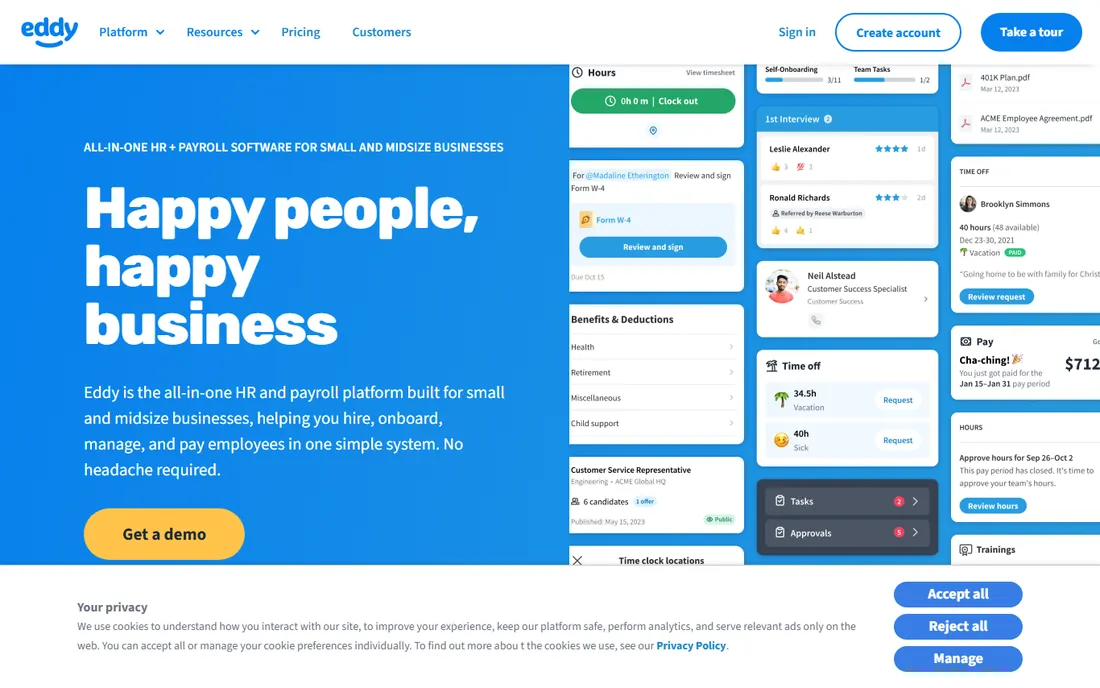
Eddy focuses on the businesses that bigger HR platforms overlook. Local companies with hourly and frontline workers get hiring, onboarding, people management and payroll in one system designed for owners who are not HR experts. The time tracking fits naturally. Clock-ins feed timesheets, timesheets feed payroll, and managers see labor costs without running reports.
Pricing starts at $4 per person per month plus a $50 base fee on the Starter plan, with Growth at $8 per person plus $75. The base fee means a five-person team pays more per head than the sticker suggests, so do the math for very small teams. Eddy offers a free trial to test the fit. Companies with 20 to 200 hourly workers who want one vendor for HR basics will find Eddy refreshingly straightforward.
What we like- Built for local businesses with frontline staff
- Combines hiring, onboarding, HR and payroll
- Simple pricing with a low per-person rate
Watch out for- Base fee adds up for very small teams
- Younger company with a smaller integration ecosystem
- Limited international support
How we chose
We compared HR platforms with real time tracking features, not just time-off calendars. For each tool we checked the vendor's pricing page for current plan prices and free tiers, read the feature documentation for clock-in methods and timesheet approvals, and reviewed public feedback on G2, Capterra and Reddit for reliability and support quality. We favored tools that fit small and mid-size US companies, with a mix of full HR suites and focused scheduling products. No vendor paid for placement, and we did not test the software hands-on.
What to look for in HR time tracking software
Start with how your team actually works. Hourly shift workers need GPS time clocks, schedule-based timesheets and overtime alerts. Salaried office staff need simple timesheets and PTO tracking tied to payroll. Buying a shift-work tool for an office team wastes money, and buying an office HR suite for a restaurant leaves gaps on the floor.
Check what the starting price really includes. Several tools in this roundup advertise a low per-user rate, then charge extra for the time clock or attendance features. When I Work lists $2.50 per user per month, but attendance costs more. BambooHR starts at $10 per employee per month, with time tracking as a quoted add-on. Ask for the total monthly cost with time tracking enabled before you compare.
Clock-in methods matter
The best time tracking is the kind employees actually use. Mobile apps with GPS work for field teams. Tablet kiosks suit retail counters and restaurants. Web clock-ins fit office staff. Deputy offers facial recognition on clock-in, which cuts buddy punching. Homebase turns almost any device into a time clock. Match the method to the workplace, not the other way around.
Payroll integration saves the most time
The biggest payoff from HR time tracking comes when approved hours flow into payroll without retyping. Gusto, Rippling, Deel and Eddy all connect timesheets to their own payroll. Deputy, When I Work and Homebase integrate with popular payroll providers or offer payroll add-ons. If you run payroll separately, confirm the integration exists before you buy. Manual timesheet entry defeats the purpose.
Watch the per-user math
Per-person pricing looks cheap until you multiply by headcount. A $5 per user tool costs $500 per month for 100 employees. Flat-rate or per-location pricing, like Homebase's per-location plans, can be cheaper for dense hourly teams. Deel's free HRIS up to 200 employees and Zoho People's free tier for five users change the math entirely for small teams. Model your actual headcount, not the sticker price.
Common mistakes when buying
The most common mistake is buying for the HR team instead of the employees. If staff find the clock-in annoying, they will forget, and your data will be garbage. The second mistake is ignoring the trial. Deputy gives 31 days, BambooHR gives 7, When I Work gives 14. Run a real pay cycle in the trial with actual schedules. The third mistake is skipping the contract terms. Some vendors lock annual pricing, others go month to month. Know which you are signing before the renewal surprises you.
Frequently asked questions
Do I need separate time tracking software if my HR platform has it?
Not usually. If your HR platform includes clock-ins, timesheet approvals and payroll integration, a separate tool adds cost and duplicate data. Standalone time tracking makes sense when your HR suite lacks GPS clocks or shift scheduling, which is common with office-focused platforms.
What is the cheapest HR software with time tracking?
Homebase is free for one location with up to 10 employees, which is the cheapest option here. Zoho People is free for up to five users and starts at $1.25 per user per month paid annually. Deel's HRIS is free up to 200 employees with time tracking included in the $5 Core HR plan.
Can hourly employees clock in from their phones?
Yes, on most of these tools. Deputy, When I Work, Homebase, Zoho People and Eddy all offer mobile clock-ins with GPS. BambooHR, Gusto, Rippling and Deel have mobile apps with time tracking. Check whether your plan includes mobile access, since some vendors reserve it for higher tiers.
How does time tracking connect to payroll?
Approved timesheets transfer hours, overtime and PTO into the payroll run. Gusto, Rippling, Deel and Eddy do this inside one system. Deputy, When I Work and Homebase sync with external payroll providers like Gusto, QuickBooks or ADP, or sell payroll as an add-on. Confirm the specific integration with your payroll provider before committing.
Should small businesses pay for time tracking?
It depends on headcount and complexity. A five-person office can often manage with free tiers from Zoho People or Deel. A 30-person restaurant with rotating shifts will save more in reduced overtime errors than Deputy or When I Work costs. Calculate one month of payroll mistakes and compare it to the subscription.
What is the difference between time tracking and time and attendance?
Time tracking usually means logging hours worked on tasks or projects. Time and attendance covers clock-ins, breaks, overtime rules and absence management for payroll. Shift-based tools like Deputy and When I Work sell "time and attendance" as the payroll-ready version. Make sure the plan you buy includes the compliance features your state requires.
Sources we checked (9)
- https://www.bamboohr.com
- https://gusto.com/
- https://rippling.com/
- https://www.Deel.com/
- https://www.joinhomebase.com/
- https://www.deputy.com
- https://wheniwork.com/
- https://www.zoho.com/people/
- https://www.eddy.com
Is your product missing or out of date?
We review this list regularly. Vendors can request a listing, send updated pricing or ask about featured placement.

Shihab Mia · Founder, Rankite
Shihab has 5+ years in B2B and SaaS SEO. He writes Rankite's software buying guides from pricing pages, documentation and public user reviews. More about Shihab.