How we make this list: we compare pricing pages, product documentation and public user reviews. Rankite is independent; if a vendor ever pays for a featured spot, that listing is clearly labeled Partner.
Key takeaways
- Most small businesses pay $2 to $8 per employee per month, while full HR platforms bundle time tracking into $10 to $25 per employee per month packages.
- Per-user pricing punishes growing teams; per-location and flat-rate plans (Homebase, Connecteam) stay cheap as headcount rises.
- If your team works in the field, GPS punching, geofencing, and photo verification matter more than any other feature.
- Free plans from Homebase, Connecteam, and Clockify cover the basics for small teams, so do not pay for software until you outgrow them.
Time theft is rarely dramatic. It is the six minutes of rounding here, the buddy punch there, the forgotten clock-out that turns into paid overtime nobody approved. Across a 25-person team, those small leaks add up to thousands of dollars a year, which is why time and attendance software pays for itself faster than almost any other HR purchase. The nine tools below cover the full range: free time clocks for tiny teams, shift-work specialists for restaurants and retail, field-team tools with GPS proof, and full HR platforms where attendance is one module among many.
Quick comparison
| Tool | Best for | Starting price | Free plan |
|---|
 Homebase Homebase | Hourly teams that want to start free | From $24.95/month (Essentials) | Yes |
 Deputy Deputy | Shift businesses needing scheduling plus compliance | From $5/user/month (Lite) | Free trial (31 days) |
 When I Work When I Work | Simple, affordable shift scheduling | From $2.50/user/month | Free trial (14 days) |
 Connecteam Connecteam | Deskless teams wanting flat-rate pricing | From $29/month (first 30 users) | Yes |
 QuickBooks Time QuickBooks Time | Businesses running QuickBooks payroll | $8/month + $4/user/month | Free trial (30 days) |
 BambooHR BambooHR | HR teams that want attendance inside a real HRIS | See website | No |
 Rippling Rippling | Companies consolidating HR, IT, and payroll | See website | No (demo only) |
 Buddy Punch Buddy Punch | GPS-verified punches and anti-buddy-punching controls | From $4.49/user/month + $19 base fee (annual) | Free trial (14 days) |
 Clockify Clockify | Free unlimited time tracking | Free; paid plans from $6.99/user/month | Yes |
Is your product missing or out of date?
We review this list regularly. Vendors can request a listing, send updated pricing or ask about featured placement.
The best time and attendance software in 2026
Starting priceFrom $24.95/month (Essentials)
Free planYes
Homebase is the rare tool that is genuinely free for small teams: scheduling, time tracking, and team communication for up to 10 employees at one location, at no cost. Paid plans start at $24.95 per month per location with unlimited employees, which means your bill stays flat as you hire. For restaurants, cafes, and retail shops with high turnover and tight margins, that pricing model is the whole pitch.
The free plan covers the attendance essentials, and the paid tiers add auto-scheduling based on labor costs and sales forecasts. Payroll is offered separately with its own base fee plus per-employee charge. If your team is hourly, shift-based, and growing, Homebase is the first tool to try because the free plan costs nothing to evaluate.
What we like- Free plan for up to 10 employees at one location
- Per-location pricing with unlimited employees on paid plans
- Hiring and team messaging built in
Watch out for- Payroll is a separate paid service
- Advanced HR features need the higher tiers
#2
Deputy
Best for: Shift businesses needing scheduling plus compliance
Visit deputy.com
Starting priceFrom $5/user/month (Lite)
Free planFree trial (31 days)
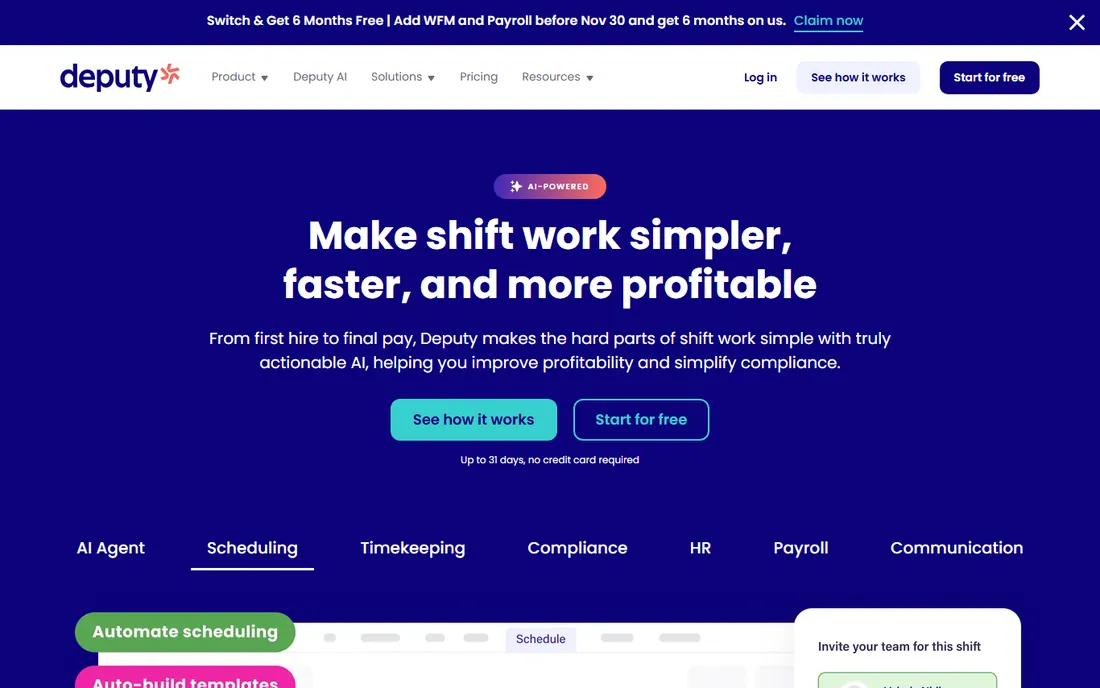
Deputy is the scheduling-first answer to time and attendance. The Lite plan at $5 per user per month covers scheduling or time tracking, while Core at $6.50 to $7.20 adds both plus biometric clock-ins and demand forecasting. Compliance is the quiet strength: fair workweek rules, break handling, and overtime-risk alerts are enforced during scheduling, not discovered after payroll runs.
The modular pricing is the catch. HR, messaging, analytics, and payroll are all paid add-ons, so a fully loaded Deputy setup can reach $20-plus per user per month. Still, for shift-heavy businesses that schedule first and track second, Deputy's forecasting and compliance controls justify the per-user cost.
What we like- Strong scheduling with demand forecasting
- Fair workweek and overtime compliance controls
- Broad payroll integrations
Watch out for- Per-user pricing adds up as you hire
- Payroll, HR, and analytics are paid add-ons
Starting priceFrom $2.50/user/month
Free planFree trial (14 days)
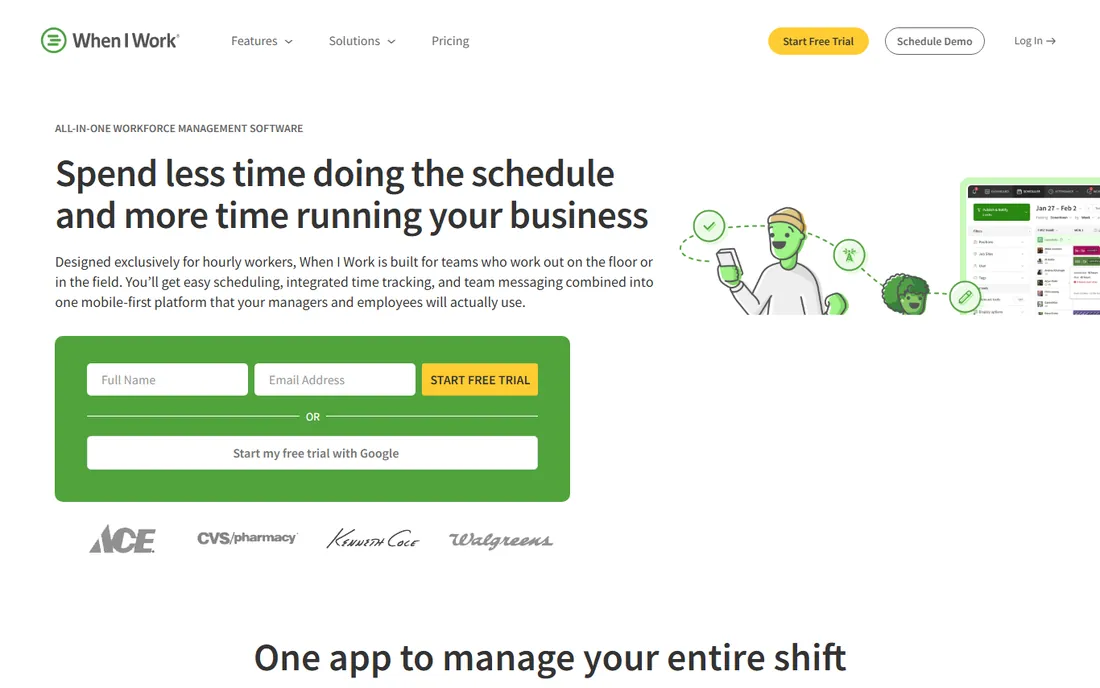
When I Work keeps things simple and cheap: scheduling starts at $2.50 per user per month, with time tracking bundled on the $4 tier. Employees view schedules, swap shifts, and pick up open shifts from their phones, and managers approve everything in one place. For teams that find Deputy overpowered, this is the lighter alternative.
You give up some depth. Compliance controls and labor forecasting are thinner than Deputy's, and the per-user model still scales with headcount. But for a 15-person team that just needs schedules published and shifts covered, $60 a month is hard to argue with.
What we like- Very low entry price
- Easy shift swapping and open-shift management
- Staff pick up the app with minimal training
Watch out for- Time tracking with attendance features costs more ($4/user)
- Thinner compliance tooling than Deputy
Starting priceFrom $29/month (first 30 users)
Free planYes
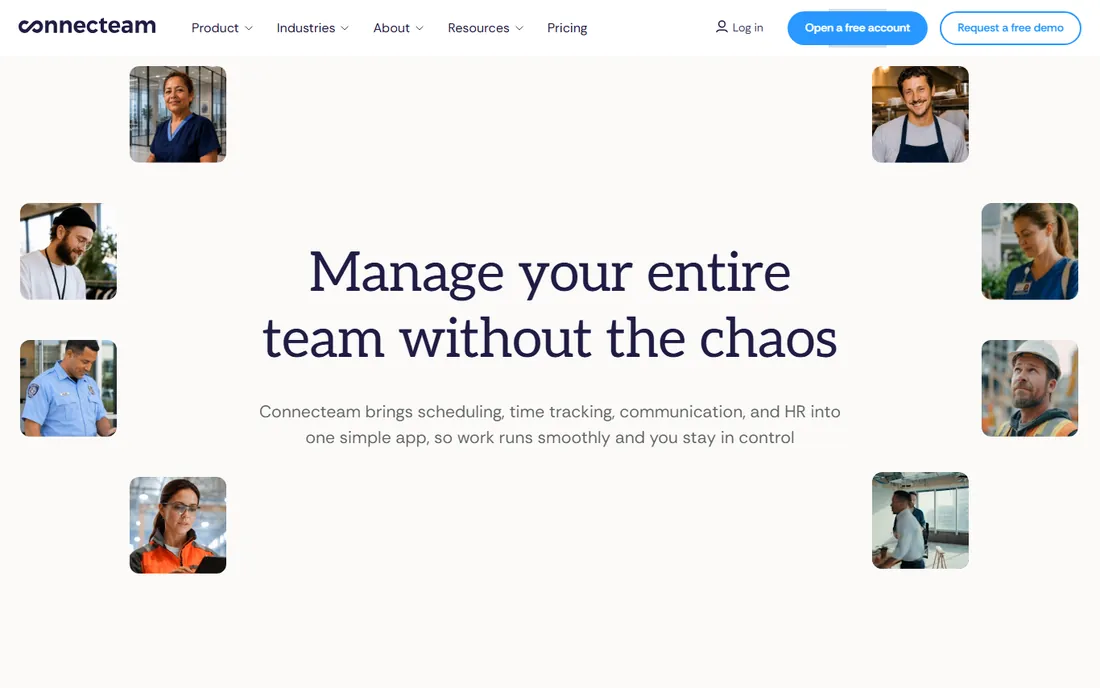
Connecteam is built for the teams most software forgets: retail floor staff, cleaners, drivers, and field crews who work from phones, not desks. The free plan covers up to 10 users with scheduling, time tracking, and team chat. The first paid tier is $29 per month flat for up to 30 users, which makes it one of the cheapest options here for teams between 10 and 30 people.
Beyond 30 users, per-user fees apply, and payroll runs through integrations rather than natively. But the phone-first design and flat pricing make Connecteam the best fit for deskless small businesses that want one app for schedules, clocks, and communication.
What we like- Free plan for up to 10 users
- Flat $29 for the first 30 users regardless of headcount
- Scheduling, time tracking, and communication in one app
Watch out for- Per-user charges kick in past 30 users
- No native payroll
Starting price$8/month + $4/user/month
Free planFree trial (30 days)
If you run payroll on QuickBooks, this is the obvious time tracking choice. Hours, overtime, and PTO flow straight into payroll with no exports or re-entry, and the mobile app adds GPS tracking, geofencing, and photo clock-ins for field teams. Job costing ties hours to projects and clients for billable work. Pricing is an $8 monthly base plus $4 per user.
Outside the QuickBooks ecosystem, the value drops: you are paying Intuit prices without the direct payroll connection. But for the millions of small businesses already on QuickBooks, eliminating manual timesheet entry alone justifies the subscription.
What we like- Hours flow directly into QuickBooks payroll
- GPS and geofencing for mobile teams
- Project and job costing for billable work
Watch out for- Base fee plus per-user fee adds up
- Best value only inside the QuickBooks ecosystem
Starting priceSee website
Free planNo
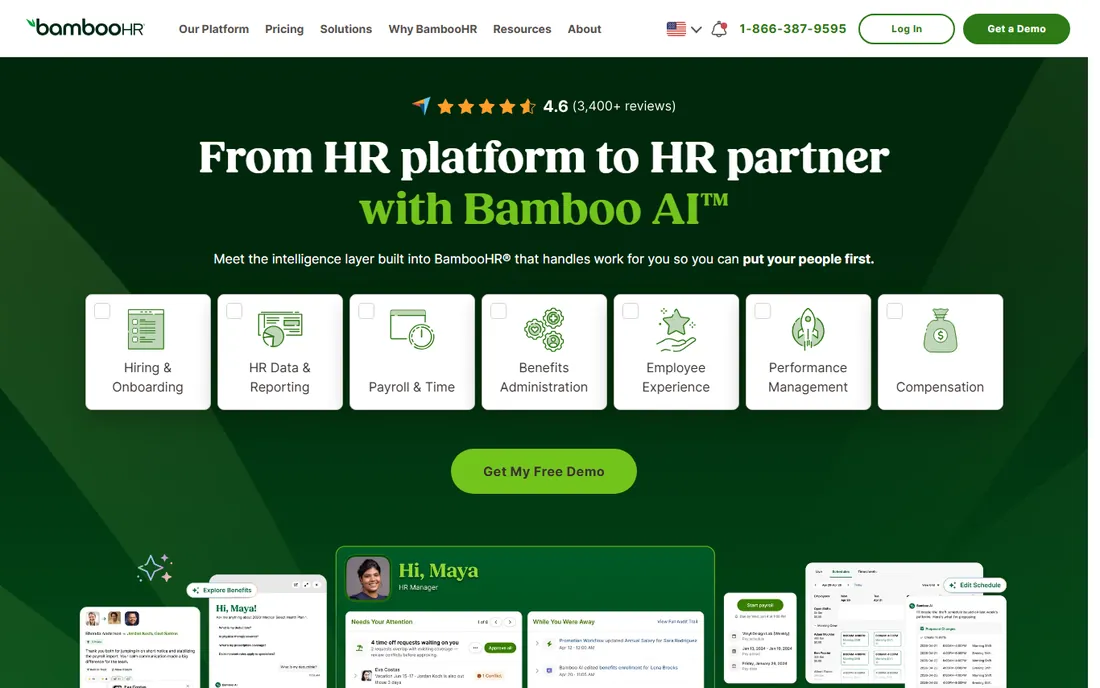
BambooHR is not a time clock with HR features; it is an HR platform where time tracking lives alongside onboarding, benefits, performance reviews, and payroll. If your company has outgrown point tools and wants one system of record for people data, BambooHR's time and attendance module benefits from sitting next to everything else HR does.
Pricing is quote-based, with third-party reports putting it around $10 to $22 per user per month. That is expensive if all you need is clock-ins. It makes sense when HR owns the buying decision and wants attendance, PTO, and performance in one place.
What we like- Full HR platform (onboarding, benefits, performance) with time tracking included
- Strong employee self-service
- Good reporting
Watch out for- Quote-based pricing, reportedly $10+/user/month
- More than a time-clock-only buyer needs
Starting priceSee website
Free planNo (demo only)
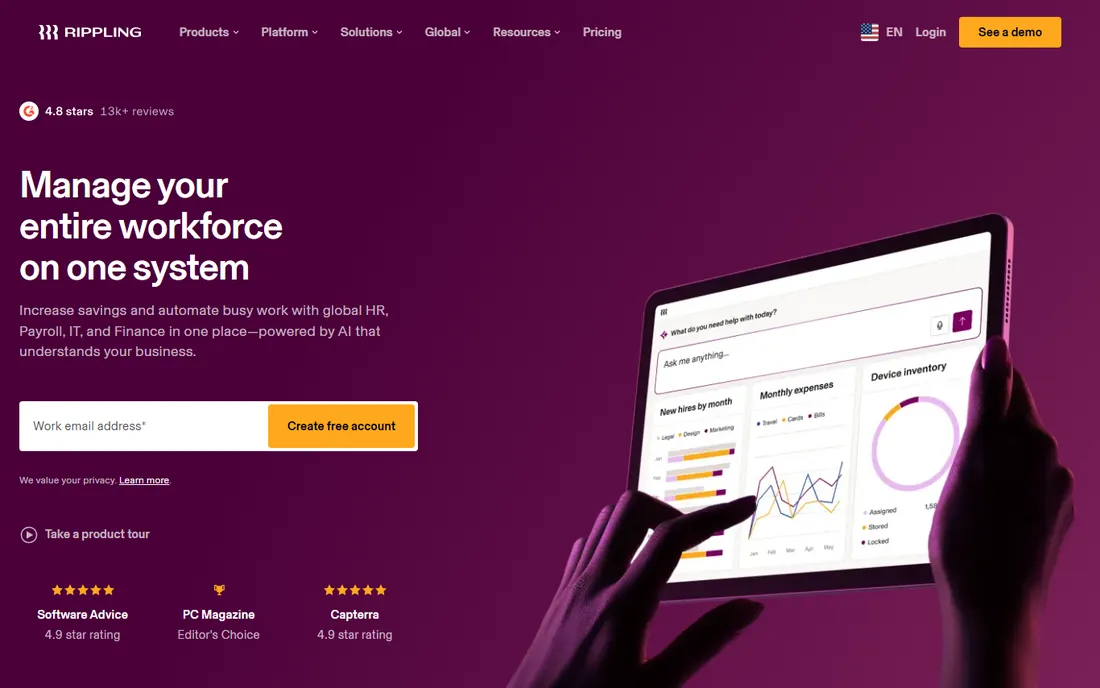
Rippling takes the all-in-one idea further than anyone: HR, payroll, benefits, IT device management, and time tracking on one platform, with automation that provisions accounts and enrolls new hires from a single trigger. The time and attendance module adds time tracking, geofencing, and PTO management to that foundation.
The pricing is modular and quote-only. The Unity base is reported at $8 per employee per month plus a $35 base fee, and each module adds more; realistic totals run $15 to $25 per employee per month for HR plus payroll plus time. There is no free trial. Buy Rippling when you are consolidating your whole back office, not when you just need a time clock.
What we like- Time tracking unified with HR, payroll, benefits, and IT
- Strong automation across onboarding and offboarding
- Global payroll support
Watch out for- Modular pricing escalates fast ($15-$25+/employee/month realistic)
- No free trial, quote-only
Starting priceFrom $4.49/user/month + $19 base fee (annual)
Free planFree trial (14 days)
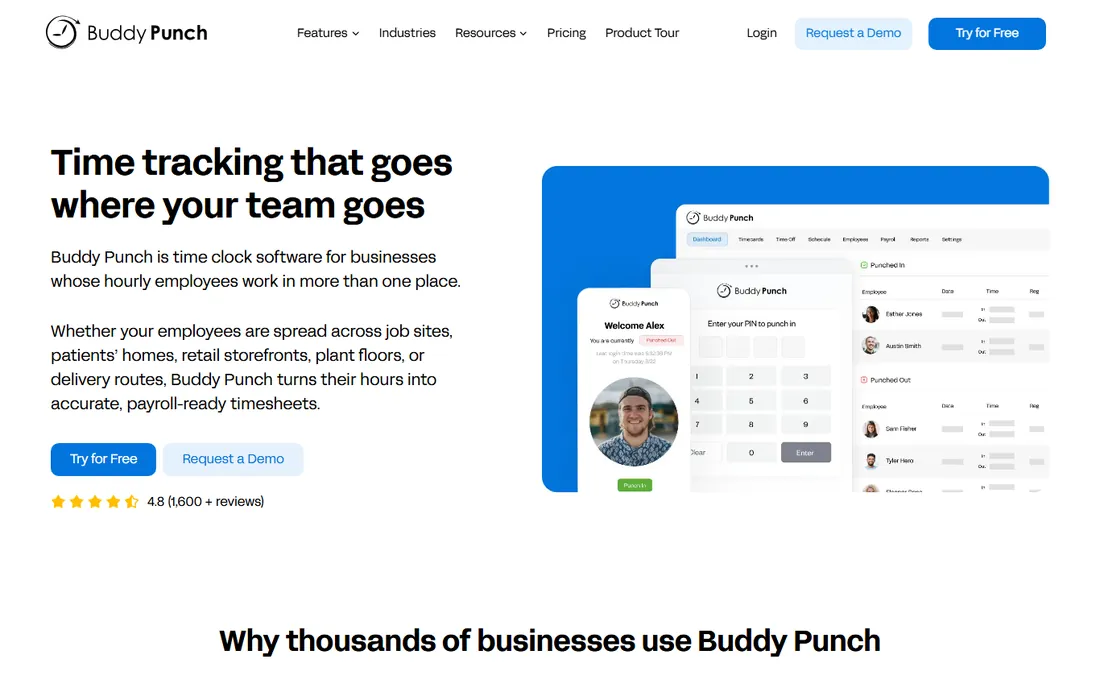
Buddy Punch is built for one problem: making sure the person clocking in is actually the person, actually at the location. Webcam photos on punches, GPS coordinates, geofencing, QR code and kiosk punching, and IP address locking give managers proof, not trust. Payroll integrations with QuickBooks, ADP, and Paychex keep the back office smooth.
Pricing is $4.49 per user per month on the annual Starter plan plus a $19 monthly base fee, with Pro at $5.99 adding scheduling and geofencing. The base fee stings for very small teams. For businesses where buddy punching and off-site time fraud are real costs, the verification features pay for the fee quickly.
What we like- Webcam photos, GPS, geofencing, and IP locking on punches
- QR and kiosk punching on Pro
- Strong payroll integrations
Watch out for- $19 monthly base fee on every plan
- Scheduling only on Pro and above
Starting priceFree; paid plans from $6.99/user/month
Free planYes
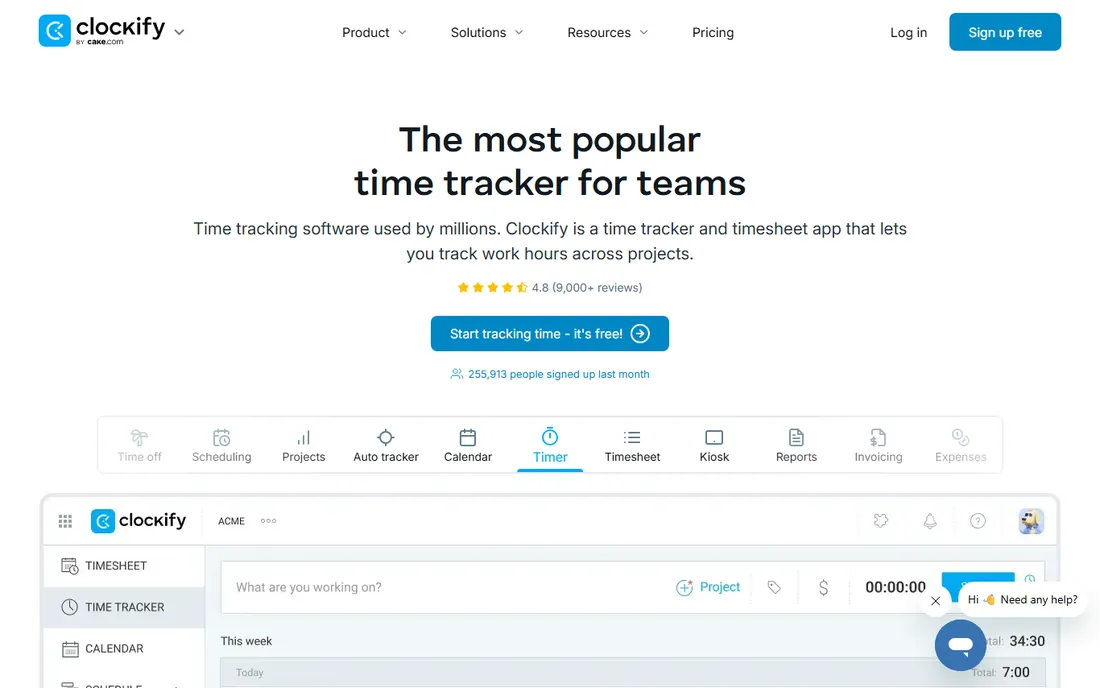
Clockify's free plan is the most generous in this category: unlimited users, unlimited projects, timer and manual timesheets, at no cost. Paid plans from $6.99 per user per month add admin controls, audit logs, and advanced reporting. For office teams, freelancers, and agencies tracking hours for billing or payroll input, the free tier is often all you ever need.
It is a time tracker, not an attendance system: no shift scheduling, no geofencing depth, no compliance engine. Pair it with a scheduling tool if you run shifts. But as a free, no-limits starting point for knowing who worked when, nothing beats it.
What we like- Free plan is genuinely unlimited for users and projects
- Simple timer and timesheet tracking
- Cheap paid tiers add admin controls
Watch out for- No built-in scheduling or advanced attendance rules
- GPS and compliance features are basic
Per-user vs. per-location vs. flat-rate: do the math for your team size
Pricing models matter more than headline prices here. Take a 25-person team. Deputy at $6.50 per user costs about $163 per month. Homebase at $30 per location costs $30. Connecteam at $29 flat for 30 users costs $29. Same team, wildly different bills, because one charges per head and the others do not.
The rule of thumb: under 10 employees, free plans (Homebase, Connecteam, Clockify) win outright. From 10 to 40 hourly employees at one or two locations, per-location and flat-rate plans are usually cheapest. Past 40, or across many locations, compare carefully: per-user tools with strong scheduling may earn their cost in labor savings, while flat-rate tools keep the budget predictable. Always model the price at the team size you will be in a year, not the team you have today.
How we chose
We researched each tool through vendor pricing pages and, where pricing is modular or quote-based, through multiple third-party sources including Capterra, G2, TrustRadius, Software Advice, and 2026 comparisons from TechRepublic, TinyTeam, and OnTheClock. We compared core attendance features (clock-in methods, GPS and geofencing, overtime rules, PTO), scheduling depth, payroll integration quality, and pricing models including free plans. We read public user reviews to surface recurring complaints about pricing surprises, support quality, and reliability. The list mixes free and budget tools (Homebase, Connecteam, Clockify, When I Work) with shift-work specialists (Deputy, Buddy Punch, QuickBooks Time) and full HR platforms (BambooHR, Rippling), so businesses at every stage can find their fit. No vendor paid for placement, and we did not invent any prices, ratings, or customer claims.
Frequently asked questions
What is the best free time and attendance software?
Homebase (free for up to 10 employees at one location), Connecteam (free for up to 10 users), and Clockify (free unlimited users) all offer genuinely useful free plans. Homebase and Connecteam include scheduling; Clockify is time tracking only.
How much does time and attendance software cost?
Most small businesses pay $2 to $8 per employee per month for dedicated tools, or $25 to $35 flat per month on per-location and flat-rate plans. Full HR platforms with time tracking run $10 to $25 per employee per month. Free plans cover the basics for teams under 10.
Can time clock software prevent buddy punching?
Yes. PIN codes, webcam photos at punch-in, GPS coordinates, geofencing, and IP address locking each tie a punch to one real person at one real place. Buddy Punch specializes in these controls; most tools here offer at least PIN and GPS options.
Do these tools integrate with payroll?
Most do. QuickBooks Time integrates natively with QuickBooks payroll, Deputy lists ADP, Gusto, Paychex, and others, and Buddy Punch connects to QuickBooks, ADP, and Paychex. Confirm your exact payroll provider and test a sample export before committing.
What is the difference between time tracking and time and attendance?
Time tracking records hours worked, often for billing or payroll input. Time and attendance adds the workforce layer: schedules, shift swapping, overtime rules, PTO accrual, and compliance with labor laws. Shift-based businesses usually need the latter; office teams often get by with the former.
Which time and attendance software is best for field teams?
Buddy Punch (GPS, geofencing, webcam verification) and QuickBooks Time (GPS, geofencing, job costing) are the strongest for field crews. Connecteam is the best phone-first option for deskless teams on a budget.
Sources we checked (17)
- http://desktrack.timentask.com/blog/best-employees-attendance-apps/
- https://www.tinyteam.io/blog/best-time-and-attendance-software
- https://www.ontheclock.com/blog/best-time-tracking-apps
- https://www.techrepublic.com/article/best-time-and-attendance-software/?rand=3604
- https://turnozo.com/blog/employee-scheduling-software-pricing
- https://github.com/pesb5/deputy
- https://deelo.ai/blog/deputy-alternatives-small-business-2026
- https://www.rosterelf.com/reviews/deputy
- https://www.workstream.us/blog/deputy-pricing
- https://www.leadchangegroup.com/software/deputy/
- https://ciroapp.com/kk/buddy-punch-review/
- https://www.g2.com/products/buddy-punch/pricing
- https://www.softwareadvice.com/project-management/buddy-punch-profile/
- https://www.trustradius.com/compare-products/bamboohr-vs-buddy-punch
- https://www.outsail.co/post/is-rippling-right-for-your-business-2026
- https://www.wisemonk.io/blogs/deel-vs-rippling
- https://remotepeople.com/providers/deel-vs-rippling/
Is your product missing or out of date?
We review this list regularly. Vendors can request a listing, send updated pricing or ask about featured placement.

Shihab Mia · Founder, Rankite
Shihab has spent more than a decade helping SaaS and e-commerce brands grow through search. He writes Rankite's software buying guides from pricing pages, documentation and public user reviews. More about Shihab.