How we make this list: we compare pricing pages, product documentation and public user reviews. Rankite is independent; if a vendor ever pays for a featured spot, that listing is clearly labeled Partner.
Key takeaways
- When I Work, Homebase and Deputy lead for hourly teams, combining scheduling with time tracking.
- QuickBooks Time suits businesses already on QuickBooks payroll, keeping time and pay in one flow.
- Clockify and Jibble offer the best free tiers for teams that just need hours tracked.
- Buddy Punch and uAttend cover the physical time clock use case with hardware options.
Quick comparison
| Tool | Best for | Starting price | Free plan |
|---|
 When I Work When I Work | Hourly team scheduling plus time clock | Free | Yes |
 Homebase Homebase | Small business hiring to payroll | Free | Yes |
 Deputy Deputy | Shift work with compliance needs | Free | Yes |
 QuickBooks Time QuickBooks Time | Time tracking tied to QuickBooks payroll | See website | Free trial |
 Clockify Clockify | Free time tracking for any team | Free | Yes |
 Buddy Punch Buddy Punch | Simple punch-in, punch-out tracking | See website | Free trial |
 Connecteam Connecteam | Deskless workforce management | Free | Yes |
 Jibble Jibble | Free time tracking with facial recognition | Free | Yes |
 Sling Sling | Scheduling and time clock for shift teams | Free | Yes |
 uAttend uAttend | Physical time clocks with cloud software | See website | No |
Is your product missing or out of date?
We review this list regularly. Vendors can request a listing, send updated pricing or ask about featured placement.
The best time clock software
Starting priceFree
Free planYes
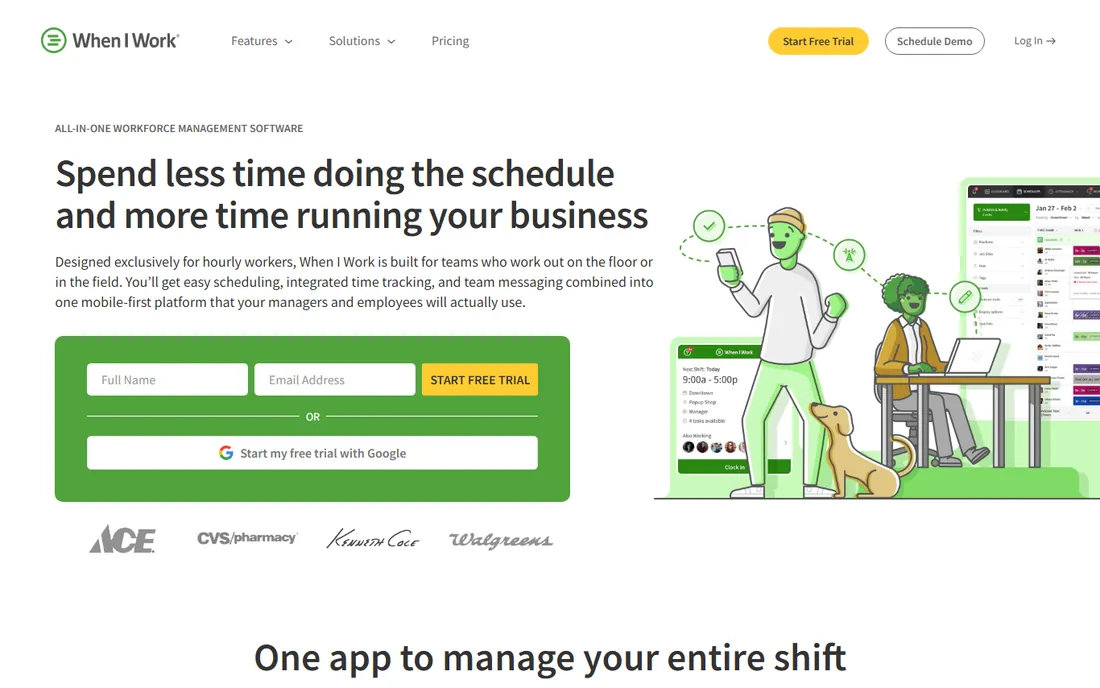
When I Work built its name on shift scheduling, and the time clock completes the loop: schedule the shift, employees clock in from their phones, hours flow to payroll. The free tier covers small teams, which spread it widely among restaurants, retailers and service businesses.
Advanced reporting and compliance features sit in paid tiers, and large enterprises need deeper tools. But for the core hourly-team workflow of schedule, clock, pay, When I Work's integrated simplicity is the appeal.
What we like- Scheduling and time clock in one
- Employees clock in from phones
- Free tier for small teams
Watch out for- Advanced features need paid plans
- Reporting is adequate
- Larger enterprises need more
Starting priceFree
Free planYes
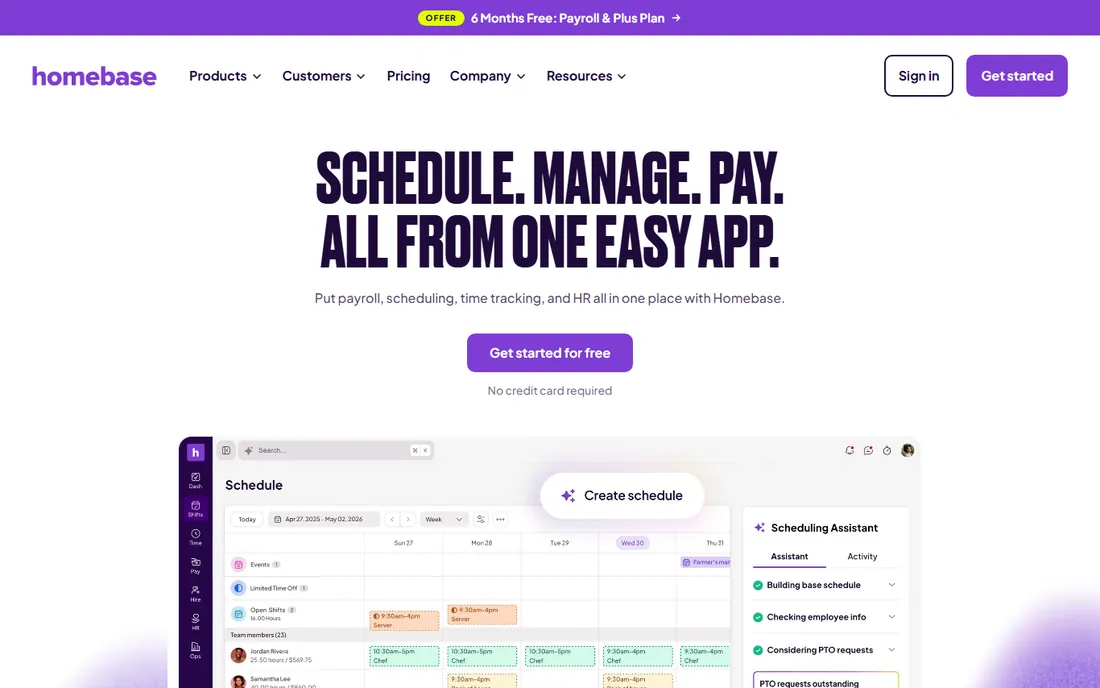
Homebase covers the whole hourly employee lifecycle: post jobs, hire, schedule, track time and run payroll. The free tier is genuinely generous, which made it the default for small restaurants, cafes and shops. One system for the team reduces the app sprawl that kills small business owners.
Each module is shallower than best-of-breed specialists, and payroll is US-focused. Growing businesses eventually graduate to deeper tools. But for small teams that want one free starting point for everything people-related, Homebase is unmatched.
What we like- Hiring, scheduling, time clock and payroll together
- Generous free tier
- Built for small business
Watch out for- Depth trails specialists in each area
- Payroll is US-focused
- Advanced needs outgrow it
Starting priceFree
Free planYes
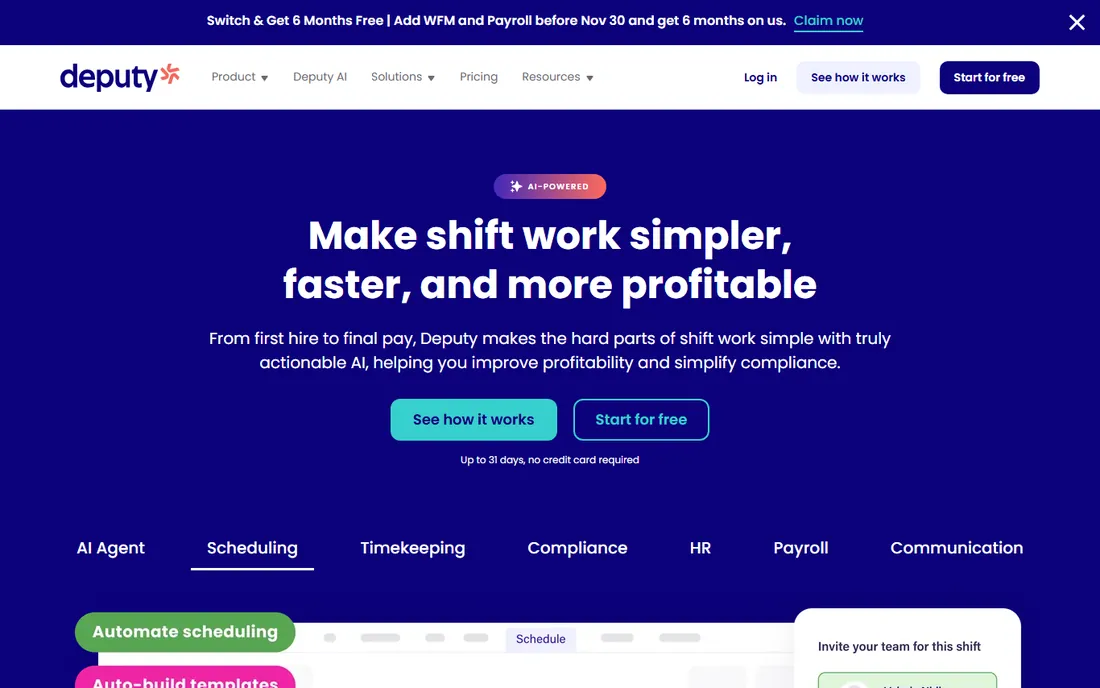
Deputy takes shift work seriously, with compliance features for labor laws, break rules and overtime that vary by jurisdiction. Scheduling, time clock and task management combine for multi-location operations in retail, hospitality and healthcare. The free tier starts small teams.
The compliance depth adds interface density, and pricing climbs with the features that make Deputy distinctive. Very small teams may find it heavy. But for shift operations where labor law compliance is nonnegotiable, Deputy's depth justifies the weight.
What we like- Strong compliance and labor law features
- Scheduling plus time clock
- Good for multi-location
Watch out for- Pricing climbs with features
- Interface is dense
- Smaller teams may find it heavy
Starting priceSee website
Free planFree trial
QuickBooks Time, formerly TSheets, exists to feed hours into QuickBooks payroll without retyping. Mobile clock-in with GPS, job and project tracking, and overtime alerts cover field and office teams. For the enormous QuickBooks base, the integration removes payroll friction.
Outside QuickBooks the value thins, and standalone pricing is less compelling than free competitors. But time-to-payroll accuracy is where payroll errors cost real money, and QuickBooks Time's native flow is the safest path for QuickBooks shops.
What we like- Time flows directly to QuickBooks payroll
- GPS and job tracking
- Trusted brand
Watch out for- Best value inside QuickBooks
- Standalone pricing adds up
- Interface reflects Intuit
Starting priceFree
Free planYes
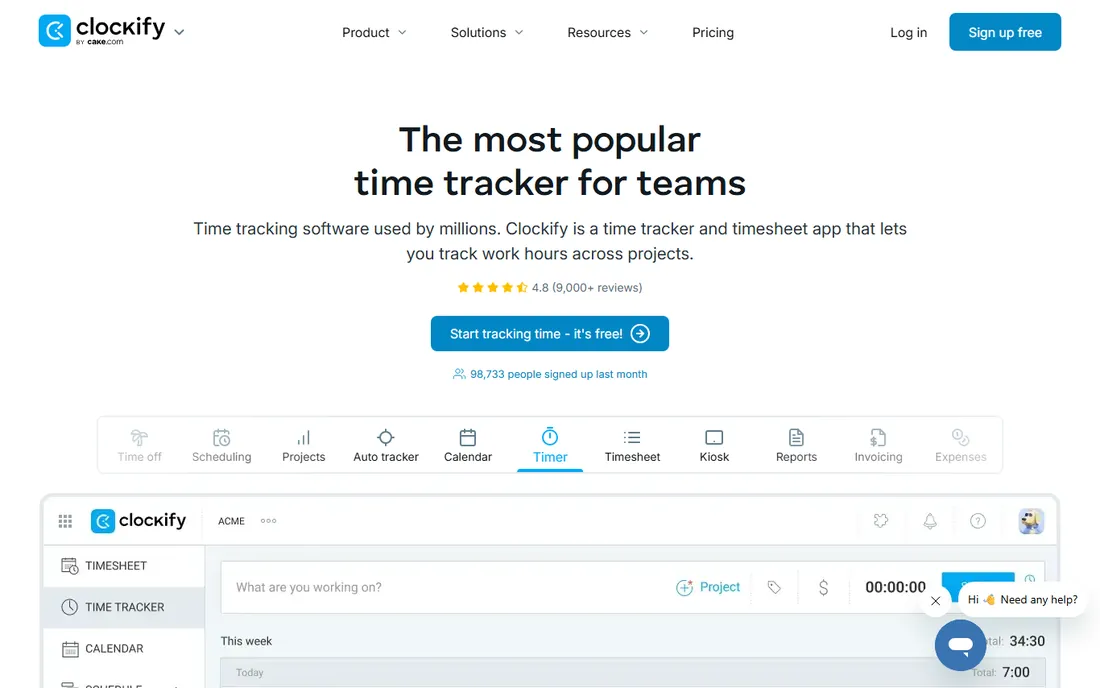
Clockify's free tier is remarkable: unlimited users tracking time with reporting, at no cost. Kiosk mode turns a tablet into a time clock, and the simplicity suits teams that just need hours recorded accurately. Freelancers and agencies use it for billing hours too.
Scheduling and advanced workforce features are basic compared to When I Work or Deputy. Paid plans add the extras. But for the pure job of tracking time free, Clockify's unlimited-user free tier is the best deal available.
What we like- Generous free tier with unlimited users
- Simple time tracking
- Kiosk mode for clock-in
Watch out for- Scheduling is basic
- Advanced features need paid plans
- Support is tiered
Starting priceSee website
Free planFree trial
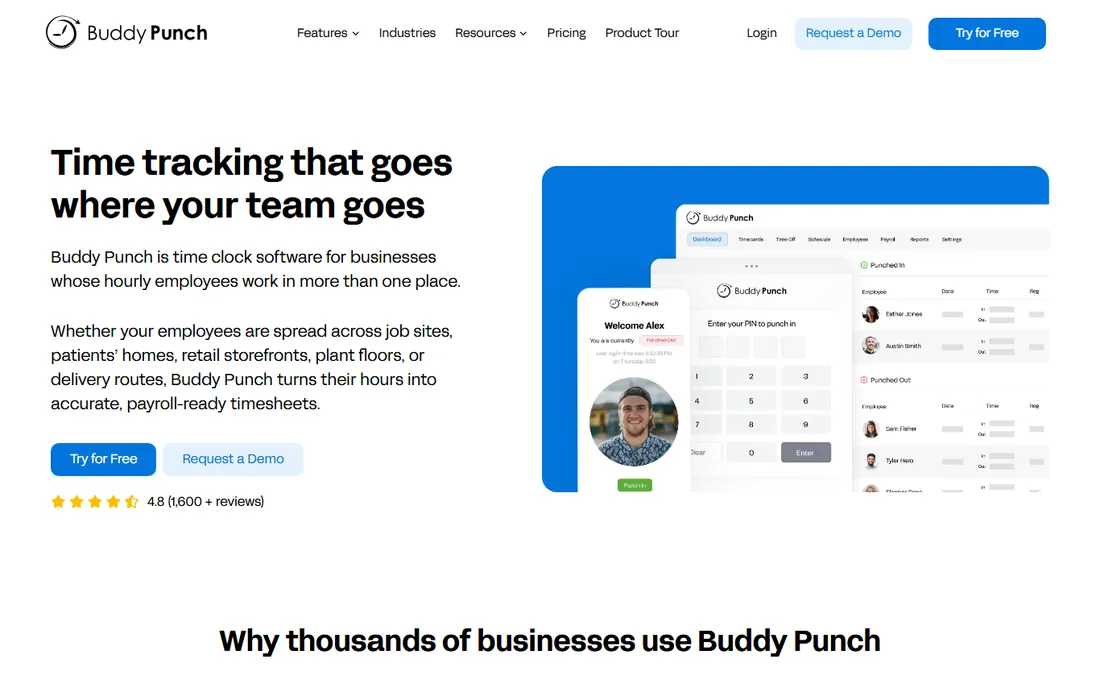
Buddy Punch does time tracking without the extras: employees punch in and out, managers see hours, payroll gets clean data. Webcam photos on punch-in deter buddy punching, job codes track project time, and PTO management is built in. The focus keeps it simple.
It is narrower than the scheduling suites, and per-user pricing adds up. But teams that find the suites bloated appreciate Buddy Punch's single-mindedness. For straightforward time tracking done well, it delivers.
What we like- Simple and focused
- Webcam photos deter buddy punching
- Job codes and PTO
Watch out for- Narrower than suite competitors
- Pricing per user
- Smaller company
Starting priceFree
Free planYes
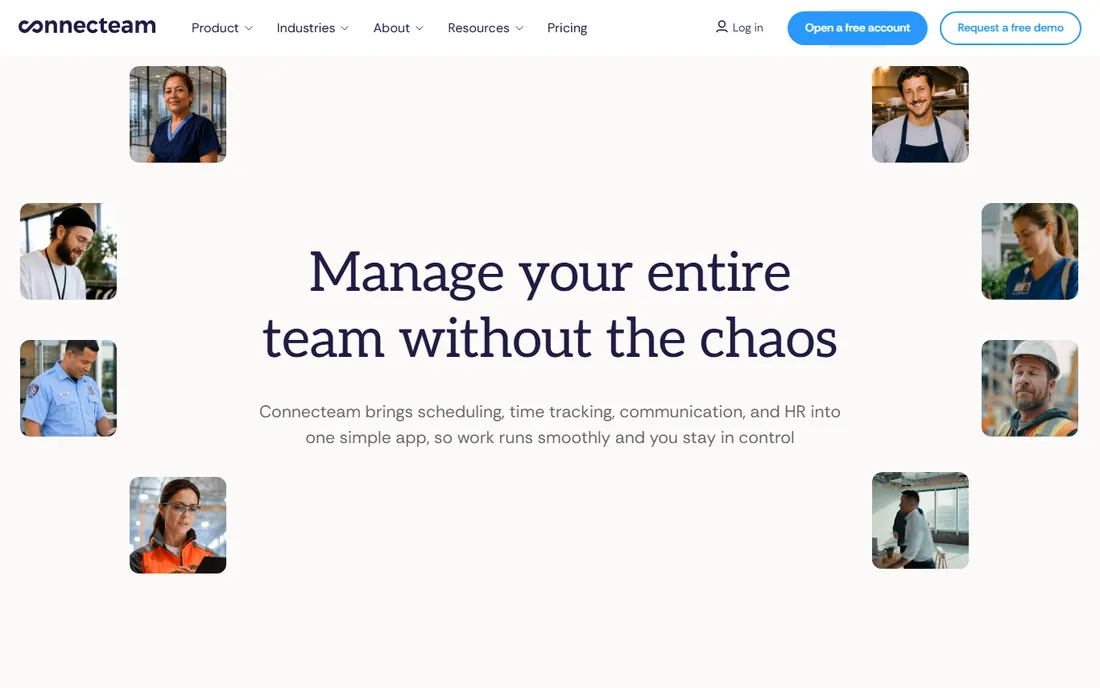
Connecteam serves the deskless workforce: field teams, retail staff, service crews. The time clock with GPS sits alongside scheduling, team chat, tasks and forms in one mobile-first app. The free tier covers small teams, which spread it widely.
The all-in-one breadth means each feature is shallower than specialists. The interface packs in a lot. But deskless teams need one app their people will actually open, and Connecteam's mobile-first everything is built for exactly that.
What we like- Time clock plus scheduling, chat and tasks
- Built for non-desk workers
- Generous free tier
Watch out for- Breadth means less depth per feature
- Interface is busy
- Enterprise needs vary
#8
Jibble
Best for: Free time tracking with facial recognition
Visit jibble.io
Starting priceFree
Free planYes
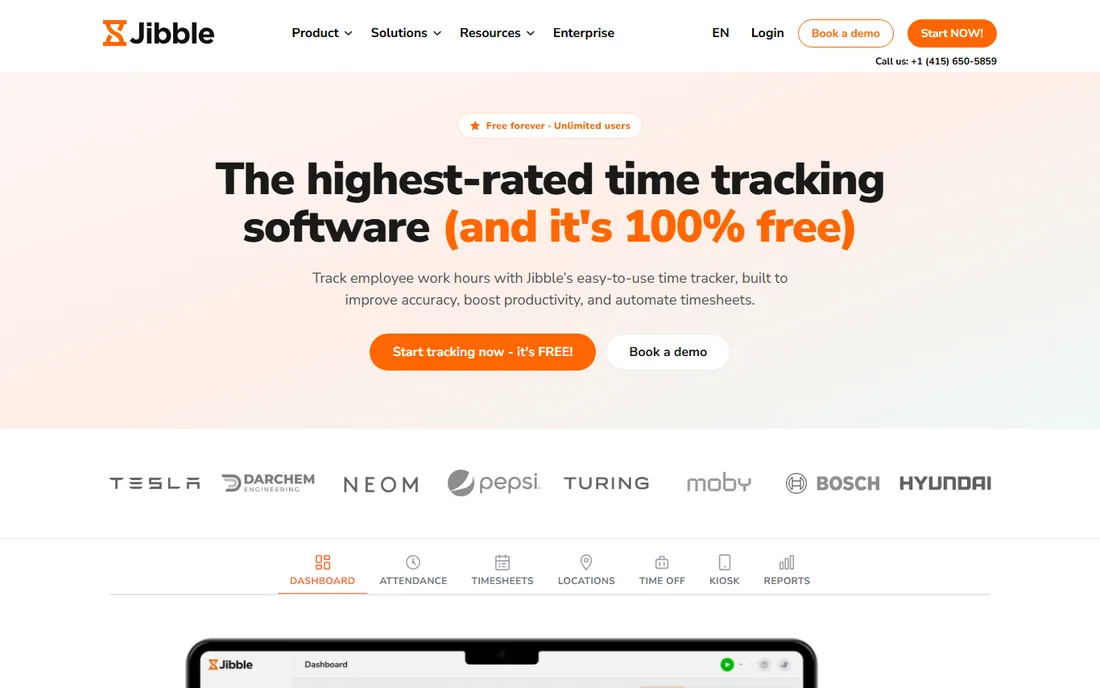
Jibble's free tier might be the most generous in workforce software: time tracking with facial recognition clock-in, GPS, and reporting at no cost for unlimited users. The facial recognition adds buddy-punching prevention that competitors charge for.
Paid plans add the advanced features, and the brand is smaller than the leaders. But the free offering is so complete that many teams never pay. For cost-conscious teams that want modern time tracking free, Jibble is the value standout.
What we like- Free tier is remarkably generous
- Facial recognition clock-in
- Multi-platform
Watch out for- Advanced features need paid plans
- Smaller brand
- Support is tiered
Starting priceFree
Free planYes
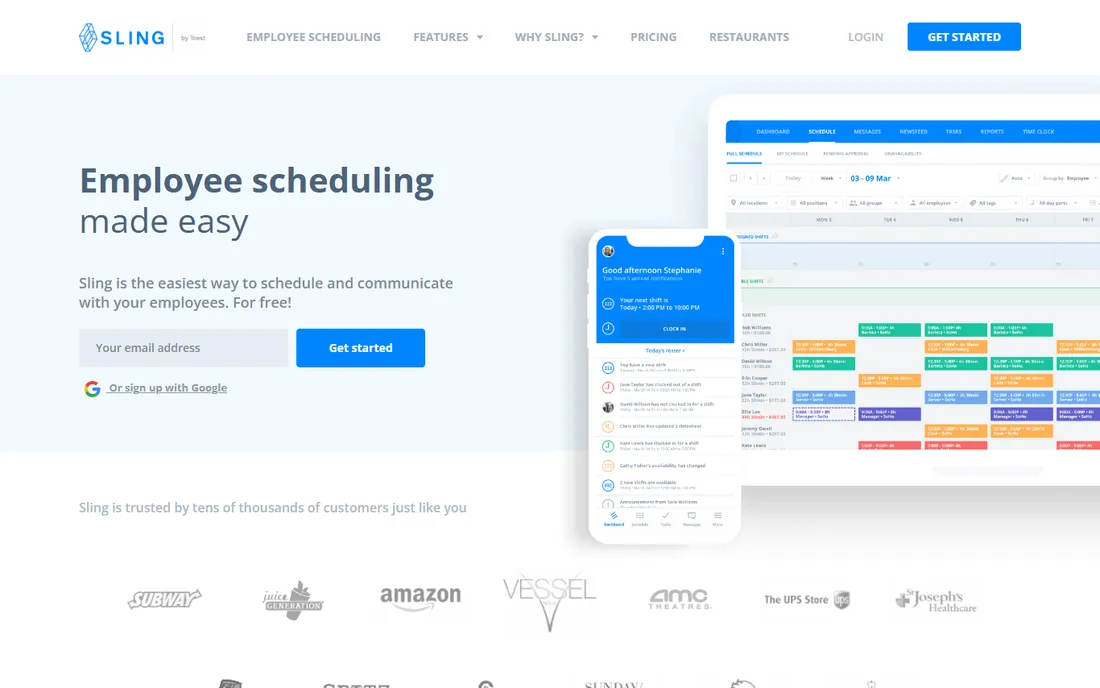
Sling combines shift scheduling with time clock at a free tier that covers the essentials. Shift swapping, availability management and team messaging suit restaurants, retail and hospitality. The simplicity keeps adoption high.
Premium features open up the advanced capabilities, and reporting is basic compared to Deputy. But for shift teams that want scheduling and time tracking free without complexity, Sling's focused simplicity works.
What we like- Scheduling plus time clock free
- Shift swapping
- Simple for restaurants and retail
Watch out for- Advanced features need premium
- Reporting is basic
- Smaller ecosystem
Starting priceSee website
Free planNo
uAttend serves workplaces that want a physical time clock on the wall: fingerprint, badge or PIN terminals backed by cloud software. Manufacturing floors, warehouses and job sites where phones are impractical get reliable clock-in hardware with modern reporting.
Hardware costs real money and there is no free tier. The software is narrower than the app-first competitors. But when the job needs a terminal by the door rather than an app in a pocket, uAttend's hardware-plus-cloud combination is purpose-built.
What we like- Real time clock hardware options
- Fingerprint and badge
- Cloud software behind it
Watch out for- Hardware costs
- No free tier
- Narrower software features
How we chose
We covered scheduling-plus-time-clock suites, pure time trackers and hardware clock systems. Each product was verified as currently offered. Pricing came from vendor pages where published and was marked honestly where it was not. We weighed clock-in options, scheduling depth, payroll integration, compliance features and value. No vendor paid for placement and we claimed no hands-on testing.
Suite vs pure time tracking
The choice is breadth versus focus. Suites like When I Work, Homebase, Deputy and Connecteam combine scheduling, time clock and often hiring or payroll. Pure trackers like Clockify, Buddy Punch and Jibble do time well without the extras.
Teams with scheduling pain should buy the suite; the integration between schedule and actual hours is where the value lives. Teams that just need hours recorded accurately save money and complexity with pure trackers. And physical workplaces should evaluate hardware options like uAttend rather than forcing phones where they do not fit.
What to check before you choose
Test the clock-in method with real employees. Phone apps, kiosks, badges and biometrics each suit different workplaces. The method employees will actually use consistently beats the theoretically best one. Run a pilot with the actual team.
Check payroll integration deeply. Hours must flow to payroll accurately, including overtime rules, job codes and PTO. Confirm the integration with your specific payroll provider during the trial. And verify compliance features for your jurisdiction: break rules, minor work restrictions and overtime calculations vary, and getting them wrong is expensive.
Wage and hour compliance basics
Time clock software does not make you compliant; correct configuration and practices do. The software is a tool, and wage law is unforgiving of tool misuse. Start with overtime rules: federal law requires overtime past forty hours weekly, but states add daily overtime, double time and seventh-day rules. California, for example, has daily overtime past eight hours. Your system must encode your state's actual rules, and someone must verify the encoding against current law rather than assuming defaults are right.
Meal and rest breaks are the next minefield. States differ on whether breaks are paid, how long they must be, and what happens when they are missed. California's meal period penalties are famously expensive. Configure the system to enforce your policy: flag missed breaks, require attestations, and route exceptions to managers. The software can surface every violation in real time, which is exactly what you want before payroll runs, not after a lawsuit.
Rounding rules deserve attention. Rounding to the nearest quarter hour is legal if neutral, but systems that always round in the employer's favor create liability. Review your rounding settings and understand their actual effect across a pay period. Many companies disable rounding entirely once they see the analysis.
Finally, keep the records. The Fair Labor Standards Act requires three years of payroll records; states often require more. Your time clock data is the evidence in any dispute, so the system's audit trail, edit history and approval records matter enormously. Configure approvals so managers sign off on time cards each period. In a wage dispute, the company with clean, approved, complete records wins. The software makes that possible; the process makes it real.
Frequently asked questions
What is the best time clock app for small business?
Homebase offers the most complete free starting point with hiring, scheduling, time clock and payroll. When I Work and Deputy suit shift-heavy teams. Clockify and Jibble offer the best free pure time tracking. The best depends on whether you need scheduling too.
How much does time clock software cost?
Many tools offer free tiers for small teams. Paid plans typically run a few dollars per user monthly, scaling with features. Hardware clock systems like uAttend add device costs. Always model at your headcount including seasonal staff.
Can employees clock in from their phones?
Yes, most modern tools offer mobile clock-in with GPS verification. This suits field and distributed teams. Workplaces concerned about buddy punching should look at facial recognition options like Jibble or photo verification like Buddy Punch.
What is the difference between When I Work and Deputy?
Both combine scheduling with time clock. When I Work emphasizes simplicity and ease of use. Deputy emphasizes compliance depth for labor laws and multi-location operations. Simpler teams prefer When I Work; compliance-heavy operations prefer Deputy.
Do I need physical time clock hardware?
Most teams do not; phone and kiosk options cover the need. Physical terminals suit manufacturing floors, warehouses and sites where phones are impractical or prohibited. uAttend specializes in this hardware-plus-software combination.
Sources we checked (10)
- https://wheniwork.com
- https://www.joinhomebase.com
- https://www.deputy.com
- https://quickbooks.intuit.com
- https://clockify.me
- https://buddypunch.com
- https://connecteam.com
- https://www.jibble.io
- https://getsling.com
- https://www.uattend.com
Is your product missing or out of date?
We review this list regularly. Vendors can request a listing, send updated pricing or ask about featured placement.

Shihab Mia · Founder, Rankite
Shihab has spent more than a decade helping SaaS and e-commerce brands grow through search. He writes Rankite's software buying guides from pricing pages, documentation and public user reviews. More about Shihab.