How we make this list: we compare pricing pages, product documentation and public user reviews. Ratings come from G2, Capterra or Trustpilot, with the date we checked them.
Key takeaways
- Google Veo 3.1 is the strongest all-round text-to-video model in 2026, with the best realism, prompt accuracy, and native synchronized audio.
- Kling 3.0 gives the best value, with native 4K, clips up to 15 seconds, and paid plans from about $8.80 per month.
- Runway Gen-4.5 suits professionals who need editing tools around generation, with motion brush, inpainting, and extension in one suite.
- OpenAI Sora is deliberately excluded here, since its consumer app closed in April 2026, so buyers should not build plans around it.
Quick comparison
| Tool | Best for | Starting price | Free plan |
|---|
 Google Veo 3.1 Google Veo 3.1 | Best all-round quality plus audio | $19.99 per month | Yes |
 Runway Gen-4.5 Runway Gen-4.5 | Professional control and editing | $12 per month | Yes |
 Kling 3.0 Kling 3.0 | Best value and long clips | $8.80 per month | Yes |
 Hailuo MiniMax Hailuo MiniMax | Physics realism per dollar | $10.50 per month | Yes |
 Pika Pika | Short social clips and effects | $8 per month | Yes |
 Luma Dream Machine Luma Dream Machine | Cinematic camera motion | $30 per month | No |
 Vidu Vidu | Cheap step-up from free | $8 per month | Yes |
 Adobe Firefly Video Adobe Firefly Video | Brand-safe commercial video | $9.99 per month | Yes |
Is your product missing or out of date?
We review this list regularly. Vendors can request a listing, send updated pricing or ask about featured placement.
The best text to video AI tools
Starting price$19.99 per month
Free planYes
Google Veo 3.1 is the strongest all-round AI video generator in 2026, combining realism, prompt accuracy, and native synchronized audio in one model. Veo was first to market with generated dialogue, sound effects, and ambience, and version 3.1 refined all three. You reach Veo through the Gemini app, Google Flow filmmaking tool, Google AI Studio, and Vertex AI, with text-to-video, image-to-video, and reference-image consistency.
Access starts with a limited free Veo Lite tier, then Google AI Pro at around $19.99 per month with 1,000 Flow credits, and Ultra at around $250 per month for higher limits and 4K. Two honest catches apply: credits burn fast, with API pricing around $0.15 per second and more with audio, and every clip carries an imperceptible SynthID watermark that survives cropping and cannot be removed. If you want the best quality and accept traceability, Veo is the default.
What we like- Best realism and prompt accuracy
- Native synchronized audio
- 1080p and 4K output
Watch out for- Credits burn fast at scale
- API pricing around $0.15 per second
- SynthID watermark cannot be removed
Starting price$12 per month
Free planYes
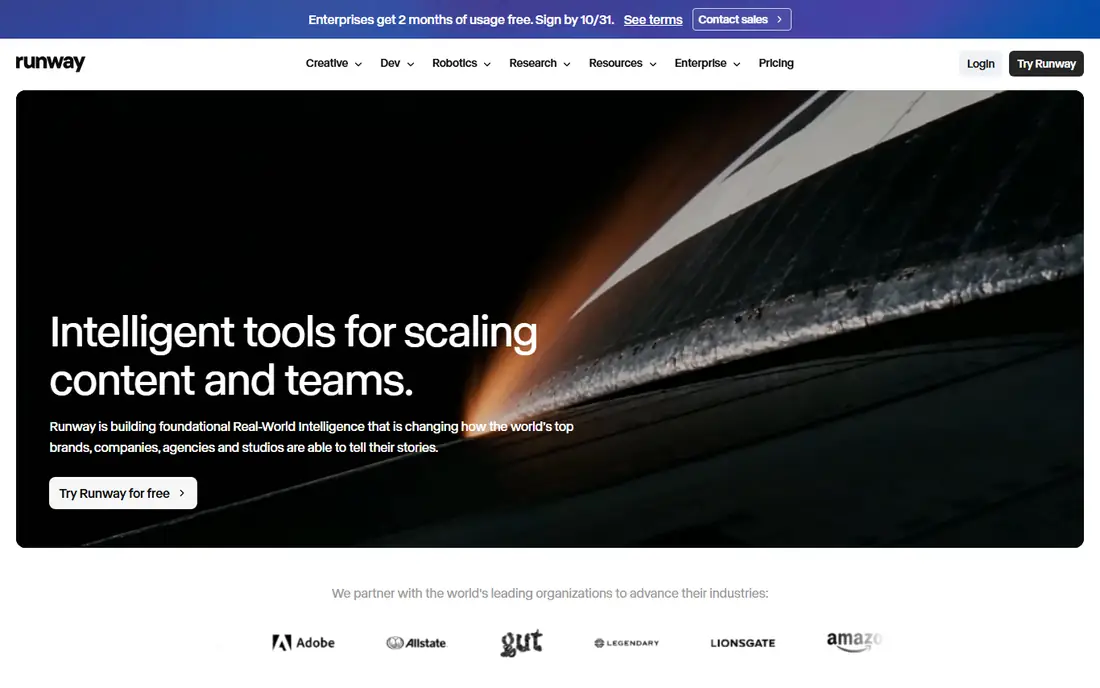
Runway Gen-4.5 pairs a benchmark video model with a broader editing suite, so you can generate a shot, then extend, restyle, or clean it up without leaving the app. Clips run 5 to 10 seconds, and tools like motion brush and inpainting give directors control that pure generators lack. The free plan gives 125 one-time credits with no monthly refill, while Standard costs $15 per month or $12 billed annually.
Credit math is the main frustration, since published conversions of credits into seconds disagree across sources, and even Runway pages have shown different figures. Spend the free credits on a representative prompt before committing, and budget for retries, since complex prompts often need 3 to 10 generations before one clip is usable. For professional workflows, Runway remains the control leader.
What we like- Benchmark motion quality
- Editing suite with motion brush and inpainting
- Clip extension
Watch out for- Free plan is 125 one-time credits only
- Credit-to-second conversions vary by source
Starting price$8.80 per month
Free planYes
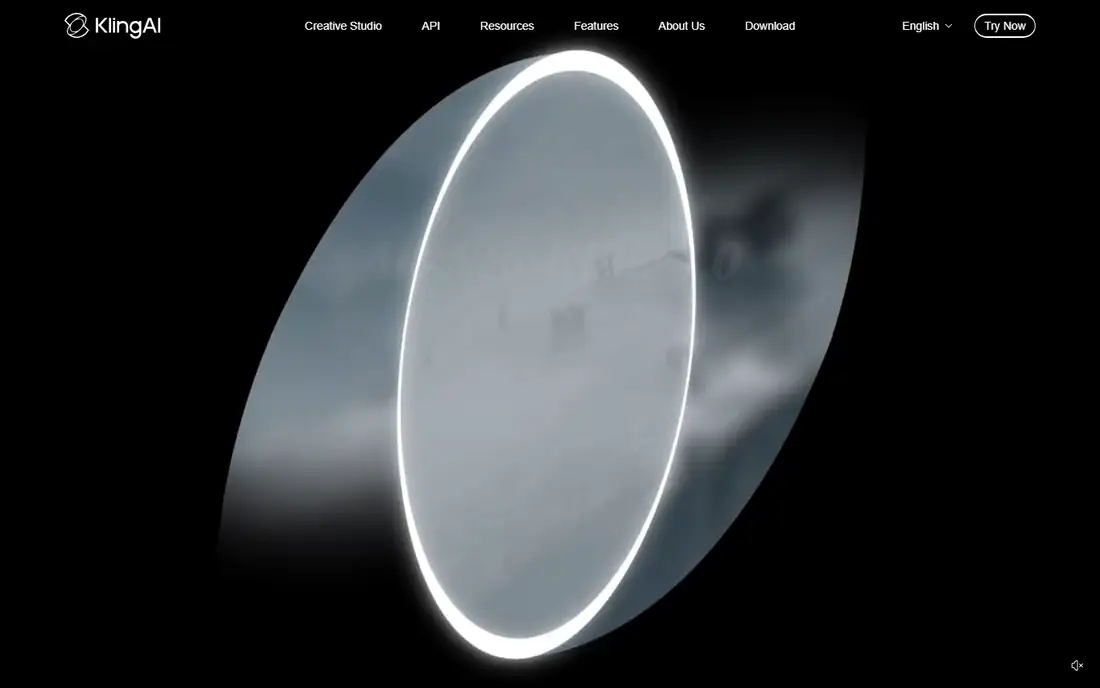
Kling 3.0 offers native 4K output, multi-shot clips up to 15 seconds, and built-in multilingual audio at the lowest cost per second in several 2026 comparisons, around $0.07 per second. Paid plans list Standard at $6.99 for the first month, then $8.80 per month, with 660 credits per month, and a free tier offers daily Element AI multi-shot uses.
Human motion is Kling's standout strength, with natural movement that rivals models costing far more. Character consistency across shots remains partial rather than reliable, so multi-scene stories still need reference images and retries. For creators who want the most usable footage per dollar, Kling is the value pick.
What we like- Native 4K
- Clips up to 15 seconds
- Multilingual audio
- Lowest cost per second in guides
Watch out for- Free tier has no monthly credit line
- Character consistency is partial
Starting price$10.50 per month
Free planYes
Hailuo, from MiniMax, earns its place on physics realism per dollar, with believable water, fabric, and particle effects at around $0.28 per video in one comparison. Director-style camera controls let creators shape shots deliberately, and paid plans list Standard at $10.50 per month with 1,000 credits, after a 30 percent discount from $14.99.
Free generation carries a watermark, and human characters and facial expressions lag premium competitors, so Hailuo suits product and environmental scenes better than close-up dialogue. Clips cap around 10 seconds in guides, with limited extension. For physics-heavy product shots on a budget, Hailuo is hard to beat.
What we like- Believable fluid, cloth, and collision motion
- Director-style camera controls
- Cheap per video
Watch out for- Free output is watermarked
- Human faces less refined than premium rivals
- 10-second clip cap in guides
Starting price$8 per month
Free planYes
Pika suits short social clips and creative effects, with fast iteration and transformation tools that turn images into playful video moments. Paid plans start at $8 per month billed yearly with 900 credits, and the free tier carries no watermark on any tier, which is unusual and useful for testing.
Clips run around 6 seconds, quality trails Veo and Runway on realism, and audio is limited, so Pika is not a narrative filmmaking tool. For social creators who need quick, eye-catching clips and effects at a low price, Pika offers the best iteration speed per dollar in this list.
What we like- Fast iteration
- Creative effects and transformations
- No watermark even on free tier
Watch out for- Clips around 6 seconds
- Quality trails Veo and Runway
- Limited audio
Starting price$30 per month
Free planNo
Luma Dream Machine, now on Ray models, is known for smooth cinematic camera motion and keyframe control that suits directors planning shots deliberately. Its pricing page lists Plus at $30 per month with 10,000 credits, Pro at $90 with 40,000, and Ultra at $300 with 150,000, each about 20 percent cheaper on yearly billing.
There is no free individual plan, so older reviews mentioning a free tier are out of date, and a five-second 1080p Ray clip costs 400 credits, working out to roughly 25 such clips from a Plus allowance before retries. That makes Luma expensive for trial-and-error workflows. For planned cinematic shots where camera control matters most, Luma still earns its price.
What we like- Smooth cinematic camera paths
- Keyframe control
- HDR photorealism in Ray models
Watch out for- No free individual plan
- Plus at $30 gives only about 25 five-second 1080p clips
- Credit math is tight
Starting price$8 per month
Free planYes
Vidu offers a free plan that resets, plus the cheapest paid step-up in this list at $8 per month billed yearly, with 10 reference uploads per month on the free tier. That structure suits creators who want to test image-to-video with references before paying, and the paid step is low enough to try for a month without much risk.
Quality trails Veo and Kling on realism and motion, and the community and guide coverage are smaller, so troubleshooting takes more effort. For budget creators who want a low-cost paid plan with reference support, Vidu is the cheapest credible route into text-to-video.
What we like- Free plan that resets
- Cheapest paid step-up at $8
- Reference uploads included
Watch out for- Quality trails Veo and Kling
- Smaller community and fewer guides
#8
Adobe Firefly Video
Best for: Brand-safe commercial video
Visit adobe.com
Starting price$9.99 per month
Free planYes
Adobe Firefly Video suits brands that need commercially safe video, since Firefly models are trained on licensed and public domain content rather than scraped web video. That provenance matters for paid campaigns, where legal review can block tools with unclear training data. Paid plans start around $9.99 per month, with free daily generations for testing, and integration with Premiere Pro and other Adobe apps speeds editing.
Realism trails Veo, and credit limits on lower plans restrict volume, while plan details have changed several times, so confirm current terms before committing. For brand and agency work where legal safety outweighs raw realism, Firefly is the responsible choice.
What we like- Commercially safe training data
- Integrates with Adobe apps
- Free daily generations
Watch out for- Quality trails Veo on realism
- Credit limits on lower plans
- Plans have changed often
How we chose
We compared October 2026 comparison guides for each tool, checking clip length, maximum resolution, audio support, free tiers, and starting prices. We favored tools with current availability and a distinct strength, and we excluded Sora because its consumer app closed in April 2026, even though older guides still rank it highly. Where guides disagreed on a price, we used the most recent figure and flagged it. We did not claim hands-on testing.
Budgeting for AI video realistically
Expect to generate 3 to 10 clips before one is usable for production work, so multiply the per-clip cost by at least five when budgeting a project. A blended approach saves money: use Kling or Hailuo for establishing and ambient shots, Runway or Veo for hero shots, and Pika for quick social clips, routing each scene to the cheapest model that meets its quality bar. Track credits per usable second, not per generation, since failed generations are the real cost driver.
Quality and disclosure
AI video still fails on complex prompts, hands, faces, and text rendering, so review every clip at full resolution before publishing. Disclose AI-generated footage where your platform or client requires it, and never use AI video to fake events, people, or product features, since a plausible-looking clip is not evidence. Veo SynthID watermarking and Firefly content credentials both help provenance, but neither replaces human review.
Audio and length limits
Most tools cap clips at 5 to 15 seconds, so longer videos need stitching, editing, and consistent references across shots. Native audio is a real differentiator: Veo and Kling generate synchronized sound, while Runway, Hailuo, and Pika need separate audio tools. Plan your pipeline around audio early, since adding sound after generation doubles the workflow.
Frequently asked questions
What is the best text-to-video AI tool overall?
Google Veo 3.1 is the best all-round pick in 2026, with the strongest realism, prompt accuracy, and native synchronized audio. Runway Gen-4.5 leads for professional control and editing, while Kling 3.0 leads for value.
Is there a good free text-to-video tool?
Yes, with limits. Kling, Pika, Vidu, and Hailuo all offer free tiers, though free outputs may be watermarked, capped in resolution, or limited in daily credits. Runway gives 125 one-time credits, which suits a single test project rather than ongoing work.
Why is Sora not on this list?
OpenAI closed the Sora consumer app in April 2026, with API access ending in September 2026, so Sora is no longer a tool new buyers can adopt. Older guides still rank it highly, but building a workflow around a discontinued product would leave creators stranded.
How long can AI video clips be?
Most tools cap single clips at 5 to 15 seconds, with Kling reaching 15 seconds and Veo around 8 seconds per pass. Longer videos are built by generating multiple shots and stitching them in an editor, using reference images to keep characters consistent.
Can I use AI video for commercial client work?
Yes, with care. Adobe Firefly is designed for commercial safety, while other tools vary in training data and terms, so check each license before paid use. Always review clips for errors, disclose AI use where required, and never present generated footage as real events.
Sources we checked (10)
- https://deepmind.google
- https://runwayml.com
- https://klingai.com
- https://hailuoai.video
- https://pika.art
- https://lumalabs.ai
- https://www.vidu.com
- https://www.adobe.com
- https://mstudio.ai/insights/best-ai-video-generator-2026
- https://toolradar.com/guides/best-free-ai-video-generators
Is your product missing or out of date?
We review this list regularly. Vendors can request a listing, send updated pricing or ask about featured placement.

Shihab Mia · Founder, Rankite
Shihab has 5+ years in B2B and SaaS SEO. He writes Rankite's software buying guides from pricing pages, documentation and public user reviews. More about Shihab.