How we make this list: we compare pricing pages, product documentation and public user reviews. Rankite is independent; if a vendor ever pays for a featured spot, that listing is clearly labeled Partner.
Key takeaways
- InkBook and Tattoogenda are the two platforms built only for tattoo studios. If you want tattoo-specific workflows like flash booking and deposits, start there.
- Tattoo Studio Pro is the strongest all-rounder for growing studios that need marketing, memberships, and reporting in one place.
- Booksy and Vagaro bring marketplace exposure that pure booking tools cannot, though you will pay for it and compete with nearby artists.
- Square Appointments is the obvious choice if you already take payments through Square, since booking and point of sale stay unified.
- Bookedin and Acuity Scheduling work well for solo artists who mostly need a clean calendar and do not want tattoo-specific features.
Running a tattoo studio on Instagram DMs and a paper diary works until it does not. The missed deposit, the double-booked Friday, the client who swears they confirmed, these are the moments that push owners toward proper booking software. The good news is that 2026 has plenty of options. The bad news is that most of them were built for hair salons, and tattooing has its own way of doing business.
Deposits matter more here than in almost any other appointment business. So do consent forms, flash-day scheduling, and waitlists for guest artists. This guide compares nine tools, from tattoo-specific platforms to general schedulers, so you can match the software to how your studio actually runs.
Quick comparison
| Tool | Best for | Starting price | Free plan |
|---|
 InkBook InkBook | Tattoo-only studio workflows | $19 per month (billed annually) | Yes |
 Tattoogenda Tattoogenda | Solo artists who want to pay nothing to start | €0 (free one-man-shop plan) | Yes |
 Tattoo Studio Pro Tattoo Studio Pro | Studios that want booking plus marketing | $29 per month | Free trial |
 InkDesk InkDesk | Studios that want tattoo features without bloat | $35 per month ($25 billed annually) | Free trial |
 Booksy Booksy | Discovery through a booking marketplace | $29.99 per month (1 artist) | No |
 Vagaro Vagaro | Studios that also do piercing or beauty services | $23.99 per month (plus $10 per extra calendar) | No |
 Square Appointments Square Appointments | Studios already processing with Square | Free $0 | Yes |
 Bookedin Bookedin | Simple booking pages for independent artists | $24 per month | Yes |
 Acuity Scheduling Acuity Scheduling | Solo artists who want deep customization | $16 per month (billed annually) | No |
Is your product missing or out of date?
We review this list regularly. Vendors can request a listing, send updated pricing or ask about featured placement.
The Best Tattoo Software, Ranked and Reviewed
Starting price$19 per month (billed annually)
Free planYes
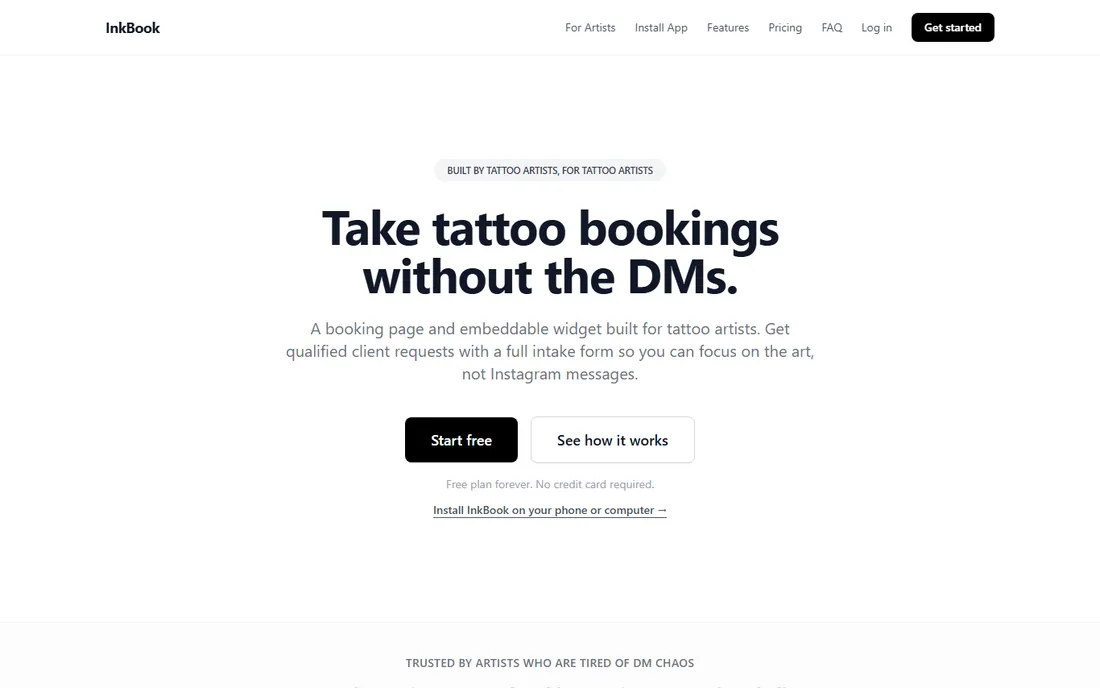
InkBook is one of the few platforms that treats tattooing as its own category rather than a checkbox in a salon menu. The free plan gives you three bookings a month, which is enough to test it with real clients before spending anything. The paid Pro plan runs $19 a month when billed annually, and Studio jumps to $59 for bigger teams. Both tiers sit comfortably below general-purpose schedulers once you add calendars and staff.
What you get for the money is a booking flow that understands how tattoo appointments work. Deposits, consultation bookings, and consent forms are first-class features rather than workarounds. The honest catch is scale: InkBook is a small team, so if you need same-day phone support or a native mobile app with every bell and whistle, the bigger platforms will feel more finished.
What we like- Free plan covers 3 bookings a month
- Built around tattoo workflows like deposits and consent forms
- Straightforward per-studio pricing
Watch out for- Smaller company with a thinner support operation
- Fewer third-party integrations than mainstream schedulers
Starting price€0 (free one-man-shop plan)
Free planYes
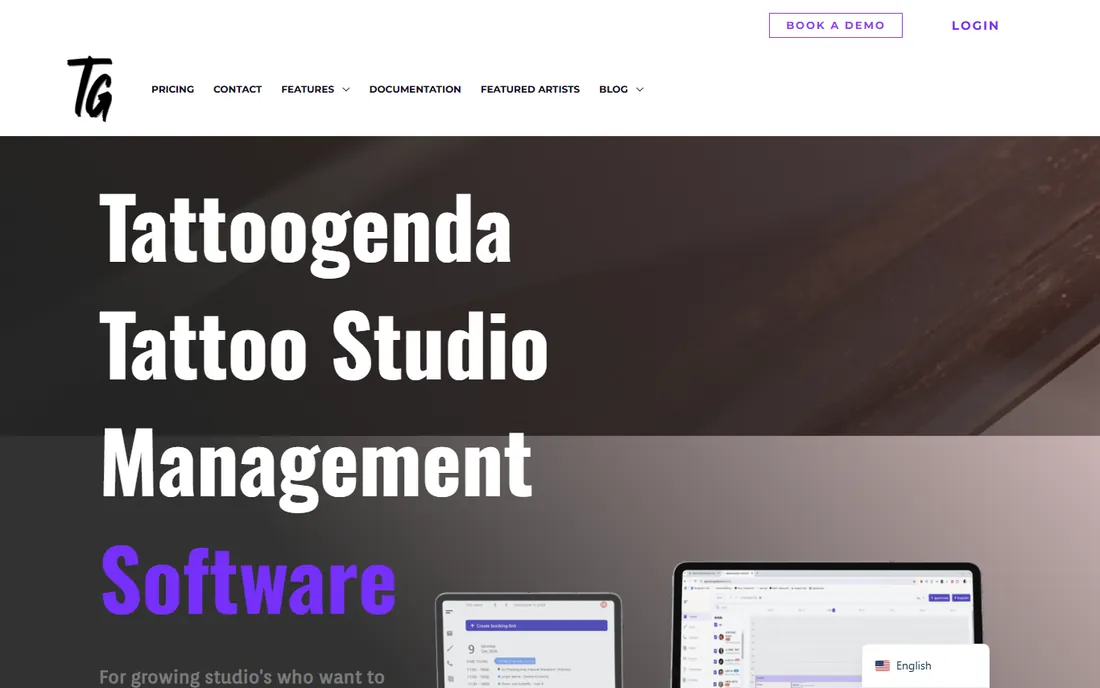
Tattoogenda takes a refreshingly simple approach. If you are a one-person shop, the free plan covers you. No trial clock, no card required, just a working booking calendar for your own practice. Paid plans start at €16 a month and climb to €30 and €45, which keeps costs predictable even if your studio grows.
The trade-off for that simplicity is depth. Tattoogenda does appointment management well and leaves most marketing, reporting, and client-engagement features out. If you want email campaigns or detailed analytics, you will be exporting data elsewhere. For a solo artist who just needs clients to book, show up, and pay deposits, that focus is exactly right.
What we like- Genuinely free plan for solo artists
- Pricing is simple and euro-based
- Focused on appointment management rather than marketing extras
Watch out for- Feature set is narrower than competitors
- Paid tiers jump from €16 to €30 and €45 a month with few mid-range options
Starting price$29 per month
Free planFree trial
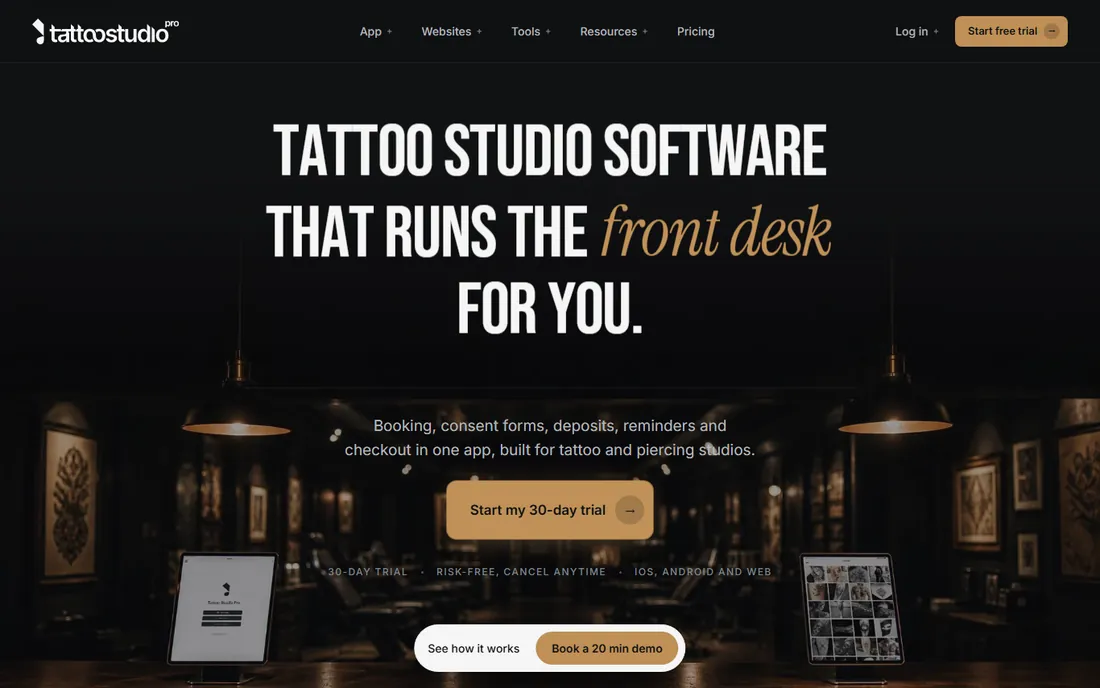
Tattoo Studio Pro aims at the studio that has outgrown a simple calendar. The Solo plan starts at $29 a month, Crew costs $69, and annual billing cuts 30% off either. A 30-day free trial gives you a full month to see whether the marketing and membership features earn their keep.
Where this platform pulls ahead is client retention. Campaign tools, membership management, and reporting live alongside the booking calendar, so you are not stitching together three subscriptions. The downside is that all that capability takes time to configure. A two-artist shop that just wants online booking will find it overbuilt. A studio planning to sell aftercare products and run promotions will use every inch of it.
What we like- 30-day free trial with no card pressure
- 30% discount on annual billing
- Combines booking, marketing, and reporting in one dashboard
Watch out for- Feature breadth means a longer learning curve
- Smaller studios may pay for tools they never open
#4
InkDesk
Best for: Studios that want tattoo features without bloat
Visit inkdesk.app
Starting price$35 per month ($25 billed annually)
Free planFree trial
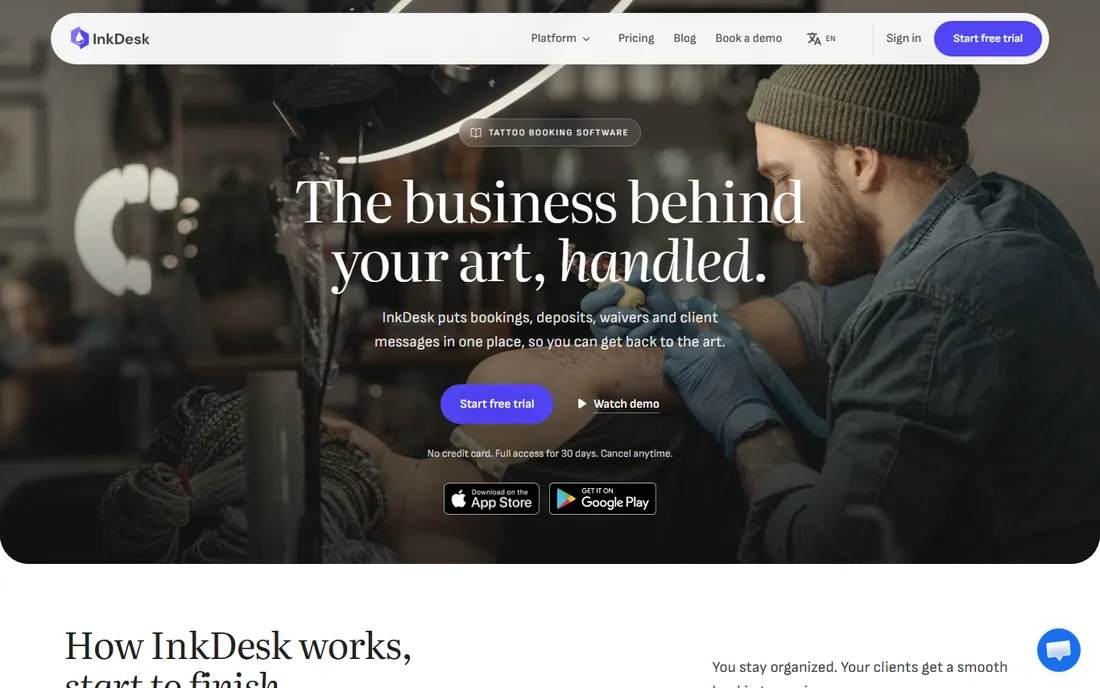
InkDesk positions itself between the tattoo-only niche tools and the generic giants. Solo costs $35 a month, or $25 with annual billing. The Studio plan runs $50 a month plus $15 per additional artist, which is one of the more transparent per-artist models in this market. The 30-day trial applies across the board.
The platform covers the essentials: online booking, deposits, and client management, wrapped in an interface that assumes you run a tattoo shop. It does not try to be a marketing suite, which keeps it focused but also means you will need separate tools for email campaigns. Availability of support and the depth of its knowledge base are the main unknowns for a newer vendor.
What we like- 30-day trial on both plans
- Studio plan adds artists at $15 each, which scales fairly
- Tattoo-specific design without enterprise clutter
Watch out for- Limited track record compared to established names
- Pricing sits above the cheapest solo options
Starting price$29.99 per month (1 artist)
Free planNo
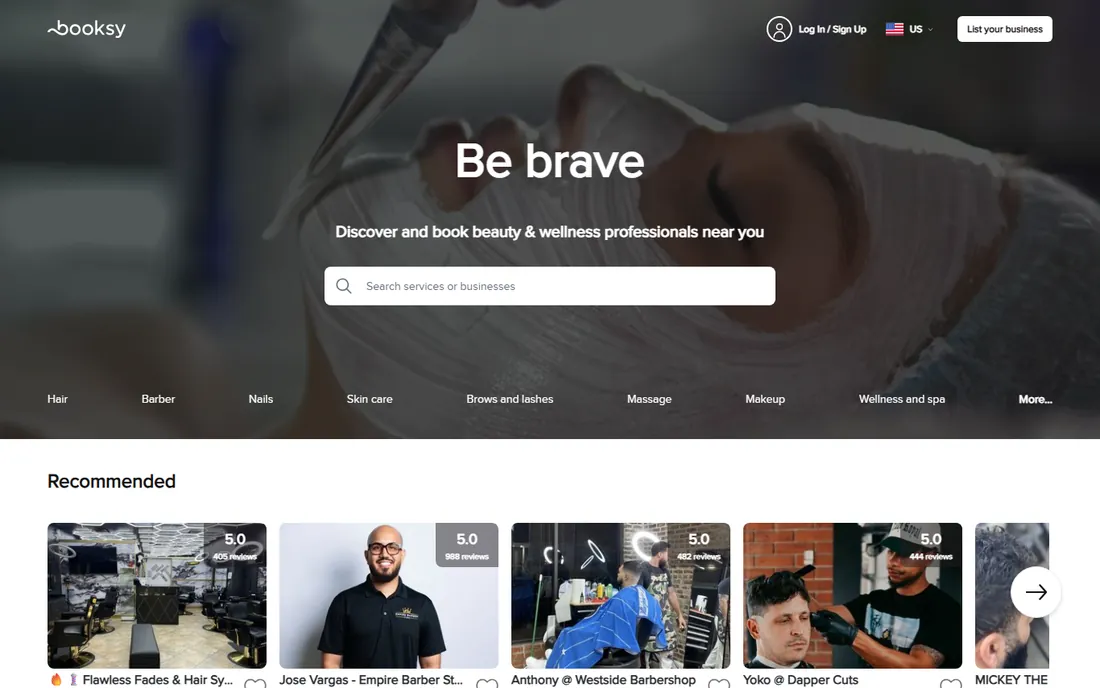
Booksy is less a booking tool and more a booking marketplace. Clients who open the Booksy app are actively looking to book, which gives you a discovery channel that InkBook or Tattoogenda cannot match. Pricing starts at $29.99 a month for a single artist, which is reasonable for what you get.
The catch is that the same marketplace that brings you clients also shows your competitors. You will want your profile, photos, and reviews sharp from day one. Booksy also does not offer a free plan, so there is no way to ease in gradually. For artists in competitive areas, the exposure is worth the trade. For studios with a full book already, it may be an expense you do not need.
What we like- Marketplace puts your studio in front of searching clients
- Polished client-facing app
- Strong no-show management
Watch out for- No free plan or trial worth mentioning
- Marketplace means competing with nearby shops on the same screen
#6
Vagaro
Best for: Studios that also do piercing or beauty services
Visit vagaro.com
Starting price$23.99 per month (plus $10 per extra calendar)
Free planNo
Vagaro built its name in salons and spas, but its structure suits tattoo studios that also offer piercings, laser removal, or beauty services. The base plan is $23.99 a month, with $10 per additional calendar, or a flat $30 for a single calendar. The client app is polished and familiar to customers who already book salons through it.
What you will not find is anything tattoo-specific. Deposits, flash days, and guest artist scheduling have to be configured manually through generic appointment types. If your studio is tattoo-only, the tattoo-first tools fit better. If your business spans services, Vagaro's breadth becomes an advantage worth the generic fit.
What we like- Low entry price at $23.99 a month
- Client app with strong reviews
- Handles multiple service types under one roof
Watch out for- Per-calendar pricing gets expensive with many artists
- Tattoo-specific features are absent
Starting priceFree $0
Free planYes
If your card reader says Square, this is the path of least resistance. The free plan costs nothing and handles booking, reminders, and payment processing through the same account you already have. Paid tiers run $49 and $149 a month per location for teams that need more.
The integration is the selling point. Deposits, final payments, and tips flow into one reporting dashboard, and you never reconcile two systems. The free tier caps you at one location, which is fine for a single shop. The honest limitation is that Square Appointments is a general scheduler. It will not suggest tattoo-specific setups, and you will build your own deposit and consent workflows.
What we like- Free plan is genuinely usable for solo operators
- Booking and payments live in one system
- No per-booking fees on the free tier
Watch out for- Free plan is limited to one location
- Advanced features sit behind Plus ($49) and Premium ($149)
Starting price$24 per month
Free planYes
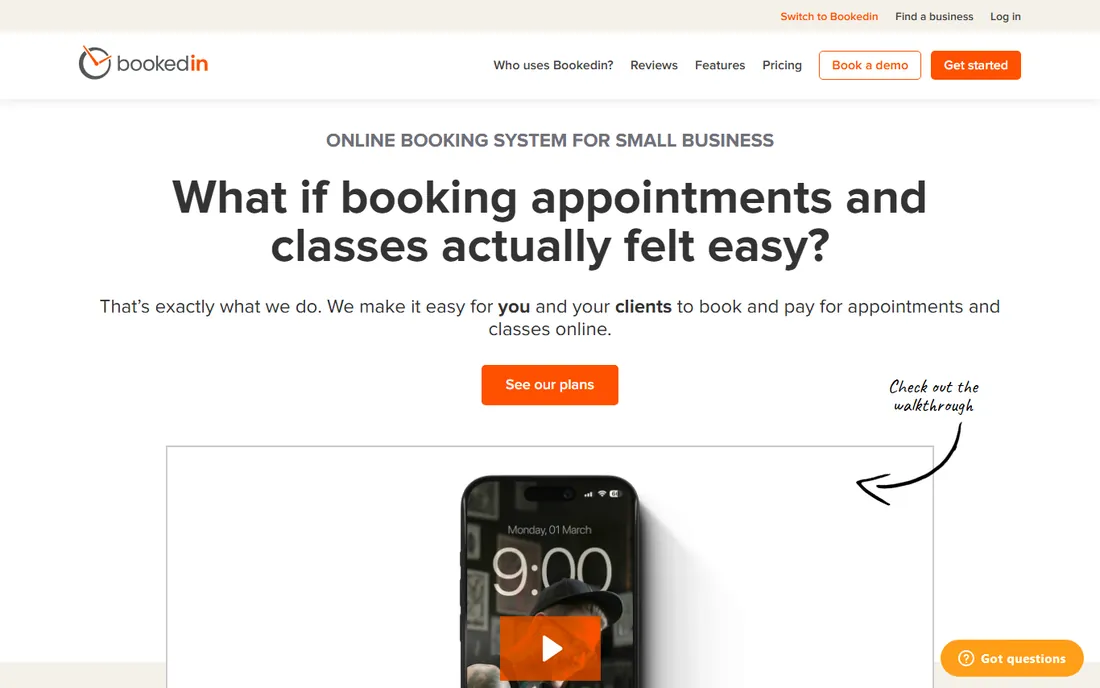
Bookedin is for the artist who wants a booking page live today. Setup takes minutes, the free plan covers light booking volume, and paid plans start at $24 a month with a 14-day trial. It does the fundamentals well: availability calendar, email reminders, and online payments.
It does not pretend to understand tattooing. There are no flash-day templates, no guest artist workflows, no aftercare follow-ups. What it offers is reliability and simplicity at a price solo artists can justify. If your client acquisition runs on Instagram and word of mouth, and you just need somewhere to send people to book, Bookedin is enough.
What we like- Free plan available for light use
- 14-day trial of paid features
- Quick setup with minimal configuration
Watch out for- Lacks industry-specific features
- Reporting is basic compared to studio-focused tools
Starting price$16 per month (billed annually)
Free planNo
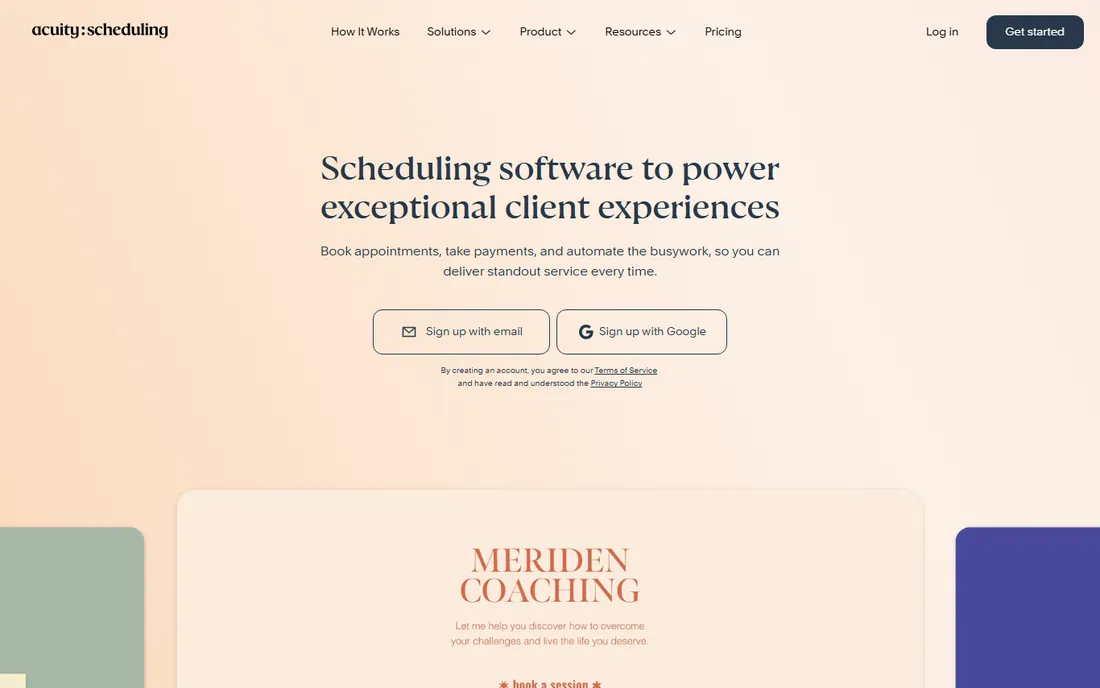
Acuity is the scheduler of choice for independent professionals who care about how their booking page looks and behaves. The Starter plan is $16 a month on annual billing, which undercuts most of this list. Custom intake forms, package bookings, and calendar sync are all polished.
There is no free plan, so you commit from day one. And like other general schedulers, nothing here is tattoo-specific. You will build your own deposit logic and consultation flows from generic building blocks. The payoff is control: if you have a particular way you want clients to book consultations, pay deposits, and receive reminders, Acuity lets you build exactly that.
What we like- Highly customizable intake forms and booking flows
- Owned by Squarespace, so it is stable and well maintained
- Strong calendar sync
Watch out for- No free plan
- Tattoo-specific setups require manual configuration
How we chose
We compared pricing pages, feature lists, and public documentation for tools that tattoo studios actually use, from tattoo-specific platforms to general appointment schedulers. We checked recent reviews on G2, Capterra, and Reddit threads where studio owners discuss what works and what does not. We weighted tattoo-specific workflows like deposits and consent forms alongside the basics every studio needs: online booking, reminders, payments, and per-artist pricing. We did not test these tools hands-on, and we did not take vendor claims at face value when reviews told a different story.
What to Look For When Choosing Tattoo Software
The right choice depends on how your studio earns money. Start with deposits, since that is where most tattoo bookings fall apart. Every tool on this list handles payments, but only the tattoo-specific ones treat deposits as a core workflow. If you regularly take 20 to 50 percent upfront, pick a tool that makes deposits the default rather than a manual step.
Next, count your artists and your calendars. Per-artist pricing models vary wildly. Some tools charge per calendar, some per user, and some bundle a set number of seats. A four-artist studio can pay double the advertised starting price if the pricing is per calendar, so map the quote to your actual headcount before committing.
Check the reminder and no-show tools
Automated reminders cut no-shows more than any other single feature. Confirm that the tool sends SMS as well as email, since clients ignore one channel or the other. Also check whether reminders are included in the base price or billed per message. Per-message SMS fees can add $30 to $80 a month for a busy studio.
Think about how clients find you
If your book is already full from Instagram and referrals, you do not need a marketplace. A focused booking tool costs less and keeps you out of side-by-side comparisons with competitors. If you are new to an area or trying to fill quiet days, a marketplace like Booksy or Vagaro can be worth the fee as a marketing channel.
Plan for consent forms and records
Digital consent forms save real time at the front desk and create a paper trail that matters if a dispute ever arises. Check whether forms are built in or require a third-party add-on, and confirm you can export client records. Switching tools later is painful if your client history is locked inside one platform.
Making the Switch From Paper and Spreadsheets
Moving off a paper diary or a shared spreadsheet feels risky because the old system is familiar. The practical approach is to run both systems in parallel for two weeks. Take new bookings in the software while keeping the old diary updated, then compare. Most studios find the software catches things the diary missed, usually double bookings and forgotten deposits.
Migration of existing clients matters more than people expect. Import your client list before you announce the switch, so returning clients can book without re-registering. Most tools on this list support CSV import. Send one clear message to your clients explaining how to book now, and pin it to your Instagram profile and Google Business listing.
Expect the first month to surface process gaps, not software problems. Studios often discover they never had a written deposit policy, or that consultation bookings were eating consultation revenue. Fix the policy first, then configure the tool to enforce it. Software amplifies whatever process you already have, including the broken parts.
Frequently asked questions
Do I need tattoo-specific software, or will a general scheduler work?
A general scheduler works fine if your needs are simple: online booking, reminders, and payments. Tattoo-specific software earns its keep when deposits, consent forms, and flash-day scheduling are daily realities. If you take deposits on most bookings, the tattoo-specific tools will save you configuration time and reduce booking errors.
How much should a tattoo studio pay for booking software?
Solo artists can run on free plans or $16 to $25 a month. A studio with three to five artists typically pays $30 to $80 a month depending on whether pricing is per user or per calendar. Marketplace tools cost more once you factor in per-booking dynamics, though the discovery value can justify it.
Can clients book consultations separately from tattoo sessions?
Yes, on every tool listed here. You can create separate service types for consultations, tattoo sessions, and touch-ups, each with its own duration, price, and deposit requirement. The tattoo-specific tools make this setup faster because they ship with sensible defaults.
How do deposits work in these tools?
Most tools let you require a fixed amount or a percentage at booking, charged through the integrated payment processor. The tattoo-specific platforms treat this as a primary workflow with clear refund and transfer rules. General schedulers can do it too, but you may need to configure it manually for each service type.
Will my clients need to download an app?
No. All of these tools offer web-based booking that works in a phone browser. Some, like Booksy and Vagaro, also have client apps that existing users may prefer, but a download is never required to book with you.
Sources we checked (9)
- https://inkbook.pro
- https://tattoogenda.com
- https://tattoostudiopro.com
- https://inkdesk.app
- https://www.booksy.com
- https://www.vagaro.com
- https://squareup.com
- https://bookedin.com
- https://www.acuityscheduling.com
Is your product missing or out of date?
We review this list regularly. Vendors can request a listing, send updated pricing or ask about featured placement.

Shihab Mia · Founder, Rankite
Shihab has spent more than a decade helping SaaS and e-commerce brands grow through search. He writes Rankite's software buying guides from pricing pages, documentation and public user reviews. More about Shihab.