How we make this list: we compare pricing pages, product documentation and public user reviews. Rankite is independent; if a vendor ever pays for a featured spot, that listing is clearly labeled Partner.
Key takeaways
- Adobe Illustrator remains the print shop standard for sticker work, because every shop on earth accepts its files and die-cut paths.
- Inkscape and Affinity give you professional vector tools for free, which is enough for most sticker sellers starting out.
- Procreate is unmatched for hand-drawn sticker art on iPad, but you will need a vector tool for final cut-line prep.
- If you hate file prep, Sticker Mule and StickerApp let you design in the browser and hand the technical work to the printer.
Quick comparison
| Tool | Best for | Starting price | Free plan |
|---|
 Adobe Illustrator Adobe Illustrator | professional vector work every print shop accepts | See website | Free trial |
 CorelDRAW CorelDRAW | print and sign shops with deep prepress tools | See website | Free trial |
 Canva Canva | beginners designing with templates | See website | Yes |
 Adobe Express Adobe Express | fast social-style sticker graphics | See website | Yes |
 Procreate Procreate | hand-drawn sticker art on iPad | See website | No |
 Inkscape Inkscape | free vector design with proper die-cut paths | Free | Yes |
 Affinity Affinity | professional vector and raster work, now free | Free | Yes |
 Sticker Mule Sticker Mule | designing online and printing in one place | See website | Yes |
 StickerApp StickerApp | browser-based design with European printing | See website | Yes |
 Silhouette Studio Silhouette Studio | cutting stickers at home on Silhouette machines | See website | Yes |
Is your product missing or out of date?
We review this list regularly. Vendors can request a listing, send updated pricing or ask about featured placement.
The best sticker design software for 2026
#1
Adobe Illustrator
Best for: professional vector work every print shop accepts
Visit adobe.com
Starting priceSee website
Free planFree trial
Illustrator is the print shop standard for a reason. Die-cut sticker production needs clean vector paths, and Illustrator gives you the most precise path tools in the business, plus layers, spot colors for cut lines, and export options that match what printers actually ask for. When a shop says "send vector files," they mean files like the ones Illustrator makes.
The price is the subscription, which is hard to justify if stickers are a casual hobby, and the learning curve is real. Beginners often spend their first week fighting the pen tool. But if you plan to sell stickers seriously, learning Illustrator pays for itself in fewer rejected files and fewer back-and-forth emails with printers.
What we like- Industry-standard vector tools
- Precise path control for die-cut lines
- Universal file acceptance at print shops
Watch out for- Subscription cost adds up
- Steep learning curve for beginners
Starting priceSee website
Free planFree trial
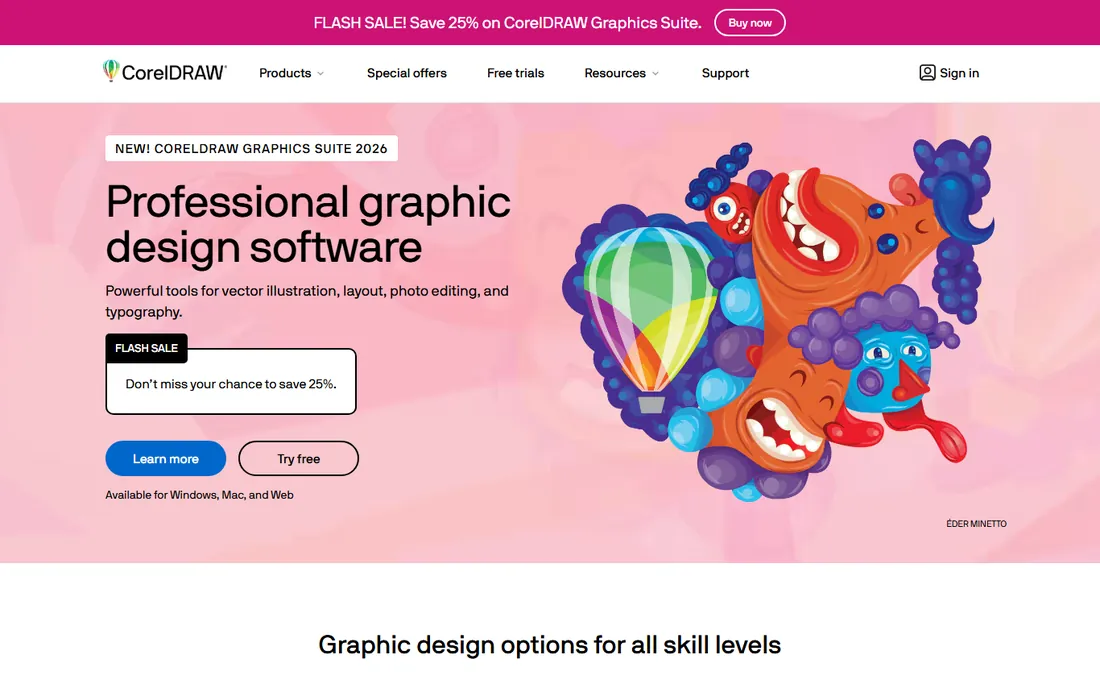
CorelDRAW has been the quiet workhorse of print shops, sign makers, and sticker producers for decades, especially outside the Adobe-centric agency world. Its prepress features, color management, and handling of large-format output are genuinely strong, and many sticker shops run CorelDRAW natively, which can simplify file handoff.
The catch is ecosystem. Tutorials, templates, and third-party assets skew heavily toward Illustrator, so self-taught designers will find fewer learning resources. Pricing is subscription-based like Adobe's. Choose CorelDRAW if your printer works in it or you prefer its toolset; choose Illustrator if you want the biggest community.
What we like- Strong prepress and color management
- Popular with sign and sticker shops
- Capable vector illustration
Watch out for- Smaller tutorial ecosystem than Illustrator
- Subscription pricing similar to Adobe
Starting priceSee website
Free planYes
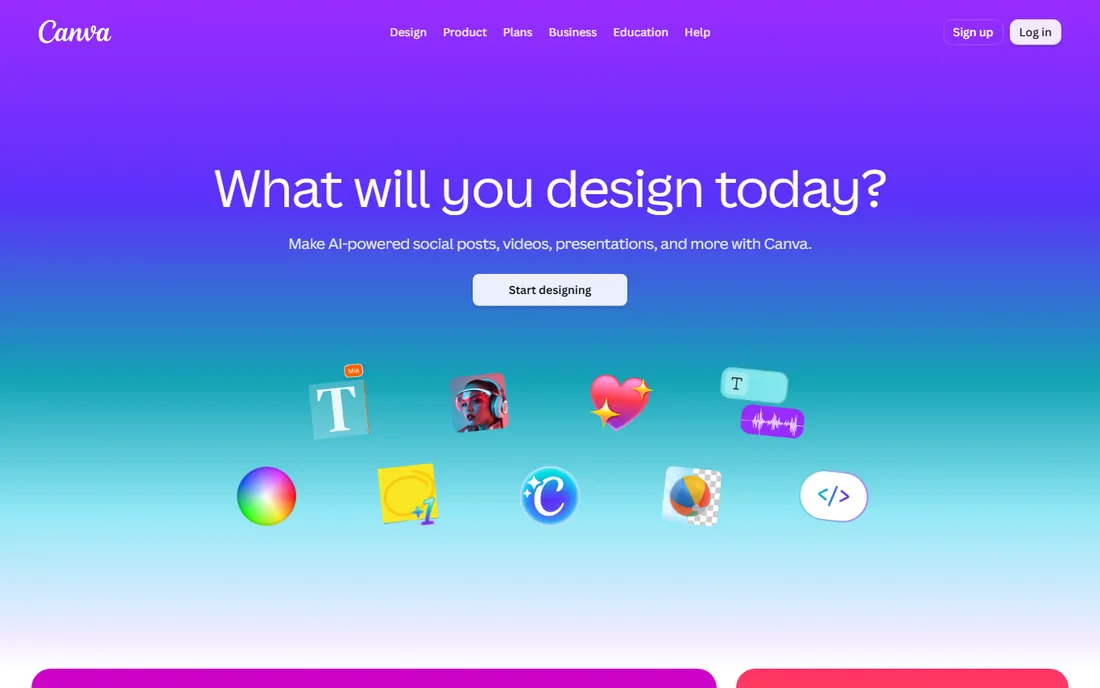
Canva is where most sticker beginners start, and honestly it is a fine place to start. Thousands of templates, drag-and-drop simplicity, and decent export options mean you can go from idea to a printable PNG in an afternoon. For simple stickers ordered through a print shop's online tool, it is often enough.
The limits show up at the technical layer. Canva is not a real vector editor, so precise die-cut paths and proper bleed setup require workarounds, and some print shops will ask you to redo files. Treat Canva as a sketchpad and layout tool, and plan to graduate to Inkscape or Affinity when your shop starts asking for vectors.
What we like- Huge template library
- Zero learning curve
- Easy background removal and effects
Watch out for- Limited true vector control
- Die-cut lines and bleed need workarounds
Starting priceSee website
Free planYes
Adobe Express is the middle ground between Canva and Illustrator. It is template-driven and fast, but it sits inside the Adobe ecosystem, so fonts, colors, and assets can move toward Illustrator later without starting over. For sticker-style graphics, social packs, and simple merch designs, it is genuinely productive.
It is not a precision tool, though. Path editing is basic, and setting up proper die-cut lines is awkward compared to real vector software. Use Express for speed and for designs that will be finished elsewhere, not as your final prepress tool.
What we like- Quick templates and brand kits
- Adobe Fonts and stock built in
- Easy sharing
Watch out for- Less precision than Illustrator
- Limited path editing for cut lines
Starting priceSee website
Free planNo
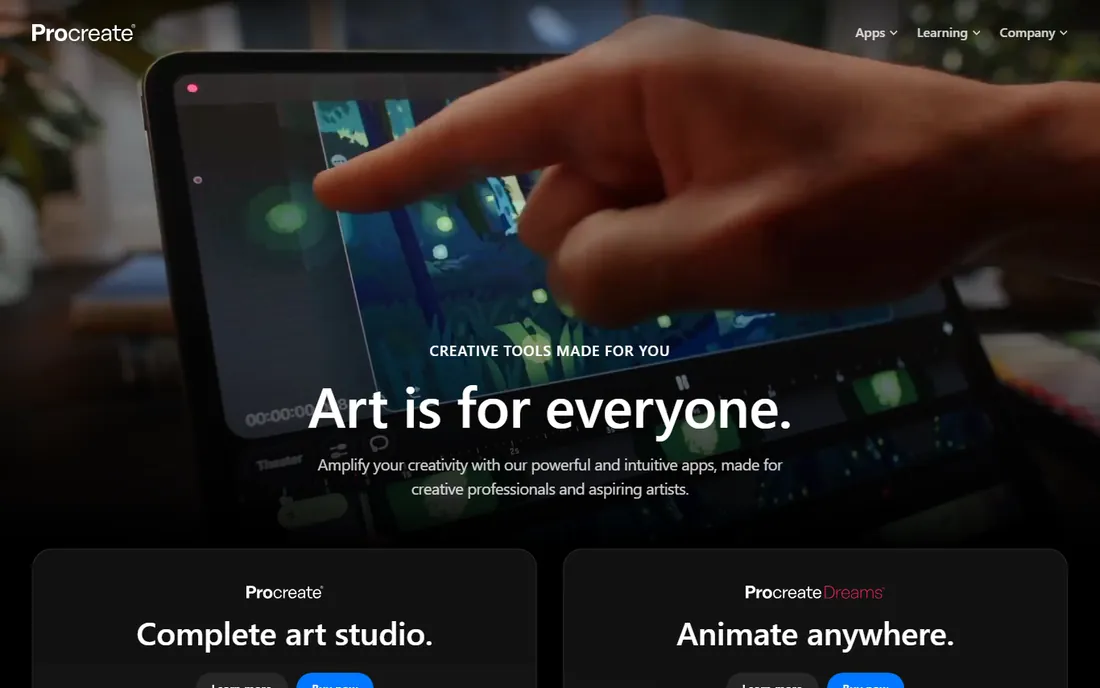
Ask sticker artists on social media what they draw in and most will say Procreate. The brush engine is superb for the hand-lettered, kawaii, and illustrated styles that dominate sticker shops, it is a one-time purchase rather than a subscription, and the community around it produces endless brushes and tutorials.
The technical gap is that Procreate is raster. Your art is pixels, not paths, which means die-cut lines and final print prep need a second app like Illustrator, Inkscape, or Affinity. Many artists accept this happily: draw in Procreate, finish in vector. Just budget for the two-step workflow.
What we like- Best-in-class brushes for hand-drawn styles
- One-time purchase
- Huge sticker-artist community
Watch out for- Raster only, no true vector output
- Cut-line prep must happen in another app
Starting priceFree
Free planYes
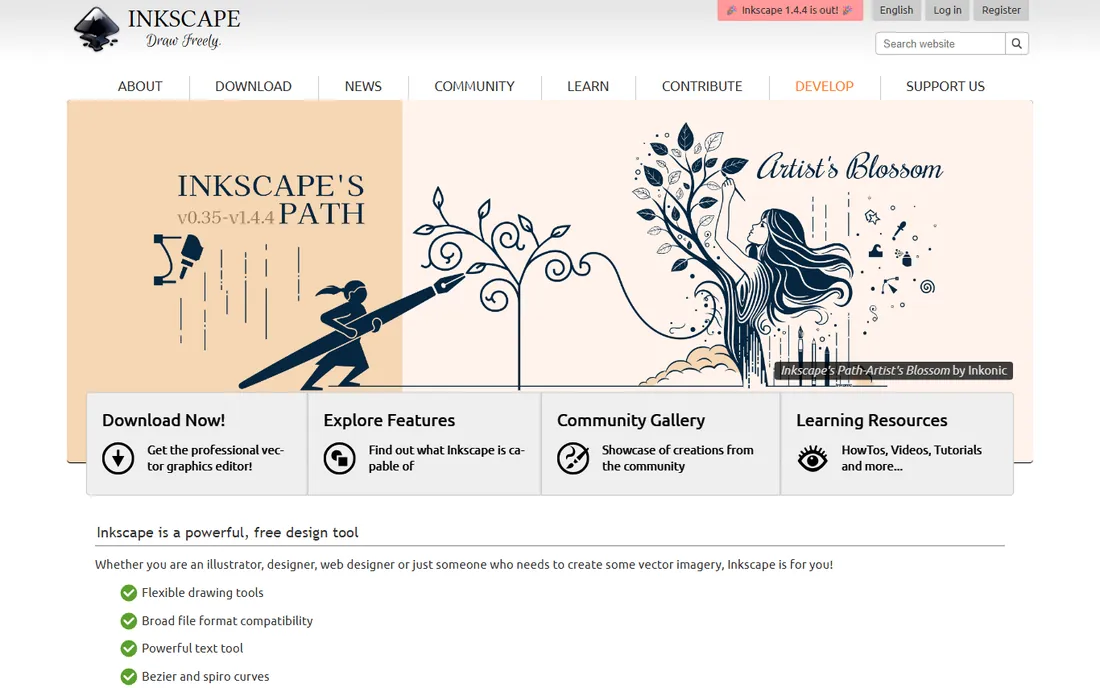
Inkscape is the answer to "what is the free Illustrator for stickers." It handles genuine vector paths, layers, and SVG output, which covers everything a die-cut sticker needs technically: artwork on one layer, cut line on another, exported cleanly. For a seller starting out, it removes the software cost entirely.
The interface shows its open-source roots, and while SVG files are widely accepted, a few old-school shops still ask for AI or EPS. Those are minor frictions. If your budget is zero and your standards are professional, Inkscape is the most capable free option on this list.
What we like- Completely free and open source
- Real vector paths for cut lines
- Runs on Windows, Mac, and Linux
Watch out for- Interface less polished than paid rivals
- Some shops prefer Adobe-native files
Starting priceFree
Free planYes
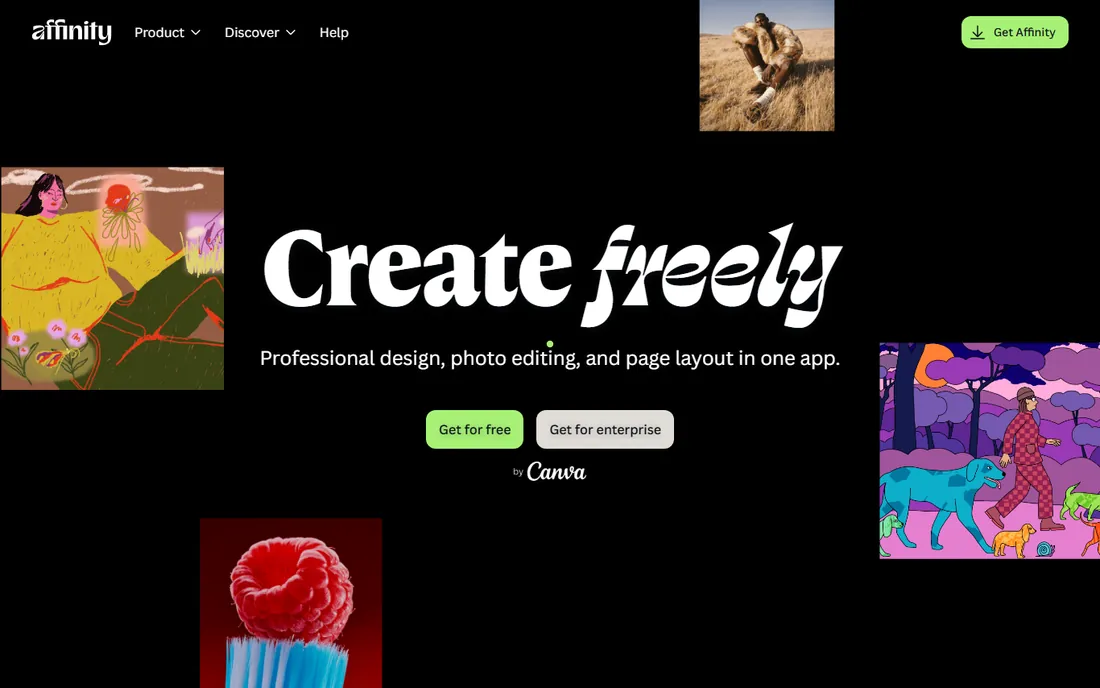
Affinity changed the math for everyone when Canva made the suite free. You now get professional vector illustration in Affinity Designer and raster editing in Affinity Photo for nothing, with a modern interface that many designers prefer to Adobe's. For sticker work, Designer handles paths, layers, and export with real competence.
The ecosystem is still smaller than Adobe's, so expect fewer ready-made sticker templates and tutorials, and some print shops are still learning to accept Affinity files. Export to PDF or SVG to sidestep that. At a price of zero, it is hard to argue with.
What we like- Professional-grade Designer and Photo apps
- Now free under Canva
- Fast and modern interface
Watch out for- Smaller template and tutorial ecosystem
- Print-shop acceptance still catching up
Starting priceSee website
Free planYes
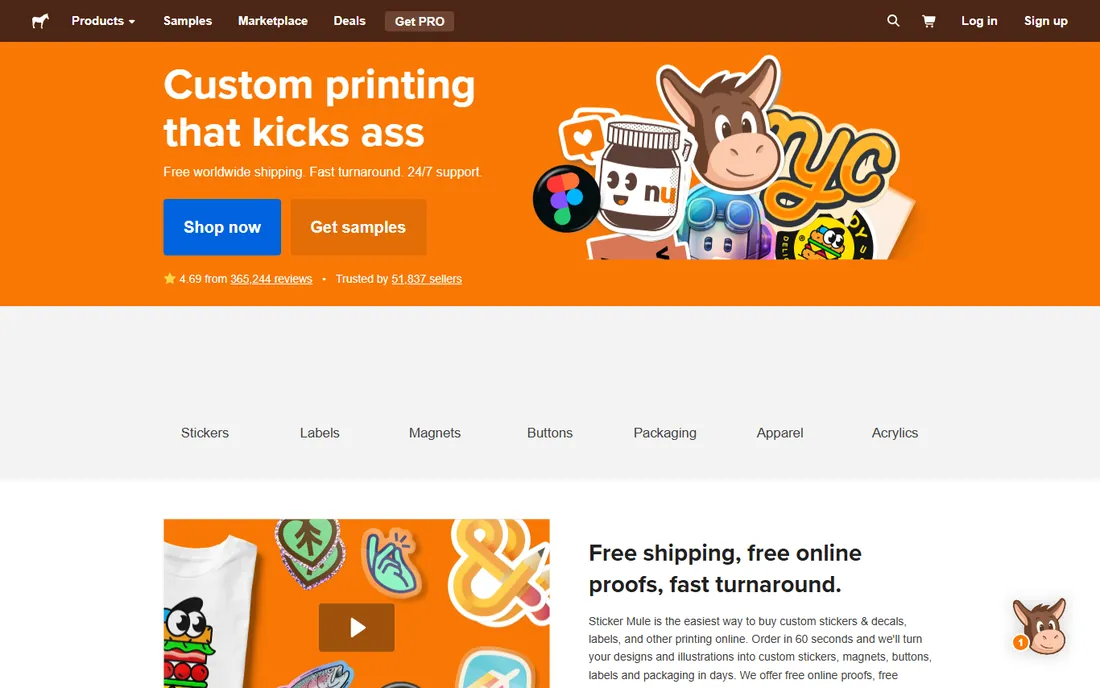
Sticker Mule flips the problem around: instead of preparing perfect files, you use their free browser-based design tools and they handle the technical prep, with free proofs before anything prints. For a first sticker run, this removes every scary word from the process: no bleed calculations, no cut-line layers, no CMYK conversions.
The lock-in is the price. You print with them or the convenience evaporates, and at high volumes a local trade printer will beat their unit costs. But for small runs and first-timers, the combination of design tools and done-for-you prep is the easiest path from idea to a box of stickers.
What we like- Free online design tools
- Free proofing before print
- No file-prep expertise needed
Watch out for- You are locked into their printing
- Unit costs higher than local shops at volume
Starting priceSee website
Free planYes
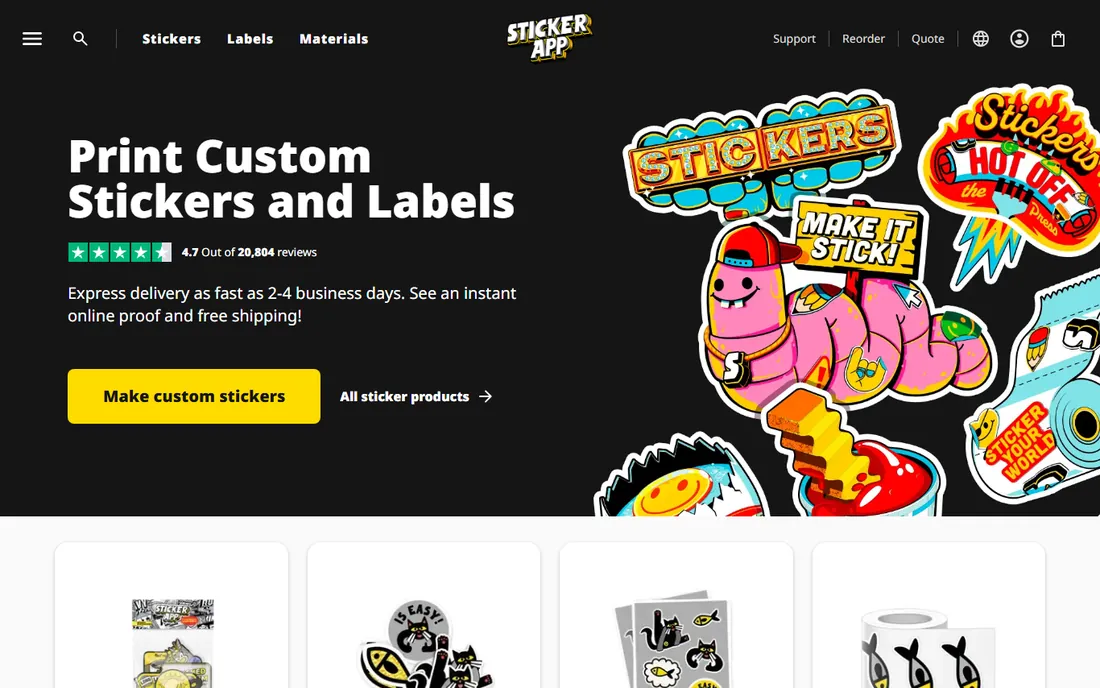
StickerApp is the European counterpart to the design-and-print model, with a free online designer and production geared toward EU customers, which means sane shipping times and no customs surprises for European sellers. Material and finish options are solid, and the proofing process catches file problems before print.
Like Sticker Mule, the convenience ties you to their printing, and their brand recognition outside Europe is lower. If you sell primarily to EU customers, the logistics advantage is real. If you are in the US, compare their landed cost against domestic options before committing.
What we like- Free online designer
- Strong European production and shipping
- Good material options
Watch out for- Locked to their print service
- Less known outside Europe
Starting priceSee website
Free planYes
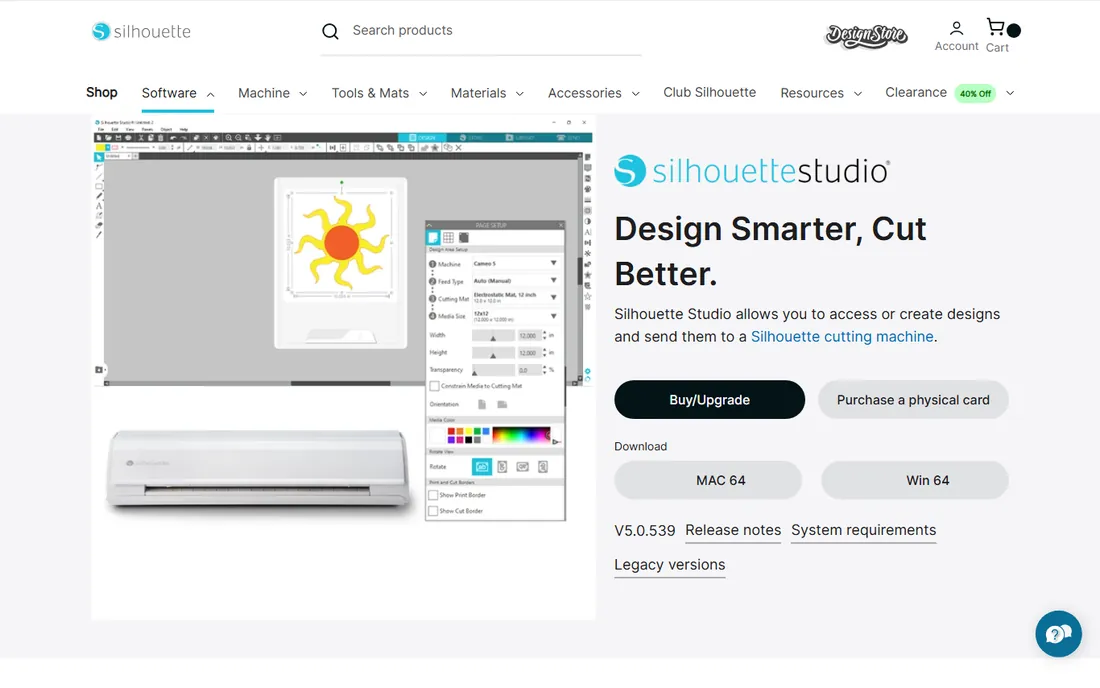
Silhouette Studio is different from everything else here because the output is not a file for a print shop, it is a cut job on your own Silhouette machine. The free Basic edition handles the classic home-sticker workflow: print your design on sticker paper, then have the machine cut around it with registration marks. The trace tool turns existing art into cut lines with minimal fuss.
It is a companion to hardware, not a general design tool. Serious illustration still happens in Procreate or a vector app and gets imported. But for home sticker businesses doing short runs, the print-then-cut loop in one free app is exactly the right tool.
What we like- Free Basic edition
- Print-and-cut workflow for home production
- Trace tool for existing art
Watch out for- Tied to Silhouette hardware
- Design tools basic compared to Illustrator
How to pick sticker design software that prints well
The creative part of sticker design is personal. The technical part is not, and it is where beginners lose money on reprints.
Vector versus raster
Vector artwork scales to any size without losing sharpness, which is why print shops ask for it. Raster artwork from Procreate or Photoshop is fine if you work at high resolution, typically 300 DPI at final size, but it cannot produce the crisp cut paths a die cutter follows. If your shop needs cut lines, you need vector software somewhere in the chain.
Die-cut lines and bleed
A die-cut line is a vector path, usually drawn in a spot color and placed on its own layer, that tells the cutter where to cut. Bleed is extra artwork extending past that line, usually around 3mm, so slight cutting shifts do not leave white edges. Every tool above except Canva and Adobe Express can set these up properly; with those two, expect manual workarounds.
Color modes
Screens use RGB, printers use CMYK, and the conversion shifts colors, especially bright neons and saturated blues. Design in CMYK when your software allows it, or at least soft-proof before ordering. This is the single most common cause of "the colors look wrong" complaints.
The print shop handoff
Before you design anything, ask your shop for their file spec: accepted formats, bleed size, cut-line color, and color mode. Designing to the spec takes an hour. Redesigning after a rejection takes a weekend. The tools on this list all export PDF and SVG, which covers nearly every shop.
Print shops are not being difficult when they reject files; they are protecting you from a bad print run. PDF is the safest universal handoff, because it preserves vectors, layers, and color profiles in one file. SVG works well for vector-only artwork and is Inkscape's native strength. High-resolution PNG at 300 DPI is acceptable for art with no cut paths, which covers many simple stickers ordered through online printers.
What shops do not want: low-resolution JPEGs pulled from social media, screenshots, and files with the cut line baked into the artwork layer. Name your layers clearly, keep the cut path as a separate stroked path rather than a filled shape, and outline your fonts or include them. A clean file gets printed faster and often cheaper, because nobody at the shop has to fix it.
How we chose
We reviewed vendor pricing pages and documentation, then checked real-world usage against public reviews on G2 and Capterra and against working sticker artists discussing workflows on Reddit. We weighted vector capability, die-cut and prepress features, print-shop file acceptance, price, and fit for different skill levels, from first-timers to production shops. We included both design software and print-shop design tools because buyers search for both when solving the same problem. We did not claim hands-on testing of any product.
Frequently asked questions
Do I need vector software to design stickers?
Not always, but usually. Simple stickers ordered through online printers can be made from high-resolution raster files. Anything with a custom die-cut shape needs vector cut paths, and most trade printers prefer vector artwork throughout. If you plan to sell stickers beyond a first test run, learning basic vector skills pays off quickly.
What exactly is a die-cut line?
It is a vector path that tells the cutting machine where to cut the sticker shape. It is typically drawn as a stroked path in a spot color, placed on its own layer, separate from the artwork. Kiss-cut stickers cut through the vinyl but not the backing paper; die-cut stickers cut all the way through. Your print shop's spec sheet will tell you which one they need.
Can I design stickers on an iPad?
Yes. Procreate is the favorite for hand-drawn sticker art, and Affinity Designer on iPad handles vector work including cut paths. Many artists draw in Procreate and finish cut lines in a vector app. Export at high resolution and confirm your print shop accepts your file format before ordering.
Which tool is best for a complete beginner?
Canva or Adobe Express will get you from zero to a finished design fastest, and Sticker Mule's online tools remove file prep entirely. When you are ready for more control, Inkscape and Affinity are free and teach real vector skills that transfer to Illustrator later.
Should I design the stickers myself or use the print shop's design service?
Design it yourself if you have a distinct style or plan multiple products; the skill compounds. Use the shop's service for one-off runs, text-based designs, or when file specs intimidate you. Many sellers do both: self-designed art, finished with the shop's free proofing.
Sources we checked (10)
- https://www.adobe.com/products/illustrator.html
- https://www.coreldraw.com
- https://www.canva.com
- https://business.adobe.com/products/express-business.html
- https://procreate.art
- https://inkscape.org
- https://www.affinity.studio
- https://www.stickermule.com
- https://stickerapp.com
- https://www.silhouetteamerica.com/silhouette-studio
Is your product missing or out of date?
We review this list regularly. Vendors can request a listing, send updated pricing or ask about featured placement.

Shihab Mia · Founder, Rankite
Shihab has spent more than a decade helping SaaS and e-commerce brands grow through search. He writes Rankite's software buying guides from pricing pages, documentation and public user reviews. More about Shihab.