How we make this list: we compare pricing pages, product documentation and public user reviews. Rankite is independent; if a vendor ever pays for a featured spot, that listing is clearly labeled Partner.
Key takeaways
- SonarQube is the safest default for teams that want code quality and security gates in one place, with a genuinely usable free self-hosted tier.
- Snyk Code and Semgrep are the fastest developer-friendly options; Snyk fits teams already in the Snyk ecosystem, while Semgrep wins for custom rules.
- DeepSource and Codacy suit smaller teams that want automated code review with minimal setup; Codacy is cheaper per seat.
- Checkmarx, Veracode and Black Duck are built for regulated enterprises with compliance deadlines; expect five-figure annual contracts and a longer rollout.
- Qodana is the natural pick for shops standardized on JetBrains IDEs, since it runs the same inspections developers already see.
Quick comparison
| Tool | Best for | Starting price | Free plan |
|---|
 SonarQube SonarQube | Teams wanting quality gates plus security in one platform | $30/month (SonarQube Cloud Developer plan) | Yes (Community Build, self-hosted) |
 Snyk Code Snyk Code | Developer-first security inside the Snyk ecosystem | $25 per developer/month (Team) | Yes (limited) |
 Semgrep Semgrep | Custom security rules and fast CI scans | $35 per contributor/month (Team) | Yes (open source engine and community rules) |
 DeepSource DeepSource | Automated code review with verified autofixes | $30 per user/month (Business) | Free trial (14 days) |
 Codacy Codacy | Affordable all-in-one quality and security | $15 per user/month (Pro) | Yes (Developer tier) |
 Checkmarx Checkmarx | Enterprise AppSec programs with compliance needs | See website | No |
 Veracode Veracode | Attestation and audit-ready security programs | See website | No |
 Qodana Qodana | Teams standardized on JetBrains IDEs | See website | Yes (Community edition) |
 Black Duck (Coverity) Black Duck (Coverity) | Deep analysis for complex and safety-critical codebases | See website | No |
Is your product missing or out of date?
We review this list regularly. Vendors can request a listing, send updated pricing or ask about featured placement.
The best static code analysis software
Starting price$30/month (SonarQube Cloud Developer plan)
Free planYes (Community Build, self-hosted)
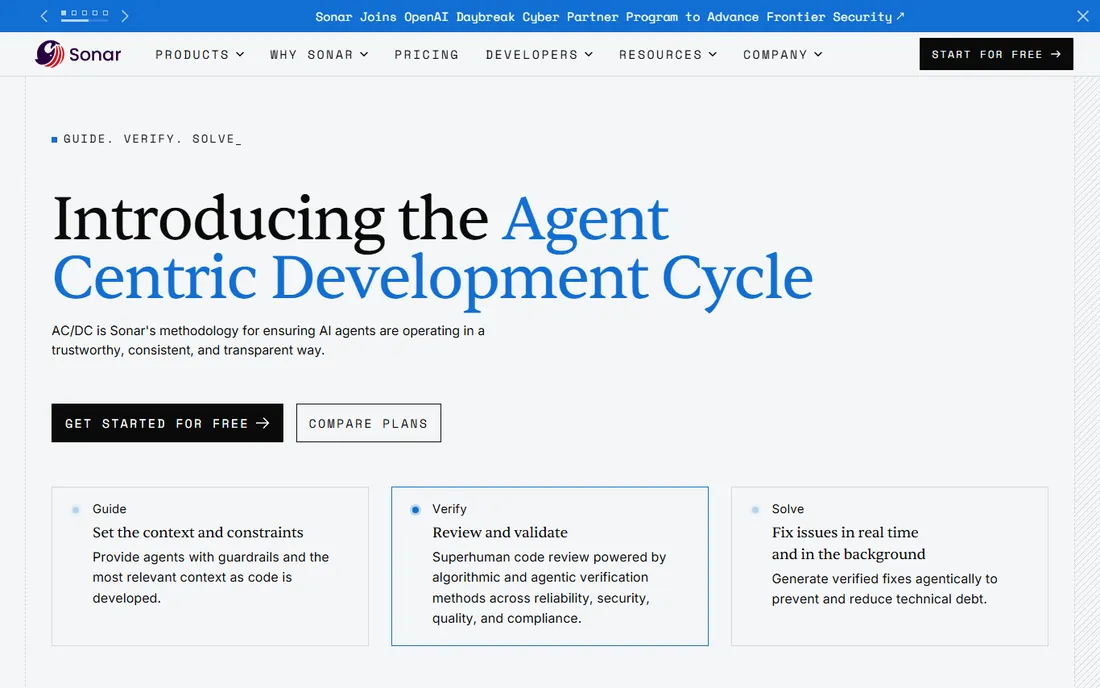
SonarQube is the industry standard for a reason. It combines code quality analysis with security scanning across more than 35 languages, and its quality gates give teams a clear, enforceable definition of done at the pull request level. If your team needs one platform that both developers and auditors can read, this is usually the first name on the shortlist.
The standout is the Community Build: a full-featured, self-hosted free edition with no contributor limits, which makes SonarQube the most generous option in this category by a wide margin. Paid cloud and server tiers add deeper security analysis and the Advanced Security module. The honest catch is operational weight. Self-hosting means maintaining servers and tuning rules, scans can be slower than newer engines, and the UI has not kept pace with the last five years of design trends.
What we like- 35-plus language coverage
- Mature quality gate system
- Generous free self-hosted tier
Watch out for- Self-hosted setup takes real admin effort
- Interface feels dated next to newer rivals
#2
Snyk Code
Best for: Developer-first security inside the Snyk ecosystem
Visit snyk.io
Starting price$25 per developer/month (Team)
Free planYes (limited)
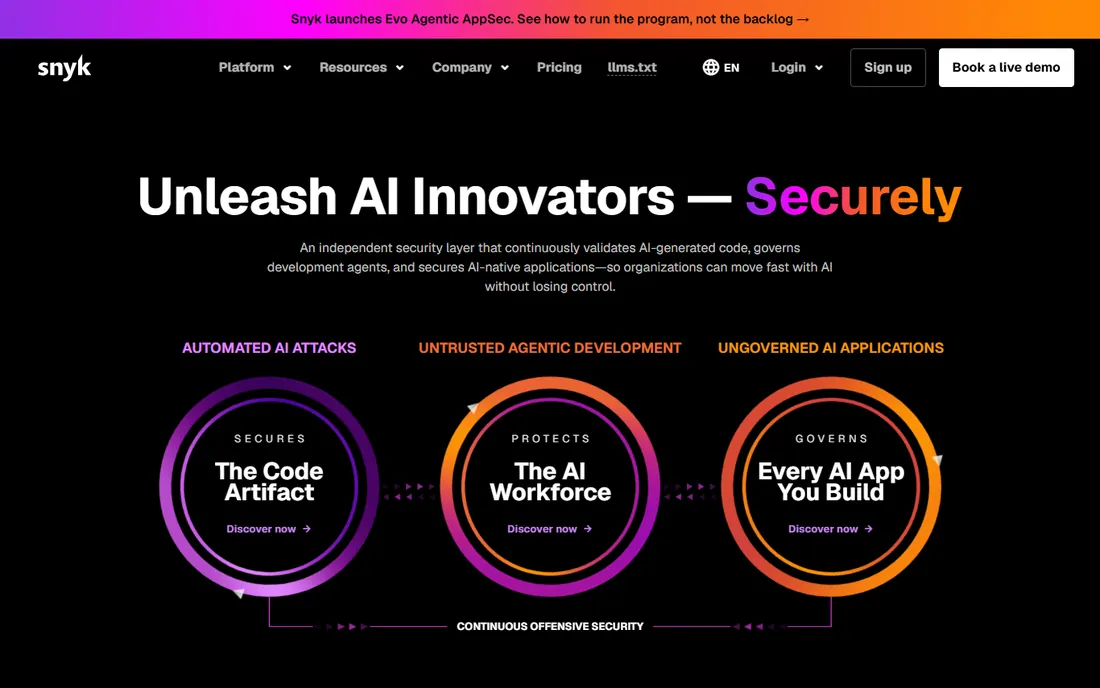
Snyk Code grew out of DeepCode and it still shows in the best way: findings land in seconds, fixes arrive as suggested pull requests, and the IDE plugins are genuinely good. For teams that already use Snyk for open source or container scanning, adding Snyk Code keeps everything in one dashboard with a single workflow for triage.
What it does not try to be is a code quality platform. You will not get the style, complexity and duplication reporting that SonarQube or Codacy provide, so quality-minded teams often pair it with something else. The Team plan at $25 per developer per month is reasonable for security coverage, but it becomes a line item you feel once the engineering org grows.
What we like- Very fast scans with IDE integration
- One-click fix suggestions
- Strong reachability analysis
Watch out for- Security-only focus, not full code quality
- Costs scale linearly with headcount
Starting price$35 per contributor/month (Team)
Free planYes (open source engine and community rules)
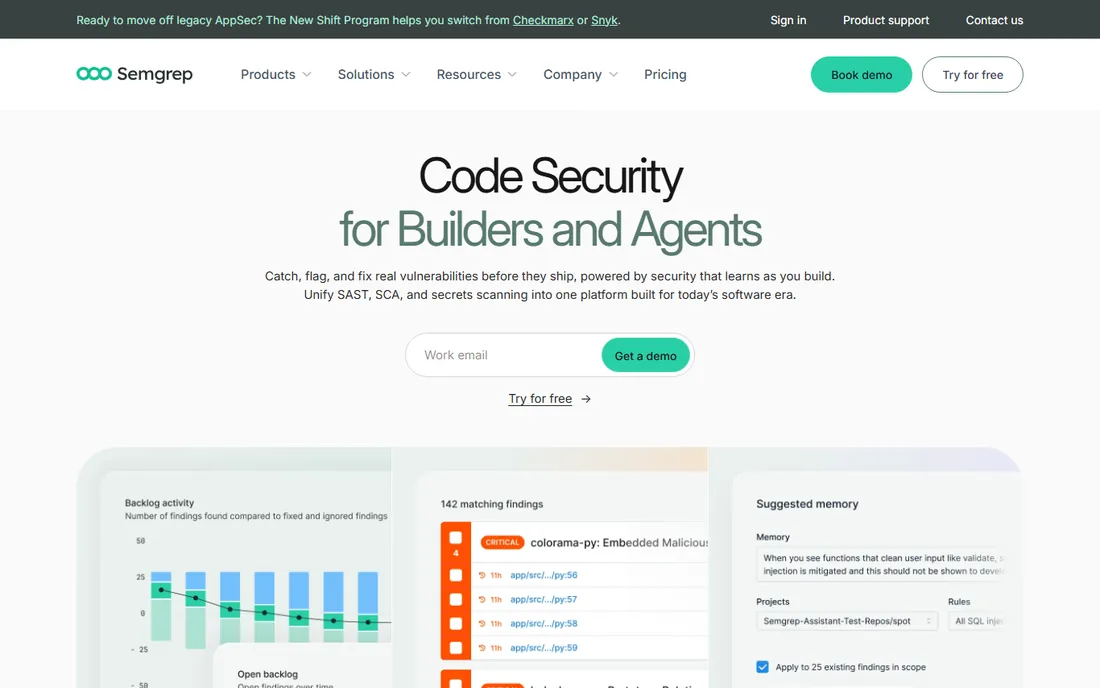
Semgrep is the tool security engineers reach for when off-the-shelf rules are not enough. Writing a custom rule takes minutes, the registry covers common vulnerability classes, and the CLI slots into any CI pipeline. It is also genuinely fast, which makes it one of the few scanners developers will tolerate running on every commit.
The open source edition only performs single-file analysis, so cross-file and cross-function vulnerabilities slip through unless you are on a paid tier. At $35 per contributor per month for the Team plan, it is also pricier than Codacy for teams that want combined quality and security coverage. Buy Semgrep for rule flexibility and speed; buy something else if you need breadth.
What we like- Rules are plain, readable YAML
- Scans finish in seconds
- Large public rule registry
Watch out for- Open source edition misses cross-file vulnerabilities
- Security depth costs more than rivals
Starting price$30 per user/month (Business)
Free planFree trial (14 days)
DeepSource positions itself as an AI code review platform rather than a traditional scanner, and the difference shows in the workflow. It comments inline on pull requests, explains issues in plain language, and its Autofix feature generates verified patches for many findings. Setup takes minutes by connecting a repository, which is a sharp contrast with self-hosted alternatives.
DeepSource joined Harness in 2025, which should add resources but also means watching how the roadmap settles. Pricing starts around $30 per user per month for the Business plan, and there is no permanent free tier, only a 14-day trial. Language support covers the mainstream stack well but trails SonarQube and Codacy at the long tail.
What we like- High-signal findings with low false positives
- Autofix patches many issues
- Strong AI-assisted review
Watch out for- No free tier for ongoing use
- Shallower language support than leaders
Starting price$15 per user/month (Pro)
Free planYes (Developer tier)
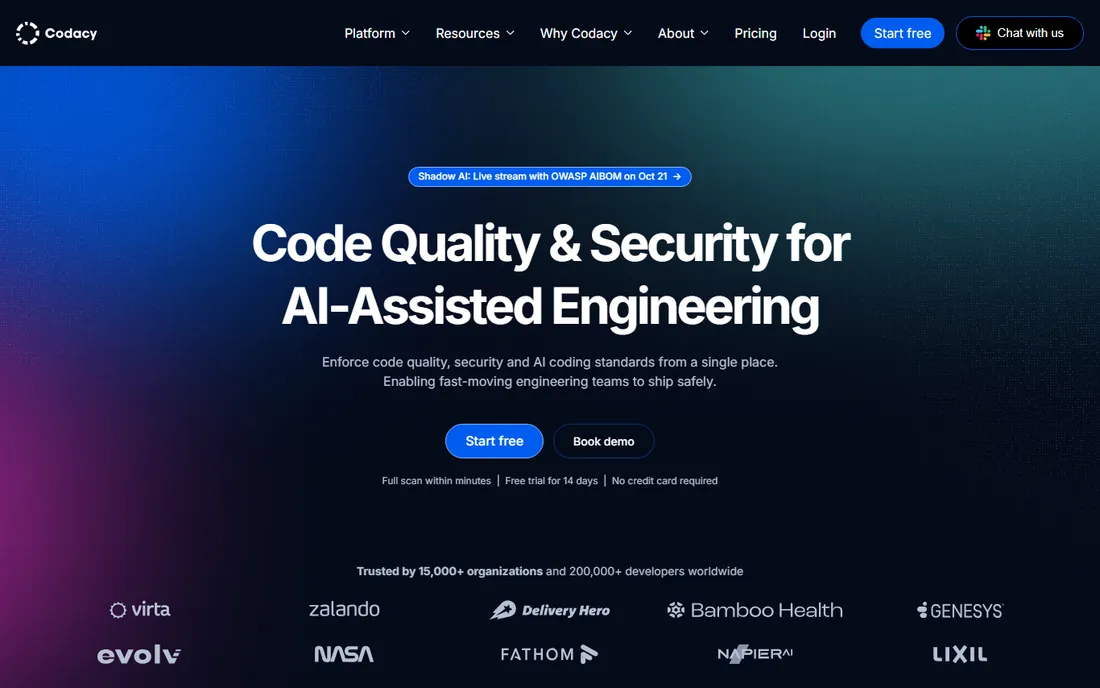
Codacy is the value play in this category. One platform covers code quality, SAST, software composition analysis, secrets detection and even DAST on higher tiers, with a Pro plan at $15 per user per month that undercuts every rival here. The free Developer tier is generous enough for small teams and side projects, and onboarding needs no configuration file.
The trade-off for breadth is depth. Specialist security teams will find Semgrep or Checkmarx offer stronger vulnerability coverage and custom-rule power. Codacy's AI guardrails and IDE extension scan AI-generated code in real time, which is a useful bonus in 2026. For a small or mid-size team that wants one bill and broad coverage, it is hard to beat on price.
What we like- SAST, SCA, DAST and secrets in one platform
- 49 languages
- Cheapest paid tier here
Watch out for- Security depth is broad rather than deep
- Enterprise features sit on higher plans
Starting priceSee website
Free planNo
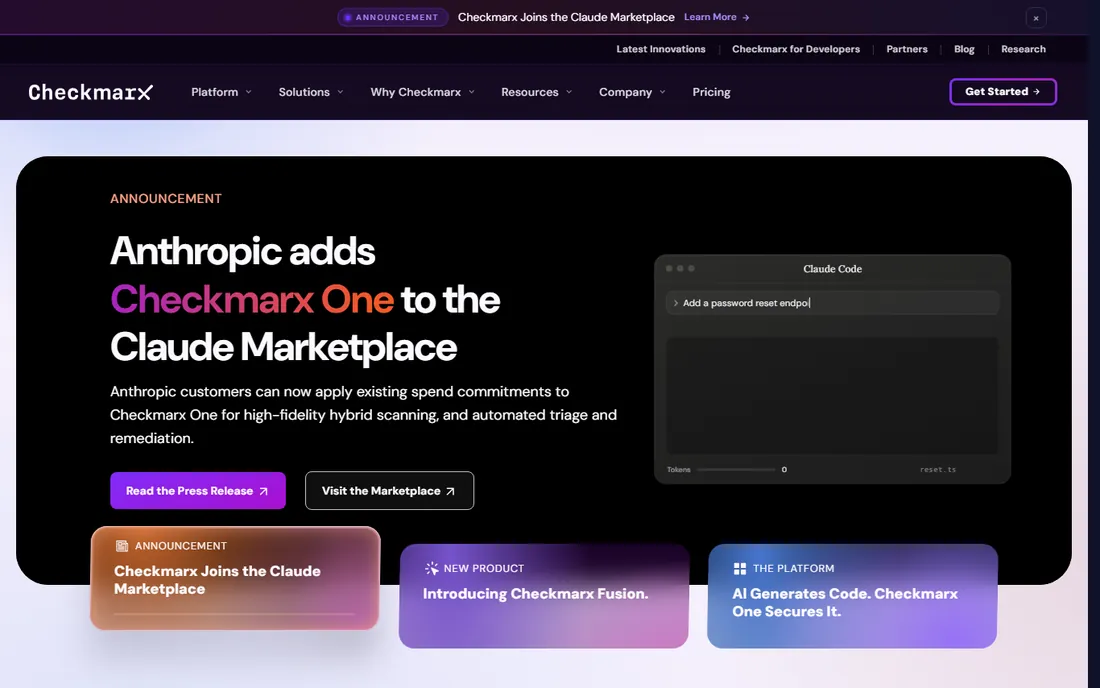
Checkmarx One is the heavyweight option for enterprises that need a complete application security platform. It combines SAST, SCA, DAST, IaC and API security with query-based rules you can tune precisely, and its reporting satisfies auditors at regulated companies. The new Fusion engine blends rules-based precision with AI analysis.
This is not a self-serve product. Pricing is quote-only with minimums commonly reported around $40,000 per year, and implementations involve professional services. Historically, users report medium-to-high false positive rates that require AppSec staff to triage. If your buying criteria include compliance evidence and scale across hundreds of repositories, Checkmarx earns its keep; smaller teams should look elsewhere.
What we like- Deep vulnerability analysis with exploit paths
- Full platform including DAST and SCA
- Audit-ready reporting
Watch out for- Enterprise pricing with high minimums
- Historically higher false positive rates
Starting priceSee website
Free planNo
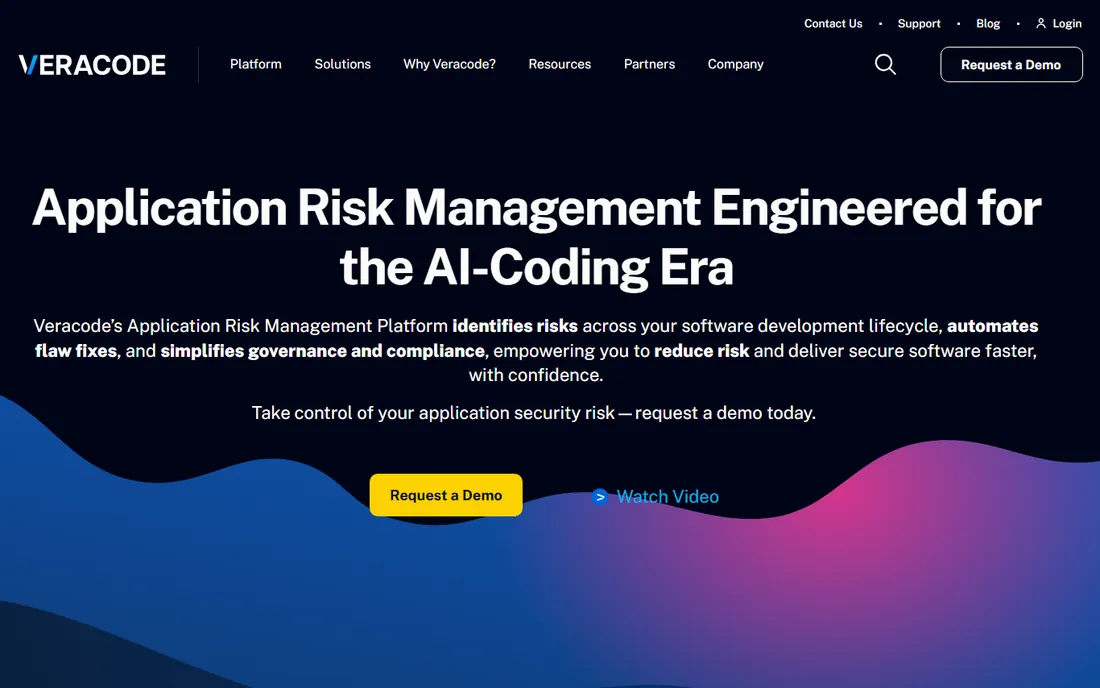
Veracode has served enterprise AppSec teams for years and remains a top pick where attestation matters, such as vendor risk assessments and regulatory programs. Its static analysis can work from compiled binaries, which suits teams that cannot share source code, and it bundles DAST and SCA under one platform with trusted, low-noise findings.
Pricing is quote-only and typically starts in the five figures annually. There is no free tier to evaluate with, so you are buying through sales and a proof of concept. Developer experience lags newer tools: feedback reaches developers through plugins rather than the fast, native pull request flow of Snyk or DeepSource. Choose Veracode for governance and attestation, not for developer delight.
What we like- Binary-level scanning needs no source access
- Strong attestation programs
- Low reported false positive rate
Watch out for- No free or self-serve tier
- Dated workflow compared with developer-first tools
Starting priceSee website
Free planYes (Community edition)
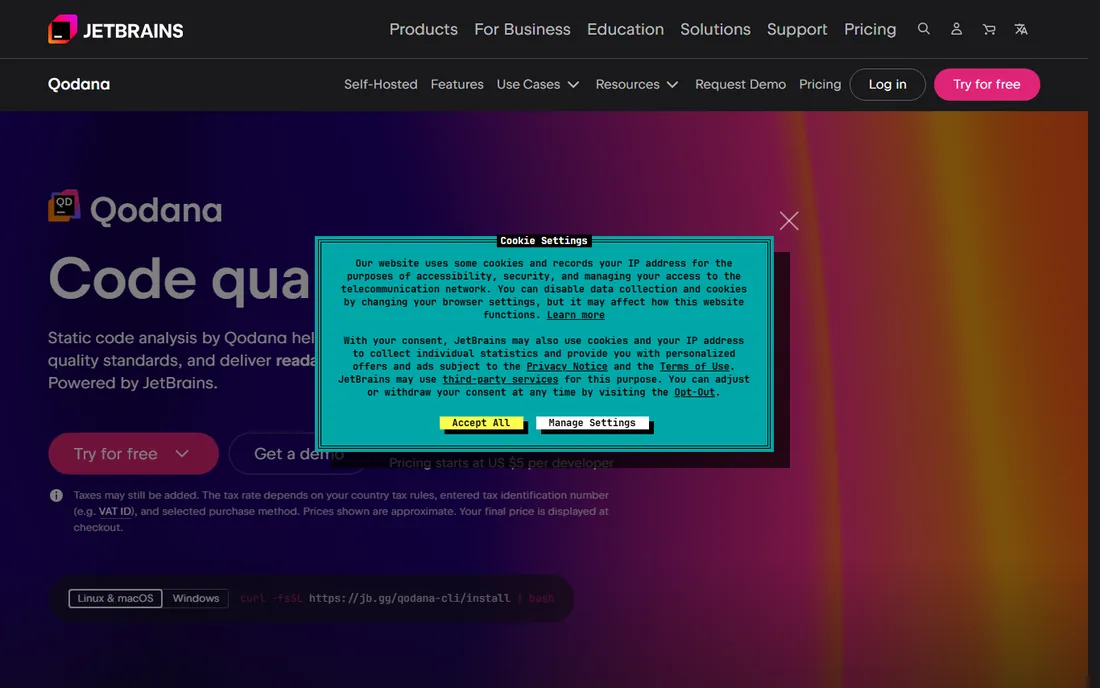
Qodana brings JetBrains' IDE inspections into the CI pipeline, which means the warnings in code review match what developers already see while coding. For shops running IntelliJ IDEA, PyCharm or Rider across the team, that consistency removes the usual friction between local and pipeline analysis. The Community edition is free and covers core inspections.
Outside the JetBrains world, the appeal fades. Its rule library is smaller than SonarQube's, security analysis is less central than at Snyk or Checkmarx, and pricing follows JetBrains' per-developer model. If your team lives in JetBrains IDEs, Qodana is the lowest-friction static analysis you can adopt. If not, the shortlist above gives you more.
What we like- Same inspections developers see in their IDEs
- Easy CI integration
- Free community edition
Watch out for- Best value is locked to JetBrains ecosystems
- Smaller rule library than SonarQube
#9
Black Duck (Coverity)
Best for: Deep analysis for complex and safety-critical codebases
Visit blackduck.com
Starting priceSee website
Free planNo
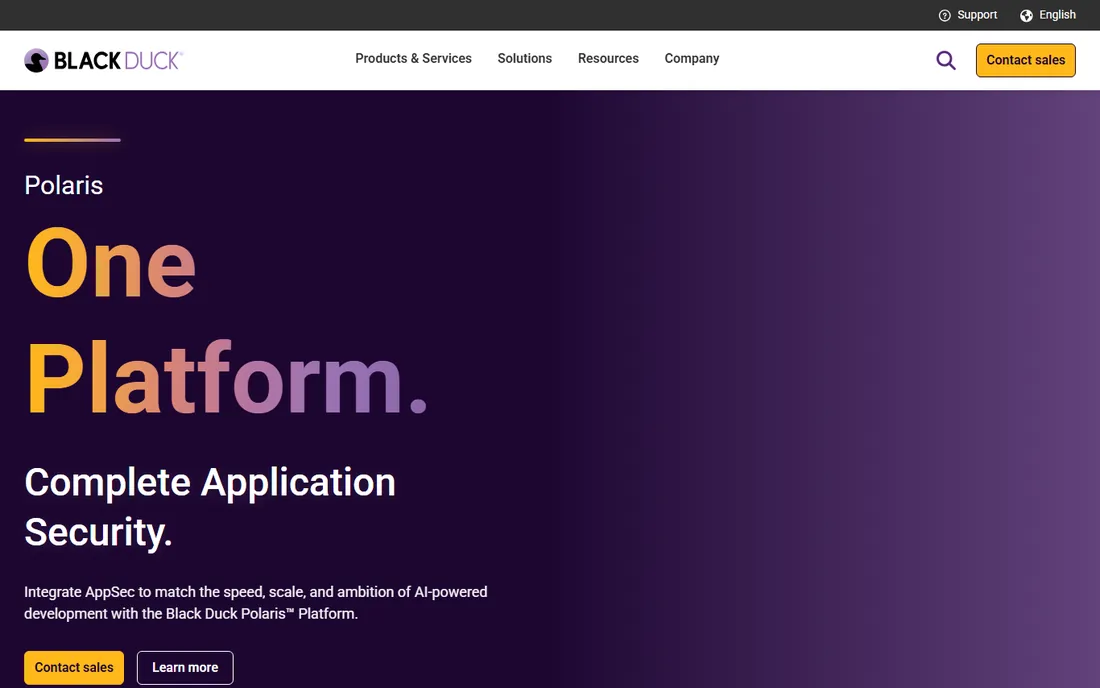
Black Duck, formerly Synopsys' software integrity business, houses Coverity, one of the oldest and deepest static analysis engines. It excels where precision matters most: large C and C++ codebases, embedded systems and safety-critical software where a missed defect has real-world cost. The Polaris platform now unifies Coverity's analysis with Black Duck's open source and license intelligence.
This is firmly enterprise territory: quote-only pricing, a deployment that rewards dedicated AppSec staff, and tuning that takes time. Teams building web apps in TypeScript will get faster value from lighter tools. But when the codebase is millions of lines of C++ and the stakes are high, Coverity's analysis depth is the benchmark everything else is measured against.
What we like- Deepest analysis pedigree in the category
- Strong for C, C++ and embedded code
- Unified with SCA and license data
Watch out for- Quote-only enterprise pricing
- Heavyweight deployment and tuning
How we chose
We built this list from vendor pricing pages, product documentation, public reviews on G2 and Capterra, developer discussions on Reddit and DEV, and each tool's published language and feature coverage. Every tool above exists today and is actively maintained. We weighted developer experience, signal quality, pricing transparency and fit for small and mid-size US companies, while noting where enterprise-only tools make sense. We did not claim hands-on testing; the rankings reflect published capabilities and independent review data.
What to check before you buy
Static analysis fails when it produces noise nobody reads, so start with signal quality, not rule counts. Ask each vendor for their false positive rate on your stack and run a two-week trial on your own repositories. A scanner that flags 200 issues on day one and 190 of them are stylistic nits will train your developers to ignore it.
Then check how findings reach developers. The best tools comment on pull requests, offer one-click fixes and integrate with the IDEs your team already uses. Tools that live in a separate dashboard and email weekly PDFs create a triage backlog that grows every sprint. Also confirm language coverage for your actual codebase, not the marketing list: several tools count a language as supported with only a handful of rules.
Finally, price against headcount growth, not today's team size. Per-developer pricing at $15 to $35 a month feels cheap at ten engineers and becomes a budget conversation at a hundred. Open source and free-tier options like Semgrep's OSS engine, Codacy's free tier and SonarQube's Community Build are worth evaluating first if budget is tight.
The AI-generated code problem
Most of these tools were designed before AI assistants started writing a large share of production code, and AI-generated code has failure modes static analysis historically underweights: hallucinated dependencies, hardcoded secrets, broken authorization logic and subtle business-logic flaws. Codacy's AI guardrails, Semgrep's rules-as-code approach and DeepSource's AI review features address this more directly than legacy scanners.
A practical setup in 2026 pairs a deterministic scanner for the fundamentals with an AI-aware layer for the new risks. Use SonarQube or Semgrep to catch the known vulnerability classes reliably, then add DeepSource, Codacy's AI review or Qodana for the AI-generated surface. And keep a human reviewer on pull requests: no scanner understands your business logic, and that is where the expensive bugs hide.
Frequently asked questions
What is static code analysis?
Static code analysis examines source code without running it, looking for bugs, security vulnerabilities, code smells and style violations. Tools in this category run automatically on pull requests or in CI pipelines and flag issues before code reaches production.
How much does static code analysis software cost?
It ranges from free to six figures a year. Open source and free tiers (Semgrep OSS, Codacy Developer, SonarQube Community) cost nothing for small teams. Paid plans run roughly $15 to $35 per developer per month, while enterprise platforms like Checkmarx and Veracode are quote-only and commonly start in the tens of thousands per year.
Which static analysis tool has the lowest false positive rate?
Snyk Code, Semgrep and DeepSource are frequently cited for low false positive rates in developer reviews, partly because their rule sets are narrower and tuned for signal. Enterprise tools like Checkmarx have historically produced more noise but have improved with newer AI-assisted triage. Always trial on your own codebase, since rates vary by language and ruleset.
Can static analysis tools scan AI-generated code?
Yes, and several now market features for it. Codacy offers AI guardrails and an IDE extension that scans AI-generated code in real time, DeepSource reviews it inline on pull requests, and Semgrep's custom rules let you encode policies against known AI failure patterns like hardcoded secrets.
Do I need both SAST and code quality analysis?
Many teams run both, because they catch different problems. Code quality tools find maintainability issues like duplication and complexity, while SAST tools find exploitable vulnerabilities. Platforms like SonarQube and Codacy combine both; specialists like Snyk Code focus on security alone.
What is the difference between SAST, SCA and DAST?
SAST analyzes your own source code for vulnerabilities. SCA (software composition analysis) scans your third-party dependencies and open source libraries. DAST tests your running application from the outside. Several tools above bundle SAST and SCA, and a few add DAST on higher tiers.
Sources we checked (12)
- https://sonarsource.com/
- https://snyk.io/
- https://semgrep.dev/
- https://deepsource.com/
- https://www.codacy.com/
- https://checkmarx.com/
- https://veracode.com/
- https://www.jetbrains.com/qodana/
- https://blackduck.com/
- https://dev.to/rahulxsingh/7-best-semgrep-alternatives-for-code-security-scanning-in-2026-21pi
- https://cybersecuritynews.com/best-sast-tools-2/
- https://dev.to/entalogics/best-code-security-audit-tools-in-2026-sast-sca-dast-compared-11hj
Is your product missing or out of date?
We review this list regularly. Vendors can request a listing, send updated pricing or ask about featured placement.

Shihab Mia · Founder, Rankite
Shihab has spent more than a decade helping SaaS and e-commerce brands grow through search. He writes Rankite's software buying guides from pricing pages, documentation and public user reviews. More about Shihab.