How we make this list: we compare pricing pages, product documentation and public user reviews. Ratings come from G2, Capterra or Trustpilot, with the date we checked them.
Key takeaways
- Jira remains the default sprint planning tool at scale: free for up to 10 users, Standard from 7.91 dollars per user a month, with the deepest Scrum reporting and marketplace.
- Linear is the speed pick for product engineering teams: cycles that auto roll unfinished work, from 10 dollars per user a month billed yearly.
- Azure Boards is the value pick inside Microsoft shops: the first five users are free, then 6 dollars per user a month.
- The tool matters less than the discipline: capacity honesty, a groomed backlog, and one definition of done decide whether sprint planning works.
Quick comparison
| Tool | Best for | Starting price | Free plan |
|---|
 Jira Jira | Scrum at any scale | $7.91 per user/month | Yes |
 Linear Linear | Fast product teams | $10 per user/month | Yes |
 ClickUp ClickUp | Sprints in an all in one workspace | $7 per user/month | Yes |
 Shortcut Shortcut | Small software teams | $8.50 per user/month | Yes |
 Asana Asana | Cross functional planning | $10.99 per user/month | Yes |
 monday dev monday dev | Teams already on monday | $9 per seat/month | No |
 Azure Boards Azure Boards | Microsoft engineering teams | $6 per user/month | Yes |
 Plane Plane | Open source and self hosting | $6 per user/month | Yes |
Is your product missing or out of date?
We review this list regularly. Vendors can request a listing, send updated pricing or ask about featured placement.
Starting price$7.91 per user/month
Free planYes
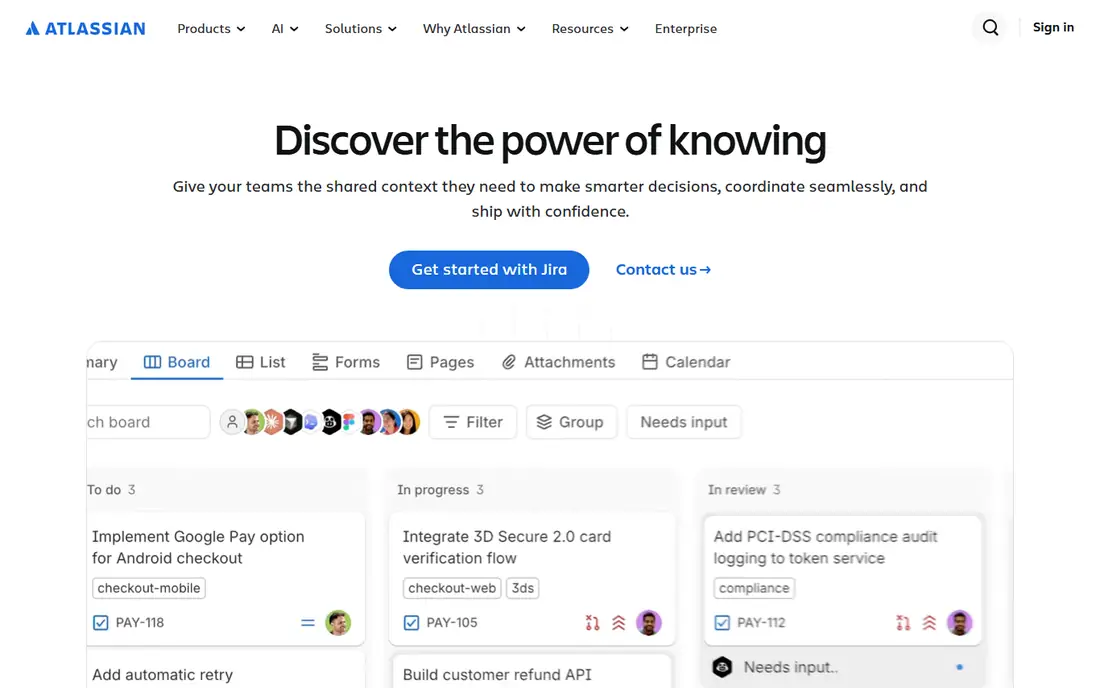
What we like- Jira is the category default for a reason: proper Scrum boards with sprint planning, backlog refinement, velocity and burndown reports, and capacity views, plus a marketplace of thousands of add ons for estimation, time tracking, and test management. It is free for up to 10 users, and Standard starts at 7.91 dollars per user a month, which keeps small teams cheaply inside the ecosystem they will eventually need at scale. Almost every engineer already knows it, which cuts training to near zero.
Watch out for- Configuration debt is the famous tax: custom statuses, screens, and fields multiply until planning needs a part time administrator. The interface still takes more clicks per action than the newer rivals. Advanced roadmapping and cross project planning sit in higher tiers, and automation allowances cap out on lower plans.
#2Linear
Best for: Fast product teams4.6/5 on
G2 (124 reviews, checked Oct 2026)
Visit linear.app
Starting price$10 per user/month
Free planYes
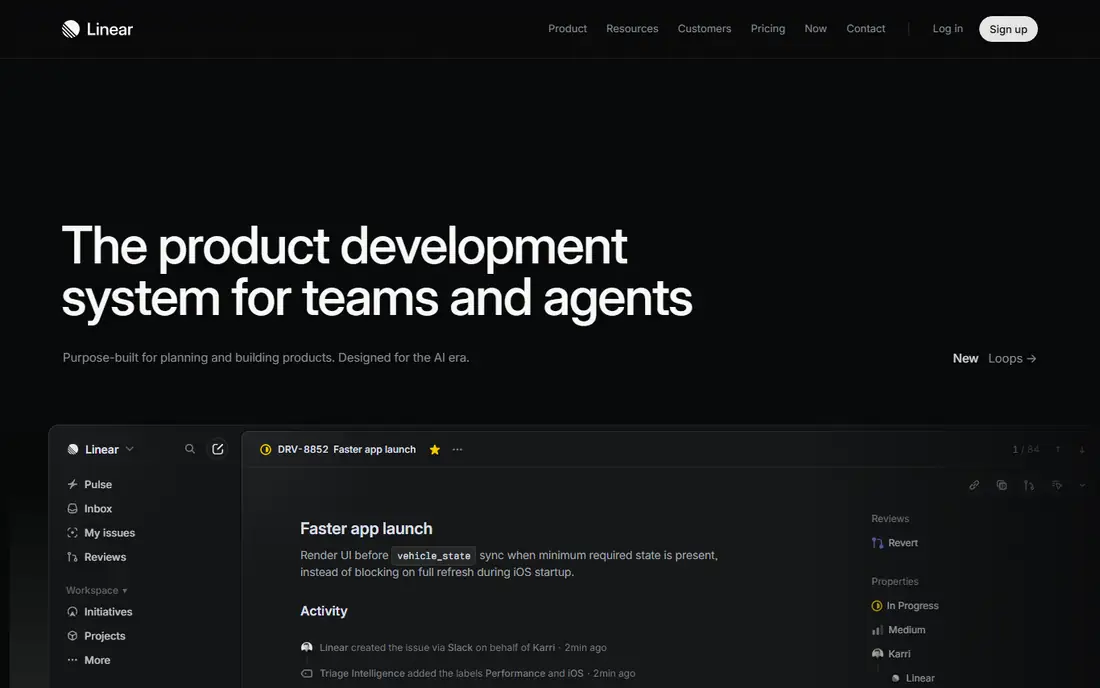
What we like- Linear's cycles are the smoothest sprint mechanic here: unfinished issues roll into the next cycle automatically, triage keeps the backlog honest, and the whole app answers in milliseconds, which quietly changes how often people update tickets. The free plan covers 250 issues and two teams, and Basic costs 10 dollars per user a month billed yearly. Git integrations and project updates make status reporting nearly automatic for engineering led teams.
Watch out for- Linear's opinions are fixed: no per team custom states and limited portfolio roll ups, so complex multi team organisations hit walls. Estimation and capacity planning are lighter than Jira's Scrum toolkit. Non engineering stakeholders often find it sparse compared with Asana or monday.
#3ClickUp
Best for: Sprints in an all in one workspace4.6/5 on
G2 (14,878 reviews, checked Oct 2026)
Visit clickup.com
Starting price$7 per user/month
Free planYes
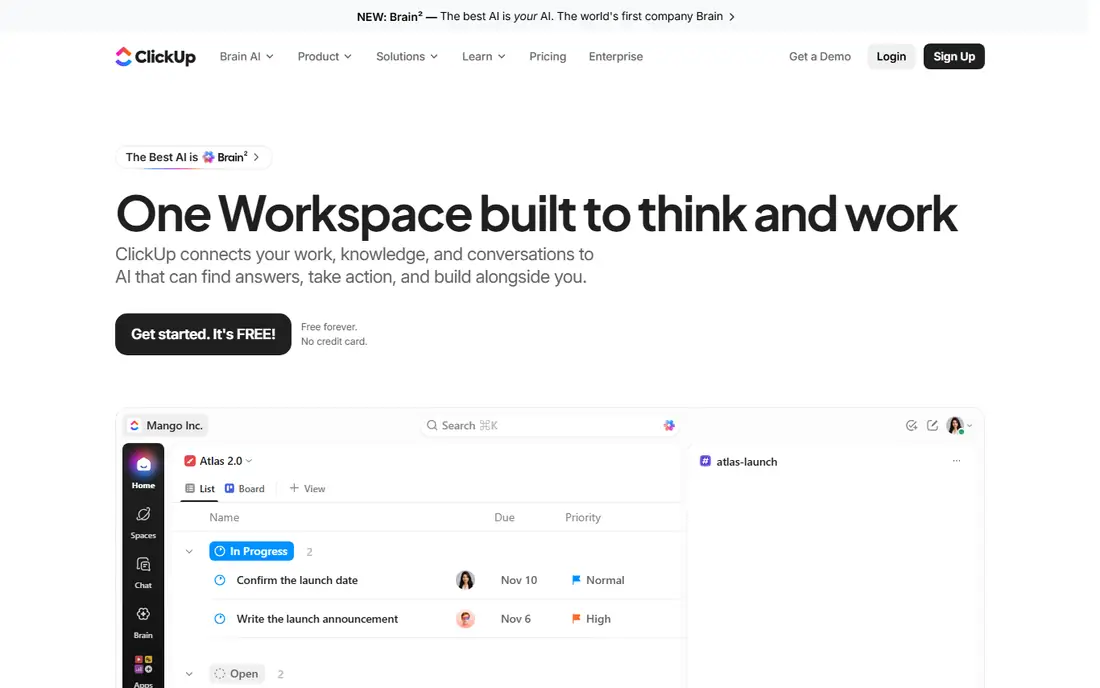
What we like- ClickUp puts sprint planning inside a workspace that also holds docs, whiteboards, goals, and chat, so planning decisions and the work itself share one source of truth. Sprint dashboards, points, and automations cover standard Scrum and Kanban practice, and whiteboard sticky notes convert into sprint ready tasks directly. The Free Forever plan includes unlimited members, and Unlimited starts at 7 dollars per user a month billed annually.
Watch out for- Free and Unlimited tiers cap sprint points uses and omit some sprint cards and automations, so verify your exact ceremony needs per tier. The everything app demands setup discipline
- Undisciplined workspaces become cluttered fast. Performance and interface density draw steady complaints from teams that wanted a tracker, not a platform.
#4Shortcut
Best for: Small software teams4.4/5 on
G2 (177 reviews, checked Oct 2026)
Visit shortcut.com
Starting price$8.50 per user/month
Free planYes
What we like- Shortcut, formerly Clubhouse, was built for software teams that found Jira heavy and Trello thin: stories, epics, and milestones as native layers, iterations for sprint planning, and reports that need no configuration project first. It is free for up to 10 users, and the Team plan costs 8.50 dollars per user a month on annual billing. The roadmap and objectives views connect sprint work to company goals without custom field gymnastics.
Watch out for- Sprint carryover is manual: unfinished stories wait until someone moves them, a small weekly tax Linear automates away. Advanced reporting and SSO sit in higher tiers or add ons. Its ecosystem and integration catalogue are far smaller than Jira's marketplace.
#5Asana
Best for: Cross functional planning4.4/5 on
G2 (13,930 reviews, checked Oct 2026)
Visit asana.com
Starting price$10.99 per user/month
Free planYes
What we like- Asana is the pick when sprint planning includes non engineers: marketing, design, and operations can share timelines, dependencies, and workload views with the product team in one plan. Starter costs 10.99 dollars per user a month billed annually, after a free Personal plan capped at two users. Its workload and capacity views are strong for spotting overloaded people before the sprint commits to their time.
Watch out for- Honesty requires a flag: Asana has no native sprint object, so teams model sprints as projects or sections, and burndown style reporting needs workarounds or integrations. Serious Scrum teams feel that gap weekly. Portfolios, goals, and advanced workload features sit in the Advanced tier above Starter.
#6monday dev
Best for: Teams already on monday4.1/5 on
G2 (10 reviews, checked Oct 2026)
Visit monday.com
Starting price$9 per seat/month
Free planNo
What we like- Monday dev brings sprint boards, backlog, and roadmap views into the monday.com platform many companies already run for operations, with colourful, stakeholder friendly reporting that executives actually read. Basic starts at 9 dollars per seat a month billed annually with a three seat minimum, and sprint management features sit in the Standard tier at 12 dollars. For organisations standardised on monday, adopting its dev product avoids a second platform contract.
Watch out for- There is no free plan, only a 14 day trial, and the three seat minimum applies even to tiny teams. Feature placement matters: confirm the tier that includes the sprint tools you need before budgeting on the Basic figure. Engineering purists find its abstraction further from the code than Linear or Azure Boards.
Starting price$6 per user/month
Free planYes
What we like- Azure Boards is the quiet value in this list: the first five Basic users are free, further users cost 6 dollars per user a month, and it delivers proper backlogs, sprint planning with capacity, burndown, and delivery plans inside Azure DevOps. The trace from user story through branch, pull request, build, and deployment in one service is something no rival matches inside the Microsoft and GitHub world. For Azure shops, it is close to a default decision.
Watch out for- It lives inside Azure DevOps, so it fits engineering organisations, not company wide planning. Stakeholder level access excludes boards and sprint planning, pushing planners onto paid seats. The interface is functional rather than inviting, and teams outside the Microsoft stack gain little from its integrations.
#8Plane
Best for: Open source and self hosting4.6/5 on
G2 (904 reviews, checked Oct 2026)
Visit plane.so
Starting price$6 per user/month
Free planYes
What we like- Plane is the open source answer: cycles with burndown, modules, timeline views, and pages in a Linear style interface that you can run on the vendor cloud or self host, including air gapped deployments for regulated teams. The cloud free plan covers 12 users, and paid plans start at 6 dollars per user a month billed annually, the lowest entry here beside Azure. Native importers from Jira and ClickUp lower the switching cost.
Watch out for- Self hosting means your team patches and updates the tool, a real operational cost the cloud price hides. The product is younger than Jira or Azure Boards, so edge case reporting and integrations are thinner. AI features run on a credit model per seat, which needs monitoring at scale.
How we chose
We shortlisted the sprint tools that October 2026 agile and Jira alternative comparisons from Devplan, SaaSCRMReview, ClickUp, and Plane rank most consistently, and verified per seat pricing against those pricing page surveys. We required a genuine sprint or cycle mechanic, backlog management, and a progress view, which is why general task apps without iterations are absent, and we flagged Asana's workaround status openly rather than pretending parity. Free plan limits are stated as published, since a two user or 250 issue cap decides real evaluations.
Start from your team's actual ceremony. A disciplined Scrum team with estimation, capacity planning, and release trains will use Jira or Azure Boards fully and should not apologise for it. A product engineering team that plans in cycles and hates admin should start with Linear or Shortcut and only add process when a real problem appears. Mixed companies where engineering is one voice among many usually land happier on ClickUp, Asana, or monday dev, accepting lighter sprint mechanics for shared visibility.
Run the evaluation as two live sprints, not a demo. Move the real backlog in, plan with real capacity, including holidays and support rotations, and watch three moments: how long planning takes, whether carryover is honest or hidden, and whether the burndown tells the truth by mid sprint. Check the unglamorous costs too: per seat price at your next hiring round, the tier that holds the reports your leadership wants, and export options if you ever leave. A sprint tool should make commitments clearer; if the team starts gaming the board, the tool or the process needs changing, and no migration fixes gaming by itself.
Frequently asked questions
What is the difference between a sprint and a cycle?
Almost nothing in practice. Scrum calls the time box a sprint, usually two weeks, with formal planning, review, and retrospective events. Linear style tools call it a cycle and automate the rollover of unfinished work. The mechanics are the same; the culture around the events differs.
Which sprint planning tool is free?
Jira free covers up to 10 users, Shortcut up to 10, Plane up to 12 on cloud, Azure Boards gives five free Basic users, and Linear and ClickUp offer capped free plans. Asana's free plan suits two people. Most real teams can evaluate two full sprints without paying.
How much does sprint planning software cost per team?
At October 2026 prices, a ten person team pays roughly 60 to 110 dollars a month at entry paid tiers: about 79 dollars on Jira Standard, 70 on ClickUp Unlimited, 100 on Linear Basic, and 30 on Azure Boards after the five free users. Advanced planning and reporting tiers raise each figure, so budget on the tier you will actually use.
Can these tools handle Kanban as well as Scrum?
Yes. Jira, Azure Boards, ClickUp, Shortcut, Plane, and monday dev all run continuous Kanban boards beside or instead of sprints, and Linear teams often mix cycles with a flowing triage queue. If your work is interrupt driven, plan capacity in Kanban terms rather than forcing sprint commitments.
What makes sprint planning fail even with a good tool?
Three habits: committing beyond real capacity, carrying a stale unrefined backlog into planning, and treating estimates as promises to be defended. Tools expose these problems in reports; they cannot fix them. Keep the backlog groomed weekly, plan to about 80 percent of capacity, and review carryover honestly each cycle.
Sources we checked (0)
Is your product missing or out of date?
We review this list regularly. Vendors can request a listing, send updated pricing or ask about featured placement.

Shihab Mia · Founder, Rankite
Shihab has 5+ years in B2B and SaaS SEO. He writes Rankite's software buying guides from pricing pages, documentation and public user reviews. More about Shihab.