How we make this list: we compare pricing pages, product documentation and public user reviews. Ratings come from G2, Capterra or Trustpilot, with the date we checked them.
Key takeaways
- The best strategic planning tool is the one leaders actually open each week, not the one with the longest feature list.
- Goal alignment, KPI dashboards, and status updates matter more than document storage or slide exports.
- Government and nonprofit teams need scorecard reporting and audit trails that general project tools do not provide.
- Quote-only pricing is common in this category, so budget time for sales calls and user minimums.
- Start with one plan, a small set of KPIs, and a weekly review rhythm before adding more plans and dashboards.
Quick comparison
| Tool | Best for | Starting price | Free plan |
|---|
 Cascade Cascade | Goal alignment and dashboards | See website | Free trial |
 AchieveIt AchieveIt | Multi-plan execution tracking | See website | No |
 ClearPoint Strategy ClearPoint Strategy | Scorecard reporting | See website | No |
 Rhythm Systems Rhythm Systems | Weekly execution rhythm | See website | No |
 OnStrategy OnStrategy | Small team planning with guidance | See website | No |
 WorkBoard WorkBoard | OKR tracking at scale | See website | No |
 Perdoo Perdoo | OKR and KPI tracking for mid-size teams | See website | Free trial |
 monday.com monday.com | Flexible planning workflows | See website | Yes |
Is your product missing or out of date?
We review this list regularly. Vendors can request a listing, send updated pricing or ask about featured placement.
The best strategic planning software
Starting priceSee website
Free planFree trial
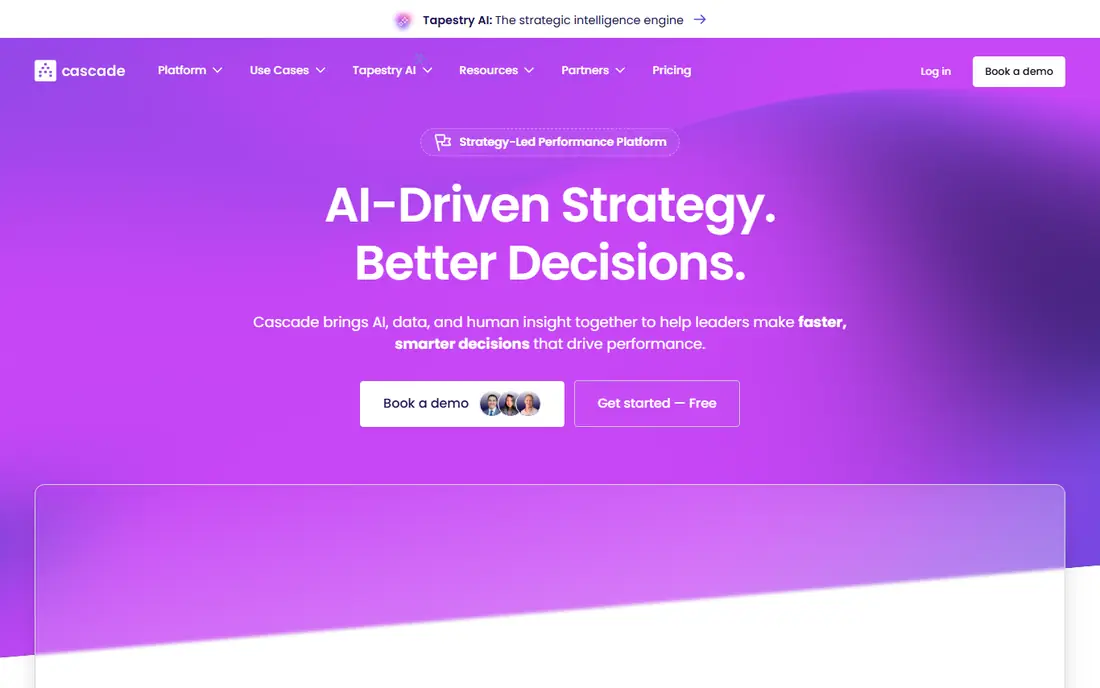
Cascade helps leadership teams see how department goals connect to company goals, instead of keeping strategy in separate documents. Strategy maps show the chain from vision to initiative to KPI, and dashboards update as owners change status. That visibility helps in quarterly reviews, because leaders can see which goals are on track and which need attention without chasing updates by email. Integrations with common work tools also reduce manual data entry.
The cost and setup are the limits. Pricing is often quoted, with user minimums, so small teams may find it expensive for the value they get. Building a good strategy map also takes time and clear decisions about goals and owners. Cascade fits mid-size and larger organizations that have a real strategy to execute across teams, not a small team that only needs a goal list.
What we like- Visual strategy maps
- Alignment across teams
- Dashboards for leaders
Watch out for- Quote-based pricing on many plans
- Setup takes effort for large orgs
Starting priceSee website
Free planNo
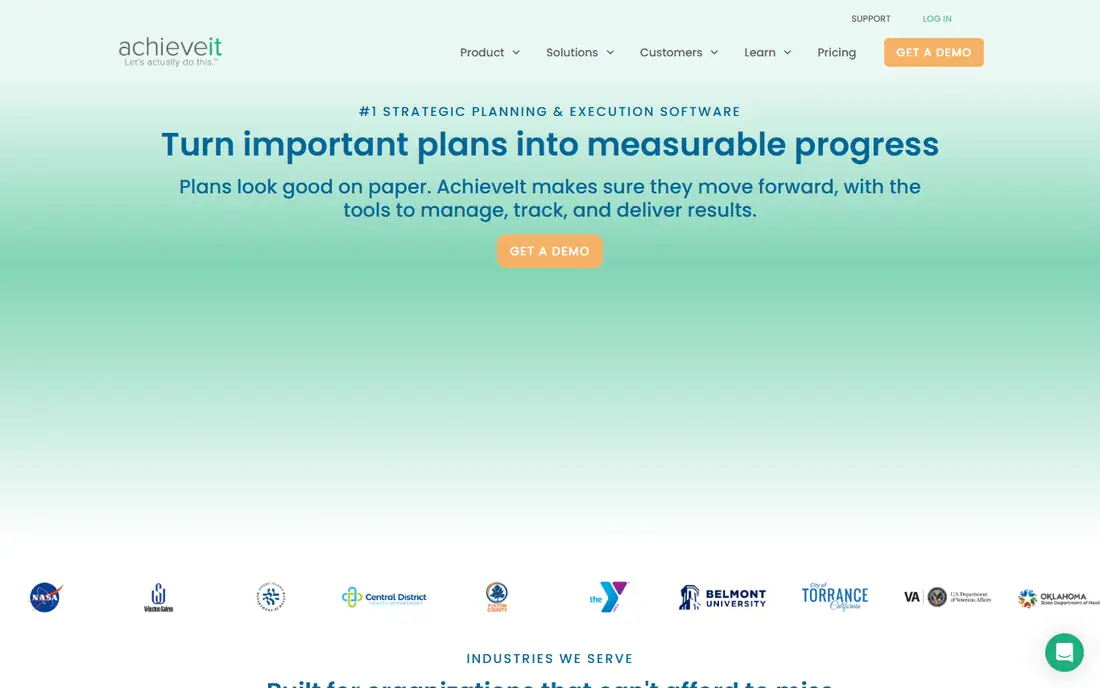
AchieveIt is built for organizations that run several plans at once, such as a corporate plan, a department plan, and a project portfolio. It pulls those plans into one place, so leaders can see progress across the whole organization without opening a dozen spreadsheets. Status updates, owners, and due dates are tracked in a consistent format, which makes executive reporting faster and more reliable. That consistency is the main reason large organizations choose it.
The platform is less visual than Cascade, and some users find the interface dated compared with newer OKR tools. Pricing is quoted, so buyers need a sales conversation to get a real number. AchieveIt fits organizations that value central control and reporting over a polished visual experience, especially in healthcare, government, and education.
What we like- Central plan tracking
- Cross-department rollups
- Clear status reporting
Watch out for- Quote-only pricing
- Interface feels functional rather than modern
Starting priceSee website
Free planNo
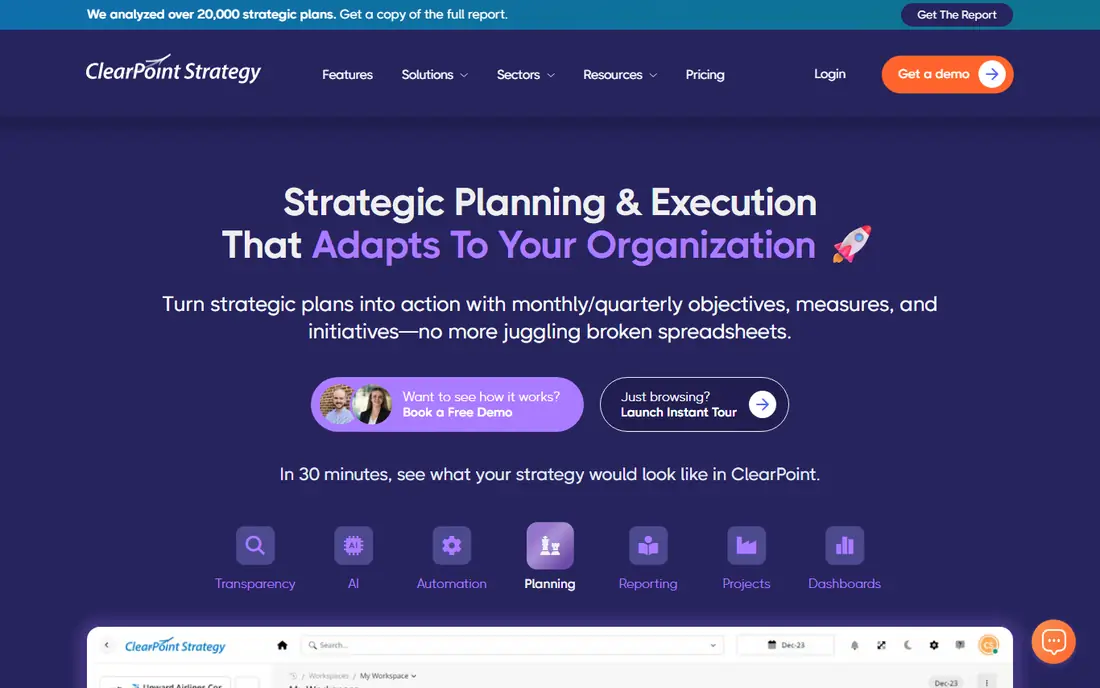
ClearPoint Strategy is the strongest pick for organizations that report with a balanced scorecard or a similar framework. It automates KPI updates from spreadsheets and other sources, builds scorecard reports for boards and councils, and keeps a clear audit trail of changes. Government agencies, nonprofits, and health systems use it to show progress to stakeholders who expect formal, regular reporting. That reporting strength sets it apart from general goal tools.
The trade-off is flexibility for product teams. ClearPoint is built around structured reporting cycles, so a startup that changes goals weekly may find it rigid. Pricing is also quoted, which makes budgeting slower. Choose ClearPoint when board, council, or funder reporting is a core requirement, not when you only need a lightweight OKR tracker.
What we like- Balanced scorecard expertise
- Automated KPI reporting
- Strong government and nonprofit fit
Watch out for- Quote-based pricing
- Less suited to fast-moving product OKRs
Starting priceSee website
Free planNo
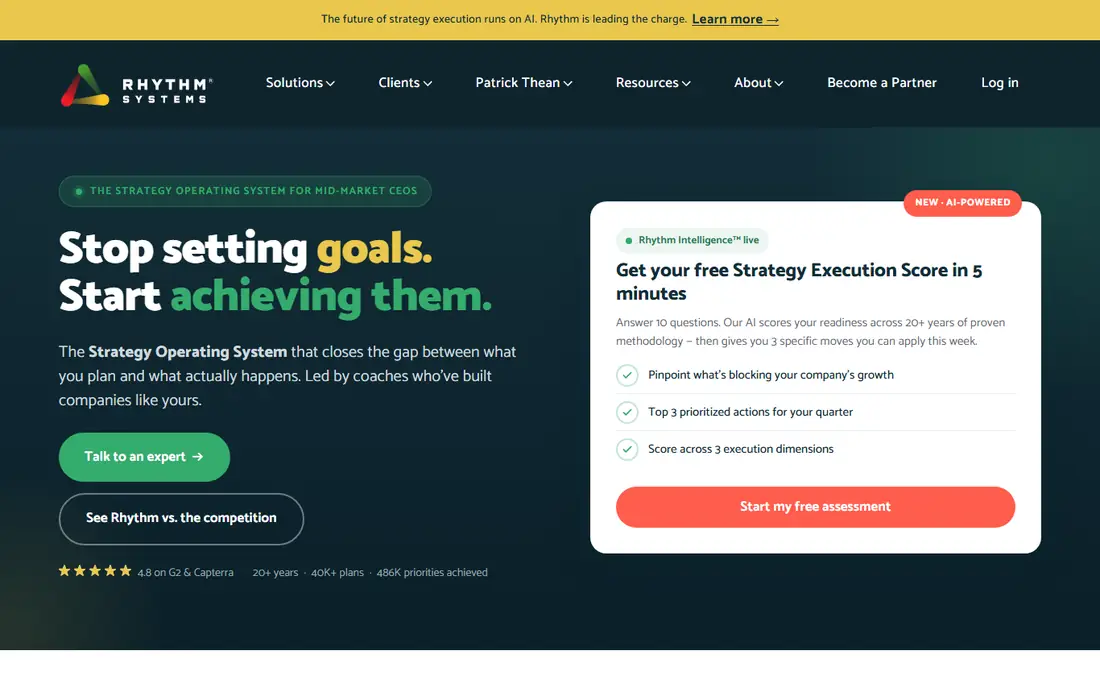
Rhythm Systems pairs software with a specific execution method, built around weekly meetings, quarterly priorities, and clear KPIs. The software guides teams through that rhythm, with dashboards for priorities, KPIs, and individual commitments. Teams that follow the method get a regular habit of reviewing progress and fixing problems early, rather than discovering missed goals at quarter end. The methodology support, including coaching, helps teams that are new to structured execution.
The method is also the limit. Teams that do not want to adopt weekly meetings and quarterly priorities may find Rhythm restrictive. Pricing is quoted, and the full value depends on leaders actually running the rhythm. Rhythm fits mid-size companies that want both software and a proven execution habit, and are willing to commit leadership time to it.
What we like- Weekly meeting rhythm built in
- Clear priorities and KPIs
- Coaching and methodology included
Watch out for- Methodology requires commitment
- Pricing is quoted
Starting priceSee website
Free planNo
OnStrategy targets small and mid-size organizations that need a real strategic plan without enterprise complexity. Templates guide teams through vision, goals, actions, and KPIs, and the software tracks progress in a clear dashboard. That guidance helps a leadership team that has never used strategy software before, because it reduces the blank-page problem. Support and onboarding are also geared to smaller teams.
Larger organizations may outgrow OnStrategy when they need deep integrations, complex rollups, or formal scorecard reporting. The reporting tools cover standard needs, but not the full range of an enterprise platform. OnStrategy fits a first strategy system for a growing company, a nonprofit, or a local government department that wants structure without a long implementation.
What we like- Planning templates
- Guidance for smaller teams
- Simpler setup than enterprise tools
Watch out for- Fewer advanced integrations
- Reporting depth is limited for large orgs
#6WorkBoard
Best for: OKR tracking at scale4.7/5 on
G2 (103 reviews, checked Oct 2026)
Visit workboard.com
Starting priceSee website
Free planNo
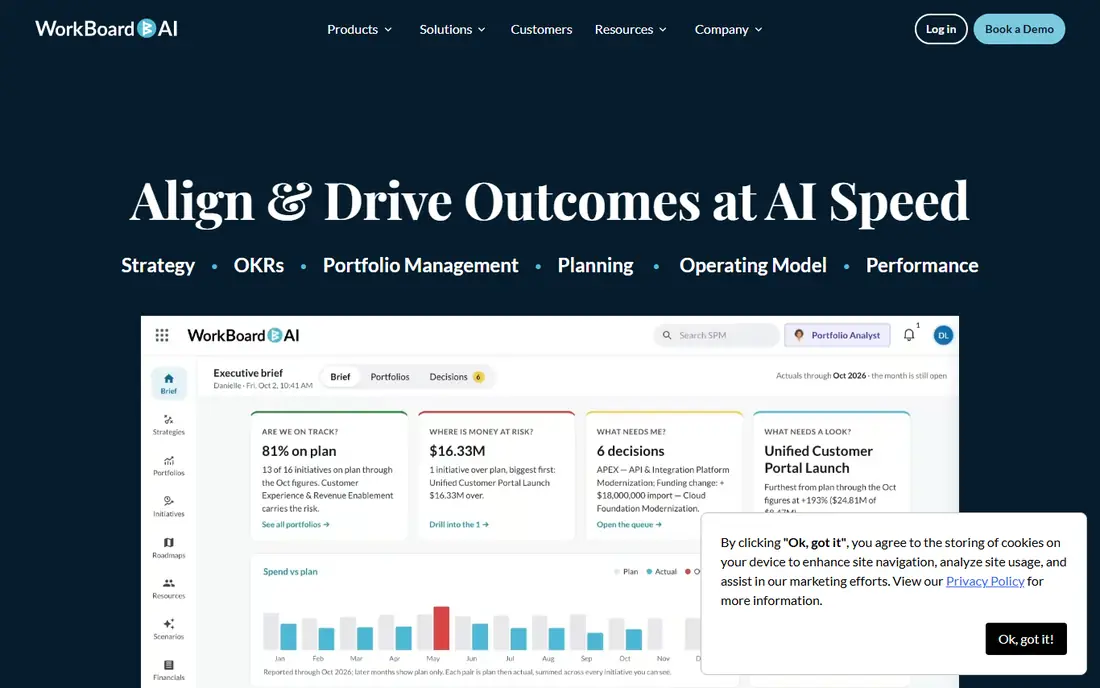
WorkBoard is built for large organizations that run OKRs across many teams and need real-time visibility into progress. Goals, key results, and work items connect in one system, and leaders can see alignment from company objectives down to team commitments. Analytics show which OKRs are at risk, which helps managers intervene before quarter end. Enterprise controls for permissions and reporting support large, distributed teams.
Small teams will find WorkBoard heavy and expensive. The platform assumes a mature OKR practice, with trained managers and regular check-ins. Without that practice, the software becomes another dashboard that nobody updates. WorkBoard fits enterprises that already use OKRs and need scale, not teams trying OKRs for the first time.
What we like- Real-time OKR analytics
- Alignment across large teams
- Strong enterprise controls
Watch out for- Enterprise pricing
- Complexity for small teams
#7Perdoo
Best for: OKR and KPI tracking for mid-size teams4.4/5 on
G2 (549 reviews, checked Oct 2026)
Visit perdoo.com
Starting priceSee website
Free planFree trial
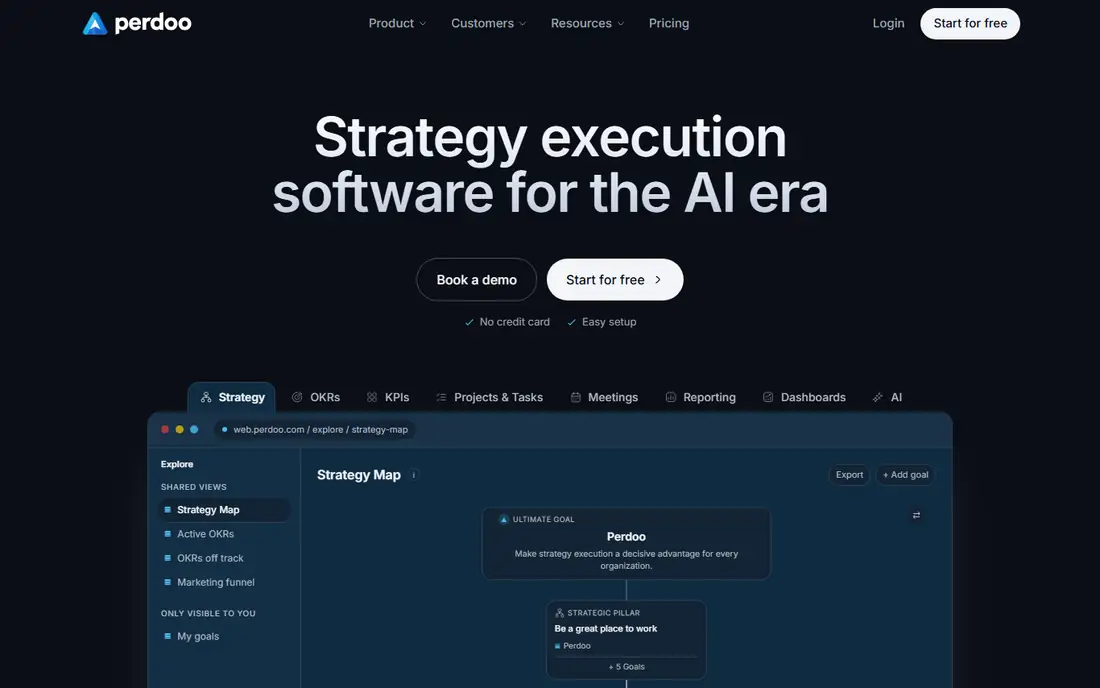
Perdoo offers a focused OKR and KPI tool for mid-size teams that want clarity without enterprise complexity. Company objectives, team OKRs, and KPIs appear in clean views, and progress updates are easy for owners to enter. The simplicity helps adoption, because managers and staff can see their goals and update them without training on a large platform. Perdoo also handles the common case of tracking both OKRs and standalone KPIs in one place.
Customization and integrations are more limited than WorkBoard or Cascade, so teams with complex workflows may hit limits. Reporting covers standard needs, but not deep scorecard or board reporting. Perdoo fits mid-size companies that want a straightforward OKR system and are willing to keep their planning process simple.
What we like- Clear OKR and KPI views
- Simpler than enterprise platforms
- Good for mid-size teams
Watch out for- Fewer customization options
- Integrations are narrower than rivals
#8monday.com
Best for: Flexible planning workflows4.7/5 on
G2 (17,182 reviews, checked Oct 2026)
Visit monday.com
Starting priceSee website
Free planYes
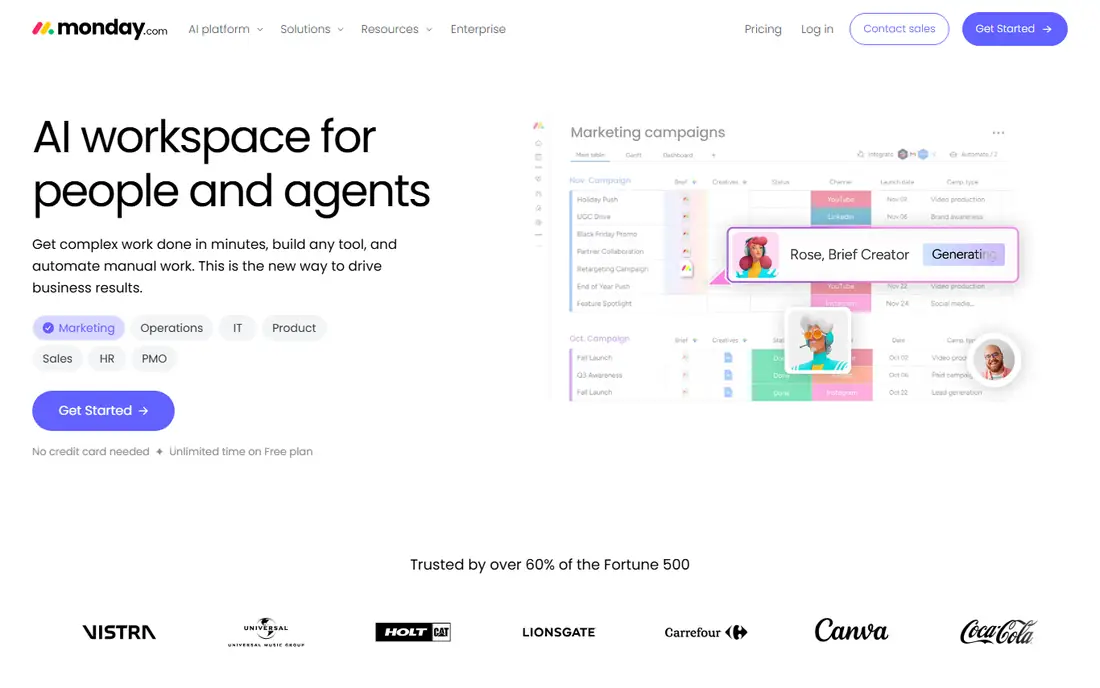
monday.com is included because many teams already use it and can build a strategic planning workflow without buying a new platform. Boards, timelines, dashboards, and automations can track goals, initiatives, and KPIs, and templates speed up setup. The free plan lets a small team start, and the familiar interface helps adoption. For a team that already runs work in monday.com, keeping strategy in the same tool reduces switching and training.
The limit is that monday.com is a work management platform, not a dedicated strategy execution tool. Goal alignment, scorecard reporting, and strategy maps require manual board design, and the system will not guide a team through a planning method. Teams that need formal strategy governance should choose a dedicated tool. monday.com fits teams that want flexibility and already live in the platform, with simple goal tracking needs.
What we like- Highly flexible boards and views
- Free plan for small teams
- Many templates
Watch out for- Not a dedicated strategy platform
- Goal tracking needs manual setup
How to choose without overbuying
Start by writing the plan on one page: vision, three to five company goals, owners, and the KPIs that show progress. Then check which tool can track that plan with the least setup. A tool that needs a consultant to configure a simple plan is the wrong tool for a small team. A tool that cannot roll up department plans is the wrong tool for a large organization. Match the tool to the plan you have, not the plan you hope to have in three years.
Run a pilot with real goals
Pilot with one department and one quarterly cycle. Ask owners to update status weekly, and hold the review meeting inside the tool. Track how long updates take, whether leaders use the dashboard, and whether the report for executives is useful without extra spreadsheet work. If updates take too long or leaders still ask for a separate slide deck, the tool is not fitting your rhythm. A pilot with fake data will not reveal those problems.
How we chose
We compared pricing pages, product documentation, and public reviews on G2, Capterra, and Reddit, focusing on goal alignment, KPI dashboards, status reporting, and fit for different organization sizes. We favored tools with a clear strategy execution model, not only task tracking, and we included a flexible work platform because many teams build planning workflows there. Prices are often quoted in this category, so we used See website where a public starting price could not be confirmed.
Frequently asked questions
What is strategic planning software?
Strategic planning software helps an organization define goals, assign owners, track KPIs, and report progress in one place. It replaces static plan documents with a live view of execution, so leaders can see which goals are on track and which need action. Good tools also support regular review meetings and executive reporting.
How is it different from project management software?
Project software tracks tasks and deadlines for specific work, while strategy software tracks goals, KPIs, and alignment across teams. A project tool can show that tasks are done, but it may not show whether those tasks moved a company goal. Many organizations use both, with strategy software for goals and project software for delivery.
Do small companies need strategic planning software?
Small companies can start with a simple document or a flexible board tool, and move to dedicated software when goals, teams, and reporting needs grow. A dedicated tool becomes useful when leaders spend too much time chasing updates or preparing reports. Buying too early can add cost without adding discipline.
How long does implementation take?
Implementation ranges from days for a simple OKR tool to months for an enterprise scorecard system with data integrations. Time depends on plan complexity, number of users, and whether KPI data must be connected from other systems. A pilot with one team usually reveals the real effort faster than a vendor estimate.
What should a strategy review meeting cover?
A review should cover progress on top priorities, KPIs that are off track, blockers that need leadership help, and decisions for the next period. Keep the meeting focused on a small number of goals, and end with clear owners and dates. A dashboard that nobody discusses in a meeting will soon stop being updated.
Can strategic planning software work for nonprofits and government?
Yes, and several tools on this list are built for that use. Nonprofits and government agencies often need scorecard reporting, public dashboards, and audit trails for boards and councils. ClearPoint, AchieveIt, and OnStrategy all serve those needs, while general OKR tools may lack formal reporting features.
Sources we checked (8)
- https://www.cascade.app
- https://www.achieveit.com
- https://www.clearpointstrategy.com
- https://www.rhythmsystems.com
- https://www.onstrategyhq.com
- https://www.workboard.com
- https://www.perdoo.com
- https://www.monday.com
Is your product missing or out of date?
We review this list regularly. Vendors can request a listing, send updated pricing or ask about featured placement.

Shihab Mia · Founder, Rankite
Shihab has 5+ years in B2B and SaaS SEO. He writes Rankite's software buying guides from pricing pages, documentation and public user reviews. More about Shihab.