How we make this list: we compare pricing pages, product documentation and public user reviews. Rankite is independent; if a vendor ever pays for a featured spot, that listing is clearly labeled Partner.
Key takeaways
- MetaMask is still the default for Ethereum and EVM dApps, but its built-in swap fee (about 0.875%) means heavy traders should swap elsewhere and use it for signing.
- Trust Wallet and Exodus are the easiest multi-chain picks; Trust Wallet wins on mobile breadth, Exodus on desktop polish and portfolio tracking.
- Electrum and BlueWallet are Bitcoin-only and proud of it; choose Electrum for desktop control and multisig, BlueWallet for a clean mobile Bitcoin experience.
- Zengo removes the seed phrase entirely with multi-party computation, which is great for beginners, but advanced features sit behind the paid Pro subscription.
- No hot wallet is the right place for life-changing amounts; pair any of these with a hardware wallet for long-term holdings.
Quick comparison
| Tool | Best for | Starting price | Free plan |
|---|
 MetaMask MetaMask | Ethereum and EVM dApps | Free | Yes |
 Trust Wallet Trust Wallet | Mobile multi-chain management | Free | Yes |
 Exodus Exodus | Desktop-first beginners | Free | Yes |
 Phantom Phantom | Solana and NFT users | Free | Yes |
 Electrum Electrum | Bitcoin power users | Free | Yes |
 Zengo Zengo | People who hate seed phrases | Free | Yes |
 Atomic Wallet Atomic Wallet | No-KYC multi-coin holders | Free | Yes |
 BlueWallet BlueWallet | Bitcoin-only mobile users | Free | Yes |
 Guarda Guarda | Multi-platform access | Free | Yes |
Is your product missing or out of date?
We review this list regularly. Vendors can request a listing, send updated pricing or ask about featured placement.
The best software wallet options, reviewed
Starting priceFree
Free planYes

MetaMask earned its position by being the wallet that DeFi was built around. Nearly every Ethereum dApp, NFT marketplace and Layer 2 network supports it on day one, and its transaction simulation and scam detection have improved meaningfully. If your crypto life revolves around Ethereum, Polygon, Arbitrum, Base or BNB Chain, this is the path of least resistance.
The honest tradeoff is cost and complexity. Downloading and holding cost nothing, but the built-in swap charges about 0.875% on top of gas, which adds up fast for active traders. Most experienced users keep MetaMask for connecting and signing while doing actual swaps on a DEX aggregator. Security-wise, it is a hot wallet like the rest: your safety depends on guarding the secret recovery phrase and verifying every signature. For large holdings, pair it with a Ledger or Trezor, which it supports natively.
What we like- Deepest dApp and DeFi integration anywhere
- Supports EVM chains plus Bitcoin and Solana now
- Huge community and documentation
Watch out for- Built-in swaps carry a 0.875% service fee
- Interface has grown cluttered with trading features
- Frequent phishing sites impersonate it
Starting priceFree
Free planYes
Trust Wallet is the multi-chain generalist. One app covers Bitcoin, Ethereum, Solana, BNB Chain, Tron, TON and more than a hundred other networks, with buying, swapping and staking built in. It is self-custody throughout: keys are generated and stored on your device, and the built-in security scanner checks transactions against known risk signals before you confirm.
Where it stumbles is the fine print. The wallet itself is free, but swaps, buys and perps all route through third-party providers whose fees and spreads vary, so compare the final quote before tapping confirm. Support runs through tickets rather than live chat, which matters when you are stuck mid-transaction. Still, for a phone-first user who holds coins across many chains and wants one recovery phrase instead of five, it is the most complete free option.
What we like- 100+ blockchains in one app with one recovery phrase
- Built-in staking and token swaps
- Security scanner warns on risky transactions
Watch out for- Customer support is ticket-based, not live
- Swap rates come from third-party providers with their own spreads
- Desktop experience is limited to a browser extension
Starting priceFree
Free planYes
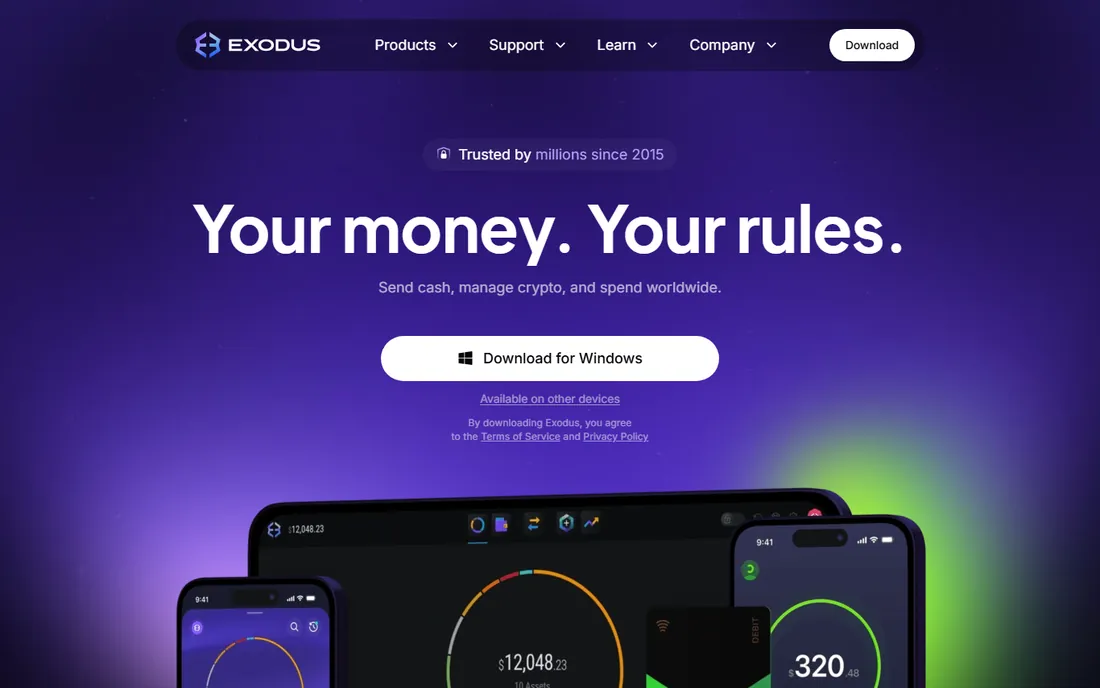
Exodus is the wallet you recommend to someone buying their first Bitcoin. The interface is genuinely pleasant: balances, charts and portfolio performance are front and center, and the same wallet syncs across desktop, mobile and browser extension. The company is publicly listed (NYSE: EXOD) and has been operating since 2015, which is an eternity in crypto and counts for something in trust.
The catch is that convenience has a price. Swaps go through exchange partners with spreads that start around 0.5% and can run higher, so price-sensitive users should compare elsewhere. The code is not fully open source, which bothers the purists, and it lacks the deep DeFi tooling of MetaMask. But for buy, hold, stake and occasionally swap, with real human support available around the clock, it remains one of the friendliest on-ramps in the space.
What we like- Polished portfolio tracking across desktop, mobile and browser
- 24/7 human support
- Integrates with Trezor hardware wallets
Watch out for- Not fully open source
- Built-in exchange spreads can be wide
- Advanced features lag behind DeFi-native wallets
Starting priceFree
Free planYes
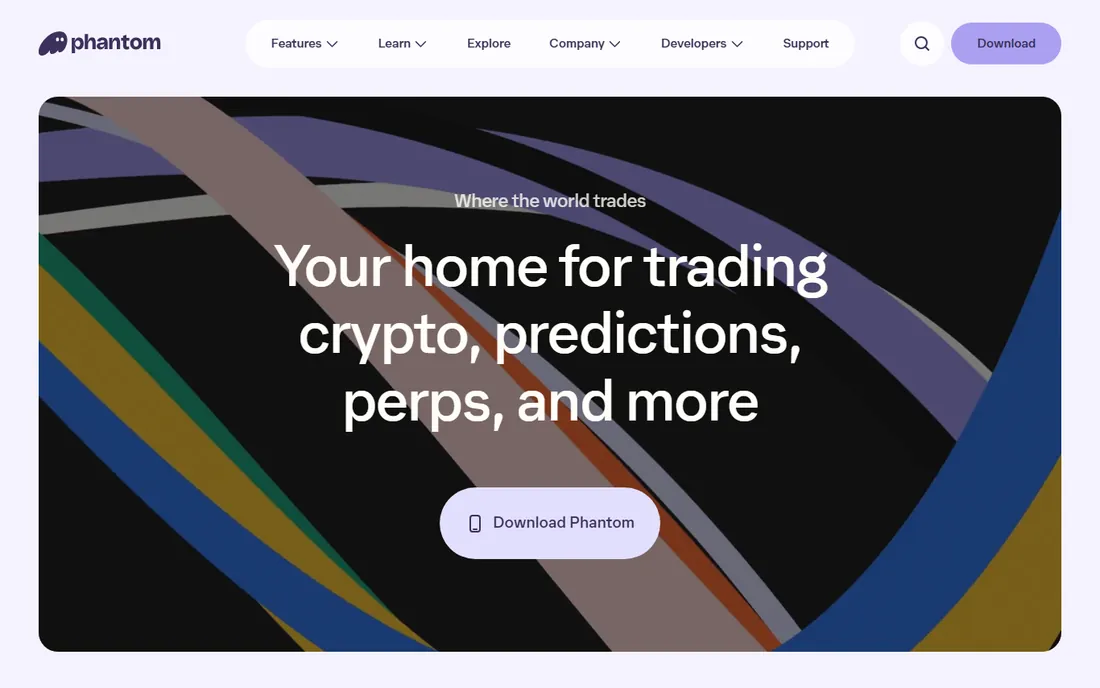
Phantom started as the Solana wallet and did the job so well it became the default way most people touch that ecosystem. NFT management is best in class: collections display properly, spam NFTs get filtered, and the built-in warnings flag malicious contracts before you sign. It has since added Ethereum, Bitcoin, Base and Sui, so it is no longer a single-chain tool.
It is still, at heart, a Solana-first product. If most of your activity is EVM DeFi, MetaMask's dApp coverage is broader. The company has been layering on financial products like a prepaid debit card, which is fine but adds surface area to evaluate. For Solana natives, NFT collectors and anyone who values a fast, clean signing experience, Phantom is the pick.
What we like- Fastest-feeling wallet for Solana with strong NFT management
- Scam and malicious-contract detection built in
- Clean mobile and extension apps
Watch out for- Multi-chain support is narrower than Trust Wallet or Exodus
- Newer features like the debit card add complexity
- Smaller team than MetaMask or Trust Wallet
Starting priceFree
Free planYes
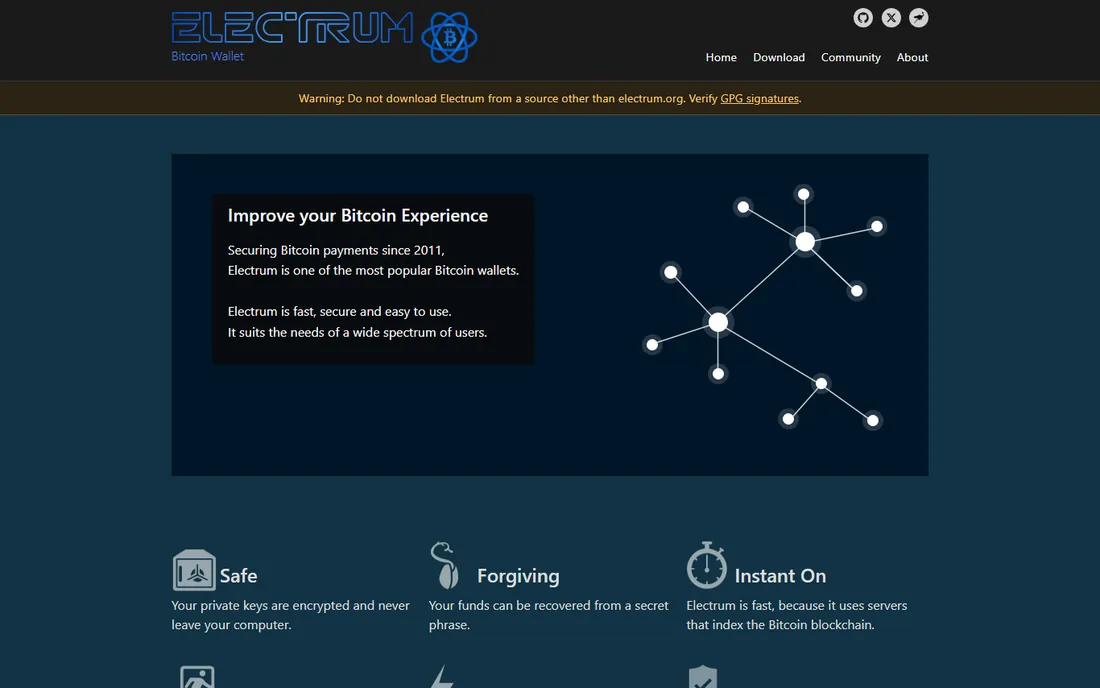
Electrum has been around since 2011, which makes it older than most people reading this article have been in crypto. It does one thing, Bitcoin, and does it with a seriousness the multi-coin wallets cannot match: multisig vaults, offline cold-storage signing, watch-only wallets, coin control and fine-grained fee management. It starts instantly because it queries indexing servers instead of syncing the blockchain.
That focus is also the limitation. There is no Ethereum, no tokens, no swaps, no NFTs, and the interface looks like it was designed by engineers for engineers. If you want a Bitcoin savings account with maximum control and are willing to learn, Electrum is the answer. If you want to tap around on your phone and see pretty charts, look at BlueWallet or Exodus instead.
What we like- Open source and audited by years of use
- Multisig, cold storage and hardware wallet support
- Fast because it uses indexing servers instead of downloading the chain
Watch out for- Bitcoin only
- Dated interface that intimidates beginners
- No built-in exchange or staking
Starting priceFree
Free planYes
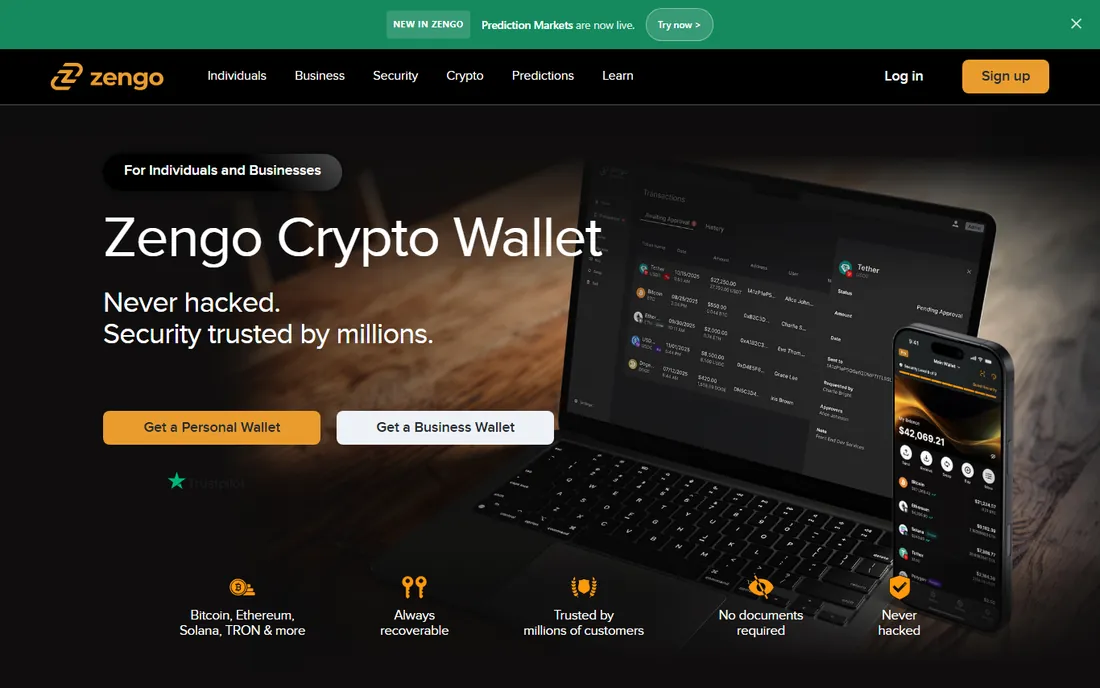
Zengo's pitch is simple: seed phrases are the number one way people lose crypto, so it got rid of them. Instead of one phrase, your key is split using multi-party computation between your device and Zengo's servers, and recovery uses email verification, a 3D FaceLock scan and an encrypted backup file. Setup takes about a minute and there is nothing to write down and hide.
The tradeoff is dependence and upselling. Recovery involves Zengo's infrastructure, which is a different trust model than a pure seed phrase you control alone. The free Essentials tier covers the core wallet well, but the features that make Zengo special for larger holdings, like theft protection and the Web3 firewall, sit behind the optional Pro subscription. For beginners and anyone who has ever lost a recovery phrase, though, it is the most forgiving wallet here.
What we like- No seed phrase to lose, thanks to multi-party computation
- 3-factor recovery with biometrics
- 24/7 in-app human support
Watch out for- Advanced security features require the paid Pro subscription
- Fewer supported networks than Trust Wallet
- Recovery depends partly on Zengo's servers
Starting priceFree
Free planYes
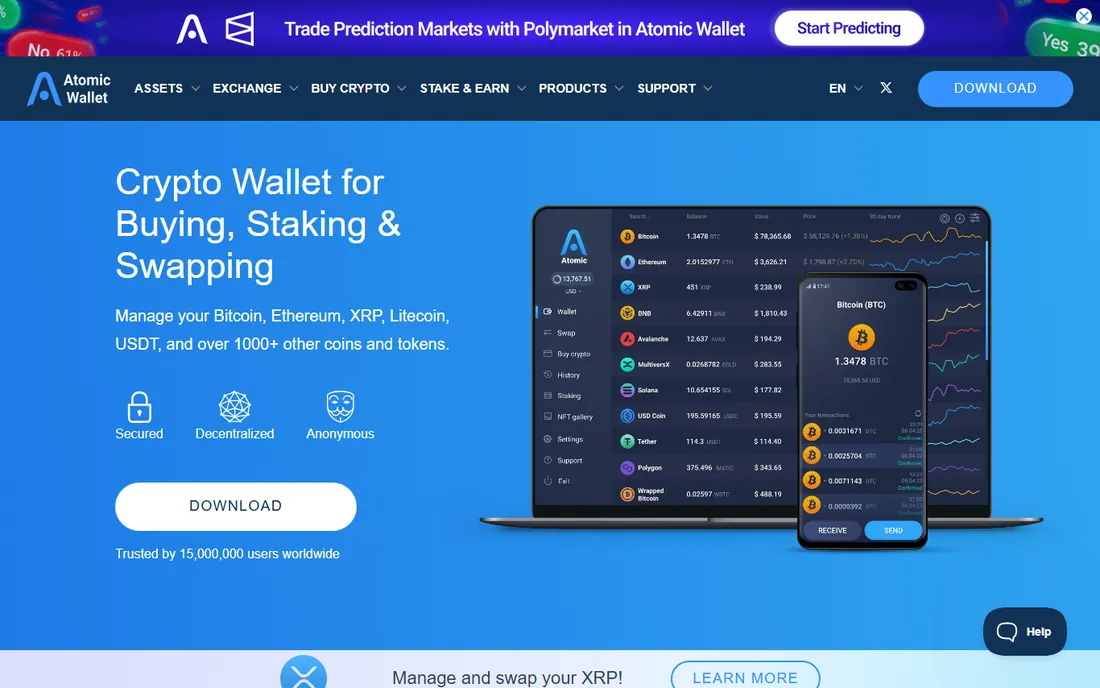
Atomic Wallet is the privacy-leaning multi-coin option: download it, get a 12-word backup phrase, and start managing more than a thousand assets with no account, no email and no KYC for basic use. Staking is built in for a long list of coins, and the instant swap feature covers dozens of pairs without leaving the app.
Two caveats deserve honesty. First, a 2023 exploit drained funds from some Atomic Wallet users, and while the product has continued operating, security-conscious buyers should weigh that history and consider keeping only spending amounts in it. Second, swap rates include spreads that are not always clearly disclosed upfront, so compare large swaps against an aggregator. As a free, anonymous, multi-asset wallet for everyday amounts, it does the job.
What we like- 1,000+ coins and tokens with no account or verification
- Built-in staking with competitive rates
- Desktop and mobile apps plus browser extension
Watch out for- Swap spreads and cashback mechanics are opaque
- Support is email-based
- Past security incident in 2023 still comes up in community discussion
Starting priceFree
Free planYes
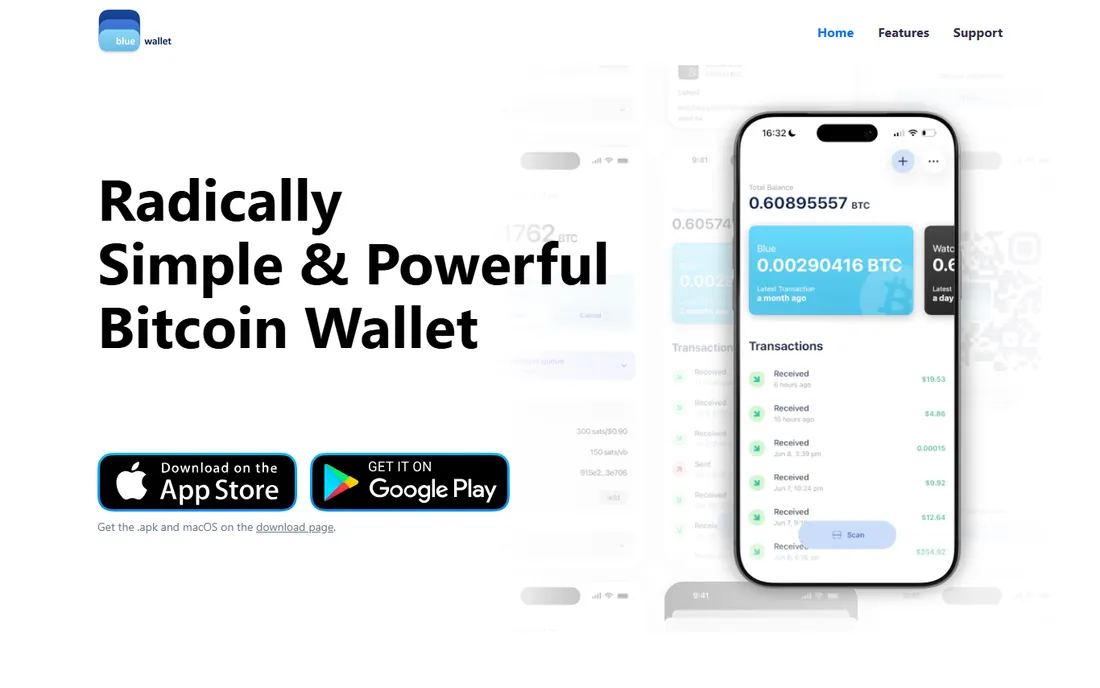
BlueWallet is what you get when Bitcoiners build the wallet they want to use. It is free, open source, and focused entirely on Bitcoin done well: multisig vaults for shared custody, watch-only wallets for monitoring cold storage, coin control for privacy, and full fee management including replace-by-fee and child-pays-for-parent for unsticking slow transactions.
There is deliberately nothing else. No Ethereum, no tokens, no swaps, no staking, no NFT gallery. That purity is the point, but it means BlueWallet works best as part of a setup rather than your only wallet. Pair it with a hardware wallet for savings and use it as your mobile spending and monitoring tool, and it is one of the finest Bitcoin apps available.
What we like- Free and open source with a clean mobile interface
- Multisig vaults and watch-only wallets
- Granular fee control with RBF and CPFP
Watch out for- Bitcoin only, no other assets
- No built-in exchange
- Smaller development team than the big multi-coin wallets
Starting priceFree
Free planYes
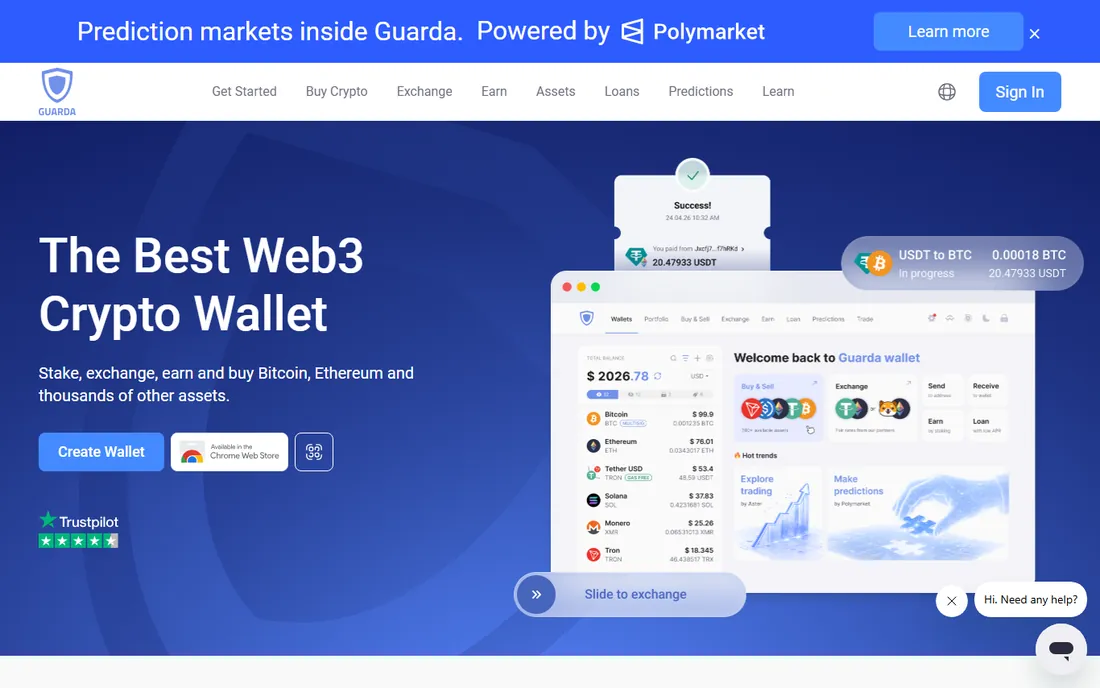
Guarda's distinguishing trait is platform coverage: web app, desktop, mobile and Chrome extension, all non-custodial with keys staying on your device. It supports more than 70 blockchains, offers staking across 14 networks, and even includes crypto-backed loans for users who want liquidity without selling. The company has operated since 2017 and provides 24/7 live support.
The web wallet is both the appeal and the warning: running a wallet in a browser tab is convenient but raises the stakes on device security, so keep your machine clean and your password strong. Fiat on-ramp fees depend on the third-party provider and region, so check the quote. For users who move between devices and want one wallet everywhere, Guarda's breadth is hard to match at this price, which is free.
What we like- Web, desktop, mobile and browser extension from one provider
- 70+ blockchains and broad token support
- Staking across 14 networks and built-in loans
Watch out for- Web wallet means keys in the browser, which demands good device hygiene
- Fiat purchase fees vary by provider
- Smaller brand than the top-tier names
How we chose
We started from wallets with a real track record: years of operation, public teams, and code or security practices that have survived scrutiny. We checked each vendor's homepage and documentation for current platform support, chain coverage and fee disclosures, then cross-referenced public reviews on G2, Capterra, Reddit and app stores for recurring complaints. We favored wallets that are free to download and non-custodial, since that is what the "best software wallet" searcher is actually shopping for, and we mixed mass-market multi-coin wallets with focused Bitcoin tools so different buyers see themselves in the list. We did not install or transact with these wallets for this article; everything here comes from vendor-published material and independent public reviews.
How to pick a software wallet without getting burned
Start with what you hold. If everything you own is Bitcoin, a Bitcoin-only wallet like Electrum or BlueWallet gives you better security tooling than any multi-coin app. If you hold ten different coins across five chains, you need a multi-chain wallet like Trust Wallet, Exodus or Guarda, and the deciding factor becomes which interface you enjoy opening. If your activity is DeFi on Ethereum or Solana, pick the wallet those dApps support first: MetaMask for EVM, Phantom for Solana.
Next, decide how much convenience you want to trade for safety. Hot wallets are internet-connected by definition, which makes them right for spending money and wrong for life savings. A practical setup is two-tier: a hot wallet with an amount you could afford to lose, and a hardware wallet for the rest. Write your recovery phrase on paper, store it offline in two places, and never type it into a website. Finally, check the fees that matter to you: wallet downloads are free, but in-app swaps, fiat purchases and staking all carry spreads or service charges. For large swaps, compare the wallet's quote against a DEX aggregator before confirming.
Software wallet vs hardware wallet: where the line is
A software wallet keeps your keys on an internet-connected device, which makes it convenient and exposed at the same time. Malware, phishing and fake apps are the real threats, not the wallet's cryptography. A hardware wallet keeps keys on a dedicated device that never touches the internet, which is why serious holders use one for anything they cannot afford to lose. The good news is you do not have to choose: MetaMask, Electrum, BlueWallet and Exodus all work as interfaces for hardware wallets, so you can keep the software you like and add the security you need. Treat any hot wallet as a checking account and cold storage as savings, and size each accordingly.
Frequently asked questions
Are software wallets free?
Yes, all nine wallets in this guide are free to download and use. They make money from optional services: spreads on in-app swaps, fees from fiat purchase providers, and in Zengo's case an optional Pro subscription. You always pay blockchain network fees on transactions, which go to miners or validators, not to the wallet company.
Is a software wallet safe for large amounts?
It is safer than leaving coins on an exchange, but a hot wallet is not the right home for life-changing sums. Internet-connected devices can be compromised by malware or phishing. Keep spending amounts in your software wallet and move the rest to a hardware wallet, which several wallets on this list support as a companion device.
What happens if I lose my phone with my wallet on it?
Your crypto is not on the phone, it is on the blockchain; the phone just holds the keys. If you saved your recovery phrase, install the wallet on a new device and restore. If you did not save it, the funds are gone, and no support team can recover them. Zengo is the exception here: its recovery uses email, biometrics and a backup file instead of a phrase.
Do I need to verify my identity to use a software wallet?
No. These are self-custody wallets, so creating one requires no ID, email or account. You will hit identity checks only if you buy crypto with a card or bank transfer inside the app, because those fiat providers are regulated. Atomic Wallet and Electrum are the most privacy-minimal options on this list.
Can I use one wallet for Bitcoin, Ethereum and Solana?
Yes, with a multi-chain wallet. Trust Wallet, Exodus, Guarda and Atomic Wallet all support Bitcoin, Ethereum and Solana in one app with one recovery phrase. MetaMask and Phantom now cover multiple chains too, though each leans toward its home ecosystem. Electrum and BlueWallet are Bitcoin-only by design.
Which software wallet is best for beginners?
Exodus for desktop users who want polish, Trust Wallet for mobile users who want breadth, and Zengo for anyone anxious about managing a seed phrase. All three are free, all three have real human support, and all three let you buy your first crypto inside the app. Start small, learn how recovery works, then decide how much to keep in a hot wallet.
Sources we checked (9)
- https://metamask.io/
- https://trustwallet.com
- https://exodus.com/
- https://phantom.com
- https://electrum.org
- https://zengo.com/
- https://atomicwallet.io/
- https://bluewallet.io
- https://guarda.com
Is your product missing or out of date?
We review this list regularly. Vendors can request a listing, send updated pricing or ask about featured placement.

Shihab Mia · Founder, Rankite
Shihab has spent more than a decade helping SaaS and e-commerce brands grow through search. He writes Rankite's software buying guides from pricing pages, documentation and public user reviews. More about Shihab.