How we make this list: we compare pricing pages, product documentation and public user reviews. Rankite is independent; if a vendor ever pays for a featured spot, that listing is clearly labeled Partner.
Key takeaways
- Canva is the default choice, with the largest template library and easy printing, at $18 per month for Pro.
- PosterMyWall is the specialist pick for posters and event promotion, with print and digital signage built in, from $9.95 per month.
- Adobe Express suits teams already paying for Creative Cloud, with strong brand controls at $9.99 per month.
- VistaCreate, Snappa and Desygner offer capable free plans, with Desygner's Pro+ at $4.95 per month the cheapest paid tier on this list.
- Fotor, PicMonkey and Visme cover poster design as part of broader toolkits; PicMonkey is the only one here with no free plan.
Quick comparison
| Tool | Best for | Starting price | Free plan |
|---|
 Canva Canva | the largest poster template library with built-in printing | $18/month (Pro) or $144/year | Yes |
 Adobe Express Adobe Express | on-brand posters for teams in the Adobe ecosystem | $9.99/month (Premium) or $99.99/year | Yes |
 PosterMyWall PosterMyWall | posters, flyers and menus for local businesses and events | $9.95/month (Premium) or $99.95/year | Yes |
 VistaCreate VistaCreate | small businesses wanting a generous free plan | $10/month (Pro, annual billing, up to 10 seats) | Yes (Starter) |
 Snappa Snappa | non-designers who need graphics fast | $15/month (Pro) or $10/month billed annually | Yes (Starter, 3 downloads per month) |
 Fotor Fotor | poster design combined with photo editing and AI tools | $8.99/month (Pro) or $39.99/year | Yes (Basic) |
 PicMonkey PicMonkey | photo-first users who edit then design | $7.99/month (Basic) or $72/year | No (7-day free trial) |
 Desygner Desygner | the cheapest capable paid plan with real PDF editing | $4.95/month (Pro+, billed annually) | Yes |
 Visme Visme | data-rich posters, infographics and reports | $12.25/month (Starter, billed annually) | Yes (Basic) |
Is your product missing or out of date?
We review this list regularly. Vendors can request a listing, send updated pricing or ask about featured placement.
The best software to create posters
#1
Canva
Best for: the largest poster template library with built-in printing
Visit canva.com
Starting price$18/month (Pro) or $144/year
Free planYes
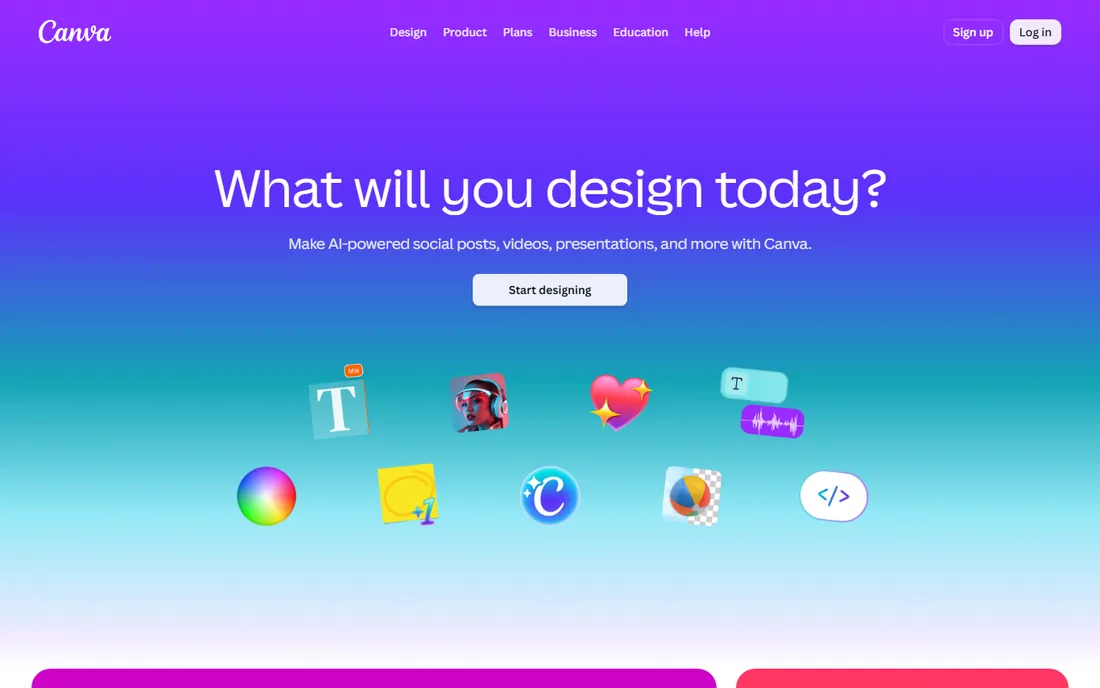
Canva is the default answer for a reason: nobody else matches the sheer volume of poster templates, and the editor is genuinely easy. Pick a size, pick a template, swap in your text and photos, and you have something presentable in twenty minutes. Canva Print closes the loop by printing and shipping posters, flyers and banners directly, with prices shown before you commit.
The pricing has crept up: Pro now costs $18 per month or $144 per year for an individual, which is worth weighing against cheaper rivals if posters are your only use case. The free plan remains capable for simple designs, but premium templates, the brand kit and background removal sit behind Pro. For teams producing posters regularly, Pro still earns its keep.
What we like- Hundreds of thousands of poster templates
- Canva Print delivers finished posters to your door
- Brand kit, background remover and Magic Resize on Pro
Watch out for- Pro is now $18 per month, a real price jump from earlier years
- Free plan locks premium stock and some export options
- Designs can look templated without customization
#2
Adobe Express
Best for: on-brand posters for teams in the Adobe ecosystem
Visit adobe.com
Starting price$9.99/month (Premium) or $99.99/year
Free planYes
Adobe Express is Adobe's answer to Canva, and its strength is brand discipline. Administrators can lock logos, colors and fonts into templates so the intern designing the sale poster cannot accidentally go off-brand. Integration with Adobe Fonts and Adobe Stock gives designs a professional polish, and Firefly-powered generative features fill gaps in your imagery.
Premium costs $9.99 per month or $99.99 per year, and much of the value appears if your team already uses Creative Cloud. As a pure poster tool it trails Canva on template volume and on the print-to-door experience. Choose it when brand consistency across a team matters more than the biggest template catalog.
What we like- Strong brand controls with locked templates
- Adobe Fonts and Stock integration
- Quick actions like background removal built in
Watch out for- Template library smaller than Canva's for pure posters
- Best value only with Creative Cloud
- Print fulfillment is less integrated than Canva Print
Starting price$9.95/month (Premium) or $99.95/year
Free planYes
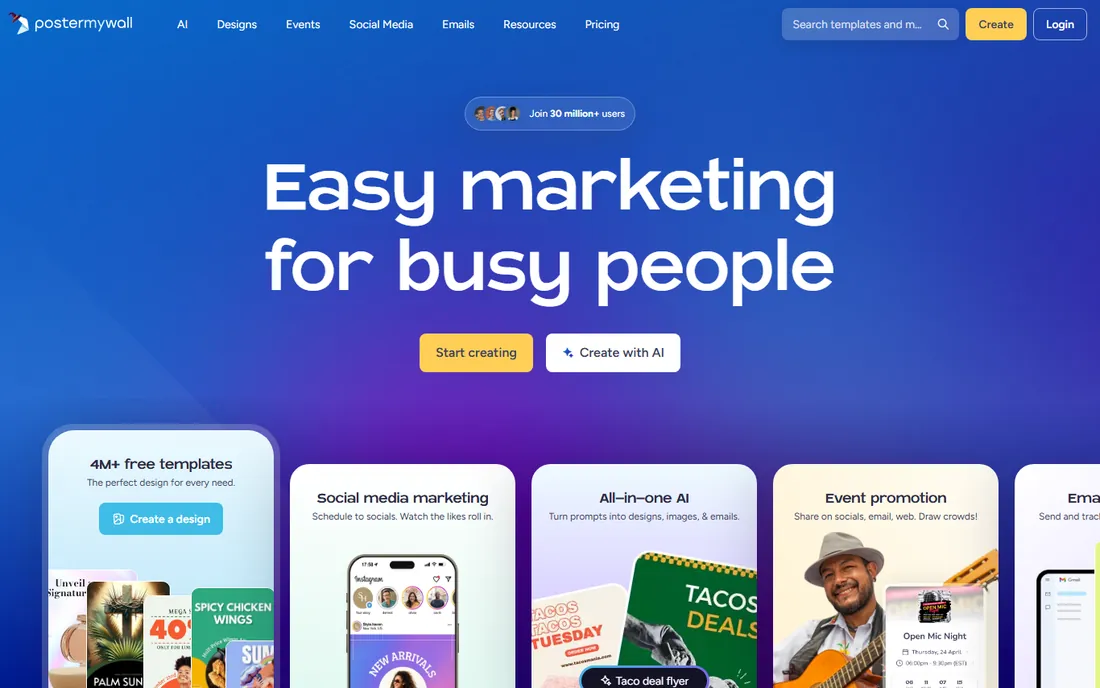
PosterMyWall is the specialist on this list: where others treat posters as one format among many, posters, flyers and event graphics are the core of the product. Templates come in proper print sizes, and the platform extends into email campaigns, social media publishing and digital signage, so a restaurant can design the poster, email it and display it on in-store screens from one account.
Premium starts at $9.95 per month or $99.95 per year and removes watermarks while adding the AI toolkit. A Premium Plus tier at $29.95 per month adds more advanced capabilities for heavy users. The editor packs in a lot, which can feel cluttered next to Canva's calm canvas. For local businesses and event organizers, though, the poster-first focus shows.
What we like- Poster-first template library with print sizes built in
- Email marketing and digital signage included
- AI tools for images, captions and voiceovers
Watch out for- Interface is busier than Canva's
- Premium Plus ($29.95/month) gates some advanced features
- Free downloads carry watermarks on some formats
Starting price$10/month (Pro, annual billing, up to 10 seats)
Free planYes (Starter)
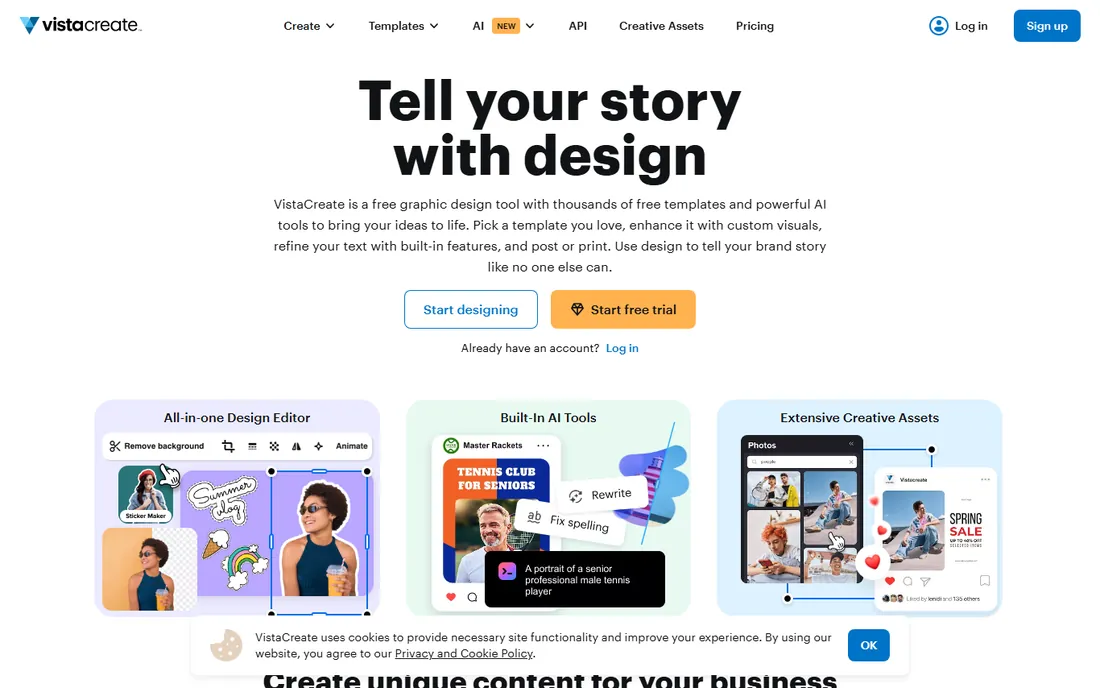
VistaCreate, formerly Crello, is the value play. The free Starter plan covers a surprising amount of real work, and Pro costs $10 per month on annual billing while covering up to 10 seats, which makes it one of the cheapest ways to equip a small team. The template library tops 100,000 designs, and resizing a poster for social formats takes a click.
Pay monthly instead of annually and the price rises to $13 per month, so the annual plan is the sensible buy. The library cannot match Canva's depth, and brand management is lighter than Adobe's. But for a small business that needs decent posters without a big subscription, VistaCreate is hard to beat.
What we like- Free Starter plan is genuinely useful
- Pro covers up to 10 team members at one price
- 100,000+ templates with easy resizing
Watch out for- Monthly billing jumps to $13 per month
- Template library smaller than Canva's
- Brand kit features trail Adobe Express
Starting price$15/month (Pro) or $10/month billed annually
Free planYes (Starter, 3 downloads per month)
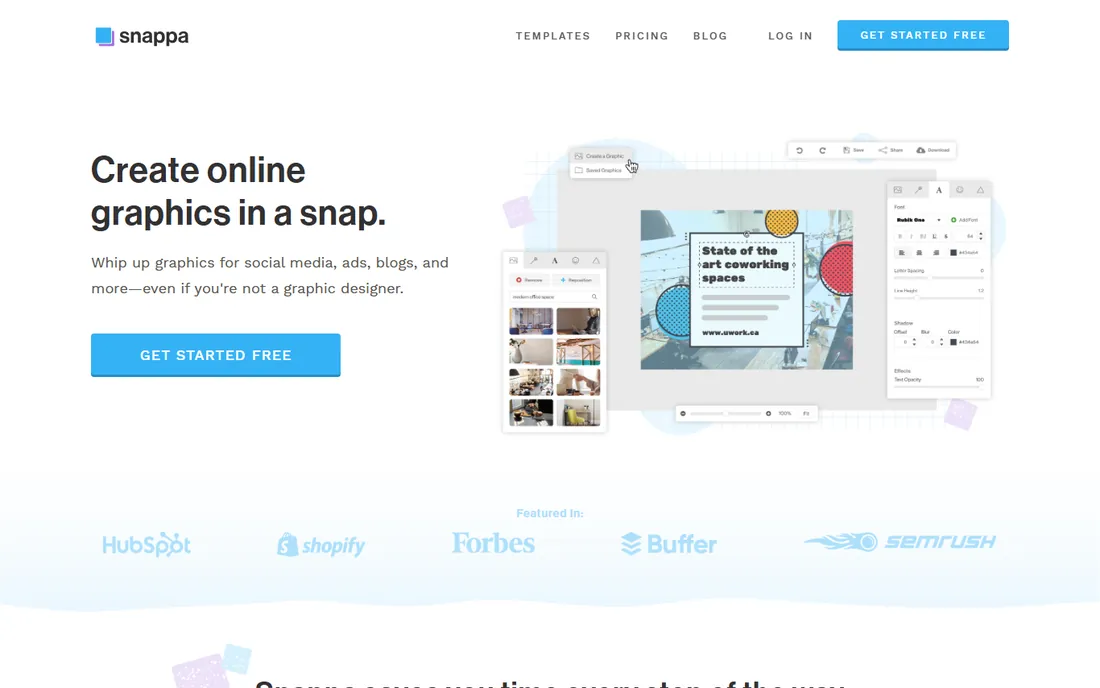
Snappa's whole philosophy is speed: preset dimensions for every common format, a simple drag-and-drop editor, and a path from blank canvas to finished graphic measured in minutes. For a business owner who needs a poster today and has no design background, that simplicity is the feature. Pro costs $15 per month or $10 per month billed annually and removes all limits.
The free Starter plan allows only 3 downloads per month, which makes it more of a trial than a usable tier. There is also no mobile app, so this is a desktop tool. Snappa will not win on template depth or advanced features, but for fast, simple poster graphics it remains one of the quickest options available.
What we like- Extremely simple editor with preset image dimensions
- Fast workflow from template to download
- Buffer integration for social scheduling
Watch out for- Free plan limited to 3 downloads a month
- Template variety trails the big libraries
- No mobile app
#6
Fotor
Best for: poster design combined with photo editing and AI tools
Visit fotor.com
Starting price$8.99/month (Pro) or $39.99/year
Free planYes (Basic)
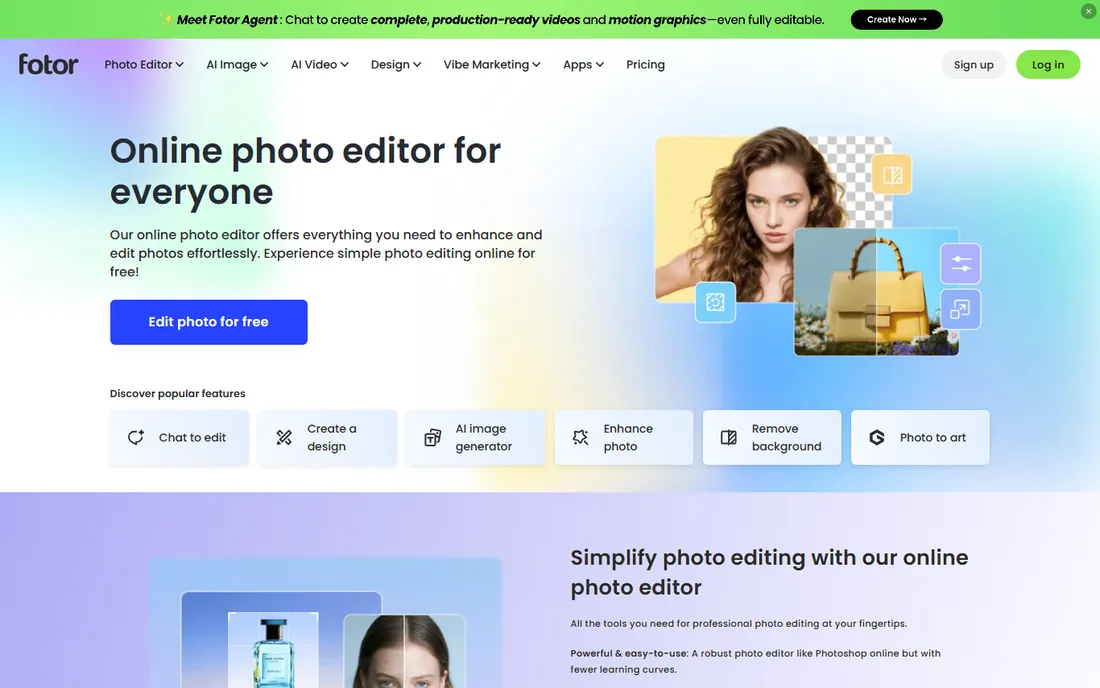
Fotor is a photo editor first and a design tool second, which makes it interesting for poster makers who start from their own photography. Edit the photo, drop it into a poster template, generate a background with AI, and export, all without leaving the app. The annual Pro price of $39.99 per year (about $3.33 per month) is among the cheapest here.
Monthly billing at $8.99 per month is far less attractive, so commit annually or look elsewhere. AI features consume credits, which adds a layer of accounting to heavy use. And the template library, while solid at over 100,000 designs on paid plans, does not rival Canva. For photo-led posters on a budget, Fotor is a smart pick.
What we like- Strong photo editing alongside design templates
- Annual Pro pricing is very cheap at $39.99
- AI image generation and background remover included
Watch out for- Template library smaller than Canva's
- AI features run on a credit system
- Monthly billing is much pricier than annual
Starting price$7.99/month (Basic) or $72/year
Free planNo (7-day free trial)
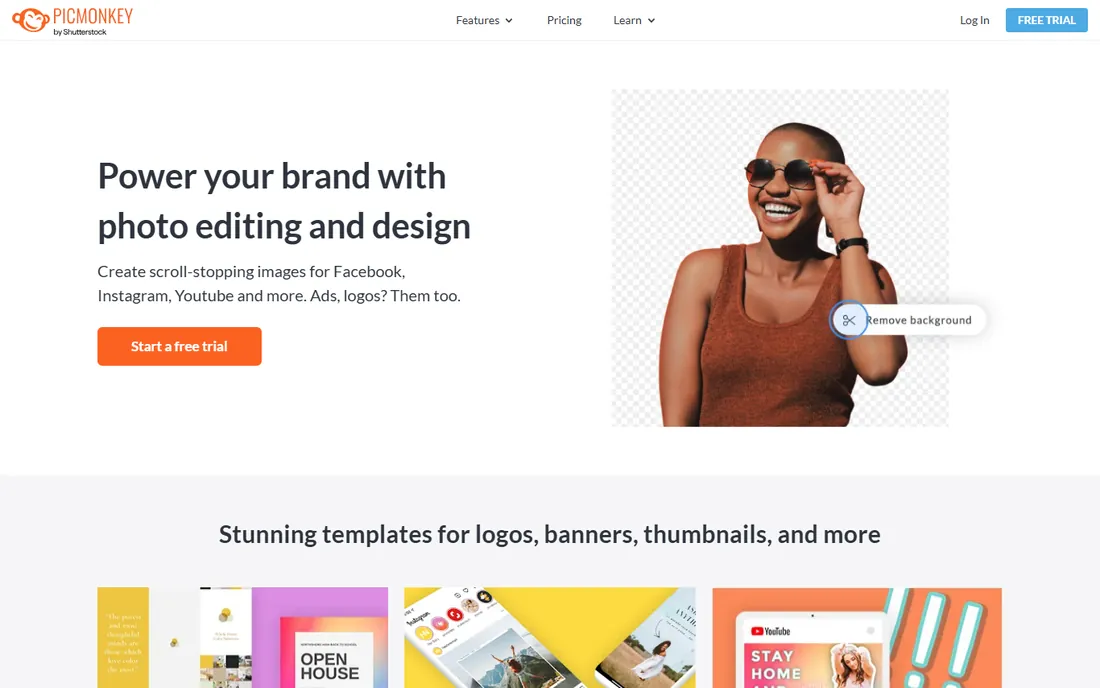
PicMonkey comes from the photo editing world, and it shows: touch-up tools, effects and filters are first-class citizens, and poster design sits on top of that foundation. If your posters start as photos that need retouching, whitening, smoothing or compositing, doing it all in one app saves real time. Plans run $7.99 per month for Basic, $12.99 for Pro and $23 for Business, with annual discounts.
The catch is the absence of a free plan; there is only a 7-day trial. At these prices, Canva and VistaCreate offer more templates for similar money. PicMonkey earns its place for users who value its photo editing depth and want design in the same workspace.
What we like- Excellent photo touch-up tools built into the designer
- Smart resize and background remover on Pro
- IStock photos included on Pro
Watch out for- No free plan
- Basic tier is limited for the price
- Template library is modest
#8
Desygner
Best for: the cheapest capable paid plan with real PDF editing
Visit desygner.com
Starting price$4.95/month (Pro+, billed annually)
Free planYes
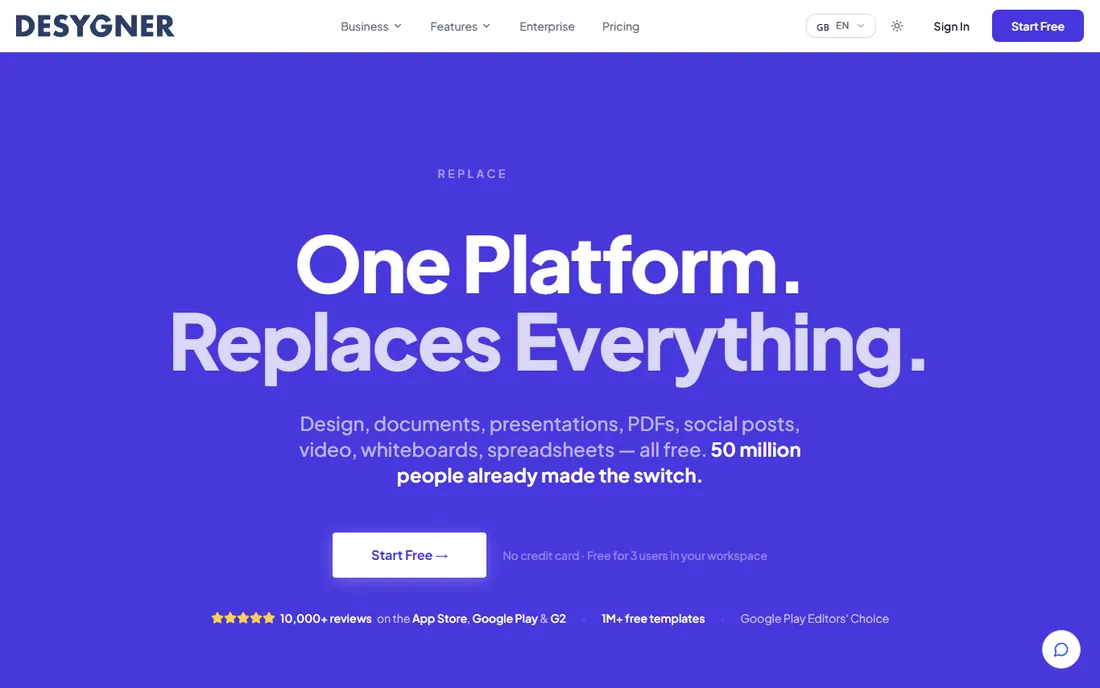
Desygner is the budget champion here: Pro+ costs $4.95 per month on annual billing, undercutting every other paid plan on this list. It includes premium templates, 500,000+ Shutterstock images, brand identity tools and something genuinely unusual at this price: full PDF import and editing, which matters when a client sends a poster as a PDF that needs changes.
Pay monthly and the price jumps to $9.95, so the annual plan is the one to buy. The template library and interface polish lag behind Canva, and the free plan is more limited. But for the price of a coffee per month, Desygner delivers a working poster studio with PDF superpowers.
What we like- Cheapest paid tier on this list
- Imports and edits PDFs, rare at this price
- Shutterstock images and brand tools on Pro+
Watch out for- Monthly billing nearly doubles the price to $9.95
- Smaller template library
- Interface less refined than Canva
#9
Visme
Best for: data-rich posters, infographics and reports
Visit visme.co
Starting price$12.25/month (Starter, billed annually)
Free planYes (Basic)
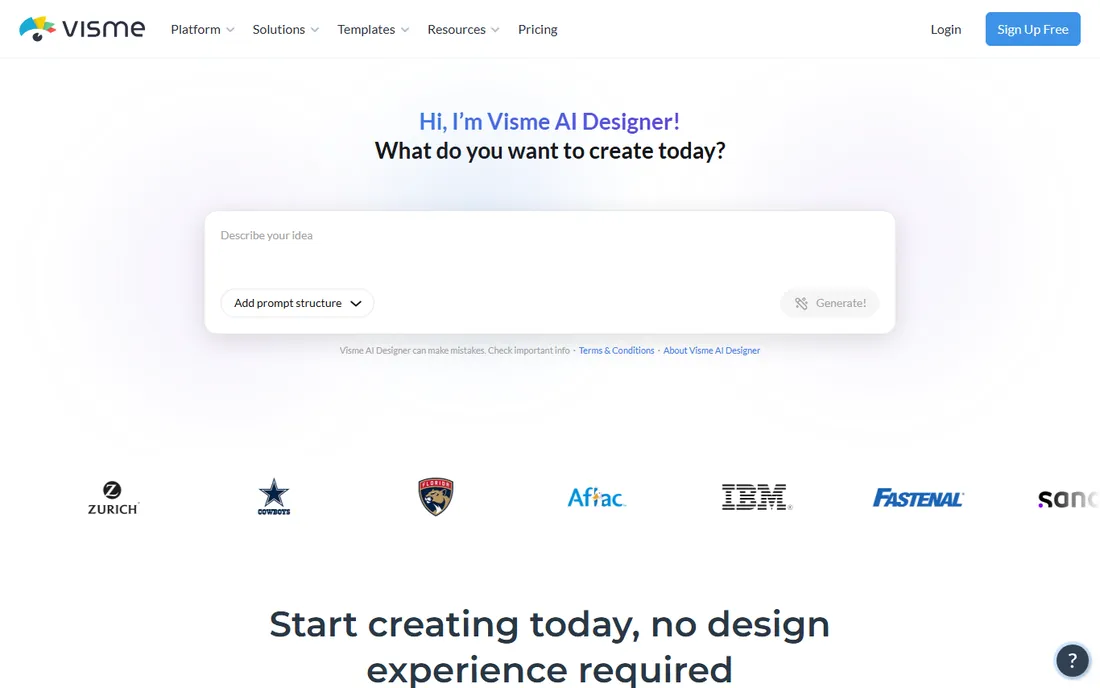
Visme is the tool for posters that need to communicate data: infographics, research posters, annual report summaries, event schedules with real structure. Its charts, maps and data visualization widgets are the best on this list, and projects can be interactive or animated for digital display. That makes it a favorite in education, nonprofits and marketing teams.
Pricing requires attention: the headline rates of $12.25 per month for Starter and $24.75 for Pro apply to annual billing; monthly billing jumps to $29 and $59. The free Basic plan lets you try the editor but watermarks exports. For a simple sale poster, Visme is more tool than you need; for a poster that must present information clearly, it is the strongest option here.
What we like- Superb charts, maps and data widgets for infographic posters
- Interactive and animated content options
- Brand kit and analytics on Pro
Watch out for- Monthly prices ($29 Starter, $59 Pro) are steep
- Overkill for simple text-and-photo posters
- Learning curve steeper than Canva
What to look for before you buy
Start with the template library, but judge it on poster templates specifically. Every vendor advertises a huge number, yet many of those are social media posts and presentations. Search the library for your actual use case, a restaurant special, a concert, a school fundraiser, before you commit. Next, check the free plan's export terms. A free plan that watermarks print downloads is fine for drafting and useless for the final product.
Then think about the physical poster. The right size, high-resolution export (300 DPI for print), and bleed settings separate tools that understand print from tools that merely export a PNG. If you want the app to handle printing too, compare Canva Print and PosterMyWall's print options on price and turnaround for your sizes. Finally, count your team: per-seat pricing like Canva's gets expensive fast, while VistaCreate's 10-seat Pro plan and Desygner's cheap individual tier favor small groups.
How we chose
We did not design a poster in each app, and we do not claim otherwise. We compared current pricing pages and plan details on each vendor's own site, checked template libraries and export options in product documentation, and read public reviews on G2, Capterra, the App Store and Reddit for reports on ease of use, print quality and customer support. We weighted poster-specific templates and usable free or cheap tiers above raw feature counts, and we favored tools that handle the journey from design to printed poster.
Print versus digital: what changes
A poster for a shop window and a poster for Instagram are different products that happen to share a design. Print demands high resolution, correct physical dimensions and usually a PDF with bleed; most tools on this list handle this, but check the export settings before you fall in love with a template. Digital posters want bold text that reads at phone-screen size and safe margins that survive cropping.
Color is the other trap. Screens show RGB; printers use CMYK, and bright neons that glow on your laptop can print dull. Canva Print and similar services handle the conversion for you, but if you print elsewhere, ask the printer for their file specs. And always proofread on paper or at full size: typos invisible in a thumbnail become billboard-sized embarrassments on a 24 by 36 inch poster.
Frequently asked questions
Can I really make a good poster without design experience?
Yes. That is the entire premise of these tools: start from a template, replace the text and images, and adjust colors to taste. Most users produce something presentable within an hour. Customization is what separates a decent poster from one that looks like everyone else's, so change the fonts, colors and layout beyond the defaults.
Which app is best for printing physical posters?
Canva, with Canva Print's integrated ordering and delivery, and PosterMyWall, which is built around print sizes and local business needs. Both let you go from design to a shipped poster without involving a separate print shop.
Do free plans let me download print-ready files?
Usually with limits. Canva, VistaCreate, Desygner and Visme offer free plans, but premium templates, high-resolution exports or watermark-free downloads often require paid tiers. PicMonkey has no free plan at all. Check the export terms before designing something you need to print.
What size should my poster be?
Common print sizes include 11 by 17 inches (small), 18 by 24 (medium) and 24 by 36 (large). All the tools here offer preset poster dimensions, so pick the size before you start designing; resizing later often means rebuilding the layout.
Can these tools replace a professional designer?
For routine posters, flyers and event graphics, yes. For brand identity work, complex campaigns or anything where originality is the point, a designer still earns their fee. Many small businesses use these tools for the everyday work and hire designers for the important pieces.
Sources we checked (17)
- https://www.canva.com/
- https://pakera.pk/canva-pro-price-in-pakistan/
- https://www.adobe.com/
- https://www.postermywall.com/index.php/premium?source=subscriptions_footer
- https://support.postermywall.com/hc/en-us/articles/360060397152-PosterMyWall-Pricing-Plans-Explained
- https://create.vista.com/plans/
- https://www.snappa.com/
- https://wyzowl.com/snappa-review/
- https://fotor.com/
- https://www.outrightcrm.com/blog/fotor-ai-video-generator/
- https://www.picmonkey.com/
- https://www.capterra.com/p/238721/PicMonkey/pricing/
- https://www.desygner.com/
- https://www.saasworthy.com/product/desygner/pricing
- https://visme.co/
- https://visme.co/blog/ai-tools-for-content-creation/
- https://www.stylefactoryproductions.com/blog/visme-vs-canva
Is your product missing or out of date?
We review this list regularly. Vendors can request a listing, send updated pricing or ask about featured placement.

Shihab Mia · Founder, Rankite
Shihab has spent more than a decade helping SaaS and e-commerce brands grow through search. He writes Rankite's software buying guides from pricing pages, documentation and public user reviews. More about Shihab.