How we make this list: we compare pricing pages, product documentation and public user reviews. Ratings come from G2, Capterra or Trustpilot, with the date we checked them.
Key takeaways
- Apify is the fastest starting point when a ready-made scraper already exists for the site you need, while developer APIs suit teams that build their own pipelines.
- Octoparse and ParseHub are the friendliest options for people who do not write code, and both let you test real work before paying.
- Bright Data and Oxylabs are built for large, compliance-sensitive collection, and their pricing reflects that scale rather than hobby use.
- Zyte and ScrapingBee stand out on billing fairness, because you pay mainly for successful results rather than for blocked requests and proxy management.
- Always check JavaScript rendering, scheduling, and export options before you commit, since those three features decide most real projects.
Quick comparison
| Tool | Best for | Starting price | Free plan |
|---|
 Apify Apify | Teams that want ready-made scrapers | $49 per month | Yes |
 Bright Data Bright Data | Large-scale enterprise collection | See website | Yes |
 Oxylabs Oxylabs | Compliance-focused enterprise scraping | From $49 per month | Free trial |
 ScrapingBee ScrapingBee | Developers who want a simple API | $49 per month | Free trial |
 Octoparse Octoparse | Non-developers who need visual scraping | $69 per month (billed annually) | Yes |
 ParseHub ParseHub | Desktop scraping of complex sites | See website | Yes |
 Diffbot Diffbot | AI-structured data and entity enrichment | $299 per month | Yes |
 Zyte Zyte | Pay-per-success API scraping | From $100 per month | Free trial |
 ScraperAPI ScraperAPI | Simple API with proxy rotation | $49 per month | Free trial |
Is your product missing or out of date?
We review this list regularly. Vendors can request a listing, send updated pricing or ask about featured placement.
The best software for web crawling
#1Apify
Best for: Teams that want ready-made scrapers4.7/5 on
G2 (669 reviews, checked Oct 2026)
Visit apify.com
Starting price$49 per month
Free planYes
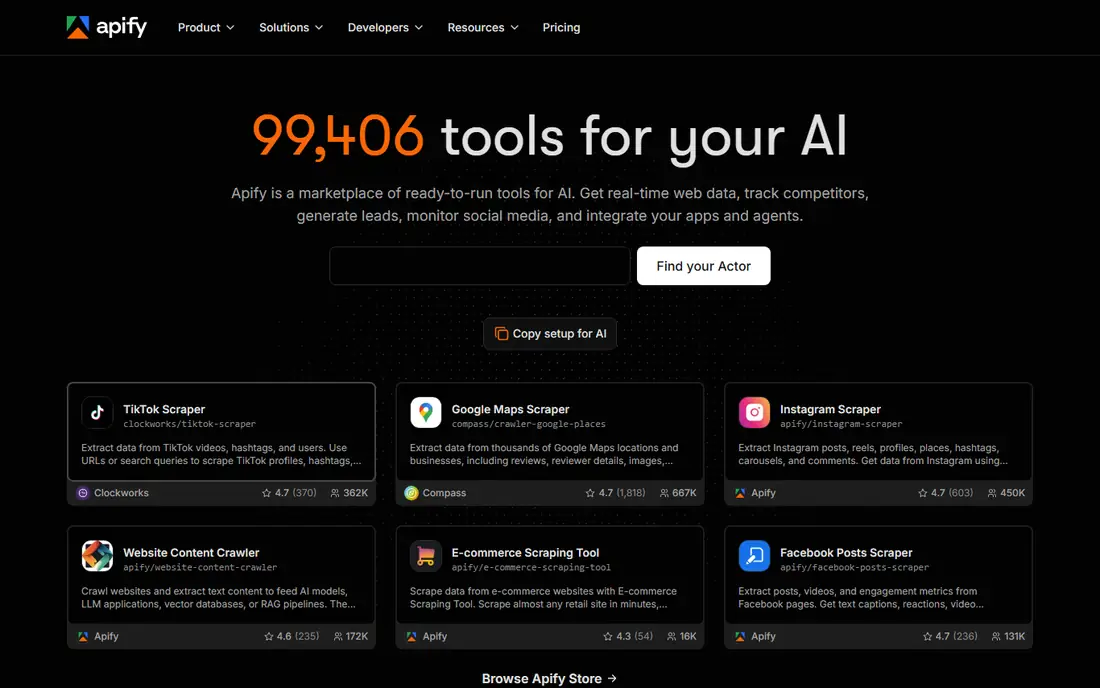
Apify works best when you want data quickly without building a crawler from scratch. Its marketplace, called Actors, covers popular sites and common jobs such as product listings, reviews, and search results. You pick an Actor, set its inputs and schedule, and collect structured output without managing servers or proxies yourself.
The catch is cost control. Platform pricing combines a monthly plan with compute usage, so a heavy or badly configured run can cost more than expected. Start with a small run, check the output format, and set run limits before you schedule anything daily. For teams that repeat the same extraction every week, that discipline pays off fast.
What we like- Large marketplace of ready-made Actors
- Scheduling and cloud runs built in
- Exports to JSON, CSV, and cloud storage
Watch out for- Costs can rise with compute usage
- Quality varies between community Actors
#2Bright Data
Best for: Large-scale enterprise collection4.6/5 on
G2 (272 reviews, checked Oct 2026)
Visit brightdata.com
Starting priceSee website
Free planYes
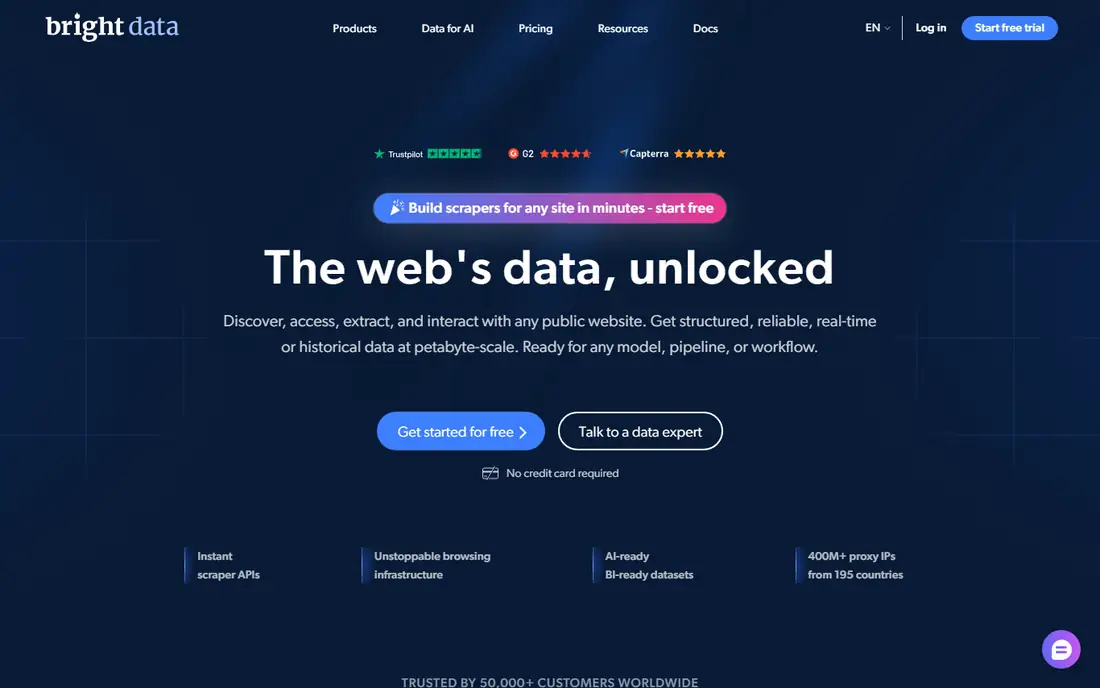
Bright Data suits companies that collect data at serious volume and cannot afford gaps in coverage or compliance. Its Web Scraper API and dataset products cover many well-known sites, and its proxy network helps with geo-targeting and high request rates. Enterprises also get controls around access, auditing, and data handling that smaller tools rarely offer.
Smaller teams should weigh the entry cost carefully. Bright Data rewards scale, and a small project may be cheaper on a simpler API. Ask for a scoped quote tied to record volume, and confirm which product you are buying, since proxy, scraper API, and dataset pricing work differently.
What we like- Very large proxy network
- Pre-built scrapers for many major sites
- Strong compliance and governance controls
Watch out for- Pricing is aimed at larger buyers
- Setup takes longer than a simple API
#3Oxylabs
Best for: Compliance-focused enterprise scraping4.5/5 on
G2 (420 reviews, checked Oct 2026)
Visit oxylabs.io
Starting priceFrom $49 per month
Free planFree trial
Oxylabs is a strong choice for companies that need reliable collection plus a clear compliance story. Its Web Scraper API returns structured results for many target types, and its proxy products cover residential, datacenter, and mobile traffic. That combination matters when legal and security teams review a vendor before signing.
The main weakness is complexity in pricing. Different products bill differently, and the cheapest published plan may not include the features a given project needs. Get a written breakdown of request limits, rendering, and support before you compare Oxylabs with a flat-rate API on price alone.
What we like- Strong residential proxy pool
- Web Scraper API handles rendering and blocking
- SOC 2 and ISO 27001 credentials
Watch out for- Enterprise features sit on higher tiers
- Pricing varies by product line
#4ScrapingBee
Best for: Developers who want a simple API4.8/5 on
G2 (25 reviews, checked Oct 2026)
Visit scrapingbee.com
Starting price$49 per month
Free planFree trial
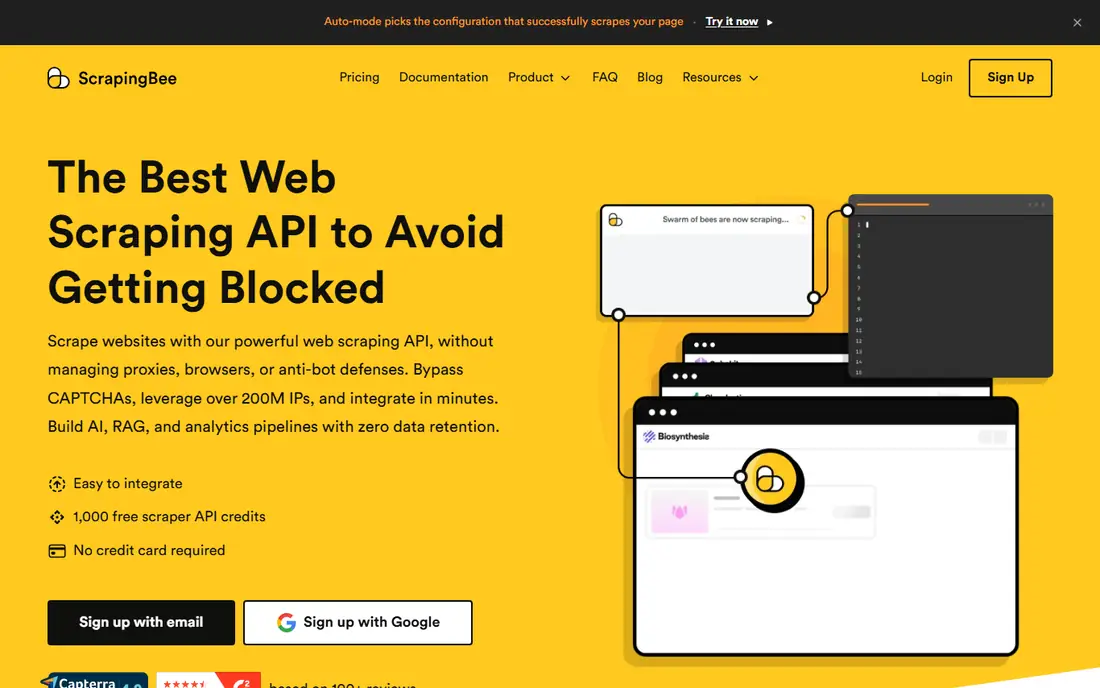
ScrapingBee appeals to developers because the workflow is short: send a URL, get HTML or extracted data back, and move on. It handles headless browsing, proxy rotation, and many common blocks behind one endpoint, which removes a large amount of maintenance work from a scraping project. The documentation is direct, and most developers can run a first request in minutes.
Watch the credit math. Rendering and premium proxy options multiply credit use, so a page that costs one credit in simple mode can cost several credits with full rendering. Test your real pages with the trial credits first, then pick a plan based on measured usage rather than on a headline credit count.
What we like- Very clear documentation
- JavaScript rendering and premium proxies included
- Straightforward credit model
Watch out for- Credits burn faster with rendering enabled
- No no-code builder for business users
#5Octoparse
Best for: Non-developers who need visual scraping4.8/5 on
G2 (52 reviews, checked Oct 2026)
Visit octoparse.com
Starting price$69 per month (billed annually)
Free planYes
Octoparse is one of the easiest ways for a non-developer to build a working scraper. You click the fields you want on a live page, and the tool turns those clicks into an extraction workflow. Templates for e-commerce, directories, and social pages shorten the setup further, and cloud runs let scheduled jobs run without leaving a computer on.
Free use is limited to local tasks, so regular or large jobs need a paid plan. Octoparse also struggles with some heavily protected sites, where an API-based service with managed unblocking works better. For price monitoring, lead lists, and research tables, though, it remains a practical and approachable pick.
What we like- Point-and-click visual builder
- Cloud scheduling on paid plans
- Templates for common sites
Watch out for- Desktop app feels dated in places
- Advanced logic needs the paid tiers
#6ParseHub
Best for: Desktop scraping of complex sites4.3/5 on
G2 (10 reviews, checked Oct 2026)
Visit parsehub.com
Starting priceSee website
Free planYes
ParseHub is a desktop tool for people who need to scrape pages that fight back a little: logins, dropdowns, maps, and pages that load more content as you scroll. Its visual selector handles those cases better than many simpler tools, and the free tier covers genuine small projects rather than just a demo. Exports go straight to spreadsheets and JSON, which keeps analysis simple.
The trade-off is team workflow. ParseHub runs on your machine, so scheduled cloud runs and shared team projects are less natural than on Apify or a cloud API. Pricing also requires a sales conversation for paid tiers, which slows down a quick purchase. Solo researchers and analysts will mind that less than a team buying for five people.
What we like- Handles login, infinite scroll, and dynamic pages well
- Generous free tier for small projects
- Exports to CSV, JSON, and Google Sheets
Watch out for- Paid pricing is not published clearly
- Desktop-only workflow suits solo users more than teams
#7Diffbot
Best for: AI-structured data and entity enrichment4.9/5 on
G2 (29 reviews, checked Oct 2026)
Visit diffbot.com
Starting price$299 per month
Free planYes
Diffbot takes a different approach from most tools on this list. Instead of asking you to select fields, it uses machine learning to identify articles, products, discussions, and other page types, then returns structured data automatically. Its knowledge graph adds company and entity context, which helps research, lead enrichment, and AI training data work.
That automation costs more, and the $299 monthly starting point puts Diffbot out of reach for casual users. It also works best when you accept its standard fields rather than needing highly custom extraction rules. For teams that need clean, structured web data at scale without maintaining hundreds of site-specific scrapers, the price can still be justified.
What we like- Automatic extraction across many page types
- Knowledge graph links entities and companies
- API-first design
Watch out for- Entry price is high for small projects
- Less suited to custom site-specific logic
#8Zyte
Best for: Pay-per-success API scraping4.4/5 on
G2 (122 reviews, checked Oct 2026)
Visit zyte.com
Starting priceFrom $100 per month
Free planFree trial
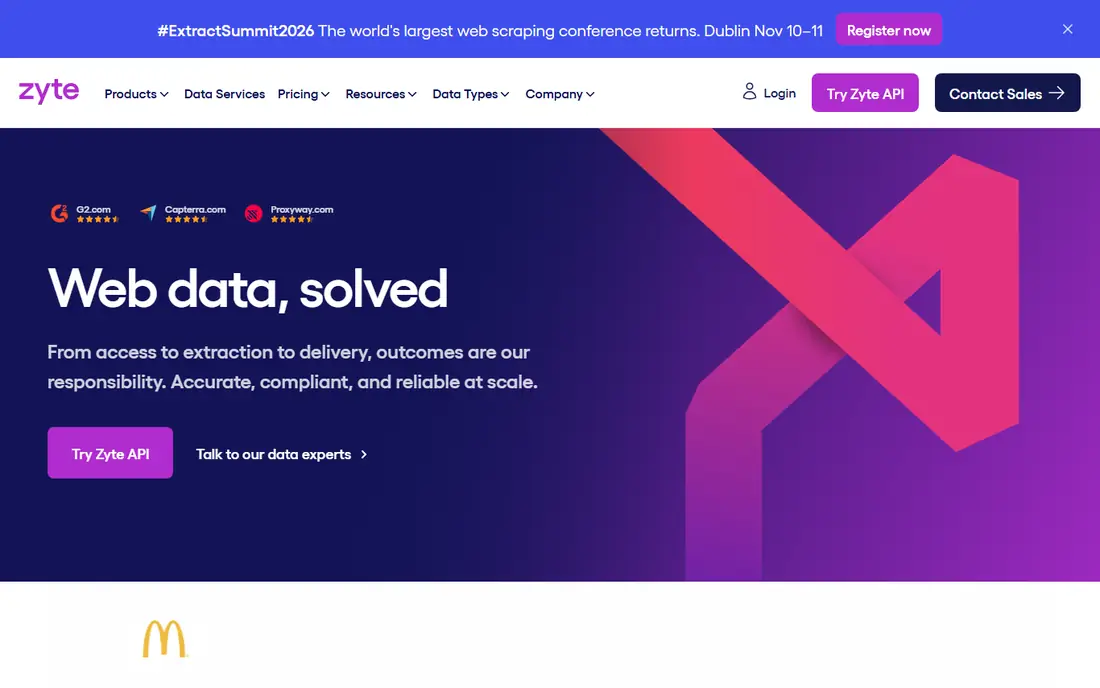
Zyte API is built for developers who want managed extraction without running proxy infrastructure. You send a request, Zyte handles browser rendering, retries, and anti-bot measures, and you pay for successful responses. That model is fair: failed or blocked requests do not eat your budget the way credit systems sometimes do.
Pricing depends on site difficulty and on whether you need browser rendering, so two projects can cost very different amounts on the same plan. A trial credit lets you measure real costs on your own targets before committing. Teams already using Scrapy will also appreciate Zyte's tooling and documentation, which fit naturally into Python-based pipelines.
What we like- Pay only for successful responses
- Automatic ban handling
- Built by the team behind Scrapy
Watch out for- Pricing varies by site difficulty
- Best value needs volume and planning
#9ScraperAPI
Best for: Simple API with proxy rotation4.3/5 on
G2 (15 reviews, checked Oct 2026)
Visit scraperapi.com
Starting price$49 per month
Free planFree trial
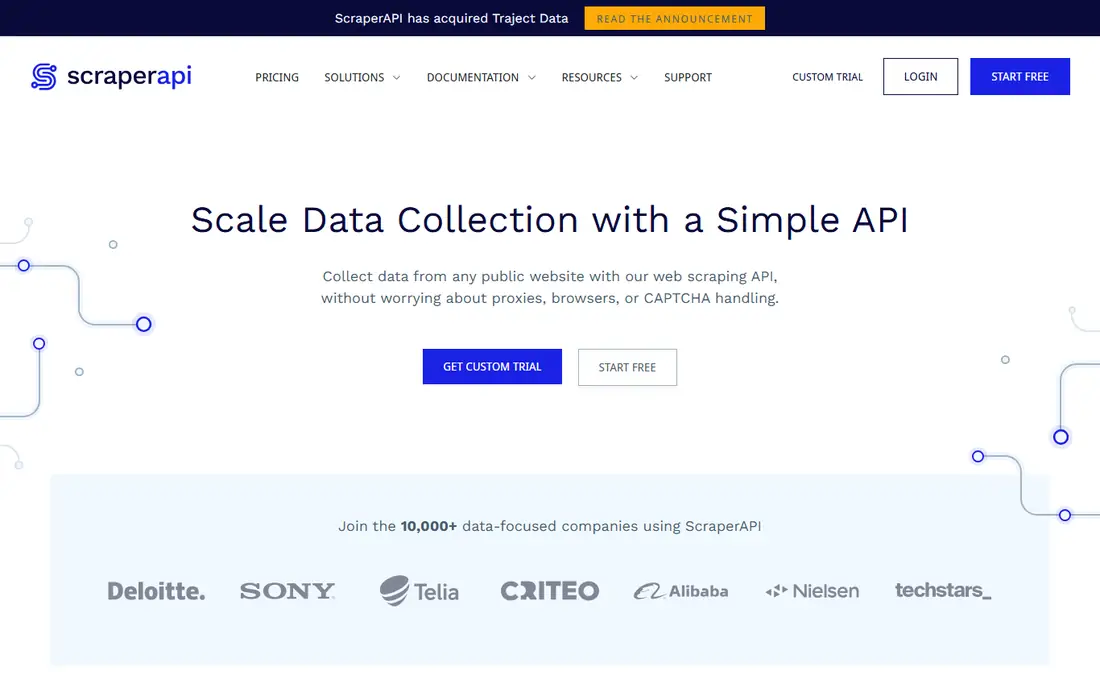
ScraperAPI keeps the developer experience deliberately simple. One endpoint accepts a target URL and returns the page, with proxy rotation, geotargeting, and retry logic handled behind the scenes. That simplicity makes it easy to drop into an existing script or data pipeline without learning a new platform.
The limitation is that ScraperAPI returns pages rather than fully structured records in most cases, so your own parser still does the field extraction. Rendering JavaScript pages also consumes more credits. For teams that already parse HTML and just want reliable fetching, that trade is often worth it, and the entry price is competitive.
What we like- Single endpoint with proxy rotation
- Handles CAPTCHAs and retries
- Easy to add to existing code
Watch out for- Structured parsing is more limited than Diffbot
- Rendering costs extra credits
How we chose
We compared pricing pages, product documentation, and public reviews on G2, Capterra, and Reddit, and we checked each tool against the same buyer questions: does it render JavaScript, how does it bill, what does the free tier actually allow, and how does data leave the platform. Tools that only offered proxies without extraction, or that had no current public presence, were left out. Where a vendor does not publish a clear price, we wrote See website rather than repeating a third-party estimate.
What to check before you buy
Start with the target sites, not the feature list. Make a short list of five to ten real pages you need, including the hardest one, and run them through each shortlisted tool. Check whether login pages, infinite scroll, and JavaScript-heavy layouts return complete data, and confirm the export format matches your spreadsheet, database, or analysis tool without manual cleanup.
Billing models compared
Credit systems charge per request with multipliers for rendering and premium proxies, while per-record and per-success models charge only for usable output. Credits look cheaper until rendering is switched on, so measure a full week of real traffic before choosing. If your volume varies by season, a pay-as-you-go option may beat a fixed monthly plan even at a higher unit price.
Legal and practical limits
Respect robots.txt, terms of service, and rate limits, and avoid collecting personal data you do not need. Many sites block aggressive crawling, and a tool cannot make an unlawful or contract-breaking scrape lawful. Keep request rates modest, store only the fields you will use, and review your approach with legal counsel when the data feeds a commercial product or a public dataset.
Scaling from a test to production
A tool that works for 100 pages may fail at 100,000. Before scaling, confirm scheduling, monitoring, error alerts, and retry behavior, and ask how the vendor handles site layout changes. Managed APIs and marketplaces handle more of that maintenance for you, while self-built scrapers give more control at the cost of ongoing engineering time.
Frequently asked questions
What is web crawling software?
Web crawling software fetches pages from websites and turns them into structured data such as prices, titles, reviews, or contact details. Some tools are visual and need no code, while others are APIs that developers call from their own programs. The right type depends on who will run the project and how often the data must refresh.
Do I need to know how to code to scrape a website?
No. Octoparse and ParseHub let you select data by clicking on a page, and Apify offers ready-made scrapers for common sites. Coding helps for custom logic, large pipelines, and unusual page structures, but many research and price-monitoring jobs need no code at all.
How much does web crawling software cost?
Entry prices on this list range from free tiers to about $299 per month, with enterprise plans quoted by the vendor. Credit and per-record pricing means the real monthly cost depends on page count, rendering, and success rates. Run a measured trial on your own targets before you budget for a full year.
Is web scraping legal?
It depends on the site, the data, and the jurisdiction. Public factual data is often collected lawfully, but terms of service, copyright, privacy law, and anti-circumvention rules can restrict specific cases. Avoid personal data you do not need, respect rate limits, and get legal advice for commercial or large-scale projects.
What is the difference between a scraper and a proxy service?
A scraper extracts structured fields from pages, while a proxy service only routes requests through different IP addresses. Some vendors sell both, but a proxy alone will not parse a page into a spreadsheet. If you only need fetching, an API with built-in proxies may be enough; if you need clean tables, pick a tool with extraction included.
Which tool is best for JavaScript-heavy websites?
ScrapingBee, Zyte, Bright Data, and Oxylabs all handle JavaScript rendering, and Apify Actors often do too for specific sites. Octoparse and ParseHub also render pages in a browser view, which helps with dynamic content. Test your hardest page first, since rendering quality varies by site.
Sources we checked (9)
- https://www.apify.com/pricing
- https://brightdata.com/pricing
- https://oxylabs.io/pricing
- https://www.scrapingbee.com/pricing
- https://www.octoparse.com/pricing
- https://www.parsehub.com/pricing
- https://www.diffbot.com/pricing
- https://www.zyte.com/pricing
- https://www.scraperapi.com/pricing
Is your product missing or out of date?
We review this list regularly. Vendors can request a listing, send updated pricing or ask about featured placement.

Shihab Mia · Founder, Rankite
Shihab has 5+ years in B2B and SaaS SEO. He writes Rankite's software buying guides from pricing pages, documentation and public user reviews. More about Shihab.