How we make this list: we compare pricing pages, product documentation and public user reviews. Rankite is independent; if a vendor ever pays for a featured spot, that listing is clearly labeled Partner.
Key takeaways
- PowerPoint is still the default for business decks, but Google Slides wins for real-time collaboration and costs nothing.
- Keynote is free on every Mac, iPhone, and iPad, and makes the most beautiful slides with the least effort.
- Prezi and Pitch are the picks when a normal slide deck will not hold the room: Prezi for interactive sessions, Pitch for team-built sales decks.
- Canva and Visme are the fastest way from blank page to good-looking deck if design is not your skill.
- Beautiful.ai auto-formats every slide, which saves hours but locks you into its layouts.
Quick comparison
| Tool | Best for | Starting price | Free plan |
|---|
 Microsoft PowerPoint Microsoft PowerPoint | The business standard for slide decks | See website | Free trial |
 Google Slides Google Slides | Free real-time collaboration on presentations | Free | Yes |
 Apple Keynote Apple Keynote | Beautiful slides on Mac, iPhone, and iPad | Free | Yes |
 Prezi Prezi | Interactive presentations with live polls and Q&A | See website | Yes |
 Canva Canva | Fast good-looking decks for non-designers | See website | Yes |
 Pitch Pitch | Teams building sales and pitch decks together | See website | Yes |
 Beautiful.ai Beautiful.ai | AI auto-formatted slides that always look clean | See website | Free trial |
 Zoho Show Zoho Show | Presentations inside the Zoho business suite | See website | See website |
 Visme Visme | Visual decks, infographics, and reports in one tool | $12.25/month | Yes |
Is your product missing or out of date?
We review this list regularly. Vendors can request a listing, send updated pricing or ask about featured placement.
The best software for slideshow presentation
Most slideshow software is fine, and that is exactly the problem. Fine means your deck looks like everyone else's, takes twice as long as it should, and puts the room to sleep by slide six. The tools below are not interchangeable: some are built for collaboration, some for beauty, some for interactivity, and picking the wrong one for your situation is why so many presentations fail. Here is what each one is actually good at.
Starting priceSee website
Free planFree trial
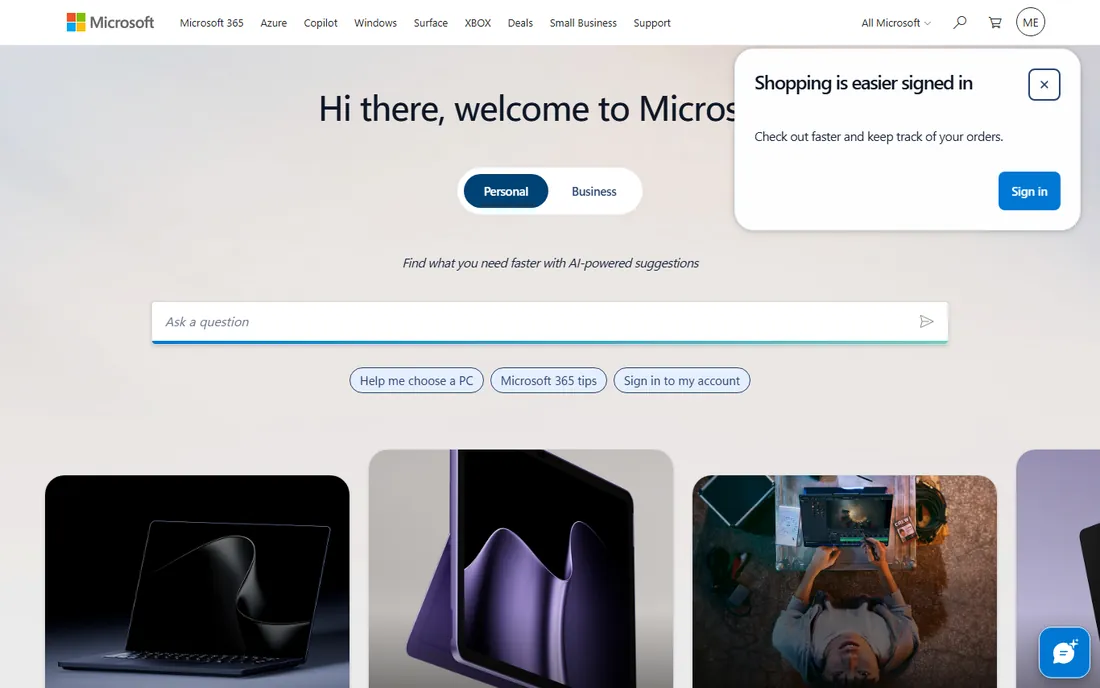
PowerPoint remains the default because compatibility is king. When you send a deck to a client, a conference organizer, or a colleague, PPTX is the format that opens everywhere without surprises. The desktop app is the most powerful slideshow software here, with precise animation controls, morph transitions, presenter view, and Copilot AI that drafts slides from a prompt.
The catch is that PowerPoint assumes you know what you are doing. It gives you a blank canvas and total freedom, which is how the world ended up with a billion unreadable decks. Real-time collaboration has improved but still trails Google Slides. If your work lives in the Microsoft ecosystem or your clients demand PPTX files, this is the tool. Everyone else should keep reading.
What we like- Universal file format everyone can open
- Deepest feature set
- Strong presenter tools and Copilot AI
Watch out for- Subscription via Microsoft 365
- Collaboration lags Google Slides
- Easy to make ugly slides
Starting priceFree
Free planYes
Google Slides won the collaboration war so completely that it is barely a contest. Multiple people editing the same deck at once, commenting in the margins, and presenting from any device with nothing installed is the workflow most teams actually need. It is free with any Google account, converts PowerPoint files cleanly, and revision history means no one can permanently break the deck.
It is not the prettiest or most powerful option. Animations are basic, templates are plain, and offline work needs setup. But for teams, classrooms, and anyone who has ever emailed a file named deck_final_v7.pptx, the combination of free and collaborative is unbeatable. Start here unless you have a specific reason not to.
What we like- Free with any Google account
- Best real-time co-editing
- Runs in any browser
Watch out for- Fewer design and animation features
- Needs internet for the best experience
- Large decks can feel sluggish
#3
Apple Keynote
Best for: Beautiful slides on Mac, iPhone, and iPad
Visit apple.com
Starting priceFree
Free planYes
Keynote is the quiet proof that slideshow software does not have to be ugly or hard. Its themes, typography, and cinematic transitions make almost anyone's slides look designed, and the Magic Move transition alone has sold many a product demo. It is free on every Mac, iPhone, and iPad, syncs through iCloud, and collaborates in real time with other Apple users.
The limitation is the obvious one: there is no Windows or Android version. Exporting to PowerPoint works but can nudge layouts and fonts, so check the converted file before sending it to a PC-bound client. If you live in the Apple world and present from a Mac or iPad, there is no reason to pay for anything else.
What we like- Free on Apple devices
- Gorgeous built-in themes and transitions
- Effortless to make look good
Watch out for- Apple only
- PowerPoint conversion can shift layouts
- Fewer business integrations
#4
Prezi
Best for: Interactive presentations with live polls and Q&A
Visit prezi.com
Starting priceSee website
Free planYes
Prezi is for presenters who refuse to read bullet points at a room. Instead of linear slides, you move across a zoomable canvas, which is genuinely more engaging when done well. The current platform goes further: import your existing PowerPoint, Google Slides, or Canva deck, then layer live polls, quizzes, Q&A, and word clouds that the audience joins from their phones with a QR code.
It is free to start with no credit card, which makes it easy to test. The zooming motion can distract or even nauseate if overused, so restraint matters. But for teachers, trainers, and speakers who need the room participating rather than snoozing, nothing else on this list does what Prezi does.
What we like- Zoomable canvas stands out from slide decks
- Built-in polls, quizzes, and Q&A
- Imports existing PowerPoint and Slides decks
Watch out for- The zooming style is not for every audience
- Paid plans needed for full features
- Learning curve for the canvas
#5
Canva
Best for: Fast good-looking decks for non-designers
Visit canva.com
Starting priceSee website
Free planYes
Canva is where non-designers go to make decks that look designed. The template library is enormous, the drag-and-drop editor is foolproof, and the free tier covers most personal and classroom needs. AI features now draft slides, remove backgrounds, and rewrite text, which compresses hours of fiddling into minutes.
The trade-off is distinctiveness: Canva decks have a recognizable look, and audiences who have seen a hundred of them will notice. Fine control over alignment and typography is weaker than PowerPoint or Keynote. For speed and good-enough beauty, though, especially for social content and internal decks, it is the pragmatic choice.
What we like- Thousands of polished templates
- Drag-and-drop simplicity
- Free tier is generous
Watch out for- Decks can look generic
- Precise layout control is limited
- Brand consistency needs the paid plan
#6
Pitch
Best for: Teams building sales and pitch decks together
Visit pitch.com
Starting priceSee website
Free planYes
Pitch is built for the specific pain of teams that live in slide decks: sales teams, agencies, and startups. The free plan lets you create unlimited presentations, which is generous, and paid tiers add brand libraries, templates, and pitch rooms for sharing decks with clients. Viewer analytics tell you who opened your deck and which slides they lingered on, which is gold for follow-ups.
It imports PowerPoint files, so you are not starting over. The per-seat pricing on team plans adds up for large groups, and the template gallery is smaller than Canva's. But if your decks are how you win business, Pitch's collaboration and analytics justify a look.
What we like- Free plan allows unlimited presentations
- Excellent collaboration and brand controls
- Viewer analytics show who read your deck
Watch out for- Pricing scales per seat for teams
- Smaller template library than Canva
- Best features target sales workflows
#7
Beautiful.ai
Best for: AI auto-formatted slides that always look clean
Visit beautiful.ai
Starting priceSee website
Free planFree trial
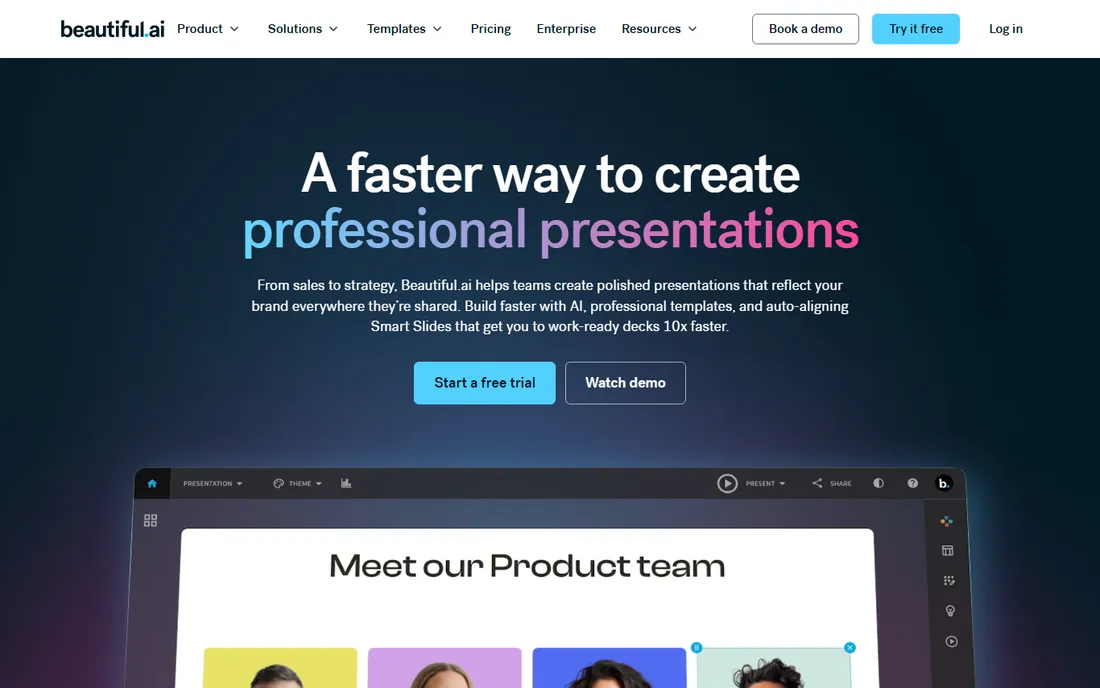
Beautiful.ai solves the number one slideshow problem: most people cannot design. Its Smart Slides automatically handle spacing, alignment, and hierarchy as you type, so every deck comes out clean without design skill. You can start from a prompt, an outline, or a template, and the AI builds work-ready slides in minutes.
The price of that automation is flexibility. You work within Beautiful.ai's layout system, and decks can start to look similar. There is a 14-day free trial but no permanent free tier. For founders, consultants, and teams who need professional decks fast and do not want to think about design, it earns its keep.
What we like- Smart Slides auto-align everything
- Fast path from outline to finished deck
- Strong brand and data visualization tools
Watch out for- Layouts can feel rigid
- Less creative freedom than PowerPoint
- Subscription only with a 14-day trial
#8
Zoho Show
Best for: Presentations inside the Zoho business suite
Visit zoho.com
Starting priceSee website
Free planSee website
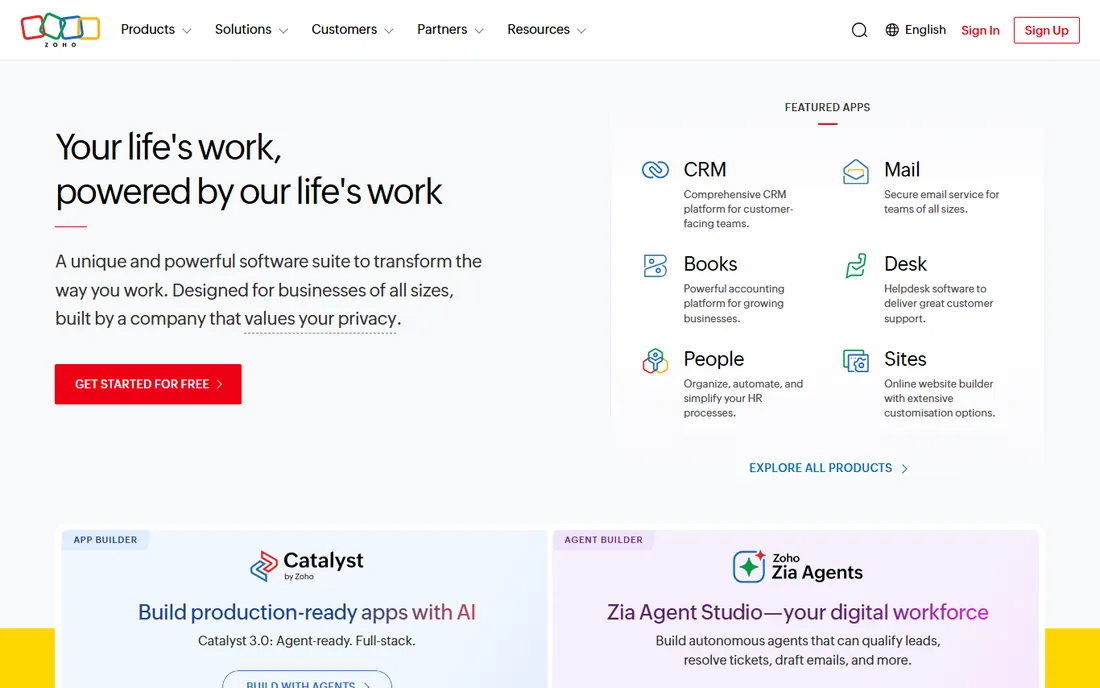
Zoho Show is the slideshow piece of Zoho's 50-plus app business suite, and that context is the whole pitch. If your company already runs on Zoho for CRM, email, and documents, Show gives you a capable presentation tool with shared branding, team folders, and broadcasting features, without adding another vendor.
On its own merits it is solid but unremarkable: clean editing, PowerPoint import, and enough templates for business decks. It will not convert anyone away from Google Slides or PowerPoint. But Zoho's pricing is aggressive, and bundled into Zoho One it can be effectively free for businesses already in the ecosystem. Check Zoho's current plans for the exact terms.
What we like- Integrates with the full Zoho suite
- Clean interface
- Good value bundled with Zoho One
Watch out for- Smaller ecosystem than Google or Microsoft
- Fewer third-party integrations
- Templates are modest
#9
Visme
Best for: Visual decks, infographics, and reports in one tool
Visit visme.co
Starting price$12.25/month
Free planYes
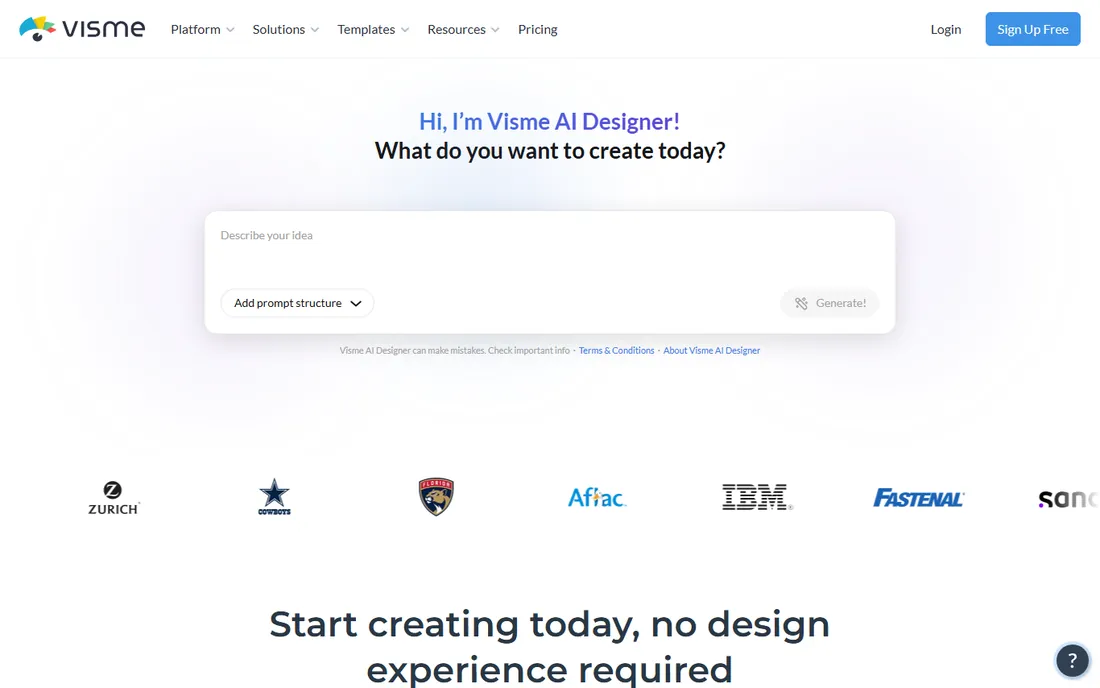
Visme sits between presentation software and a full visual content platform. Beyond slides, it builds infographics, reports, charts, and social graphics, which makes it a favorite for marketers and educators who produce a lot of visual content. The free Basic plan includes unlimited projects and most templates, though downloads are limited and carry a watermark.
Paid plans start at $12.25 per month per person billed annually, which adds premium templates, PPTX and video downloads, brand kits, and analytics. If your work is mostly standard slide decks, simpler tools will do. If every week brings a new infographic, report, or data-heavy presentation, Visme's breadth is worth the price.
What we like- Strong data visualization and infographics
- Free Basic plan with unlimited projects
- Brand kit on paid plans
Watch out for- Free plan watermarks projects and limits downloads
- Interface has a learning curve
- Best for marketing content
How we chose
We picked the slideshow tools people actually use and argue about: the big three (PowerPoint, Slides, Keynote), the interactive challengers (Prezi), the team tools (Pitch), the AI formatters (Beautiful.ai), the design-led options (Canva, Visme), and the suite player (Zoho Show). Every homepage was opened and verified. Prices come from vendor pages where shown; where a vendor's current pricing was not visible on its own site, we wrote See website rather than quoting third parties. We excluded discontinued products and required active development in 2026.
What to look for in slideshow software
Match the tool to the job. If you collaborate with a team, prioritize real-time co-editing and commenting: Google Slides and Pitch lead here. If you present to clients, prioritize compatibility and polish: PowerPoint for universal PPTX, Keynote for beauty on Apple hardware. If the audience must participate, Prezi's polls and Q&A have no equal on this list. If design is your bottleneck, Canva, Beautiful.ai, or Visme will get you to a good-looking deck fastest.
Then check the practical constraints. File compatibility matters when decks travel: PowerPoint's format is the lingua franca, and every tool here imports or exports it with varying fidelity, so test conversion before an important presentation. Offline access matters for travel and unreliable venues: desktop PowerPoint and Keynote work fully offline, while browser tools need a connection. And cost structures differ sharply, from Google Slides' free to per-seat team pricing, so count your collaborators before you commit.
Free versus paid: where the line really sits
You can present professionally without paying anything. Google Slides and Keynote are free and cover the vast majority of needs, Canva's free tier handles design-led decks, Prezi and Pitch both start free, and Visme's free Basic plan is genuinely useful. For students, teachers, and small teams, the free tier of the right tool is often the whole answer.
Pay when the work demands it. PowerPoint earns its Microsoft 365 subscription when clients require flawless PPTX compatibility or you need its deepest features. Beautiful.ai earns its subscription when you produce decks constantly and cannot afford design time. Visme's $12.25/month earns its keep for marketers producing infographics and reports weekly. And Pitch's team plans make sense when viewer analytics and brand control directly support winning deals.
Frequently asked questions
What is the best software for slideshow presentations for beginners?
Google Slides or Canva. Slides is free, runs in the browser, and collaboration is effortless; Canva adds thousands of templates that make any deck look designed. Both have almost no learning curve. Move to PowerPoint or Keynote only when you need their specific strengths.
Is Google Slides really free?
Yes. Anyone with a Google account can create and present in Slides at no cost. Some advanced features, like recording and speaker spotlight, require paid Google Workspace plans, but the core editor, collaboration, and presenting are free.
Can I open PowerPoint files in other slideshow software?
Yes. Google Slides, Keynote, Prezi, Pitch, Canva, Zoho Show, and Visme all import PPTX files. Fidelity varies: simple decks convert cleanly, while complex animations and custom fonts may shift. Always review the converted file before presenting.
What is the best slideshow software for Mac users?
Keynote. It is free on every Mac, iPhone, and iPad, produces the most polished slides with the least effort, and syncs through iCloud. PowerPoint for Mac is the pick if you constantly exchange files with Windows users.
Do I need the internet to present slides?
It depends on the tool. PowerPoint and Keynote desktop apps present fully offline. Google Slides, Canva, Prezi, Pitch, Beautiful.ai, Zoho Show, and Visme are browser-based and need a connection, though some offer offline modes or desktop apps. For unreliable venues, export a PDF or PPTX as backup.
Sources we checked (9)
- https://www.microsoft.com/
- https://slides.google.com/
- https://www.apple.com/
- https://prezi.com/
- https://www.canva.com/
- https://pitch.com/
- https://www.beautiful.ai/
- https://www.zoho.com/
- https://www.visme.co/
Is your product missing or out of date?
We review this list regularly. Vendors can request a listing, send updated pricing or ask about featured placement.

Shihab Mia · Founder, Rankite
Shihab has spent more than a decade helping SaaS and e-commerce brands grow through search. He writes Rankite's software buying guides from pricing pages, documentation and public user reviews. More about Shihab.