How we make this list: we compare pricing pages, product documentation and public user reviews. Rankite is independent; if a vendor ever pays for a featured spot, that listing is clearly labeled Partner.
Key takeaways
- ONYX fits high-volume shops running several printers; its Go subscription tiers lower the entry cost, and a 15-day trial lets you test color output before you commit.
- SAi Flexi combines design and RIP in one application, which suits sign shops that cut vinyl and print banners from the same workstation.
- Caldera runs on macOS and Linux, a genuine difference for shops that do not want a dedicated Windows RIP station.
- Mimaki RasterLink costs nothing extra if you already own a Mimaki printer, while PrintFactory appeals to shops that want cloud-based job management across more than one site.
Quick comparison
| Tool | Best for | Starting price | Free plan |
|---|
 ONYX Thrive ONYX Thrive | high-volume shops with multiple printers | See website | Free trial (15 days) |
 SAi Flexi SAi Flexi | sign shops that design and print from one workstation | See website | Free trial |
 Caldera Caldera | shops standardized on Mac or Linux | See website | Free trial |
 EFI Fiery XF EFI Fiery XF | color-critical production, proofing and brand work | See website | Free trial |
 ColorGATE Productionserver ColorGATE Productionserver | industrial, packaging and textile print operations | See website | No |
 Wasatch SoftRIP Wasatch SoftRIP | small shops that want the simplest possible setup | See website | No |
 Ergosoft Ergosoft | textile and hybrid print shops that also cut | See website | No |
 PrintFactory PrintFactory | shops that want cloud-based job management across sites | See website | Free trial |
 Mimaki RasterLink Mimaki RasterLink | shops that already run Mimaki printers | See website | No |
Is your product missing or out of date?
We review this list regularly. Vendors can request a listing, send updated pricing or ask about featured placement.
A wide-format printer is only as good as the software feeding it. The RIP, short for raster image processor, turns your design files into the exact dot patterns the printer lays down, and it controls color, ink limits, nesting and tiling along the way. Pick the wrong one and you get wasted media, reprints and color that drifts between jobs. Here are nine options worth a serious look, from subscription-priced workhorses to vendor-bundled tools that cost nothing extra.
Starting priceSee website
Free planFree trial (15 days)
ONYX has been in the wide-format game since 1989, and that experience shows in the color engine. Thrive is the top tier of the product line, built for shops that run several printers and need every one of them to match. The QuickSets feature saves a full set of job settings and applies them with one click, which matters when the same banner design comes back every month. Ink saving through the PowerChroma technology is another practical plus, since ink is one of the biggest variable costs in this business.
The honest catch is pricing structure. Traditional ONYX licensing is per printer, so a three-printer shop pays meaningfully more than a one-printer shop. The newer ONYX Go subscription tiers lower the entry barrier with monthly pricing, and the 15-day trial is genuinely useful, long enough to run real production jobs through it. Support is solid but routed through resellers in most regions, so your experience depends partly on your dealer.
What we like- Strong color engine with ICC profile building
- QuickSets automate repeat jobs
- Scales from one printer to production floors
Watch out for- Full Thrive licensing is priced per printer, so costs climb with each device
- The interface carries a learning curve for new operators
#2
SAi Flexi
Best for: sign shops that design and print from one workstation
Visit thinksai.com
Starting priceSee website
Free planFree trial
Ask a sign shop what runs their Roland or Mimaki and Flexi comes up constantly. The appeal is simple: you design the sign, add the contour cut path, nest it on the roll and send it to print without leaving the program. For shops that split time between vinyl cutting and wide-format printing, that single-workflow design saves real hours every week. Driver support is broad, covering printers from HP, Epson, Roland, Mimaki and many others.
Flexi is sold on subscription now, which keeps the upfront cost down but means the meter never stops. The design tools are good for sign work but no replacement for Illustrator on complex illustration. Shops doing brand-critical color matching usually get more precise results from ONYX or Fiery. If your work is signs, wraps and banners rather than fine-art reproduction, Flexi is hard to beat for the money.
What we like- Design tools and RIP live in the same application
- Huge library of printer and cutter drivers
- Contour cutting is built in
Watch out for- The interface looks dated next to newer rivals
- Advanced color work needs more manual effort than in ONYX or Fiery
Starting priceSee website
Free planFree trial
Caldera's headline feature is the operating system. Almost every other RIP on this list demands Windows, while Caldera runs on macOS and Linux, which matters to design-led shops that live in the Apple ecosystem. Beyond that, it is a serious production RIP: one interface drives the whole printer fleet, automated nesting cuts media waste, and the color tools include proper ICC profiling.
The trade-off is availability and pricing transparency. Caldera sells through dealers and does not publish list prices, so you will spend time on calls to get a quote. The subscription packages, including the VisualRIP entry tier, have made it more accessible than the old perpetual licenses. For a Mac-based shop, though, there is no closer alternative, and the software itself is mature and stable.
What we like- Runs natively on macOS and Linux
- Drives over 1,900 printer and cutter models from one interface
- Strong automation and nesting
Watch out for- Priced through dealers with quote-based licensing
- Smaller reseller network in North America than ONYX or SAi
#4
EFI Fiery XF
Best for: color-critical production, proofing and brand work
Visit fiery.com
Starting priceSee website
Free planFree trial
Fiery is the name commercial printers trust when color has to match a proof, and Fiery XF brings that pedigree to wide format. The color management is the deepest on this list, with support for spot color libraries, iterative profiling and verification against standards like Fogra and G7. Command WorkStation gives operators one dashboard for job management across the floor, which production managers appreciate.
All of that comes at enterprise pricing, and EFI does not publish numbers, so expect a sales conversation. For a shop printing corporate branding, backlit displays or anything where the client holds a Pantone book next to the print, Fiery XF earns its price.
What we like- Excellent color accuracy with Fiery Color Profiler options
- Fiery Command WorkStation manages jobs across printers
- Deep integration with EFI and third-party devices
Watch out for- Pricing is enterprise-grade and quote-based
- Overkill for a shop running a single roll-to-roll printer
#5
ColorGATE Productionserver
Best for: industrial, packaging and textile print operations
Visit colorgate.com
Starting priceSee website
Free planNo
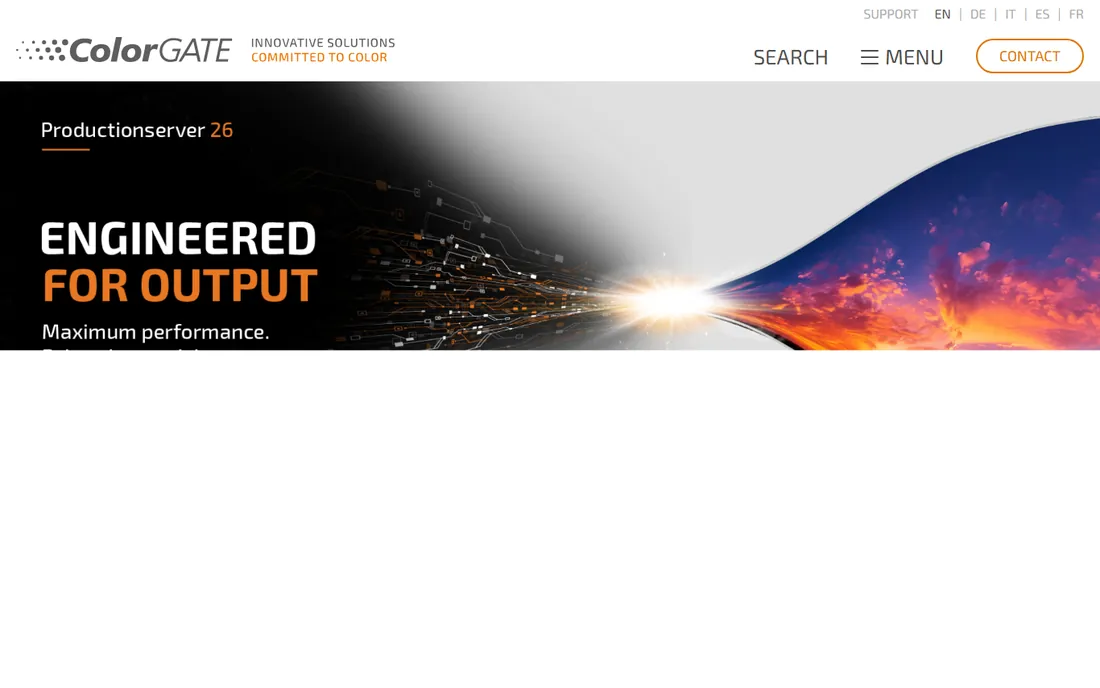
ColorGATE is a German company whose Productionserver software has a loyal following in industrial digital printing. If your work involves printing on ceramics, glass, decor panels or textiles rather than vinyl banners, this is one of the few RIPs built specifically for those machines and inks. The modular licensing means a small operation can start with the core RIP and add modules for things like container printing or extra color channels later.
In the mainstream sign market it is less visible than ONYX or Caldera, which affects the availability of local dealers and trained operators. Documentation is thorough but the community is smaller, so troubleshooting leans more on official support. For industrial applications it deserves to be on the shortlist.
What we like- Strong in industrial applications like ceramics, decor and packaging
- Modular design lets you buy only the functions you need
- Good linearization and profiling tools
Watch out for- Less common in North American sign shops, so local support can be thin
- Quote-based pricing with no public numbers
#6
Wasatch SoftRIP
Best for: small shops that want the simplest possible setup
Visit wasatch.com
Starting priceSee website
Free planNo
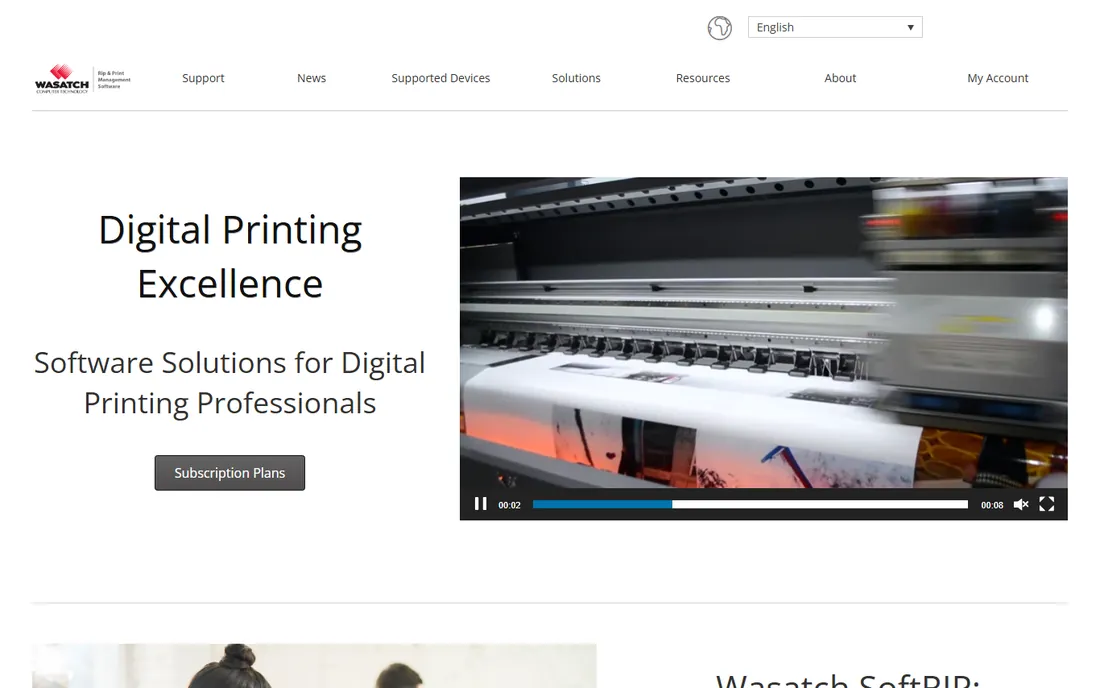
Wasatch SoftRIP has been around for decades with a consistent pitch: sophisticated RIP features without the complexity. Setup really is straightforward, and most operators are productive within a day. The special editions matter, because a dye-sublimation shop or a DTG garment printer gets a version tuned for that process rather than a generic RIP with add-ons. Variable data printing is included, which is useful for shops doing numbered or personalized runs.
The simplicity is also the ceiling. Large shops with complex automation, hot folders feeding multiple devices and detailed cost tracking will outgrow SoftRIP. But for a one or two-printer shop, that ceiling rarely matters, and the lower price plus minimal training time make it one of the most sensible picks in its class. Licensing is sold per printer through dealers.
What we like- Genuinely easy to install and learn
- Per-printer licensing keeps costs predictable
- Good special editions for dye sublimation and direct to garment
Watch out for- Fewer high-end automation features than ONYX or Caldera
- The interface feels basic if you are used to a full production RIP
Starting priceSee website
Free planNo
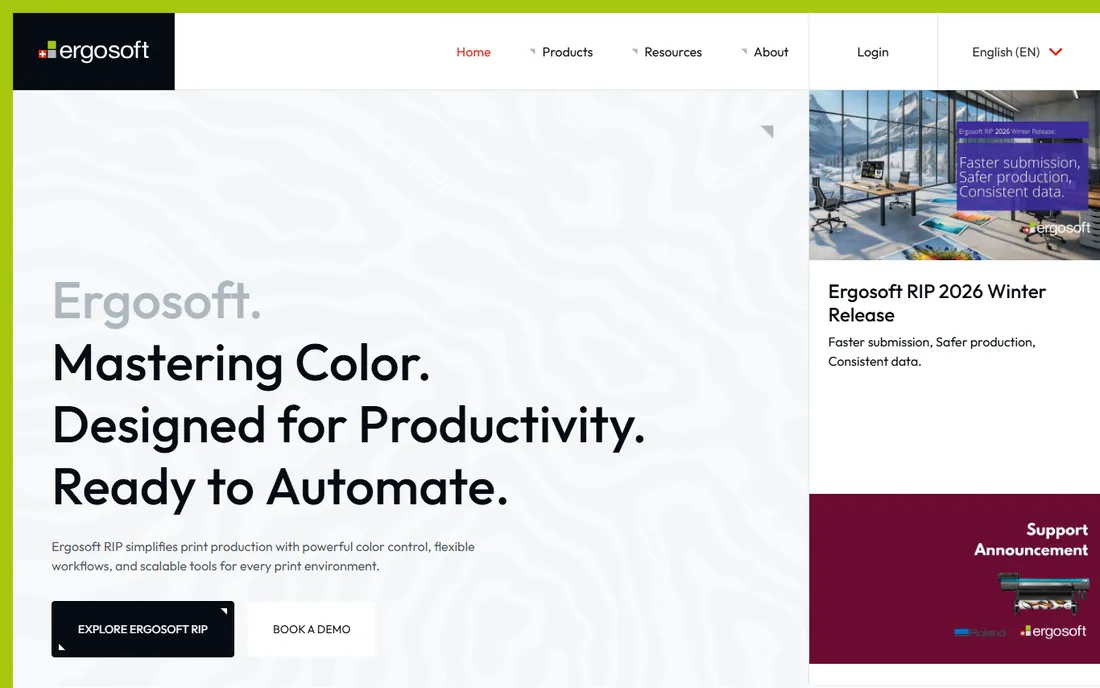
Ergosoft is a Swiss company focused on the textile and soft-signage side of wide format. Its RIP handles the realities of fabric printing, pattern repeats, double-sided backlits, color behavior on stretchy media, better than general-purpose RIPs that treat textile as an afterthought. The JobComposer interface organizes print and cut jobs in one place, which suits shops producing flags, backlit textiles and apparel.
Outside Europe the dealer network is thinner, so check who supports it in your region before committing. Like most of its competitors it is sold through resellers with quote-based pricing. If textiles are a side line, a mainstream RIP covers you; if textiles are the business, Ergosoft's specialization is worth the extra effort to source.
What we like- Purpose-built tools for textile printing including step and repeat
- Integrated print and cut workflows
- Strong color engine with ColorGPS profiling
Watch out for- Smaller market presence outside Europe
- Pricing and availability go through resellers
Starting priceSee website
Free planFree trial
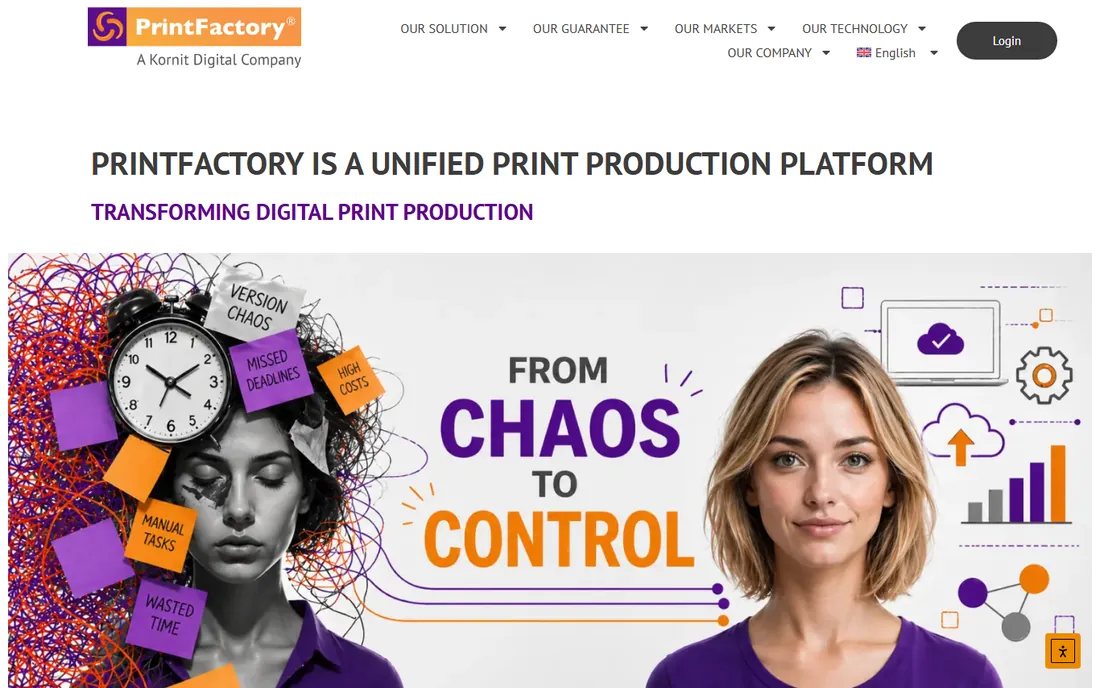
PrintFactory takes a different architectural path: the RIP workflow lives in the cloud, so a shop with two locations can manage jobs, color and queues from one place. The color approach uses device-link profiles, which in practice means consistent output across different printer models without endless manual tweaking. Nesting, tiling and template tools are genuinely good, and the interface feels more modern than some legacy RIPs.
The obvious question is what happens when the internet drops mid-production, so shops with flaky connectivity should think carefully. It is also a younger brand than ONYX or Fiery, which means fewer peer reviews and a smaller pool of operators who already know it. For multi-site businesses and franchises, though, the centralized model solves a real management headache.
What we like- Cloud architecture suits multi-site operations
- Device-link profiling keeps color consistent across printers
- Strong nesting and layout tools
Watch out for- The cloud model needs reliable internet on the production floor
- Smaller brand recognition than the big RIP names
#9
Mimaki RasterLink
Best for: shops that already run Mimaki printers
Visit mimaki.com
Starting priceSee website
Free planNo
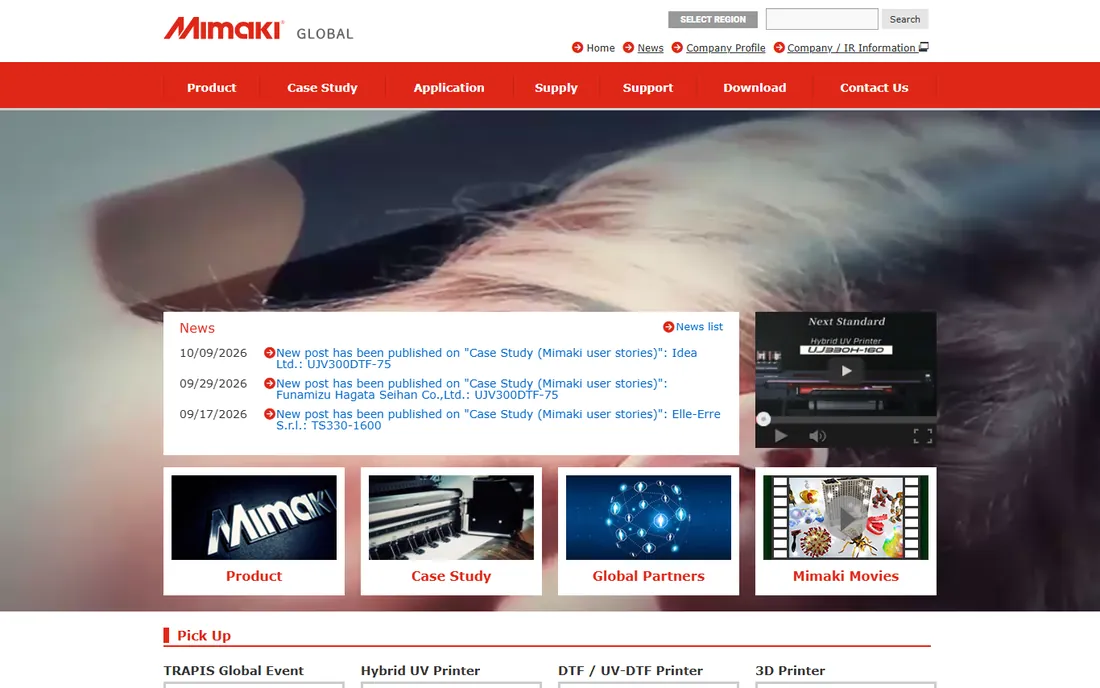
RasterLink ships with Mimaki printers, and for many shops it is the only RIP they will ever need. Because it is built by the printer manufacturer, the defaults for ink limits, profiles and media settings are correct out of the box, which removes the trial-and-error phase that comes with a third-party RIP. It handles the common wide-format tasks, nesting, tiling, basic color management, without drama.
The limitation is obvious: it only talks to Mimaki hardware. A shop with a Mimaki and an HP Latex needs a second RIP or a unifying product like ONYX or Caldera. But as a bundled, zero-cost starting point that is genuinely capable, RasterLink is excellent, and many shops never feel the need to replace it.
What we like- Bundled with Mimaki printers at no extra cost
- Tuned specifically for Mimaki inks and media
- Simple enough for operators new to RIP software
Watch out for- Only drives Mimaki devices, so it cannot unify a mixed fleet
- Fewer advanced color tools than standalone RIPs
Choosing a RIP that fits your shop
Buying a RIP is a long-term decision, because your operators, profiles and workflows all get built around it. Work through these points before you sign anything.
Start with your printers, present and future
Every RIP on this list publishes a supported printer list. Check yours, including the exact model, and ask about the printers you might buy next. A single-brand RIP is fine if you are loyal to that brand; a mixed fleet needs ONYX, Caldera, Fiery XF or a similar multi-brand product. Switching RIPs later means rebuilding every media profile.
Treat color management as the real product
The RIP's core job is turning pixels into ink dots, and color accuracy is where cheap and expensive RIPs diverge. If you print brand colors, ask each vendor how their software handles spot colors and whether ICC profile creation is included or a paid add-on. A demo that prints your own files on your own media tells you more than any brochure.
Count the automation you will actually use
Hot folders, job presets and automatic nesting save labor in high-volume shops and sit unused in small ones. A two-person shop printing twenty jobs a day gets more value from an easy interface than from lights-out automation. A twenty-person production floor needs the automation and the reporting that comes with it.
Understand the licensing model
RIP pricing comes in three flavors: perpetual license per printer, subscription per month, and bundled with the printer. Perpetual licenses cost more upfront but stop billing you; subscriptions spread the cost and include updates; bundled software like RasterLink costs nothing but locks you to one brand. Ask what happens to your profiles if you stop paying a subscription.
Test support before you need it
When a RIP misbehaves at 4 PM with a client deadline at 6, the quality of support matters more than any feature list. During the trial, contact support with a real question and time the response. Check whether support comes from the vendor or a local reseller and what hours they cover.
We started from vendor documentation, pricing pages and feature lists, then cross-checked against trade press, G2 and Capterra reviews, and print community discussions. We weighted printer compatibility, color management depth, automation, licensing flexibility and the quality of trial and support experiences. We did not install or operate any of these products.
What a RIP license really costs to own
The sticker price is only the first number. Perpetual licenses for products like ONYX Thrive or Caldera typically run into the thousands of dollars per printer, with annual maintenance contracts adding a recurring charge for updates. Subscriptions, such as SAi Flexi and ONYX Go, trade the upfront payment for a monthly fee that always includes the latest version. Add the hidden costs: a spectrophotometer for building your own profiles, operator training, and the time to rebuild media profiles if you ever switch products. A one-printer shop should budget the license plus a day or two of setup; a multi-printer floor needs the software, the maintenance contract and proper training.
Frequently asked questions
Do I need a RIP if my printer came with free software?
Often not at first. Bundled tools like Mimaki RasterLink or Roland VersaWorks handle everyday wide-format work well. You need a standalone RIP when you run printers from more than one brand, when color accuracy becomes a client requirement, or when manual job setup starts eating hours every day.
Can one RIP drive printers from different brands?
Yes, and that is one of the main reasons to buy one. ONYX, Caldera, EFI Fiery XF, ColorGATE, Wasatch, Ergosoft and PrintFactory all support hardware from multiple manufacturers. Check exact models on the vendor's compatibility list, since support varies by model and firmware version.
Should the RIP run on Windows, Mac or Linux?
Most RIPs are Windows-only, so plan on a dedicated Windows workstation if you choose one of them. Caldera is the notable exception with native macOS and Linux support. Give the RIP station a fast CPU, plenty of RAM and a wired network connection to the printers regardless of operating system.
How much should a small shop budget for RIP software?
A one-printer shop typically spends from a few hundred dollars per year on a subscription to a few thousand for a perpetual license, plus setup time. Bundled software costs nothing beyond the printer. Get quotes from at least two vendors and use the free trials with your own files.
What does a RIP actually do to my file?
It converts your design into a bitmap of precisely placed ink dots, applying color management, ink limits and screening along the way. It also handles the practical side: scaling, tiling across multiple panels, nesting jobs to save media, and sending the data to the printer in the order and format the printer expects. Good RIPs do all of this repeatably, so job 500 matches job 1.
How long does it take to get a new RIP into production?
Plan on one to three days for installation, printer setup and basic profiling, plus another week of running real jobs alongside your old workflow before you trust it fully. Building custom ICC profiles for each media adds time but pays off in color consistency.
Sources we checked (11)
- https://onyxgfx.com/
- https://thinksai.com/
- https://caldera.com/
- https://fiery.com/
- https://colorgate.com/
- https://wasatch.com/
- https://ergosoft.net/
- https://printfactory.cloud/
- https://mimaki.com/
- https://gitnux.org/best/large-format-printing-software/
- https://solutions.prepresssupply.com/blog/the-best-rip-software-for-large-format-printing
Is your product missing or out of date?
We review this list regularly. Vendors can request a listing, send updated pricing or ask about featured placement.

Shihab Mia · Founder, Rankite
Shihab has spent more than a decade helping SaaS and e-commerce brands grow through search. He writes Rankite's software buying guides from pricing pages, documentation and public user reviews. More about Shihab.