How we make this list: we compare pricing pages, product documentation and public user reviews. Rankite is independent; if a vendor ever pays for a featured spot, that listing is clearly labeled Partner.
Key takeaways
- Webflow ($15/month) is the best choice when the design needs to become a real, CMS-powered website without developers.
- Framer ($10/month) is the fastest path from a design canvas to a published site, especially for design-led marketing pages.
- Wix, Squarespace and Weebly cover simple sites for non-designers; WordPress.com and Elementor cover content-heavy sites.
- Figma is for designing, not publishing; pair it with Webflow or Framer when developers build the final site.
- Duda targets agencies building many client sites with white-labeling and team workflows.
Quick comparison
| Tool | Best for | Starting price | Free plan |
|---|
 Webflow Webflow | Design that becomes a real website | $15 per month (Basic site plan, billed annually) | Yes (Starter) |
 Framer Framer | Canvas to published site, fast | $10 per month (Basic, billed annually) | Yes |
 Wix Wix | Beginners building simple sites | See website | Yes |
 Squarespace Squarespace | Polished templates for creatives | See website | Free trial (14 days) |
 WordPress.com WordPress.com | Content-heavy sites and blogs | Free | Yes |
 Figma Figma | Designing before building | Free | Yes |
 Elementor Elementor | WordPress page building | Free | Yes |
 Duda Duda | Agencies building client sites | See website | Free trial |
 Weebly Weebly | Simple free websites | Free | Yes |
Is your product missing or out of date?
We review this list regularly. Vendors can request a listing, send updated pricing or ask about featured placement.
Design and publish are two different jobs
Some tools design websites (Figma), some publish them (Wix, Squarespace), and a newer breed does both on one canvas (Webflow, Framer). Know which job you are hiring for. A designer handing off to developers needs Figma. A business owner who wants a live site by Friday needs a publisher.
Budget and timeline decide as much as features. A simple brochure site can be live on Wix or Squarespace in a weekend for under $200 a year. A CMS-driven marketing site on Webflow or Framer takes longer to build but costs less to run than a developer-built site. Be honest about which of those you are building before comparing feature lists.
Starting price$15 per month (Basic site plan, billed annually)
Free planYes (Starter)
Webflow lets designers build production websites visually: responsive layouts, a real CMS, forms, and hosting, with clean code output and solid SEO controls. The 2026 lineup simplified site plans to Starter (free), Basic ($15/month annual) and Premium ($25/month annual) for CMS-powered sites, though workspace seats for teams add cost on top.
The honest catch is pricing complexity: site plans, workspace seats and add-ons stack, so a team's real bill exceeds the headline number. It also takes longer to learn than drag-and-drop builders. But for design-led sites that need to rank and convert, it is the most capable visual platform available.
Setup starts with a template or a blank canvas, and Webflow University, the free video course library, is the best onboarding in this category. Expect a real learning curve: thinking in boxes and breakpoints takes a few weeks if you are new to it. CMS item limits vary by site plan, and team workspaces add per-seat costs on top of site plans, so model the full bill. Integrations run through Zapier, Memberstack for memberships, and standard analytics tools. Support is email and community based, with extensive documentation; there is no phone support.
What we like- Visual design with real CMS and hosting
- Clean code output
- Strong SEO controls
Watch out for- Pricing has three layers that stack
- Learning curve steeper than Wix
Starting price$10 per month (Basic, billed annually)
Free planYes
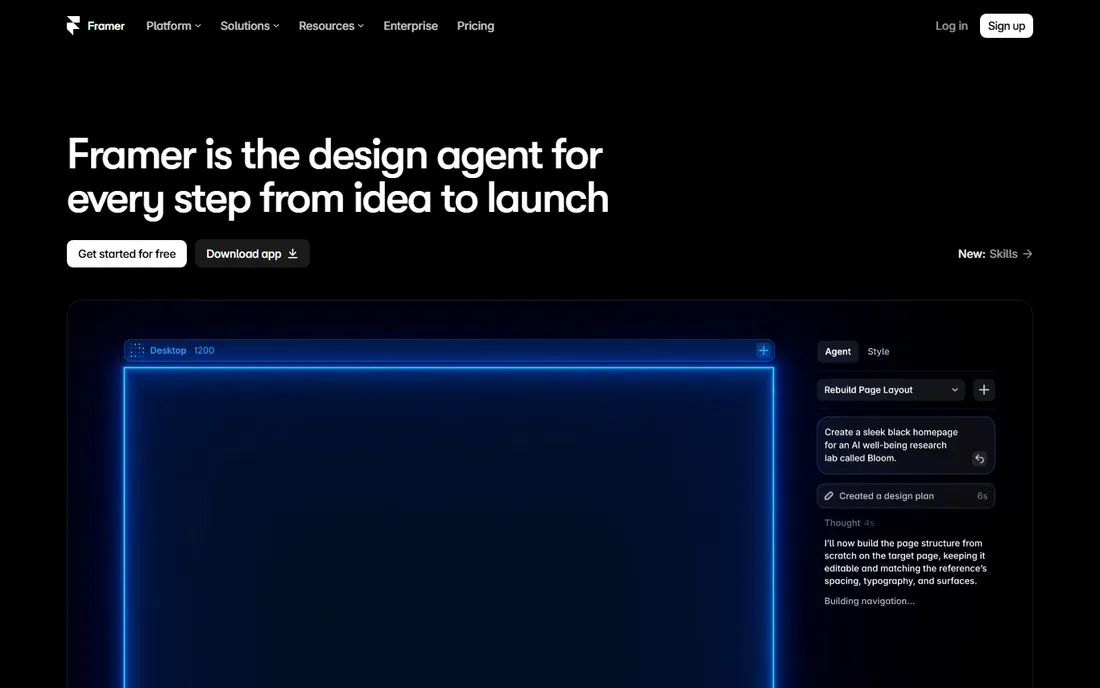
Framer feels like Figma but publishes real websites: design on a canvas, connect a custom domain, and go live, with AI agents that draft pages directly on the canvas. Basic is $10 a month annually with a free plan for learning, making it the cheapest serious option here.
Watch the seat costs: extra editors run $20 a month each, which can dwarf the site plan for teams. CMS capacity is also tighter than Webflow's. For portfolios, startups and marketing sites built by designers, the speed from idea to live site is unmatched.
Setup is fast, especially with Figma import for existing designs; publishing to a custom domain takes minutes. The AI page generation drafts full pages from prompts, which speeds up first drafts for marketing sites. Limits: CMS collections cap lower than Webflow's, localization costs extra, and each additional editor is $20 a month, which adds up for teams. Integrations cover analytics, forms and common marketing tools. Support is documentation and community based, with responsive in-app help on paid plans.
What we like- Design-tool feel with instant publishing
- AI-assisted page generation
- Cheap entry price
Watch out for- Extra editors cost $20/month each
- CMS limits tighter than Webflow's
Starting priceSee website
Free planYes
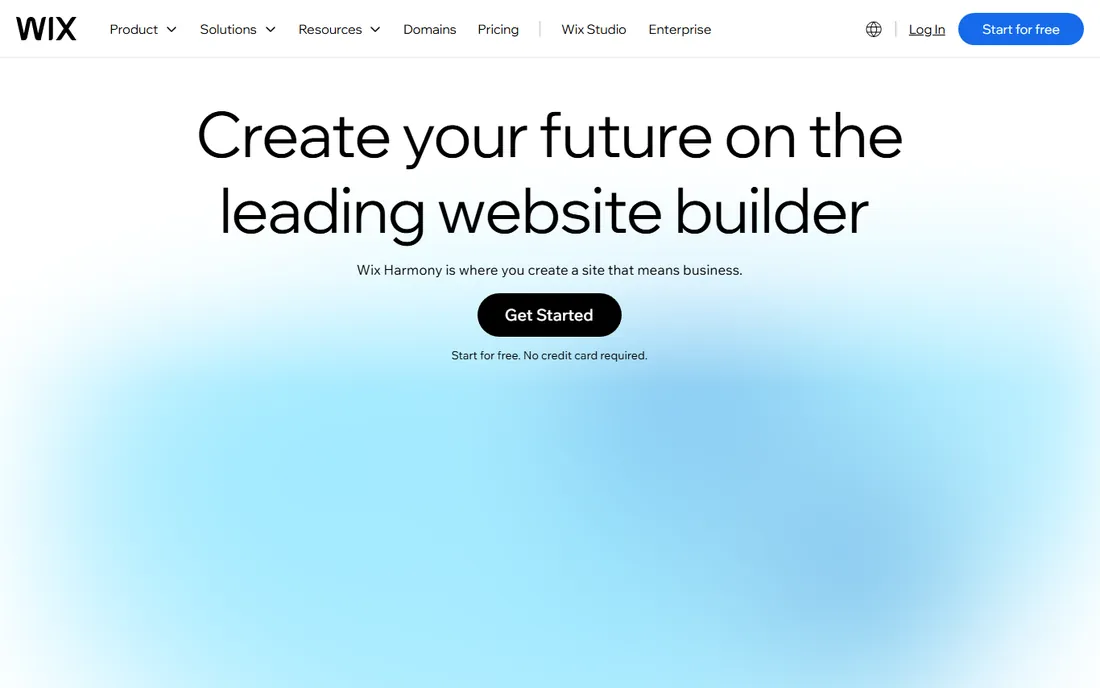
Wix remains the easiest way for a non-designer to get a decent website: hundreds of templates, drag-and-drop everything, and an app market for bookings, stores and restaurants. The free tier works for trying ideas, with paid plans removing Wix branding and adding a domain.
Serious designers hit the ceiling fast; you cannot achieve Webflow-level custom layouts, and leaving Wix means rebuilding elsewhere. It is the right tool for simple sites built by their owners, not for design-led projects.
Setup offers two paths: the ADI builds a site from your answers, or the Editor gives you full drag-and-drop control. Either way, a basic site is live the same day. Limits: you cannot switch templates without rebuilding, there is no code export, and advanced design control stays capped. The app market fills gaps with bookings, stores, events and restaurants. Support includes a help center, tutorials and callback options on paid plans; free-tier users get the help center.
What we like- Easiest learning curve
- Huge template and app market
- Free tier to start
Watch out for- Design flexibility capped
- Migrating away is painful
Starting priceSee website
Free planFree trial (14 days)
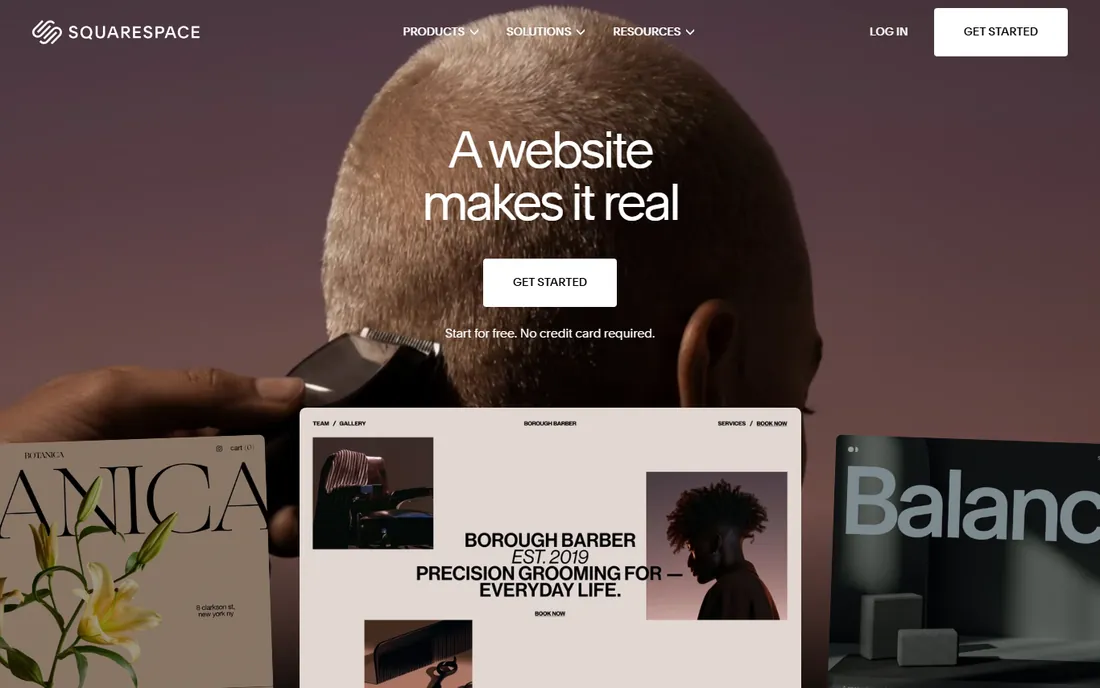
Squarespace's templates remain the prettiest starting point among mainstream builders, which is why photographers, restaurants and boutiques love it. Everything is included: hosting, domain, templates and commerce, in one bill.
There is no free tier, only a trial, and customization stays within template guardrails. If you want a beautiful site quickly and will not fight the template, it delivers. If you want pixel-level control, look at Webflow or Framer.
Setup is template-first: pick a design, swap in your content, and publish, with a 14-day trial to decide. The templates are the product; customization stays within their guardrails, which keeps sites looking good but limits originality. Commerce, scheduling and email campaigns are built in rather than bolted on. Support runs 24/7 over email and live chat, and it is consistently rated among the best in the builder category.
What we like- Beautiful templates out of the box
- Good for portfolios and creatives
- All-in-one hosting
Watch out for- No permanent free tier
- Less flexible than Webflow or Framer
Starting priceFree
Free planYes

WordPress.com offers hosted WordPress with a free tier, which makes it the cheapest path to a content-heavy site with real blogging tools. The plugin and theme ecosystem is unmatched, and higher tiers add custom themes and plugins.
Setup is a signup and a subdomain; you can be blogging in minutes. The free and personal tiers carry WordPress.com branding and ads, and plugin installation needs the Business tier or higher, which is the real cost of flexibility. The wordpress.com versus self-hosted wordpress.org split still confuses newcomers: the former is managed hosting, the latter is software you install anywhere. Support quality scales with your plan, from forums on free to live chat on higher tiers.
The free and cheap tiers are limited; the good stuff costs more. And the wordpress.com versus self-hosted wordpress.org distinction still confuses newcomers. For blogs and content sites that may grow for years, it is the safe long-term bet.
What we like- Free tier
- The WordPress ecosystem's themes and plugins
- Great for blogging
Watch out for- Real flexibility needs paid tiers
- The wordpress.com vs wordpress.org split confuses
Starting priceFree
Free planYes
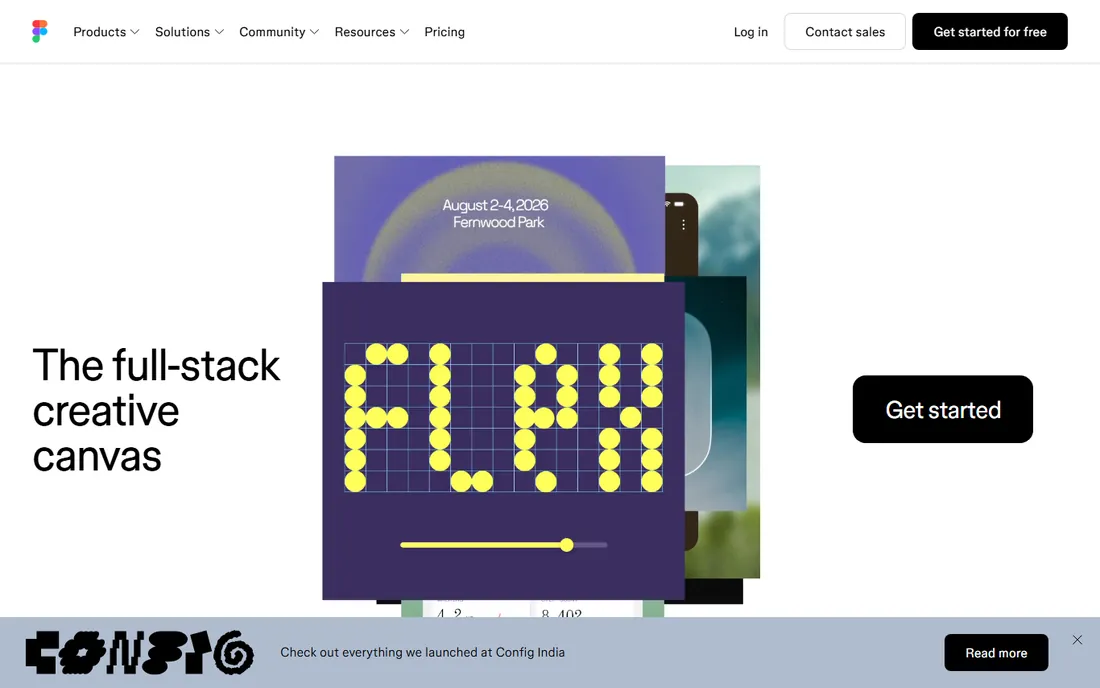
Figma is where most professional websites are designed before anyone writes code: collaborative, component-based, with prototyping and a free tier that covers small teams. If developers will build the site, this is the design tool they expect files in.
It does not publish anything; the handoff to Webflow, Framer or code is a separate step. Include it here because "designing websites" for professionals usually starts on this canvas, not in a site builder.
Setup is a free account in the browser; small teams can design together immediately. Dev Mode, component libraries and advanced prototyping sit on paid seats, which is where the cost appears for larger teams. The plugin ecosystem is enormous, from accessibility checkers to content generators. Handoff to Webflow or Framer is well supported with import tools and plugins. Support is help-center and community based, with excellent documentation; enterprise plans add dedicated support.
What we like- Industry-standard design tool
- Real-time collaboration
- Generous free tier
Watch out for- It does not publish websites
- Developers still build the final site
Starting priceFree
Free planYes
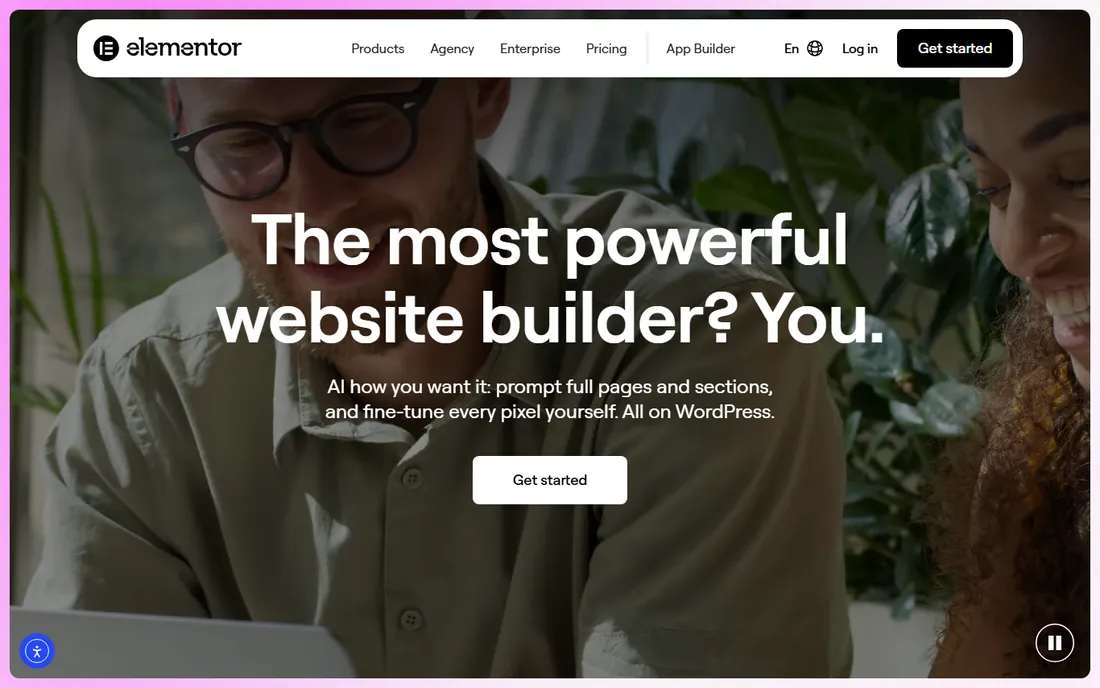
Elementor brings visual page building to WordPress: drag-and-drop layouts, hundreds of templates, and theme building without code. The free version handles most page designs; Pro adds theme building, forms and marketing integrations.
Page builders can slow sites down if overused, and you are tied to WordPress hosting. But for the millions of sites on WordPress, Elementor is the fastest route from idea to designed page.
Setup means a WordPress site, then the free plugin from the directory; most users are building pages within an hour. The free version covers layouts, text, images and basic forms; Pro adds theme building, popups, forms and marketing integrations. Page builders can bloat page speed if widgets are overused, so pair it with caching and a light theme. You are tied to WordPress hosting and its maintenance. Support is documentation and community for free users, with ticket support for Pro customers.
What we like- Visual building inside WordPress
- Huge template library
- Free tier is capable
Watch out for- Can bloat page speed
- Best features need Pro
- Tied to WordPress
Starting priceSee website
Free planFree trial
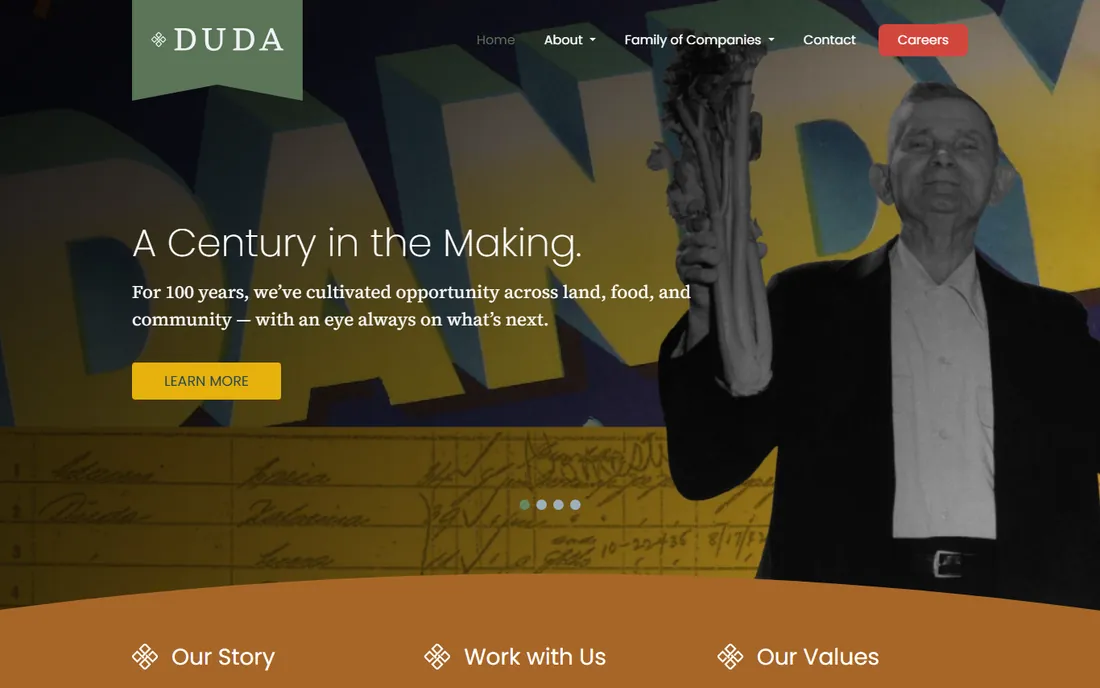
Duda is the builder agencies choose: white-label client dashboards, team collaboration, site duplication across clients, and fast-loading output. It is designed for building dozens of small business sites efficiently rather than one perfect portfolio.
Per-site costs exceed consumer builders, and the template library is smaller than Wix's. For freelancers and agencies productizing web design, the workflow features justify it.
Setup is agency-oriented: white-label client dashboards, team roles, and site duplication from templates. Building dozens of similar small-business sites is fast once the template system is learned. Pricing is per site, which exceeds consumer builders but is predictable for agencies to mark up. Deep custom code is limited compared with Webflow. Support includes onboarding help and priority support on higher tiers, which agencies rate well.
What we like- Built for agencies: white-labeling, client management, team workflows
- Fast sites
Watch out for- Pricier per site than consumer builders
- Smaller template ecosystem
Starting priceFree
Free planYes
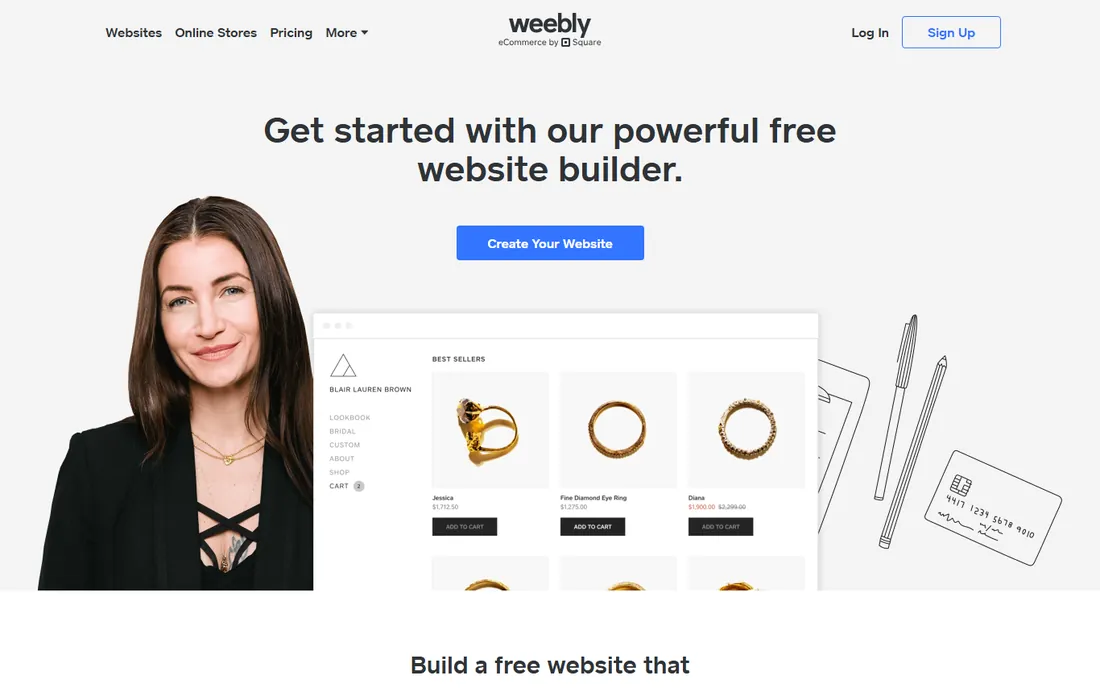
Weebly, now part of Square, still offers one of the simplest free website builders: drag, drop, publish. E-commerce ties into Square naturally, which suits small sellers.
Templates feel dated next to Squarespace or Framer, and the platform evolves slowly. But for a basic site at zero cost with minimal fuss, it remains a valid choice.
Setup is a Square account and a drag-and-drop editor; a basic store or brochure site is live quickly. Commerce ties into Square payments and point of sale naturally, which is the main reason to choose it today. Limits: templates feel dated next to Squarespace or Framer, design control is basic, and new features arrive slowly. There is little reason to pick Weebly over Wix for a plain site. Support runs through Square's help center and chat.
What we like- Genuinely free tier
- Very simple
- Backed by Square for commerce
Watch out for- Dated templates
- Limited design control
- Development pace is slow
The decision in one paragraph
If you are a designer who wants the design to be the website, choose Webflow or Framer. If you are a business owner who wants a good-looking site without learning design, choose Squarespace or Wix. If content and longevity matter most, choose WordPress with Elementor. If developers build it, design in Figma.
Budget the second year, not just the first: intro pricing and renewals differ, and add-ons like extra editors or CMS capacity change the math. If the site must rank in search, Webflow and WordPress give you the most control; if it must launch this week, Wix or Squarespace win. And if a developer will eventually rebuild it anyway, starting in Figma costs nothing.
How we chose
We compared the website design tools most used in 2026, verifying pricing against vendor pricing pages. We weighted design capability, publishing quality, learning curve and value. We did not build test sites in each platform.
Frequently asked questions
What is the difference between Figma and Webflow?
Figma designs websites as mockups and prototypes; developers then build them. Webflow designs and publishes real, working websites from the same canvas. Many teams use both: Figma for exploration, Webflow for production. Cost-wise, Figma's free tier covers most design work while Webflow's cost starts when you publish, so budget them as separate line items.
Can I switch builders later?
Painfully. Moving between Wix, Squarespace, Webflow or WordPress means rebuilding the design and migrating content manually. Choose assuming you will stay for years. Export what you can: blog posts and product data usually export as CSV, but designs never transfer. Keep the old site live until the new one is indexed.
Which is best for SEO?
Webflow and WordPress offer the most SEO control: custom meta, clean URLs, sitemaps and schema. Wix and Squarespace cover the basics. The builder matters less than the content and site speed. Technical basics like sitemaps, SSL and mobile speed are covered by all nine; the difference is control, since Webflow and WordPress let you edit schema and URL structures that Wix and Squarespace manage for you.
Do I need to know code for Webflow or Framer?
No, both are visual. But knowing basic HTML and CSS concepts makes you much faster in Webflow, and custom code embeds extend both platforms when the visual tools hit limits. Designers without code ship fine on both; developers extend them with custom embeds when needed, and neither requires you to write code on day one.
What does a website builder really cost per year?
Entry plans run roughly $120 to $200 a year plus the domain ($10 to $20). Teams, CMS needs and add-ons push Webflow and Framer higher. Budget the renewals, not just the intro price. Watch renewal pricing in particular: first-year discounts are common and renewals can jump 30 to 50 percent, so set a calendar reminder to reassess before renewal.
Sources we checked (9)
- https://www.webflow.com/
- https://www.framer.com/
- https://www.wix.com/
- https://www.squarespace.com/
- https://www.wordpress.com/
- https://www.figma.com/
- https://www.elementor.com/
- https://www.duda.com/
- https://www.weebly.com/
Is your product missing or out of date?
We review this list regularly. Vendors can request a listing, send updated pricing or ask about featured placement.

Shihab Mia · Founder, Rankite
Shihab has spent more than a decade helping SaaS and e-commerce brands grow through search. He writes Rankite's software buying guides from pricing pages, documentation and public user reviews. More about Shihab.