How we make this list: we compare pricing pages, product documentation and public user reviews. Rankite is independent; if a vendor ever pays for a featured spot, that listing is clearly labeled Partner.

Key takeaways
- Lucidchart is the best all-round flowchart tool for teams, with real-time collaboration and broad integrations.
- Microsoft Visio remains the enterprise standard, especially where Office integration and IT standardization matter.
- draw.io is completely free and handles serious flowcharting, making it the default for budget-conscious teams.
- Miro and Whimsical suit collaborative brainstorming where flowcharts emerge from whiteboard sessions.
- SmartDraw, Creately, EdrawMax, Cacoo, and Gliffy fill niches from template depth to value pricing.
Quick comparison
| Tool | Best for | Starting price | Free plan |
|---|
 Lucidchart Lucidchart | collaborative flowcharting | See website | Yes |
 Microsoft Visio Microsoft Visio | enterprise diagramming | See website | Free trial |
 draw.io draw.io | free flowcharting | Free | Yes |
 Miro Miro | whiteboard flowcharts | See website | Yes |
 SmartDraw SmartDraw | template-driven diagrams | See website | Free trial |
 Creately Creately | visual collaboration | See website | Yes |
 Whimsical Whimsical | fast simple flowcharts | See website | Yes |
 EdrawMax EdrawMax | affordable diagramming suite | See website | Free trial |
 Cacoo Cacoo | simple online diagrams | See website | Free trial |
Is your product missing or out of date?
We review this list regularly. Vendors can request a listing, send updated pricing or ask about featured placement.
The best software for creating flowcharts
Starting priceSee website
Free planYes
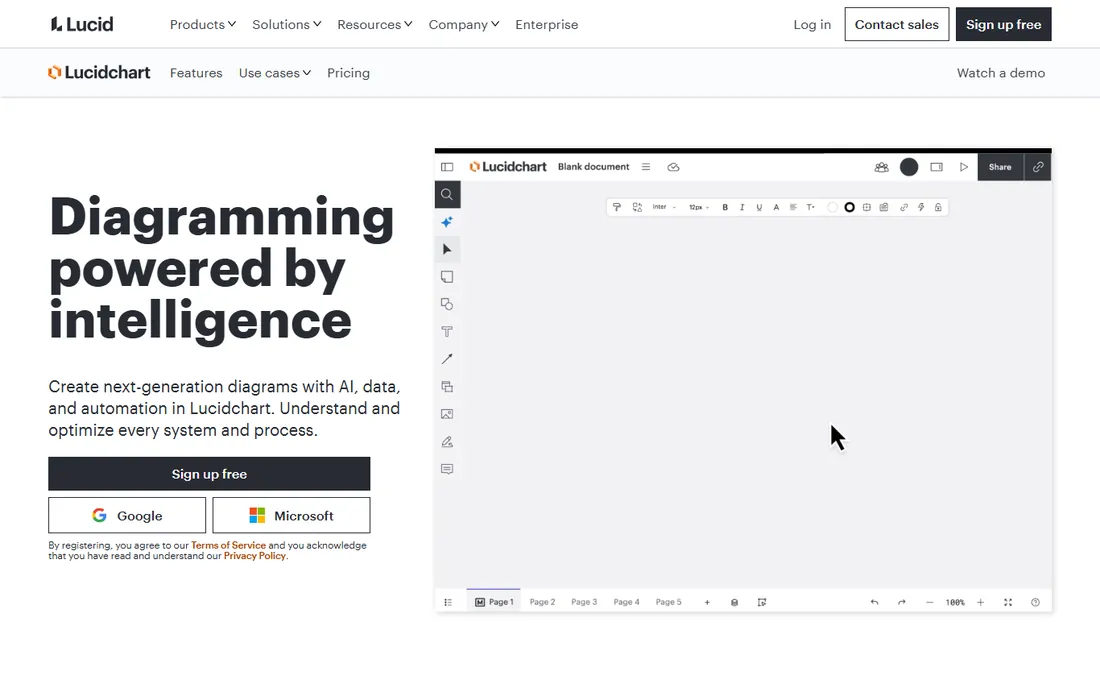
Lucidchart is where most teams land for flowcharting. Multiple people edit the same diagram live, intelligent shapes snap into clean layouts, and integrations with Google Workspace, Microsoft 365, and Atlassian keep diagrams where work happens. The free tier handles basic flowcharts for individuals.
Complex data-linked diagrams and advanced administration sit on paid tiers. But for the standard job of mapping a process with colleagues, Lucidchart's combination of ease and polish is unmatched. It is the safe recommendation when you need one tool the whole team can use.
What we like- Excellent collaboration
- Smart shapes and formatting
- Strong integrations
Watch out for- Advanced features need paid plans
- Free tier limited
Starting priceSee website
Free planFree trial
Visio remains the enterprise diagramming standard, particularly in organizations standardized on Microsoft 365. The shape libraries are the deepest in the industry, data-linked diagrams update from Excel and databases, and IT departments already know how to deploy and license it.
The web version has improved, but Visio still feels desktop-first next to Lucidchart's cloud-native collaboration. Mac users get a lesser experience. But enterprises with Microsoft agreements and compliance requirements often choose Visio by policy, and its diagramming depth justifies the choice on merit too.
What we like- Deepest shape libraries
- Office integration
- IT-approved standard
Watch out for- Windows-centric
- Collaboration lags cloud rivals
Starting priceFree
Free planYes
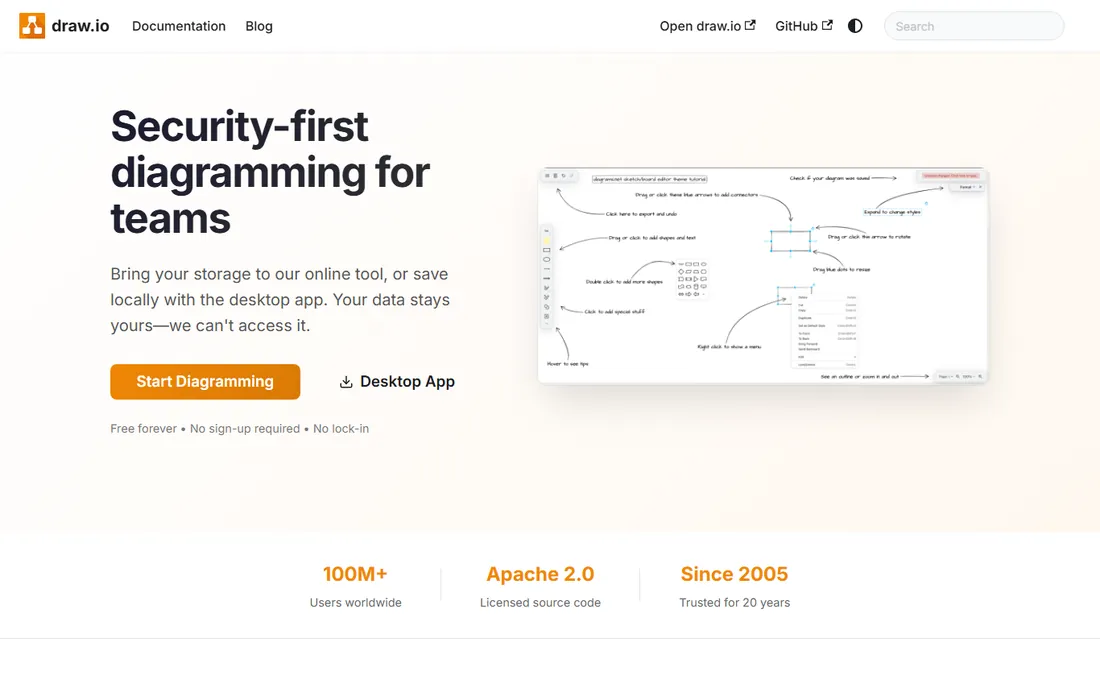
draw.io, at diagrams.net, is the remarkable free option: full-featured flowcharting with no account, no paywall, and no feature gates. Shapes, templates, and integrations with Google Drive, OneDrive, and Confluence cover serious diagramming work. Privacy-conscious teams like that diagrams can stay entirely local.
The interface is functional rather than delightful, and real-time collaboration is basic. But the price-to-capability ratio is absurd: most of what paid tools do, free. Teams should try draw.io before buying anything; many never need to upgrade.
What we like- Completely free
- No account needed
- Surprisingly capable
Watch out for- Interface utilitarian
- Collaboration basic
Starting priceSee website
Free planYes

Miro builds flowcharts the whiteboard way: sticky notes and shapes on an infinite canvas during live collaboration. Process mapping workshops run naturally, with everyone contributing simultaneously. The free plan is generous enough for real team use.
Precision suffers compared to Lucidchart or Visio; connectors wander and alignment needs manual care. Use Miro for the collaborative discovery phase, then rebuild the final flowchart in a dedicated tool if polish matters. For teams that think together visually, that two-step flow works well.
What we like- Infinite canvas
- Great for workshops
- Generous free plan
Watch out for- Less precise than dedicated tools
- Diagrams get messy
Starting priceSee website
Free planFree trial
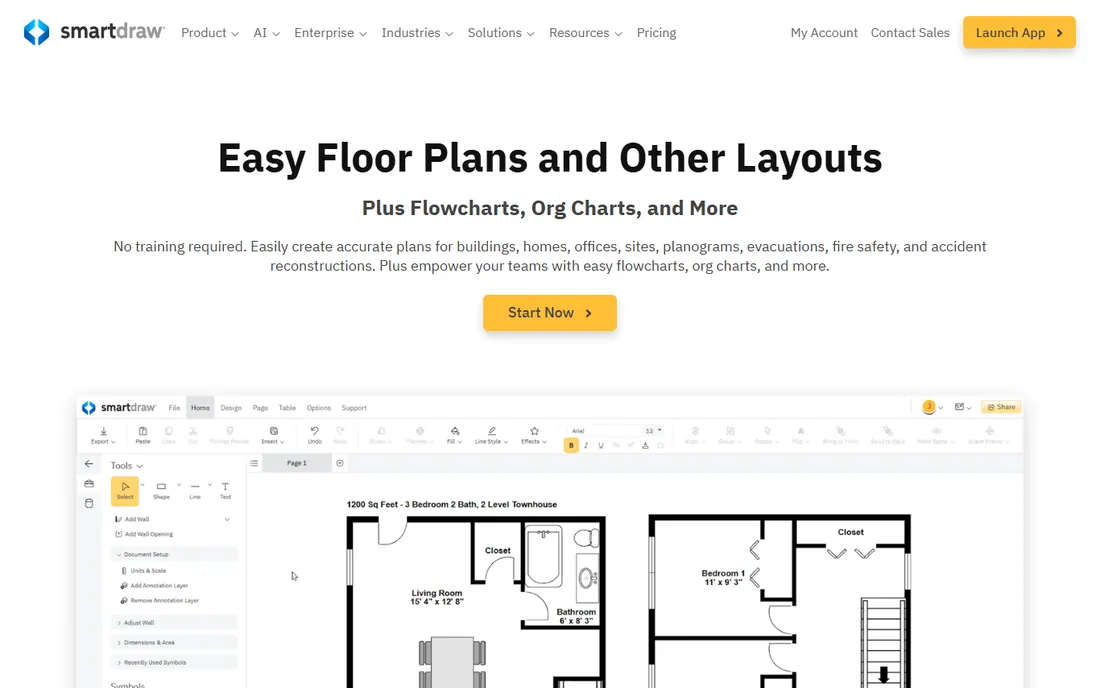
SmartDraw's template library covers nearly every flowchart type, and its automatic formatting engine arranges shapes cleanly with minimal manual adjustment. Visio import and export work reliably, which matters in mixed environments. Individuals who need professional diagrams fast get there quickly.
Cloud collaboration trails the native-cloud tools. But for the common case of one person producing a polished flowchart from a template, SmartDraw's automation saves real time. It is the productivity pick for solo diagrammers.
What we like- Huge template library
- Automatic formatting
- Visio compatibility
Watch out for- Collaboration weaker
- Desktop heritage
Starting priceSee website
Free planYes
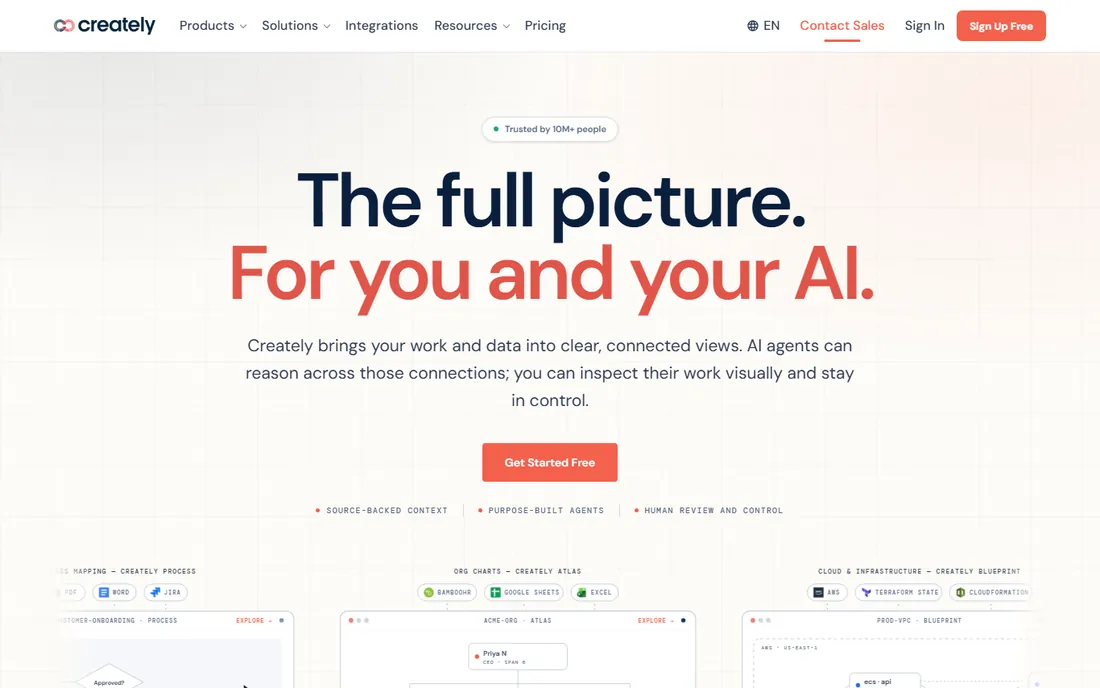
Creately combines diagramming with visual collaboration at friendly prices. Flowcharts, org charts, and process maps share a workspace where teams comment and iterate. The free tier is usable, and paid plans undercut the big names.
Brand recognition lags, and template quality is inconsistent. But the core flowcharting works well, and budget-conscious teams get collaboration features that cost more elsewhere. It is a solid value alternative to Lucidchart for teams that collaborate on diagrams.
What we like- Good collaboration
- Database of diagram types
- Affordable
Watch out for- Less known
- Template quality varies
Starting priceSee website
Free planYes
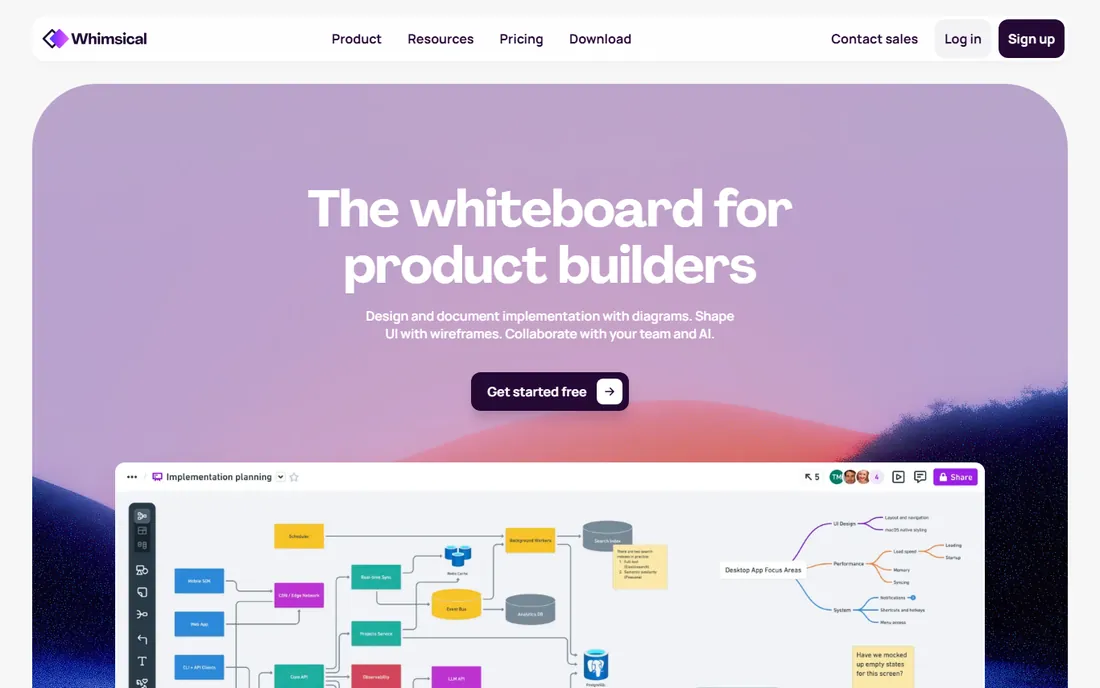
Whimsical optimizes for speed: start typing and a clean flowchart appears, with keyboard-driven building that power users love. Product and engineering teams map user flows and processes in minutes. The output looks consistently good without design effort.
Complex diagrams with data linking or precise enterprise formatting exceed its scope. But most flowcharts are simple, and Whimsical's speed advantage compounds daily. Teams that diagram constantly prefer the tool that gets out of the way.
What we like- Extremely fast
- Clean minimal output
- Great for product teams
Watch out for- Limited advanced features
- Simplicity constrains complex diagrams
Starting priceSee website
Free planFree trial
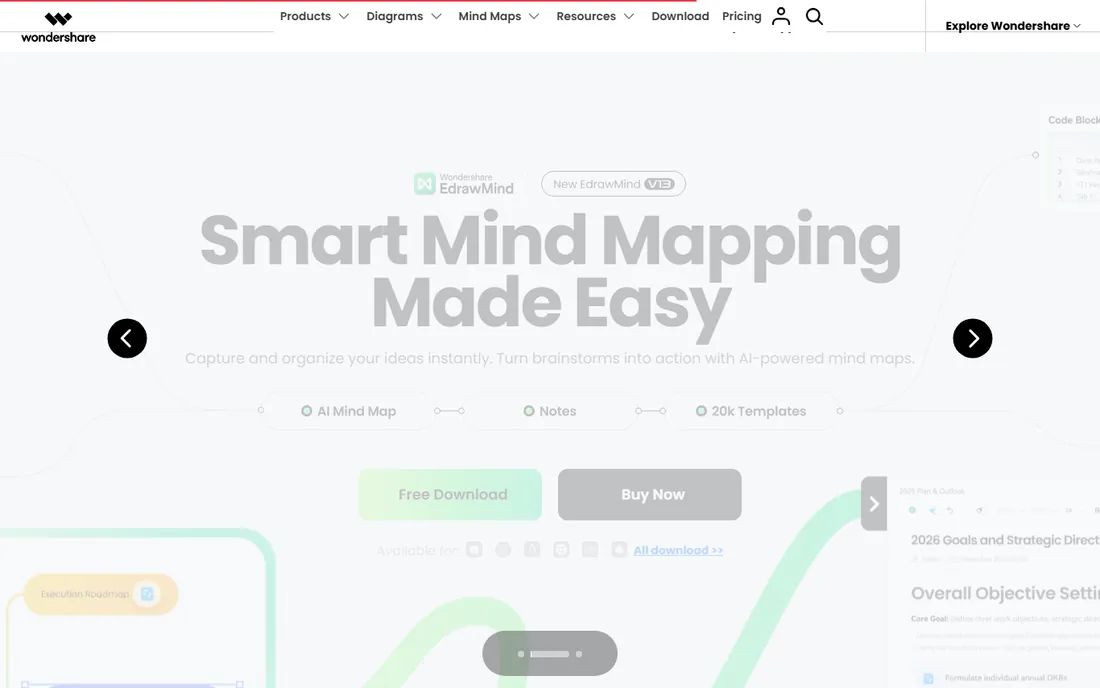
EdrawMax covers flowcharts plus hundreds of other diagram types at a fraction of competitors' prices. Desktop apps work offline, templates are plentiful, and the one-time-license option appeals to budget buyers. Small teams get remarkable breadth per dollar.
Polish and collaboration trail the leaders. But when the requirement spans flowcharts, org charts, floor plans, and network diagrams on a tight budget, EdrawMax's value is undeniable. It is the practical choice over drawing boxes in presentation software.
What we like- 280+ diagram types
- Low price
- Offline desktop apps
Watch out for- Less refined
- Collaboration basic
Starting priceSee website
Free planFree trial
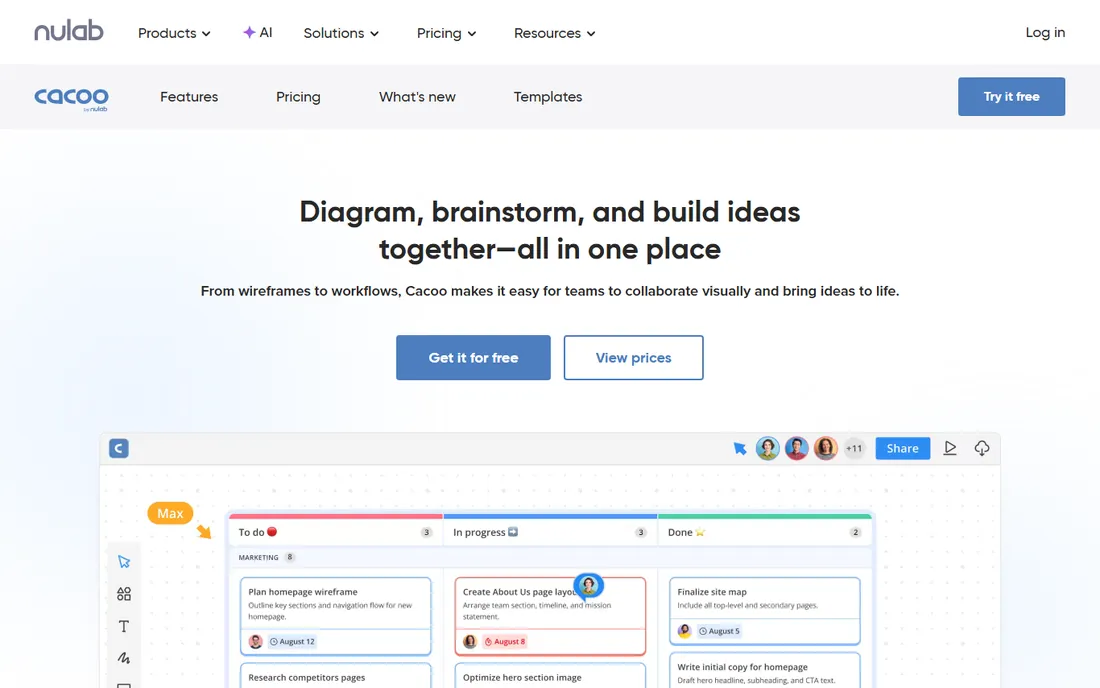
Cacoo, from Nulab, offers straightforward online diagramming for teams that find other tools overwhelming. Flowcharts, wireframes, and mind maps share a simple interface, and integration with Nulab's project tools suits existing customers.
Feature depth trails the category leaders, and the community is smaller. But simplicity is a legitimate strategy: teams that need basic flowcharts without a learning curve get productive immediately. Nulab shops get diagramming that fits their existing workflow.
What we like- Simple to learn
- Good for small teams
- Nulab ecosystem
Watch out for- Fewer features
- Smaller community
Free versus paid: the honest math
draw.io handles most flowcharting free, which resets the value question for paid tools. Pay for collaboration (Lucidchart, Miro), enterprise integration (Visio), template automation (SmartDraw), or speed (Whimsical). If none of those matter to your workflow, the free tool wins.
Teams should also consider the hidden cost of ugly diagrams: unclear process documentation creates real operational confusion. A tool the team enjoys using produces better-maintained diagrams, which is worth more than the subscription difference.
Standards that keep diagrams useful
Agree on conventions before the library grows: shape meanings, color coding, and where finished diagrams live. A flowchart using diamonds for decisions in one team and for processes in another creates confusion. Most tools support shared templates or stencils; use them.
Version control matters for living documents. Cloud tools with history beat files named "process-final-v3." And review diagrams on a schedule: processes change, and a flowchart nobody updates becomes actively misleading.
Frequently asked questions
What is the best free flowchart software?
draw.io is the best free option, offering full-featured diagramming with no account or paywall. Lucidchart, Miro, Whimsical, and Creately all have usable free tiers. For most free use cases, draw.io covers everything.
Is Lucidchart better than Visio?
For cloud collaboration and ease of use, yes. For deep shape libraries, data-linked diagrams, and Microsoft ecosystem integration, Visio holds advantages. Most modern teams prefer Lucidchart; Microsoft-standardized enterprises often choose Visio.
Can I make flowcharts in PowerPoint?
You can, but dedicated tools are faster and produce better results. PowerPoint lacks smart connectors, shape libraries, and automatic layout. For occasional simple diagrams it suffices; for regular flowcharting, even free draw.io saves significant time.
What is the easiest flowchart tool to learn?
Whimsical and draw.io are the fastest to pick up. Lucidchart is intuitive for most users. Visio and SmartDraw have more to learn but reward the investment for power users. Start with a free tier and time yourself building a real diagram.
Do flowchart tools integrate with other software?
Yes. Lucidchart integrates with Google Workspace, Microsoft 365, Atlassian, and Slack. draw.io integrates with Google Drive, OneDrive, and Confluence. Visio connects to the Microsoft ecosystem. Check the specific integrations your workflow needs before committing.
Flowchart symbols and when to use them
Standard symbols exist so any reader can follow any flowchart. Ovals mark start and end points. Rectangles represent process steps or actions. Diamonds indicate decisions with branching paths, and should always have labeled yes and no exits. Parallelograms show inputs and outputs. Arrows connect everything in the flow direction.
Consistency matters more than completeness. A team that uses three symbols correctly communicates better than one that uses fifteen inconsistently. For most business processes, start and end ovals, process rectangles, and decision diamonds cover ninety percent of needs. Add document symbols or database cylinders only when the process genuinely involves them. And label every arrow leaving a decision; unlabeled branches are the most common source of flowchart confusion.
Diagramming etiquette for teams
Shared diagrams need shared conventions. Agree on a symbol legend and stick to it across the team; nothing confuses like diamonds meaning decisions in one diagram and processes in another. Keep diagrams to one idea each: a flowchart trying to show everything shows nothing clearly. Link related diagrams rather than cramming them together.
Review diagrams like code. A second pair of eyes catches logic errors the author cannot see: missing branches, dead ends, steps that assume knowledge readers lack. Version your diagrams and note what changed; processes evolve, and future readers need to know whether the diagram reflects current reality. Finally, retire aggressively. An outdated flowchart actively misleads, which is worse than no flowchart at all. Assign ownership and review dates to every living diagram.
How we chose
We ranked for the actual flowcharting job: ease of diagram creation, collaboration, and output quality. We verified each vendor's current site, noting draw.io's move to drawio.com and Cacoo's place at Nulab. We compared free tiers seriously since many buyers never need paid plans. No vendor paid for placement, and we did not claim hands-on testing.
How detailed should a business process flowchart be?
Detailed enough that a competent newcomer can follow it, no more. Include every decision point and handoff, since those are where processes break. Exclude trivial sub-steps that everyone knows; a flowchart documenting every mouse click is unreadable. When a single step needs its own detailed breakdown, link to a separate sub-flowchart rather than expanding inline. Test the level by handing the chart to someone unfamiliar with the process and watching where they get lost.
Sources we checked (9)
- https://lucid.co/lucidchart
- https://www.microsoft.com
- https://www.drawio.com
- https://miro.com
- https://www.smartdraw.com
- https://www.creately.com
- https://whimsical.com
- https://www.edrawsoft.com
- https://nulab.com/cacoo/
Is your product missing or out of date?
We review this list regularly. Vendors can request a listing, send updated pricing or ask about featured placement.

Shihab Mia · Founder, Rankite
Shihab has spent more than a decade helping SaaS and e-commerce brands grow through search. He writes Rankite's software buying guides from pricing pages, documentation and public user reviews. More about Shihab.