How we make this list: we compare pricing pages, product documentation and public user reviews. Rankite is independent; if a vendor ever pays for a featured spot, that listing is clearly labeled Partner.
Key takeaways
- Zingtree and Stonly build interactive decision trees that guide customers and agents through troubleshooting step by step.
- Yonyx turns decision trees into self-service support that deflects tickets.
- SmartDraw, Lucidchart, EdrawMax, and Miro draw decision trees as diagrams for planning, documentation, and presentations.
- BigML is the odd one out: it builds statistical decision trees from data for prediction, not flowcharts for humans.
- Pick the interactive type when a human follows the tree; pick the diagram type when a human reads it.
Quick comparison
| Tool | Best for | Starting price | Free plan |
|---|
 Zingtree Zingtree | interactive troubleshooting trees | See website | Free trial |
 Stonly Stonly | interactive product guides | See website | Free trial |
 Yonyx Yonyx | self-service support trees | See website | Free trial |
 SmartDraw SmartDraw | diagramming with templates | See website | Free trial |
 Lucidchart Lucidchart | collaborative diagramming | See website | Yes |
 EdrawMax EdrawMax | affordable all-in-one diagramming | See website | Free trial |
 BigML BigML | machine learning decision trees | See website | Yes |
 Miro Miro | whiteboard-style tree mapping | See website | Yes |
Is your product missing or out of date?
We review this list regularly. Vendors can request a listing, send updated pricing or ask about featured placement.
The best decision tree software
Starting priceSee website
Free planFree trial
Zingtree builds decision trees people click through. Support teams turn troubleshooting scripts into interactive guides, sales teams turn qualification into guided flows, and the analytics show exactly where users get stuck or drop off. It is the most established no-code option for this job.
The trees feel functional rather than beautiful, and costs scale with the volume of sessions. But when the goal is getting customers to the right answer without calling support, Zingtree's purpose-built approach beats adapting a chatbot or a help article. Call centers and technical support teams are the core buyers.
What we like- No-code tree builder
- Strong for support and sales scripts
- Good analytics
Watch out for- Pricing scales with usage
- Design customization is limited
Starting priceSee website
Free planFree trial
Stonly makes interactive step-by-step guides that live inside your product or help center. Users answer questions and get routed to the right solution, with a more modern feel than traditional decision trees. SaaS companies use it for onboarding flows, feature adoption, and in-app troubleshooting.
It prices like a product-led growth tool, which puts it above support budgets at small companies. The sweet spot is SaaS teams that already invest in onboarding and want guided troubleshooting without building it themselves. For pure support deflection, compare against Yonyx and Zingtree on price.
What we like- Polished interactive guides
- Embeds in product and help center
- Good analytics
Watch out for- Premium pricing
- Best for SaaS onboarding use cases
Starting priceSee website
Free planFree trial
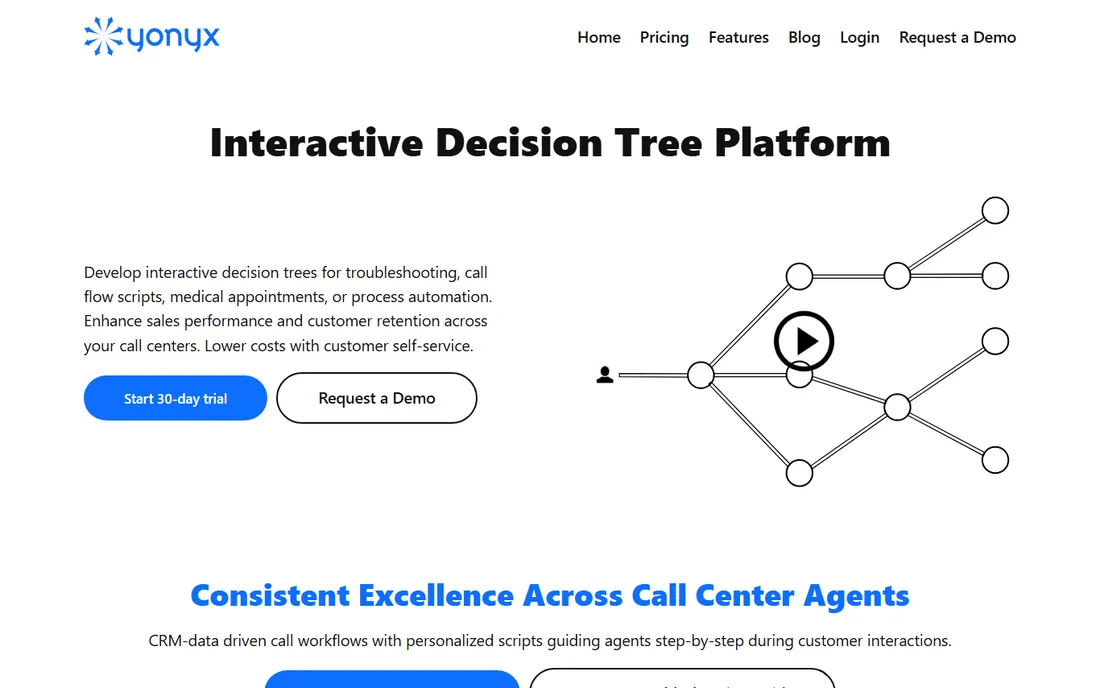
Yonyx focuses on one outcome: fewer support tickets. Its interactive decision trees guide customers through problem resolution with text, images, and video at each step, and integrations push the interaction data into your CRM or helpdesk. Support leaders buy it to measure deflection directly.
The product is unapologetically a support tool, not a general guide builder. If your need is broader, onboarding, sales scripts, internal processes, Zingtree or Stonly flex further. But for the specific job of turning repeat support issues into self-service flows, Yonyx's focus is an advantage.
What we like- Built for support deflection
- Multimedia guidance
- CRM integrations
Watch out for- Narrower use case
- Interface less modern
Starting priceSee website
Free planFree trial
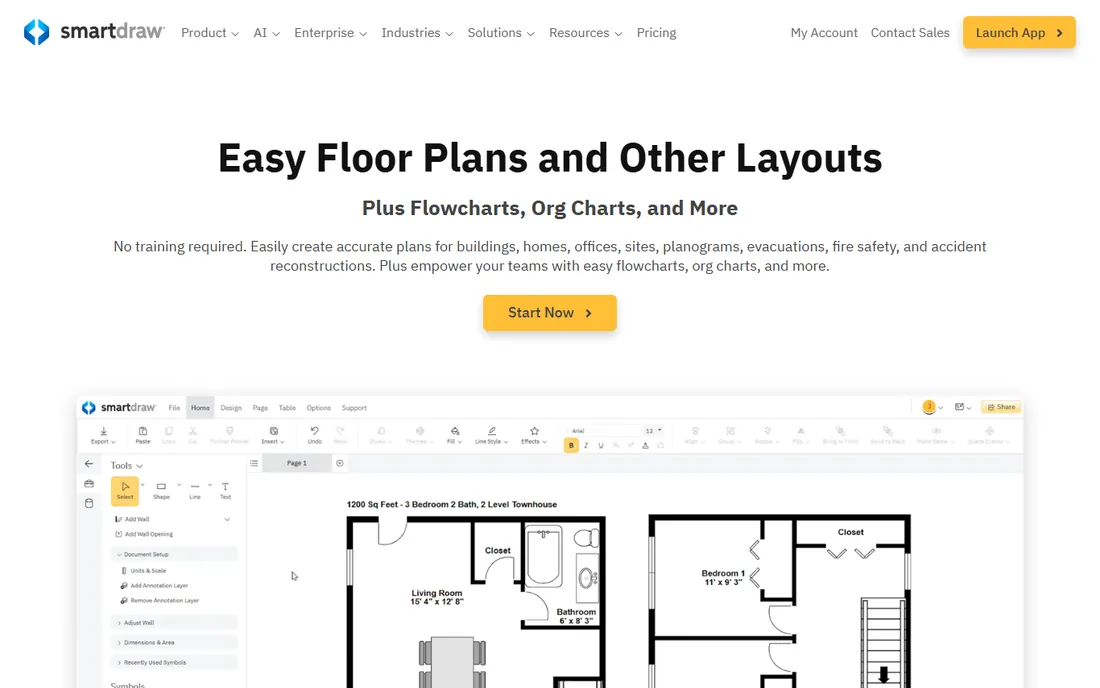
SmartDraw draws decision trees the traditional way: as diagrams. Pick a decision tree template, fill in the branches, and the software handles alignment, spacing, and formatting automatically. It imports and exports Visio files cleanly, which matters in enterprises where Visio diagrams circulate.
Collaboration is the weak spot next to Lucidchart and Miro; SmartDraw still feels like desktop software with cloud features added. But for individuals and teams that need professional diagrams fast, with minimal fuss over layout, its template depth and auto-formatting save real time.
What we like- Huge template library
- Automatic formatting
- Visio file compatibility
Watch out for- Desktop-first heritage
- Collaboration weaker than cloud rivals
Starting priceSee website
Free planYes
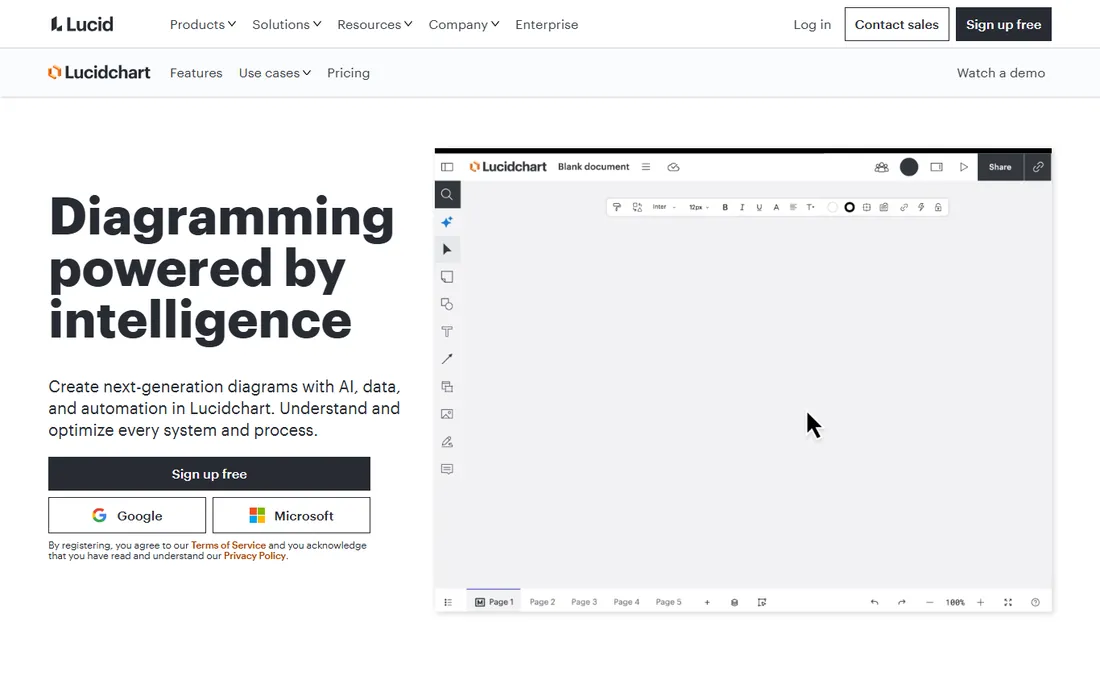
Lucidchart is the cloud diagramming standard for teams that build decision trees together. Multiple people edit the same diagram live, comments and version history keep the discussion attached to the work, and integrations with Google Workspace, Microsoft, and Atlassian put diagrams where teams already work. The free tier handles basic diagramming.
Decision trees here are pictures, not interactive guides. That suits planning sessions, documentation, and stakeholder presentations. Very large diagrams can get sluggish, and the features worth having, like advanced data linking, sit on paid tiers. For collaborative diagramming, though, it remains the benchmark.
What we like- Excellent real-time collaboration
- Clean interface
- Strong integrations
Watch out for- Advanced features need paid plans
- Can feel slow on huge diagrams
Starting priceSee website
Free planFree trial
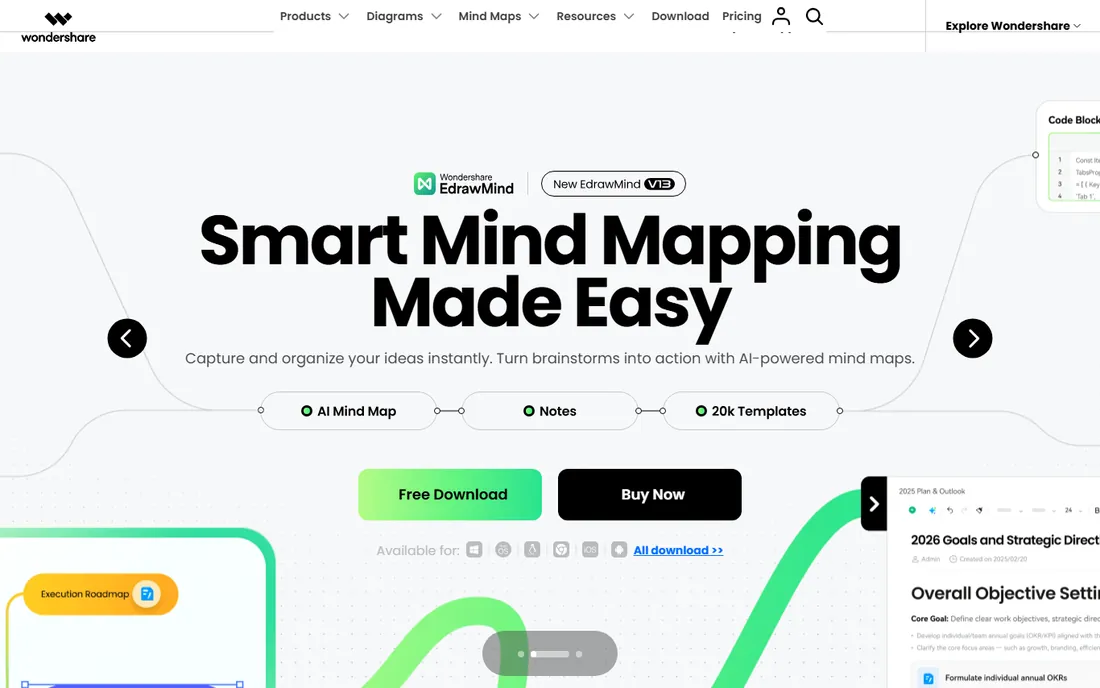
EdrawMax is the value play in diagramming: one affordable tool covering flowcharts, decision trees, org charts, floor plans, and hundreds of other diagram types. The desktop apps work offline, templates are plentiful, and the price undercuts Lucidchart and SmartDraw substantially.
You feel the price in polish. The interface is busier, collaboration is basic, and template quality varies. But for individuals and small teams that need many diagram types on a budget, EdrawMax delivers remarkable breadth per dollar. It is the practical choice when the alternative is drawing boxes in PowerPoint.
What we like- Low price for broad features
- 280+ diagram types
- Offline desktop apps
Watch out for- Interface less refined
- Collaboration basic
Starting priceSee website
Free planYes
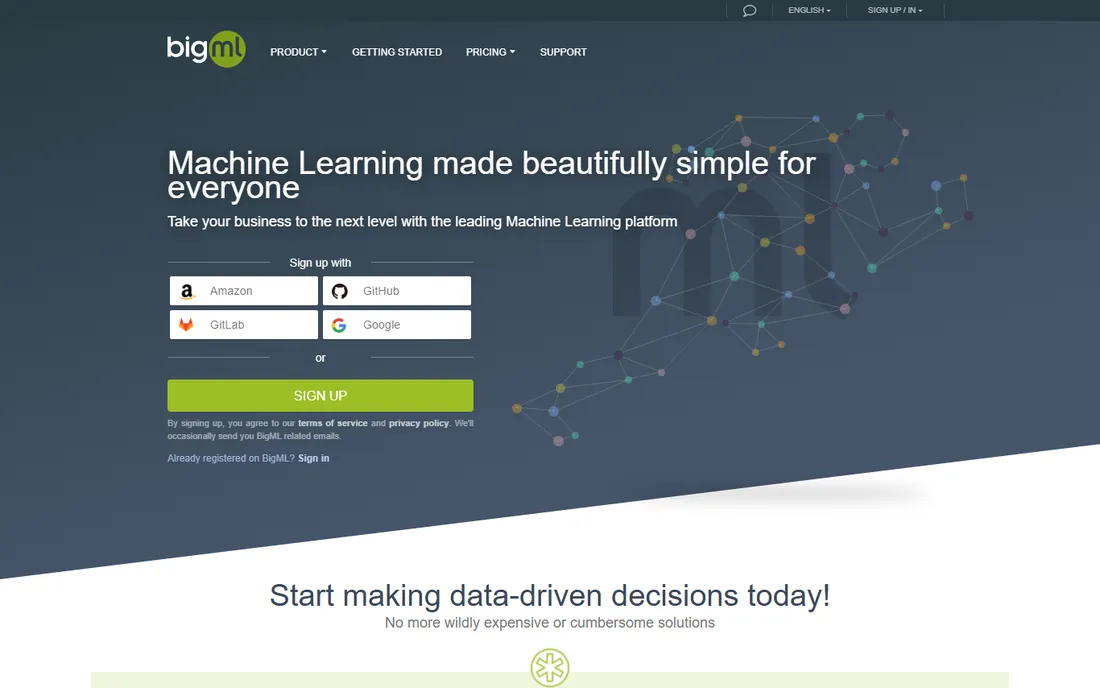
BigML means something completely different by "decision tree": statistical models learned from data. Upload a dataset and it builds decision trees, random forests, and ensembles that predict outcomes, with visualizations of how each split works. Data analysts use it for churn prediction, risk scoring, and classification without writing code.
This is not diagramming software and will disappoint anyone looking to draw a flowchart. But buyers searching "decision tree software" often mean exactly this, and BigML's free tier plus gentle learning curve make it the most approachable ML platform for the technique. Know which kind of decision tree you need before you evaluate.
What we like- Real ML decision trees and ensembles
- No-code model building
- Free tier
Watch out for- Not for drawing diagrams
- Needs data literacy
Starting priceSee website
Free planYes
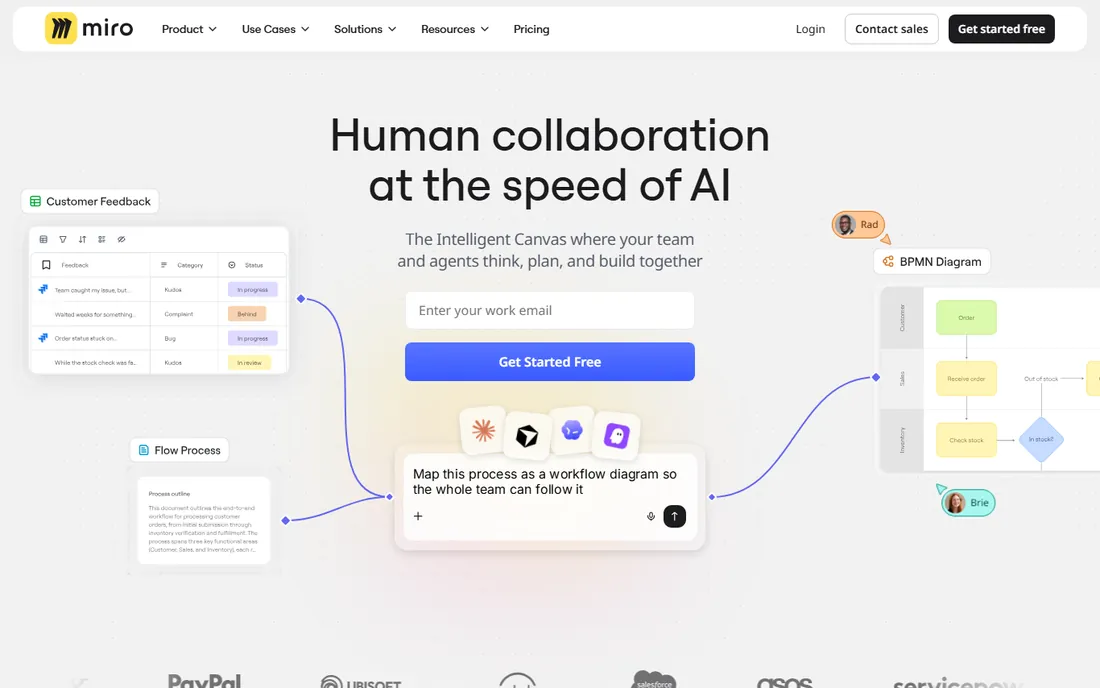
Miro builds decision trees the whiteboard way: sticky notes, shapes, and connectors on an infinite canvas during a live session. Teams map decisions collaboratively in workshops, then refine the structure afterward. The free plan is generous, and everyone already knows how to use a whiteboard.
Precision suffers. A Miro decision tree will never look as clean as a SmartDraw or Lucidchart diagram, and large trees become hard to navigate. Use Miro for the messy thinking phase and a diagramming tool for the final artifact. For teams that decide together and document later, that two-step workflow fits naturally.
What we like- Infinite canvas for brainstorming
- Great for workshops
- Generous free plan
Watch out for- Diagrams less precise than dedicated tools
- Can get messy at scale
Which kind of decision tree do you need?
The phrase covers three different jobs. Interactive trees guide a person through questions to an answer: troubleshooting, qualification, triage. Zingtree, Stonly, and Yonyx build these. Diagram trees show logic on a page for planning and documentation: SmartDraw, Lucidchart, EdrawMax, and Miro draw these. Statistical trees predict outcomes from data: BigML builds these.
Buying the wrong type wastes the evaluation. A support leader who needs ticket deflection gets nothing from Lucidchart. A data analyst who needs a classifier gets nothing from Zingtree. Name the job first: who follows the tree, a customer clicking, a colleague reading, or a model predicting? Then shortlist within that type.
Implementation notes
Interactive tree tools need content before they deliver value. Someone must map the troubleshooting logic, write the questions, and maintain the tree as products change. Budget that content work; the software is the easy part. Start with your five most common support issues and expand from the analytics.
Diagram tools need standards more than features. Agree on shapes, colors, and where finished diagrams live, or every team produces incompatible artifacts. And for ML decision trees, remember the model is only as good as the training data: BigML makes building easy, but data preparation remains most of the work.
Frequently asked questions
What is decision tree software?
It is software for creating branching logic diagrams or interactive guides. In support, it means step-by-step troubleshooters customers click through. In planning, it means flowcharts showing decisions and outcomes. In data science, it means machine learning models that classify data by splitting on features. The right tool depends on which meaning you need.
Can I build a decision tree for free?
Yes. Lucidchart, Miro, and BigML all have free tiers, and EdrawMax offers a trial. For interactive support trees, Zingtree, Stonly, and Yonyx offer trials but no permanent free plans. Open-source diagramming tools like draw.io also draw decision trees for free.
Interactive guides versus flowcharts: which should I choose?
Choose interactive guides when end users follow the tree themselves, like customers troubleshooting a product. Choose flowcharts when the audience reads or discusses the logic, like teams planning a process. Many organizations need both: Zingtree for customers, Lucidchart for internal documentation.
How long does it take to build an interactive troubleshooting tree?
A simple tree covering one common issue takes a day or two including writing and testing. A full support library takes weeks of content work. The software setup is fast; mapping accurate troubleshooting logic with subject-matter experts is the real time investment.
Do I need machine learning for decision trees?
Only if you want predictions from data. Most business uses of "decision trees" mean flowcharts or guided troubleshooters, which need no ML. If you want to predict churn, fraud, or equipment failure from historical data, then ML decision trees from tools like BigML are the right approach.
Mistakes that kill decision tree projects
The most common failure is building the tree nobody maintains. Products change, policies update, and troubleshooting steps evolve; a tree that reflected reality in January misleads customers by July. Assign clear ownership for reviewing each tree quarterly, and use the analytics to find branches where users stall or abandon.
The second failure is over-branching. Trees with forty questions exhaust users before they reach answers. If a path needs that many steps, the underlying process is probably too complex, not the tree too simple. Simplify the process first, then map it.
The third is writing for experts instead of users. Troubleshooting trees should use the customer's language, not internal jargon. Test every tree with five real users before launch and watch where they hesitate. Their confusion is the most valuable feedback the project will get.
Using tree analytics to improve
Interactive trees generate data most teams ignore. Track completion rates by branch: where users abandon reveals confusing questions or missing answers. Monitor the paths users actually take versus the ones you expected; real behavior redesigns trees better than any planning session.
Review the questions with the highest backtracking: users reversing through a question signals unclear wording or wrong answer options. And measure outcome quality, not just completion: did the tree resolve the issue, or did users finish and still contact support? Connect tree analytics to support ticket data to close the loop. Schedule monthly reviews for the first quarter after launch, then quarterly. Trees are living tools; the analytics tell you exactly how they should evolve.
How we chose
We split the category by its three real meanings: interactive guides, diagramming, and machine learning. We verified each vendor's current site, compared feature sets and pricing models, and favored tools with genuine adoption in their niche. We included free tiers where they exist and noted the content work interactive tools require. No vendor paid for placement, and we did not claim hands-on testing.
Sources we checked (8)
- https://www.zingtree.com
- https://stonly.com
- https://corp.yonyx.com
- https://www.smartdraw.com
- https://lucid.co/lucidchart
- https://www.edrawsoft.com
- https://bigml.com
- https://miro.com
Is your product missing or out of date?
We review this list regularly. Vendors can request a listing, send updated pricing or ask about featured placement.

Shihab Mia · Founder, Rankite
Shihab has spent more than a decade helping SaaS and e-commerce brands grow through search. He writes Rankite's software buying guides from pricing pages, documentation and public user reviews. More about Shihab.