How we make this list: we compare pricing pages, product documentation and public user reviews. Rankite is independent; if a vendor ever pays for a featured spot, that listing is clearly labeled Partner.
Key takeaways
- PixInsight remains the professional standard at 300 EUR for a one-time license, but free tools now cover the full workflow: Siril stacks, calibrates and stretches, and GraXpert handles gradients with AI.
- Splitting the job across tools is normal. DeepSkyStacker or Sequator for stacking, then Siril, StarTools or PixInsight for processing, is how most imagers actually work.
- Planetary and lunar imagers live in a different world from deep-sky imagers. RegiStax owns the lucky-imaging side and costs nothing.
- Three of the eight tools on this list are completely free, and the two paid options that target beginners cost far less than PixInsight, so start free and pay only when you hit a wall.
The best software for astrophotography processing
Starting price300 EUR one-time license (non-EU; EU buyers add VAT)
Free planFree trial (45 days)
PixInsight is the tool experienced imagers measure everything else against. Its modular process system lets you build a chain, calibration, registration, integration, background extraction, color calibration, stretching, sharpening, and save it as a reusable workflow with icons you can drag onto new data. The JavaScript scripting engine and a large plugin ecosystem, including popular paid AI tools from RC Astro, extend it further than any competitor.
That power comes with the famous learning curve. New users routinely spend months before their PixInsight results beat what they got from simpler tools, and the interface makes few concessions to beginners. The license is a one-time purchase that covers all three desktop platforms, and a genuinely full-featured 45-day trial lets you find out whether you are ready for it before paying. Buy it when you can articulate exactly which step of your current workflow is holding you back.
What we like- Deepest toolset in the category
- Process icons and scripting make workflows repeatable
- Runs on Windows, macOS and Linux
Watch out for- Notoriously steep learning curve
- Interface feels dense for years, not weeks
- 300 EUR is a real commitment for a hobbyist
Starting priceFree
Free planYes
DeepSkyStacker does one job and has done it well since 2006: take your light frames, darks, flats and bias frames, register them and stack them into a single linear image. The workflow is a short checklist, open files, check all, register, stack, and the defaults are sensible enough that a beginner gets a usable result on the first try. It reads RAW files from most DSLR and mirrorless cameras, which matters because your first deep-sky data will almost certainly come from a camera you already own.
Know its limits. DeepSkyStacker produces a stacked but unstretched linear image, and you will hand that file to another program for the actual processing. It runs on Windows only, and the long-standing homepage now lags behind the GitHub repository where current releases live. None of that matters for its role: it remains the fastest free way to turn a folder of frames into something you can process.
What we like- Simplest path from RAW frames to a stacked image
- Handles calibration frames properly
- Open source since 2018
Watch out for- Windows only
- Stacking only, with almost no processing tools
- The classic website looks abandoned even though development moved to GitHub
Starting price60 EUR per year (renter license, excl. VAT)
Free planFree trial (30 days)

Astro Pixel Processor, usually called APP, is the friendliest route from raw frames to a finished deep-sky image. Calibration, registration, integration, light-pollution removal, star-color calibration and stretching all happen in one guided interface, and the defaults are tuned so beginners get presentable results without understanding every parameter. Its mosaic engine is the standout feature: it models distortion across panels and stitches wide mosaics without pinched stars, a job that is painful in most other tools.
Pricing has two tracks. The renter license costs 60 EUR per year excluding VAT and always includes major upgrades, while the owner license costs 165 EUR once and covers the version you buy plus minor updates. Each license activates on three computers across any operating system. A free 30-day trial covers the whole program. APP is the right buy when Siril feels too technical but PixInsight feels like a second job.
What we like- Genuinely approachable for a full workflow tool
- Outstanding mosaic stitching
- Works on Windows, macOS and Linux
Watch out for- Two license models cause confusion
- Smaller community means fewer tutorials
- Advanced users eventually outgrow it

#4
Siril
Best for: Imagers who want a complete free workflow
Visit siril.org
Starting priceFree
Free planYes
Siril is the strongest argument for never paying for processing software. It calibrates, registers, stacks, extracts backgrounds, calibrates color photometrically, stretches with tools like generalized hyperbolic stretch, and runs deconvolution, all free and open source under the GPL. Scripts automate the repetitive early steps, and recent versions integrate external engines like GraXpert and StarNet++ directly, so the free pipeline keeps getting more capable.
The trade is polish, not power. The interface is functional rather than inviting, and the documentation explains what each tool does more than when to use it, so expect to learn alongside YouTube tutorials. Siril runs on Windows, macOS and Linux, including easy installs through most Linux package managers. For a beginner on a budget, the practical advice is simple: learn the fundamentals in Siril, and only consider paid software when you can name the specific Siril step that limits you.
What we like- Full pipeline from calibration to stretching at zero cost
- Scriptable for repeatable workflows
- Cross-platform
Watch out for- Interface and documentation assume you know the terminology
- Fewer one-click conveniences than paid rivals
- Stretching tools lag PixInsight

#5
StarTools
Best for: Imagers who care most about noise and detail fidelity
Visit startools.org
Starting price69 AUD one-time license (about 45 to 55 USD)
Free planFree trial (full features, cannot save)
StarTools takes a different philosophical path from PixInsight. Its Tracking engine follows your signal and its noise component through every step, which lets it do things like mathematically correct deconvolution on already-stretched data and noise reduction that seems to know exactly where the grain lives. In practice, imagers who switch to StarTools often report cleaner detail with less effort spent fighting noise.
The interface is the hurdle. It does not look or behave like Photoshop, PixInsight or anything else, and the workflow concepts take deliberate learning. The license is refreshingly simple: 69 AUD once, yours forever, with updates for two years, no subscription and no activation drama. The free trial runs every feature and only blocks saving, so you can process your own data end to end before deciding. It suits the imager who finds PixInsight overkill but wants more sophisticated processing than the free tools offer.
What we like- Signal-tracking engine protects detail through processing
- Excellent deconvolution and noise handling
- Very affordable one-time price
Watch out for- Unconventional interface unlike any other editor
- No layers or masking in the Photoshop sense
- Smaller user community

#6
GraXpert
Best for: Anyone fighting gradients and noise, whatever their main tool
Visit graxpert.com
Starting priceFree
Free planYes
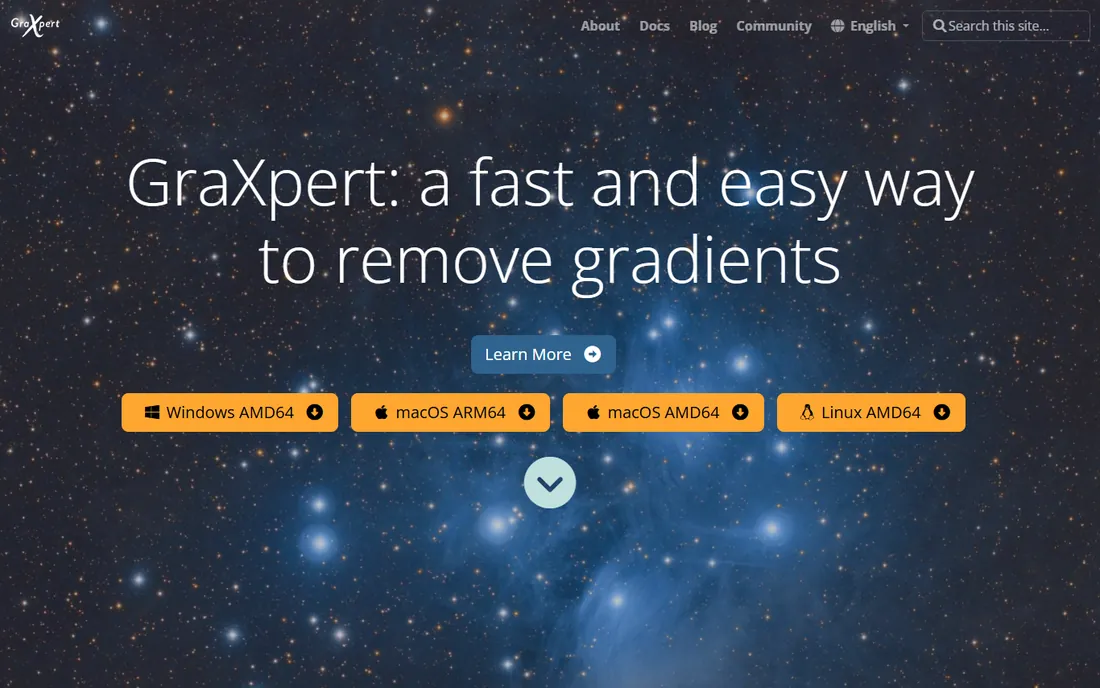
GraXpert started as a better gradient remover and grew into an AI toolkit. Its headline feature is AI background extraction: instead of placing dozens of sample points the way PixInsight's DBE demands, you let the trained model find the background on its own, which handles complex uneven backgrounds remarkably well. Version 3 added AI denoising, and later releases added AI deconvolution models split for stars and deep-sky objects separately.
It works two ways. As a standalone app it processes FITS and TIFF files on its own, and as a module it slots into PixInsight and Siril workflows, which is how most serious imagers use it. Everything is free and open source on GitHub. GraXpert will not replace your stacker or your main processor, but it has become the default answer to the two most annoying steps in deep-sky processing, and the price cannot be argued with.
What we like- AI background extraction needs no manual sample placement
- Also runs as a PixInsight module
- Free and open source
Watch out for- Narrow scope, it is a specialist not a workflow
- AI models need downloading and some GPU patience
- Young project with a small team
Starting priceFree
Free planYes
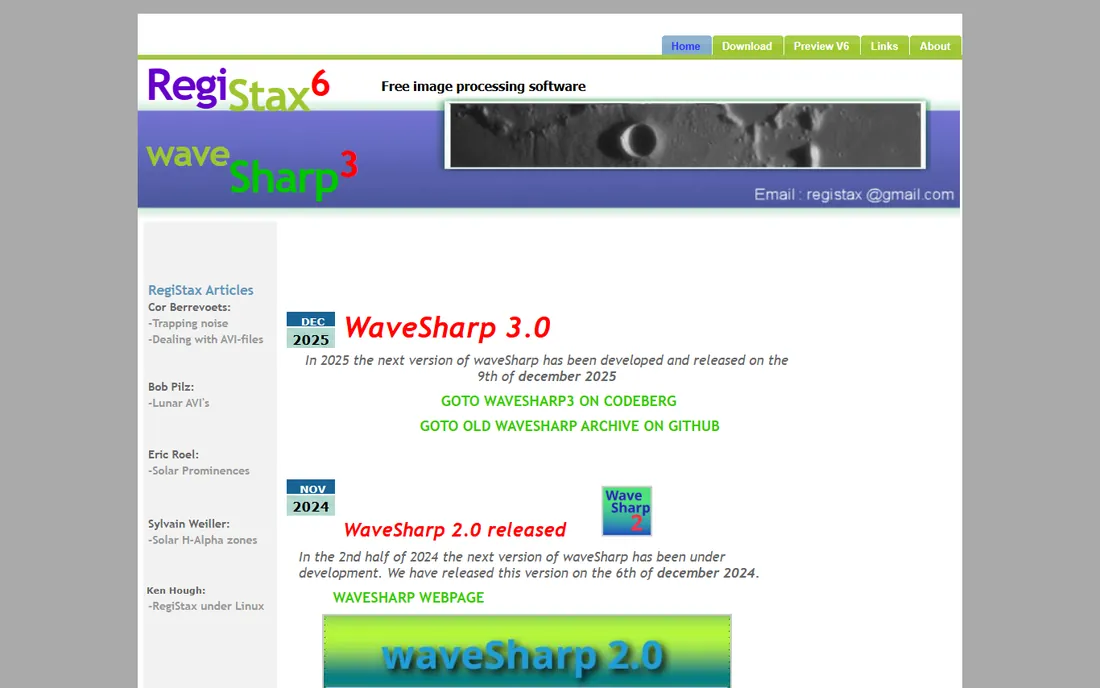
Planetary imaging is a different sport from deep-sky work. Instead of long exposures you record thousands of video frames, keep the sharpest few hundred, and stack those. RegiStax was built for exactly this by Dutch amateur Cor Berrevoets, and its align, stack and wavelet sharpening pipeline remains the reference workflow for planets, the Moon and the Sun. The wavelet sliders let you pull fine detail out of a stacked video in a way general-purpose editors cannot match.
It is free, Windows-only, and unapologetically old-school in appearance. Development has been quiet for years, yet nothing free has displaced it for lucky imaging, and many planetary imagers still pair it with AutoStakkert for the initial stacking. If your targets are Jupiter, Saturn or lunar craters rather than nebulae, RegiStax belongs in your toolkit from day one.
What we like- The classic lucky-imaging stacker
- Wavelet sharpening tuned for planetary detail
- Free
Watch out for- Windows only
- Interface has barely changed in a decade
- Deep-sky imagers should look elsewhere
Starting priceFree
Free planYes
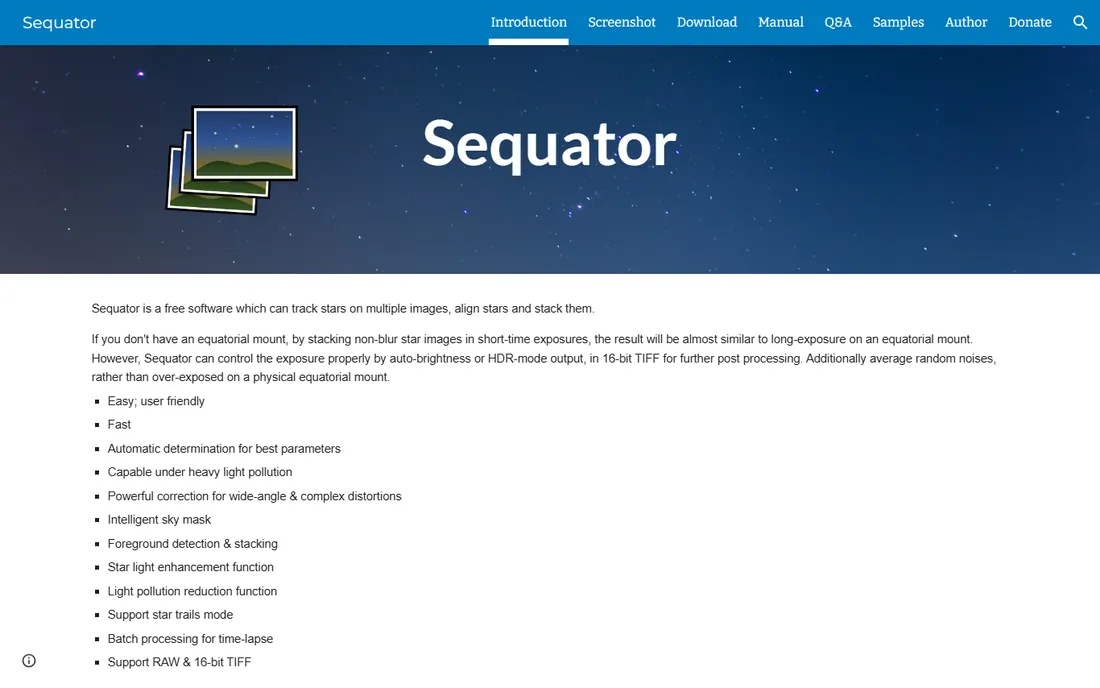
Sequator solves the beginner's dilemma: you want a clean Milky Way image but you do not own a star tracker. It aligns the stars across a stack of short exposures, averages out the noise, and composites a separate foreground exposure so the ground stays sharp while the sky stacks clean. Auto-brightness and HDR output modes keep the exposure under control, and it is unusually capable under light-polluted skies.
The interface follows a strict philosophy of few options with automatic parameter detection, so there is almost nothing to configure and little to get wrong. It reads RAW files and exports 16-bit TIFFs for further editing in Photoshop or GIMP. Sequator is not a deep-sky calibration tool and will not replace DeepSkyStacker for telescope work, but for tripod nightscapes it is the fastest free path from a memory card to a clean stacked image.
What we like- Aligns stars across short exposures with no equatorial mount
- Handles foregrounds separately
- Star-trail mode built in
Watch out for- Windows only
- Aimed at wide-field work, not deep-sky calibration
- Development is slow
Quick comparison
| Tool | Best for | Starting price | Free plan |
|---|
 PixInsight PixInsight | Serious deep-sky imagers who want total control | 300 EUR one-time license (non-EU; EU buyers add VAT) | Free trial (45 days) |
 DeepSkyStacker DeepSkyStacker | First-time stackers who want a result tonight | Free | Yes |
 Astro Pixel Processor Astro Pixel Processor | Beginners who want calibration through final image in one app | 60 EUR per year (renter license, excl. VAT) | Free trial (30 days) |
| Siril | Imagers who want a complete free workflow | Free | Yes |
| StarTools | Imagers who care most about noise and detail fidelity | 69 AUD one-time license (about 45 to 55 USD) | Free trial (full features, cannot save) |
| GraXpert | Anyone fighting gradients and noise, whatever their main tool | Free | Yes |
 RegiStax RegiStax | Planetary, lunar and solar imaging from video | Free | Yes |
 Sequator Sequator | Milky Way and nightscape stacking without a star tracker | Free | Yes |
Is your product missing or out of date?
We review this list regularly. Vendors can request a listing, send updated pricing or ask about featured placement.
How we chose
We did not shoot test data for this guide. We compared the vendors own pricing and licensing pages, read documentation on supported platforms and file formats, and checked long-running community discussions on Cloudy Nights, Reddit and the vendors forums for the complaints that surface after months of use. We required every tool to be available and maintained today, with a real user base, and we mixed the established commercial standard with free and open-source tools that working imagers actually recommend.
Start from what you photograph, because deep-sky, planetary and nightscape imagers need different software.
Deep-sky from a telescope or tracker is the most demanding case. You need calibration with darks, flats and bias frames, registration, stacking and careful stretching. PixInsight is the ceiling, Astro Pixel Processor is the gentle on-ramp, and Siril plus GraXpert is the free combination that now covers the whole pipeline. DeepSkyStacker still earns its place as the quickest free stacker when you only need the stacking step.
Planetary, lunar and solar imaging runs on video and lucky imaging instead of long exposures. RegiStax is the free standard for aligning, stacking and wavelet-sharpening those frames. Nothing else on this list does this job, so planetary imagers can stop reading here and download it.
Wide-field nightscapes from a fixed tripod are Sequator territory. It aligns the sky, protects the foreground and outputs a clean file for final touches elsewhere. DeepSkyStacker can also stack wide-field frames, but Sequator's foreground handling and simpler setup make it the better first choice.
Whatever you pick, check the operating system column before you commit. DeepSkyStacker, RegiStax and Sequator are Windows-only, which matters if you process on a Mac. PixInsight, Astro Pixel Processor, Siril and GraXpert all run on Windows, macOS and Linux. And budget disk space: a night of deep-sky frames with calibration files can easily run to tens of gigabytes before you stack.
The free-to-paid path most imagers take
Almost nobody buys processing software first. The common path starts with DeepSkyStacker or Sequator for stacking and free tools for the rest, and money enters the picture only when a specific limitation bites.
Stage one costs nothing: DeepSkyStacker for stacking deep-sky frames or Sequator for nightscapes, Siril for the full processing pipeline, GraXpert for gradients and noise. This combination produces genuinely good images, and many imagers never leave it.
Stage two is the first purchase, usually Astro Pixel Processor or StarTools. APP makes sense when you want the whole workflow in one friendlier app with great mosaics. StarTools makes sense when noise handling and detail are your obsession and you like its one-time 69 AUD price.
Stage three is PixInsight at 300 EUR, bought when you know exactly which advanced technique you need, usually around deconvolution, narrowband combinations or heavy scripting. By that point the trial has already told you whether the learning curve is worth it. Skip a stage only if you already know why you need to.
Frequently asked questions
Is PixInsight worth it if Siril is free?
It depends on where you are in the hobby. Siril now covers calibration, stacking, background extraction, color calibration and stretching at zero cost, which is enough for most imagers for years. PixInsight earns its 300 EUR when you want its deeper toolset, things like advanced deconvolution, narrowband pixel math workflows and scripted automation, and you have the experience to use them.
Do I still need Photoshop or GIMP?
Not necessarily. A decade ago almost every workflow ended in Photoshop for final touches. Today Siril, StarTools and PixInsight can take an image from stacked linear data to a finished result on their own. Many imagers still prefer Photoshop or the free GIMP for selective local adjustments, but it is a preference now, not a requirement.
What is the difference between stacking and processing?
Stacking combines many frames into one cleaner image: aligning the stars, rejecting outliers like satellite trails, and averaging away noise. Processing is everything after: removing gradients, calibrating color, stretching the faint data into visibility, sharpening and reducing noise. DeepSkyStacker and RegiStax mostly do the first, while PixInsight, Siril and StarTools do the second.
Can I process astrophotos on a Mac or Linux machine?
Yes, with the right picks. PixInsight, Astro Pixel Processor, Siril and GraXpert all run natively on macOS and Linux as well as Windows. DeepSkyStacker, RegiStax and Sequator are Windows-only, though some Mac users run them through compatibility layers. Check the platform list before building your workflow around a tool.
How much computer do I need for this software?
More disk space than you expect and patience more than raw power. A single deep-sky session with calibration frames can occupy tens of gigabytes, and stacking is memory-hungry, so 16 GB of RAM and an SSD make a noticeable difference. The AI features in GraXpert run faster with a GPU but work on CPU. Any modern computer handles Sequator and RegiStax comfortably.
Which tool is best for a complete beginner?
Start with Sequator if you shoot nightscapes from a tripod, or DeepSkyStacker if you shoot deep-sky through a telescope or tracker, then process the result in Siril. All three are free, and that combination teaches you the real workflow, calibration, stacking, gradients, color, stretching, before any purchase. Add Astro Pixel Processor later if you want the process simplified into one friendlier app.
Sources we checked (14)
- https://pixinsight.com
- https://pixinsight.com/faq/
- https://www.astropixelprocessor.com
- http://www.astropixelprocessor.com/shop/
- https://www.startools.org
- https://www.startools.org/buy
- https://deepskystacker.free.fr
- https://siril.org
- https://www.graxpert.com
- https://www.astronomie.be/registax/
- https://sites.google.com/view/sequator/
- https://www.space.com/stargazing/skywatching-kit/siril-astrophotography-software-review
- https://astrobackyard.com/image-processing-software/
- https://github.com/Steffenhir/GraXpert
Is your product missing or out of date?
We review this list regularly. Vendors can request a listing, send updated pricing or ask about featured placement.

Shihab Mia · Founder, Rankite
Shihab has spent more than a decade helping SaaS and e-commerce brands grow through search. He writes Rankite's software buying guides from pricing pages, documentation and public user reviews. More about Shihab.