How we make this list: we compare pricing pages, product documentation and public user reviews. Rankite is independent; if a vendor ever pays for a featured spot, that listing is clearly labeled Partner.
Key takeaways
- If your docs live next to your code and your team writes Markdown, MkDocs or Docusaurus will beat every hosted platform on cost and control. Both are free and open source.
- Sphinx remains the default for Python projects that need API references generated from docstrings, and Doxygen owns the same job for C, C++ and Java codebases.
- GitBook and ReadMe are the hosted answers: no build pipeline to maintain, but GitBook's per-site plus per-user pricing gets expensive fast once a second editor joins.
- Read the Docs sits in the middle, building and hosting your Sphinx or MkDocs site with versioning handled for you, free for public projects.
Quick comparison
| Tool | Best for | Starting price | Free plan |
|---|
 Sphinx Sphinx | Python projects needing API docs from docstrings | Free (open source) | Yes |
 Docusaurus Docusaurus | React-friendly teams wanting versioned docs sites | Free (open source) | Yes |
 MkDocs MkDocs | Markdown-first teams that want the simplest setup | Free (open source) | Yes |
 Doxygen Doxygen | C, C++ and Java codebases needing reference docs | Free (open source) | Yes |
 GitBook GitBook | Non-technical contributors and hosted simplicity | $65/site/month + $12/user/month (Premium, billed annually) | Yes |
 ReadMe ReadMe | API-first companies with interactive references | $99/month (Startup plan) | Yes |
 VuePress VuePress | Vue shops documenting components | Free (open source) | Yes |
 mdBook mdBook | Books, tutorials and course-style documentation | Free (open source) | Yes |
 Read the Docs Read the Docs | Hosted builds and versioning for Sphinx or MkDocs | See website | Yes |
Is your product missing or out of date?
We review this list regularly. Vendors can request a listing, send updated pricing or ask about featured placement.
Starting priceFree (open source)
Free planYes
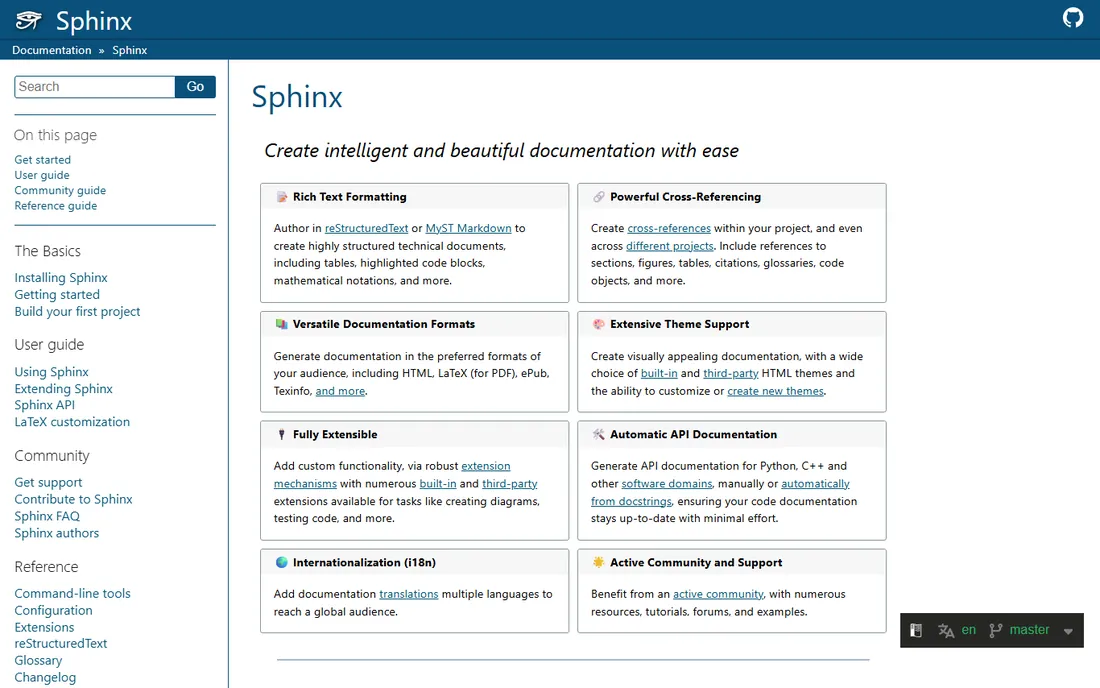
Sphinx is the old hand of this category, and in Python it is still the standard. Its killer feature is autodoc: write docstrings in your code and Sphinx turns them into a structured API reference with cross-references, indexes and search. Scientific and data projects with large public APIs have relied on this for over a decade, and the extension ecosystem covers everything from Jupyter notebook embedding to multi-language support.
The price of that power is reStructuredText, a markup language most writers find clunkier than Markdown. Markdown support exists through extensions, but it feels bolted on. Teams also underestimate theming: out of the box, Sphinx sites look like they were built in 2012, and getting a modern look means adopting a third-party theme like Furo or the PyData theme. If your team is Python-native and your docs are API-heavy, accept the learning curve. If your writers think in Markdown, look at MkDocs instead.
What we like- Autodoc generates API references from docstrings
- Huge extension ecosystem
- Multiple output formats including PDF
Watch out for- ReStructuredText has a learning curve
- Default themes look dated without customization
Starting priceFree (open source)
Free planYes

When a team outgrows a README, Docusaurus is the most common next step in the JavaScript world. It turns Markdown files into a full documentation site with versioning per release, internationalization architecture, a blog section and Algolia-powered search, all without writing a backend. Because pages are React components under the hood, you can embed live examples and interactive demos directly in the docs.
The catch is the toolchain. Docusaurus assumes your team is comfortable with Node.js, npm and a build step, which is natural for a JS product team and friction for everyone else. Small projects sometimes find it heavy: for twenty pages of docs, the versioning system and plugin architecture are machinery you will never use. It shines when docs are a product surface in their own right, with multiple versions in the wild and translators contributing.
What we like- Versioning and i18n built in
- React components inside Markdown
- Maintained by Meta with a large community
Watch out for- Requires a Node.js toolchain
- Overkill for a small single-page doc set
#3
MkDocs
Best for: Markdown-first teams that want the simplest setup
Visit mkdocs.org
Starting priceFree (open source)
Free planYes
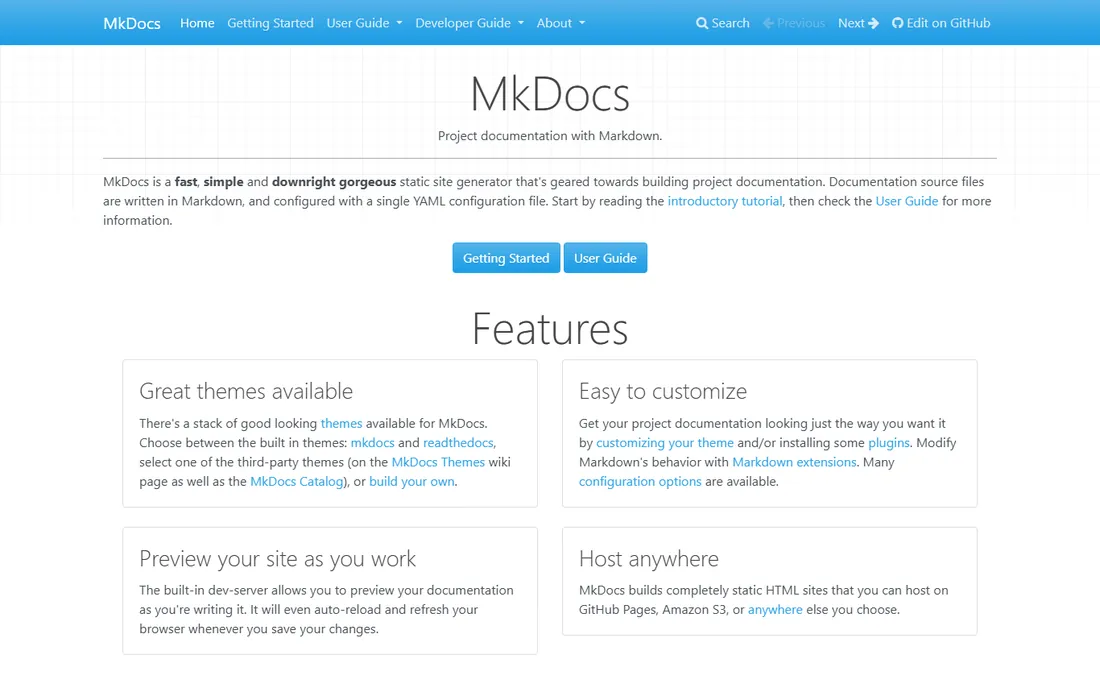
MkDocs wins on simplicity. Point it at a folder of Markdown files, run one command, and you have a documentation site with navigation, search and a live-reload server for writing. The Material for MkDocs theme turned it from a plain tool into something teams genuinely enjoy using, with tabs, annotations, code block features and a polished look that needs no design work.
For API references, MkDocs leans on plugins like mkdocstrings, which work well but add configuration that Sphinx users get natively. Versioning across releases is handled by a third-party plugin rather than a first-class feature, so teams shipping many supported versions sometimes graduate to Docusaurus. But for project docs, internal runbooks and developer guides written by engineers, MkDocs remains the lowest-friction choice in this list.
What we like- Fastest path from Markdown files to a site
- Live-reload dev server
- Rich theme and plugin ecosystem
Watch out for- API reference generation needs plugins
- Versioning is less polished than Docusaurus
#4
Doxygen
Best for: C, C++ and Java codebases needing reference docs
Visit doxygen.nl
Starting priceFree (open source)
Free planYes
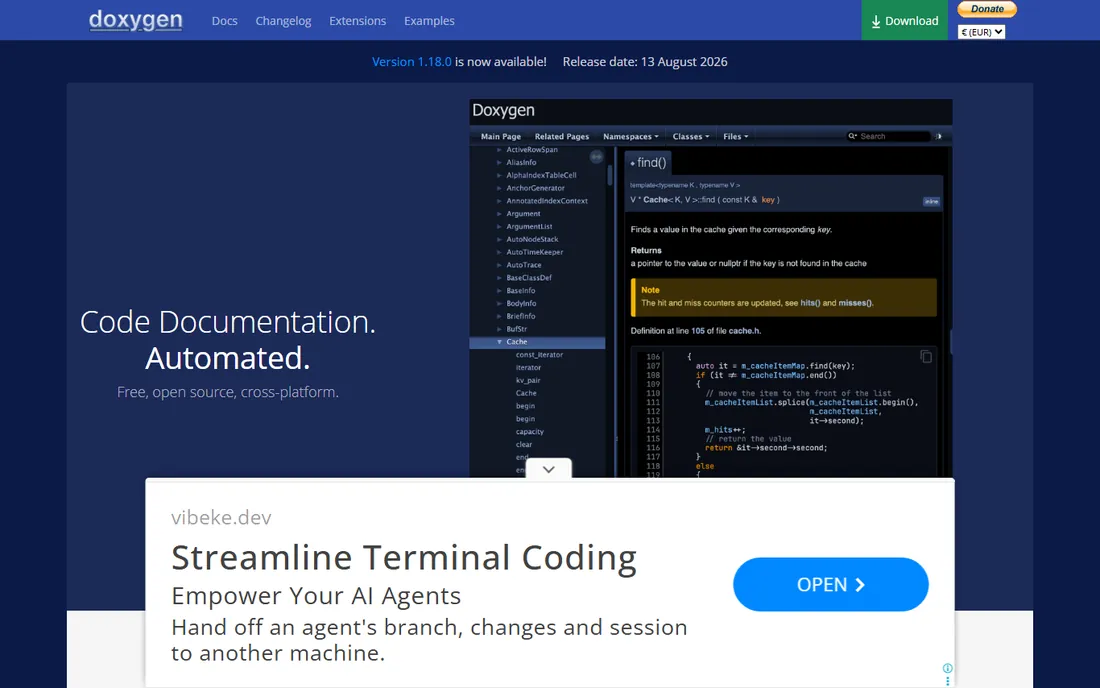
Doxygen is the Sphinx of the compiled-languages world. Feed it annotated C, C++, Java or Python source and it produces hyperlinked reference documentation, complete with class diagrams, call graphs and collaboration diagrams generated from the code itself. For large C++ codebases, nothing else in the free tier comes close to this level of automatic structure extraction.
Everything about Doxygen's defaults looks like the early 2000s, and the configuration file runs to hundreds of options, which scares off new users. Most teams generate the config once, tweak a handful of settings and never touch it again. If your codebase is C or C++ and your API surface is large, Doxygen's diagrams alone justify it. For narrative guides and tutorials alongside the reference, pair it with something Markdown-based rather than forcing prose through it.
What we like- Extracts docs from annotated source across many languages
- Generates diagrams and call graphs
- Many output formats
Watch out for- Output styling feels dated
- Configuration file is long and intimidating
#5
GitBook
Best for: Non-technical contributors and hosted simplicity
Visit gitbook.com
Starting price$65/site/month + $12/user/month (Premium, billed annually)
Free planYes
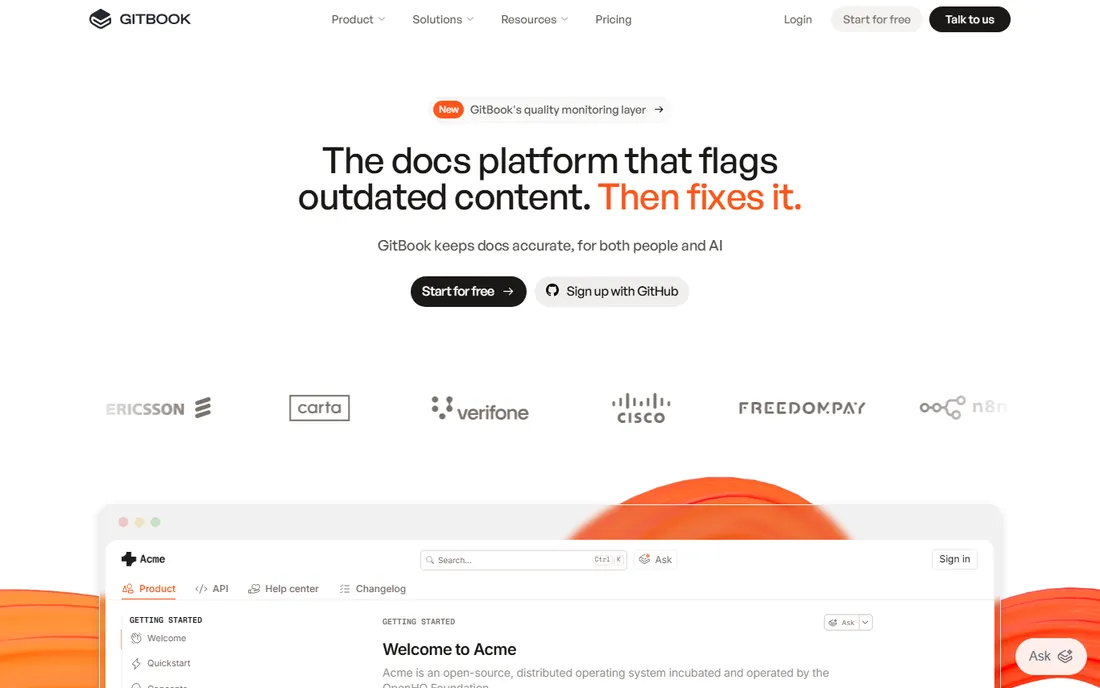
GitBook is the hosted platform for teams that do not want to run a build pipeline. Writers get a clean block editor, engineers get Git sync so docs can live in a repo, and publishing is a button click. Public readers cost nothing and page views are unlimited, which makes it attractive for open API docs. There is a free tier for a single user on a gitbook.io subdomain.
The pricing model deserves a careful look before you commit. Paid plans charge per site plus per user: Premium lists at $65 per site per month plus $12 per user per month on annual billing. The moment a second teammate needs editing access, or you need a custom domain, you jump from free to a real monthly bill, and every additional editor adds to it. GitBook also only hosts; you cannot self-host the output. It is the right call when non-technical contributors must edit docs comfortably. It is an expensive call when engineers write all the docs anyway.
What we like- Friendly block editor anyone can use
- Git sync for docs-as-code teams
- Unlimited readers on public docs
Watch out for- Per-site plus per-user pricing scales steeply
- No self-hosting option
#6
ReadMe
Best for: API-first companies with interactive references
Visit readme.com
Starting price$99/month (Startup plan)
Free planYes

ReadMe targets companies whose API is the product. Upload an OpenAPI definition and you get an interactive reference where developers can try endpoints from the browser, alongside guides, tutorials, a changelog and a discussion forum. The free tier covers a basic API reference, and the Startup plan at $99 per month adds the custom domain, guides and forum that make it a real developer hub.
Two things to weigh. First, pricing is per project, so a company with three public APIs pays three times. Second, ReadMe is a platform, not files: your content lives in its editor and syncs to Git as a secondary concern, which is the reverse of the docs-as-code tools above. Teams that want writers and support staff editing in a friendly UI while engineers keep the OpenAPI spec in the repo tend to love it. Teams that want everything as Markdown files in Git will fight it.
What we like- Interactive API explorer with real request history
- Guides plus reference in one hub
- Changelogs and discussion forums
Watch out for- Priced per project, so multiple APIs multiply the bill
- Markdown purists will miss plain-file workflows
Starting priceFree (open source)
Free planYes
VuePress is the Vue ecosystem's answer to Docusaurus: a static site generator where every Markdown page can embed Vue components. For a team building a Vue component library, the docs site can render the actual components live next to their API descriptions, which is the ideal way to document a design system. The generated site behaves like a single-page app with fast client-side navigation.
The ecosystem is smaller than Docusaurus, so you will find fewer themes and plugins, and the long transition between VuePress 1 and 2 left some outdated tutorials floating around. Make sure you are reading the current docs before starting. If your team is already Vue-native, the ability to reuse components between product and docs outweighs the smaller plugin shelf. Otherwise, Docusaurus has the bigger community.
What we like- Vue components inside Markdown pages
- Fast single-page-app feel
- Familiar to any Vue developer
Watch out for- Smaller community than Docusaurus
- Version 2 migration history caused confusion
Starting priceFree (open source)
Free planYes
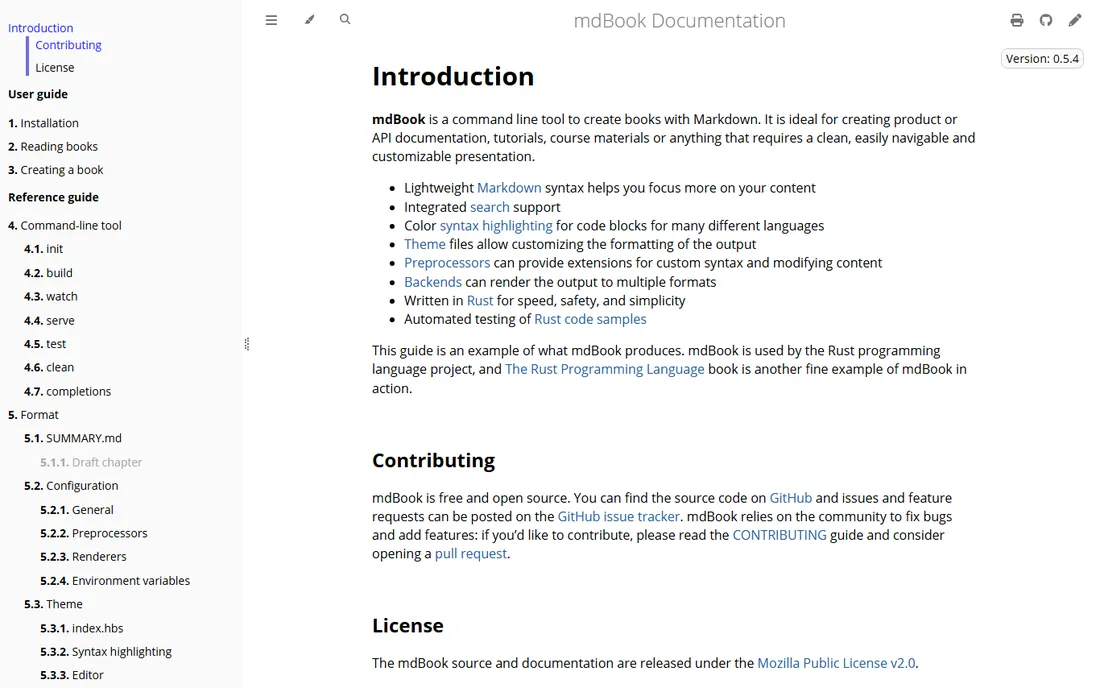
mdBook does one thing: turn a folder of Markdown chapters into a book-like site with a sidebar, search, syntax highlighting and themes. The Rust programming language book itself is built with it, which is both the proof and the target use case. It is a single fast binary with no Node or Python toolchain, and preprocessors and backends allow custom syntax and output formats.
It is not a general documentation platform. There is no versioning system, no i18n framework and no API reference generation; for those you would bolt on other tools. And its Markdown is CommonMark with mdBook extensions, so files written for GitHub-flavored Markdown sometimes need small adjustments. Choose it when your content is genuinely book-shaped: tutorials, courses, manuals and long-form guides. For reference docs, pair it with something else.
What we like- Purpose-built for book-length content
- Fast Rust binary with no runtime
- Search and themes included
Watch out for- Markdown dialect is CommonMark-strict
- Not designed for API references
Starting priceSee website
Free planYes
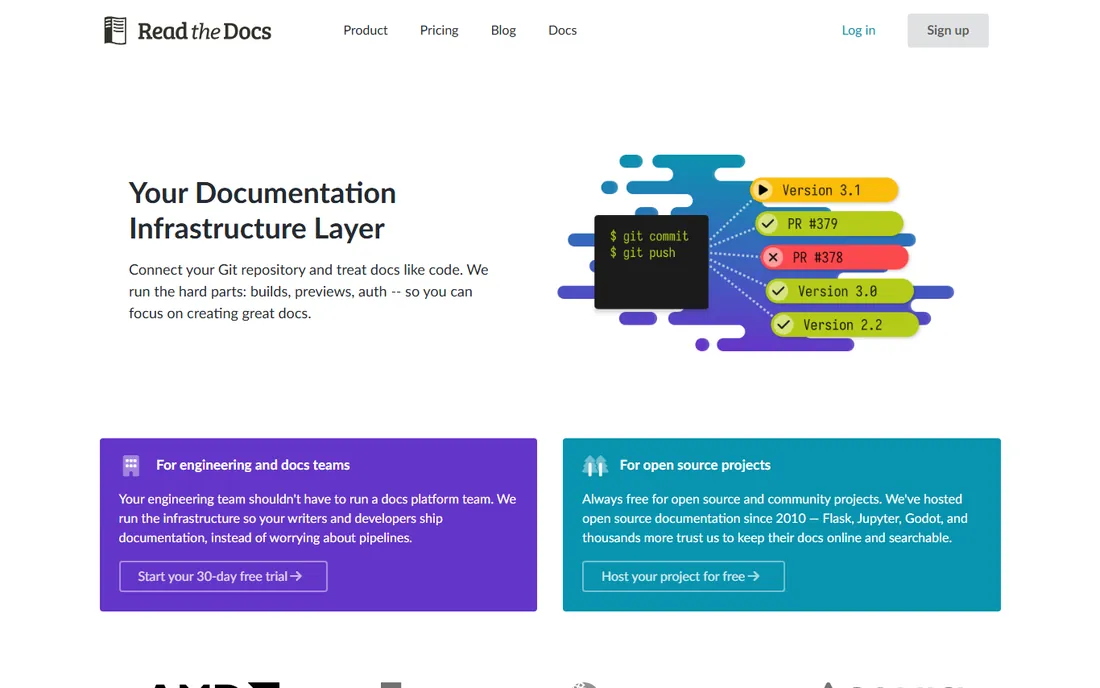
Read the Docs is the hosting layer for the open-source generators above. Connect a GitHub repository containing Sphinx or MkDocs sources and it builds, versions and hosts the site automatically, keeping a version per release branch with no extra configuration. Public open-source projects host free, which is why a huge share of Python library docs live on readthedocs.io subdomains.
The tradeoff is control. You get their build environment, their themes and their URL structure, and deep customization means fighting the platform. Private documentation for commercial projects sits behind paid plans, so internal company docs need a budget line. Think of it as the zero-ops way to publish Sphinx or MkDocs output: if you already like one of those generators and do not want to run your own build pipeline, this is the obvious host.
What we like- Automatic builds from Git on every commit
- Versioned docs per release
- Free for public open-source projects
Watch out for- Customization is limited compared to self-hosting
- Private docs require a paid plan
How we chose
We focused on tools that generate documentation from source files, not AI writing assistants, and that are actively maintained in 2026. That ruled out unmaintained projects and AI-first newcomers. We verified each tool's current status through its own documentation and recent community comparisons, checked pricing pages for the two hosted platforms, and weighed public discussion on developer forums about real migration experiences. We favored tools with a clear best-fit audience over generalists, and we kept both the docs-as-code generators and the hosted platforms because real teams choose between those two philosophies. We did not benchmark build times or run hands-on trials; the picks reflect documented capabilities, pricing and ecosystem health.
How to pick the right generator for your stack
Match the tool to who writes the docs and where the content lives. If engineers write docs in the same repo as the code, a static generator, Sphinx for Python API docs, MkDocs or Docusaurus for guides, keeps the workflow in Git with reviews and CI. If product managers, support staff or technical writers need to edit without touching a repo, a hosted platform like GitBook or ReadMe earns its subscription.
Language matters more than most comparisons admit. Python API docs belong with Sphinx and its autodoc. C++ references belong with Doxygen. Vue component libraries belong with VuePress. Fighting the grain, say, forcing prose guides through Doxygen, creates permanent friction. Also decide about versioning early: if you ship multiple supported releases, Docusaurus or Read the Docs handle versions natively, while MkDocs needs plugins and mdBook has no story at all.
Finally, count your editors before pricing a hosted tool. GitBook's free tier covers one user, and ReadMe bills per project. A team of six engineers writing in Markdown pays nothing with any open-source generator, while the same team on a hosted platform can hit hundreds per month. Run that math before falling in love with an editor.
Hosting and workflow: the part teams forget
Generating HTML is half the job; the other half is building, hosting and updating it. The open-source generators need a pipeline: a CI job that builds on every merge and deploys to static hosting. Read the Docs removes that work for Sphinx and MkDocs projects. GitHub Pages, Netlify and Cloudflare Pages cover the rest with minimal setup, and all of them are free or cheap at documentation scale.
Search is the feature teams add too late. Docusaurus, MkDocs Material, mdBook and GitBook all ship usable built-in search, while a bare Sphinx or Doxygen build has weaker defaults worth upgrading. Also plan for link checking in CI, because docs rot fastest through broken internal links, and decide who owns docs reviews. The generator will not fix an unclear paragraph. Whatever you choose, treat documentation as a build artifact with owners and a pipeline, not as a folder of Markdown files someone might update.
Frequently asked questions
Should we use a static generator or a hosted platform?
If your writers are engineers comfortable with Git and Markdown, a static generator is cheaper and more flexible. If non-technical people must contribute regularly, a hosted platform's editor usually pays for itself in participation.
Which tool is best for API reference documentation?
For Python, Sphinx with autodoc. For C, C++ or Java, Doxygen. For REST APIs consumed by external developers, ReadMe's interactive explorer or a Docusaurus site with an OpenAPI plugin, depending on whether you want hosted or self-hosted.
Can we migrate from one generator to another later?
Yes, because most of these consume Markdown or reStructuredText. Moving between MkDocs, Docusaurus and VuePress is mostly a matter of adjusting front matter and shortcodes. Migrating off a hosted platform takes more work since content must be exported first.
Do we need to pay for documentation hosting?
Not necessarily. GitHub Pages, Netlify, Cloudflare Pages and Read the Docs all host documentation sites free at typical scale. You pay when you want a hosted editor, private docs, or a fully managed platform.
How do versions work with these tools?
Docusaurus and Read the Docs version docs per release branch natively. MkDocs handles it through plugins. Sphinx projects often version through Read the Docs. mdBook and VuePress have no built-in versioning story, so multi-release docs need another solution.
Is Sphinx outdated in 2026?
No. It remains the standard for Python API documentation, with active maintenance and a large extension ecosystem. Its defaults look dated, but modern themes close the gap, and nothing matches autodoc for docstring-driven references.
Sources we checked (11)
- https://www.sphinx-doc.org/
- https://docusaurus.io/
- https://www.mkdocs.org/
- https://www.doxygen.nl/
- https://www.gitbook.com/pricing
- https://readme.com/pricing
- https://vuepress.vuejs.org/
- https://rust-lang.github.io/mdBook/
- https://readthedocs.org/
- https://deepdocs.dev/open-source-documentation-tools/
- https://scand.com/company/blog/best-technical-documentation-tools/
Is your product missing or out of date?
We review this list regularly. Vendors can request a listing, send updated pricing or ask about featured placement.

Shihab Mia · Founder, Rankite
Shihab has spent more than a decade helping SaaS and e-commerce brands grow through search. He writes Rankite's software buying guides from pricing pages, documentation and public user reviews. More about Shihab.