How we make this list: we compare pricing pages, product documentation and public user reviews. Rankite is independent; if a vendor ever pays for a featured spot, that listing is clearly labeled Partner.
Key takeaways
- The device decides the shortlist. iPad artists start with Procreate or Concepts, Android and phone sketchers look at Infinite Painter or ibisPaint X, and desktop users choose between Krita, Clip Studio Paint, and MediBang Paint.
- Free does not mean weak here. Krita and MediBang Paint are fully capable professional tools that cost nothing, and several paid apps have genuinely useful free tiers.
- Sketching apps and painting apps overlap but differ in feel. Sketchbook and Concepts prioritize fast capture and clean lines, while Procreate and Krita go deeper on brushes and finished illustration.
- Try before you buy is easy in this category. Nearly every paid app here offers a free version or trial, so test your actual stylus and workflow before paying.
Quick comparison
| Tool | Best for | Starting price | Free plan |
|---|
 Procreate Procreate | iPad illustration and sketching | See website | No |
 Adobe Fresco Adobe Fresco | Photoshop users who sketch | See website | Yes |
 Clip Studio Paint Clip Studio Paint | manga, comics, and detailed illustration | See website | Free trial |
 Autodesk Sketchbook Autodesk Sketchbook | fast, distraction-free sketching | See website | Free trial |
 Krita Krita | free desktop painting and sketching | See website | Yes |
 Concepts Concepts | vector sketching and design thinking | See website | Yes |
 Infinite Painter Infinite Painter | mobile painting on Android and iOS | See website | Free trial |
 ibisPaint X ibisPaint X | social sketching on phones | See website | Yes |
 MediBang Paint MediBang Paint | free manga and comic creation | See website | Yes |
Is your product missing or out of date?
We review this list regularly. Vendors can request a listing, send updated pricing or ask about featured placement.
The best sketching software
Starting priceSee website
Free planNo
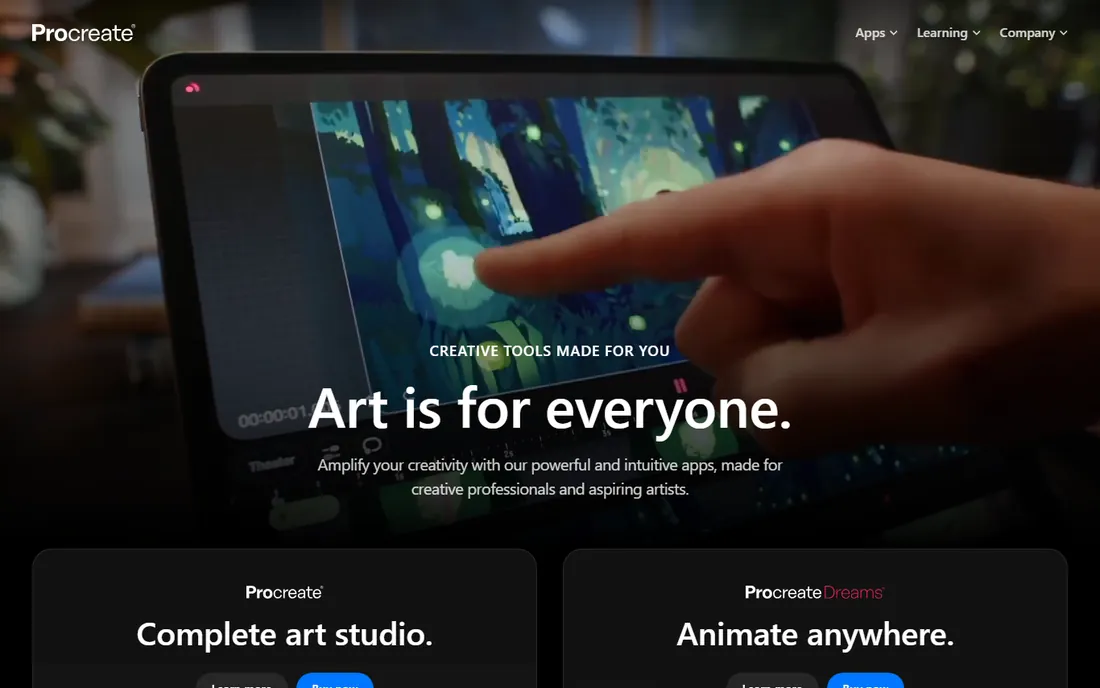
Procreate is the reason many illustrators bought an iPad. The brush engine feels responsive in a way that still embarrasses most desktop software, the interface stays out of the way with gesture-based controls, and features like time-lapse recording turn every piece into shareable process content. For sketching, inking, and painting on Apple's tablet, it remains the benchmark.
The trade-offs are platform and price model. There is no Windows, Mac, or Android version, so your workflow lives and dies with the iPad, and there is no free tier to try first. That said, the one-time purchase, no subscription, is increasingly rare and welcome. If you sketch on an iPad and do not already use it, this is the first app to try.
What we like- Best-in-class brush engine on iPad
- One-time purchase, no subscription
- Huge artist community and resources
Watch out for- IPad only, no desktop or Android version
- No free tier
Starting priceSee website
Free planYes
Adobe Fresco is Adobe's answer to Procreate, built for drawing and painting with a focus on natural media. Its live brushes simulate watercolor blooms and oil paint blending in real time, which is genuinely fun to sketch with, and files move cleanly into Photoshop and Illustrator when a sketch needs to become finished production art.
The free starter plan makes it easy to test, though the full experience pairs with a Creative Cloud subscription. The honest catch is that as a pure sketching app it feels thinner than Procreate: fewer brushes, less community content, and an interface that occasionally prioritizes Adobe's ecosystem over the artist. It makes most sense for designers already paying for Creative Cloud who want sketching in the same workflow.
What we like- Live brushes that mimic watercolor and oils
- Tight Creative Cloud integration
- Free starter plan
Watch out for- Smaller brush and feature set than Procreate
- Best with a Creative Cloud subscription
Starting priceSee website
Free planFree trial
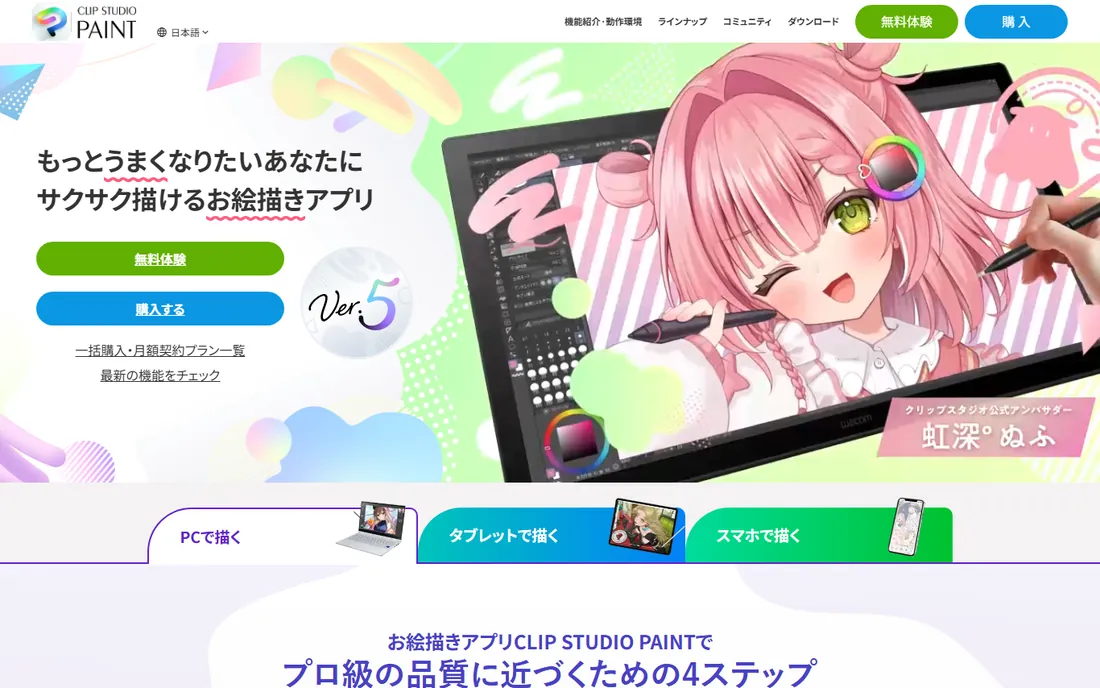
Clip Studio Paint dominates manga and comic production for a reason: panel tools, screentones, perspective rulers, and 3D pose models are built in rather than bolted on. But strip those away and the core drawing experience, line stabilization, brush customization, and pressure response, is excellent for any sketching or inking work. Many illustrators who never draw a comic panel still swear by it.
The interface reflects its depth, which means beginners face a learning curve just to find the brush settings. Pricing has shifted toward subscriptions over the years, though perpetual licenses have historically been available for some versions, so check the current offering. For sketchers focused on clean linework, especially ink-style drawing, it is one of the strongest desktop options.
What we like- Unmatched comic and manga toolset
- Excellent line stabilization
- One-time purchase options exist
Watch out for- Interface can overwhelm beginners
- 3D and comic features go unused by pure sketchers
Starting priceSee website
Free planFree trial
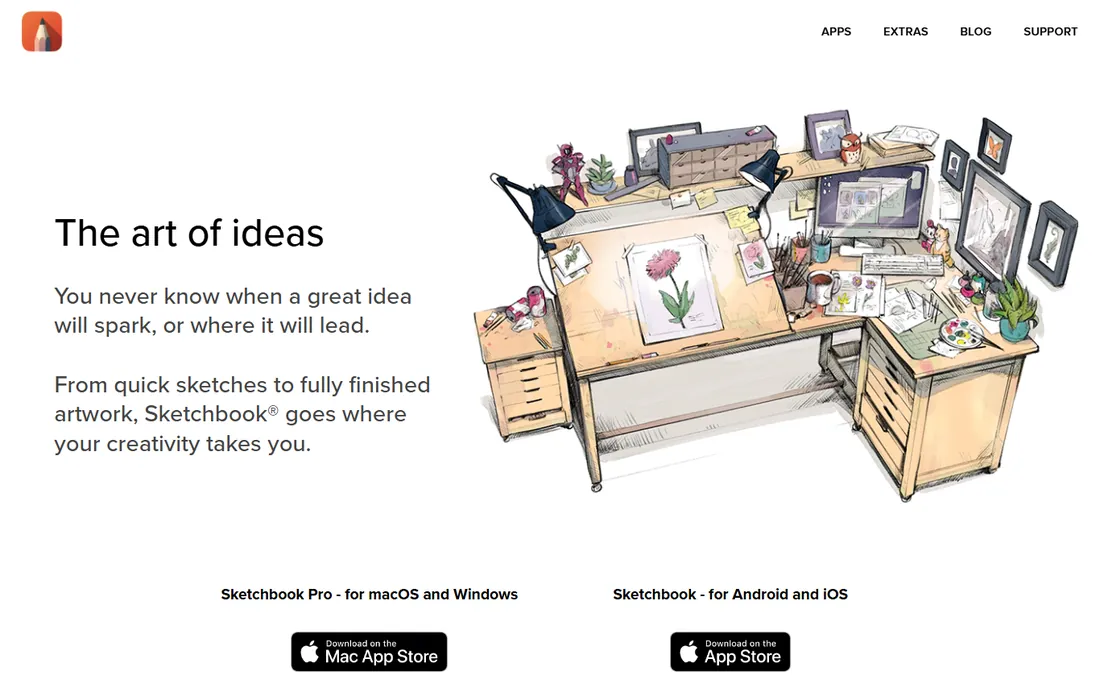
Sketchbook's whole philosophy is getting out of the way. The interface hides until you need it, the brush set is small but well chosen, and features like predictive stroke cleanup and symmetry modes make quick concept sketching fluid. It runs on Windows, Mac, iOS, and Android, so the same sketching experience follows you across devices.
The trade-off is depth. Compared to Procreate or Krita, the brush engine and layer capabilities are modest, and the app has changed hands and business models over the years, which shows in its slower development pace. Treat it as what it is: the fastest way to get an idea out of your head and onto a screen, not the tool for finished painted illustration.
What we like- Minimal interface built for speed
- Good predictive stroke and symmetry tools
- Runs on desktop and mobile
Watch out for- Thinner feature set than illustration rivals
- Development pace has slowed
Starting priceSee website
Free planYes
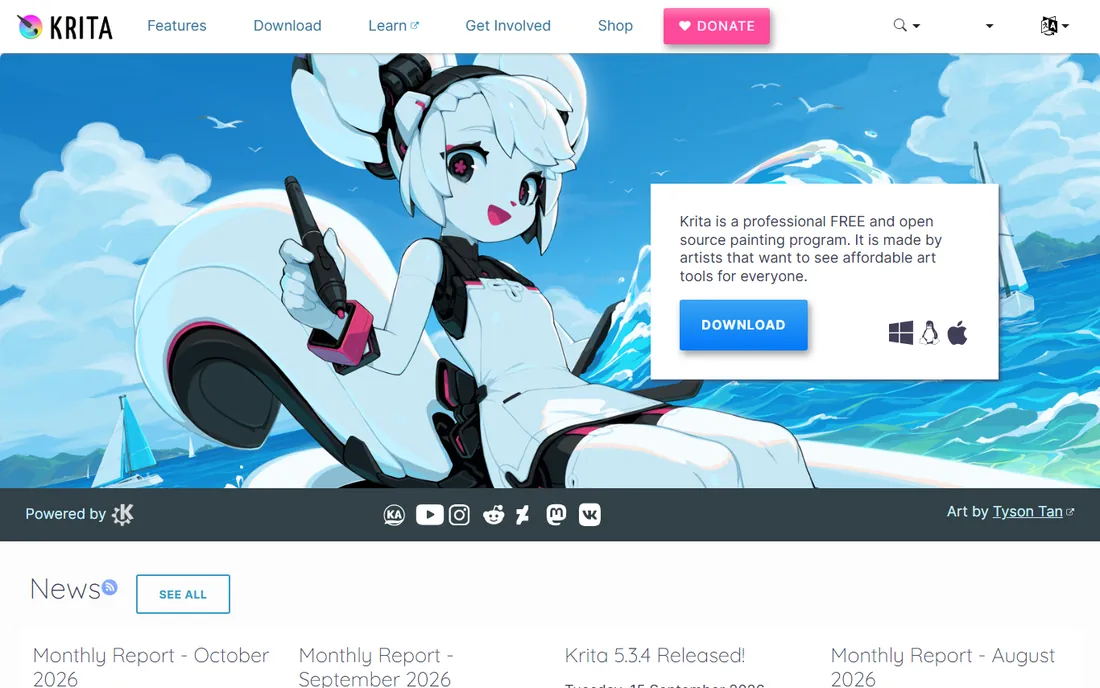
Krita is the proof that free software can hang with paid tools. It is a full digital painting application with a serious brush engine, stabilizers, textured brushes, HDR painting support, and animation tools, all free and open source on Windows, Mac, and Linux. Concept artists and illustrators use it professionally, and its brush customization rivals anything commercial.
For pure sketching it is slightly less focused than Sketchbook or Concepts: the interface carries the weight of a full painting studio, and quick-capture workflows take more setup. But the price is zero, forever, with no feature gates and no account required. If you sketch on a desktop and want professional tools without paying, start here before looking anywhere else.
What we like- Completely free and open source
- Professional brush engine
- Strong for painting and concept art
Watch out for- Interface less polished than commercial rivals
- Sketching-specific tools are basic
Starting priceSee website
Free planYes
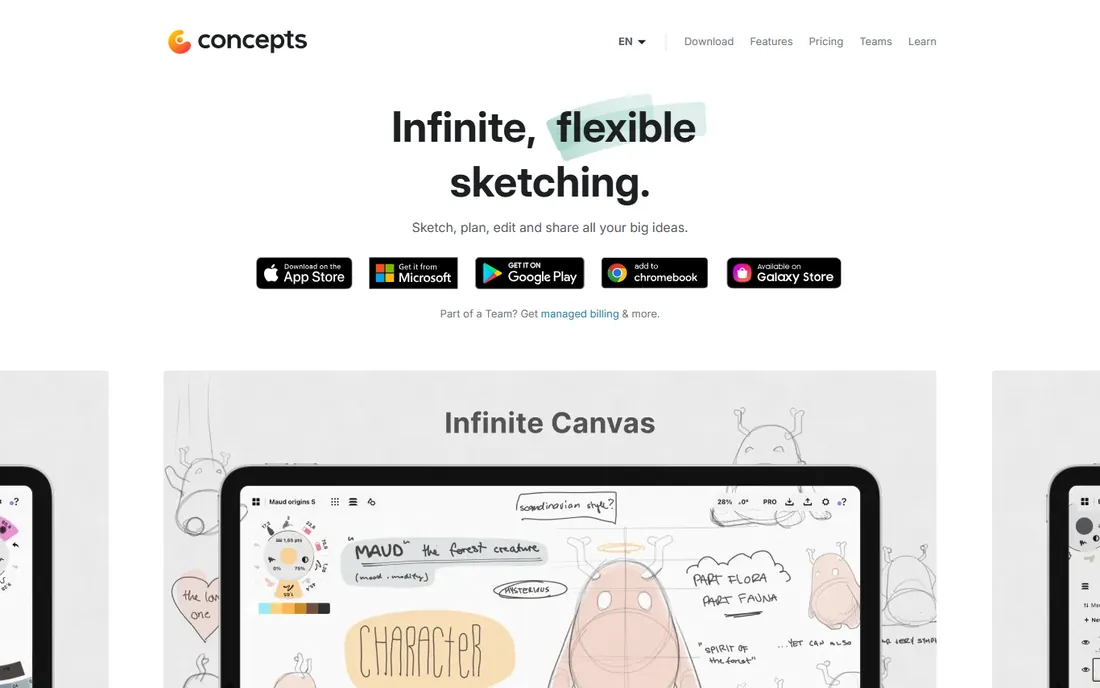
Concepts takes a different approach from every other app here: everything you draw is a vector stroke on an infinite canvas. Lines stay editable, resizable, and clean at any zoom, which makes it ideal for design thinking, storyboarding, mind mapping, and annotated sketches rather than painterly illustration. The COPIC color integration and precision tools appeal to industrial designers and architects.
That vector nature is also the adjustment. If you want textured, organic brushwork, a raster app like Procreate feels more natural. Concepts is for thinking visually: iterating on ideas, rearranging elements, exporting crisp diagrams. The free tier covers the essentials, with a subscription opening up the full toolset. For visual note-takers and designers, it is quietly one of the best apps on this list.
What we like- Infinite canvas with vector strokes
- Strokes stay editable and resizable
- Great for notes, storyboards, and ideation
Watch out for- Vector feel differs from raster painting
- Advanced tools need the subscription
Starting priceSee website
Free planFree trial
Infinite Painter is the answer to "what is the Procreate for Android." It is a capable painting and sketching app with a deep brush engine, layer support, and tools like symmetry and liquify, running on both Android and iOS. For Android tablet owners locked out of Procreate, it is the closest equivalent, and it holds up well on its own merits.
The ecosystem is the gap: fewer tutorials, fewer shared brushes, and less community content than the bigger names. The interface is powerful but takes longer to learn. Still, for mobile artists who want serious tools without Apple's hardware, and with a one-time purchase rather than a subscription, it deserves a trial run with your actual stylus.
What we like- Strong brush engine on phones and tablets
- Works well on Android where Procreate is absent
- One-time purchase option
Watch out for- Smaller community and fewer tutorials
- Interface takes learning
Starting priceSee website
Free planYes
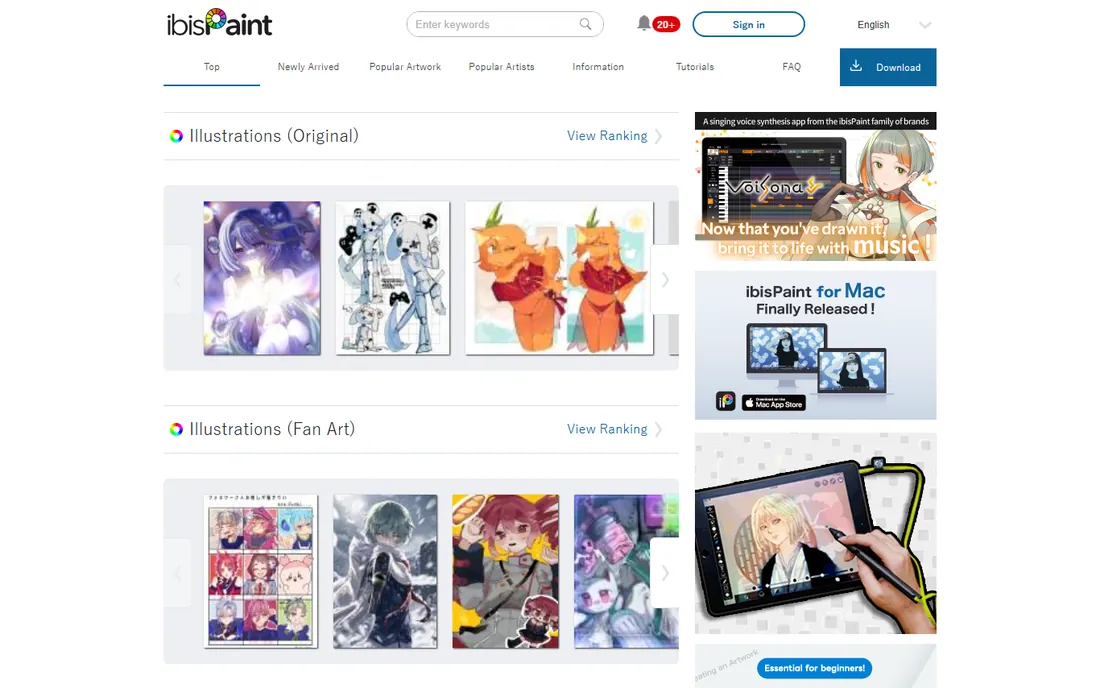
ibisPaint X is enormously popular with a generation that learned to draw on phones. It packs thousands of brushes, hundreds of fonts, screentones, and filters into a free mobile app, with a social layer for sharing art and process videos. For sketching on a commute or drawing anime-style art on a phone, little else offers this much for free.
The free version carries ads, and the interface crams a desktop's worth of tools onto a phone screen, which takes adjustment. A paid Prime option removes ads and adds extras. It will not replace Procreate or Krita for serious illustration work, but as a free, phone-first sketchbook with genuine depth, it has earned its massive user base.
What we like- Free with a huge brush library
- Built for phone-first drawing
- Active sharing community
Watch out for- Ads in the free version
- Interface is busy on small screens
Starting priceSee website
Free planYes
MediBang Paint is the free alternative for manga and comic artists who find Clip Studio Paint's price a barrier. It includes panel creation, screentones, comic fonts, and cloud saving that syncs work across desktop and mobile, all for nothing. For hobbyists making comics and webtoons, it covers the essentials without asking for a yen.
The brush engine and painting tools are simpler than Krita's, and the interface feels dated next to modern apps. But the value proposition is hard to argue with: a free, cross-platform comic toolkit with cloud sync. Pair it with Krita for painting-heavy work, or use it alone if comics are the goal and the budget is zero.
What we like- Completely free
- Comic panel and tone tools
- Cloud sync across devices
Watch out for- Brush engine simpler than Krita or Procreate
- Interface shows its age
One-time purchase vs subscription: read the fine print
Sketching software has mostly followed the industry into subscriptions, but this category still has holdouts, and the difference matters over years of use.
Procreate and Infinite Painter have historically sold as one-time purchases, which makes their lifetime cost easy to predict. Krita, MediBang Paint, and ibisPaint X are free, supported by donations, ads, or optional upgrades. Concepts uses a freemium model with a subscription for the full toolset. Adobe Fresco ties into Creative Cloud subscriptions, and Clip Studio Paint has moved between perpetual and subscription licensing, so check the current terms before assuming.
The practical advice: if you sketch daily, a subscription you actually use is fine, but do the three-year math. A $10 per month subscription costs $360 over three years, while a one-time purchase app costs a small fraction of that. For hobbyists and students, that gap buys a lot of sketchbooks.
What to look for before you choose
Match the app to your hardware first. iPad owners get Procreate and Concepts at their best. Android users should look at Infinite Painter and ibisPaint X. Desktop sketchers choose between Krita, Clip Studio Paint, MediBang Paint, and Sketchbook. Buying an app for a device you do not draw on is the most common mistake.
Next, decide what sketching means to you. Quick idea capture favors Sketchbook and Concepts with their minimal interfaces and infinite canvases. Finished illustration favors Procreate, Krita, and Clip Studio Paint with their brush engines and layer depth. Manga and comics point to Clip Studio Paint or MediBang Paint.
Finally, test with your stylus. Pressure response, palm rejection, and line stabilization vary between apps on the same hardware. Every paid app here offers a free version or trial, so spend a week sketching real work in two finalists before paying. The right feel is personal and no review can settle it for you.
How we chose
We focused on apps built for sketching and drawing rather than general graphic design, covering tablets, phones, and desktops across iPadOS, Android, Windows, and Mac. We checked that each product is currently available, read artist reviews and community discussions, and weighed brush feel, interface focus, pricing model, and platform fit. We did not draw with the apps ourselves. Prices in this category change with app store policies and licensing shifts, so we direct you to each vendor's site for current pricing rather than quoting figures.
Frequently asked questions
What is the best sketching software for beginners?
Autodesk Sketchbook or ibisPaint X. Sketchbook's minimal interface removes every barrier between you and drawing, while ibisPaint X is free and phone-friendly. Both let you build the habit before spending money or learning a complex tool.
What is the best sketching software for iPad?
Procreate, by a clear margin. Its brush engine, gesture controls, and one-time purchase make it the default for iPad illustrators. Concepts is the pick if you want vector strokes and an infinite canvas for design thinking rather than raster painting.
Is there a good free sketching app?
Yes, several. Krita is a professional-grade free painting app for desktop, MediBang Paint is free and comic-focused, ibisPaint X is free on mobile, and Concepts and Adobe Fresco have genuinely useful free tiers. Free is not a compromise in this category.
What is the difference between sketching software and drawing software?
The terms overlap heavily. Sketching apps tend to prioritize speed, minimal interfaces, and quick capture, like Sketchbook and Concepts. Drawing and illustration apps go deeper on brushes, layers, and finished artwork, like Procreate and Krita. Most artists use one of each.
Can I use sketching apps professionally?
Absolutely. Procreate, Clip Studio Paint, Krita, and Concepts all appear in professional pipelines for illustration, comics, concept art, and design. The free apps are capable too, though studios often standardize on paid tools for support and file compatibility.
Do I need a special stylus?
A pressure-sensitive stylus helps a lot: Apple Pencil on iPad, or a Wacom, XP-Pen, or Huion tablet on desktop. Finger drawing works for rough ideas but limits control. Whatever you use, test it in the app before buying, since pressure curves differ between apps.
Sources we checked (9)
- https://procreate.com/
- https://adobe.com/
- https://clipstudio.net/
- https://sketchbook.com/
- https://krita.org/
- https://concepts.app/
- https://infinitepainter.com/
- https://ibispaint.com/
- https://medibangpaint.com/
Is your product missing or out of date?
We review this list regularly. Vendors can request a listing, send updated pricing or ask about featured placement.

Shihab Mia · Founder, Rankite
Shihab has spent more than a decade helping SaaS and e-commerce brands grow through search. He writes Rankite's software buying guides from pricing pages, documentation and public user reviews. More about Shihab.