How we make this list: we compare pricing pages, product documentation and public user reviews. Rankite is independent; if a vendor ever pays for a featured spot, that listing is clearly labeled Partner.
Key takeaways
- Adobe Illustrator remains the pick for shops that need true print-ready vector art, at $22.99 per month, while Canva's free plan covers most simple merch designs.
- Affinity is now completely free after Canva's acquisition, which makes it the strongest no-cost option for serious vector work.
- Kittl is built for print-on-demand sellers who want fast text effects and mockups without learning Illustrator.
- If you draw by hand, Procreate costs $12.99 once and nothing more, but you will still need a desktop tool for final print prep.
- Every tool here was checked against its vendor's own pricing page in October 2026.
Quick comparison
| Tool | Best for | Starting price | Free plan |
|---|
 Adobe Illustrator Adobe Illustrator | Professional print-ready vector art | $22.99/month (annual plan, billed monthly) | Free trial (7 days) |
 CorelDRAW Graphics Suite CorelDRAW Graphics Suite | Windows shops that want to own their software | $269/year (subscription) or $549 one-time | Free trial (15 days) |
 Canva Canva | Fast merch designs without design skills | $0 (Pro is $120/year) | Yes |
 Kittl Kittl | Vintage text effects and print-on-demand graphics | $10/month (billed annually) | Yes |
 Affinity Affinity | Pro-grade vector design at zero cost | $0 | Yes (free forever) |
 Inkscape Inkscape | Free vector editing on any desktop OS | $0 | Yes (open source) |
 Placeit Placeit | T-shirt mockups and ready-made templates | From $7.47/month (Unlimited plan) | Yes (free templates available) |
 Snappa Snappa | Simple shirt graphics for busy marketers | $0 (Pro is $15/month or $10/month billed annually) | Yes (Starter, 3 downloads per month) |
 Procreate Procreate | Hand-drawn shirt art on iPad | $12.99 (one-time purchase) | No |
Is your product missing or out of date?
We review this list regularly. Vendors can request a listing, send updated pricing or ask about featured placement.
The best shirt design software
#1
Adobe Illustrator
Best for: Professional print-ready vector art
Visit adobe.com
Starting price$22.99/month (annual plan, billed monthly)
Free planFree trial (7 days)
Print shops speak Illustrator. When a screen printer asks for your art as a vector file with spot colors, they mean an AI or EPS file built in Illustrator or something that exports one cleanly. Nobody gets fired for sending an Illustrator file, and that compatibility is the real reason it stays at the top of lists like this one. The pen tool, pathfinder, and type engine give you control over every anchor point, which matters when a design has to separate into six clean screens.
That control comes with a learning curve that genuinely takes months. The subscription model stings too: $22.99 per month on the annual plan, or $34.49 if you pay month to month, and there is no way to buy it outright anymore. For a small shop doing a few designs a month, that math is hard to justify against free tools. But if you sell designs to clients or run a print business, Illustrator is the cost of doing business, and the 7-day trial is enough to test whether your workflow fits.
What we like- True vector output print shops accept
- Pantone and spot-color libraries
- Precise control over separations and trapping
Watch out for- Steepest learning curve on this list
- Subscription only, no perpetual license
#2
CorelDRAW Graphics Suite
Best for: Windows shops that want to own their software
Visit coreldraw.com
Starting price$269/year (subscription) or $549 one-time
Free planFree trial (15 days)
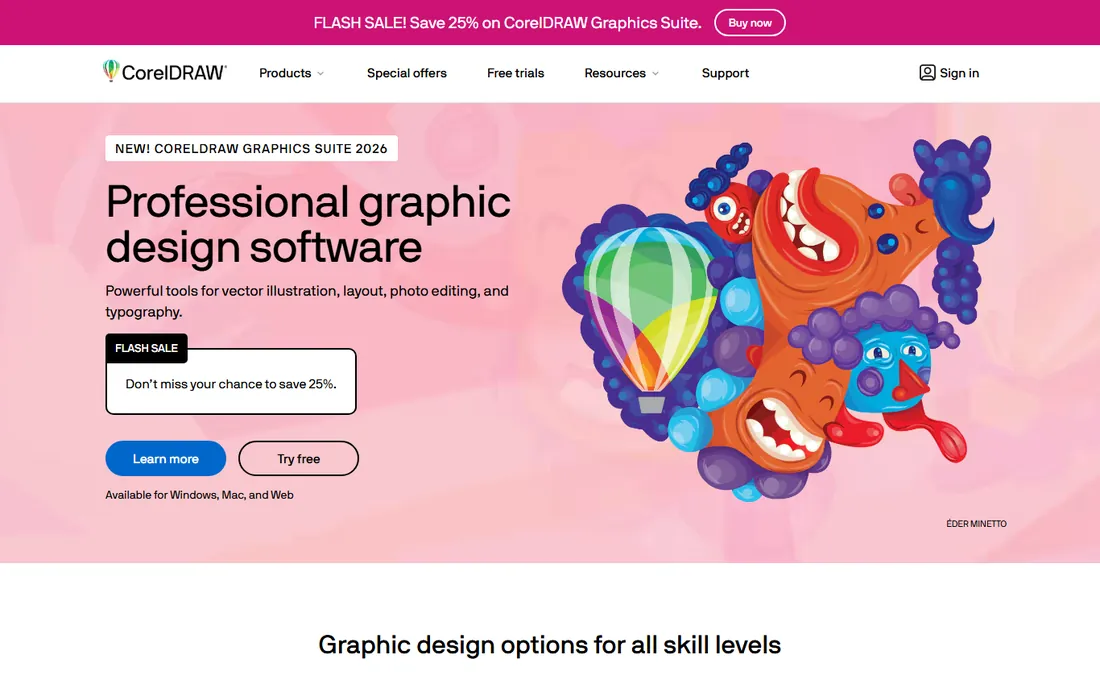
CorelDRAW is the quiet workhorse of the sign and screen-print world. Plenty of shops have run it for a decade because it handles text on a path, node editing, and multi-page layouts with less fuss than Illustrator, and Corel still sells a perpetual license for $549. That one-time price is the whole pitch: pay once, use it for years, no monthly bill arriving forever. The subscription alternative is $269 per year.
The honest catch is platform and ecosystem. CorelDRAW is a Windows-first product, and the Mac version has historically trailed in features and stability, so Mac-based designers usually look elsewhere. The template libraries, plugins, and tutorial ecosystem are smaller than Adobe's, which means you will lean more on Corel's own documentation. For a Windows print shop that wants to buy rather than rent, though, it is the most practical alternative to Illustrator.
What we like- Perpetual license still available
- Excellent text handling and node editing
- Strong print-prep tools
Watch out for- Mac version lags behind Windows
- Smaller template and plugin ecosystem than Adobe
Starting price$0 (Pro is $120/year)
Free planYes
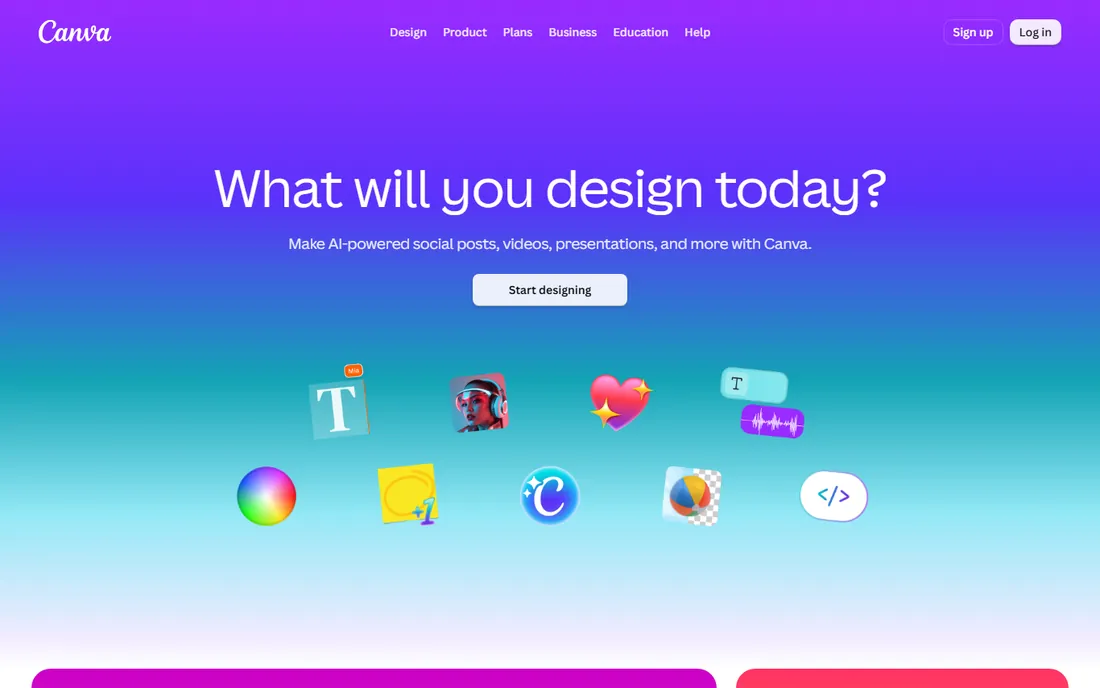
Canva is where most first-time shirt sellers start, and for simple text-and-graphic designs it is genuinely enough. The free plan includes a huge template library, stock photos, and one-click background removal, and you can go from idea to a mockup in under an hour. Pro at $120 per year adds brand kits, premium stock, and higher-quality exports, with a 30-day free trial to test it.
The limitation shows up at the print shop. Canva designs are raster-based at their core, and free-plan exports sometimes land at resolutions or color profiles a screen printer will reject or charge extra to fix. If you are selling through print-on-demand, where the platform handles the printing, this rarely matters. If you take files to a local screen printer, confirm their file requirements before you design, or plan to rebuild your best sellers in a vector tool later.
What we like- Generous free tier with thousands of templates
- Drag-and-drop simple
- Built-in mockup and background-removal tools
Watch out for- Not a true vector editor
- Free exports can be too low-resolution for professional printing
#4
Kittl
Best for: Vintage text effects and print-on-demand graphics
Visit kittl.com
Starting price$10/month (billed annually)
Free planYes
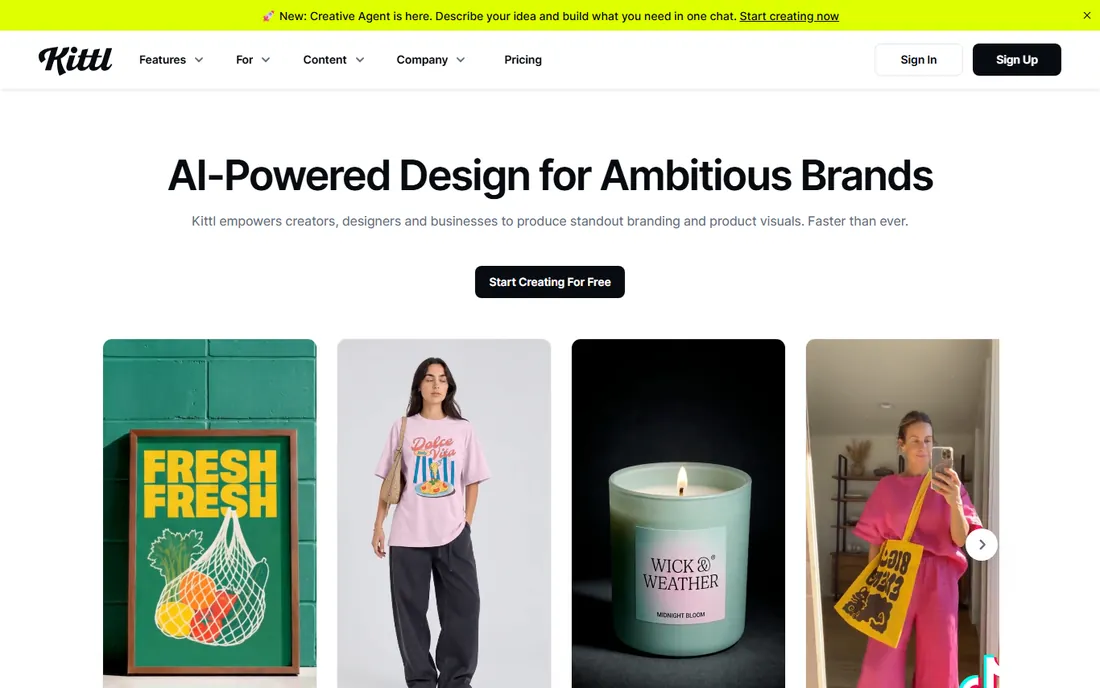
Kittl found its niche by doing one thing extremely well: text that looks expensive. Distressed vintage lettering, warped badge layouts, and retro typography effects that take an hour in Illustrator happen in a few clicks here. That focus made it a favorite among Etsy and print-on-demand sellers, and the built-in mockup generator means you can list a product without ever leaving the browser. Pricing runs from about $10 per month billed annually for Pro to around $24 per month for Expert, with a free plan for casual use.
The tradeoff is depth. Kittl is a browser app, so there is no offline desktop version, and its template and stock library is smaller than Canva's. It also will not replace Illustrator for original illustration or complex vector work. Think of it as a specialist: if your designs lean on bold typography and vintage styling, it pays for itself quickly; if you need a general-purpose design studio, look elsewhere.
What we like- Standout text effects and vintage treatments
- AI image tools built in
- Mockup generator included
Watch out for- Web-only, no desktop app
- Smaller asset library than Canva
Starting price$0
Free planYes (free forever)
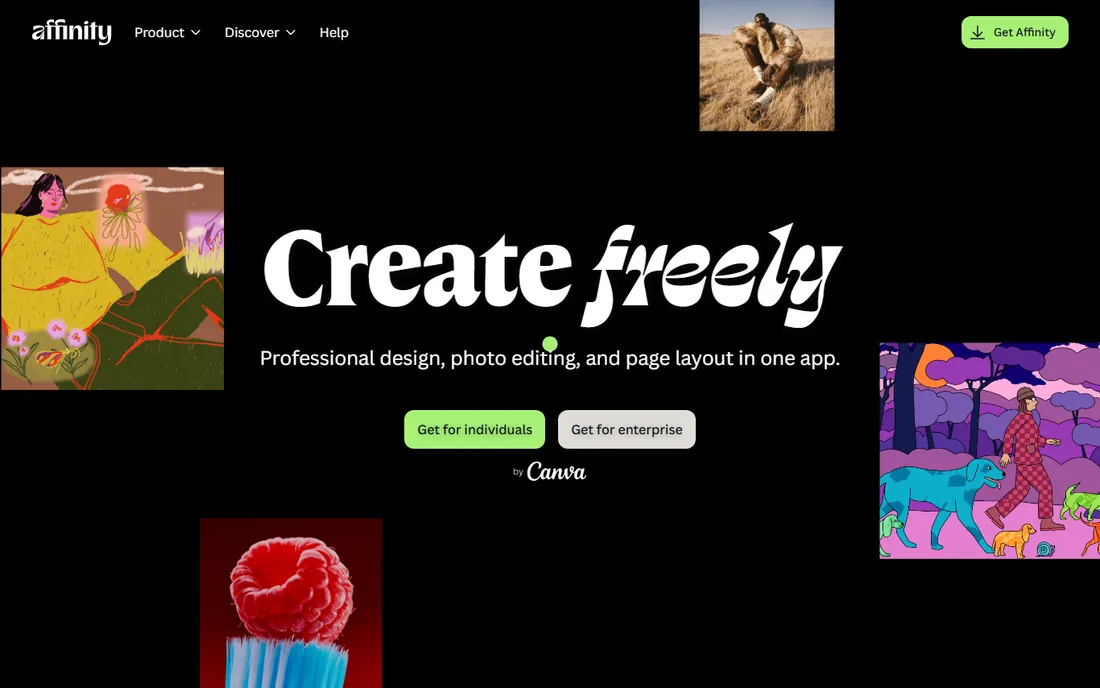
This is the biggest pricing story in design software in years. After acquiring Serif at the end of 2025, Canva merged Designer, Photo, and Publisher into a single app called Affinity and made it free forever. You get professional vector illustration, photo editing, and page layout in one download, with no subscription and no feature-locked tiers. For shirt designers, that means genuine vector tools, the kind that produce files print shops accept, at no cost.
There are two caveats worth knowing. The newer AI-assisted features require a Canva Pro subscription at $120 per year, so the free app is the classic toolset rather than the AI-augmented one. And the third-party plugin and brush ecosystem is smaller than Adobe's, though it grows every year. If you are coming from Illustrator, expect a week of relearning shortcuts. For everyone else, free professional software with no catch is simply the best deal on this list.
What we like- Full professional vector, photo, and layout tools
- Completely free since the Canva acquisition
- Fast and lightweight
Watch out for- AI-powered features require a Canva Pro subscription
- Smaller third-party plugin ecosystem
Starting price$0
Free planYes (open source)
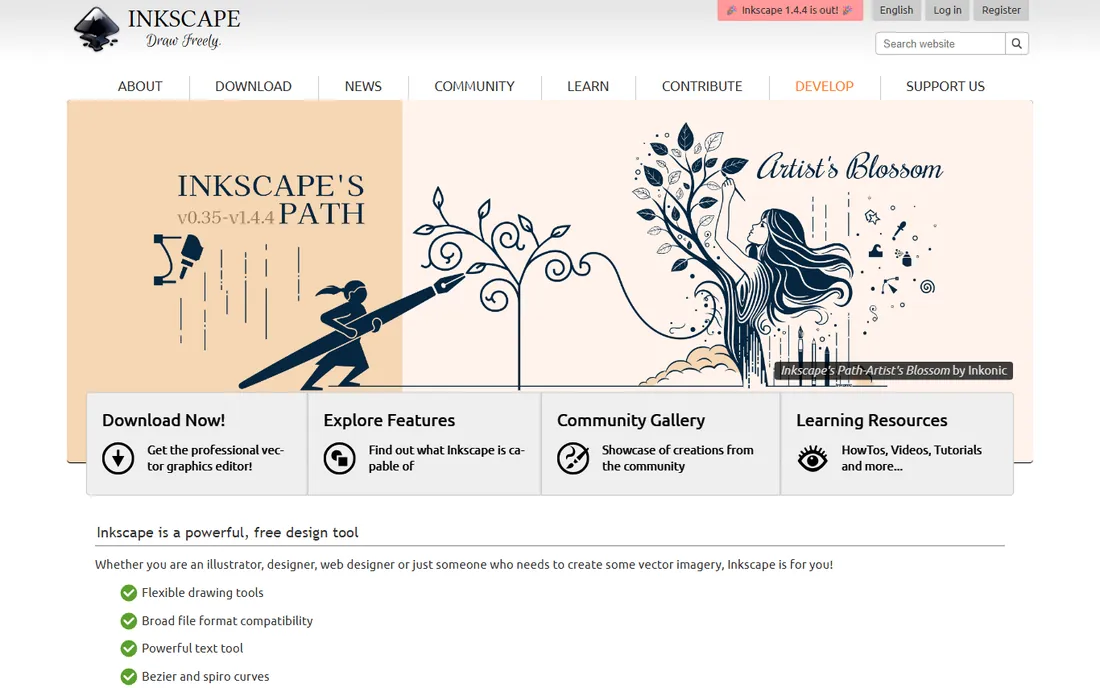
Inkscape has been the free vector editor for two decades, and it is still the answer when someone needs real vector paths without paying anything. It opens and saves SVG natively, traces bitmaps into vectors, and handles node editing well enough for logo and shirt-graphics work. It runs on Windows, Mac, and Linux, which makes it the only serious option here for Linux users.
The honest weaknesses are interface polish and print color. The UI feels dated and takes deliberate learning, and native CMYK support remains weak, which matters because screen printers think in spot colors and CMYK. Workarounds exist, but they add steps to every job. Pair Inkscape with a free raster editor for textures and mockups, and it covers a surprising amount of a small shop's needs at a total software cost of zero.
What we like- Completely free and open source
- Real vector tools including node editing and tracing
- Runs on Windows, Mac, and Linux
Watch out for- Dated interface with a learning curve
- Weak native CMYK support for print workflows
Starting priceFrom $7.47/month (Unlimited plan)
Free planYes (free templates available)
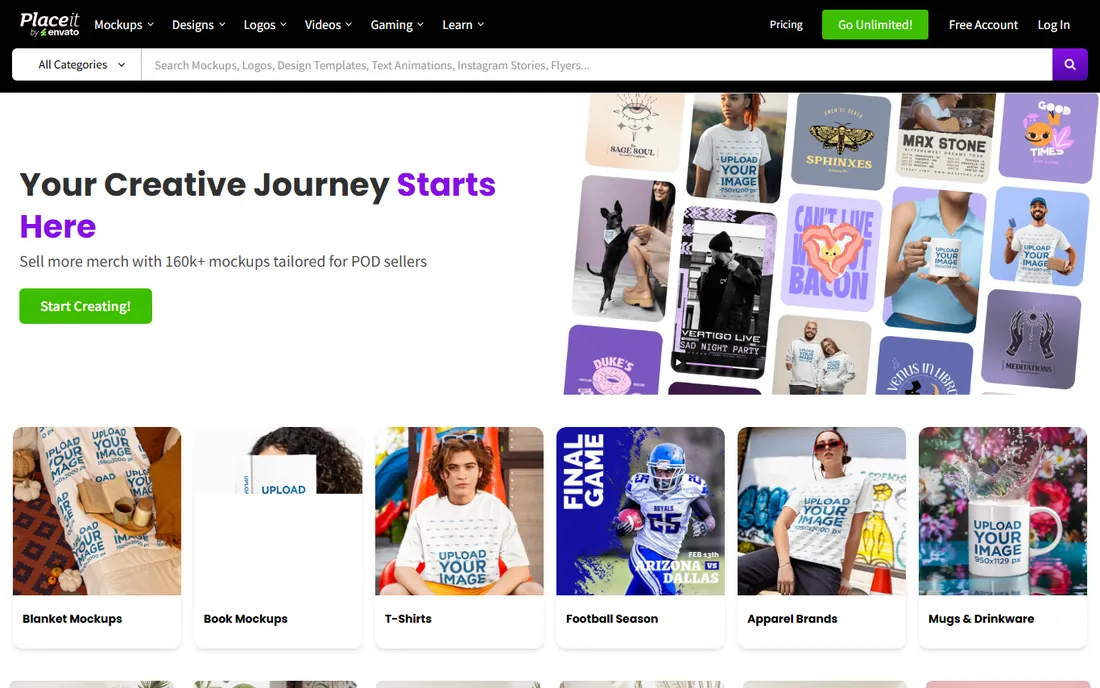
Placeit is not really a design tool, it is a mockup and template machine, and that is exactly why shirt sellers use it. Need your design on a model wearing a Bella Canvas 3001 in fifteen colorways? That is a few clicks here versus a photoshoot. The Unlimited plan starts from $7.47 per month and gives you full-resolution downloads across mockups, logos, and design templates, with a one-month minimum commitment.
Do not mistake it for an editor, though. The built-in design tools handle text and simple graphics fine, but anything original or complex belongs in a real design app first. The smart workflow is to design in Canva, Kittl, or Illustrator, then bring the finished art into Placeit for mockups and listing images. Used that way, it is one of the highest-ROI subscriptions a merch seller can buy.
What we like- Huge library of apparel mockups
- Thousands of t-shirt design templates
- No software to install
Watch out for- Design tools are basic
- Full-resolution downloads need the Unlimited subscription
Starting price$0 (Pro is $15/month or $10/month billed annually)
Free planYes (Starter, 3 downloads per month)
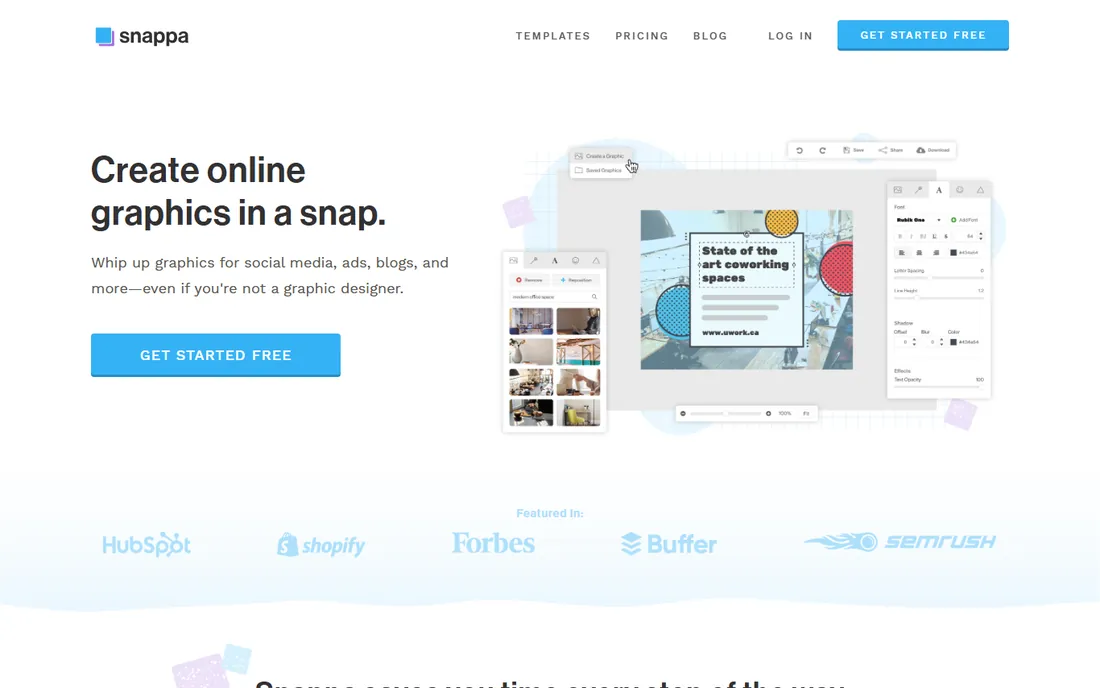
Snappa occupies the same simple-design space as Canva but with a smaller footprint and a calmer interface. If Canva's endless options overwhelm you, Snappa's restraint is a feature: pick a template, swap the text, export. The Starter plan is free with 3 downloads per month, Pro is $15 monthly or $10 per month billed annually, and Team plans cover up to 5 users.
The catch is that it sits between stools. It is less powerful than Canva's free tier for most shirt-design tasks and less specialized than Kittl for typography. It makes sense for a marketer who needs the occasional simple graphic across many formats, not just shirts. If shirt design is your main job, the tools above it on this list give you more for the same money or less.
What we like- Very fast to learn
- Decent template library
- Affordable Pro plan
Watch out for- Less capable than Canva or Kittl
- Free plan limited to 3 downloads monthly
Starting price$12.99 (one-time purchase)
Free planNo
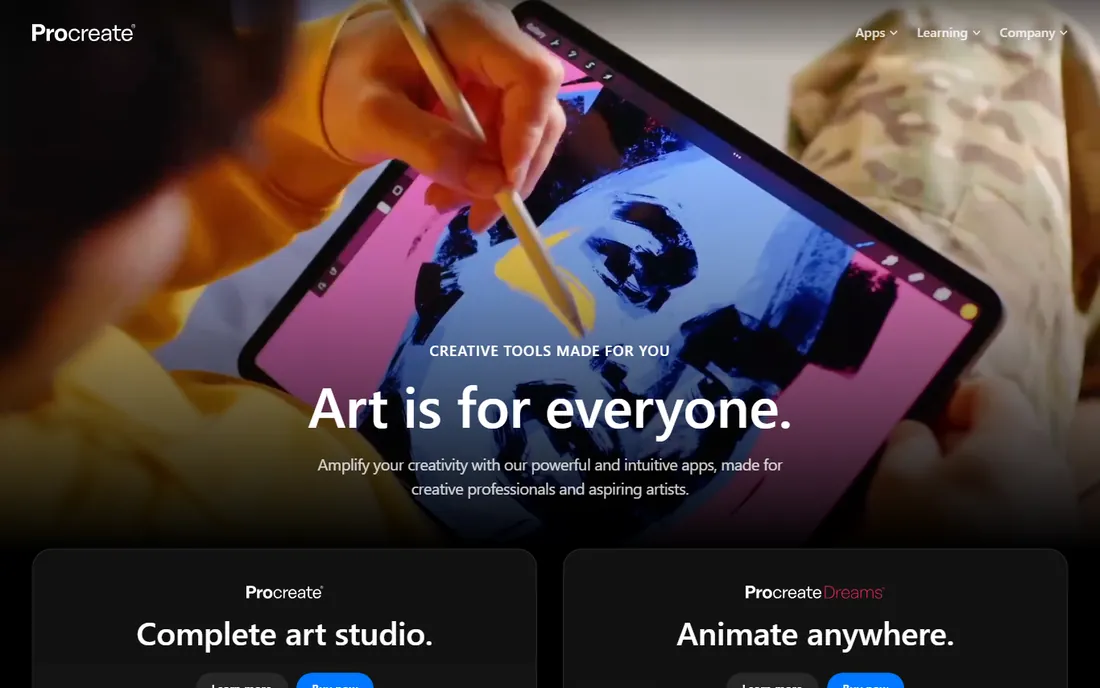
If your shirt designs start as drawings, Procreate is the obvious home for them. The brush engine is the best on any tablet, the $12.99 App Store price is a one-time purchase with no subscription, and the community around it means endless brushes, tutorials, and time-lapse videos to learn from. Plenty of successful merch artists sketch, ink, and color entire designs on an iPad.
What it cannot do is vector. Procreate is raster-based, so your art is pixels at a fixed resolution, which means you need to work at high resolution from the start (300 DPI at full print size) and you cannot infinitely scale a design later. Most artists export from Procreate and do final cleanup, text, and print prep on a desktop. There is no free plan, but at $12.99 once, it is the cheapest professional tool on this list by total cost of ownership.
What we like- Best-in-class drawing and brush engine
- $12.99 once, no subscription
- Huge artist community and brush market
Watch out for- IPad only
- Raster-based, so no true vector output
How we chose
We started from the actual buyer: a small business owner, merch seller, or print shop choosing software to put graphics on shirts. We checked each vendor's own pricing page in October 2026 and opened every homepage to confirm the product still exists under its current name, which is how we caught Affinity's rebrand after the Canva acquisition. We weighed print-shop compatibility (vector output, color handling, file formats) alongside ease of use, because the right choice depends on how you produce shirts: printing yourself, using print-on-demand, or handing files to a screen printer. We also read public reviews on G2, Capterra, and Reddit for recurring complaints about pricing changes and export limitations, and we left out anything we could not verify as a real, available product.
What to check before you pay for shirt design software
Start with your printing method, because it decides which features matter. Print-on-demand sellers need fast templates, mockups, and PNG exports at 300 DPI; a screen printer handing off files needs true vector output, spot-color support, and clean separations. Ask your printer what file format they want before you commit to a tool. A free Canva design that your printer charges $40 to rebuild as a vector was not actually free.
Next, match the pricing model to your volume. A $22.99 monthly Illustrator subscription makes sense if you design daily; it is expensive overhead if you make four designs a year. Perpetual licenses like CorelDRAW's $549 one-time purchase or Procreate's $12.99 pay off over time but lock you to that version's feature set. Free tools like Affinity and Inkscape remove the cost question entirely, so the real cost becomes your learning time.
Finally, test the export path, not just the editor. Every tool on this list offers a free plan or trial: design something real, export it exactly as you would for production, and send it to your printer or upload it to your POD platform before paying. Check that text stays editable or converts to outlines cleanly, that colors match your expectations, and that transparent backgrounds actually export transparent. Thirty minutes of testing beats a year of subscription regret.
Free vs paid: where the line really sits
The free tier picture changed in 2026. Affinity going free means there is no longer a quality gap between free and paid vector software, only a familiarity gap. Canva's free plan handles most merch workflows, and Inkscape covers the rest. Paid plans now buy you convenience (Kittl's one-click effects, Placeit's mockup library), speed (Illustrator's pro toolset), or ownership (CorelDRAW's perpetual license). Pay when a specific paid feature saves you measurable hours each month, not for prestige.
Frequently asked questions
What is the best software for designing t shirts if I am a complete beginner?
Canva. Its free plan has shirt templates, stock graphics, and mockups, and you can produce a sellable design in your first session. Move to Kittl when you want better typography effects, or Affinity when you outgrow templates and want real vector tools.
Do I need Adobe Illustrator to design shirts professionally?
Not strictly, but it helps. Print shops prefer Illustrator files because they separate cleanly for screen printing. Affinity and CorelDRAW both produce acceptable vector files for most printers, so confirm with your specific printer before assuming you need Adobe's subscription.
What file format do screen printers want for shirt designs?
Most want vector files (AI, EPS, or PDF) with text converted to outlines and colors set as spot colors. For full-color photographic prints, a 300 DPI PNG or TIFF at actual print size with a transparent background usually works. Always ask your printer; requirements vary by shop.
Can I use Canva designs for commercial t-shirt sales?
Yes, Canva's license allows commercial use of designs you create, including merchandise for sale, with some restrictions on reselling stock content as-is. Check the current content license for details, since terms change, and avoid using unmodified stock graphics as your main design.
Is Affinity really free now?
Yes. After Canva acquired Serif at the end of 2025, the three Affinity apps were merged into one free application. It is free forever with no subscription, though AI-powered features require Canva Pro.
How much should a small business budget for shirt design software?
Between $0 and $150 per year covers most cases. Free tools (Affinity, Inkscape, Canva free) handle the design work, and a Placeit subscription from $7.47 per month covers mockups. Pay for Illustrator or CorelDRAW only when your volume or your printer's requirements demand it.
Sources we checked (10)
- https://www.adobe.com/sa_en/products/illustrator.html
- https://www.coreldraw.com
- https://www.canva.com/
- https://www.canva.com/pricing/
- https://kittl.com/
- https://affinity.studio/
- https://inkscape.org/
- https://placeit.net/
- https://snappa.com/
- https://procreate.com/
Is your product missing or out of date?
We review this list regularly. Vendors can request a listing, send updated pricing or ask about featured placement.

Shihab Mia · Founder, Rankite
Shihab has spent more than a decade helping SaaS and e-commerce brands grow through search. He writes Rankite's software buying guides from pricing pages, documentation and public user reviews. More about Shihab.