How we make this list: we compare pricing pages, product documentation and public user reviews. Rankite is independent; if a vendor ever pays for a featured spot, that listing is clearly labeled Partner.
Key takeaways
- AWS Lambda remains the default serverless compute for teams already on AWS, with the deepest integrations and the most complex pricing.
- Cloudflare Workers win on global latency and simple pricing, running code at the edge in every region.
- Vercel and Netlify are the frontend-developer favorites, turning git pushes into deployed serverless functions.
- Google Cloud Run suits container-based teams that want serverless scaling without rewriting apps as functions.
- Supabase Edge Functions and Deno Deploy serve modern TypeScript stacks with generous free tiers.
Quick comparison
| Tool | Best for | Starting price | Free plan |
|---|
 AWS Lambda AWS Lambda | serverless on AWS | Pay per use | Yes |
 Cloudflare Workers Cloudflare Workers | edge compute worldwide | See website | Yes |
 Vercel Vercel | frontend with serverless functions | See website | Yes |
 Netlify Netlify | JAMstack serverless functions | See website | Yes |
 Google Cloud Run Google Cloud Run | container-based serverless | Pay per use | Yes |
 Azure Functions Azure Functions | serverless on Azure | Pay per use | Yes |
 Supabase Supabase | edge functions for Postgres apps | See website | Yes |
 Deno Deno | TypeScript edge functions | See website | Yes |
Is your product missing or out of date?
We review this list regularly. Vendors can request a listing, send updated pricing or ask about featured placement.
Starting pricePay per use
Free planYes
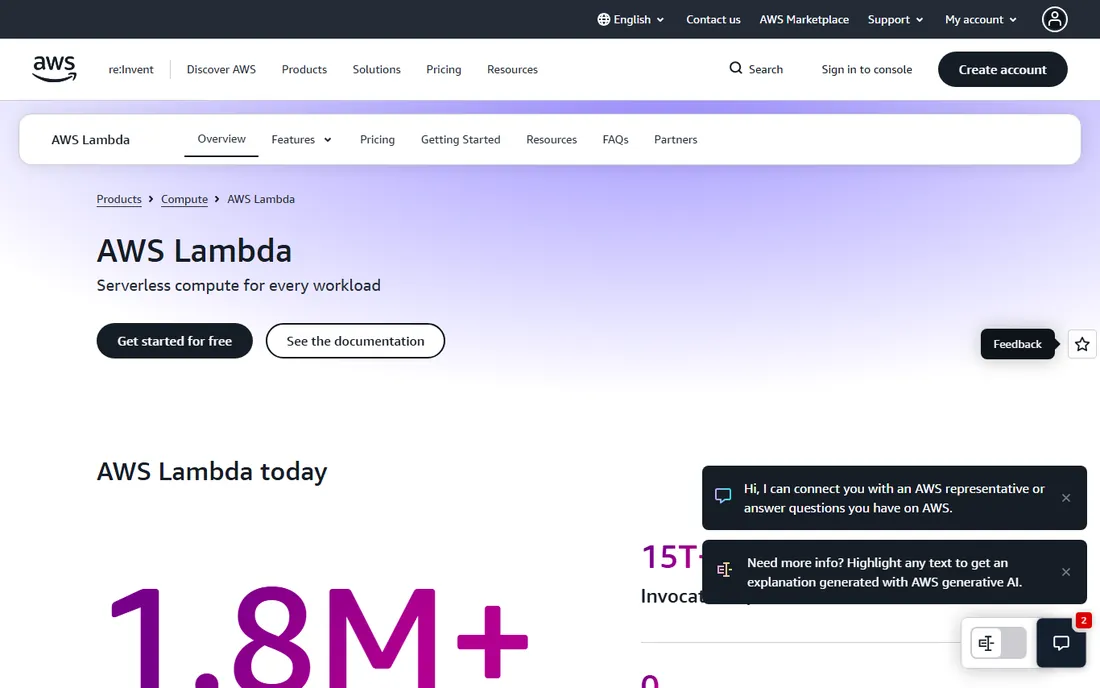
Lambda defined serverless computing and still anchors it. Functions respond to events from nearly every AWS service, scale automatically, and bill per millisecond of execution. Teams already on AWS get serverless compute that plugs into their databases, queues, and APIs with minimal glue.
The pricing has real edge cases: data transfer, provisioned concurrency, and long-running functions can surprise. Cold starts still affect latency-sensitive paths on some runtimes. But the ecosystem depth, from frameworks to hiring pool, keeps Lambda the default choice for AWS shops building event-driven systems.
What we like- Deepest AWS integrations
- Mature tooling
- Huge community
Watch out for- Complex pricing
- Cold starts on some runtimes
Starting priceSee website
Free planYes
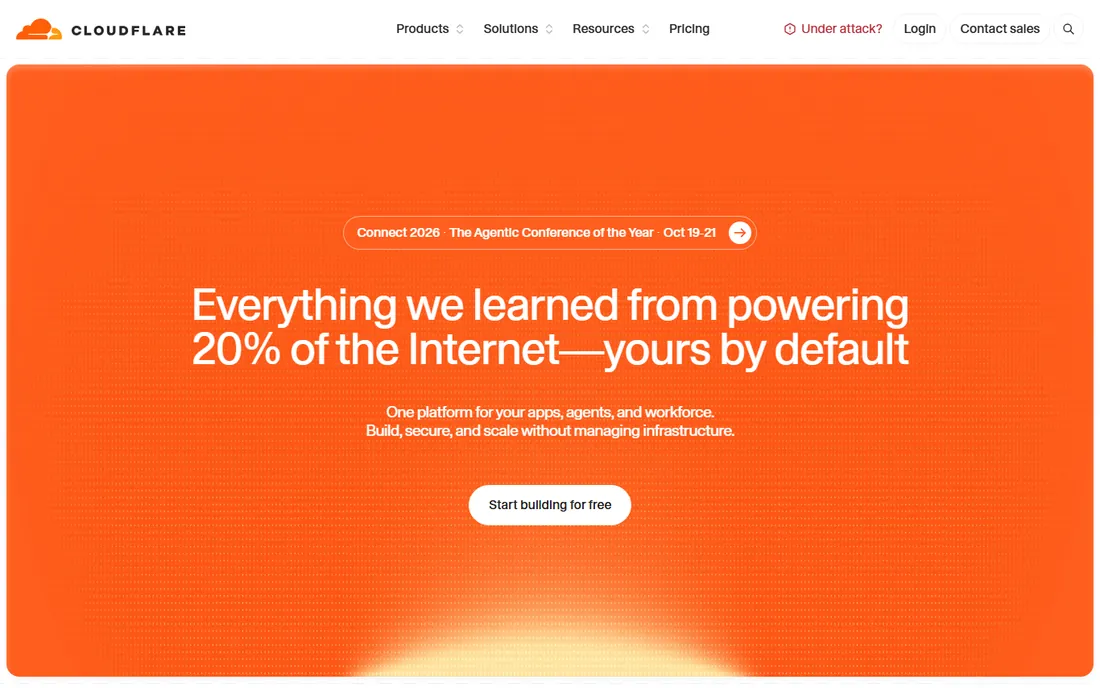
Workers run JavaScript and other languages at Cloudflare's edge, close to users everywhere. The V8 isolate model eliminates cold starts, so APIs feel instant worldwide. Pricing is refreshingly simple compared to Lambda, and the free tier is generous enough for real projects.
The isolate model imposes limits: no full Node.js compatibility in every case, CPU time caps per request. Compute-heavy or long-running workloads fit Lambda better. But for APIs, middleware, and personalization at global scale, Workers' latency story is unmatched, and the developer experience keeps improving.
What we like- Runs in 300+ locations
- Zero cold starts
- Simple predictable pricing
Watch out for- V8 isolate limits
- Newer ecosystem than Lambda
Starting priceSee website
Free planYes
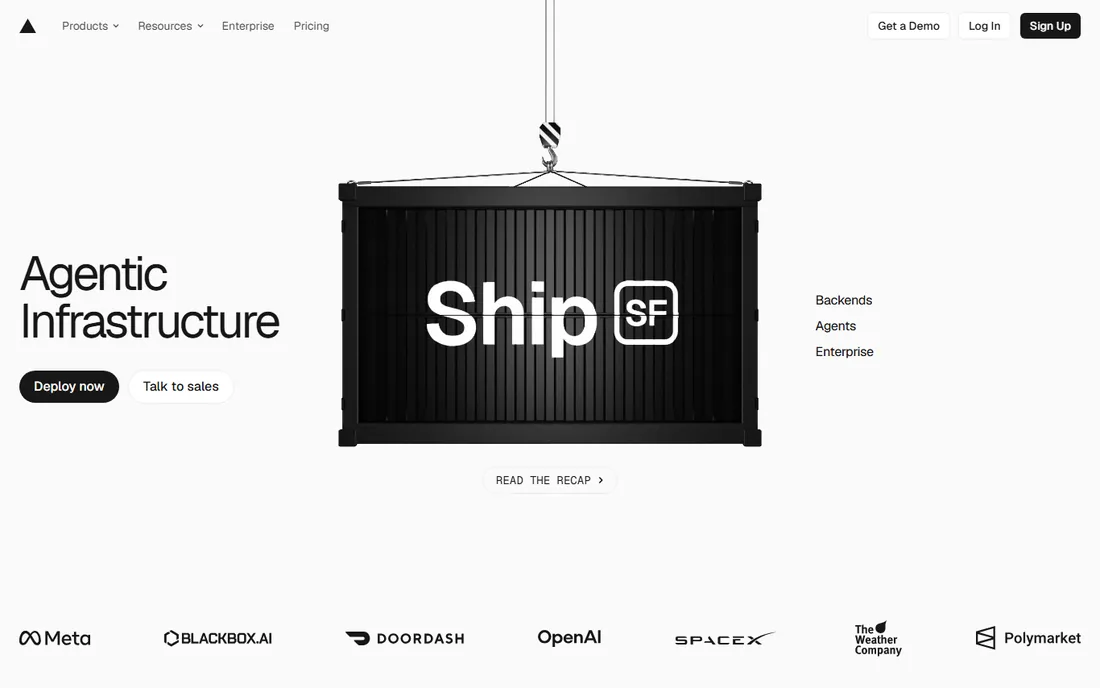
Vercel made serverless invisible for frontend teams. Push to git and your Next.js app deploys worldwide with serverless functions handling the backend, no infrastructure config required. The developer experience is the best in the category, which is why startups default to it.
Usage-based pricing can surprise teams at scale; heavy function execution or bandwidth gets expensive compared to raw cloud. And you trade control for convenience. But for product teams that want to ship web apps without thinking about servers, Vercel's workflow advantage outweighs the premium.
What we like- Git-push deployments
- Excellent Next.js integration
- Global edge network
Watch out for- Costs scale with usage
- Less control than raw cloud
Starting priceSee website
Free planYes
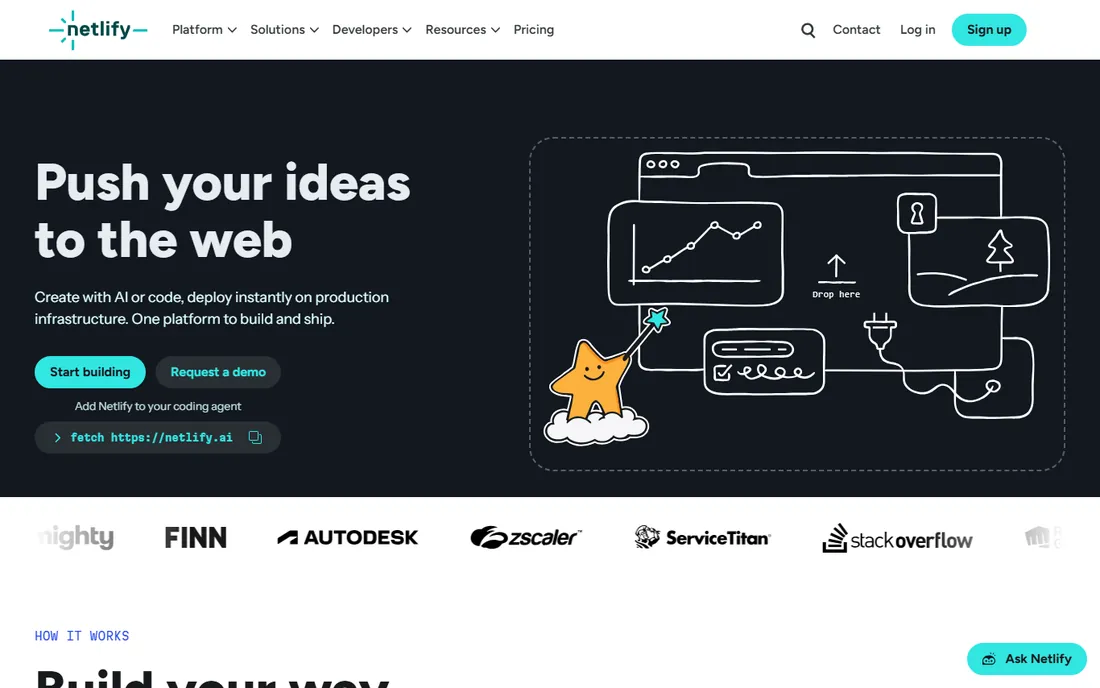
Netlify pioneered the git-push-to-deploy model for static sites and added serverless functions, background functions, and edge functions alongside. Forms, identity, and split testing cover the common dynamic needs without a backend server. The free tier remains genuinely useful.
Function execution limits are tighter than Lambda's, and complex backends outgrow the model. But for marketing sites, documentation, and JAMstack apps with light server-side needs, Netlify's simplicity wins. Teams choosing between Vercel and Netlify usually decide on framework preference and pricing details.
What we like- Simple git-based workflow
- Generous free tier
- Good form and identity features
Watch out for- Function runtime limits
- Enterprise features cost more
Starting pricePay per use
Free planYes
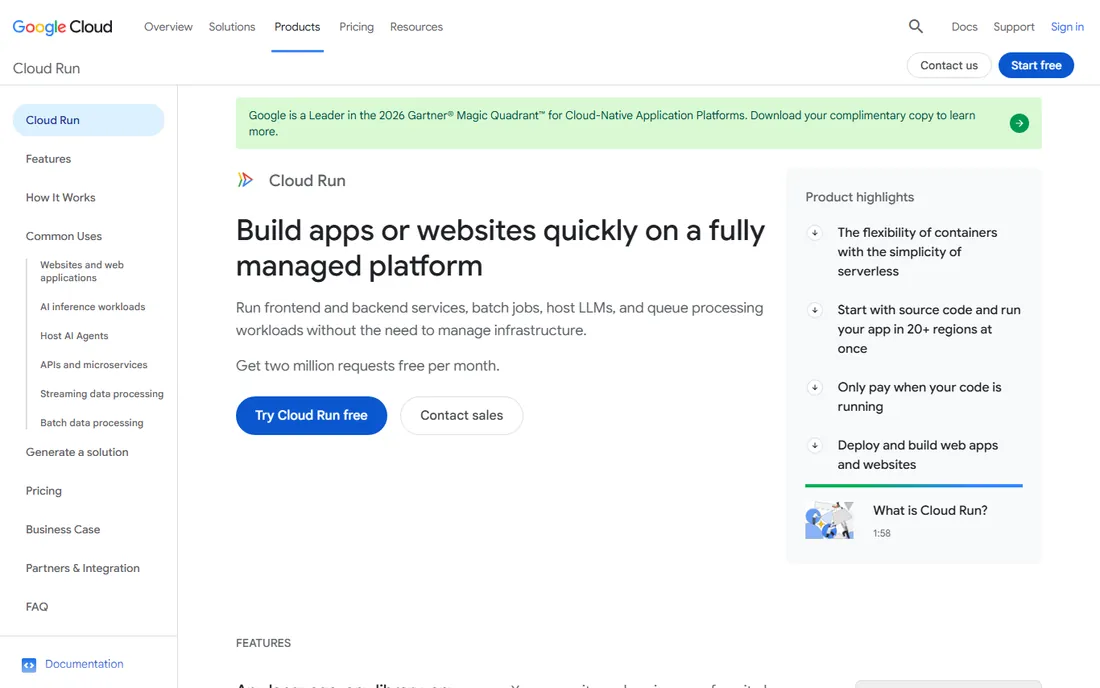
Cloud Run lets teams keep their containers and get serverless scaling. Package the app as a container, deploy, and it scales to zero when idle and up under load, billed per request. Teams with existing Docker workflows adopt serverless without rewriting everything as functions.
Scale-from-zero introduces cold starts, mitigated by minimum instances at a cost. And Google Cloud's ecosystem, while strong, is smaller than AWS's for the long tail of integrations. But for container-native teams, Cloud Run is the gentlest path to serverless: same artifact, new scaling model.
What we like- Run any container serverlessly
- Scales to zero
- No function rewrite needed
Watch out for- GCP ecosystem smaller than AWS
- Cold starts on scale-from-zero
Starting pricePay per use
Free planYes
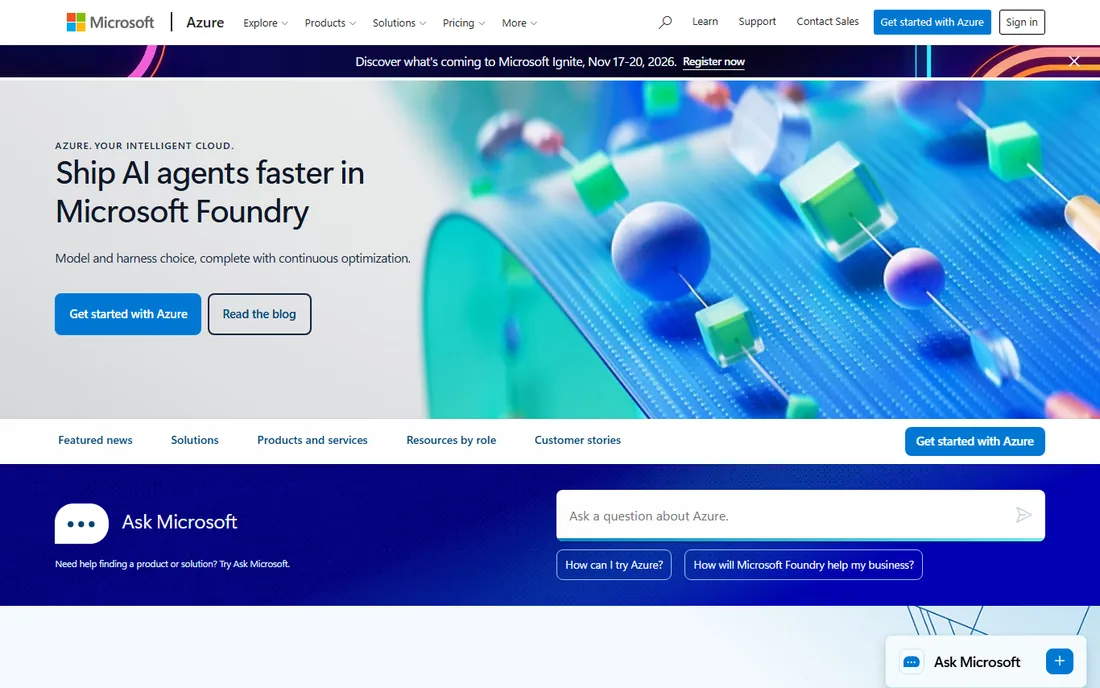
Azure Functions is the serverless answer for Microsoft shops. Triggers across Azure services, Durable Functions for stateful workflows, and first-class C# and Visual Studio support make it natural for .NET teams. Consumption pricing bills per execution like Lambda.
The portal and documentation experience trails AWS, and the community is smaller. But organizations standardized on Azure, Active Directory, and Microsoft 365 get serverless that fits their identity and compliance story. For .NET teams especially, it is the path of least resistance.
What we like- Deep Microsoft integrations
- Durable functions for workflows
- Visual Studio tooling
Watch out for- Documentation uneven
- Portal experience lags AWS
Starting priceSee website
Free planYes
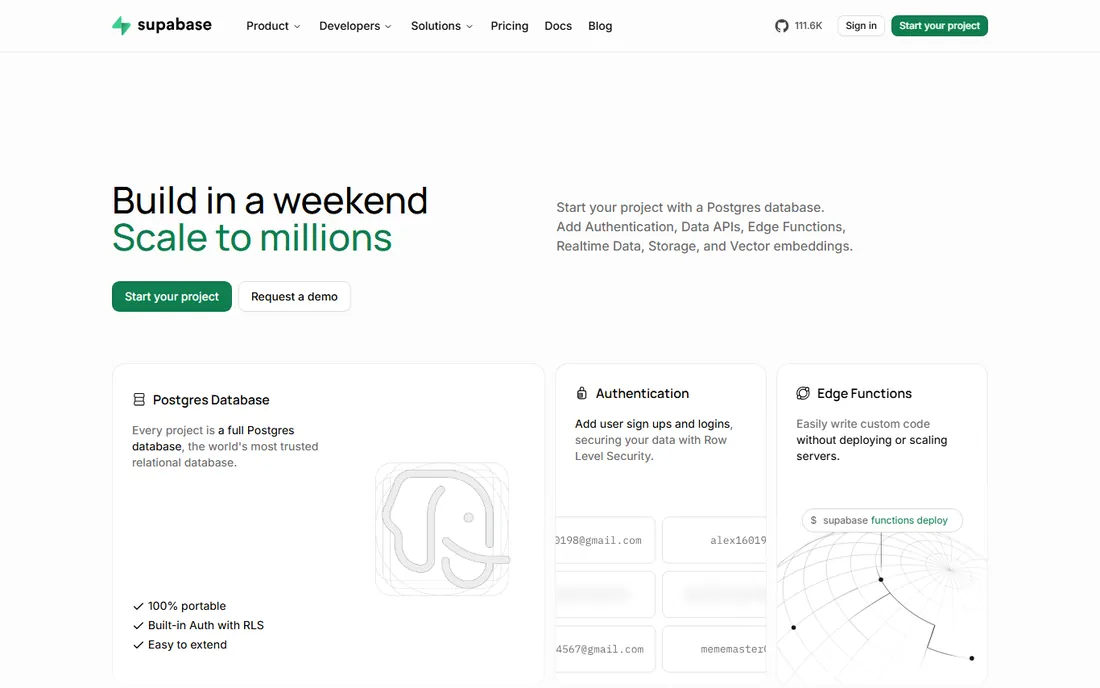
Supabase bundles the backend most apps need: Postgres database, authentication, storage, and edge functions in one dashboard. The edge functions run on Deno near users, and the TypeScript-first experience feels modern throughout. The free tier covers real side projects and MVPs.
It is younger than the cloud giants, and edge functions have execution limits suited to API glue rather than heavy compute. But for indie hackers and startups building on Postgres, Supabase replaces four vendors with one. The velocity gain for small teams is the whole pitch.
What we like- Postgres plus auth plus functions
- TypeScript-first
- Generous free tier
Watch out for- Younger platform
- Edge function limits
Starting priceSee website
Free planYes
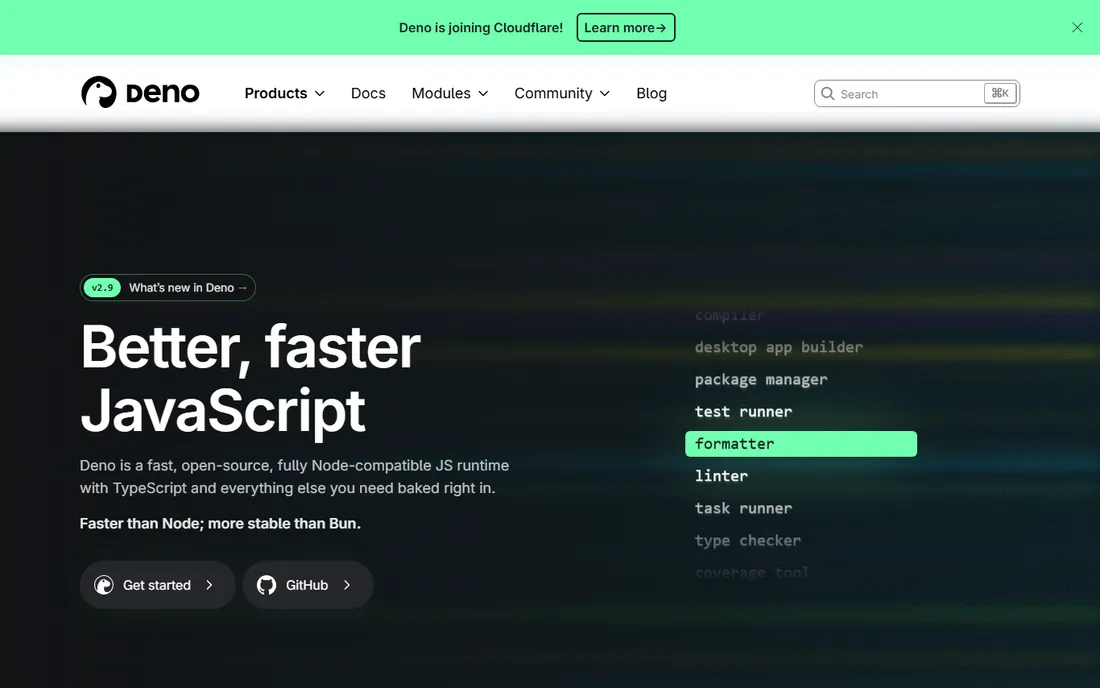
Deno Deploy runs JavaScript and TypeScript at the edge on the Deno runtime, which was designed with security and modern standards from the start. No build step, no config files, native TypeScript support: the developer experience is deliberately minimal. The free tier suits side projects and experiments.
The ecosystem is a fraction of Node's, and some npm packages need compatibility shims. Teams deeply invested in Node may prefer Cloudflare Workers or Lambda. But for greenfield TypeScript APIs where simplicity and security defaults matter, Deno is the cleanest runtime on this list.
What we like- Secure-by-default runtime
- Native TypeScript
- Simple deploy model
Watch out for- Smaller ecosystem than Node
- Newer platform
How serverless pricing actually works
Three models dominate. Pay-per-invocation, Lambda, Cloud Run, Azure Functions, bills for requests plus compute time; idle costs nothing, which suits spiky workloads. Bundled platform pricing, Vercel, Netlify, Cloudflare, wraps functions into plans with usage allowances; simple until you exceed them. Always-free tiers, generous across this list, cover development and small production apps.
The gotchas hide in the details. Data transfer out is the classic surprise on AWS. Function duration matters more than invocation count for heavy workloads. And minimum instances or provisioned concurrency, bought to kill cold starts, reintroduce fixed costs. Model your actual traffic before committing, because the cheapest platform for a side project is rarely the cheapest at scale.
Cold starts and latency, explained
Serverless platforms spin compute down when idle and up on demand; the spin-up delay is a cold start. It ranges from negligible on Cloudflare Workers' isolate model to noticeable on Lambda with VPC-attached functions or heavy runtimes. For user-facing APIs with strict latency budgets, this decides the platform.
Mitigations exist everywhere: provisioned concurrency on Lambda, minimum instances on Cloud Run, or simply choosing Workers for latency-critical paths. But the honest advice is architectural. Keep functions small and warm paths warm, or accept that spiky, latency-sensitive workloads sometimes belong on always-on compute instead.
Frequently asked questions
What is serverless computing?
Serverless means running code without managing servers. You deploy functions or containers, the platform handles provisioning, scaling, and patching, and you pay for actual usage rather than idle servers. Despite the name, servers are involved; you just never see them.
Is serverless cheaper than traditional hosting?
For variable workloads, usually yes, because idle time costs nothing. For constant high-traffic workloads, always-on servers or containers are often cheaper. The breakeven depends on your traffic pattern: spiky favors serverless, flat and heavy favors dedicated compute.
What are cold starts?
A cold start is the delay when a serverless platform initializes compute for a request after being idle. It adds latency to the first request in a burst. Platforms mitigate it differently: Cloudflare Workers largely avoid it, while Lambda and Cloud Run offer paid always-warm options.
Which serverless platform is best for beginners?
Vercel and Netlify have the gentlest learning curves: connect a git repo and deploy. Supabase is the easiest full backend. AWS Lambda is the most powerful but demands the most cloud knowledge. Start with the platform closest to how you already build.
Can I run any language on serverless platforms?
Mostly yes, with caveats. Lambda, Cloud Run, and Azure Functions support many runtimes including custom containers. Cloudflare Workers and Deno focus on JavaScript and TypeScript. Check runtime support and execution limits before committing a polyglot architecture.
Observability for serverless systems
Serverless architectures fail in ways traditional monitoring misses. Functions are ephemeral, invocations scatter across regions, and a single user request can touch a dozen functions. Invest in distributed tracing from day one: tools that follow requests across function boundaries turn debugging from archaeology into reading.
Structure your logs deliberately. JSON-formatted logs with correlation IDs let you reconstruct any request's journey. Set alerts on error rates and duration percentiles, not just invocation counts; serverless bills you while it fails, so silent failures cost money twice. And keep an eye on the platform-specific gotchas: Lambda's concurrent execution limits throttle under spike loads, while edge platforms surface different failure modes. The teams that operate serverless well treat observability as part of the architecture, not an accessory.
Local development for serverless
Serverless development without local tooling is painful: every test requires a deploy. Each platform offers emulators, SAM for Lambda, the Cloudflare Workers playground, Vercel and Netlify CLIs, the Functions Framework for Cloud Run. Learn your platform's local story early; it determines daily development speed.
Structure code for testability regardless of platform. Keep business logic in pure functions separable from platform handlers, so unit tests run without emulators. Use infrastructure-as-code from the start: SAM, Terraform, or platform-native configs that make environments reproducible. And maintain staging environments that mirror production configuration; the bugs that only appear in production are usually configuration differences, not code problems.
How we chose
We covered the category by architecture: function-based, edge-based, container-based, and frontend-integrated platforms. We verified each vendor's current site and pricing model, compared free tiers and limits, and weighed developer-community sentiment. We favored platforms with real production adoption over experimental runtimes. No vendor paid for placement, and we did not claim hands-on testing.
How do I avoid vendor lock-in with serverless?
Architect for portability from the start. Keep business logic separate from platform-specific handlers so the core code moves between providers. Prefer open standards and containers where feasible: container-based platforms like Cloud Run migrate more easily than function-specific code. And always maintain infrastructure-as-code definitions so environments rebuild anywhere. Some lock-in is inevitable; the goal is making migration a project, not a rewrite.
Sources we checked (8)
- https://aws.amazon.com/lambda/
- https://www.cloudflare.com
- https://vercel.com
- https://www.netlify.com
- https://cloud.google.com/run
- https://azure.microsoft.com
- https://supabase.com
- https://deno.com
Is your product missing or out of date?
We review this list regularly. Vendors can request a listing, send updated pricing or ask about featured placement.

Shihab Mia · Founder, Rankite
Shihab has spent more than a decade helping SaaS and e-commerce brands grow through search. He writes Rankite's software buying guides from pricing pages, documentation and public user reviews. More about Shihab.