How we make this list: we compare pricing pages, product documentation and public user reviews. Rankite is independent; if a vendor ever pays for a featured spot, that listing is clearly labeled Partner.
Key takeaways
- Hosting businesses and agencies that sell or manage client sites should shortlist cPanel or Plesk: the commercial panels with the ecosystems, extensions and support that client work demands.
- Developers running their own VPS fleet get the best value from free panels: CloudPanel and Webmin for full control panels, Cockpit for lightweight system administration.
- RunCloud and ServerPilot sit in the middle: managed-feeling control layers on your own cloud servers, priced per server rather than per client.
- "Server management" spans two jobs: hosting control panels (sites, email, databases) and system administration (services, storage, updates). Name yours before shortlisting.
The best server management software
Every server eventually needs someone to look after it, and that someone would rather click than memorize fifty commands. Server management software ranges from full hosting control panels that run client websites to lightweight dashboards for system administration. These seven cover both ends, at every price point from free to enterprise.

#1
cPanel
Best for: Hosting providers and agencies managing many client websites
Visit cpanel.net
Starting priceFrom $29.99/month
Free planFree trial
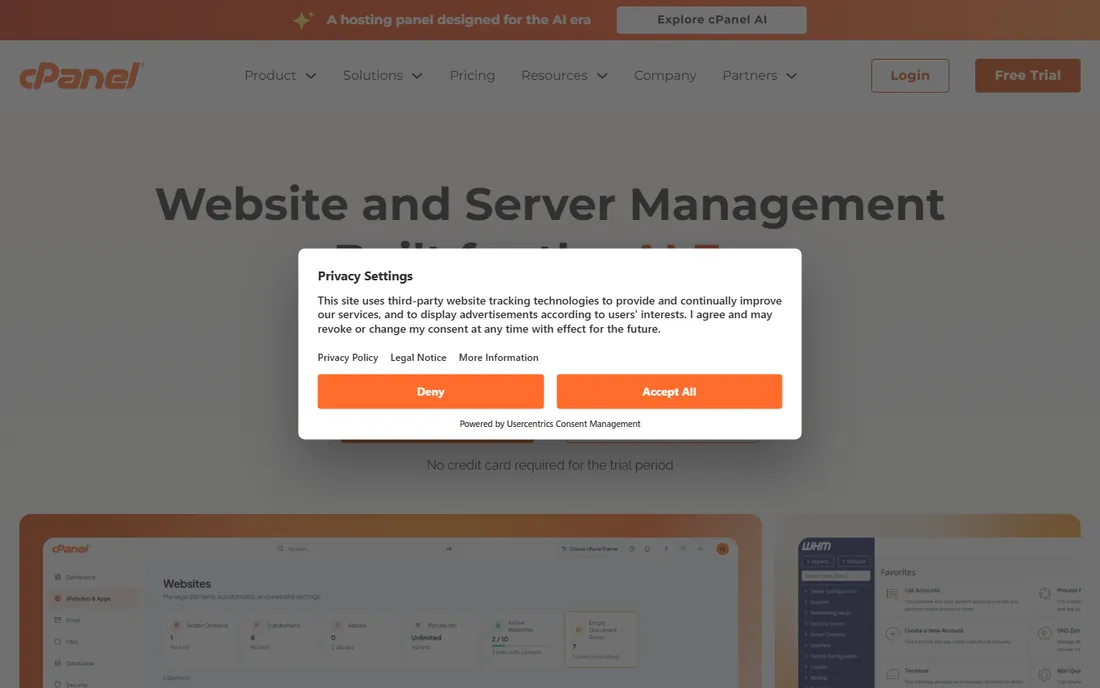
cPanel is the default answer in web hosting for a reason: millions of websites run on it, every host supports it, and every hosting hire already knows it. The panel covers websites, email, databases, DNS, backups and security, with plans tiered by account count so a freelancer and a hosting company buy different SKUs. Recent additions include AI-assisted workflows and MCP access for automation.
The honest catch is the pricing model. Per-account licensing means costs grow with your client count, which is exactly why free alternatives exist. For a single VPS or a personal project, cPanel is overkill. For anyone selling hosting or managing dozens of client sites, the ecosystem (every migration tool, every tutorial, every hire) still justifies the bill.
What we like- The industry standard with the largest ecosystem of documentation, staff talent and integrations
- Tiered plans (Solo, Admin, Pro, Premier) scale with account counts
- Built-in AI and automation tooling
Watch out for- Per-account pricing gets expensive at scale
- The interface shows its age in places
- Overkill for a single personal server

#2
Plesk
Best for: Web professionals wanting one dashboard across Linux and Windows
Visit plesk.com
Starting priceSee website
Free planFree trial
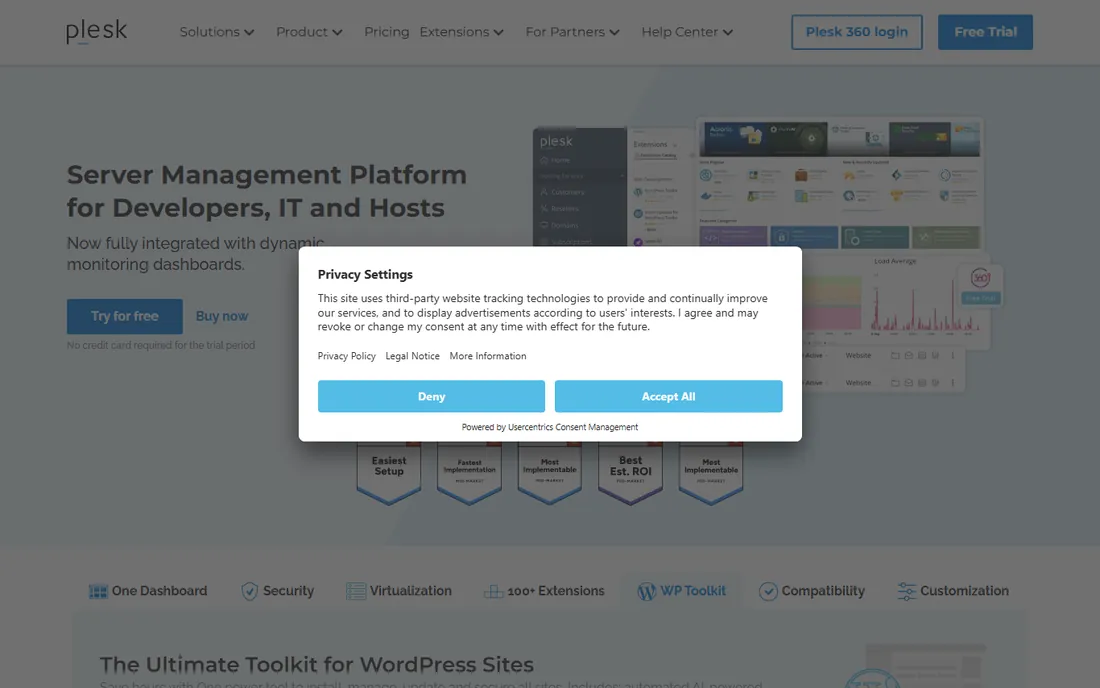
Plesk is cPanel's eternal rival and the better pick in several situations: it runs on Windows as well as Linux, the interface feels more modern, and the WP Toolkit is the most complete WordPress management tool in any panel. Over 100 extensions cover everything from security to backups, and virtualization management via SolusVM extends it into VPS hosting businesses.
The caveat buyers should know: Plesk and cPanel are both owned by WebPros, so "competition" between them is managed. Pricing is not published on the homepage, requiring a quote or trial. Choose Plesk over cPanel when you need Windows support, prefer the interface, or live in the WordPress toolkit. The underlying value proposition (commercial panel for client hosting) is the same.
What we like- Runs on both Linux and Windows
- 100+ extensions and a strong WordPress toolkit
- Cleaner, more modern interface than cPanel
Watch out for- Pricing not published on the homepage
- Owned by the same group as cPanel, so the market has limited real competition

#3
Webmin
Best for: Linux admins wanting free, granular control over everything
Visit webmin.com
Starting priceFree
Free planYes
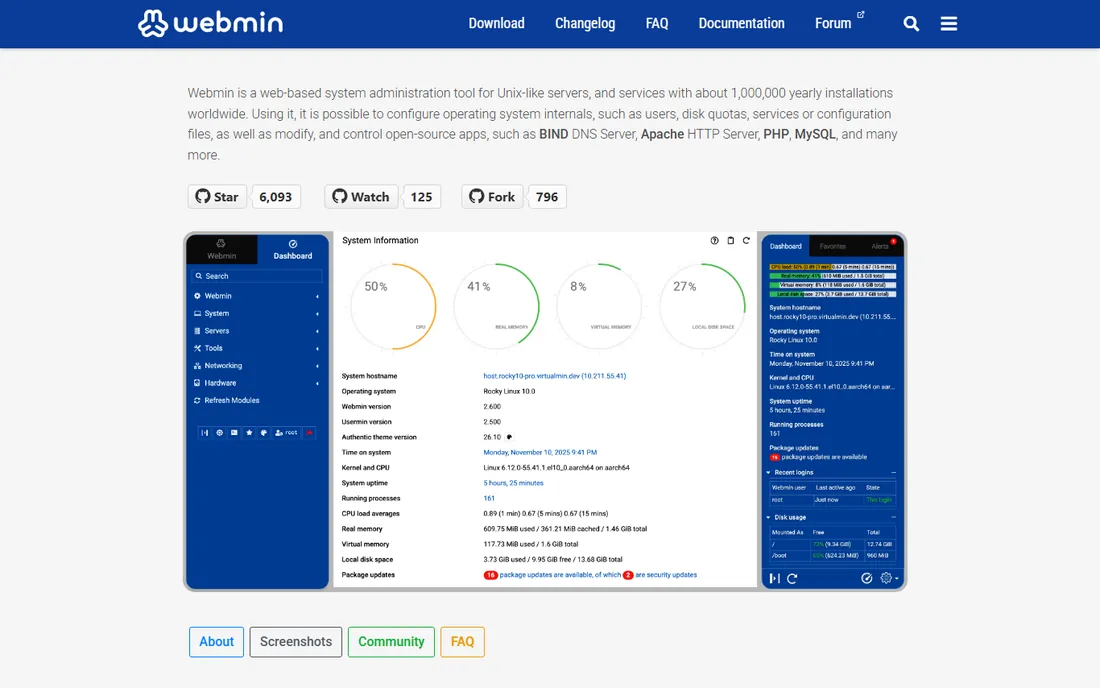
Webmin is the veteran free server panel: a web-based interface for administering Unix-like systems that exposes users, disk quotas, services, configuration files, BIND, Apache, MySQL and dozens more subsystems. With the Virtualmin module it becomes a full virtual hosting platform, including cPanel/Plesk/DirectAdmin migration tools. It is free, open source and battle-tested over decades.
The trade-off is polish. Webmin prioritizes completeness over beauty, and new admins can find the module sprawl intimidating. But for experienced Linux admins who want a GUI without giving up control (or paying per account), nothing free goes deeper. It is the panel you install when you know exactly what you are doing and want the tool to keep up.
What we like- Completely free and open source with about a million yearly installations
- Exposes nearly every Unix subsystem (users, DNS, Apache, MySQL, quotas)
- Virtualmin adds full virtual hosting
Watch out for- Interface is functional rather than beautiful
- The breadth of modules can overwhelm beginners
Starting priceFree
Free planYes
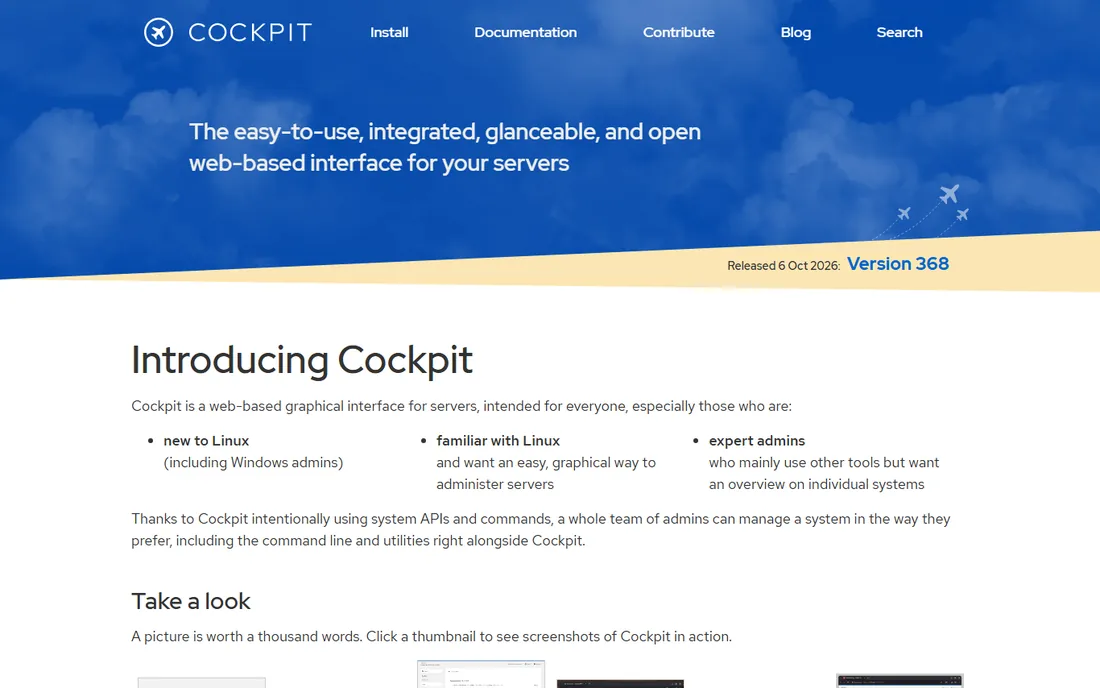
Cockpit is the odd one out here, and deliberately so: it is a web-based graphical interface for administering individual Linux servers, not a hosting control panel. It handles network settings, firewall, storage, containers, VMs, services, software updates and logs through the system's own APIs, which means everything you do in Cockpit is visible to (and compatible with) the command line, Ansible and your other tools. It does not even run in the background when idle.
That design is the point and the limitation. Cockpit will not provision client websites, manage email accounts or handle billing. It is for the admin who wants a clear view of each server without surrendering the terminal. Install it on every server you manage; it costs nothing and coexists with everything.
What we like- Free and LGPL open source
- Uses native system APIs so CLI workflows keep working
- Near-zero resource use with on-demand startup
- Multi-server dashboard
Watch out for- Not a hosting panel: no client accounts, billing or website provisioning workflows
- Per-server view rather than fleet orchestration

#5
RunCloud
Best for: PHP developers deploying on their own cloud servers
Visit runcloud.io
Starting priceSee website
Free planFree trial (7 days)
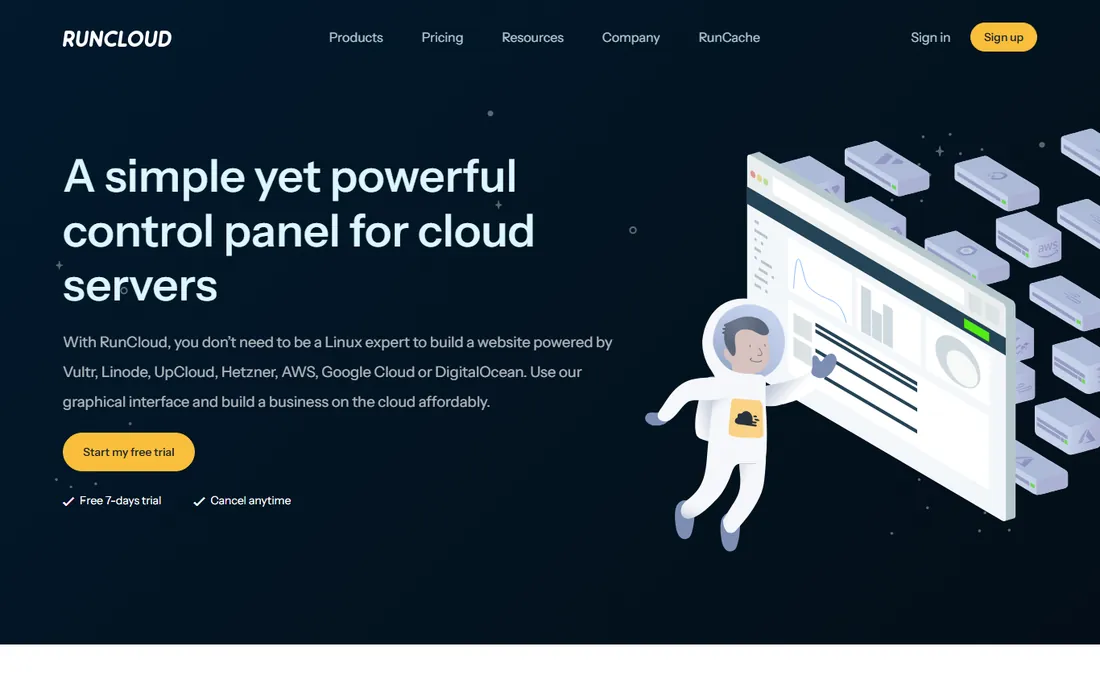
RunCloud gives developers the managed-hosting feeling on their own cloud servers: connect a VPS from Vultr, Linode, UpCloud, Hetzner, AWS, Google Cloud or DigitalOcean, and get a graphical panel for deploying sites without deep Linux knowledge. It is aimed squarely at the PHP and WordPress world that outgrew shared hosting but does not want to become sysadmins.
Pricing is per server rather than per client, which keeps costs predictable as you add sites to one box. The homepage does not publish prices, so expect a signup to see plans. The 7-day trial is enough to deploy and test but tight for a thorough evaluation. It fits freelancers and small agencies standardizing on cheap cloud VMs.
What we like- Simple graphical layer over any cloud provider (DigitalOcean, Hetzner, AWS and more)
- No need to be a Linux expert
- Affordable per-server pricing
Watch out for- PHP-focused heritage shows outside PHP workloads
- Pricing not published on the homepage
- 7-day trial is short for evaluation

#6
ServerPilot
Best for: Developers wanting secure, optimized servers without management overhead
Visit serverpilot.io
Starting priceSee website (usage-based billing)
Free planNo
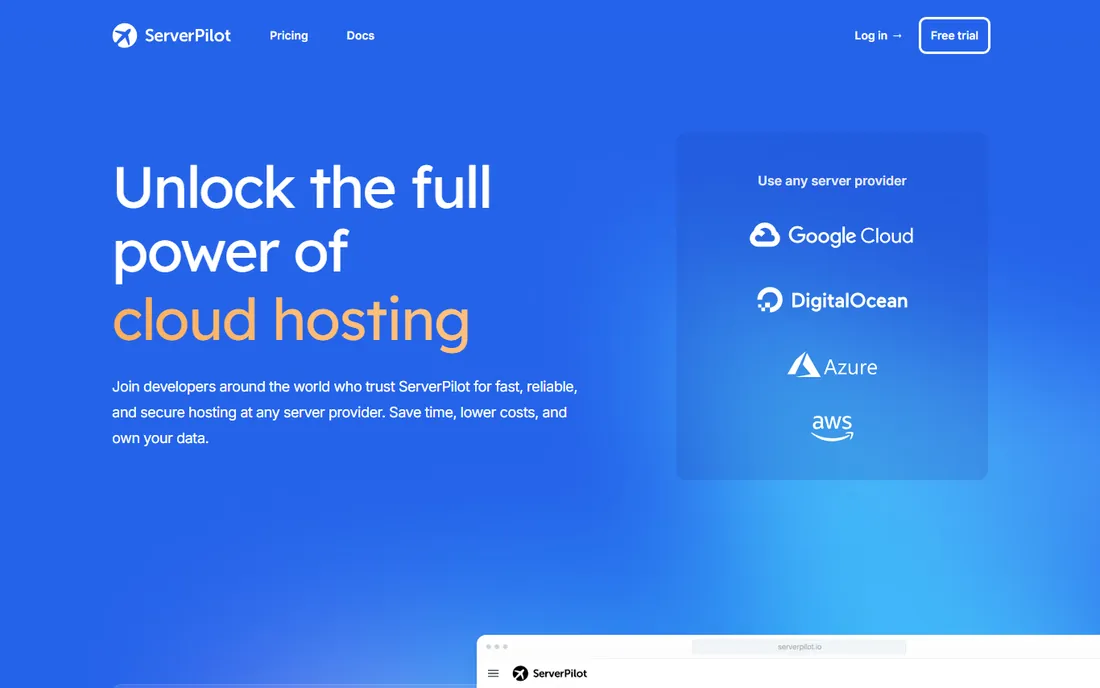
ServerPilot takes a different approach: instead of a big control panel, it configures your cloud servers with a secure, optimized stack (Nginx, Apache, multiple PHP versions, HTTP/3, firewall by default, automated updates) and gives you streamlined app management, monitoring dashboards and migrations. You keep root access and your data stays yours.
The billing is usage-based, which suits growing projects better than flat per-server fees at small scale. There is no free tier, so this is a paid-from-day-one decision. It suits developers who are comfortable with servers but would rather not hand-tune Nginx configs or chase security updates: ServerPilot is the ops team you did not hire.
What we like- Hardened, performance-tuned server configuration out of the box
- One-click WordPress with AutoSSL
- Usage-based billing that grows with you
- You keep root access
Watch out for- No free tier
- Less of a visual panel than a configuration and monitoring service

#7
CloudPanel
Best for: Developers wanting a free, fast, modern hosting panel
Visit cloudpanel.io
Starting priceFree
Free planYes
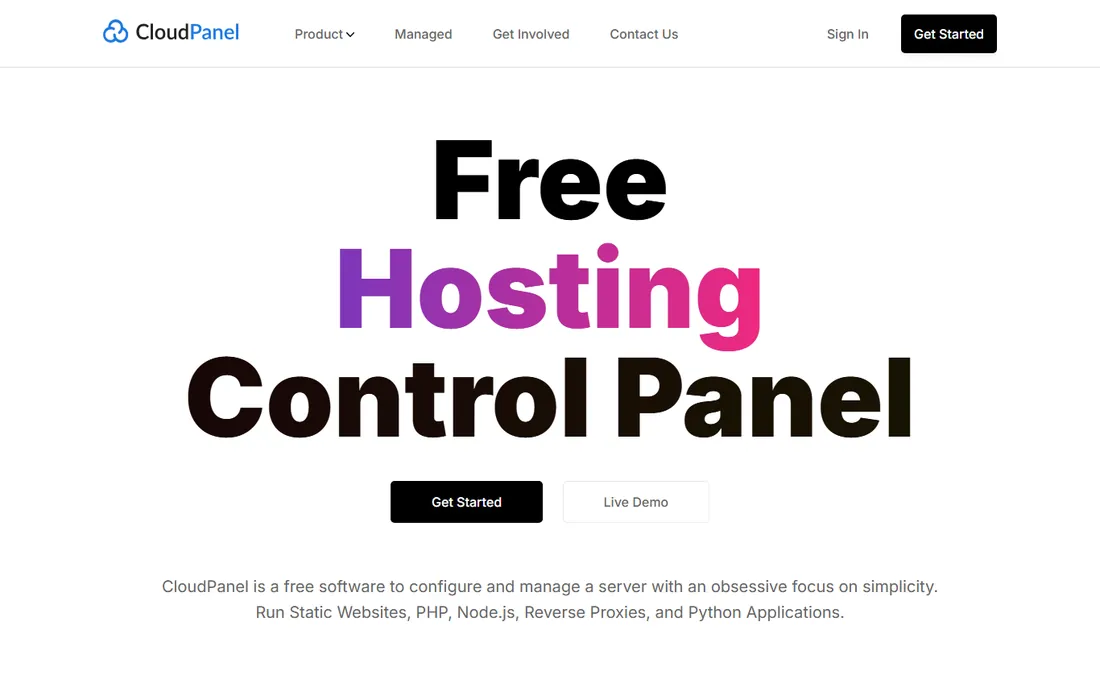
CloudPanel is the free panel for the modern developer: a clean, fast interface for managing servers and applications, built on a lightweight NGINX/PHP-FPM/Redis stack that runs happily on a 1-core, 2GB VPS. It supports PHP, Node.js, Python and static sites with one-click Let's Encrypt SSL, site isolation, firewall management and Cloudflare integration. It is free and open source.
The limitations are scope: Debian and Ubuntu only, and the community is smaller than the veterans, so obscure problems have fewer forum threads. Email hosting is not its focus. But for developers deploying modern apps on cheap VPS instances who want a panel that feels like 2026 rather than 2006, CloudPanel is the best free option on this list.
What we like- Completely free with a modern interface
- Lightweight stack (NGINX, PHP-FPM, Redis) with low resource needs
- Supports PHP, Node.js, Python and static sites
- ARM ready
Watch out for- Debian/Ubuntu only
- Smaller community than Webmin or cPanel
- No built-in email server management emphasis
Quick comparison
| Tool | Best for | Starting price | Free plan |
|---|
| cPanel | Hosting providers and agencies managing many client websites | From $29.99/month | Free trial |
| Plesk | Web professionals wanting one dashboard across Linux and Windows | See website | Free trial |
| Webmin | Linux admins wanting free, granular control over everything | Free | Yes |
 Cockpit Cockpit | Lightweight web administration of individual Linux servers | Free | Yes |
| RunCloud | PHP developers deploying on their own cloud servers | See website | Free trial (7 days) |
| ServerPilot | Developers wanting secure, optimized servers without management overhead | See website (usage-based billing) | No |
| CloudPanel | Developers wanting a free, fast, modern hosting panel | Free | Yes |
Is your product missing or out of date?
We review this list regularly. Vendors can request a listing, send updated pricing or ask about featured placement.
How we chose
We started with the searches buyers run: server management software, web hosting control panel and VPS control panel. For each candidate we opened the vendor's homepage to confirm the product is actively maintained, checked pricing pages and documentation, and compared the administration model (hosting panel vs. system GUI), OS support and pricing. Prices above come from vendor pages checked this week; where pricing is not public we wrote "See website."
Control panel vs. system admin: pick your job
Buyers confuse two products that share a name. Hosting control panels (cPanel, Plesk, Webmin with Virtualmin, RunCloud, CloudPanel) manage websites and hosting accounts: domains, email, databases, SSL, backups and (sometimes) billing. They answer the question "how do I run client sites on this server." System administration tools (Cockpit, and partly ServerPilot) manage the server itself: services, storage, firewall, updates, containers and logs. They answer "how do I keep this machine healthy."
Most real setups need one of each, or a panel that covers both adequately. A freelancer hosting client WordPress sites needs a hosting panel first and can add Cockpit for system visibility free. A SaaS company running its own app servers needs system administration and deployment tooling, where ServerPilot or Cockpit plus infrastructure-as-code fits better than cPanel. Name the job (hosting clients vs. running your own stack) and half the list eliminates itself.
The cost math: per-account vs. per-server vs. free
Server panel pricing comes in three shapes, and the shape matters more than the number. Per-account licensing (cPanel) scales with your client count: fine for high-value clients, painful for hundreds of small sites. Per-server pricing (RunCloud, ServerPilot's usage model) scales with infrastructure: add a hundred sites to one VPS and the panel cost does not move. Free (Webmin, Cockpit, CloudPanel) scales with your time: no license cost, but you own every problem.
Do the arithmetic for your actual situation. A host with 300 cPanel accounts on per-account licensing pays very differently than an agency with 300 sites on five RunCloud-managed servers. And factor migration cost: moving hundreds of accounts between panels is a project, so the cheapest panel today is not the cheapest if you switch in a year. When in doubt, the free panels (CloudPanel for apps, Webmin for depth, Cockpit for visibility) let you defer the commercial decision until the business justifies it.
Frequently asked questions
What is server management software?
Software that administers servers through a graphical or automated interface instead of manual command-line work. It spans hosting control panels (websites, email, databases) and system administration tools (services, storage, updates, monitoring).
What is the best free server management software?
CloudPanel is the best free modern hosting panel for developers; Webmin is the deepest free option for experienced Linux admins; Cockpit is the best free lightweight system GUI. All three are free and open source.
How much does cPanel cost?
cPanel's own site lists plans from $29.99/month, tiered by account count (Solo, Admin, Pro, Premier). Costs rise with the number of hosted accounts, so larger hosts pay significantly more.
cPanel vs. Plesk: which is better?
cPanel has the larger ecosystem and is the industry default, especially for Linux hosting businesses. Plesk runs on Windows too, has a more modern interface and the stronger WordPress toolkit. Both are owned by the same parent company. Choose by OS needs and interface preference.
Do I need a control panel for a VPS?
Not necessarily. If you run one application, deploying with Docker or a platform-as-a-service may be simpler. A control panel pays off when you manage multiple sites, email accounts or clients on one server, or when non-experts need to administer it.
Is Webmin safe to use?
Webmin is mature open source software with a long security history, but any web-accessible admin panel is a target. Keep it updated, restrict access by IP, use strong authentication, and never expose it to the open internet without TLS and access controls.
Sources we checked (7)
- https://cpanel.net/
- https://plesk.com/
- https://webmin.com/
- https://cockpit-project.org/
- https://runcloud.io
- https://serverpilot.io
- https://www.cloudpanel.io
Is your product missing or out of date?
We review this list regularly. Vendors can request a listing, send updated pricing or ask about featured placement.

Shihab Mia · Founder, Rankite
Shihab has spent more than a decade helping SaaS and e-commerce brands grow through search. He writes Rankite's software buying guides from pricing pages, documentation and public user reviews. More about Shihab.