How we make this list: we compare pricing pages, product documentation and public user reviews. Rankite is independent; if a vendor ever pays for a featured spot, that listing is clearly labeled Partner.
Key takeaways
- GitHub ($4 per user) and GitLab ($29 per user) are the all-in-one platforms most teams should default to.
- Azure DevOps ($6 per user, first 5 free) is the value pick for Microsoft-centered organizations.
- Jenkins and Argo CD are free and open source, but you pay in infrastructure and maintenance time.
- CircleCI (from $15 a month) and TeamCity Cloud (from $45 a month) are the strongest dedicated CI engines.
- Harness publishes no pricing for its paid tiers, so budget a sales conversation.
Quick comparison
| Tool | Best for | Starting price | Free plan |
|---|
 GitHub GitHub | the best all-round DevOps platform for most teams | $4 per user per month (Team) | Yes (Free plan, unlimited repos) |
 GitLab GitLab | the all-in-one platform with security built in | $29 per user per month (Premium, billed annually) | Yes (Free plan, 5 users per group) |
 Azure DevOps Azure DevOps | Microsoft-centered engineering organizations | $6 per user per month (Basic, first 5 users free) | Yes (first 5 users free) |
 CircleCI CircleCI | fast, flexible cloud CI/CD | From $15 per month (Performance) | Yes (Free, 30,000 credits a month, 5 users) |
 TeamCity TeamCity | powerful builds, cloud or self-hosted | $45 per month (Cloud, 3 committers, billed annually) | Yes (on-premises Professional free forever) |
 Jenkins Jenkins | free, infinitely customizable automation | $0 (open source) | Yes (open source) |
 Argo CD Argo CD | GitOps deployments on Kubernetes | $0 (open source) | Yes (open source) |
 Octopus Deploy Octopus Deploy | release management and complex deployments | $45 per month (Cloud, 5 deployment targets) | Yes (free tier, 10 targets) |
 JFrog JFrog | artifact management and software supply-chain security | $50 per month (Pro, SaaS) | Free trial |
 Harness Harness | enterprises consolidating their DevOps toolchain | See website | Yes (Free plan) |
Is your product missing or out of date?
We review this list regularly. Vendors can request a listing, send updated pricing or ask about featured placement.
#1
GitHub
Best for: the best all-round DevOps platform for most teams
Visit github.com
Starting price$4 per user per month (Team)
Free planYes (Free plan, unlimited repos)
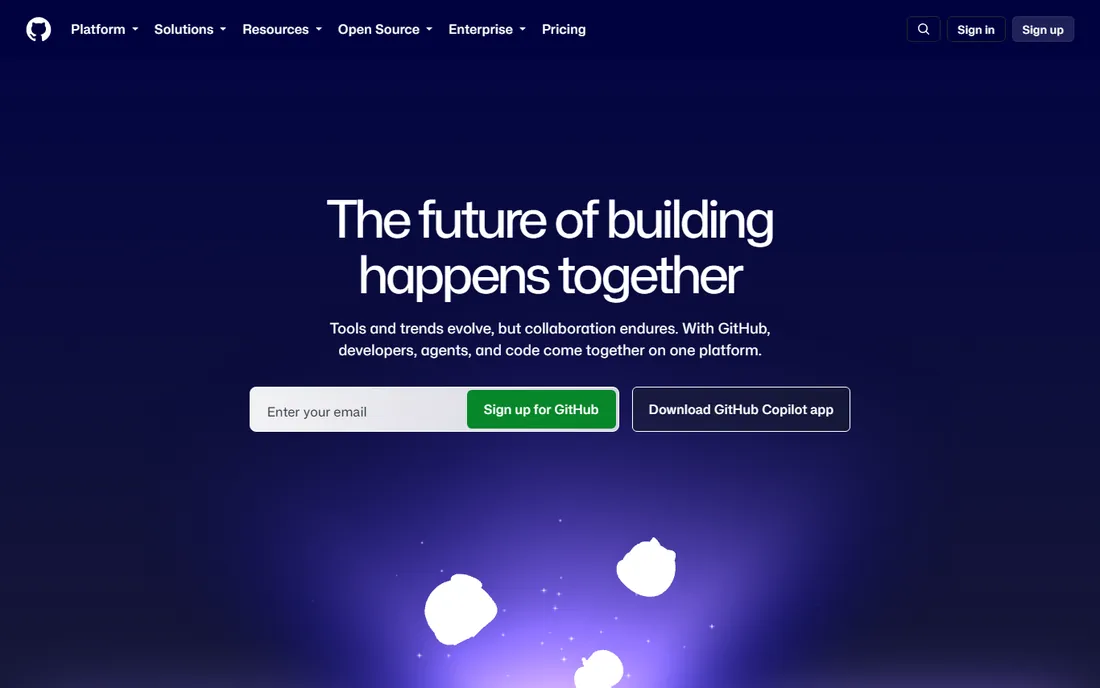
GitHub is the default center of gravity for software development in 2026, and its DevOps story rides on that. Actions gives you CI/CD with a massive marketplace of reusable workflows, Dependabot handles dependency updates, and the free plan covers unlimited public and private repositories with 2,000 Actions minutes a month. Team at $4 per user a month adds protected branches, code owners, draft PRs and 3,000 minutes. Enterprise from $21 adds compliance, data residency and 50,000 minutes.
The cost curve is the thing to watch. The jump from Team to Enterprise is 5x per seat, and heavy compute, Codespaces and advanced security products add metered spend on top. But for the broad middle of teams, GitHub's combination of ubiquity, hiring signal and built-in automation makes it the safest first pick.
What we like- Largest developer ecosystem
- Actions CI/CD built in
- Generous free tier with 2,000 Actions minutes
Watch out for- Enterprise jumps to $21 per user
- Advanced security costs extra
- Codespaces compute is metered
Starting price$29 per user per month (Premium, billed annually)
Free planYes (Free plan, 5 users per group)
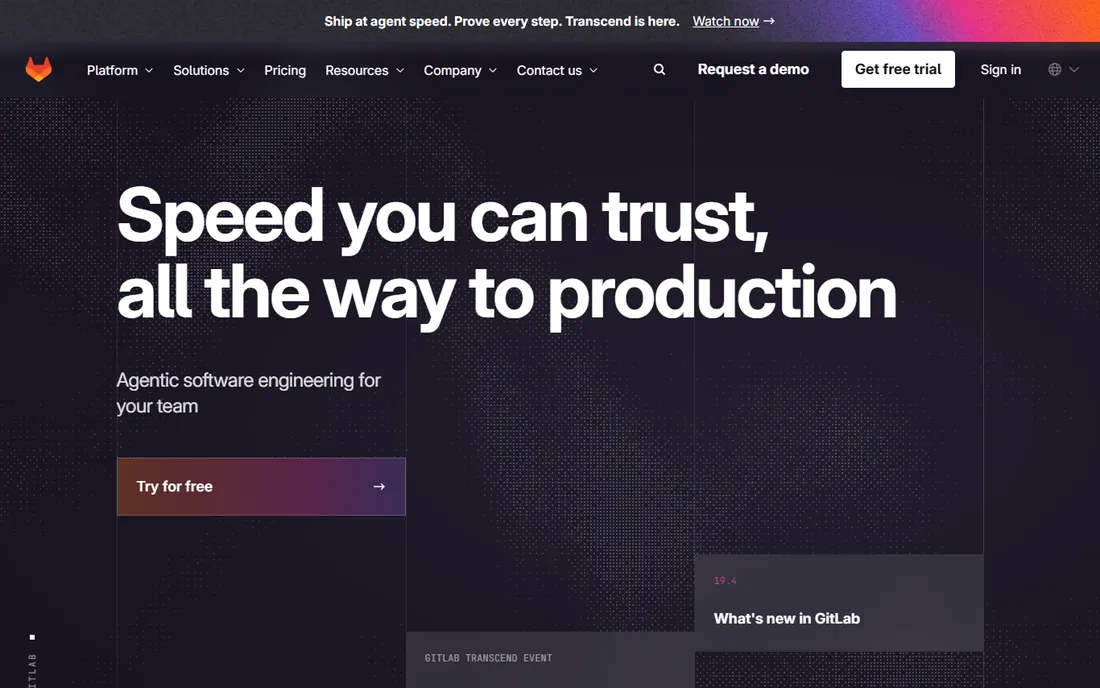
GitLab's pitch is consolidation: source control, CI/CD, container and package registries, security scanning, issue tracking and monitoring in one application. Premium at $29 per user a month (billed annually) includes 10,000 CI minutes a month, advanced CI/CD features and release controls. Ultimate, now custom-quoted, adds vulnerability management, compliance and portfolio management.
The math favors teams that would otherwise buy separate tools. If GitLab's built-in SAST, DAST and container scanning replace two or three paid security products, the $29 seat pays for itself. If you only need repos and pipelines, GitHub Team at $4 is cheaper. Choose GitLab when security and consolidation are the priority, not when you want the cheapest seat.
What we like- Single application from plan to monitor
- Security scanning included on paid tiers
- Strong Kubernetes integration
Watch out for- Pricier per seat than GitHub
- Ultimate moved to custom quote
- Free tier limited to 5 users and 400 CI minutes
Starting price$6 per user per month (Basic, first 5 users free)
Free planYes (first 5 users free)
Azure DevOps remains one of the best values in enterprise DevOps: the first five users are free with unlimited private repos, 1,800 pipeline minutes a month and 2 GiB of artifact storage, then $6 per user a month for Basic. Boards handles Agile planning well, Pipelines is a mature multi-stage CI/CD system with deployment groups and approval gates, and the Entra ID integration makes it the natural fit for IT-controlled Microsoft shops.
The rough edges are real. The pull-request UI feels dated next to GitHub, and formal QA teams face the $52-per-user Test Plans tier. But at $6 a seat with five free, Azure DevOps is the cheapest credible enterprise DevOps platform on this list. Microsoft shops should start here before paying GitHub Enterprise prices.
What we like- First 5 users free
- Mature pipelines with YAML and approvals
- Deep Entra ID and Teams integration
Watch out for- Dated pull-request experience
- Test Plans jumps to $52 per user
- Weaker open-source ecosystem
Starting priceFrom $15 per month (Performance)
Free planYes (Free, 30,000 credits a month, 5 users)
CircleCI is the specialist's CI engine: fast builds, great test splitting and caching, and orbs that package deployment patterns into reusable config. The free tier gives 30,000 credits a month (roughly 6,000 small-Docker minutes) for up to 5 users. Performance starts at $15 a month with pay-as-you-go credits beyond that, and Scale is custom.
The catch is the credit system. Different resource classes burn credits at different rates, Docker Layer Caching costs 200 credits a job, and even seats draw from the same credit pool, so the bill rarely matches the headline. Effective per-minute rates run several times higher than GitHub Actions. Pick CircleCI for build speed and flexibility, and budget with a calculator, not a guess.
What we like- Generous free tier
- Excellent caching and parallelism
- Orbs make complex configs reusable
Watch out for- Credit model is hard to forecast
- Per-minute costs run higher than GitHub Actions
- Seats consume credits too
Starting price$45 per month (Cloud, 3 committers, billed annually)
Free planYes (on-premises Professional free forever)
TeamCity has been the power user's CI server for nearly two decades, and TeamCity Cloud brings it to managed hosting. Cloud pricing starts at $45 a month for 3 committers with 24,000 build credits, priced by committer (anyone making more than 10 commits in 30 days). The on-premises Professional tier is free forever with unlimited users, 100 build configurations and 3 build agents.
Its strengths are build intelligence: templates, build chains, first-run test reporting and deep integrations with every major version control system. The per-committer model punishes repos with many occasional contributors, so count committers honestly. Teams that outgrew simpler CI and want control without managing infrastructure should look here.
What we like- Superb out-of-the-box VCS integrations
- Free on-premises tier is genuinely useful
- Build chains and templates are first-class
Watch out for- Cloud pricing is per committer
- Older UI in places
- Smaller cloud ecosystem than GitHub
Starting price$0 (open source)
Free planYes (open source)
Jenkins is the granddaddy of CI/CD and still the most deployed automation server on earth. It costs nothing, runs on anything, and its plugin ecosystem covers every tool, cloud and workflow imaginable. For air-gapped environments, exotic pipelines or teams with strong platform engineers, nothing matches its flexibility.
The price is paid in time. You maintain the server, update the plugins, debug the fragile plugin interactions and secure the whole thing yourself. Organizations routinely discover their "free" Jenkins costs a full-time engineer's attention. Choose Jenkins when you have the platform team to run it and requirements that SaaS CI cannot meet. Otherwise, the cloud tools above are cheaper in practice.
What we like- Completely free
- Thousands of plugins
- Runs anywhere, including air-gapped networks
Watch out for- You own the maintenance
- Plugin sprawl creates fragility
- UI shows its age
Starting price$0 (open source)
Free planYes (open source)
Argo CD is the standard for GitOps on Kubernetes: you declare the desired state in Git, and Argo CD continuously syncs your clusters to match, with drift detection, automated sync policies and a clear UI showing what is deployed where. It is free, open source, CNCF-graduated and the backbone of countless platform teams' deployment workflows.
The scope is deliberately narrow. Argo CD does deployments, not CI; you pair it with a build tool (GitHub Actions, Jenkins, Tekton) and an image registry. It is also Kubernetes-only, so non-K8s shops should look at Octopus Deploy or Harness instead. For teams standardized on Kubernetes, Argo CD plus a CI tool is the modern reference architecture.
What we like- Declarative GitOps done right
- Superb multi-cluster support
- Free forever
Watch out for- Kubernetes-only
- Learning curve for GitOps newcomers
- You operate it yourself
#8
Octopus Deploy
Best for: release management and complex deployments
Visit octopus.com
Starting price$45 per month (Cloud, 5 deployment targets)
Free planYes (free tier, 10 targets)
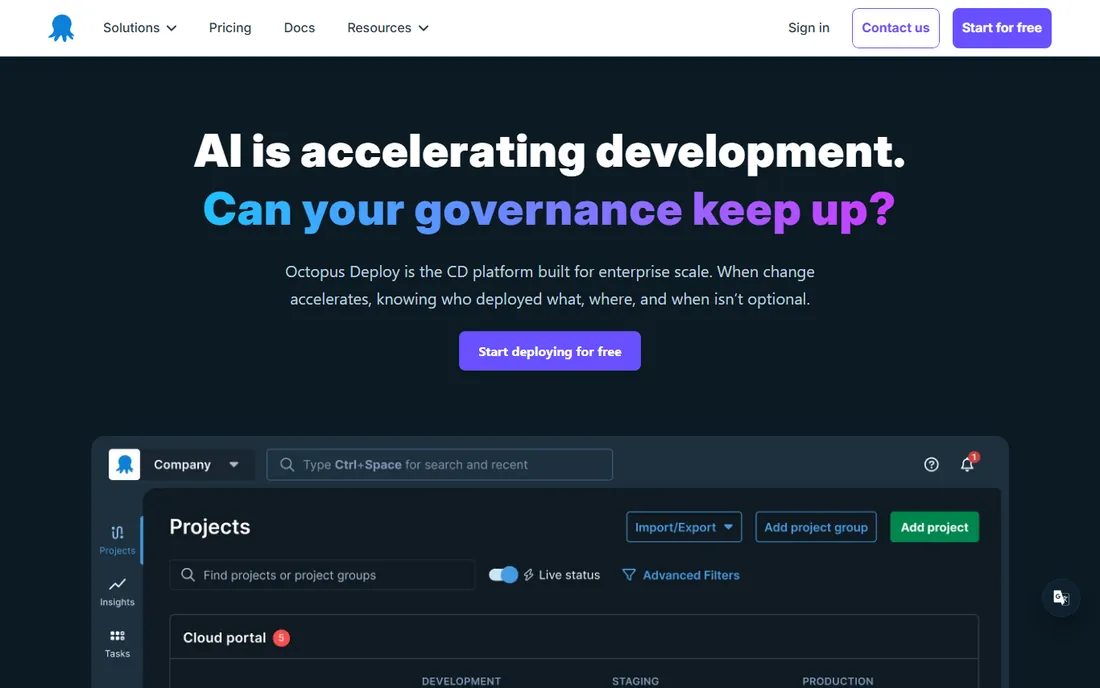
Octopus Deploy specializes in the part of DevOps most CI tools treat as an afterthought: releases. Environments, lifecycles, approvals, variable scoping, runbooks and tenanted deployments are modeled as first-class concepts. The free tier covers 10 targets, and Cloud starts at $45 a month for 5 targets ($9 per additional target), with a 30-day Enterprise trial.
Pricing follows infrastructure, not people, which is honest but can surprise: every server counts as a target, so costs scale with your fleet. For teams deploying to dozens of environments with compliance gates and approvals, Octopus is the purpose-built answer. For simple app-to-cloud pipelines, your CI tool's deploy step is enough.
What we like- Best-in-class deployment modeling
- Free tier is genuinely useful
- Strong .NET and Windows heritage
Watch out for- Pricing scales with targets
- Cloud Professional is $4,170 a year
- Overkill for simple pipelines
#9
JFrog
Best for: artifact management and software supply-chain security
Visit jfrog.com
Starting price$50 per month (Pro, SaaS)
Free planFree trial
JFrog's Artifactory is the industry standard for storing build artifacts: Docker images, npm packages, Maven jars, Python wheels and more, in one universal repository with fine-grained access control. The SaaS Pro plan starts at $50 a month with 25 GB base storage and consumption pricing beyond that. Higher tiers add Xray security scanning, artifact federation and distribution features.
This is infrastructure, not a CI replacement: JFrog sits underneath your pipelines, storing what they produce. Every serious DevOps platform eventually needs artifact management, and JFrog is the default answer. Watch the storage and transfer meters on cloud plans, since they drive the bill more than the base price.
What we like- Universal artifact repository for every package type
- Xray vulnerability scanning
- Official Pro pricing from $50 a month
Watch out for- Pricing scales with storage and transfer
- Enterprise tiers jump steeply
- Can feel heavyweight for small teams
#10
Harness
Best for: enterprises consolidating their DevOps toolchain
Visit harness.io
Starting priceSee website
Free planYes (Free plan)
Harness aims to replace the whole toolchain: continuous delivery and GitOps, CI, infrastructure-as-code management, security testing orchestration, feature flags, database DevOps and artifact registry, in one platform with AI-assisted deployment verification. The official pricing page lists three tiers, Free, Essentials (an all-in-one DevOps bundle) and Enterprise (modular), with an open-source option for self-hosting.
The catch is transparency: the vendor publishes no prices for Essentials or Enterprise, and deals are negotiated (third parties commonly cite five-to-six-figure annual contracts). That positions Harness firmly for mid-market and enterprise buyers consolidating vendors. Smaller teams should take the free tier or the open-source edition; everyone else should budget a proper procurement conversation.
What we like- Full module catalog (CI, CD, GitOps, IaC, security, feature flags)
- AI-driven deployment verification
- Open-source core available
Watch out for- No published pricing for paid tiers
- Enterprise deals are sales-led
- Platform breadth means onboarding effort
How we chose
We compared official pricing pages and vendor documentation in October 2026, prioritizing platforms that teams actually adopt today across the DevOps lifecycle: source control, CI/CD, release management, artifacts and GitOps. We weighted transparent pricing, free-tier quality and fit for the stated use case. We did not run hands-on builds. Where vendors publish no pricing, we marked it as See website rather than repeating estimates.
The build-vs-buy math nobody does
Open-source tools are free the way puppies are free. Jenkins and Argo CD cost nothing to download and a great deal to run: servers, upgrades, plugin maintenance, security patching and the engineer hours behind all of it. Before choosing self-hosted, price one platform engineer's time for a quarter and compare it against a year of CircleCI or TeamCity Cloud.
The inverse trap is seat math. GitLab Premium at $29 per user looks expensive next to GitHub Team at $4, until GitLab's bundled security scanning replaces two $15-a-seat tools. Always compare the whole toolchain's cost, not one line item. The cheapest DevOps platform is the one that lets you cancel the most other subscriptions.
Frequently asked questions
What is the best DevOps platform for a small team?
GitHub Team at $4 per user a month is the best default: repos, CI/CD, security and the biggest ecosystem in one. Azure DevOps is even cheaper if your team is five or fewer (free) and lives in Microsoft tools.
Is Jenkins still relevant in 2026?
Yes. Jenkins remains the most deployed CI/CD server and the best choice for air-gapped environments and exotic pipelines. But most teams without dedicated platform engineers get better results from managed tools like GitHub Actions, CircleCI or TeamCity Cloud.
What is the difference between CI and CD tools?
CI (continuous integration) tools build and test code on every change: Jenkins, CircleCI, TeamCity. CD (continuous delivery) tools manage releases to environments: Octopus Deploy, Argo CD, Harness CD. Platforms like GitHub and GitLab bundle both.
How much should a startup spend on DevOps tooling?
Most startups spend $0 to $50 a month: GitHub Free or Team, CircleCI free tier, and Argo CD for Kubernetes. Spending climbs with headcount on per-seat platforms, so revisit the math at 20 and 50 engineers.
Do I need JFrog if I use GitHub?
Not necessarily. GitHub Packages covers basic artifact storage. You need JFrog when you outgrow it: universal package types, retention policies, promotion workflows, vulnerability scanning with Xray, or multi-site replication.
What is GitOps?
GitOps is the practice of managing infrastructure and deployments declaratively through Git: the desired state lives in a repository, and a tool like Argo CD continuously syncs your clusters to match it. It gives you versioned, auditable, reversible deployments.
Sources we checked (10)
- https://github.com/pricing
- https://about.gitlab.com/pricing
- https://azure.microsoft.com/en-us/pricing/details/devops/azure-devops-services/
- https://circleci.com/pricing/
- https://www.harness.io/pricing
- https://octopus.com
- https://www.jetbrains.com/teamcity/
- https://www.jenkins.io
- https://jfrog.com/cloud-pro/
- https://argoproj.github.io
Is your product missing or out of date?
We review this list regularly. Vendors can request a listing, send updated pricing or ask about featured placement.

Shihab Mia · Founder, Rankite
Shihab has spent more than a decade helping SaaS and e-commerce brands grow through search. He writes Rankite's software buying guides from pricing pages, documentation and public user reviews. More about Shihab.