How we make this list: we compare pricing pages, product documentation and public user reviews. Rankite is independent; if a vendor ever pays for a featured spot, that listing is clearly labeled Partner.
Key takeaways
- Docker remains the standard container platform for developers, with a free Personal tier.
- Podman is the daemonless, rootless open-source alternative gaining fast adoption.
- containerd and CRI-O are the production runtimes underneath Kubernetes clusters.
- Kubernetes orchestrates containers at scale; Portainer manages them through a friendly GUI.
Quick comparison
| Tool | Best for | Starting price | Free plan |
|---|
 Docker Docker | Standard container development | See website | Free plan |
 Podman Podman | Daemonless rootless containers | Free | Free plan |
 containerd containerd | Production container runtime | Free | Free plan |
 Kubernetes Kubernetes | Container orchestration at scale | Free | Free plan |
 LXC LXC | System containers on Linux | Free | Free plan |
 CRI-O CRI-O | Lightweight Kubernetes runtime | Free | Free plan |
 Rancher Desktop Rancher Desktop | Kubernetes on the desktop | Free | Free plan |
 Portainer Portainer | GUI container management | Free | Free plan |
 Buildah Buildah | Building OCI images | Free | Free plan |
Is your product missing or out of date?
We review this list regularly. Vendors can request a listing, send updated pricing or ask about featured placement.
The best containerization software
Starting priceSee website
Free planFree plan
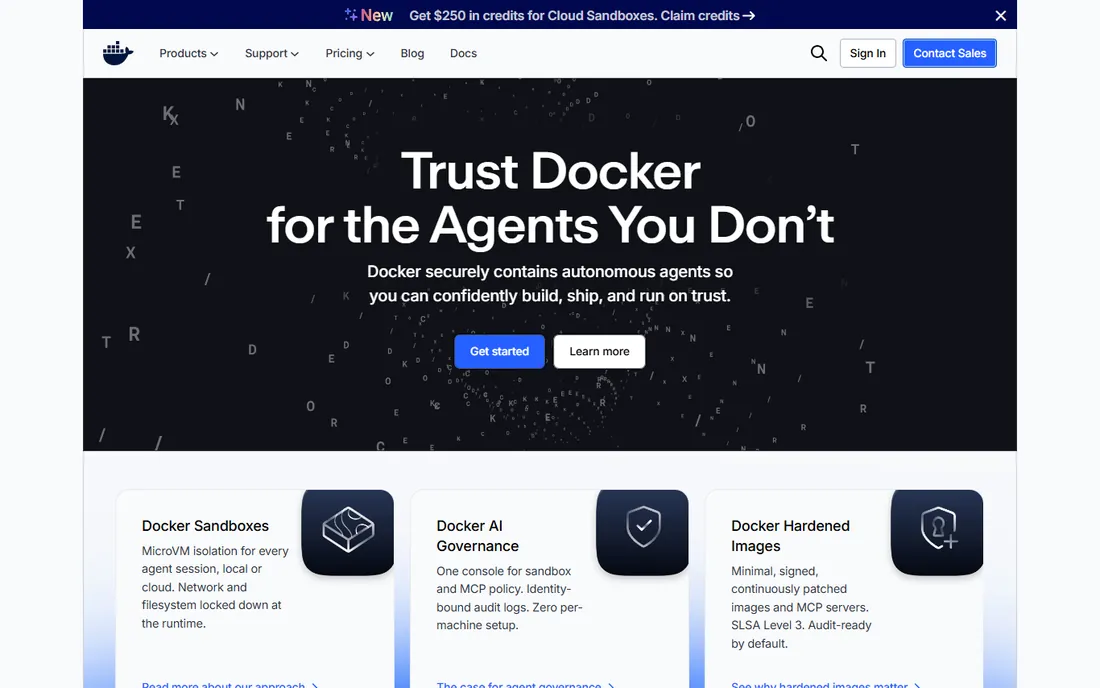
Docker defined containerization for developers: build images with Dockerfiles, share them on Docker Hub, and run them anywhere. The developer experience remains the smoothest in the category, and the image ecosystem is unmatched. Docker Desktop brings it all to Mac and Windows.
Larger companies need paid subscriptions; licensing terms have evolved. For development teams that want the standard toolchain everyone knows, Docker is still the default choice.
What we like- Universal standard
- Huge image ecosystem
- Great developer experience
Watch out for- Paid tiers for larger teams
- Desktop licensing considerations
Starting priceFree
Free planFree plan
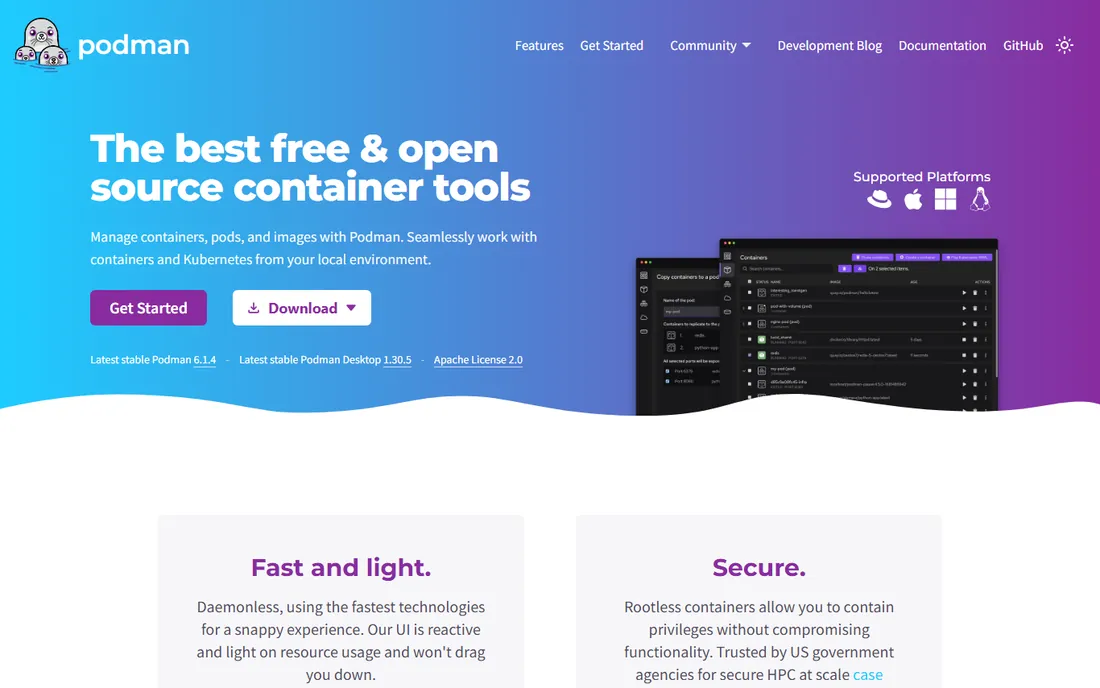
Podman (Red Hat) runs OCI containers without a daemon and rootless by default, addressing Docker's architectural criticisms. The CLI mirrors Docker's, so developers switch with minimal friction. Security-conscious organizations and Linux-first teams adopt it readily.
The desktop and GUI experience trails Docker Desktop, and some edge-case compatibility issues persist. For teams wanting open-source containers with better security architecture, Podman is the leading alternative.
What we like- Daemonless architecture
- Rootless by design
- Docker CLI compatible
Watch out for- Desktop experience less polished
- Smaller ecosystem
Starting priceFree
Free planFree plan
containerd is the container runtime underneath much of modern infrastructure: Docker donated it, and Kubernetes uses it as the default runtime. It handles image transfer, storage, execution and networking supervision with minimal overhead. If you run Kubernetes in production, you almost certainly run containerd.
It is infrastructure, not a developer tool; nobody "uses" containerd directly. For platform teams building production container infrastructure, containerd is the runtime standard.
What we like- Industry-standard runtime
- Powers Kubernetes
- Lean and stable
Watch out for- No developer UX
- Infrastructure component
Starting priceFree
Free planFree plan
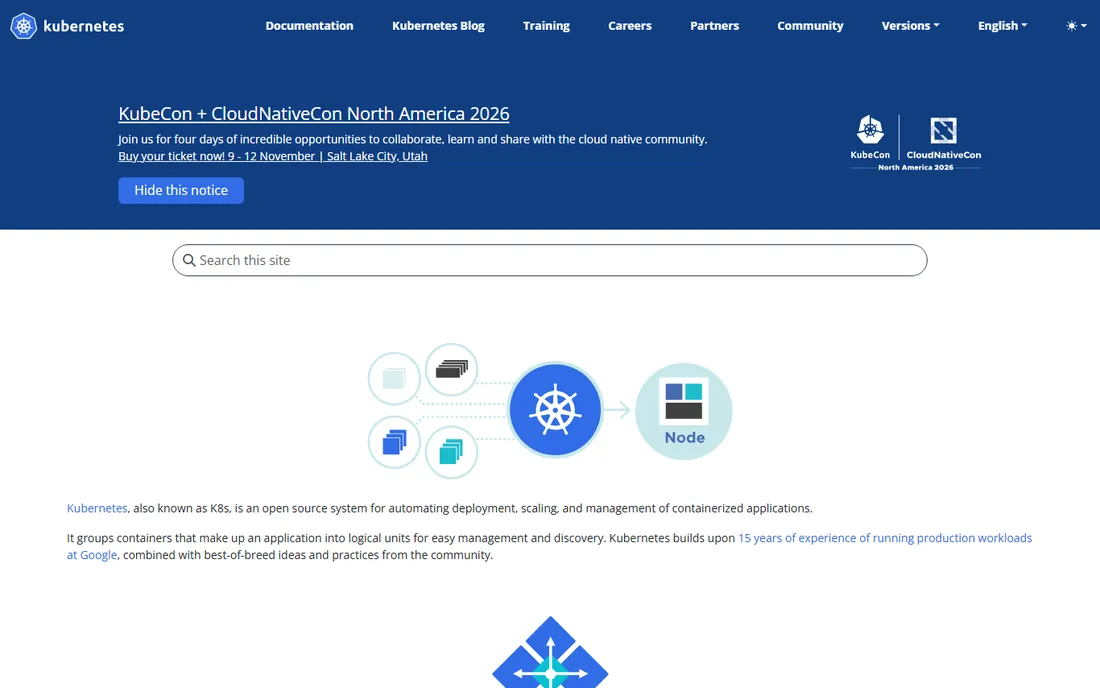
Kubernetes orchestrates containers at scale: scheduling, scaling, networking, storage and self-healing across clusters. It is the standard for production container platforms, with managed offerings from every cloud. The ecosystem of operators, service meshes and GitOps tools is enormous.
Complexity is real; running Kubernetes well requires expertise or a managed service. For production workloads that need orchestration beyond single hosts, Kubernetes is the only serious answer.
What we like- Universal orchestration standard
- Massive ecosystem
- Runs anywhere
Watch out for- Significant complexity
- Operational overhead
Starting priceFree
Free planFree plan
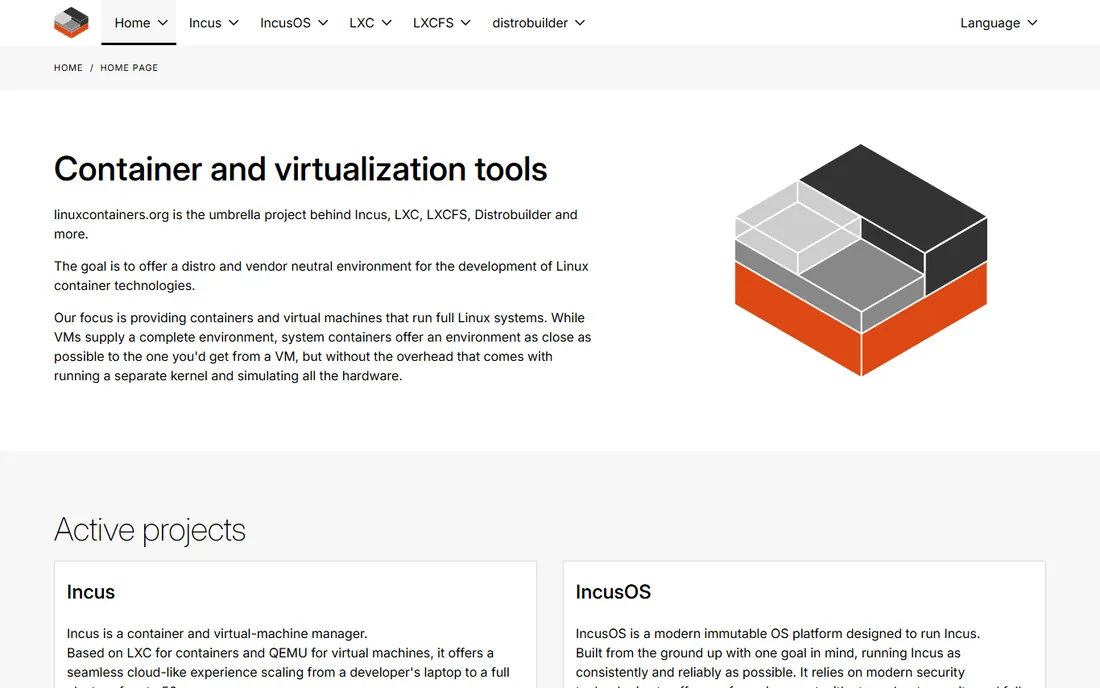
LXC (Linux Containers) provides operating-system-level virtualization: full Linux systems in containers with near-native performance. It predates Docker and remains excellent for infrastructure-style containers (one container per service stack) rather than microservices.
The application container ecosystem (registries, compose-style tooling) is thinner. For Linux infrastructure teams wanting lightweight virtualization without full VMs, LXC is proven and efficient.
What we like- Lightweight system containers
- Near-native performance
- Mature
Watch out for- Linux only
- Less application-container tooling
Starting priceFree
Free planFree plan
CRI-O is a lightweight container runtime built specifically as a Kubernetes CRI implementation: it runs pods and nothing else. The minimal scope means less attack surface and less overhead than general runtimes. OpenShift and many Kubernetes distributions use it.
Outside Kubernetes it has no use case. For Kubernetes platform teams that want the leanest compliant runtime, CRI-O is the purpose-built choice.
What we like- Minimal Kubernetes-focused runtime
- OCI compliant
- Red Hat backed
Watch out for- Kubernetes-only use case
- No standalone tooling
Starting priceFree
Free planFree plan
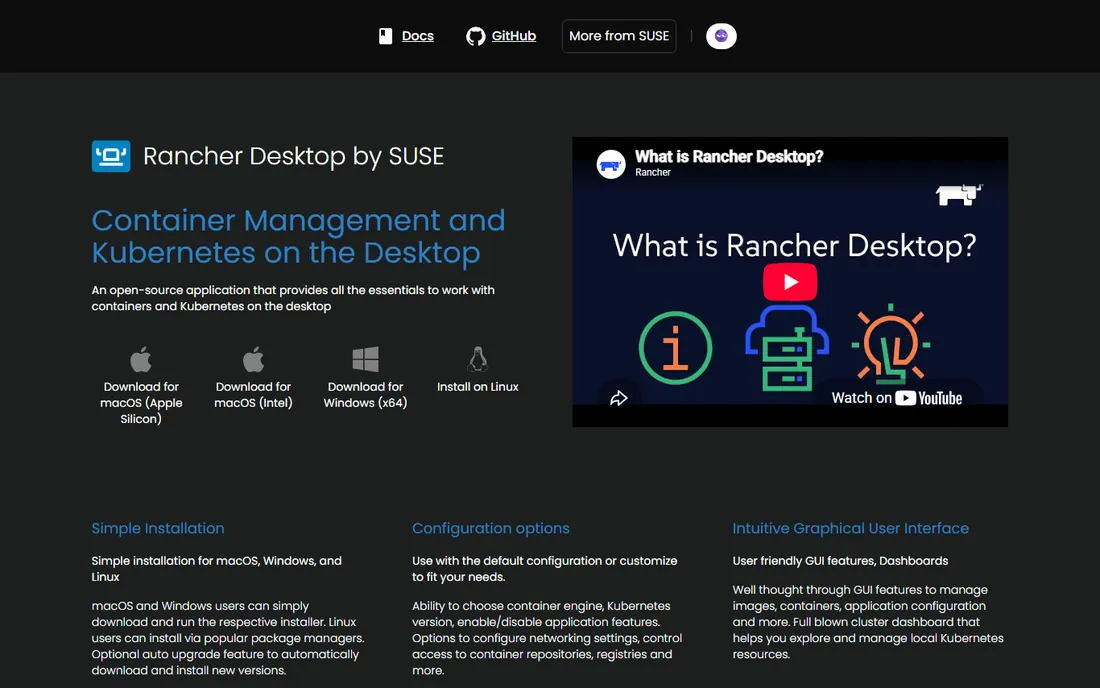
Rancher Desktop (SUSE) gives developers Kubernetes and container management on the desktop for free and open source. It emerged as the leading Docker Desktop alternative, offering container builds plus a local Kubernetes cluster in one install.
It is younger than Docker Desktop with occasional rough edges. For developers and teams wanting free, open-source desktop containers with Kubernetes included, Rancher Desktop is the top pick.
What we like- Free desktop Kubernetes
- Docker-compatible
- Open source
Watch out for- Newer than Docker Desktop
- Some rough edges
Starting priceFree
Free planFree plan
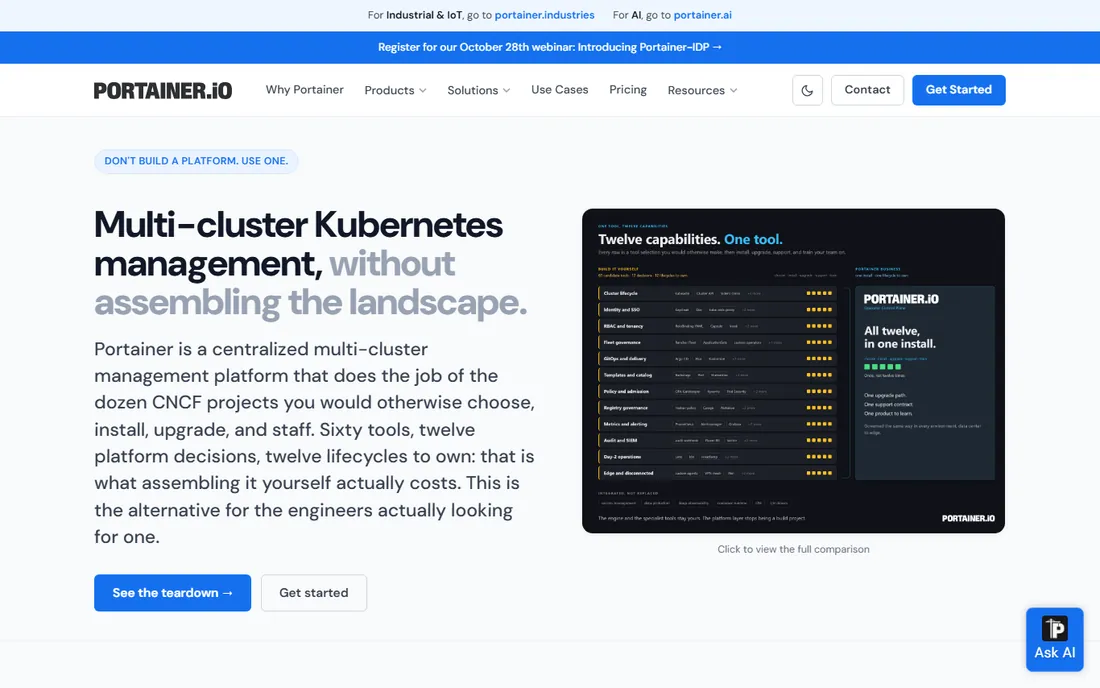
Portainer puts a clean web interface on Docker, Swarm and Kubernetes: deploy stacks, manage volumes and networks, view logs and monitor clusters without CLI expertise. The Community Edition is free and genuinely useful. Teams adopt containers faster when the GUI lowers the barrier.
Complex GitOps workflows still belong in code. Paid Business adds governance features. For teams that want container management without living in the terminal, Portainer's GUI is the friendliest option.
What we like- Friendly web UI for Docker and Kubernetes
- Community Edition free
- Easy adoption
Watch out for- Advanced features need Business edition
- GUI limits for complex ops
Starting priceFree
Free planFree plan
Buildah builds OCI container images without a daemon: scriptable, rootless-capable, and composable in CI pipelines. It separates image building from running, which suits automation and secure build environments. Podman users get it as part of the toolchain.
It only builds; you need a runtime to run. For CI pipelines and teams that want daemonless, scriptable image builds, Buildah is the specialist tool.
What we like- Daemonless image builds
- Scriptable
- Rootless builds
Watch out for- Build-only tool
- Needs companion runtime
Choosing your container stack
Developers: Docker or Podman for building, Rancher Desktop or Docker Desktop locally. Production Kubernetes: containerd or CRI-O underneath, Kubernetes orchestrating. Management: Portainer for GUI simplicity. Building images in CI: Buildah. The stack composes; few teams use just one. Start with the developer experience, then standardize the runtime underneath.
Security basics
Run rootless where possible (Podman, rootless Docker). Scan images for vulnerabilities in CI. Use minimal base images. Sign images and verify signatures in production. Keep runtimes patched; container escapes are rare but real. Security is a practice across the stack, not a feature of one tool.
Image build best practices
Container images are the artifact everything else depends on, and sloppy image builds create security holes, bloated deployments and unreproducible environments. The practices that matter are well established but widely ignored. Start with minimal base images: distroless or Alpine instead of full Ubuntu saves hundreds of megabytes and removes entire categories of vulnerabilities. Every package in the image is attack surface and update burden; if the application does not need a shell, the image should not have one. Measure image sizes in CI and fail builds that exceed thresholds; size discipline degrades without enforcement.
Layer ordering determines build speed and cache efficiency. Docker and OCI builds cache layers, so order instructions from least to most frequently changed: base image and system packages first, language dependencies next, application code last. A requirements file that changes rarely should be installed before the application code that changes constantly. This single ordering discipline can cut rebuild times from minutes to seconds during development. Also consolidate RUN instructions sensibly; each layer adds overhead, but readability matters too. Multi-stage builds separate the build environment from the runtime image: compile in a full toolchain image, copy only the artifacts into a minimal runtime image. The result is smaller, more secure, and free of build tools that should never reach production.
Pin everything for reproducibility. Base images by digest, not by tag; "latest" is a promise that breaks. Language dependencies via lockfiles, system packages with explicit versions. An image that builds differently today than yesterday is a debugging nightmare and a supply chain risk. Record the full build provenance: what base, what commits, what pipeline run. When a vulnerability is announced, you need to answer which images contain the affected package within minutes, not days. This requires an image inventory tied to build metadata, which the registries and CI systems here support when configured. Untracked images built on someone's laptop and pushed by hand are the enemy; require all production images to come from the pipeline.
Scan images in the pipeline, not after deployment. Vulnerability scanning should run on every build, with policies that block promotion of images containing critical vulnerabilities (with an exception process for false positives and accepted risks). Scan the final runtime image, not just the source; multi-stage builds can hide vulnerable layers. Also scan for secrets: credentials baked into images are distressingly common and trivially extractable. Use secret detection in CI and mount secrets at runtime instead. Sign images after scanning passes, and verify signatures at deploy time. The chain (build, scan, sign, verify) is the supply chain security model; missing links invalidate the rest.
Keep a retention and cleanup policy. Registries accumulate images indefinitely without one: every CI build, every experiment, every abandoned branch. Storage costs grow and the attack surface of "images we forgot about but are still deployed somewhere" expands. Tag production images immutably, expire development tags automatically, and audit what is actually running versus what is stored. The discipline is boring and the payoff is real: faster pulls, lower costs, and confidence that every running image is known, scanned and intentional. Image hygiene is container hygiene; the runtime can only be as trustworthy as the images it runs.
Frequently asked questions
What is containerization?
Packaging an application with its dependencies into a portable, isolated unit (a container) that runs consistently anywhere. Containers share the host OS kernel, making them lighter than virtual machines.
Docker vs Podman: which should I choose?
Docker for the smoothest developer experience and biggest ecosystem. Podman for daemonless, rootless, open-source containers, especially on Linux and in security-conscious organizations. Both run OCI images; many teams use both.
Do I need Kubernetes?
Only at scale. Single hosts and small deployments do fine with Docker Compose or Podman. Kubernetes earns its complexity when you run many services across many machines with scaling, rolling updates and self-healing needs.
Is Docker free?
Docker Personal is free for individuals, open source and small businesses. Larger companies need paid subscriptions (Pro, Team, Business). Check current terms for your company size.
What is the difference between a container runtime and orchestration?
The runtime (containerd, CRI-O) executes containers on a machine. Orchestration (Kubernetes) schedules and manages containers across many machines. You need both in production; developers mostly touch neither directly.
Can containers run on Windows and Mac?
Yes. Docker Desktop and Rancher Desktop run Linux containers on Mac and Windows via lightweight VMs. Windows containers exist for Windows-native apps but the ecosystem is Linux-first.
How we chose
We compared the containerization tools developers and platform teams actually use, from desktop development to production runtimes. Most are free and open source; we note commercial tiers where they exist. We weighted adoption, standards compliance (OCI, CRI), security architecture and fit for different roles. No hands-on testing was performed; assessments rest on documentation and public reviews.
Sources we checked (9)
- https://www.docker.com/
- https://podman.io/
- https://containerd.io/
- https://kubernetes.io/
- https://linuxcontainers.org/
- https://cri-o.io/
- https://rancherdesktop.io/
- https://www.portainer.io/
- https://buildah.io/
Is your product missing or out of date?
We review this list regularly. Vendors can request a listing, send updated pricing or ask about featured placement.

Shihab Mia · Founder, Rankite
Shihab has spent more than a decade helping SaaS and e-commerce brands grow through search. He writes Rankite's software buying guides from pricing pages, documentation and public user reviews. More about Shihab.