How we make this list: we compare pricing pages, product documentation and public user reviews. Rankite is independent; if a vendor ever pays for a featured spot, that listing is clearly labeled Partner.
Key takeaways
- ZBrush remains the industry standard for film and game character work, sold by subscription through Maxon (which acquired Pixologic); try the 14-day trial before committing.
- Blender is the best free sculpting software, full stop: a complete 3D suite at $0 that handles serious sculpting work.
- 3DCoat (€379 one-time for a personal license) is the strongest mid-priced desktop alternative, with voxel sculpting plus retopology and texturing in one app.
- For tablet sculpting, Nomad Sculpt (one-time purchase) and ZBrush for iPad (free version available, full features by subscription) are the two real choices.
- On a zero budget, SculptGL runs in a browser for free and Meshmolder offers a cheap desktop trial.
Quick comparison
| Tool | Best for | Starting price | Free plan |
|---|
 ZBrush ZBrush | Professional character, creature and collectible artists in film, games and toys | See website (subscription through Maxon) | 14-day free trial via the Maxon App |
 Blender Blender | Artists who want serious sculpting inside a complete free 3D package | Free ($0, open source under the GNU GPL) | Yes, fully free with no tiers or watermarks |
 3DCoat 3DCoat | Indie artists who want voxel sculpting plus retopology and PBR texturing in one app | €379 one-time (personal license, from the Pilgway store) | 30-day full trial, then a free learning mode |
 Nomad Sculpt Nomad Sculpt | Sculptors who want desktop-class tools on an iPad or Android tablet | See website (one-time purchase per platform) | No free tier |
 Forger Forger | iPad sculptors who want an app from the ZBrush maker | See website (subscription) | Free download (subscription for the full feature set) |
 ZBrush for iPad ZBrush for iPad | Existing ZBrush users who want to sculpt away from the desk | See website (stand-alone subscription, or included with ZBrush and Maxon One) | Yes, a free version with 28 brushes and core tools |
 Meshmolder Meshmolder | Hobbyists who want an inexpensive desktop sculpting program | See website (low-cost, one-time payment) | Free trial available |
 SculptGL SculptGL | Beginners who want to try sculpting with zero installation | Free ($0) | Yes, completely free |
Is your product missing or out of date?
We review this list regularly. Vendors can request a listing, send updated pricing or ask about featured placement.
The best sculpting software
#1
ZBrush
Best for: Professional character, creature and collectible artists in film, games and toys
Visit maxon.net
Starting priceSee website (subscription through Maxon)
Free plan14-day free trial via the Maxon App
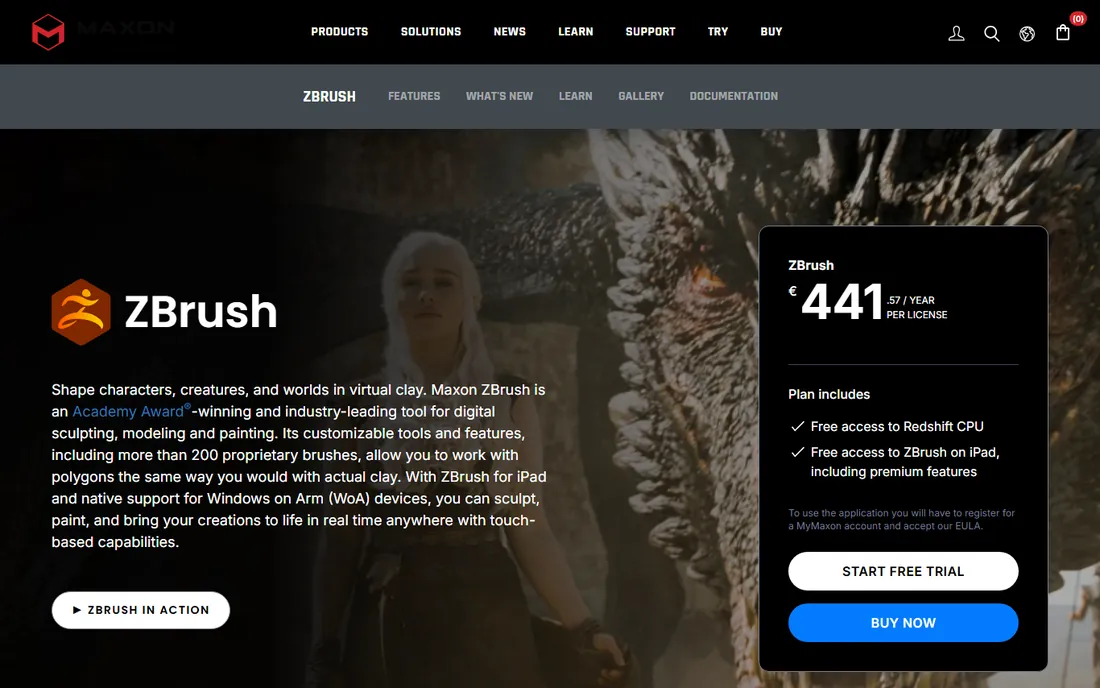
ZBrush is the tool behind the characters in Star Wars, The Lord of the Rings, the Marvel films and games like God of War and The Last of Us. Maxon (which acquired Pixologic, the original maker) now sells it by subscription, and every subscription includes ZBrush on desktop, iPad and Windows on Arm with premium features, plus Redshift CPU rendering. The sculpting engine is the draw: dynamic brushes, Sculptris Pro dynamic tessellation, ZRemesher and a brush system that behaves like real clay at extreme polygon counts.
The honest catch is the learning curve and the price model. The interface is famously idiosyncratic, and there is no perpetual license anymore. But if you sculpt characters for a living, or plan to, this is the software studios expect you to know. Run the 14-day trial, which includes the full Maxon One suite, before you pay anything.
What we like- The industry standard with 200-plus proprietary brushes
- Handles tens of millions of polygons in real time
- GoZ pipeline to Maya, 3ds Max, Cinema 4D and game engines
- Free iPad version included with subscription
Watch out for- Pricing is subscription-only with no perpetual license
- Interface takes real time to learn
- Overkill if you only sculpt occasionally
#2
Blender
Best for: Artists who want serious sculpting inside a complete free 3D package
Visit blender.org
Starting priceFree ($0, open source under the GNU GPL)
Free planYes, fully free with no tiers or watermarks
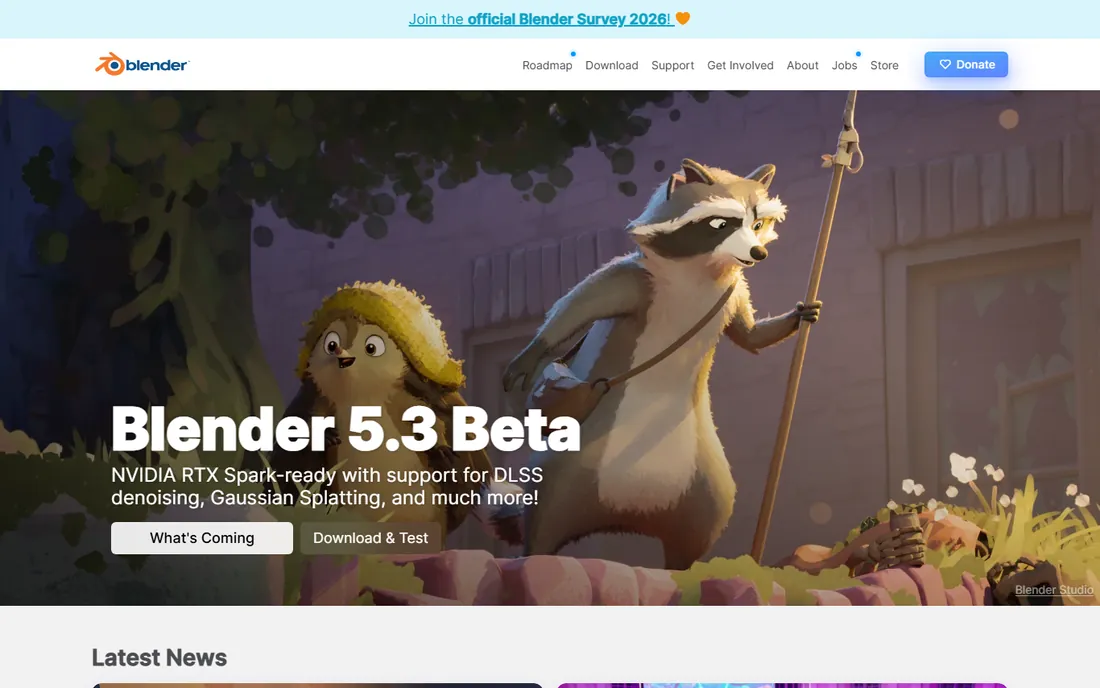
Blender is the reason "free sculpting software" is a serious category. Its sculpt mode includes dynamic topology, multiresolution sculpting, dozens of brushes, masking and texture painting, and it keeps improving every release. Because it is a full 3D suite, you can sculpt a character, retopologize it, paint textures, rig it and render the final image without leaving the program.
For hobbyists, indie game developers and anyone learning, Blender is the obvious starting point: it costs nothing and the skills transfer. Professionals sometimes use Blender for early concept sculpts and blocking before moving hero assets to ZBrush. The community is the largest of any tool on this list, so getting unstuck is a search away.
What we like- Free forever with no feature gates
- Sculpting, modeling, retopology, texturing and rendering in one app
- Huge tutorial library and community
- Runs on Windows, macOS and Linux
Watch out for- Sculpting toolset is not as deep as ZBrush for ultra-high-detail work
- The interface can overwhelm beginners
- Some studio pipelines still expect ZBrush files
#3
3DCoat
Best for: Indie artists who want voxel sculpting plus retopology and PBR texturing in one app
Visit 3dcoat.com
Starting price€379 one-time (personal license, from the Pilgway store)
Free plan30-day full trial, then a free learning mode
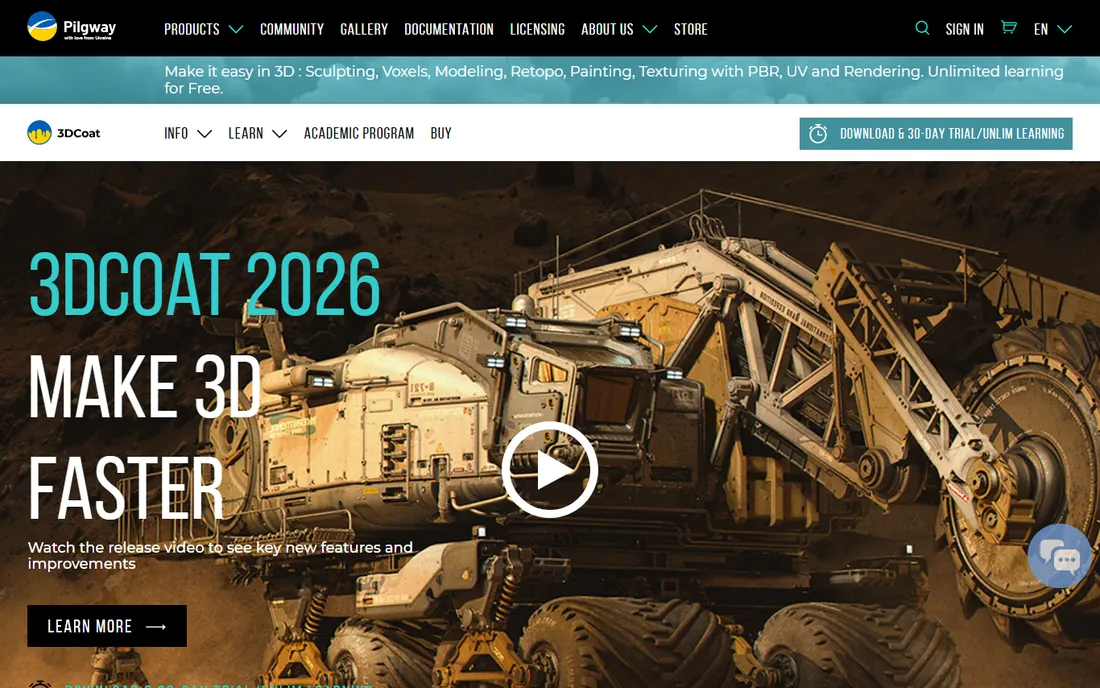
3DCoat takes a different technical approach: voxel sculpting, which lets you build forms from digital clay without worrying about polygon flow, then convert to clean meshes later. The same application handles retopology, UV unwrapping and PBR texture painting up to 16k, so a solo artist can take a sculpt from blob to game-ready asset without buying more software.
The personal license at €379 is a one-time purchase with commercial use allowed, which makes it the most affordable serious desktop sculptor with a perpetual license. The 30-day trial is fully featured, and after it expires the app drops into a free learning mode. If you want ZBrush-style freedom without a subscription, this is the strongest alternative.
What we like- Voxel sculpting with no topology constraints
- Retopology, UV mapping and texture painting built in
- Perpetual license with 12 months of updates
- Lighter hardware demands than ZBrush
Watch out for- Smaller community and fewer tutorials than Blender or ZBrush
- Paid updates after the first year (€45)
- Interface feels dated in places
#4
Nomad Sculpt
Best for: Sculptors who want desktop-class tools on an iPad or Android tablet
Visit nomadsculpt.com
Starting priceSee website (one-time purchase per platform)
Free planNo free tier
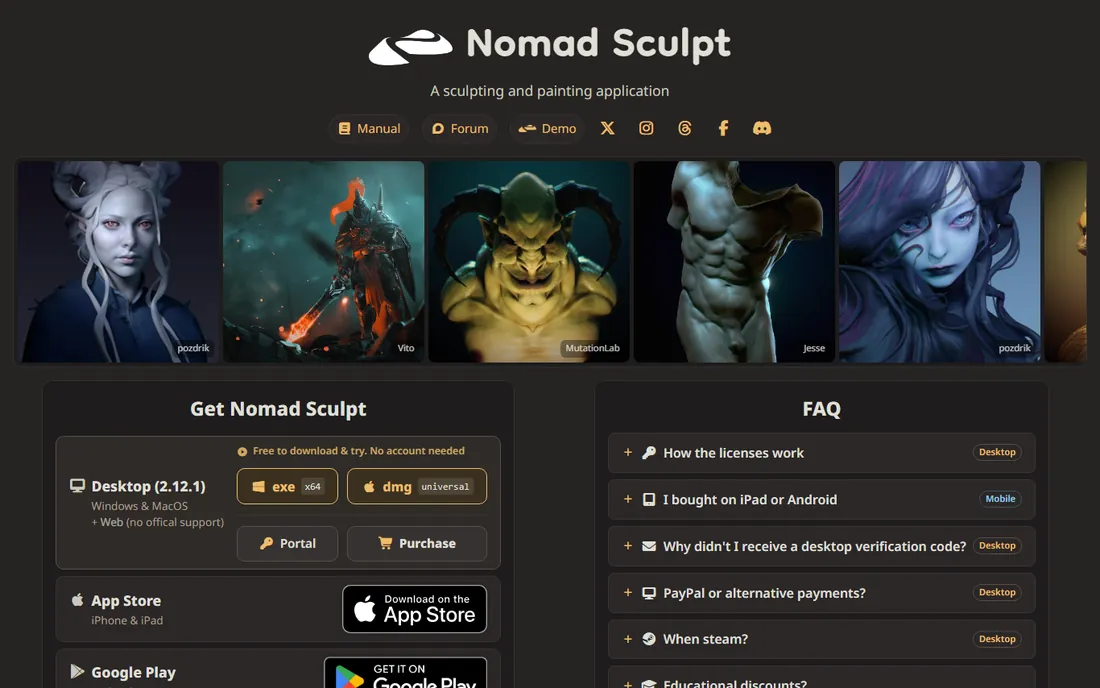
Nomad Sculpt is the app that proved tablets could do real sculpting. It offers dynamic topology, multiresolution sculpting, voxel remeshing, layers, PBR vertex painting and rendering, all in a touch interface that feels designed for a stylus rather than ported from a desktop. Character artists use it for concept sculpts on the couch, on set or on the train.
The pricing model is refreshingly simple: a one-time purchase per platform, with no subscription and no login. Note that buying on iPad does not include the desktop version (sold separately through Polar.sh), and vice versa. If your primary device is a tablet and you want to own your software outright, Nomad is the pick.
What we like- Genuinely powerful sculpting on a tablet with Apple Pencil and pressure support
- One-time purchase, no subscription
- Dynamic topology, voxel remeshing and PBR painting
- Active development with regular updates
Watch out for- Mobile hardware caps polygon counts well below desktop
- The mobile purchase does not include a desktop version
- No free version to try first
#5
Forger
Best for: iPad sculptors who want an app from the ZBrush maker
Visit maxon.net
Starting priceSee website (subscription)
Free planFree download (subscription for the full feature set)
Forger is Maxon's own mobile sculpting app, and it shows the company's touch-first thinking: multiresolution sculpting, PBR materials and a streamlined interface built around the Apple Pencil. It is free to download, with a subscription opening up the full toolset.
The natural comparison is Nomad Sculpt, which costs less over time thanks to its one-time purchase. Forger makes most sense if you are already in the Maxon ecosystem or prefer its workflow. Check the current subscription price on Maxon's site before committing, since mobile app pricing changes often.
What we like- Made by Maxon, the company behind ZBrush
- Multiresolution sculpting with PBR painting on iPad
- Clean touch-first interface
- Good Apple Pencil integration
Watch out for- Subscription pricing on a mobile app
- IPadOS only, no Android or desktop version
- Less mature than Nomad Sculpt
#6
ZBrush for iPad
Best for: Existing ZBrush users who want to sculpt away from the desk
Visit maxon.net
Starting priceSee website (stand-alone subscription, or included with ZBrush and Maxon One)
Free planYes, a free version with 28 brushes and core tools
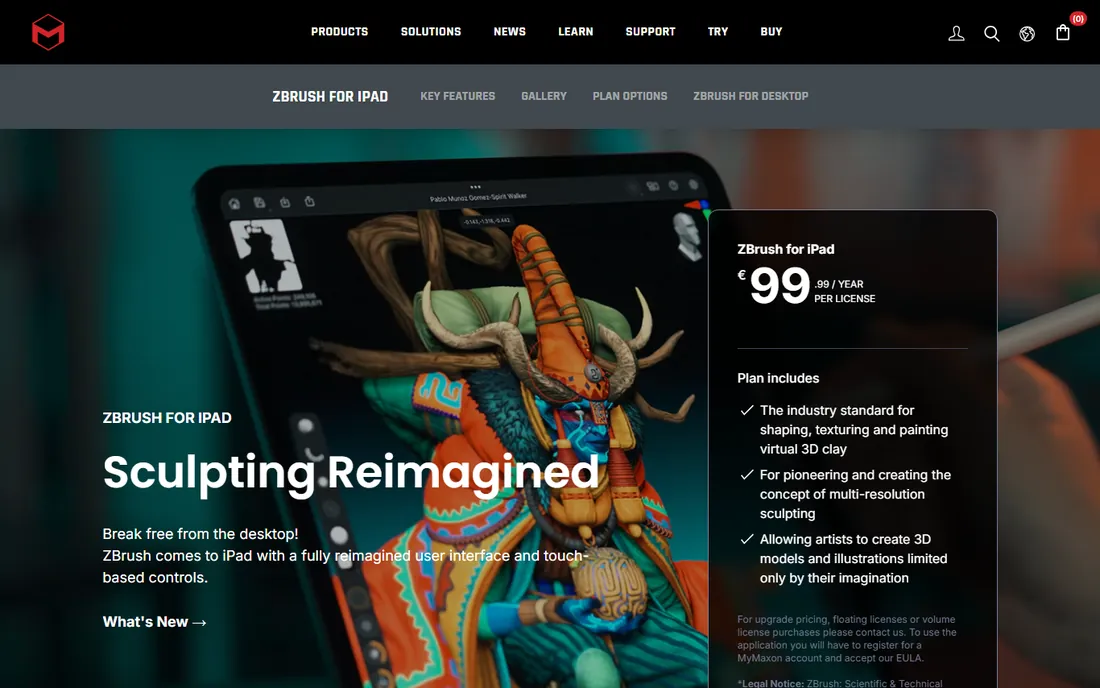
ZBrush for iPad is not a companion app with a subset of features; it is ZBrush rebuilt for touch, with the same brush engine, Sculptris Pro, ZRemesher, Live Boolean and 3D printing tools arriving with each update. Files move between iPad and desktop with the same shortcuts and controls, so you can block out a creature on the couch and detail it at your desk.
The free version is genuinely useful: 28 brushes plus Dynamesh, Sculptris Pro, ZSpheres and ZRemesher with limits. If you already pay for ZBrush or Maxon One, the iPad version costs nothing extra. As a stand-alone purchase it is subscription-based, so compare it against Nomad Sculpt's one-time price if you are starting fresh.
What we like- The real ZBrush sculpting engine with 200-plus brushes on the paid tier
- Project files round-trip with desktop ZBrush
- Included free with ZBrush and Maxon One subscriptions
- Generous free version for trying it out
Watch out for- Full features require a subscription
- IPad memory limits maximum polygon counts
- Touch UI takes adjustment for desktop users
#7
Meshmolder
Best for: Hobbyists who want an inexpensive desktop sculpting program
Visit meshmolder.com
Starting priceSee website (low-cost, one-time payment)
Free planFree trial available
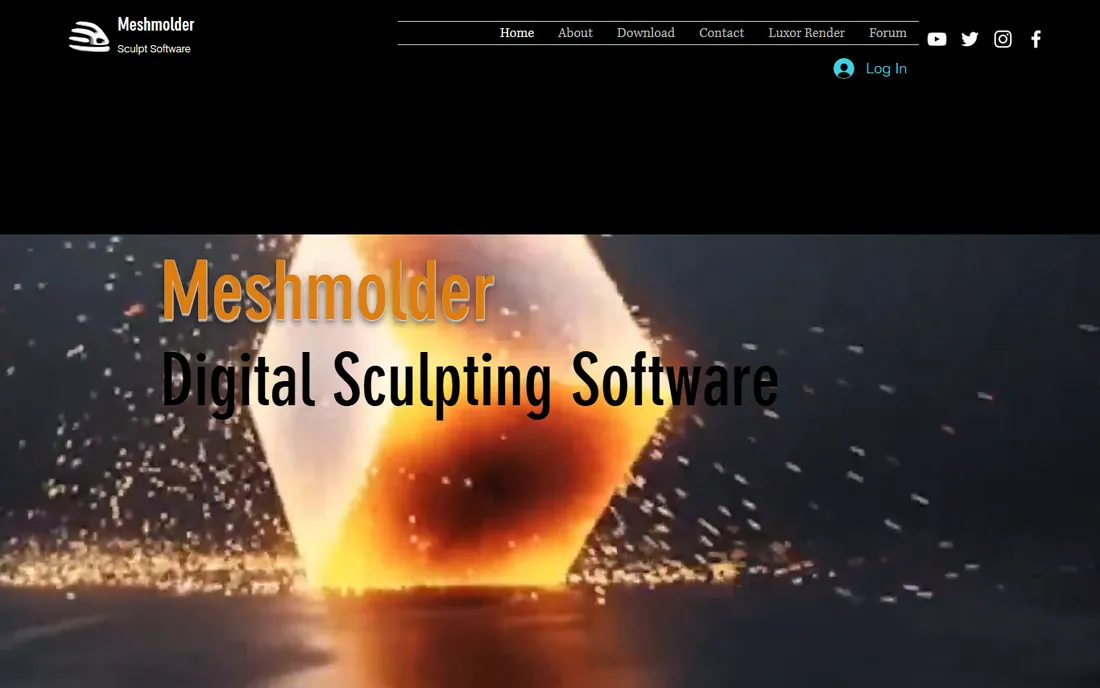
Meshmolder is a one-developer sculpting program aimed at hobbyists making models for games, movies and 3D printing. It covers the fundamentals: digital sculpting brushes, painting directly on the model surface, and automatic UV map capture, in a program that runs well on older hardware.
Expectations should be set accordingly. This is not a ZBrush competitor; it is a low-cost way to sculpt on a PC without a subscription. The trial lets you evaluate it before paying. If your budget is near zero and you want desktop software rather than a browser toy, Meshmolder deserves a look.
What we like- Very affordable compared with ZBrush or 3DCoat
- Sculpting, surface painting and automatic UV capture in one program
- Lightweight and runs on modest hardware
- One-time payment, no subscription
Watch out for- A small independent project with a tiny community
- Fewer advanced features than the big names
- Windows-focused
- Limited tutorial resources
Starting priceFree ($0)
Free planYes, completely free
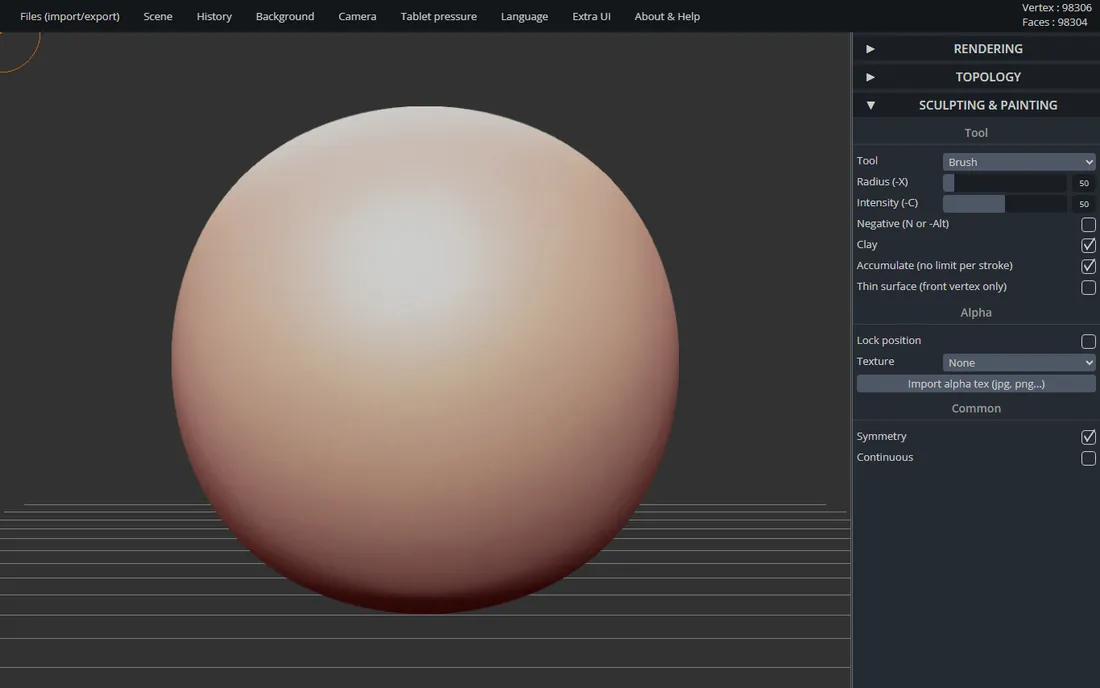
SculptGL is a free WebGL sculpting app that runs in any modern browser. Open the page and you are sculpting within seconds: brushes for clay, crease, inflate, smooth and grab, with dynamic topology that adds geometry as you work and symmetry enabled by default. Export to OBJ, STL or PLY when you are done.
It is worth knowing the author has moved on to Nomad Sculpt, so SculptGL gets only minor fixes now. Treat it as a sketchbook, not a production tool. For a student wondering whether sculpting is for them, or a teacher running a classroom demo, the zero-install, zero-cost pitch is unbeatable.
What we like- Runs entirely in the browser, nothing to install
- Dynamic topology and voxel remeshing
- Exports OBJ, STL and PLY for 3D printing
- Genuinely free with no account needed
Watch out for- No longer actively maintained beyond minor fixes
- Limited toolset compared with desktop apps
- Browser performance caps detail
- No cloud saving
Desktop vs. tablet vs. browser: where should you sculpt?
The hardware question matters as much as the software. Desktop sculpting with ZBrush, Blender or 3DCoat gives you the highest polygon counts, the deepest toolsets and the smoothest path into studio pipelines, but it ties you to a desk and usually a graphics tablet. A Wacom-style tablet is strongly recommended for any serious desktop sculpting; a mouse works for learning but fights you on detail work.
Tablet sculpting with Nomad Sculpt, Forger or ZBrush for iPad trades raw power for freedom. Modern iPads handle millions of polygons, which covers concept sculpts, stylized characters and 3D printing prep, but hero film assets with tens of millions of polygons still belong on a desktop. The Apple Pencil (or a good Android stylus) is effectively required; finger sculpting is a novelty.
Browser sculpting with SculptGL is the try-before-you-buy tier: no install, no account, no cost. It is perfect for deciding whether you enjoy sculpting before spending money or disk space. Just do not plan a portfolio piece in it. Most artists end up with a combination: a desktop app for finished work and a tablet app for sketching ideas.
How to choose sculpting software
Start with your goal. If you want a job in games or film, learn ZBrush: it is the industry standard and studios list it in job postings. If you want to make indie games, 3D prints or art for fun, Blender does the job for free and 3DCoat is the affordable paid step up. If you sculpt on the go, pick your tablet app based on pricing philosophy: Nomad Sculpt for a one-time purchase, ZBrush for iPad if you already pay for ZBrush, Forger if you like Maxon's mobile workflow.
Next, check the pricing model against how often you sculpt. Subscriptions (ZBrush, Forger, ZBrush for iPad stand-alone) make sense for daily professional use and sting for occasional hobbyists, who should favor perpetual licenses (3DCoat, Meshmolder) or free tools (Blender, SculptGL). Always run the trial first: every paid tool on this list except Nomad Sculpt offers a free trial or free version.
Finally, think about where your files go next. If you 3D print, confirm STL export. If you animate in Blender or Maya, check the export formats and whether a GoZ-style bridge exists. If you texture in Substance Painter, make sure UV tools or retopology are covered, either in the sculpting app or a companion tool. The sculpt is only the first step of the pipeline.
How we chose
We started with the categories buyers search: sculpting software, 3D sculpting software and digital sculpting app. For each candidate we opened the vendor's own site and pricing page, checked feature lists and documentation, and compared notes from public reviews on G2 and Capterra and practitioner discussion on Reddit. Discontinued products were replaced: Sculptris is discontinued by its developer, so SculptGL takes its place, and Autodesk's Mudbox is discontinued, so ZBrush for iPad takes its place. Where a price could not be verified on the vendor's page we wrote "See website" rather than guessing.
Frequently asked questions
What is the best sculpting software for beginners?
Blender. It is free, it covers sculpting plus everything around it, and the tutorial library is enormous. If you want something simpler with less to learn, try SculptGL in your browser first, then move to Blender or Nomad Sculpt when you outgrow it.
Is ZBrush worth it in 2026?
For professional character artists, yes: it remains the industry standard and the subscription includes the iPad version and Redshift rendering. For hobbyists and indie developers, Blender or 3DCoat deliver most of the practical value at far lower cost. Run the 14-day trial and judge against your actual work.
Can I sculpt professionally on an iPad?
Yes, for concept sculpts, stylized characters and 3D printing prep. Nomad Sculpt and ZBrush for iPad are both capable apps. Film-quality hero assets with extreme polygon counts still need a desktop, but the gap keeps shrinking as iPad hardware improves.
What is the cheapest good sculpting software?
Blender and SculptGL are free. Among paid tools, Meshmolder is the cheapest desktop option, Nomad Sculpt is a low one-time purchase for tablets, and 3DCoat at €379 is the cheapest serious desktop alternative to ZBrush with a perpetual license.
Do I need a graphics tablet for 3D sculpting?
For desktop sculpting, effectively yes: pressure sensitivity is central to how sculpting brushes work, and a mouse is a poor substitute. For iPad sculpting, an Apple Pencil or equivalent stylus plays the same role. You can learn the basics without one, but you will hit a wall quickly.
What is the difference between ZBrush and Blender for sculpting?
ZBrush is a dedicated sculpting tool with deeper brushes, better performance at extreme polygon counts and industry-standard status. Blender is a complete free 3D suite whose sculpt mode is very good but not quite as deep. Many artists use both: Blender for blocking and general 3D work, ZBrush for hero detail.
Sources we checked (11)
- https://www.maxon.net/en/zbrush
- https://www.blender.org/
- https://3dcoat.com
- https://pilgway.com/store
- https://nomadsculpt.com/
- https://www.maxon.net/en/forger
- https://www.maxon.net/en/zbrush-for-ipad
- https://www.meshmolder.com
- https://stephaneginier.com/sculptgl/
- https://www.g2.com/categories/3d-modeling
- https://www.capterra.com/3d-modeling-software/
Is your product missing or out of date?
We review this list regularly. Vendors can request a listing, send updated pricing or ask about featured placement.

Shihab Mia · Founder, Rankite
Shihab has spent more than a decade helping SaaS and e-commerce brands grow through search. He writes Rankite's software buying guides from pricing pages, documentation and public user reviews. More about Shihab.