How we make this list: we compare pricing pages, product documentation and public user reviews. Rankite is independent; if a vendor ever pays for a featured spot, that listing is clearly labeled Partner.
Key takeaways
- KiCad is the best free schematic tool by a wide margin: open source, no board limits, and good enough for commercial products.
- Altium Designer remains the professional standard for unified schematic-to-PCB workflows, with pricing to match.
- EasyEDA is the fastest way to go from schematic to ordered boards, with browser-based capture tied to manufacturing.
- DipTrace offers perpetual licenses from $75, making it the most affordable serious desktop option for small teams.
- Cadence OrCAD and PADS suit established engineering organizations with complex hierarchical designs and compliance needs.
Quick comparison
| Tool | Best for | Starting price | Free plan |
|---|
 Altium Designer Altium Designer | professional unified schematic-to-PCB workflow | See website | Free trial |
 Cadence OrCAD Cadence OrCAD | enterprise schematic capture and simulation | See website | Free trial |
 KiCad KiCad | free open-source schematic and PCB design | Free | Yes |
 Autodesk Fusion Autodesk Fusion | electronics plus mechanical design in one | See website | Free trial |
 DipTrace DipTrace | affordable perpetual-license schematic capture | $75 one-time | Free trial |
 Pulsonix Pulsonix | intuitive professional schematic capture | See website | Free trial |
 EasyEDA EasyEDA | browser-based schematic to manufactured boards | Free tier | Yes |
 CircuitLab CircuitLab | browser-based simulation and learning | See website | Free tier |
 Proteus Design Suite Proteus Design Suite | schematic capture with microcontroller simulation | See website | Free demo |
 PADS Professional PADS Professional | established mid-market engineering teams | See website | Free trial |
Is your product missing or out of date?
We review this list regularly. Vendors can request a listing, send updated pricing or ask about featured placement.
The best schematic software
#1
Altium Designer
Best for: professional unified schematic-to-PCB workflow
Visit altium.com
Starting priceSee website
Free planFree trial

The industry default for professional PCB work is still Altium, and the schematic editor is a big reason why. Hierarchical sheets, multi-channel design, variants, and tight integration with layout mean the schematic is never just a drawing: it drives the netlist, the constraints and the documentation. The unified component model, linking symbols, footprints and supply-chain data, saves the library management hours that quietly eat engineering budgets.
That power comes with the steepest price and learning curve on this list. Altium moved to subscription licensing, and the annual cost is a serious line item for small companies. New users face weeks of training before they are fluent. But for teams designing complex boards commercially, the schematic-to-manufacturing continuity is hard to give up once you have it.
What we like- Single environment from schematic to layout to manufacturing
- Strong hierarchical design and library management
- Large component ecosystem and community
Watch out for- Expensive subscription licensing
- Demanding on hardware and training time
#2
Cadence OrCAD
Best for: enterprise schematic capture and simulation
Visit cadence.com
Starting priceSee website
Free planFree trial

OrCAD has been drawing schematics since before most engineers on this list were born, and it shows in the depth. OrCAD Capture handles large hierarchical designs with discipline: variants, constraints, and design reuse that big organizations depend on. The bundled PSpice simulation means the schematic doubles as a simulation bench, which shortens the loop between drawing and verifying.
Cadence has folded OrCAD fully into its portfolio, and the standalone orcad.com domain now redirects to Cadence, so expect an enterprise buying process with quotes rather than a buy button. Pricing is not published and it is not cheap. For regulated industries and large teams with established Cadence flows, OrCAD remains a safe, capable choice. Smaller teams will find friendlier options below.
What we like- Mature schematic capture with deep PSpice simulation
- Strong constraint and variant management
- Trusted in aerospace, automotive and defense
Watch out for- Enterprise pricing and sales process
- Interface shows its long history
#3
KiCad
Best for: free open-source schematic and PCB design
Visit kicad.org
Starting priceFree
Free planYes
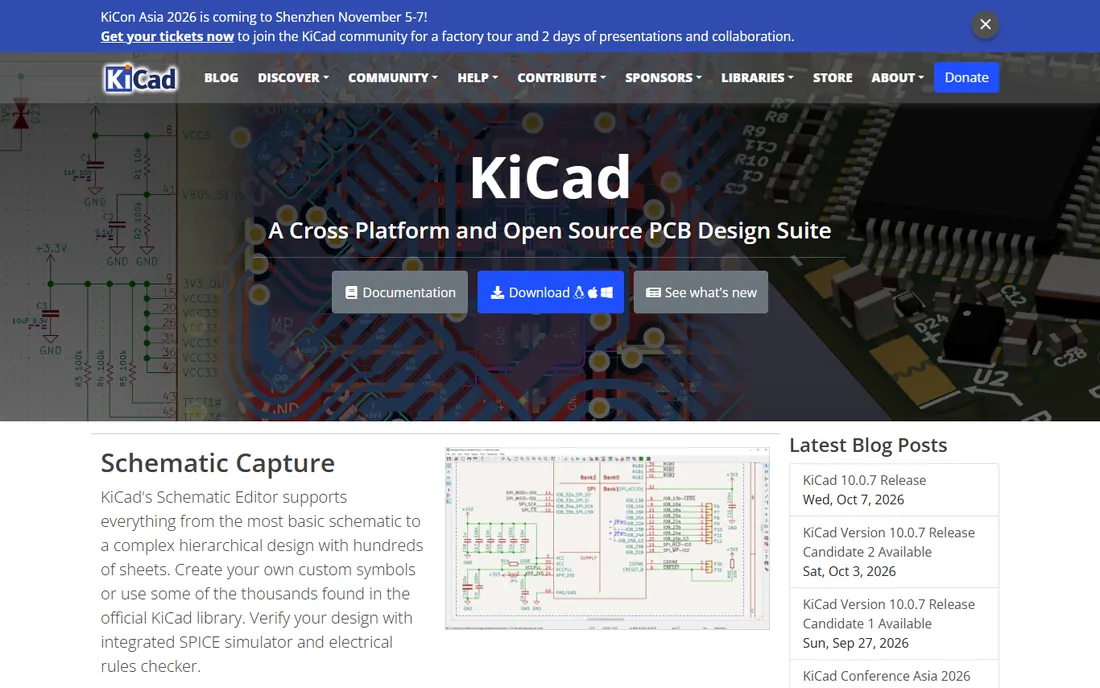
No paid tool on this list embarrasses KiCad, which tells you how far it has come. The schematic editor handles everything from a single-page hobby circuit to hierarchical designs with hundreds of sheets. Integrated SPICE simulation and electrical rules checking catch errors before layout, the symbol libraries are extensive, and the native file formats work well with Git for version control.
KiCad is free and open source, maintained by a real community and the KiCad Services Corporation, with no artificial limits on board size, layers or commercial use. Companies ship real products designed in it. The honest costs are learning time and the absence of a support contract: answers come from forums and documentation, not a phone line. For startups, freelancers, educators and anyone who objects to EDA pricing on principle, this is where to start.
What we like- Completely free with no board size or layer limits
- Hierarchical schematics with SPICE simulation and electrical rules checking
- Huge symbol and footprint libraries
Watch out for- Library and workflow conventions take learning
- Commercial support is community-based
Starting priceSee website
Free planFree trial
Most products are not just circuit boards. They are boards inside enclosures, with connectors, buttons and thermal constraints, and that is where Fusion earns its place. The electronics workspace covers schematic capture through PCB layout, while the mechanical side handles the enclosure around it. Changes propagate between the two, which kills a whole category of fit and interference mistakes.
Fusion is subscription software with promotional pricing that changes often, so check the current terms. The electronics toolset is capable for small and mid-complexity boards but does not match Altium or Cadence for high-speed or very dense designs. For product teams where the mechanical and electrical engineers need to stop emailing STEP files back and forth, the unified environment is the selling point.
What we like- Schematic, PCB layout and mechanical CAD in one environment
- Cloud collaboration and version history
- Strong for enclosures and electromechanical products
Watch out for- Subscription only
- Electronics tools are less deep than Altium or OrCAD for complex boards
Starting price$75 one-time
Free planFree trial
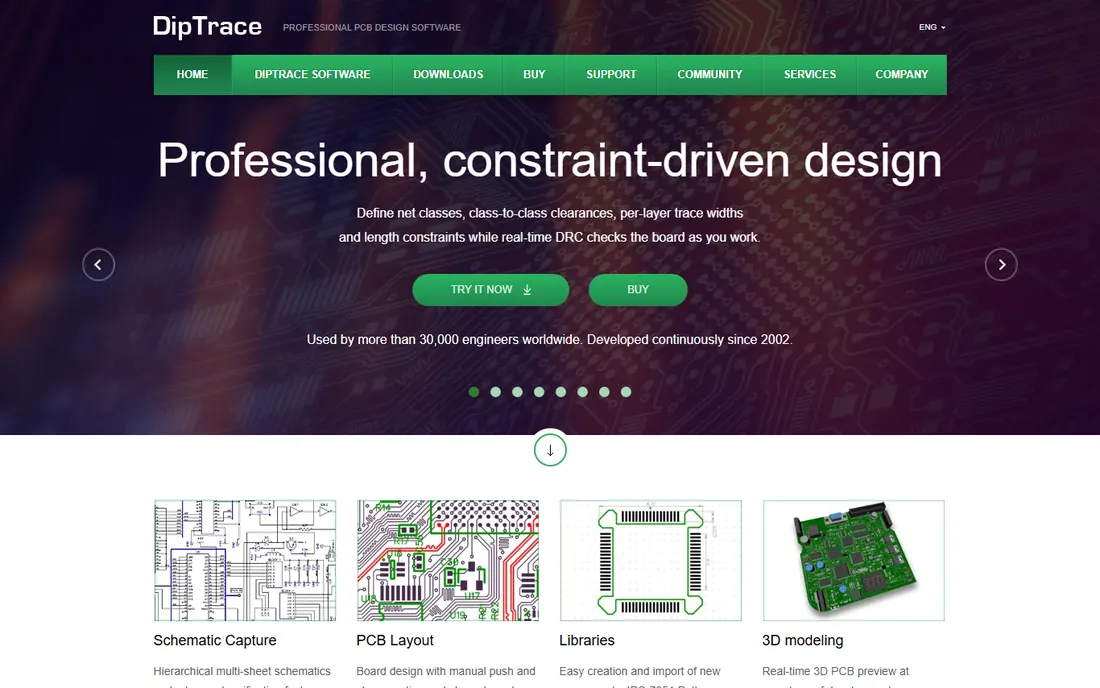
DipTrace occupies a useful middle ground: real professional software at a price individuals can actually pay. Licenses start at $75 for the Lite edition and top out under $1,000 for the full version, all perpetual, with updates through the 5.x release line included. The schematic editor is clean and consistent with the PCB layout side, with back annotation and cross-highlighting that keep the two in sync.
The component libraries are respectable though smaller than the giants', and the community is quieter, which matters when you are stuck at midnight. But the software runs locally, works offline, and never asks for rent. For freelancers, small consultancies and schools that want professional capture without subscription pricing, DipTrace is the pragmatic pick.
What we like- Perpetual licenses from $75 with no recurring fees
- Consistent interface across schematic, layout and libraries
- Native XML files suit Git workflows
Watch out for- Smaller community and library ecosystem than KiCad or Altium
- High-end high-speed features trail the leaders
Starting priceSee website
Free planFree trial
Pulsonix has a reputation that keeps showing up in engineer conversations: the professional tool that does not fight you. The schematic editor is feature-rich without the interface archaeology of older enterprise tools, and the company sells schematic-only seats, so not everyone on the team needs a full license. Built-in SPICE simulation, high-speed constraint tools and flexi-rigid board support cover serious work.
Pricing goes through distributors with quotes, which is friction for small buyers but normal in this segment. The user community is smaller than Altium's or KiCad's, so expect to rely on official support, which by most accounts is good. For mid-size engineering teams that want professional capture with a short learning curve, Pulsonix deserves a demo.
What we like- Genuinely easy to learn for a professional tool
- Schematic-only seats available for cost-effective teams
- Strong high-speed and flexi-rigid support
Watch out for- Pricing is quote-based
- Smaller user base means fewer third-party resources
Starting priceFree tier
Free planYes
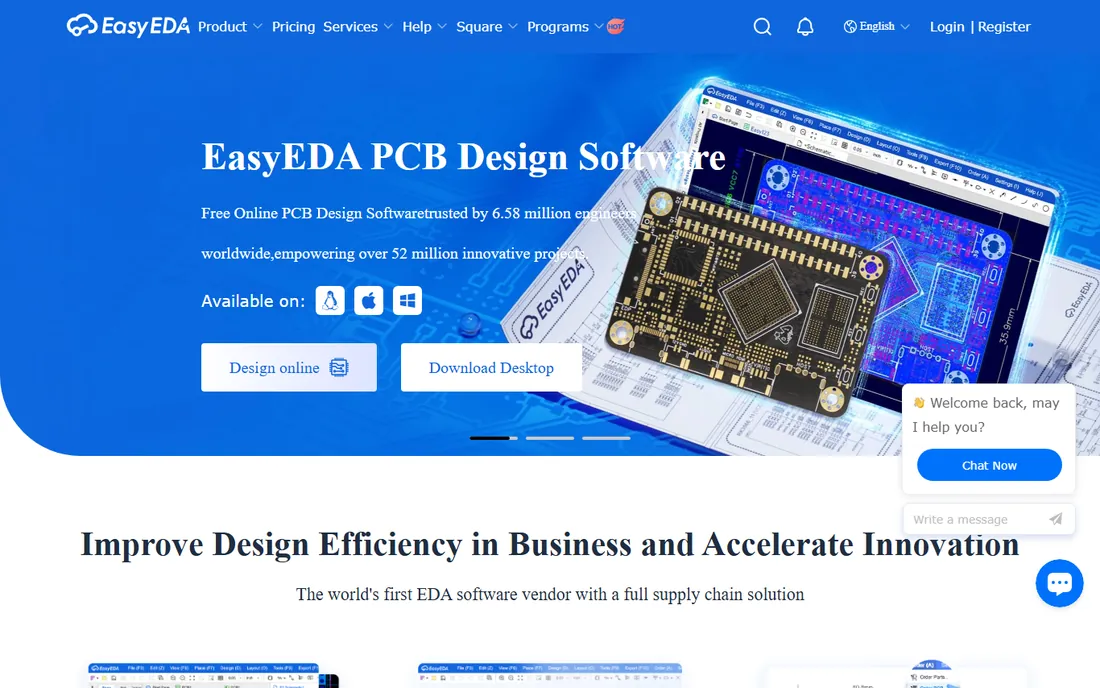
EasyEDA collapses the distance between drawing a schematic and holding a board. The browser-based editor is free and genuinely capable, with schematic capture, circuit simulation and PCB layout, plus a library of millions of parts tied to LCSC's real-time inventory and pricing. When the design is done, one-click ordering sends it to fabrication and assembly.
That integration is the whole pitch, and for prototypes, hobby projects and small production runs it is unbeatable on speed and cost. The tradeoffs are structural: your designs live in the cloud, and the tool is optimized for getting boards made rather than for the most demanding high-speed or RF work. There is a desktop client with offline modes for those who want it. If your goal is working hardware fast and cheap, start here.
What we like- Free browser-based schematic capture with simulation
- Millions of library parts with live pricing and stock
- One-click ordering of PCBs and assembly
Watch out for- Cloud-based, so designs live on their servers
- Advanced high-speed features trail desktop tools
Starting priceSee website
Free planFree tier
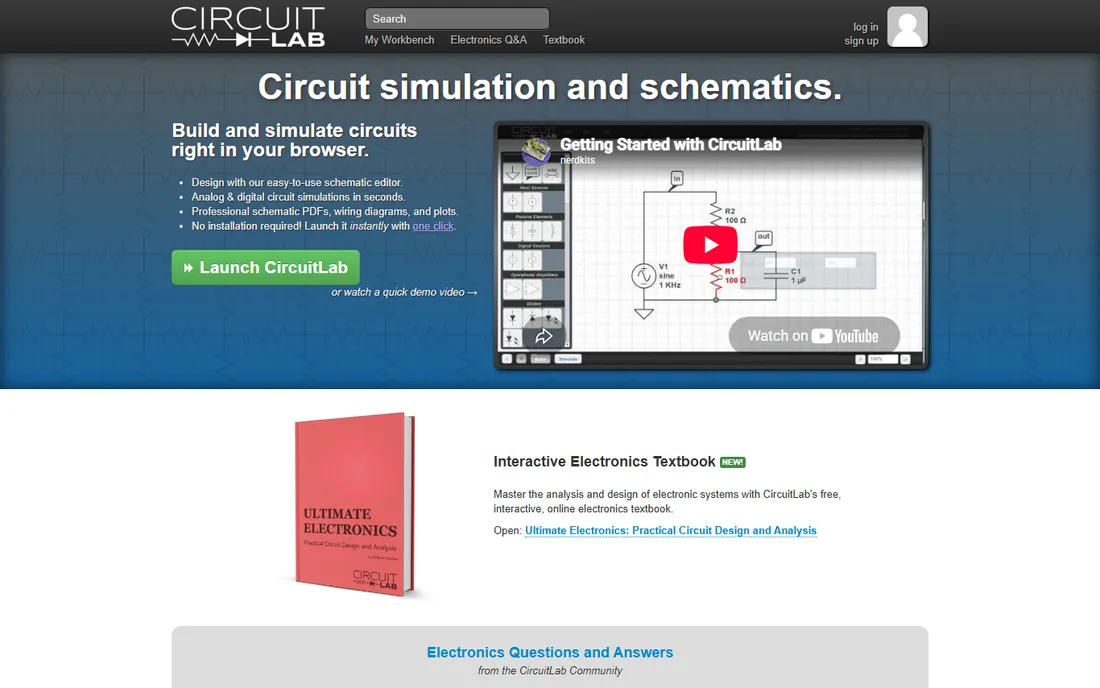
CircuitLab is the odd one out, and deliberately so. It is a browser-based schematic editor built around simulation: draw the circuit, run it, probe it, all without installing anything. For education, for analog design intuition, and for quickly testing an idea before committing to a full EDA flow, it is the fastest tool on this list.
It is not a PCB design tool, so do not buy it expecting layout or manufacturing output. The free tier covers casual use and learning; heavier use needs a paid plan. Think of it as the sketchpad and simulator that sits before the real EDA tool in your flow, or the teaching tool that gets students simulating in minutes.
What we like- Runs entirely in the browser with no install
- Schematic capture tied directly to analog and digital simulation
- Excellent for teaching and quick experiments
Watch out for- Not a PCB layout tool
- Paid plans needed for serious use
#9
Proteus Design Suite
Best for: schematic capture with microcontroller simulation
Visit labcenter.com
Starting priceSee website
Free planFree demo
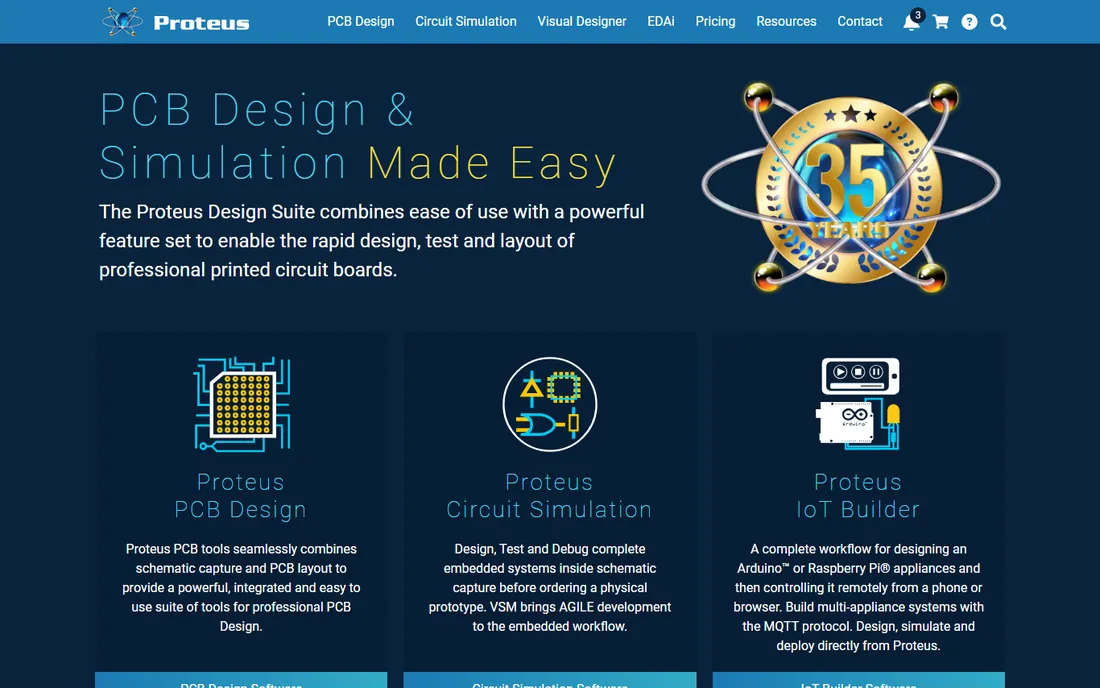
Proteus does something most schematic tools do not: it runs your firmware on the schematic. The VSM simulation lets you load real microcontroller code and watch it execute against virtual peripherals, which makes it a virtual prototype bench for embedded designs. With over 15 million library parts and IoT builder workflows for Arduino and Raspberry Pi projects, it covers the embedded world well.
The interface has its own logic that takes adjustment if you arrive from Altium or KiCad, and pricing goes through quotes with many configuration options. Where Proteus shines is education, tens of thousands of students use it, and embedded R&D teams that want to test firmware before the first PCB is ordered. If your schematic includes a microcontroller and firmware, this deserves a look.
What we like- Simulates microcontrollers and firmware on the schematic
- Huge library of over 15 million parts
- Strong in education and embedded R&D
Watch out for- Interface and workflow feel idiosyncratic
- Pricing is quote-based and varies by configuration
#10
PADS Professional
Best for: established mid-market engineering teams
Visit pads.com
Starting priceSee website
Free planFree trial

PADS has been the workhorse of mid-market PCB design for decades, and its schematic capture is a known quantity: hierarchical design, constraint management and cross-probing that generations of engineers learned on. Siemens now owns it and is steering the line toward Xpedition Standard, with PADS users getting a companion seat in the newer platform.
That transition is both the opportunity and the risk. Existing PADS shops get continuity plus a modernization path. New buyers should evaluate Xpedition Standard alongside PADS itself, since that is where Siemens is investing. For established teams with PADS libraries, templates and trained engineers, staying in the family is usually the right economic call.
What we like- Decades-proven schematic and layout flow
- Siemens backing with a path to Xpedition
- Familiar to a large installed base of engineers
Watch out for- The product line is in transition toward Xpedition Standard
- Pricing is quote-based
Free versus paid: where the line really sits
The free tools in schematic capture are unusually strong, which makes the paid decision interesting. KiCad handles commercial work with no license cost, and EasyEDA takes you from schematic to manufactured boards for free. So what does money buy?
It buys three things: depth, support and continuity. Depth means high-speed constraint systems, advanced simulation and the library infrastructure that large teams need. Support means a phone number and a service agreement instead of a forum. Continuity means the tool your engineers already know, with libraries and processes built over years. A startup designing its first product should start free and upgrade when a specific limitation bites. An established company with deadlines buys the depth and support upfront. The most expensive mistake is paying for depth you never use, or discovering mid-project that the free tool cannot do what the design requires.
Schematic tools are sticky. Libraries, templates and muscle memory accumulate, and switching costs real months. Evaluate carefully.
Start with library strategy. Ask where symbols and footprints come from, how they are verified, and who maintains them. The tool with the best editor still wastes your time if you are drawing every connector from scratch. KiCad and EasyEDA have large community libraries; Altium and Pulsonix invest in managed content; Proteus ships an enormous built-in catalog.
Then check the downstream flow. A schematic tool is only as good as its netlist, its simulation links and its handoff to layout. If you simulate, confirm SPICE or PSpice integration. If you do high-speed design, confirm constraint management. If you manufacture through a specific fab, confirm the export formats.
Finally, mind the licensing model against your team size. Perpetual licenses favor small stable teams. Subscriptions favor growing teams that need predictable per-seat costs. Quote-based enterprise licensing favors organizations with procurement departments. Match the model to how you actually buy software, not just to the feature list.
How we chose
We verified each product against its vendor's own site: the product is current, schematic capture is a real capability, and the company is actively developing it. Pricing comes from vendor pages where published; enterprise EDA pricing is quote-based, so we say so rather than inventing numbers. We weighed documentation, public review coverage and community discussion, and fit for different buyers, from students to enterprise teams. We did not run hands-on design tests. Workflow stickiness and library strategy matter more than feature checklists in this category, which is why we weighted them heavily.
Frequently asked questions
Is KiCad really good enough for commercial products?
Yes. Companies ship commercial products designed in KiCad, and it has no artificial limits on board size, layers or commercial use. What you give up versus paid tools is primarily official support, some advanced high-speed features, and the managed library infrastructure of enterprise suites. For many products, none of that matters.
Should I choose a browser-based or desktop schematic tool?
Browser tools like EasyEDA and CircuitLab win on access: no install, work from anywhere, easy sharing. Desktop tools win on control, offline work and depth for complex designs. Many engineers use both, sketching and simulating in the browser, then doing production work on the desktop.
How important is simulation in a schematic tool?
It depends on what you design. For analog and power circuits, simulation catches mistakes before they become boards, and it is close to essential. For straightforward digital designs, electrical rules checking matters more than SPICE. Do not pay extra for simulation depth you will not use.
What does schematic capture software cost?
It ranges from free (KiCad, EasyEDA's free tier) to $75 and up for perpetual desktop tools like DipTrace, to thousands per seat per year for Altium, Cadence OrCAD and Siemens PADS. Most vendors publish trials; enterprise pricing requires a quote. Budget for training time as well as licenses.
Can I switch schematic tools later?
You can, but it costs more than people expect. Symbols, footprints, templates and team habits all need rebuilding, and old designs need migration or archival. Choose with a three-to-five-year horizon, and export your libraries in open formats where the tool allows it.
Sources we checked (12)
- https://www.altium.com/
- https://www.cadence.com/
- https://www.kicad.org/
- https://www.autodesk.com/
- https://diptrace.com/
- https://pulsonix.com/
- https://easyeda.com/
- https://www.circuitlab.com/
- https://www.labcenter.com/
- https://pads.com/
- https://axiobench.com/best/pcb-schematic-design-software/
- https://www.expertstudyguides.com/docs/electronics/electronic_design_automation/schematic_capture/
Is your product missing or out of date?
We review this list regularly. Vendors can request a listing, send updated pricing or ask about featured placement.

Shihab Mia · Founder, Rankite
Shihab has spent more than a decade helping SaaS and e-commerce brands grow through search. He writes Rankite's software buying guides from pricing pages, documentation and public user reviews. More about Shihab.