How we make this list: we compare pricing pages, product documentation and public user reviews. Rankite is independent; if a vendor ever pays for a featured spot, that listing is clearly labeled Partner.
Key takeaways
- Calendly remains the standard for one-to-one meeting scheduling, with the widest integrations and simplest sharing.
- Cal.com offers a compelling open-source alternative with generous free tiers and self-hosting options.
- Acuity Scheduling and SimplyBook.me serve service businesses taking client appointments with payments and reminders.
- Doodle excels at group scheduling and polls, while YouCanBook.me covers straightforward booking pages.
- Chili Piper and SavvyCal target sales and professional teams with routing, round-robin, and polished scheduling experiences.
The meeting that took twelve emails to schedule
Everyone knows the dance: "Does Tuesday work?" "Tuesday is bad, how about Thursday?" "Thursday morning?" "Afternoon only." By the time the meeting is scheduled, the momentum is gone. Scheduler software eliminates the dance entirely. Share a link, the other person picks a time that works for both calendars, and the meeting appears with video links attached. It is one of the rare software categories where the value proposition needs absolutely no explanation at all.
But scheduling has diversified. Sales teams need lead routing and round-robin assignment. Service businesses need appointment booking with payments, intake forms, and reminders. Recruiters need high-volume interview scheduling. Executives need someone to manage complex multi-party scheduling. The tools below cover those jobs, and the differences matter more than the shared "pick a time" surface suggests. Getting the match right saves your team hours every single week.
We compared eight schedulers on ease of use, calendar integrations, automation, and how they handle the specific scheduling workflows different teams need.
Quick comparison
| Tool | Best for | Starting price | Free plan |
|---|
 Calendly Calendly | Standard meeting scheduling | See website | Yes |
 Cal.com Cal.com | Open-source scheduling | See website | Yes |
 Acuity Scheduling Acuity Scheduling | Client appointments | See website | Free trial |
 Doodle Doodle | Group scheduling and polls | See website | Yes |
 YouCanBook.me YouCanBook.me | Simple booking pages | See website | Yes |
 Chili Piper Chili Piper | Sales meeting routing | See website | No |
 SavvyCal SavvyCal | Polished personal scheduling | See website | Yes |
 SimplyBook.me SimplyBook.me | Service business booking | See website | Yes |
Is your product missing or out of date?
We review this list regularly. Vendors can request a listing, send updated pricing or ask about featured placement.
The best scheduler software in 2026
Starting priceSee website
Free planYes
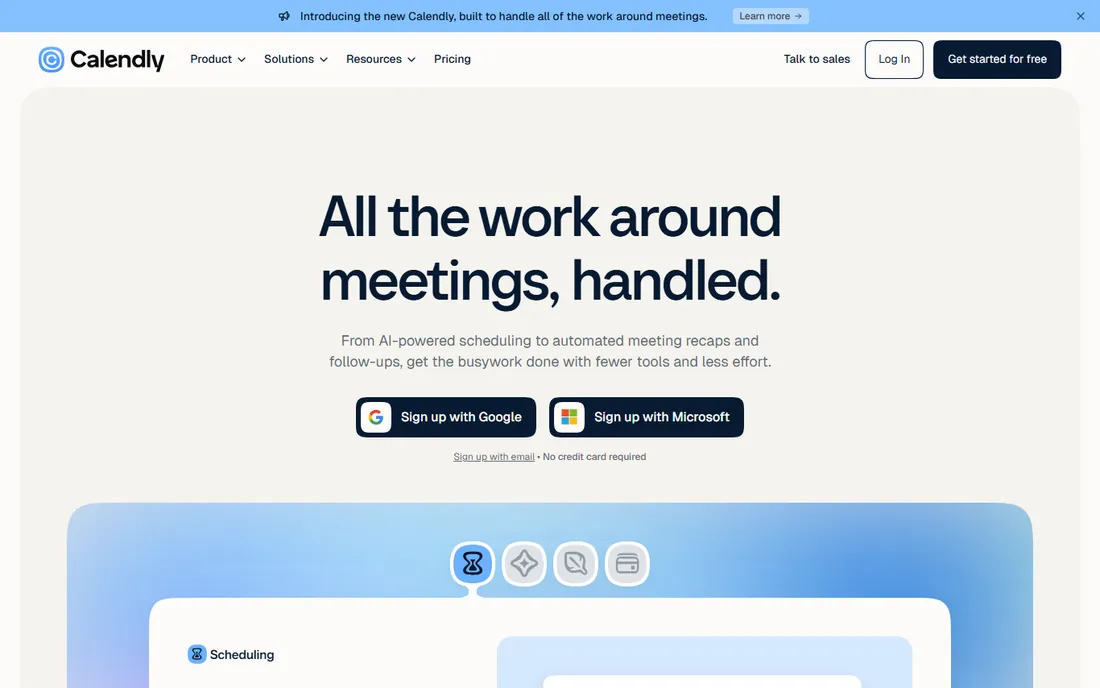
Calendly invented the category as most people know it, and the network effects are real: recipients recognize the interface and trust the flow. Sharing a link, embedding on a website, and round-robin team scheduling all work smoothly. Integrations with Salesforce, HubSpot, Zoom, and hundreds of other tools make it the connective tissue of many sales and recruiting stacks.
The free tier covers basic one-to-one scheduling well. Paid tiers add team features, routing, and integrations that growing organizations need. Per-user pricing is the long-term consideration. But for the core job of letting people book time with you, Calendly's simplicity and ubiquity remain unmatched.
What we like- Easiest link sharing, Huge integration ecosystem, Good team features, Strong brand recognition
Watch out for- Advanced features cost more, Limited customization on lower tiers, Per-user pricing
Starting priceSee website
Free planYes
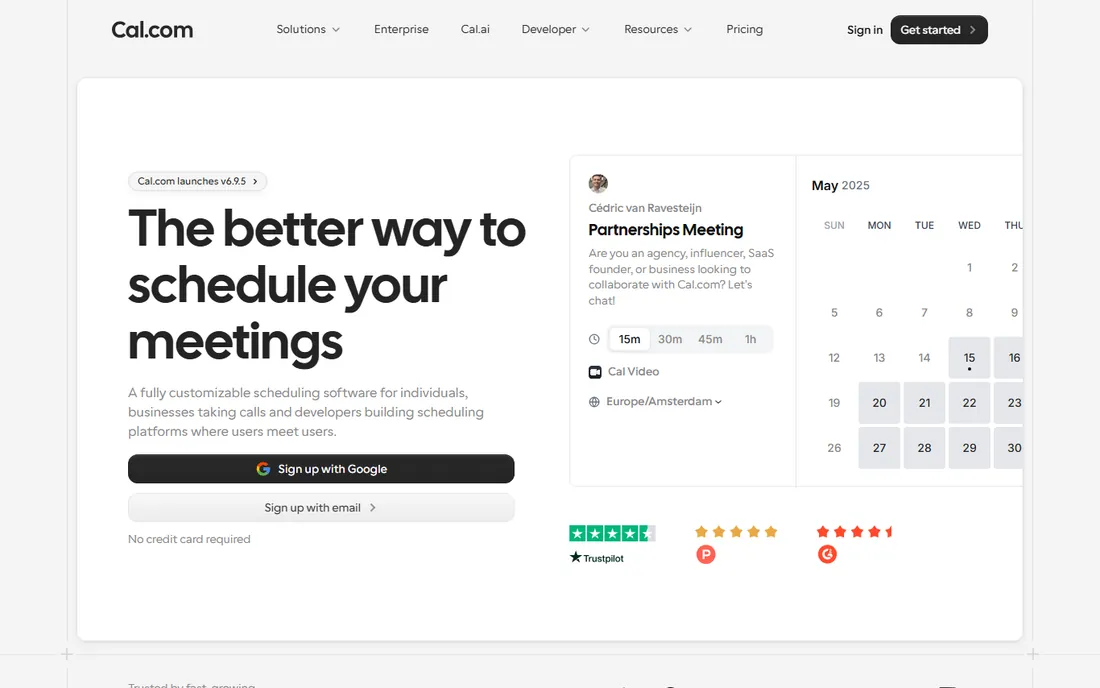
Cal.com is the open-source challenger built on the premise that scheduling infrastructure should be open. The hosted version offers a generous free tier with features competitors charge for, and teams with technical resources can self-host for full control. Customization runs deeper than the closed alternatives, from branding to workflows.
As a younger product, the integration library and polish trail Calendly. But the momentum is strong and the philosophy resonates with developers and privacy-conscious organizations. For teams that want scheduling without per-user pricing anxiety or vendor lock-in, Cal.com is the principled choice that keeps getting better.
What we like- Open source and self-hostable, Generous free tier, Good customization, Growing ecosystem
Watch out for- Younger product, Smaller integration library, Self-hosting needs effort
Starting priceSee website
Free planFree trial
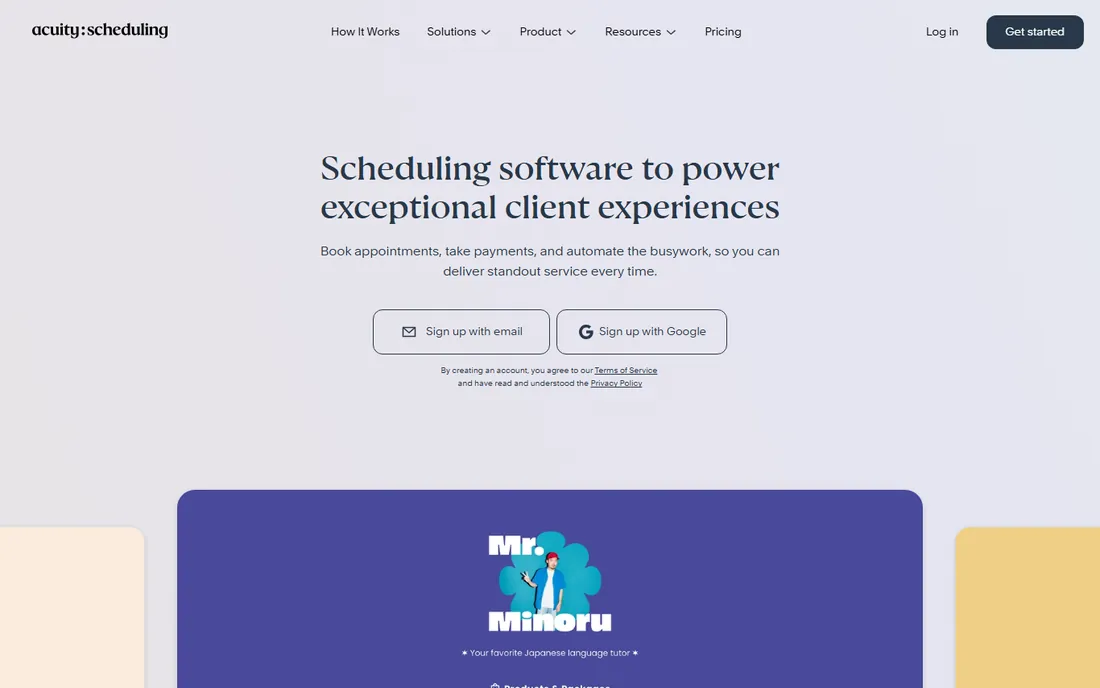
Acuity Scheduling, part of Squarespace, is built for businesses whose customers book appointments: salons, consultants, clinics, coaches. Clients pick services, pay or leave deposits, fill intake forms, and get reminders that cut no-shows. The booking page embeds in websites cleanly. It understands the service business workflow end to end.
Internal team scheduling is not the focus, and the interface prioritizes function over beauty. But for appointment-based businesses, the payments and intake integration matters more than sleek design. Acuity handles the money and the paperwork alongside the calendar, which is the whole job.
What we like- Built for client bookings, Payments and intake forms, Good reminders, Squarespace backed
Watch out for- Less for internal meetings, Interface functional, Pricing per calendar
Starting priceSee website
Free planYes
Doodle owns the group scheduling problem: propose times, everyone votes, the winner becomes the meeting. No accounts, no friction, no twelve-email threads. For finding a time across many busy people, especially outside your organization, nothing is simpler. The booking page product covers one-to-one needs adequately.
It is less of a full scheduling platform than Calendly or Cal.com, with thinner automation and integrations. But Doodle never tried to be that. For the specific pain of herding calendars, its focused simplicity remains the fastest solution.
What we like- Best group polls, Simple for participants, No account needed to vote, Long track record
Watch out for- Less full-featured booking, Dated feel, Limited automation
Starting priceSee website
Free planYes
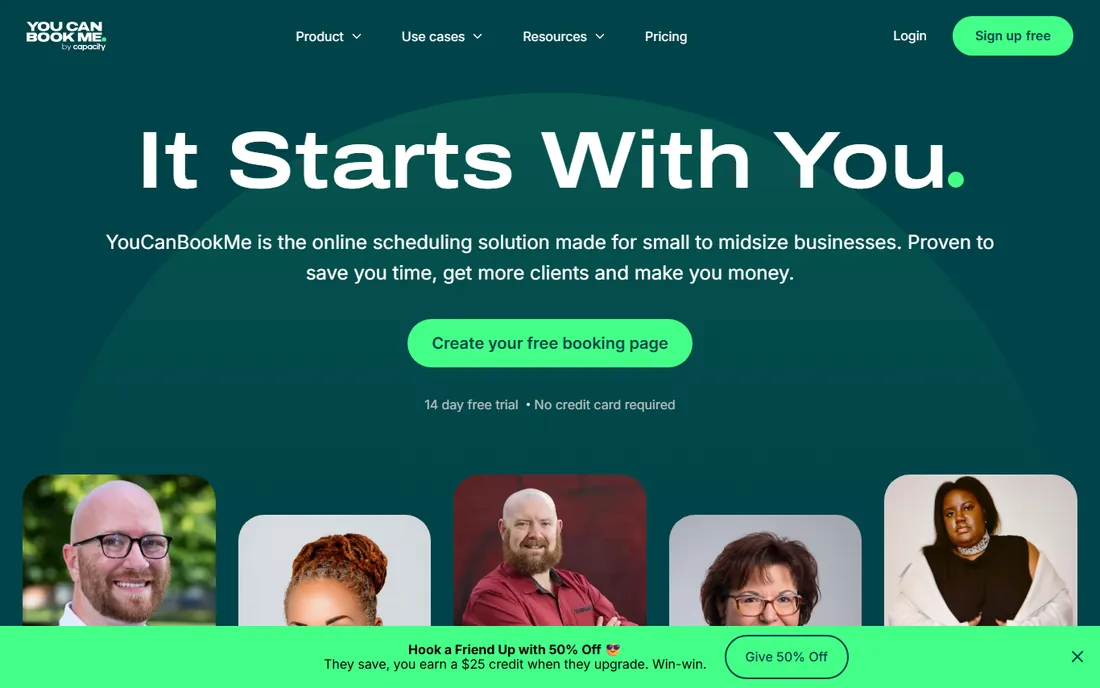
YouCanBook.me does straightforward booking pages well without fuss. Connect Google Calendar or Outlook, customize the page, share the link. The Google Workspace integration is particularly smooth, which suits the many small businesses and educators living in Gmail. Pricing is friendly and the free tier functional.
It lacks the polish and depth of Calendly and the philosophy of Cal.com. But straightforward has value: teams that found the leaders overcomplicated often land here happily. For no-drama scheduling that just works, YouCanBook.me delivers.
What we like- Straightforward booking pages, Good Google Calendar integration, Affordable, Easy setup
Watch out for- Less polished than rivals, Smaller ecosystem, Fewer advanced features
Starting priceSee website
Free planNo
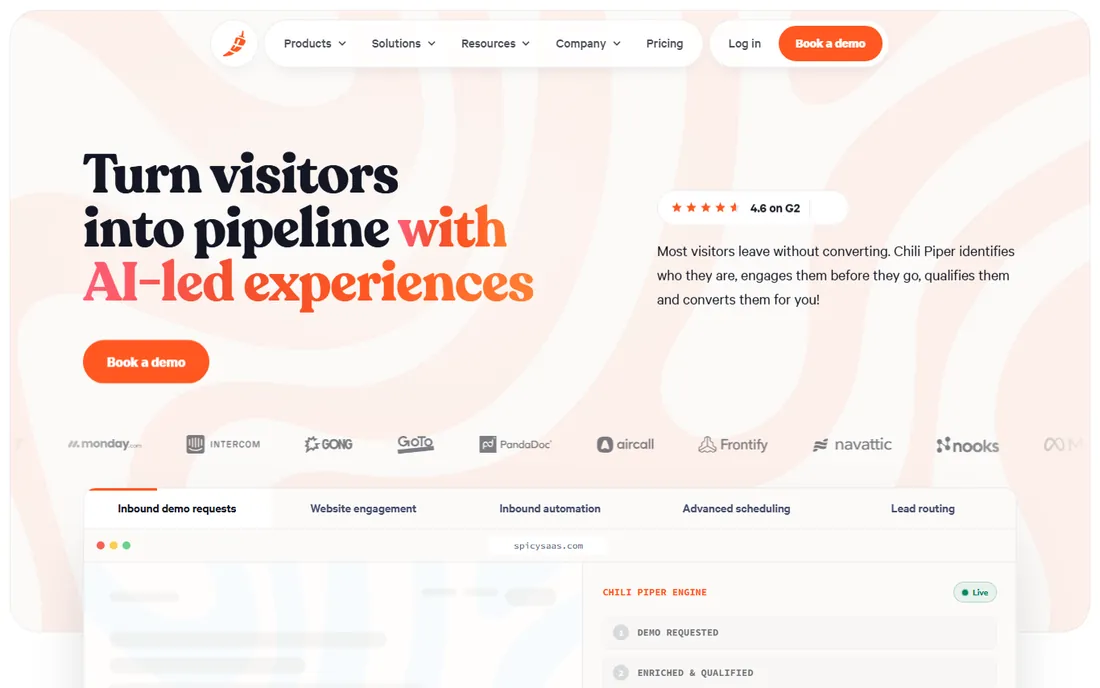
Chili Piper turns inbound interest into booked meetings: website visitors book directly with the right rep through intelligent routing, and the concierge service handles complex scheduling for executives. For B2B sales teams, the conversion impact is the pitch. Booked meetings go up when friction goes down, and Chili Piper removes friction at the exact moment of intent.
This is sales infrastructure with sales pricing, overkill for general scheduling. It also assumes a CRM-centric operation. But for revenue teams where speed-to-meeting determines pipeline, Chili Piper's routing is the specialized tool the generalists cannot match.
What we like- Excellent lead routing, Good for inbound conversion, Strong Salesforce integration, Concierge scheduling
Watch out for- Sales-focused pricing, Overkill for simple needs, Needs CRM investment
Starting priceSee website
Free planYes
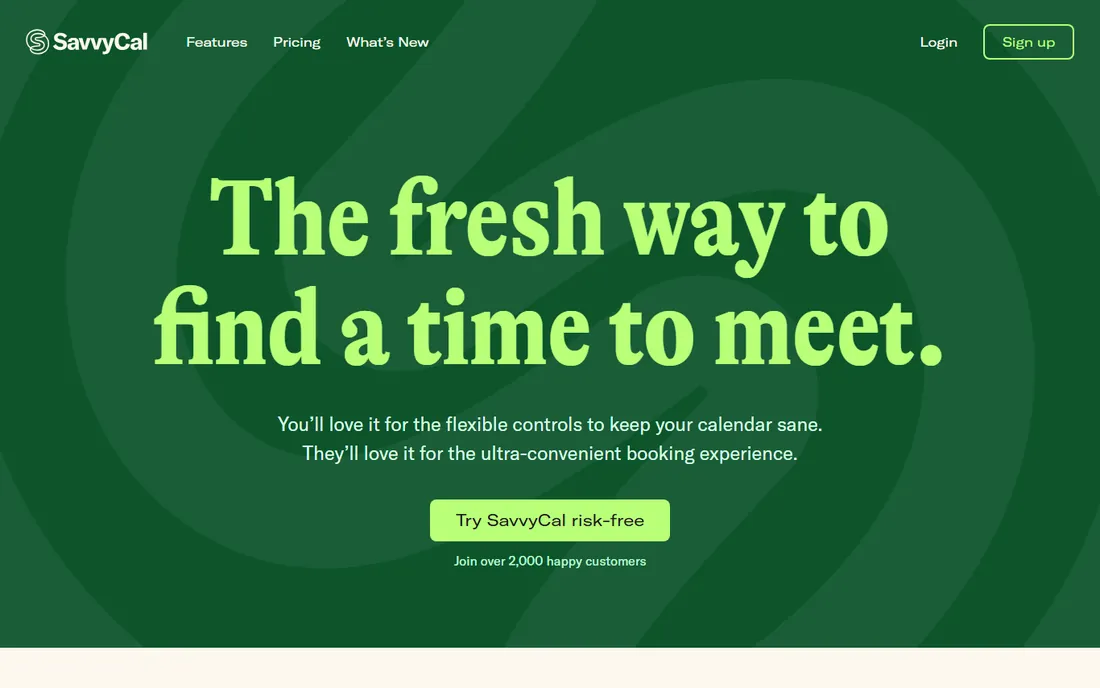
SavvyCal obsesses over the scheduling experience itself: ranked availability, personalized links, and thoughtful touches that make booking feel considerate rather than transactional. Professionals who live by their calendar, consultants, founders, advisors, appreciate the polish. The product feels crafted rather than engineered.
Team and enterprise features trail the bigger platforms, and the vendor is small. But for individuals whose calendar is their business, SavvyCal's attention to the recipient's experience is genuinely differentiating. First impressions matter, and a SavvyCal link makes a good one.
What we like- Beautiful scheduling experience, Thoughtful features, Good for professionals, Personal touch
Watch out for- Smaller vendor, Less team depth, Niche positioning
Starting priceSee website
Free planYes
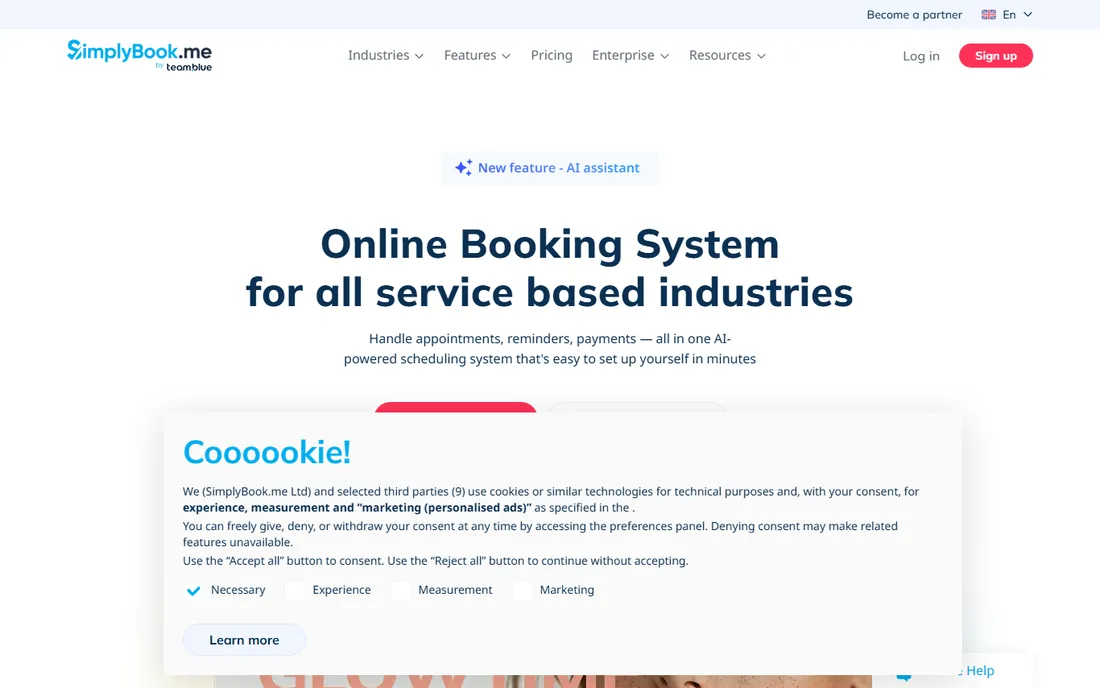
SimplyBook.me packs remarkable depth for service businesses: classes, memberships, packages, payments, and industry-specific templates from salons to clinics to driving schools. The free tier is generous enough for small operations to run on. Few tools cover this much service-business ground.
The interface shows the feature density, and new users face a learning curve. But depth is the point: businesses with complex booking needs, recurring classes, or membership models will use features the simpler tools lack. For service booking as a business system, SimplyBook.me is the value powerhouse.
What we like- Feature-rich for services, Good free tier, Payments and memberships, Wide industry templates
Watch out for- Interface busy, Learning curve, Less sleek than modern rivals
How we chose
We evaluated the real scheduling workflows: one-to-one meetings, group coordination, client appointments, and sales routing. Tools were judged on how well they serve their specific job rather than on feature count. Calendar integration quality mattered enormously, since a scheduler that mishandles your calendar is worse than email.
We weighted the recipient experience alongside the organizer's, because scheduling tools impose on other people's time. Ease of setup, pricing transparency, and free tier generosity all counted. We also looked at mobile experience, since a growing share of bookings happen on phones.
Matching the scheduler to the workflow
Start with who books. If clients book you, you need appointment software with payments and reminders: Acuity or SimplyBook.me. If colleagues and prospects book meetings, you need link scheduling: Calendly, Cal.com, or SavvyCal. If groups need to find consensus, you need polls: Doodle. If inbound leads need routing, you need Chili Piper.
Then check the calendar reality. Google Workspace shops have different best fits than Microsoft 365 shops, and the depth of integration varies. Test with your actual calendar, including delegates, shared calendars, and time zones, before committing.
Finally, consider the impression. Your scheduling link is often a first touchpoint. A polished, considerate booking experience signals professionalism; a clunky one signals the opposite. This is one software category where the UX genuinely affects your business relationships. The best scheduler is the one your recipients barely notice, because booking felt effortless.
Before you decide, it is worth confirming current pricing on each vendor's site, since plans and limits change frequently. A short trial with your own data will tell you more than any feature list, so take advantage of the free plans or trial periods where they exist.
Also check contract terms, renewal pricing, and data export options before you sign, since switching costs rise once your team is embedded.
Frequently asked questions
What is the difference between Calendly and Cal.com?
Calendly is the established commercial leader with the biggest ecosystem. Cal.com is the open-source challenger with generous free tiers and self-hosting. Functionally they overlap heavily; the choice is ecosystem maturity versus openness and cost.
Do I need scheduling software if I have a good assistant?
An assistant handles complexity and judgment that software cannot: multi-party negotiation, priority calls, and relationship nuance. Software handles volume and convenience. Many executives use both, with software for routine bookings and humans for the rest.
How do I reduce no-shows for appointments?
Automated reminders via email and SMS are the single biggest lever. Requiring deposits or cards on file helps for high-value appointments. Making rescheduling easy paradoxically reduces no-shows, since people reschedule instead of ghosting.
Can scheduling tools handle time zones?
Yes, all the tools here detect and convert time zones automatically. This is table stakes. The edge cases to test are daylight saving transitions and bookers in unusual zones, which occasionally expose bugs.
Should I use one scheduler for the whole company?
Standardizing simplifies administration and branding, and volume pricing helps. But sales, recruiting, and service teams have genuinely different needs. Many companies standardize on one platform for meetings while letting specialized teams use purpose-built tools. The key is making sure the tools integrate with the same calendars and CRM.
Sources we checked (8)
- https://www.calendly.com/
- https://www.cal.com/
- https://www.acuityscheduling.com/
- https://www.doodle.com/
- https://www.youcanbook.me/
- https://www.chilipiper.com/
- https://www.savvycal.com/
- https://www.simplybook.me/
Is your product missing or out of date?
We review this list regularly. Vendors can request a listing, send updated pricing or ask about featured placement.

Shihab Mia · Founder, Rankite
Shihab has spent more than a decade helping SaaS and e-commerce brands grow through search. He writes Rankite's software buying guides from pricing pages, documentation and public user reviews. More about Shihab.