How we make this list: we compare pricing pages, product documentation and public user reviews. Rankite is independent; if a vendor ever pays for a featured spot, that listing is clearly labeled Partner.
Key takeaways
- Homebase is the best free starting point for small businesses scheduling hourly teams, with time tracking and payroll built in.
- 7shifts dominates restaurant scheduling with availability handling and labor cost controls built for food service.
- When I Work and Deputy cover shift-based businesses broadly, with strong mobile apps employees actually use.
- Sling, Findmyshift, and ZoomShift offer affordable scheduling for teams that need the basics done well.
- Connecteam and Planday add communication and compliance depth for larger or regulated operations.
Quick comparison
| Tool | Best for | Starting price | Free plan |
|---|
 Homebase Homebase | free scheduling for small business | See website | Yes |
 7shifts 7shifts | restaurant scheduling | See website | Free trial |
 When I Work When I Work | shift scheduling with messaging | See website | Free trial |
 Deputy Deputy | scheduling plus compliance | See website | Free trial |
 Sling Sling | simple affordable scheduling | See website | Yes |
 Connecteam Connecteam | scheduling plus team communication | See website | Yes |
 Findmyshift Findmyshift | budget shift planning | See website | Free trial |
 ZoomShift ZoomShift | straightforward shift scheduling | See website | Free trial |
 Planday Planday | scheduling with labor compliance | See website | Free trial |
Is your product missing or out of date?
We review this list regularly. Vendors can request a listing, send updated pricing or ask about featured placement.
The best schedule software
Starting priceSee website
Free planYes
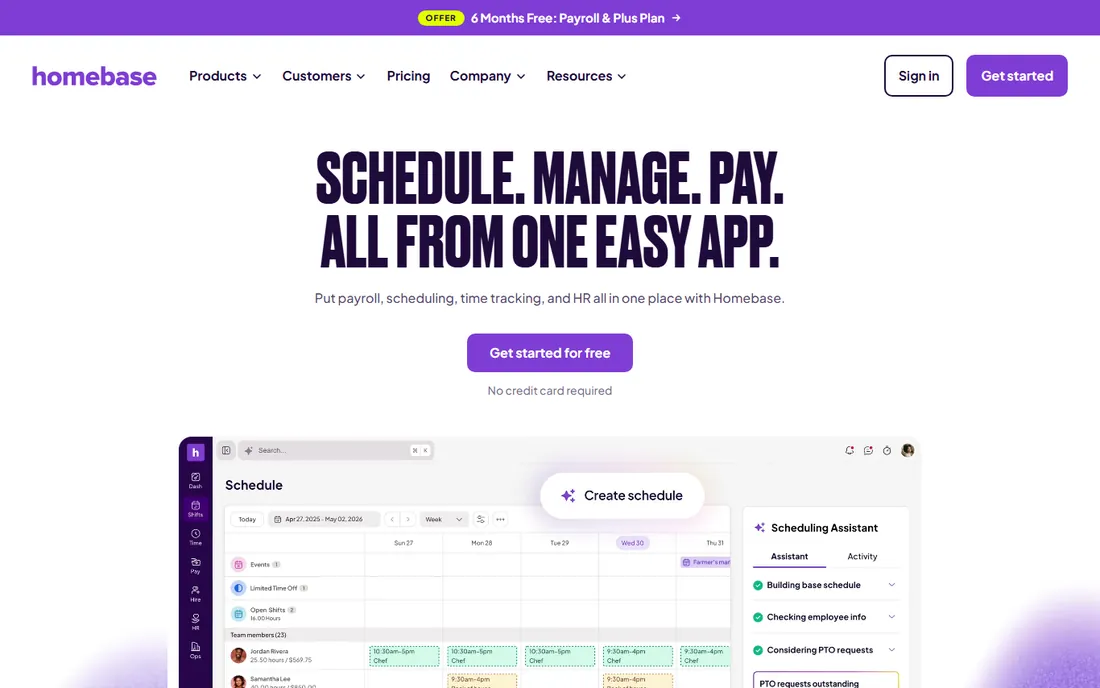
Homebase gives small businesses with hourly workers a free scheduling foundation: build shifts, publish to the team app, handle swap requests, and track time against the schedule. Hiring, onboarding, and payroll integrate as the business grows, which keeps everything in one system.
The free plan has real limits on locations and features, and larger operations outgrow it. But for restaurants, cafes, and retailers scheduling under twenty people, Homebase removes the spreadsheet-and-group-text chaos at zero cost. It is the default recommendation for small-team scheduling.
What we like- Free plan covers scheduling basics
- Time tracking and payroll add on
- Easy setup
Watch out for- Advanced features need paid tiers
- Best for smaller teams
Starting priceSee website
Free planFree trial
7shifts speaks restaurant fluently. Availability management handles the student-and-second-job reality of food service staffing, labor cost percentages update against live sales from POS integrations, and shift pools fill gaps fast. Multi-location groups manage every store's schedule from one dashboard.
Outside restaurants the fit loosens; retail and hospitality work, but the feature set assumes food service. Pricing scales per location. But for the industry it serves, 7shifts' combination of scheduling, labor cost control, and team communication is the category standard.
What we like- Built for restaurant workflows
- Labor cost controls
- Tip and sales integrations
Watch out for- Restaurant-focused
- Less suited to other industries
Starting priceSee website
Free planFree trial
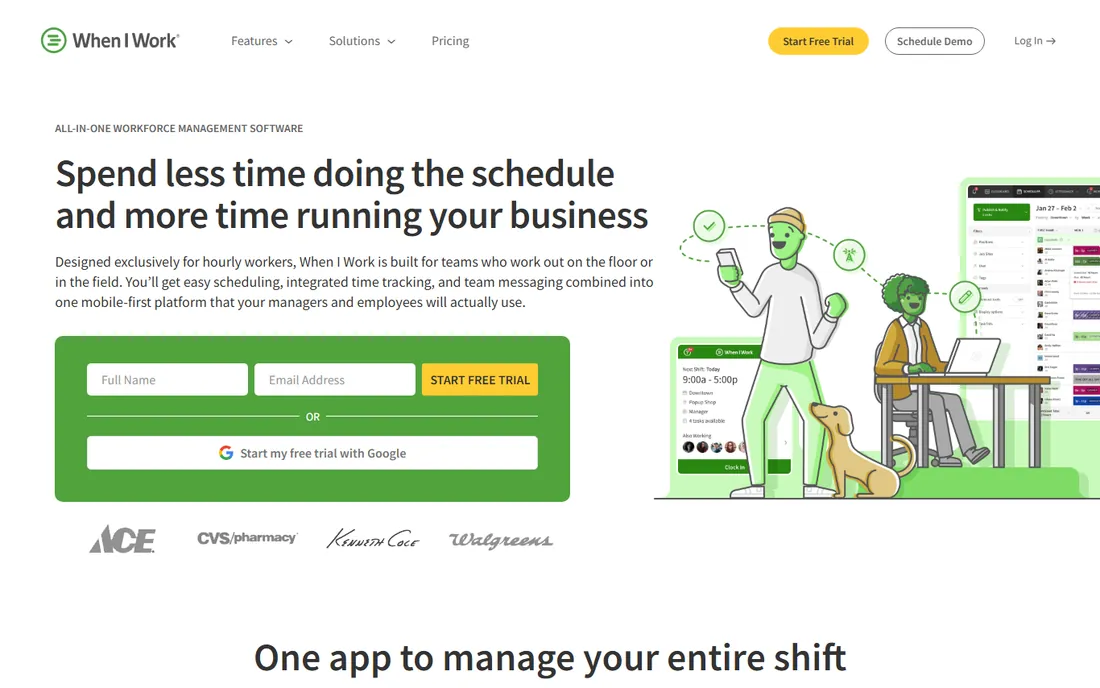
When I Work's strength is adoption. The mobile app is genuinely pleasant, shift swaps and drops need manager approval in one tap, and team messaging keeps schedule conversations out of personal texts. Managers build schedules in minutes with templates and auto-fill.
Reporting and analytics stay basic, and payroll integrations cover the majors without depth. Businesses that need labor law compliance tooling or complex costing should look at Deputy or Planday. But for shift businesses where the schedule just needs to work and people need to show up, When I Work's usability wins.
What we like- Employees love the mobile app
- Shift swapping is easy
- Quick setup
Watch out for- Reporting is basic
- Payroll integrations limited
Starting priceSee website
Free planFree trial
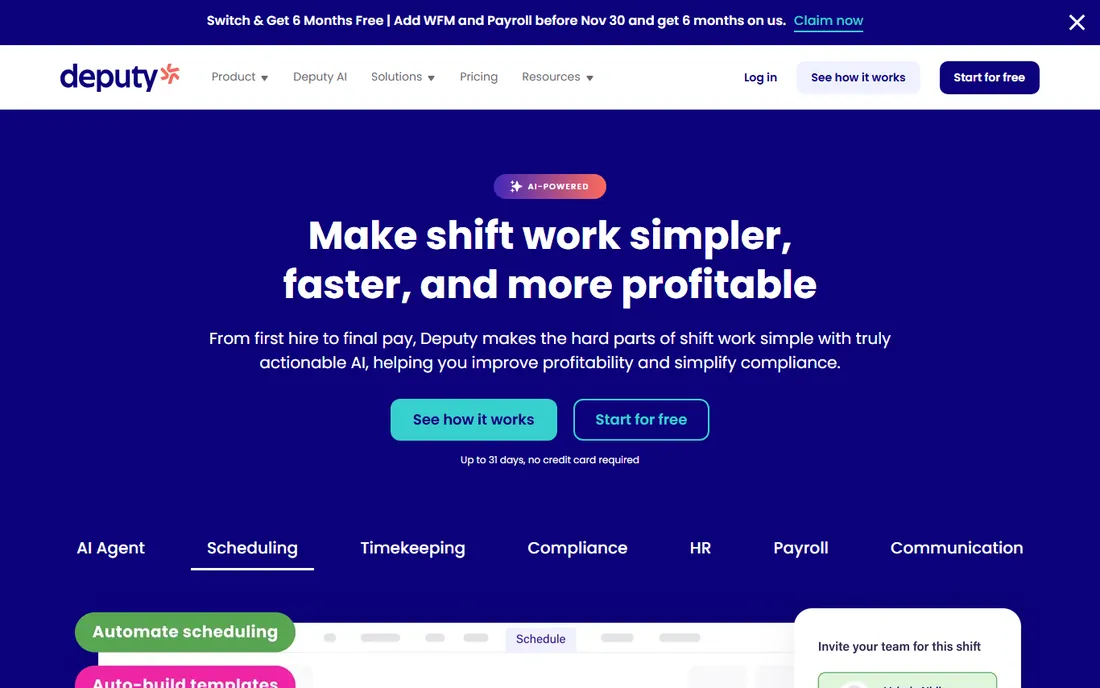
Deputy pairs scheduling with the compliance machinery shift businesses need: overtime rules, break enforcement, minor work restrictions, and audit trails that satisfy regulators. Demand forecasting builds schedules against expected sales or foot traffic. The free trial lets teams test the full workflow.
Per-user pricing climbs with headcount, and configuring compliance rules takes real setup time. But businesses in regulated states or countries, or with complex award structures, need exactly this depth. Deputy is the choice when getting scheduling wrong carries legal risk.
What we like- Strong labor law compliance
- Demand-based scheduling
- Good integrations
Watch out for- Pricing per user adds up
- Setup takes configuration
Starting priceSee website
Free planYes
Sling covers scheduling essentials at a friendly price: drag-and-drop shifts, availability management, time clock, and team messaging in one clean interface. The free tier handles small teams, and paid plans stay affordable as you grow.
Advanced workforce management, demand forecasting, deep compliance, lives on other platforms. But many businesses never need those features; they need schedules published, swaps handled, and hours tracked. Sling does that job well at a price that makes the decision easy.
What we like- Free tier available
- Clean interface
- Built-in messaging
Watch out for- Fewer advanced features
- Smaller company
Starting priceSee website
Free planYes
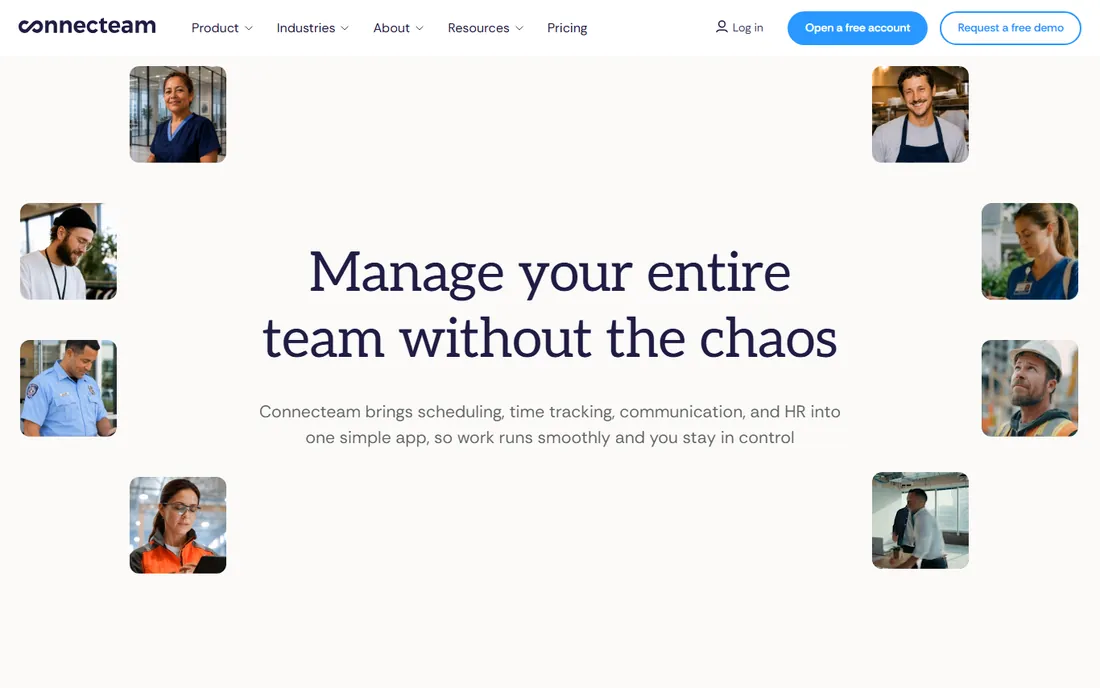
Connecteam bundles scheduling with team chat, task management, forms, and HR basics in one mobile-first platform. Deskless teams get a single app for schedules, announcements, checklists, and time-off requests. The free plan covers small teams generously.
Pure scheduling depth trails 7shifts or Deputy; this is a workforce app that schedules rather than a scheduler with extras. Businesses that want one system for everything operational often prefer that tradeoff. If scheduling complexity is the main pain, pick a specialist instead.
What we like- Combines scheduling with comms and HR
- Generous free plan
- Mobile-first
Watch out for- Scheduling less deep than specialists
- Can feel like many apps in one
Starting priceSee website
Free planFree trial
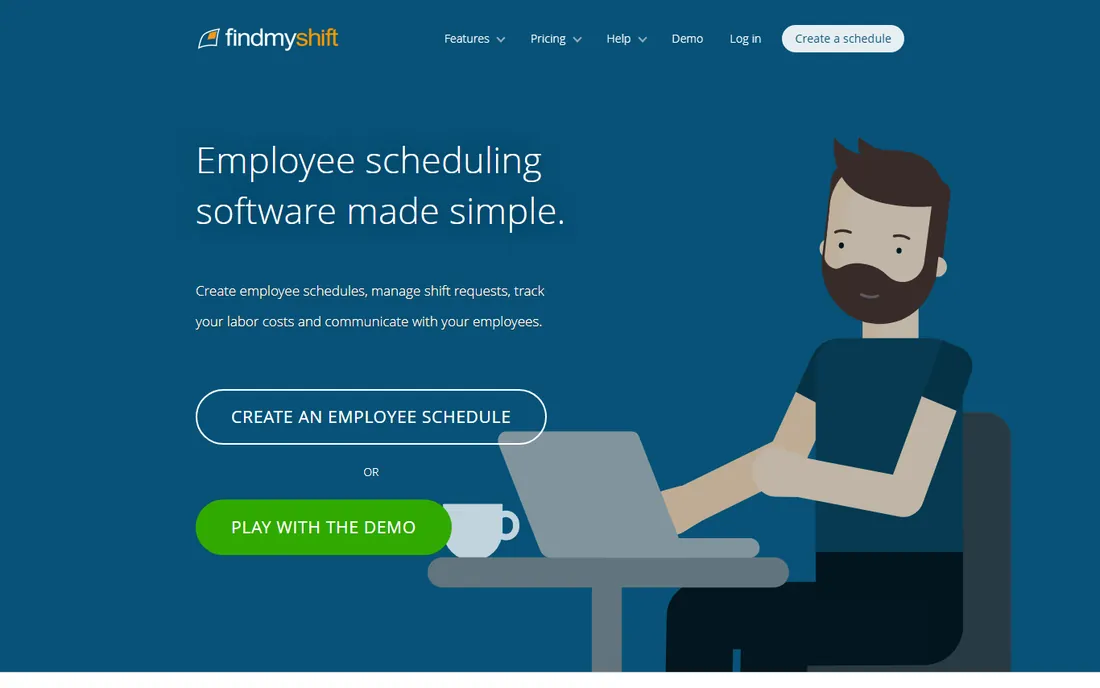
Findmyshift is the budget workhorse: employee scheduling, time and attendance, and basic reporting at prices well under the big names. Small businesses that find modern platforms overpriced or overcomplicated get the core job done here.
The interface is dated and integrations are limited. But the scheduling logic is sound, and the price lets tiny businesses afford real software instead of spreadsheets. It is the practical pick when the budget line for scheduling is small and the requirements are standard.
What we like- Very affordable
- Straightforward scheduling
- No frills
Watch out for- Dated interface
- Limited integrations
Starting priceSee website
Free planFree trial
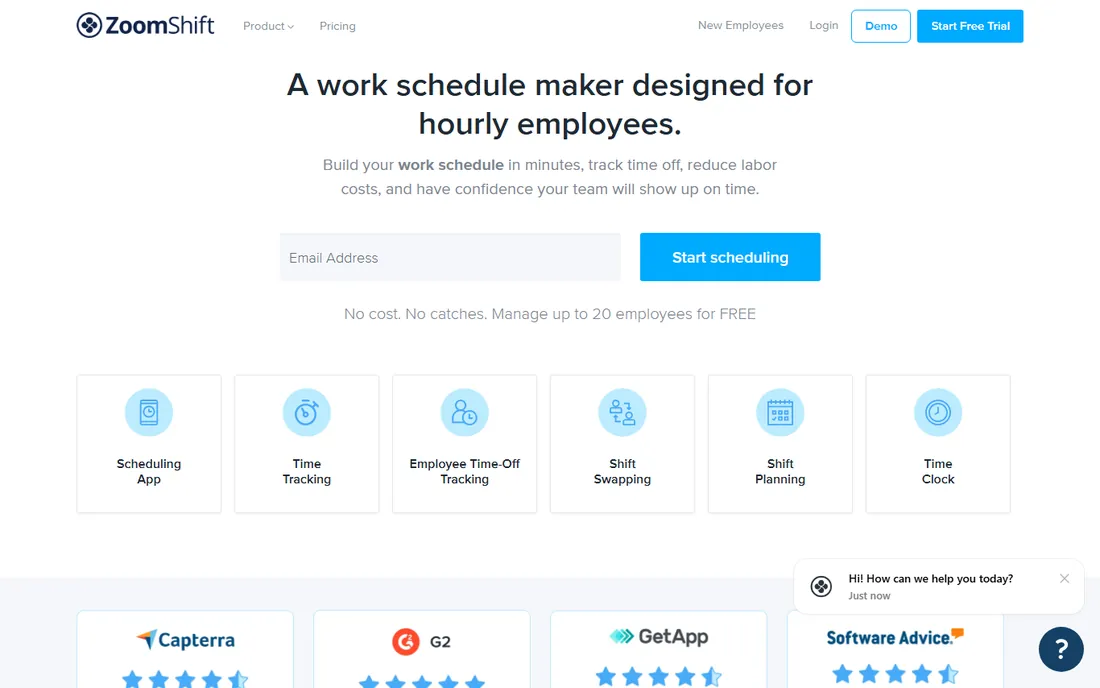
ZoomShift keeps shift scheduling simple: drag-and-drop schedule builder, published to the team app, with messaging and time-off requests built in. Small businesses get running in an afternoon without training sessions.
The feature set is deliberately narrow, and the brand is less known than competitors. But narrow is the point for teams overwhelmed by enterprise workforce suites. When the requirement is "publish next week's schedule without drama," ZoomShift delivers at a fair price.
What we like- Easy drag-and-drop schedules
- Team messaging
- Affordable plans
Watch out for- Smaller feature set
- Less brand recognition
Starting priceSee website
Free planFree trial
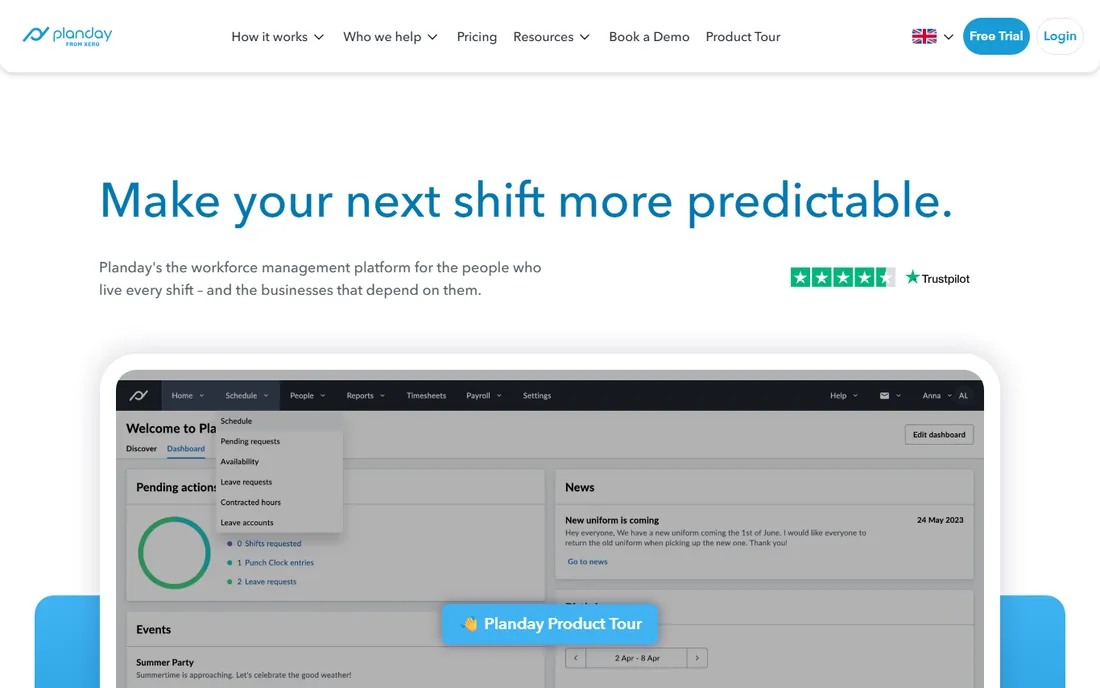
Planday brings scheduling discipline with serious labor-law compliance, particularly strong in European markets with complex working-time rules. Payroll integrations, shift swapping with rule enforcement, and communication tools round out the workforce package.
US buyers get less local depth than with Homebase or When I Work, and pricing transparency lags. But businesses operating across European jurisdictions, or with compliance-heavy scheduling needs, find Planday's rule engine worth the evaluation. It is the compliance-first alternative to Deputy's.
What we like- Strong European labor compliance
- Payroll integrations
- Shift swapping
Watch out for- Pricing is quote-ish
- US presence smaller
What good scheduling software must do
Four functions decide the purchase. Schedule building should take minutes with templates, copy-week, and auto-fill. Communication must reach employees where they are: push notifications beat email for shift workers. Swap and time-off handling needs manager approval workflows, not group-chat chaos. And time tracking should reconcile actual hours against scheduled hours for payroll.
Test each with your real workflow during the trial. Build next week's actual schedule, have an employee request a swap, and run the hours to payroll. The tools that survive that test are your shortlist. Everything else is marketing.
The hidden cost: no-shows
Scheduling software pays for itself in fewer no-shows and last-minute scrambles. Push reminders the day before, easy swap workflows, and accountability from published schedules cut absenteeism measurably. When justifying the purchase, estimate the cost of one uncovered shift per week: lost revenue, manager overtime, and customer experience damage. The software usually costs less than the problem.
Frequently asked questions
What is the best free employee scheduling software?
Homebase offers the most capable free plan for small businesses, covering scheduling, time tracking, and team messaging. Sling and Connecteam also have free tiers. Free plans typically limit the number of employees or locations, so growing businesses eventually upgrade.
How much does scheduling software cost?
Entry plans generally run a few dollars per user per month, with free tiers for small teams. Mid-market plans with compliance and integrations cost more per user. Enterprise and multi-location deployments are often quote-based. Most vendors publish starting prices on their pricing pages.
Can scheduling software handle shift swaps?
Yes, all the tools here include employee-initiated swap or drop requests with manager approval. The best ones enforce rules automatically: no overtime violations, no unqualified staff in skilled roles, no swaps that break compliance. Test the swap workflow during your trial.
Does scheduling software integrate with payroll?
Most do, at varying depths. Homebase offers built-in payroll. Deputy, Planday, and When I Work integrate with major payroll providers. The integration quality matters more than its existence: hours should flow to payroll without re-entry or spreadsheet exports.
How do I get employees to actually use the app?
Choose software with a good mobile app, announce the switch clearly, and stop accepting schedule requests through text messages. Adoption follows enforcement: when the app is the only way to swap shifts or request time off, everyone installs it within a week.
Labor law basics for schedulers
Scheduling mistakes carry legal consequences that software helps prevent but cannot eliminate. Overtime rules vary by jurisdiction: US federal law requires time-and-a-half past forty hours weekly, while states like California add daily overtime thresholds. Minor work restrictions limit hours and times for employees under eighteen. Missed meal and rest breaks trigger penalties in several states.
Predictive scheduling laws in a growing list of cities require advance notice of schedules, extra pay for last-minute changes, and offered hours to existing staff before new hires. Configure your software's compliance rules for every jurisdiction you operate in, and review them when laws change. The penalties for violations exceed the software cost by orders of magnitude, which makes compliance features a requirement rather than a luxury.
Handling no-shows and late swaps
No-shows cost more than the shift: they burn out the team members who cover and disappoint customers. Reduce them structurally. Publish schedules as early as your operations allow; last-minute schedules breed last-minute absences. Send automatic reminders the day before each shift; the software handles this, so enable it.
Make swapping easy but accountable. Clear swap policies, request deadlines, and manager approval prevent the chaos of informal arrangements. Track patterns: repeated no-shows from the same employees need conversations, not just coverage. And build a bench: cross-train staff across roles and keep a list of part-timers willing to pick up shifts. The operations that handle absences smoothly treat them as expected events with planned responses, not emergencies.
How we chose
We focused on hourly workforce scheduling: restaurants, retail, hospitality, and services. We compared current pricing pages and free tiers, tested each vendor's positioning against real shift-work needs, and weighed reviews from G2, Capterra, and operator communities. We covered free starters, restaurant specialists, and compliance-heavy options. No vendor paid for placement, and we did not claim hands-on testing.
Sources we checked (9)
- https://www.joinhomebase.com
- https://www.7shifts.com
- https://wheniwork.com
- https://www.deputy.com
- https://www.sling.is
- https://connecteam.com
- https://www.findmyshift.com
- https://www.zoomshift.com
- https://www.planday.com
Is your product missing or out of date?
We review this list regularly. Vendors can request a listing, send updated pricing or ask about featured placement.

Shihab Mia · Founder, Rankite
Shihab has spent more than a decade helping SaaS and e-commerce brands grow through search. He writes Rankite's software buying guides from pricing pages, documentation and public user reviews. More about Shihab.