How we make this list: we compare pricing pages, product documentation and public user reviews. Rankite is independent; if a vendor ever pays for a featured spot, that listing is clearly labeled Partner.
Key takeaways
- AlignMix and Maptive are the two most purpose-built options for designing balanced sales territories.
- Annual per-user pricing in this category runs from $499 to $2,400, with enterprise alignment tools priced by quote.
- If you only need to plot accounts on a map, BatchGeo and Scribble Maps do it free or nearly free.
- Salesforce shops should evaluate Salesforce Maps before buying a standalone tool, since the CRM integration is the hard part.
Quick comparison
| Tool | Best for | Starting price | Free plan |
|---|
 AlignMix AlignMix | Designing balanced territories with drag-and-drop ease | $2,400 per user/year | No |
 Maptive Maptive | Data-rich territory maps with demographics and routing | $1,250 per year (Pro plan, 1 user) | Free trial |
 eSpatial eSpatial | Mapping plus full territory management tiers | $499 per user/year (Mapping Pro, minimum 3 users) | Free trial |
 Mapline Mapline | Fast territory setup for retail and field sales | See website | Yes |
 EasyMapMaker EasyMapMaker | Simple spreadsheet-to-map plotting on a budget | $29 per month | No |
 BatchGeo BatchGeo | Quick shareable maps from a spreadsheet | See website | Yes |
 Maplytics Maplytics | Territory mapping inside Microsoft Dynamics 365 | See website | Free trial |
 Salesforce Maps Salesforce Maps | Territory planning for Salesforce customers | See website | No |
 Scribble Maps Scribble Maps | Drawing and annotating custom maps by hand | See website | Yes |
Is your product missing or out of date?
We review this list regularly. Vendors can request a listing, send updated pricing or ask about featured placement.
The best sales territory mapping software
#1
AlignMix
Best for: Designing balanced territories with drag-and-drop ease
Visit alignmix.com
Starting price$2,400 per user/year
Free planNo
Every January, sales operations faces the same spreadsheet nightmare: rebalance twenty territories so workload and opportunity are fair, and do it before kickoff. AlignMix exists for exactly that week. Its ToughAlign technology lets you click a territory and smudge the boundary like finger painting, with labels showing the impact instantly. Data imports from any Excel file, and finished alignments export back to Excel with maps saved as images for the kickoff deck.
Pricing is refreshingly public at $2,400 per user per year for full territory design and mapping, with an AI optimization tier starting from $5,000 per user per year. That honesty is rare in this category. The honest catch is that the per-user price punishes the model where every regional manager needs a seat, and the base tier excludes the AI optimization that larger competitors bundle. For the annual realignment project, though, few tools are this pleasant to use.
What we like- ToughAlign technology makes redrawing boundaries genuinely easy
- Three hierarchy levels for territories, districts and regions
- Buy online with published pricing instead of a sales process
Watch out for- $2,400 per user per year adds up for large sales teams
- AI optimization costs extra on top
- Narrower feature set than full sales intelligence platforms
#2
Maptive
Best for: Data-rich territory maps with demographics and routing
Visit maptive.com
Starting price$1,250 per year (Pro plan, 1 user)
Free planFree trial
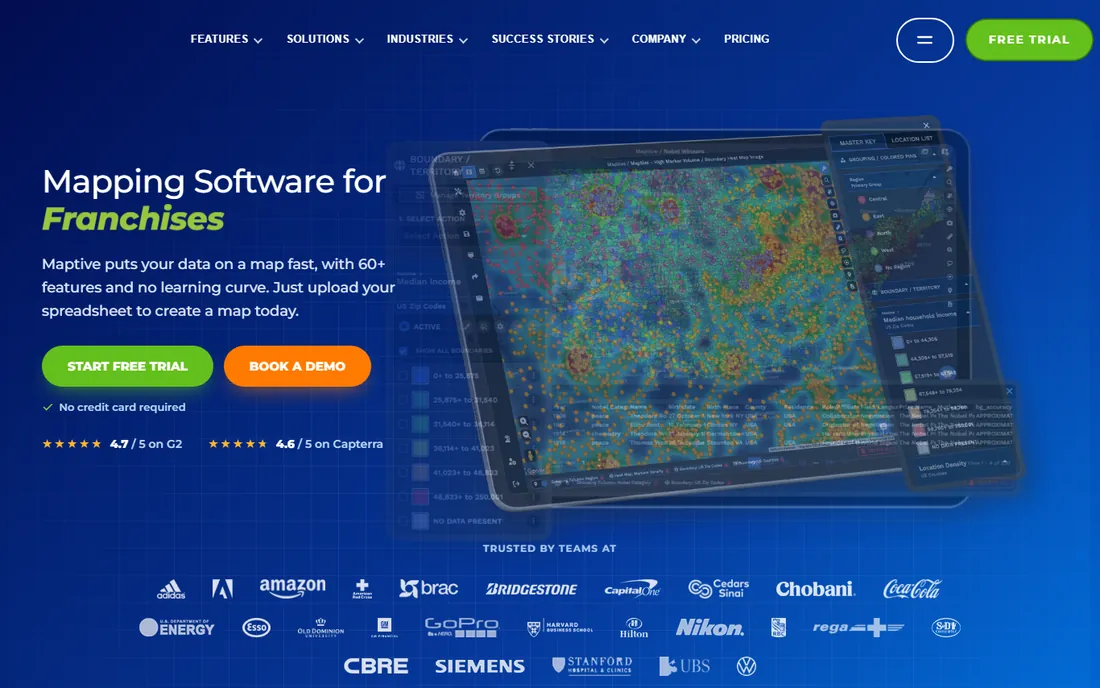
Maptive sits one level above simple map plotting. Beyond drawing territories, you get demographic overlays to balance by population or income, drive-time polygons to sanity-check travel, heat maps for density, and AI-assisted route planning for the field team. Datasets over 100,000 locations are handled without drama, which is why it shows up in enterprise sales and logistics shortlists.
The pricing is published and clear: Pro costs $1,250 a year for one user, or $110 a month on monthly billing, and Team is $2,500 a year for five users. A 10-day trial lets you test with your own data before paying. The catch is fit: if your job is importing a spreadsheet and assigning zip codes to reps, Maptive is more tool than you need at more price than you want. It earns its keep on complex, multi-region operations.
What we like- Heat maps, demographic overlays and drive-time polygons in one tool
- Handles 100,000-plus locations reliably
- Published pricing with a 10-day trial on your own data
Watch out for- $1,250 a year for one user is steep for simple plotting needs
- The breadth of features takes learning
- The 45-day project pass at $250 is a tease for ongoing work
Starting price$499 per user/year (Mapping Pro, minimum 3 users)
Free planFree trial
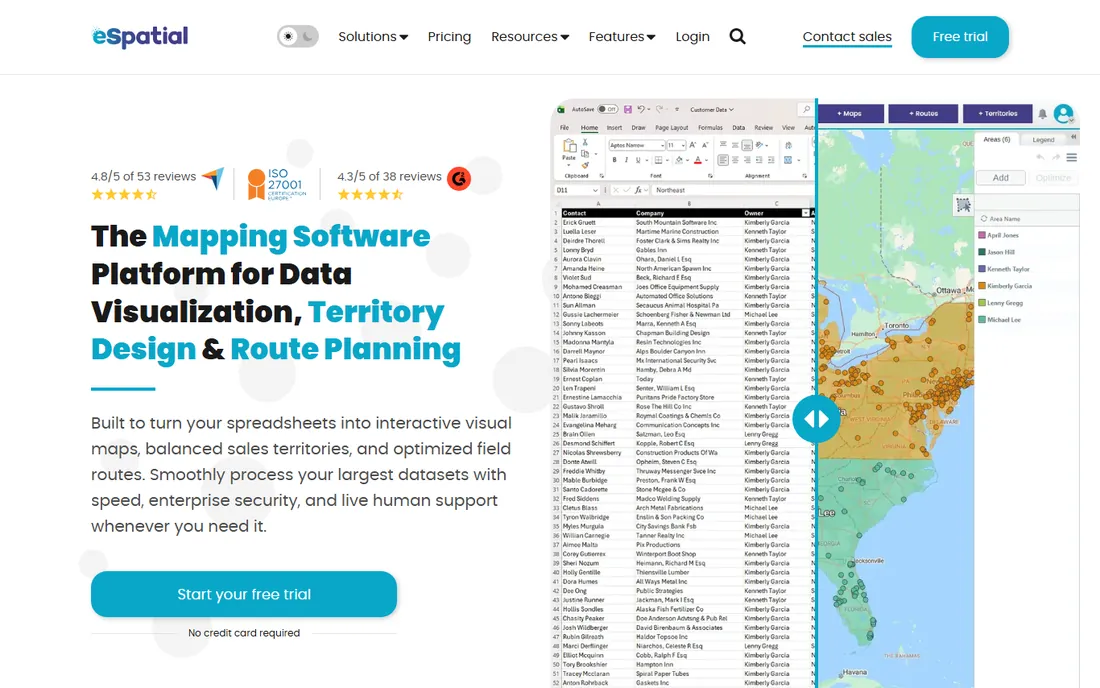
eSpatial structures its pricing as a ladder, which makes it easy to start small and grow. Mapping Pro turns spreadsheet data into interactive maps at $499 per user per year with a three-user minimum, and the dedicated territory management tiers above it add the alignment, optimization and ongoing management features at $7,995 to $14,995 a year. A free trial with no credit card gets you in the door.
That ladder is also the warning. The gap between "make maps" and "manage territories" is several thousand dollars, so budget for where you will be in year two, not just the entry tier. And the three-user minimum means a solo sales leader cannot buy a single seat of the cheapest plan. For teams that know they will grow into real territory management, the path is clear and the pricing is public.
What we like- Clear tier ladder from simple mapping to full territory management
- Mapping Pro starts at $499 per user per year
- Free trial with no credit card required
Watch out for- Minimum 3 users on the entry tier
- Full territory tiers run $7,995 to $14,995 a year
- The jump from mapping to territory management is a big price step
#4
Mapline
Best for: Fast territory setup for retail and field sales
Visit mapline.com
Starting priceSee website
Free planYes
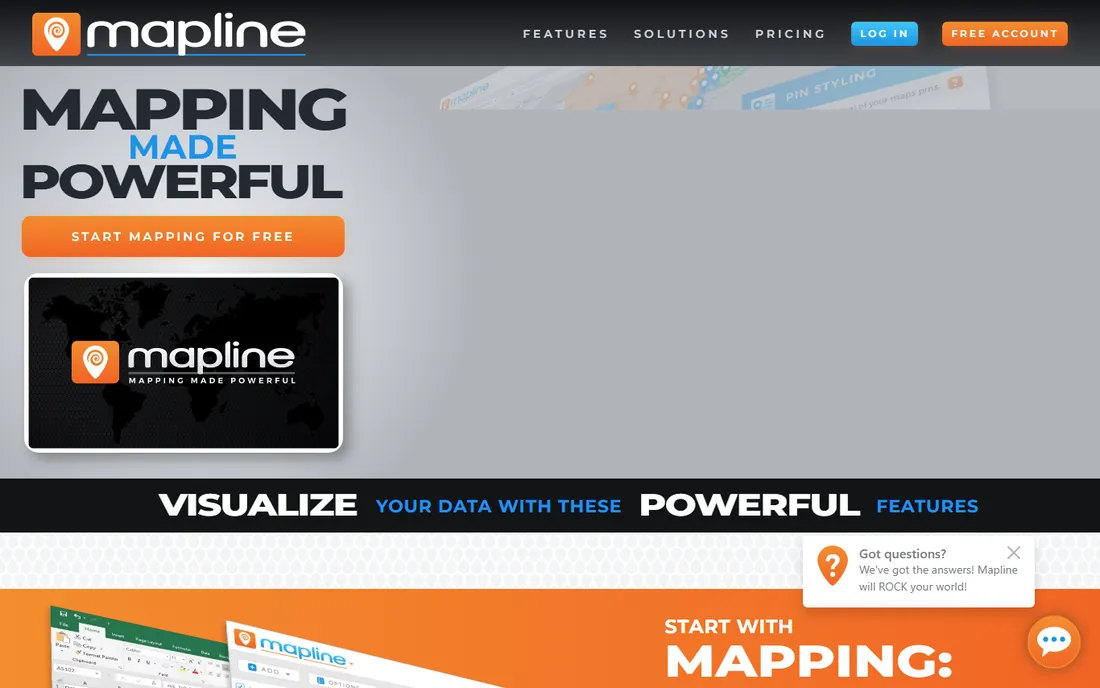
Mapline pitches speed: get territories designed and routes optimized without a lengthy implementation. Auto-generated territory creation builds the first draft for you, then you refine it. Route optimization, appointment scheduling and geo-enriched demographic data sit in the same product, which suits retail and field sales organizations that live in the territory day to day rather than redesigning it once a year.
The frustration is pricing opacity. Mapline does not publish its rates, and the step up to advanced analytics and premium support pricing is a sales conversation. Data volume limits and thinner CRM integrations are the trade-offs at the lower end. Start with the free account to test the auto-generation on your own data, and get the full pricing picture before you commit the team.
What we like- Auto-generated territory creation gets you running fast
- Route optimization and scheduling built in
- Free account to start
Watch out for- Pricing is not published on the site
- Advanced analytics and premium support need higher tiers
- Fewer CRM integrations than the enterprise tools
Starting price$29 per month
Free planNo
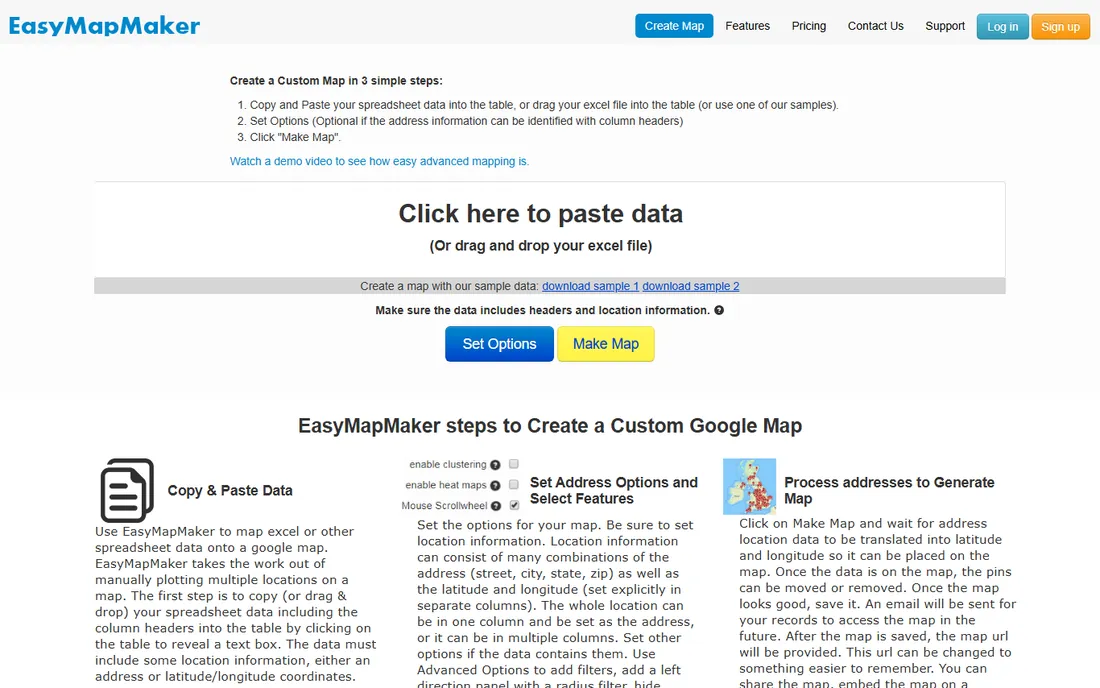
Not every team needs territory optimization. Sometimes the job is plotting five thousand customer addresses, coloring them by rep, and spotting the gaps. EasyMapMaker does that job for $29 a month with higher tiers at $59 and $99. Upload a spreadsheet, customize the markers, and view density with heat maps and cluster maps. For straightforward address visualization on a minimal budget, it is hard to argue with.
Be clear about what you are not buying: there is no territory balancing, no route planning and no CRM integration. If your needs grow into real alignment work, you will migrate to AlignMix or Maptive within a year. But as a cheap, honest plotting tool, EasyMapMaker delivers exactly what the name promises.
What we like- Among the cheapest paid mapping options at $29 a month
- Drag-and-drop spreadsheet uploads with customizable markers
- Heat maps and cluster maps for density views
Watch out for- No real territory management or alignment tools
- No route planning or CRM integration
- Strictly a visualization tool, not a planning platform
Starting priceSee website
Free planYes
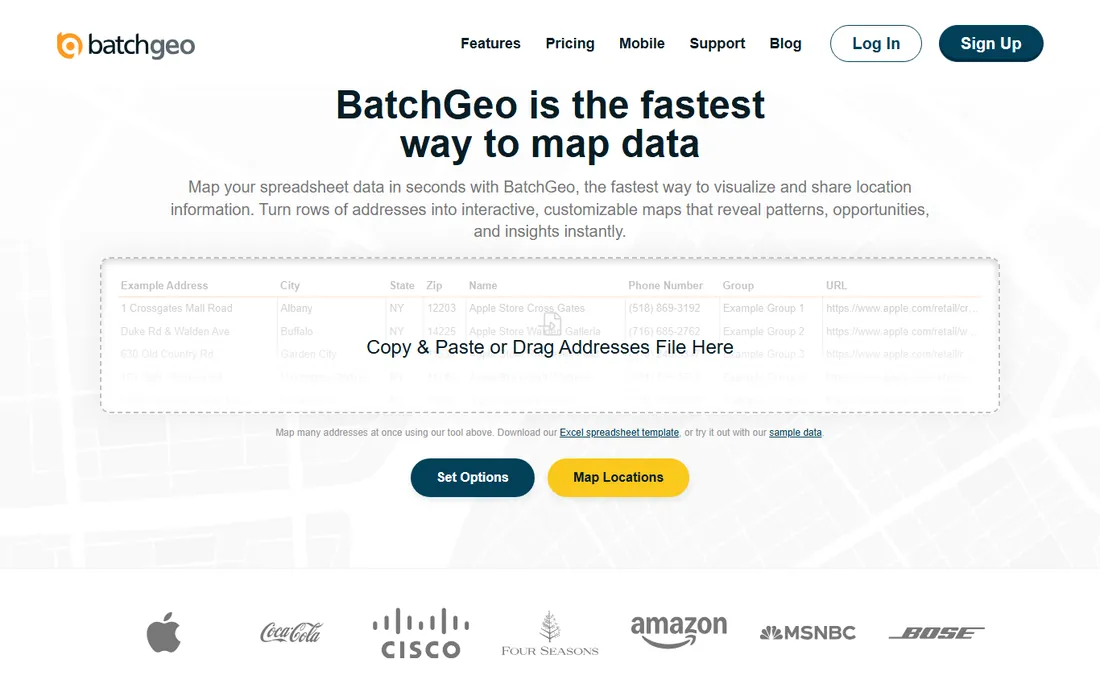
BatchGeo is the veteran of the quick-map world, running since 2006. Paste addresses from a spreadsheet, get a map you can share with a link, done. The free tier covers up to 250 locations, which handles most one-off needs, and paid plans scale up to 15,000 locations for teams that map regularly.
The limits define the use case. Route optimization caps at 25 stops, so delivery teams should look elsewhere, and there is no ongoing territory management: no balancing, no hierarchy, no realignment workflow. For sales teams that need a shareable map of accounts this afternoon, BatchGeo is the fastest free answer. For the annual territory plan, it is the wrong tool.
What we like- Running since 2006 with a genuinely useful free tier
- Paste a spreadsheet and get a shareable map in minutes
- Dead simple for one-off maps
Watch out for- Pricing page is hard to verify publicly
- Route optimization caps at 25 stops
- Not a territory management tool for ongoing planning
Starting priceSee website
Free planFree trial
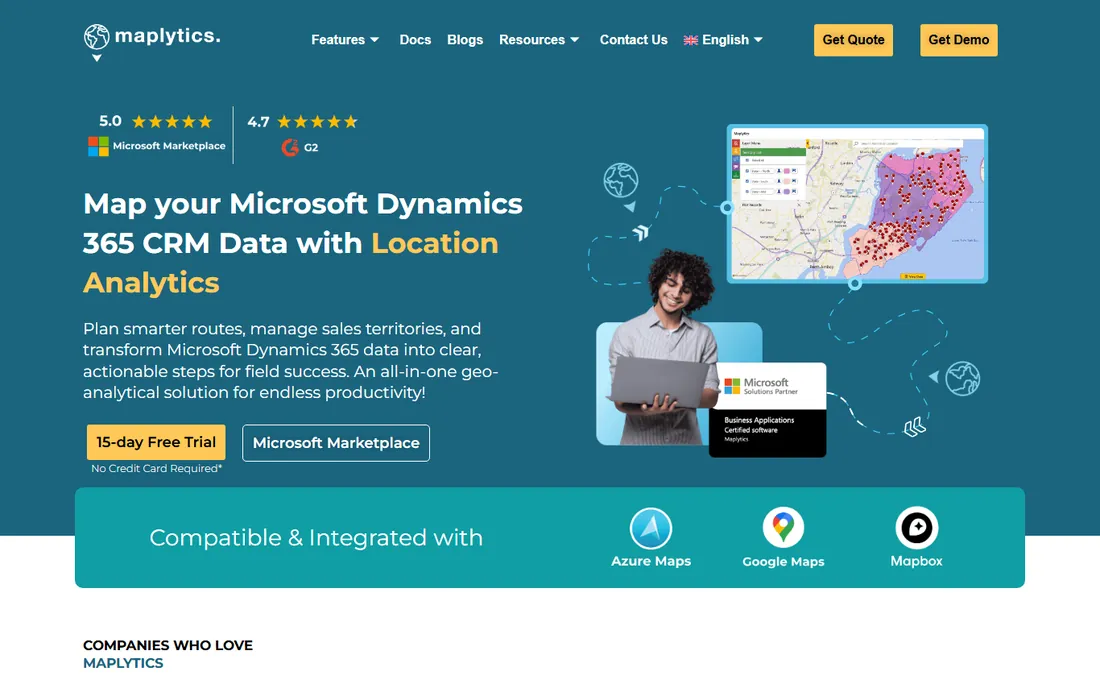
If your CRM is Dynamics 365, stop reading the generic tools and look at Maplytics. It is a certified geo-mapping app that lives inside Dynamics and Power Apps, which means territory design, routing, scheduling and check-ins all work on your live CRM data. No exporting accounts to a spreadsheet, mapping them elsewhere, and importing assignments back. That round trip is where territory projects usually die.
The catch is the obvious one: it only makes sense on the Microsoft stack. Pricing is quote-based through AppSource, and you will want someone who knows Dynamics to implement it properly. For the Microsoft-centric sales organization, though, the native fit beats every standalone tool on this list.
What we like- Built for Dynamics 365 and Power Apps, so CRM data stays in place
- Territory management plus routing and scheduling
- No spreadsheet export-import cycle
Watch out for- Useless if you are not on the Microsoft stack
- Pricing is quote-based through Microsoft AppSource
- Implementation needs Dynamics expertise
Starting priceSee website
Free planNo
Salesforce Maps is what became of MapAnything and TerrAlign, both acquired into the Salesforce fold, and it shows in the depth of the territory planning. Because it runs on your live Salesforce data, territory changes flow to account ownership, reporting and forecasts without integration middleware. Security and permissions inherit from Salesforce, which your IT team will appreciate.
Everything about the pricing and fit assumes you are already a Salesforce customer. It is quote-only, it is priced for the enterprise, and buying it without Salesforce makes no sense. But if your accounts, opportunities and reps already live in Salesforce, evaluating any standalone mapper before Salesforce Maps is doing the integration work twice.
What we like- Native territory planning on your live Salesforce data
- Inherits Salesforce security, permissions and sharing
- The acquisition of MapAnything and TerrAlign brought real alignment expertise in-house
Watch out for- Quote-only pricing that assumes a Salesforce budget
- Only makes sense inside the Salesforce ecosystem
- Can be overkill for simple mapping needs
Starting priceSee website
Free planYes
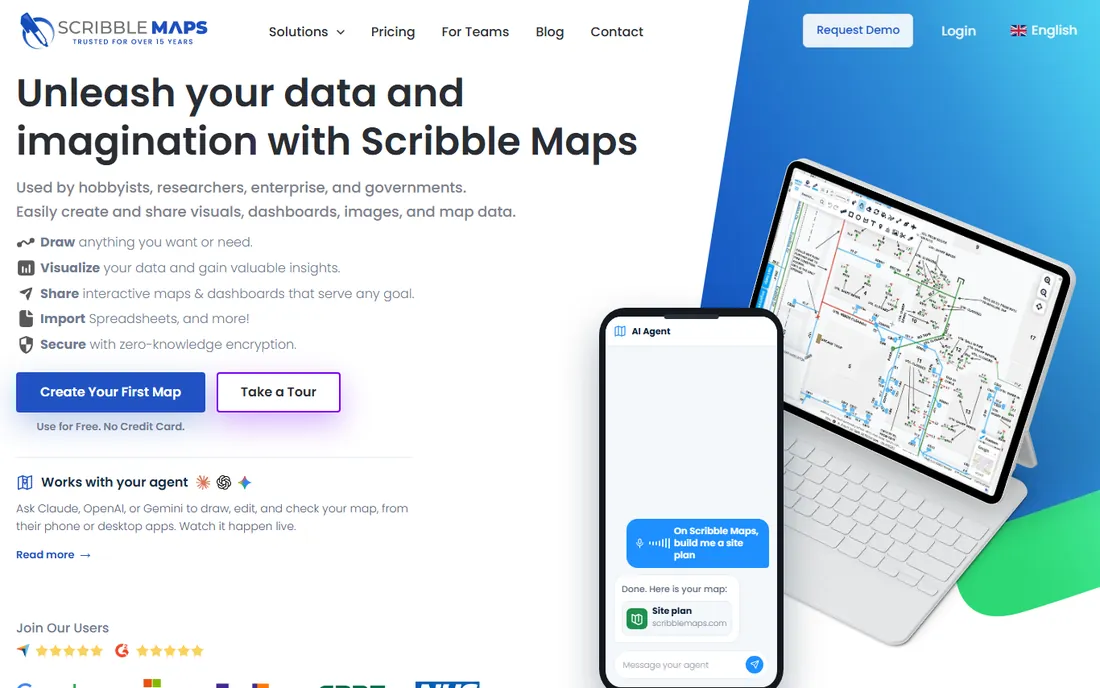
Scribble Maps is the odd one out and earns its place for a specific job: drawing on maps by hand. Custom boundaries, routes, annotations and overlays, drawn freeform and shared or embedded. The basic service is free, which makes it the zero-cost answer for sketching a proposed territory change or annotating a region map for a presentation.
Nobody should confuse it with a planning platform. There is no optimization, no balancing, no CRM sync. But sales leaders constantly need to sketch "what if the boundary moved here" before committing to a realignment project, and for that sketch, Scribble Maps is faster than any enterprise tool.
What we like- Freeform drawing tools for routes, boundaries and annotations
- Generous free basic service
- Useful well beyond sales, from logistics to event planning
Watch out for- Not a territory optimization or balancing tool
- Pricing is not published clearly
- The hand-drawn approach does not scale to data-driven alignment
How we chose
We started from the tools sales operations teams actually name when discussing territory work, then verified each product exists today and does mapping or alignment as a core job. That check removed TerrAlign, which was acquired years ago and no longer operates as a standalone product. Pricing figures come only from the vendors' own pricing pages, captured in October 2026, and several vendors in this category do not publish rates, so those listings say so honestly. We read current comparison guides and user discussions for the practical trade-offs, and we weighted the distinction between drawing maps and designing territories, because buyers confuse the two constantly.
Territory design is not map plotting
The most expensive mistake in this category is buying a plotting tool for a design job, or a design platform for a plotting job. Plotting puts dots on a map: where are my accounts, where are my reps. Design answers harder questions: is workload balanced, is opportunity fairly distributed, what happens to coverage if we move this boundary. BatchGeo, EasyMapMaker and Scribble Maps plot. AlignMix, eSpatial's upper tiers and Salesforce Maps design. Maptive and Mapline sit in between.
Match the tool to the calendar. If territories get redesigned once a year by one analyst, a design tool with a few seats is the right spend, and the plotting tools cover daily needs free. If every regional manager tweaks boundaries monthly, per-user pricing punishes you and a platform license or flat-fee tool wins. Write down which job you are buying for before you demo anything, because every vendor will happily sell you the bigger job.
The data you need before you buy
No territory tool fixes bad data, so audit yours before the demo. You need clean account addresses or the geocoding fails, current rep assignments or the balance math is fiction, and a definition of "opportunity" your sales leaders actually agree on. Most failed territory projects trace back to one of those three, not to the software.
Then check the integration path both ways. Data flows into the tool from your CRM or spreadsheets, and the resulting assignments must flow back into the CRM where reps work. Ask each vendor to demonstrate that round trip with your field names, not their sample data. Finally, confirm the export: if you cancel, your territories, boundaries and history must leave in a usable format. A tool that holds your alignment hostage is not a tool, it is a landlord.
Frequently asked questions
What is sales territory mapping software?
It is software that visualizes sales territories on a map and, in the more advanced tools, helps design and balance them. Basic tools plot customer locations from a spreadsheet. Advanced platforms optimize boundaries for workload and opportunity, manage hierarchies of territories and districts, and sync assignments back to your CRM.
How much does territory mapping software cost?
Simple plotting tools run from free to about $99 a month. Dedicated design tools publish annual per-user pricing from $499 (eSpatial Mapping Pro) to $2,400 (AlignMix). Enterprise alignment platforms like Salesforce Maps and the upper tiers of eSpatial are quote-based and trend well into five figures.
Can I just use Google Maps or BatchGeo for territories?
For visualizing where accounts are, yes, and BatchGeo's free tier is fine for that. For designing fair, balanced territories with workload math, no: you need a tool built for alignment, like AlignMix or Maptive. The question is whether you are plotting or designing.
How do these tools integrate with my CRM?
Salesforce Maps and Maplytics are native to their CRMs, which is their main advantage. Standalone tools typically import from spreadsheets or via API, and the good ones write territory assignments back to the CRM. Always ask for a live demo of the round trip with your data.
How often should we redesign territories?
Most companies do a full realignment annually, usually before the fiscal year or sales kickoff, with minor tweaks quarterly for rep turnover. If your market shifts faster than that, look for tools that make rebalancing cheap rather than a consulting project.
What data do I need to start?
Clean account addresses for geocoding, current rep-to-account assignments, and an agreed measure of opportunity or workload per account. Without those three, the software produces pretty maps of bad assumptions.
Sources we checked (10)
- https://www.alignmix.com/pricing
- https://www.maptive.com/pricing
- https://www.maptive.com/best-alternatives-to-salesforce-maps/
- https://www.espatial.com/pricing
- https://mapline.com/pricing
- https://www.easymapmaker.com/
- https://batchgeo.com/
- https://www.maplytics.com/
- https://www.salesforce.com/
- https://www.scribblemaps.com/
Is your product missing or out of date?
We review this list regularly. Vendors can request a listing, send updated pricing or ask about featured placement.

Shihab Mia · Founder, Rankite
Shihab has spent more than a decade helping SaaS and e-commerce brands grow through search. He writes Rankite's software buying guides from pricing pages, documentation and public user reviews. More about Shihab.