How we make this list: we compare pricing pages, product documentation and public user reviews. Ratings come from G2, Capterra or Trustpilot, with the date we checked them.
Key takeaways
- Microsoft 365 and Google Workspace do not back up your data in the way most small businesses assume, so a third party backup is the safety net.
- Backupify and AvePoint start around $3 per user per month, making them the most budget friendly entry points in this list.
- Spanning is the simplest setup for Google Workspace and Microsoft 365, with self service restore for end users.
- Rewind is the pick for teams whose data lives in Shopify, GitHub, Jira or other apps beyond email and files.
- Veeam Backup for Microsoft 365 has a free Community Edition for up to 10 users, which suits very small teams.
Quick comparison
| Tool | Best for | Starting price | Free plan |
|---|
 Backupify Backupify | Automated Microsoft 365 and Google backup | $3 per user/month | Free trial |
 Spanning Spanning | Simple per user SaaS backup | See website | Free trial (14 days) |
 AvePoint AvePoint | Microsoft 365 backup with governance | $3 per user/month | Free trial |
 Rewind Rewind | Backup beyond email, for Shopify and dev tools | See website | Free trial |
 Veeam Backup for Microsoft 365 Veeam Backup for Microsoft 365 | Small teams and free community edition | See website | Yes (Community Edition, up to 10 users) |
 Druva Druva | Fully managed cloud data protection | See website | Free trial |
 Acronis Acronis | Backup plus cyber protection | See website | Free trial |
 SysCloud SysCloud | Google and Microsoft backup with ransomware checks | See website | Free trial (30 days) |
 SpinOne SpinOne | Backup plus ransomware protection | See website | Free trial (15 days) |
Is your product missing or out of date?
We review this list regularly. Vendors can request a listing, send updated pricing or ask about featured placement.
The best SaaS backup software for small businesses
#1Backupify
Best for: Automated Microsoft 365 and Google backup4.2/5 on
G2 (189 reviews, checked Oct 2026)
Visit backupify.com
Starting price$3 per user/month
Free planFree trial
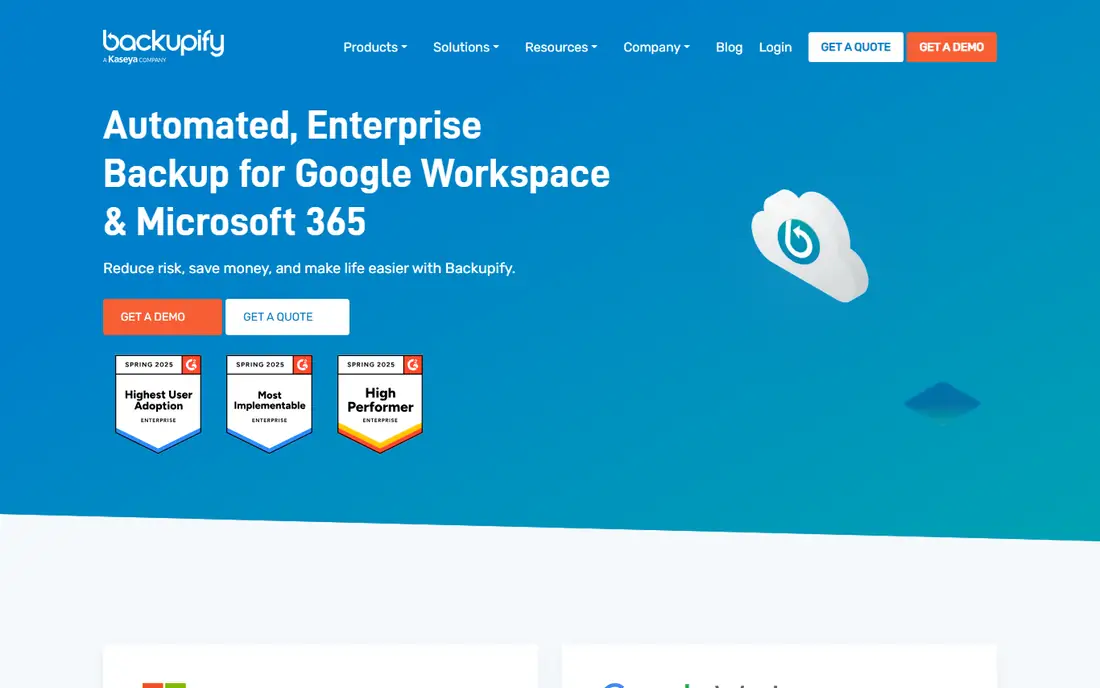
Backupify is the workhorse pick for a small business that lives in Microsoft 365 or Google Workspace. Connect the tenant once, and automated backups run in the background with three daily point in time copies, so a deleted mailbox, a ransomware event or an admin error can be rolled back without rebuilding the account. Granular restore lets an admin recover one email or file rather than restoring a whole mailbox over current data.
The platform is sold largely through Datto partners and MSPs, which means a very small team may go through a reseller rather than a simple self serve checkout. That is also a strength for teams that want help, since setup and restore testing can be handled for them. At around $3 per user per month in published comparisons, Backupify is among the cheapest serious options, provided the quote for your seat count matches that entry figure.
What we like- Automated cloud to cloud backup for Microsoft 365 and Google Workspace
- Granular restore down to a single email or file
- Unlimited retention by default
Watch out for- Pricing varies by reseller and plan
- MSP focused sales can feel heavy for a tiny team
Starting priceSee website
Free planFree trial (14 days)
Spanning is the easiest backup on this list to actually use. Connect a Google Workspace or Microsoft 365 tenant, or Salesforce, and daily automated backups start with no infrastructure to manage. The standout touch is self service restore: end users can recover their own deleted emails without filing an IT ticket, which saves a small team real admin time each week.
Point in time recovery covers mail, calendars, Drive and Salesforce depending on the module, and the 14 day trial includes all features so restores can be validated before paying. Two caveats apply. Pricing is not published, so budgeting requires a quote, and some long time users report slower support since Kaseya acquired the company. For a company that wants backup to be boring and invisible, Spanning remains a solid pick.
What we like- Dead simple setup for Google Workspace and Microsoft 365
- End users can restore their own lost emails
- Daily backups with point in time recovery
Watch out for- Pricing is not published
- Support quality has drawn mixed reports since the Kaseya acquisition
#3AvePoint
Best for: Microsoft 365 backup with governance4.5/5 on
G2 (129 reviews, checked Oct 2026)
Visit avepoint.com
Starting price$3 per user/month
Free planFree trial
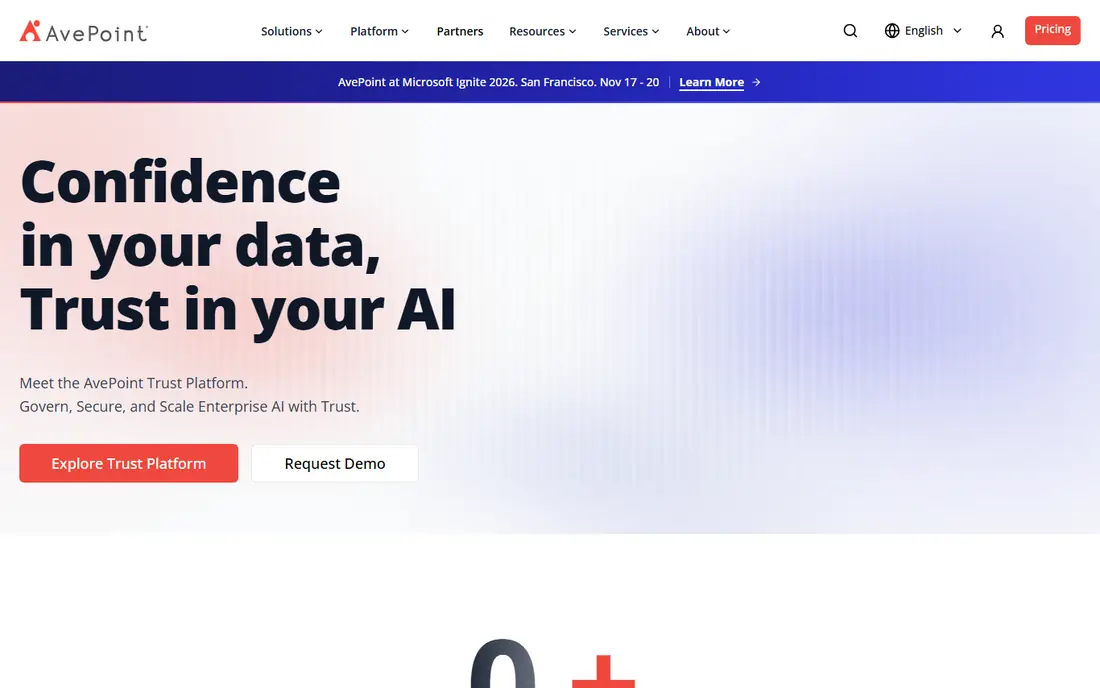
AvePoint Cloud Backup covers Microsoft 365 and Google Workspace with a focus on the workloads small businesses actually lose: Exchange, SharePoint, OneDrive and Teams. Published comparisons put entry pricing around $3 per user per month with a minimum of 10 seats, which suits a team of ten or more better than a three person shop. Granular restore, retention controls and compliance reporting sit alongside backup, so the same purchase can support audit needs.
The trade off is platform breadth. AvePoint sells a wider data protection and governance suite, and a buyer who only wants simple backup may find the console and sales process heavier than Spanning or Backupify. For a growing business that expects compliance questions soon, that breadth becomes an advantage rather than overhead.
What we like- Strong Microsoft 365 coverage including Teams and SharePoint
- Governance and compliance features alongside backup
- Scales from small teams to enterprise
Watch out for- Minimum seat counts can apply on entry plans
- Broader platform can feel large for a team that only needs backup
#4
Rewind
Best for: Backup beyond email, for Shopify and dev tools
Visit rewind.com
Starting priceSee website
Free planFree trial
Rewind answers a different question from the email first tools: what backs up the rest of the SaaS stack. A Shopify store, a GitHub organization, a Jira workspace or a monday.com board all hold business critical data that Microsoft 365 backup does not touch. Rewind backs those apps up daily and restores only what changed, so a bad bulk import or an automation misfire does not force a full rollback.
Pricing is listed per app family on its homepage, starting from low per user figures for development tools and higher figures for ecommerce, so a team using several apps should price each one separately. For a small business whose revenue runs through Shopify or whose product runs through GitHub, Rewind is often the only tool in this list that covers the data that matters most.
What we like- Covers Shopify, GitHub, Jira, Confluence and more
- Item level restore without rolling back a whole store
- Staging previews for theme and bulk changes
Watch out for- Pricing varies sharply by app, so totals need a per app quote
- Less focused on pure Microsoft 365 backup than rivals
#5Veeam Backup for Microsoft 365
Best for: Small teams and free community edition4.5/5 on
G2 (188 reviews, checked Oct 2026)
Visit veeam.com
Starting priceSee website
Free planYes (Community Edition, up to 10 users)
Veeam Backup for Microsoft 365 is the best free starting point for a very small team. The Community Edition covers up to 10 users at no cost, with backup and restore for Exchange Online, SharePoint Online, OneDrive and Teams. That is enough for a small office to protect its core Microsoft 365 data without a subscription while it validates restore speed and retention needs.
The paid product adds scale, support and wider Veeam platform integration, but it also brings more setup decisions than a simple cloud backup, including where backup data is stored. Teams that want a fully managed cloud service with no infrastructure choices may prefer Backupify or Spanning. Teams comfortable with a little configuration get enterprise grade restore capability for free at small scale.
What we like- Genuinely free Community Edition for up to 10 users
- Strong granular restore for Exchange, SharePoint and Teams
- Mature backup vendor with broad documentation
Watch out for- Full product is part of a larger Veeam platform
- Setup is more involved than a pure cloud to cloud tool
#6Druva
Best for: Fully managed cloud data protection4.7/5 on
G2 (746 reviews, checked Oct 2026)
Visit druva.com
Starting priceSee website
Free planFree trial
Druva runs backup as a fully managed service, so a small business never manages storage, servers or backup software updates. Coverage spans Microsoft 365, Google Workspace, Salesforce, endpoints and cloud workloads, with deduplication and global data management that keep storage costs in check as data grows. Ransomware detection, legal hold and compliance reporting are part of the same console.
The catch is pricing and fit. Druva is quote based and positioned for growing and mid sized organizations, so a ten person team may find the sales process and minimums heavier than a $3 per user tool. For a business that plans to grow past 50 staff and wants one platform for SaaS, endpoints and cloud, Druva avoids a later migration.
What we like- Fully managed SaaS platform with no infrastructure to run
- Covers Microsoft 365, Google Workspace, Salesforce and endpoints
- Ransomware and compliance features built in
Watch out for- Pricing is quote based
- Platform breadth can exceed a small business budget
#7Acronis
Best for: Backup plus cyber protection4.7/5 on
G2 (1,462 reviews, checked Oct 2026)
Visit acronis.com
Starting priceSee website
Free planFree trial
Acronis Cyber Protect Cloud combines backup with cyber protection, so a small business gets anti malware, patching and endpoint management alongside cloud backup in one agent. That bundle suits teams without a separate security tool, since one console covers device backup, SaaS backup and threat protection. The MSP channel also means many small businesses can buy Acronis through a local provider who handles setup.
Backup only buyers should check the total. Business pricing is quote based, and the security features add settings that a pure backup tool does not require. For a team that would otherwise buy backup and endpoint security separately, the bundle can save money and admin time. For a team that only needs Microsoft 365 backup, a simpler tool will be cheaper and faster to run.
What we like- Backup combined with anti malware and endpoint protection
- Broad device and cloud workload coverage
- Strong partner and MSP channel for small business support
Watch out for- Pricing is quote based for business plans
- Combined security features add complexity for backup only buyers
#8
SysCloud
Best for: Google and Microsoft backup with ransomware checks
Visit syscloud.com
Starting priceSee website
Free planFree trial (30 days)
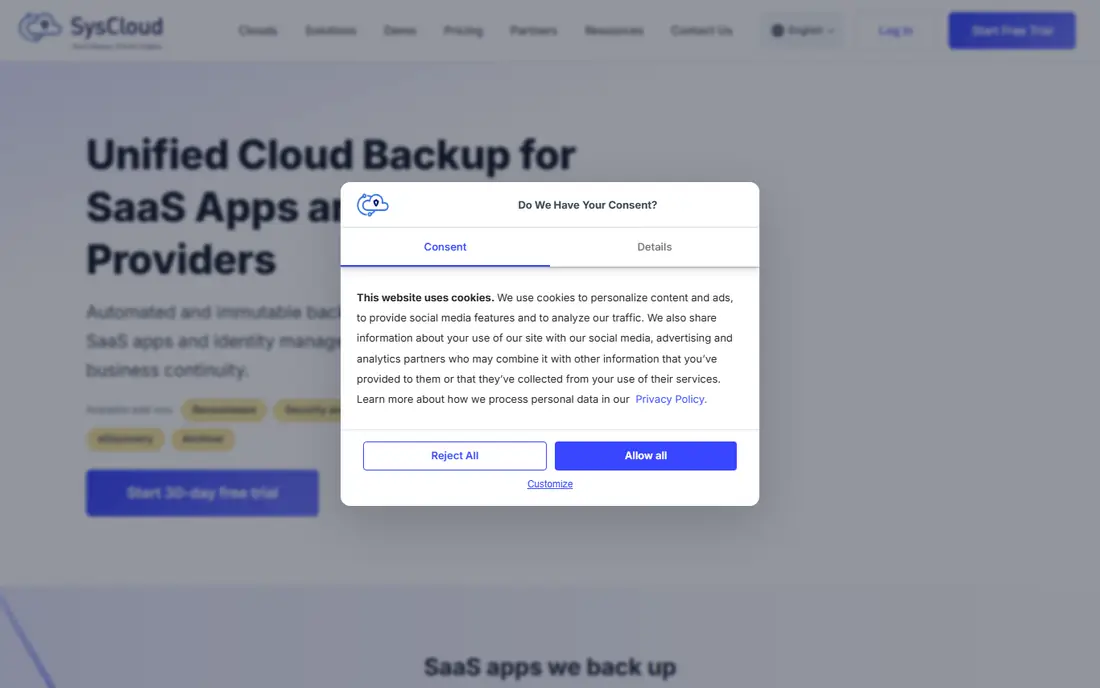
SysCloud focuses on automated, immutable backups for Google Workspace, Microsoft 365 and a growing list of SaaS apps including Slack, Salesforce and HubSpot. Its ransomware handling stands out: backup snapshots are inspected for encrypted or malicious files, and admins can restore a safe version rather than guessing which snapshot predates an attack. eDiscovery search across backup archives helps a small team answer legal or audit requests without exporting everything.
The 30 day trial is longer than most rivals, which gives time to test restores properly. Pricing is not published, and features like archiving, eDiscovery and SaaS security are add ons, so the quoted total depends on which modules are included. For Google Workspace heavy teams in education or healthcare, SysCloud is a strong specialist pick.
What we like- Automated immutable backups for Google Workspace and Microsoft 365
- Ransomware detection with safe snapshot restore
- EDiscovery and compliance search built in
Watch out for- Pricing is not published
- Some advanced features are add ons rather than core
#9SpinOne
Best for: Backup plus ransomware protection4.8/5 on
G2 (127 reviews, checked Oct 2026)
Visit spin.ai
Starting priceSee website
Free planFree trial (15 days)
SpinOne, from Spin.AI, pairs SaaS backup with ransomware protection and security posture management in one console. Backups run up to three times daily for Google Workspace, Microsoft 365, Salesforce, Slack and, after its 2026 acquisition of Revyz, Atlassian Jira and Confluence. The ransomware layer monitors live SaaS data for attack behavior, isolates affected data and restores clean versions, backed by a two hour recovery service level for ransomware cases.
That security depth is the reason to choose SpinOne over a plain backup tool, especially for teams worried about third party OAuth apps and browser extensions reaching corporate data. The trade off is scope and price: SpinOne is quote based and broader than a backup only purchase. For a small business that wants backup and SaaS security in one contract, it is a efficient choice.
What we like- Automated backups up to three times daily
- Ransomware detection in live SaaS data, not just backups
- Security posture management for risky third party apps
Watch out for- Pricing is quote based
- Broader security platform can feel large for backup only needs
How we chose
We compared vendor pricing pages, product documentation and public reviews on G2 and Capterra, and we opened each homepage to confirm the product exists and matches its name. We favored tools that cover Microsoft 365 or Google Workspace, since those hold most small business data, plus tools that cover the wider SaaS stack. Prices reflect published pages and comparison sources checked in October 2026, and quote based tools are marked See website rather than given an invented figure. One note: Dropsuite was considered but its homepage now states the website is retired after acquisition by NinjaOne, so it was replaced with SysCloud and SpinOne.
Choosing backup for a small team
Start with the apps that would hurt most if data vanished tomorrow. For most small businesses that is email and files in Microsoft 365 or Google Workspace, followed by CRM records in Salesforce or HubSpot and, for some, a Shopify store or GitHub code. List those apps first, then find the cheapest tool that covers all of them. A tool that backs up email perfectly but ignores your store leaves the revenue data unprotected.
Check retention, restore and ransomware handling
Retention decides how far back you can recover, and it matters more than backup frequency for most incidents. Ask whether retention is unlimited or capped, whether deleted users stay restorable after an account closes, and whether restores are granular to a single email, file or record. For ransomware, ask whether the tool detects encrypted files in backups and whether restores can pick a clean snapshot. A backup that restores infected files is not a recovery plan.
Test a restore before you trust the tool
A backup you have never restored is a hope, not a plan. During the trial, delete a test email, file or record, restore it, and time the process. Confirm the restored item keeps its permissions and folder structure, and confirm an end user can restore their own items if that feature is promised. Repeat the test after a staff departure, since leaver data is a common gap. Document the steps so a restore at a stressful moment does not depend on one person remembering them.
Mind seats, storage and minimums
Per user pricing looks simple until minimum seats, storage caps or per app charges appear. AvePoint entry plans can carry a ten seat minimum, Rewind prices by app family, and some tools charge extra for archiving or eDiscovery. Get a written quote for your exact user count and app list, including retention length, and confirm what happens to backups if you cancel. Export options matter, since data locked in a backup vendor is a risk of its own.
Frequently asked questions
Do Microsoft 365 and Google Workspace back up my data?
They protect platform uptime and offer short term recovery like recycle bins and version history, but they do not provide a full independent backup with long retention and granular restore for every scenario. Accidental deletion, ransomware, sync errors and malicious admin actions can still cause permanent loss. A third party SaaS backup keeps an independent copy under your control.
How much does SaaS backup cost for a small business?
Entry prices in this list start around $3 per user per month for Backupify and AvePoint, with several tools using quote based pricing. A ten person team should expect roughly $30 to $100 per month for core Microsoft 365 or Google Workspace backup, depending on seats, retention and extra apps. Tools covering Shopify, Salesforce or Atlassian apps price those separately.
How often should SaaS backups run?
Daily backups suit most small businesses, with three daily backups a better fit for fast changing stores, CRM records or development work. More important than frequency is retention: a backup that only keeps 30 days cannot recover a deletion discovered two months later. Choose unlimited or long retention where the budget allows, and confirm leaver data stays restorable.
What is the difference between backup and archiving?
Backup protects against loss and lets you restore data to a point in time, usually with a focus on recent recovery. Archiving preserves data long term for compliance and legal discovery, often with search, legal hold and export features. Some tools in this list, including SysCloud and SpinOne, combine both, while simpler tools focus on backup alone.
Can I restore a single email or file?
Yes, on all the tools in this list. Granular restore is a core SaaS backup feature, and it lets an admin or end user recover one email, file, calendar event or CRM record without rolling back a whole mailbox or drive. Confirm during the trial that permissions and folder structure survive the restore, since that detail decides whether a restore is truly useful.
What happens to backups when an employee leaves?
It depends on the tool and the plan. Some tools keep a departed user data restorable for the retention period even after the license is removed, while others require keeping a license active. Ask the vendor directly, in writing, before you rely on leaver coverage. This is one of the most common gaps small businesses discover only after a departure.
Sources we checked (9)
- https://www.backupify.com/pricing
- https://www.spanning.com/pricing
- https://www.avepoint.com/pricing
- https://www.rewind.com/pricing
- https://www.veeam.com/pricing
- https://www.druva.com/pricing
- https://www.acronis.com/pricing
- https://www.syscloud.com/pricing
- https://www.spin.ai/pricing
Is your product missing or out of date?
We review this list regularly. Vendors can request a listing, send updated pricing or ask about featured placement.

Shihab Mia · Founder, Rankite
Shihab has 5+ years in B2B and SaaS SEO. He writes Rankite's software buying guides from pricing pages, documentation and public user reviews. More about Shihab.