How we make this list: we compare pricing pages, product documentation and public user reviews. Rankite is independent; if a vendor ever pays for a featured spot, that listing is clearly labeled Partner.
Key takeaways
- For final-quality stills, V-Ray and Corona remain the industry standards. V-Ray offers more control; Corona is easier to learn.
- For client presentations and design iteration, real-time tools win. Enscape, Lumion, Twinmotion and D5 Render let you walk clients through the model live.
- Budget-conscious firms should look at D5 Render (free community version) and Twinmotion (free under a revenue threshold) before paying for a subscription.
- Match the renderer to your modeling software. Enscape plugs into Revit and SketchUp; V-Ray and Corona pair with 3ds Max and Cinema 4D.
- GPU matters for real-time tools, CPU for Corona. Check hardware requirements before committing to a subscription.
Quick comparison
| Tool | Best for | Starting price | Free plan |
|---|
 V-Ray V-Ray | Photorealism industry standard | $45 per month (billed annually) | Free trial |
 Corona Corona | Archviz with minimal setup | See website | Free trial |
 Lumion Lumion | Fast real-time presentations | See website | Free trial |
 Enscape Enscape | Real-time BIM and CAD plugin | See website | Free trial |
 Twinmotion Twinmotion | Free real-time for small firms | See website | Yes |
 D5 Render D5 Render | Free real-time GPU rendering | See website | Yes |
 Artlantis Artlantis | Fast stills on Mac and Windows | See website | Free trial |
 KeyShot KeyShot | Product and detail rendering | See website | Free trial |
Is your product missing or out of date?
We review this list regularly. Vendors can request a listing, send updated pricing or ask about featured placement.
The rendering decision splits architecture firms in two. One camp needs pixel-perfect stills for competitions and marketing, and accepts overnight render times. The other needs to show a client the design this afternoon, and accepts slightly less realism. The eight tools below cover both camps, and a few cover both jobs.
Starting price$45 per month (billed annually)
Free planFree trial
V-Ray is the renderer behind most award-winning architectural visualizations. Its physically based lighting, accurate global illumination and deep material controls produce images that clients mistake for photographs. With integrations for 3ds Max, SketchUp, Rhino, Revit and Cinema 4D, it fits into whatever modeling pipeline your firm already uses.
That power comes with complexity. V-Ray has hundreds of settings, and getting the best from it requires real training. Chaos sells it as a subscription (Solo starts at $45 per month billed annually, with a free trial available), and costs multiply across a visualization team. For firms where rendering quality is the product, it remains the standard everything else is judged against.
What we like- The benchmark for photoreal architectural rendering
- Huge material and asset library via Chaos Cosmos
- CPU and GPU engines
Watch out for- Steep learning curve
- Subscription pricing adds up across a team
Starting priceSee website
Free planFree trial
Chaos Corona (formerly Corona Renderer) was built specifically for architectural visualization, and it shows. The philosophy is "be an artist, not a technician": realistic lighting with minimal setup, an interactive renderer that updates as you adjust the scene, and sensible defaults that look good out of the box. Many archviz artists produce V-Ray-quality work faster in Corona.
The trade-offs are technical. Corona is CPU-based, so render speed depends on your processor cores, and it integrates with 3ds Max and Cinema 4D rather than the full range of modelers V-Ray supports. For studios standardized on 3ds Max doing stills and animations, Corona's simplicity is a genuine competitive advantage. Check the Chaos pricing page for current Solo and Premium tiers.
What we like- Photoreal results with far fewer settings
- Interactive rendering for fast iteration
- Beloved by archviz artists
Watch out for- CPU-only rendering
- Fewer integrations than V-Ray
Starting priceSee website
Free planFree trial

Lumion turned architectural rendering into something architects do themselves. Import your Revit, SketchUp, ArchiCAD or Rhino model, apply materials from the built-in library, add trees, people and weather effects, and produce presentation-ready images and videos in hours rather than days. LiveSync keeps the render view updated as you edit the model.
It is not cheap, and it needs a powerful GPU to shine. But for firms that want in-house visualization without hiring a dedicated 3D artist, Lumion's ease of use is unmatched. The free trial lets you test it with your own models; check that your hardware meets the recommended specs first.
What we like- Stunning real-time output with minimal learning
- Huge content library
- Live sync with major CAD tools
Watch out for- Premium pricing
- Demands a strong GPU
Starting priceSee website
Free planFree trial

Enscape lives inside your modeling software as a plugin, which changes the workflow completely. There is no exporting, no separate application to learn: you model in Revit or SketchUp and the photorealistic view is right there, updating live. Client meetings become walkthroughs, and design changes show up instantly.
Enscape is now owned by Chaos, and its licensing has moved to the Chaos ecosystem, so check the current pricing page for Solo and Premium tiers. Realism tops out below V-Ray and Corona for final marketing stills, but for design communication it is the fastest tool on this list. The 14-day free trial is enough to run it through a real project.
What we like- One-click real-time rendering inside Revit, SketchUp, Rhino and ArchiCAD
- VR support
- Now part of Chaos
Watch out for- Less photoreal than offline renderers
- Subscription pricing
Starting priceSee website
Free planYes
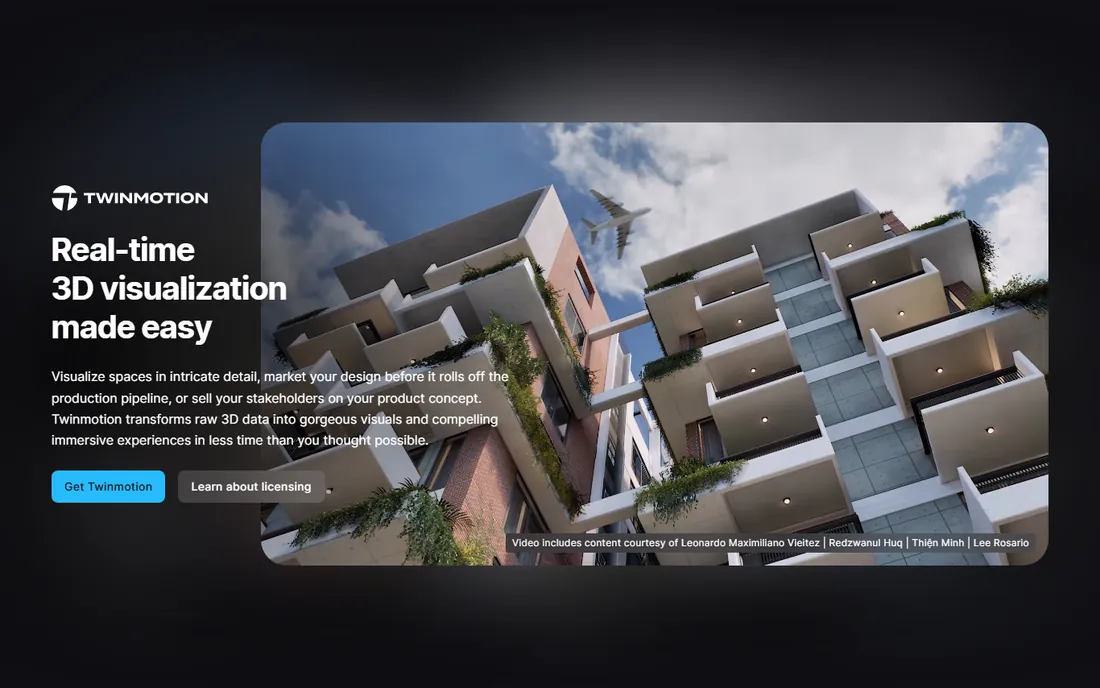
Twinmotion is Epic Games' answer to Lumion, and its pricing is the headline: it is free for users under an annual revenue threshold, with a paid seat license above it. You get real-time visualization with path tracing, an asset library, weather and lighting controls, and direct links to Revit, SketchUp, Rhino and ArchiCAD.
It does not match Lumion's content library or polish, but the price difference is hard to argue with. For small firms, freelancers and students, Twinmotion delivers professional real-time visualization at zero cost. Verify the current revenue threshold and seat pricing on the Twinmotion site, as Epic has adjusted the terms before.
What we like- Free for firms under a revenue threshold
- Real-time rendering with path tracing
- Easy to learn
Watch out for- Asset library smaller than Lumion's
- Epic account and launcher required
Starting priceSee website
Free planYes
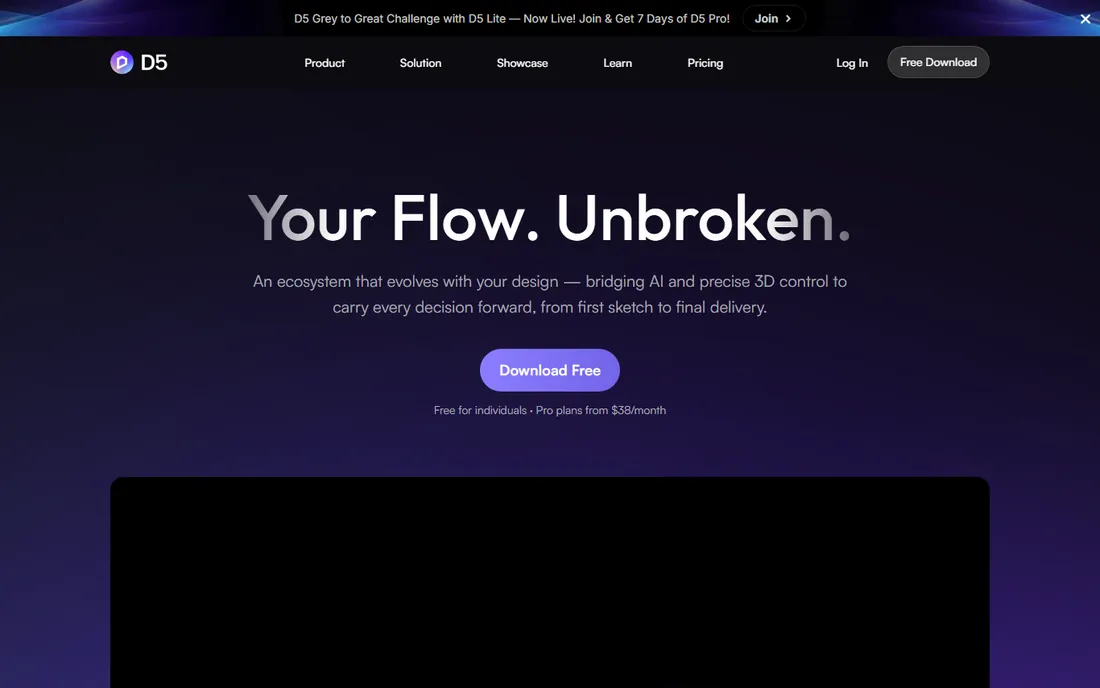
D5 Render is the rising challenger in real-time architectural rendering. Its free community version includes the core real-time ray tracing engine, and the output quality punches well above its price. Sync plugins for SketchUp, Revit, Rhino, ArchiCAD and 3ds Max keep the workflow smooth, and the interface is clean and modern.
Being newer means a smaller tutorial ecosystem and user community than Lumion or Enscape. It also leans on NVIDIA GPUs for the best performance. But for firms that want real-time rendering without a subscription, D5's free tier is the best deal in this category. The paid Pro version adds team features and more assets.
What we like- Free community version is genuinely useful
- Fast GPU ray tracing
- Growing asset library
Watch out for- Newer vendor with smaller community
- Windows and GPU focused
Starting priceSee website
Free planFree trial
Artlantis has served architects for decades with a simple promise: fast, good-looking renderings without a technical manual. Its real-time preview window, straightforward material and lighting controls, and native Mac support make it approachable for architects who render occasionally rather than professionally.
It is not where the industry's momentum is. The user community is smaller than V-Ray's or Lumion's, and major new features arrive slowly. But for a small practice that needs presentation stills and animations a few times a month, Artlantis remains a practical, affordable choice. A free trial is available from the vendor.
What we like- Very fast preview and rendering
- Runs on Mac and Windows
- Simple interface for architects
Watch out for- Smaller user community
- Less development momentum than the leaders
Starting priceSee website
Free planFree trial
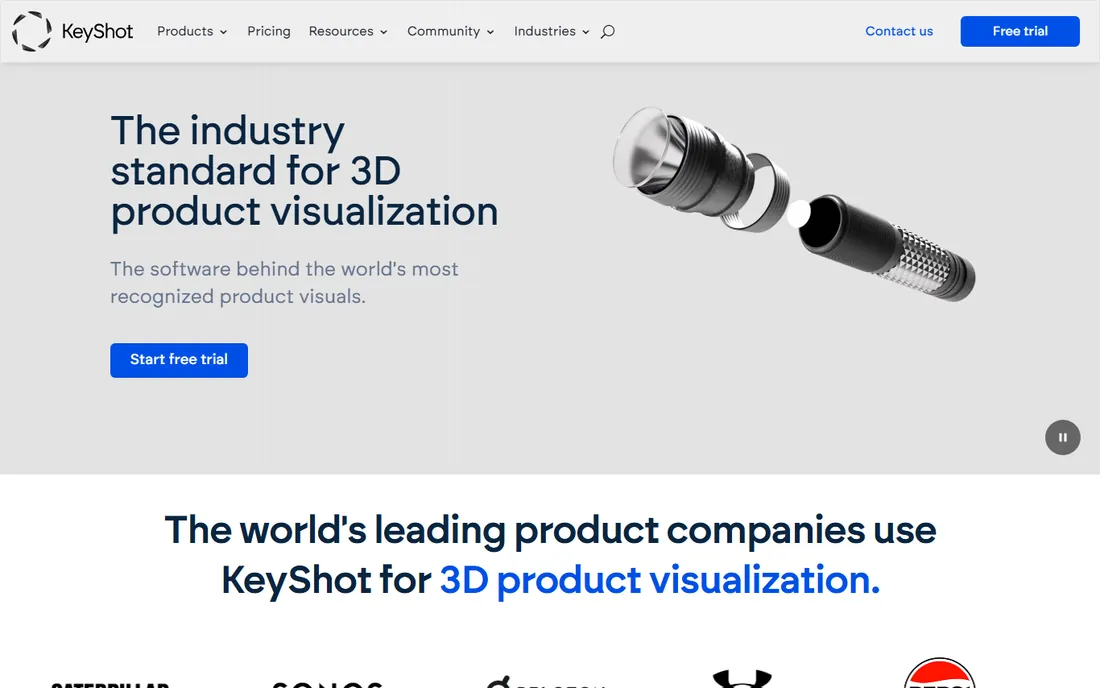
KeyShot is not a building renderer, and that is exactly why it is here. Architects use it for the details: furniture, fixtures, material studies, competition models and product shots where material accuracy matters. Import a model, drag on a scientifically accurate material, and the real-time view is essentially the final render.
For full architectural scenes, pair it with one of the tools above. For everything smaller than a room, KeyShot is faster and easier than setting up an archviz scene. Pricing is quote-based with a free trial available. If your practice does interiors, exhibitions or product design alongside architecture, it earns its seat.
What we like- Easiest path to photoreal product and detail shots
- Real-time workflow
- Accurate materials
Watch out for- Aimed at product design, not full buildings
- Pricing is quote-based
Choosing between real-time and offline rendering
Ask what the image is for. Marketing stills, competition boards and portfolio pieces justify offline rendering (V-Ray, Corona) where every pixel counts. Design development, client meetings and quick iterations favor real-time tools (Enscape, Lumion, Twinmotion, D5) where speed beats perfection.
Most serious firms end up with both: a real-time tool for daily design work and an offline renderer for hero images. That is a real budget commitment, so start with the workflow you use most and add the second tool when client work demands it.
Hardware decides more than marketing does. Real-time tools need a strong GPU; Corona needs CPU cores and RAM. Price the hardware alongside the software, or the subscription will sit unused on an underpowered machine.
How we chose
We evaluated the architectural rendering market using vendor pricing pages, published feature lists, and user reviews on G2, Capterra, Reddit and archviz communities. We included the leading offline renderers, real-time visualization tools and specialist options that are actively developed and widely used by architecture firms in 2026. We did not perform hands-on rendering tests.
Realism is not always the goal
A common mistake is chasing maximum photorealism for every image. Early design presentations often work better with a stylized look that invites feedback; a photoreal render of an unfinished design invites nitpicking about the wrong things. Use real-time tools loosely in design phases and save the hero renders for final presentations.
The second mistake is ignoring the asset library. Trees, people, furniture and entourage make or break an architectural render. A renderer with a weak built-in library costs you hours of modeling or third-party purchases. Factor the library into the total cost.
The third is training. Every tool on this list has a learning curve, and the gap between a beginner's render and a professional's is mostly knowledge. Budget for courses or at least structured learning time, especially with V-Ray and Corona.
Frequently asked questions
What is the best rendering software for architecture beginners?
Enscape and Twinmotion are the easiest starting points. Enscape works inside the CAD software you already know, while Twinmotion is free for small firms and simple to learn. Both produce presentation-quality results without deep 3D training.
V-Ray vs Corona: which is better for architecture?
Both are Chaos products and industry standards. V-Ray offers more control, more integrations and GPU rendering; Corona is simpler to learn and faster to set up for typical archviz work. Studios standardized on 3ds Max often prefer Corona; multi-software pipelines favor V-Ray.
Is there free rendering software for architecture?
Yes. Twinmotion is free under a revenue threshold, D5 Render has a free community version, and Blender (with Cycles) is completely free and open source. All three can produce professional results.
What hardware do I need for architectural rendering?
Real-time tools (Lumion, Enscape, Twinmotion, D5) need a powerful GPU; check each vendor's recommended specs. CPU-based Corona benefits from many cores and plenty of RAM. Budget the hardware alongside the software license.
Can I render directly from Revit or SketchUp?
Yes. Enscape, V-Ray, Lumion, Twinmotion and D5 Render all offer plugins or live links for Revit and SketchUp, so you can render without leaving your modeling software.
How much does architectural rendering software cost?
V-Ray Solo starts at $45 per month billed annually. Most other tools use quote-based or tiered subscription pricing, with free trials available. Twinmotion and D5 Render offer free tiers, making them the cheapest serious options.
Sources we checked (7)
- https://www.chaos.com/vray/pricing
- https://www.chaos.com/corona
- https://lumion.com
- https://www.twinmotion.com/en-US/license-types
- https://www.d5render.com/
- https://www.artlantis.com
- https://www.keyshot.com
Is your product missing or out of date?
We review this list regularly. Vendors can request a listing, send updated pricing or ask about featured placement.

Shihab Mia · Founder, Rankite
Shihab has spent more than a decade helping SaaS and e-commerce brands grow through search. He writes Rankite's software buying guides from pricing pages, documentation and public user reviews. More about Shihab.